 ZEG
ZEG

See all my Blender addons on Superhive >
Edgeworn puts real, photo-scanned wear on any mesh in one click. Select your model, pick what it is made of and press Add Edge Wear: the addon finds every sharp edge, corner and inner crevice and lays thin wear decals along them, with scratches, scuffs and dings on the faces. Your mesh, its UVs and its materials are never touched.
Every material wears in its own way, so Edgeworn has 16 material families, each with its own scanned decals. Painted metal chips down to the primer and then to bare steel, and old chips rust. Car paint gets stone chips and peeling clear coat. Wood splinters along the grain, laminate chips off the MDF core, plaster and brick crumble at the corners, concrete spalls to the aggregate, ceramic chips through the glaze, glass frosts and cracks, plastic whitens under stress, rubber cracks, leather rubs through and fabric frays.
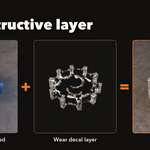
A separate, non-destructive layer
The wear is its own light mesh object parented to your model: a few quads per chip. Change the material, style or amount and the layer rebuilds live; delete it and your model is exactly as before. Add several layers to one mesh, for example chips plus grime.
Your choice of textures
- Separate (default): every material family has its own 2K atlas and its own material, for the sharpest decals in renders
- Single 4K Sheet: all 16 families on one 4096 texture sheet with one material for everything, so a whole scene of worn props is one draw call in a game engine
- Switch any layer between the two at any time; the layer rebuilds on its own
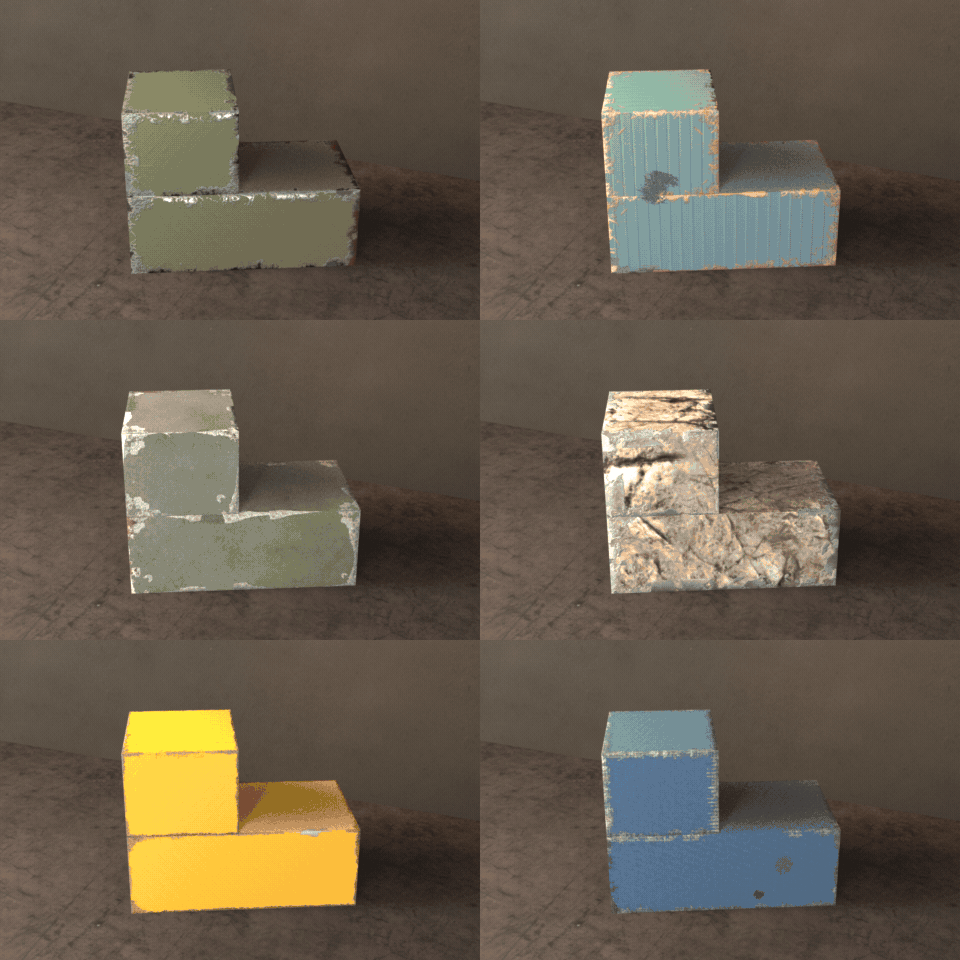
16 materials, 16 ways to wear
One housing worn as painted metal, car paint, wood, laminate, plaster, brick, concrete, stone, ceramic, glass, plastic, rubber, leather and fabric.
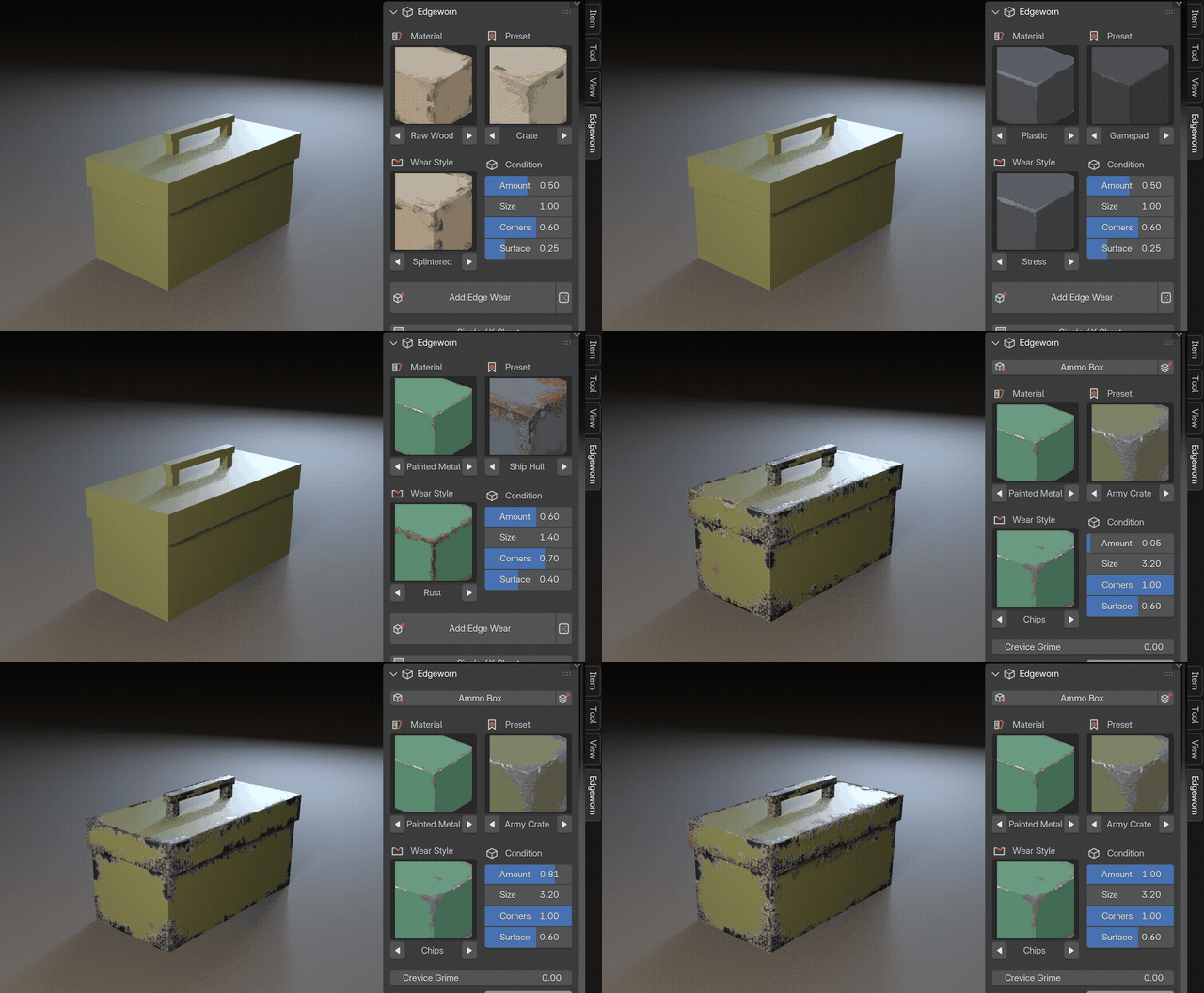
Pick, click, drag
The real sidebar: pick a material and a preset, press Add Edge Wear, then drag Amount and the layer rebuilds live.
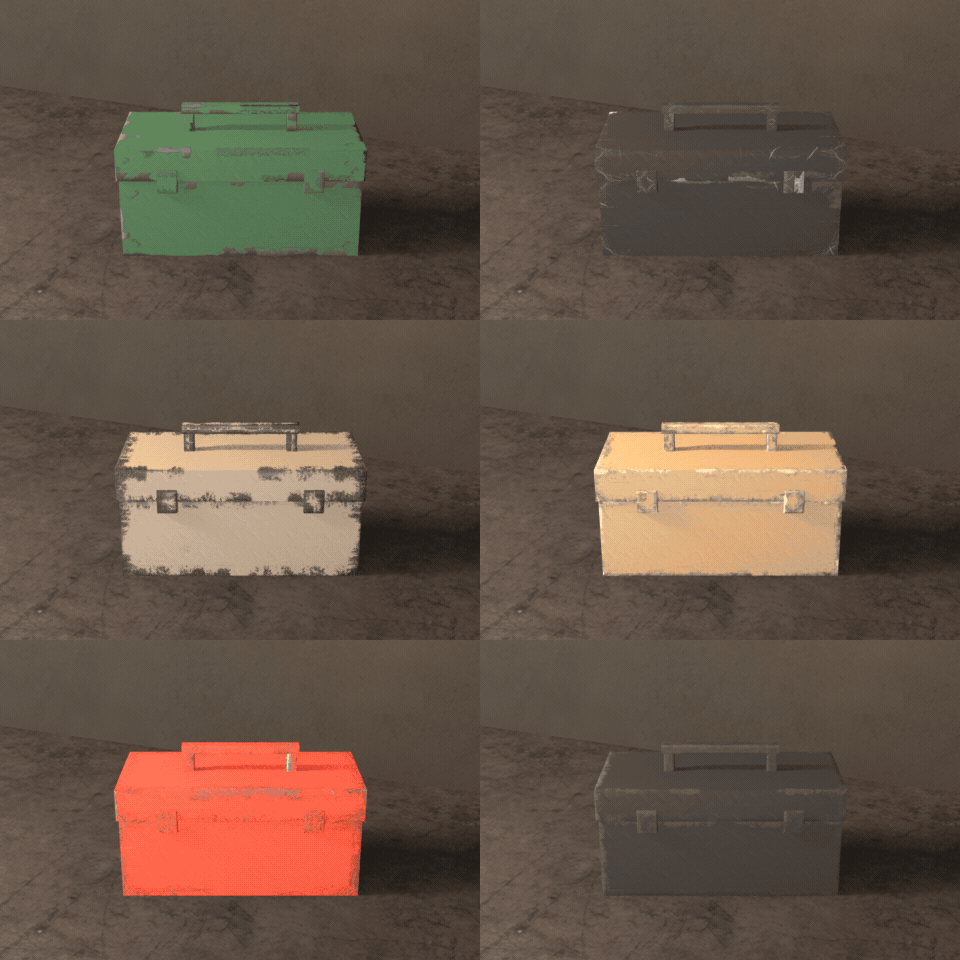
One click, a new look
Randomize gives a new style, amount and layout every time: a run of random presets on one toolbox.
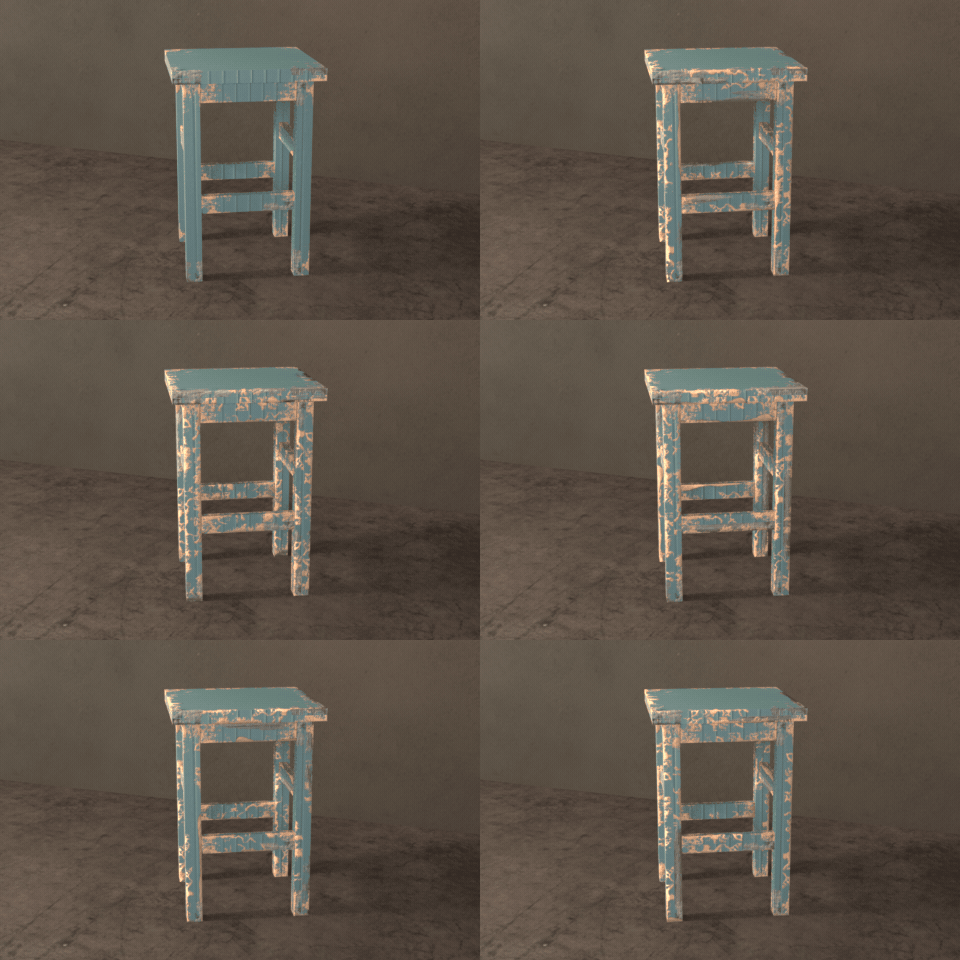
From new to worn out
Drag Amount from clean to years of use. The wear is a separate layer: your mesh is never changed.
Game ready
Game-Ready Copy makes a new object with your mesh and every wear layer joined into one, ready to export as FBX or glTF to Unity, Unreal or Godot. Cycles and EEVEE render it as it is.
Features
- 16 material families: painted metal, car paint, bare metal, painted wood, raw wood, laminate and MDF, painted wall, brick, concrete, stone, ceramic, glass, plastic, rubber, leather and fabric
- 5 edge wear styles and 4 surface decals per family (80 styles and 64 surface decals), all from real photo scans
- 82 one-click presets, from army crates, red toolboxes and barn finds to marble steps, coffee mugs, brick piers and leather bags
- Corner chips that wrap around corners without seams, crevice grime along inner edges
- Randomize and New Layout buttons for endless variations
- Chip size follows the object size, or set an exact width
- Under-layer colour (primer, fresh wood, clay body...), opacity and relief per layer
- Works with modifiers and on any mesh; Refit to Mesh after edits
- Shift+D and Alt+D copies stay independent
- Picture pickers show every material, style and preset, so you see the look before you click
Requires Blender 4.2 or newer. Tested on Blender 4.2, 4.5 and 5.2 LTS.
