Edgeworn – Edge Wear Generator for Blender
 ZEG
ZEG
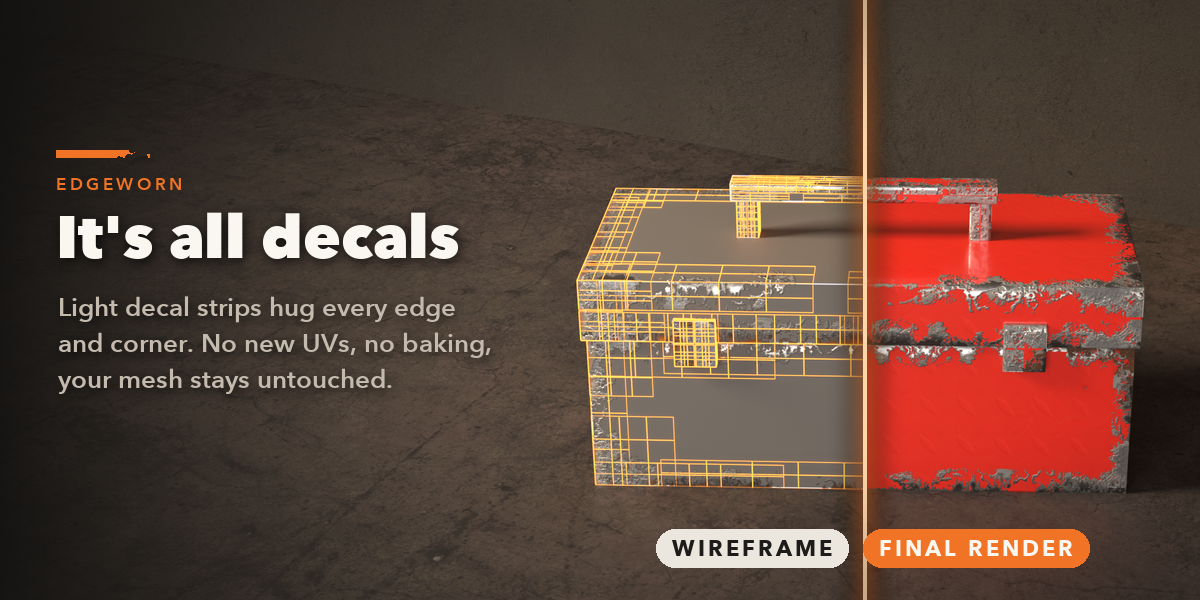
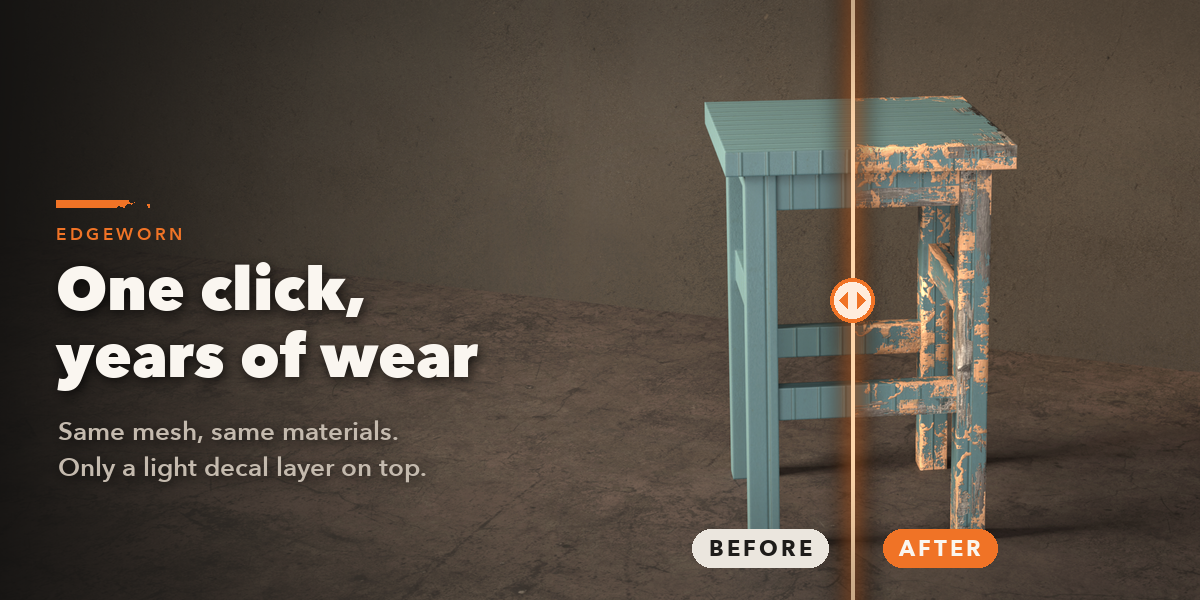
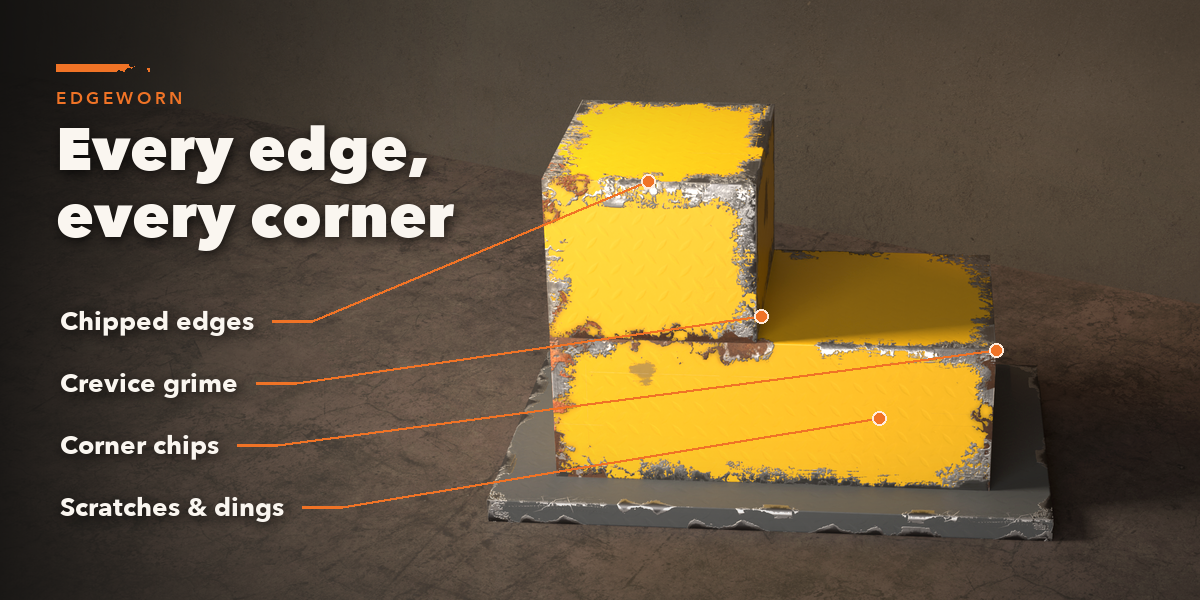
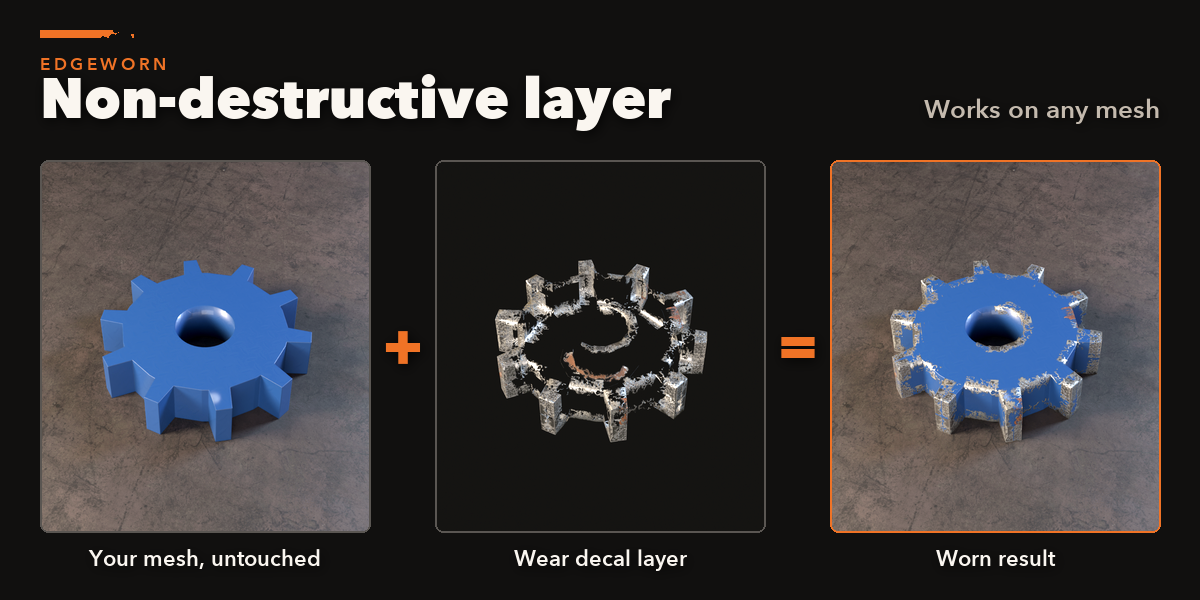
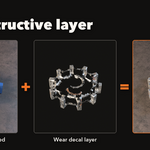
No. The wear is a separate decal object parented to your mesh. Your mesh, UVs and materials stay exactly as they were; delete the layer and nothing is left.
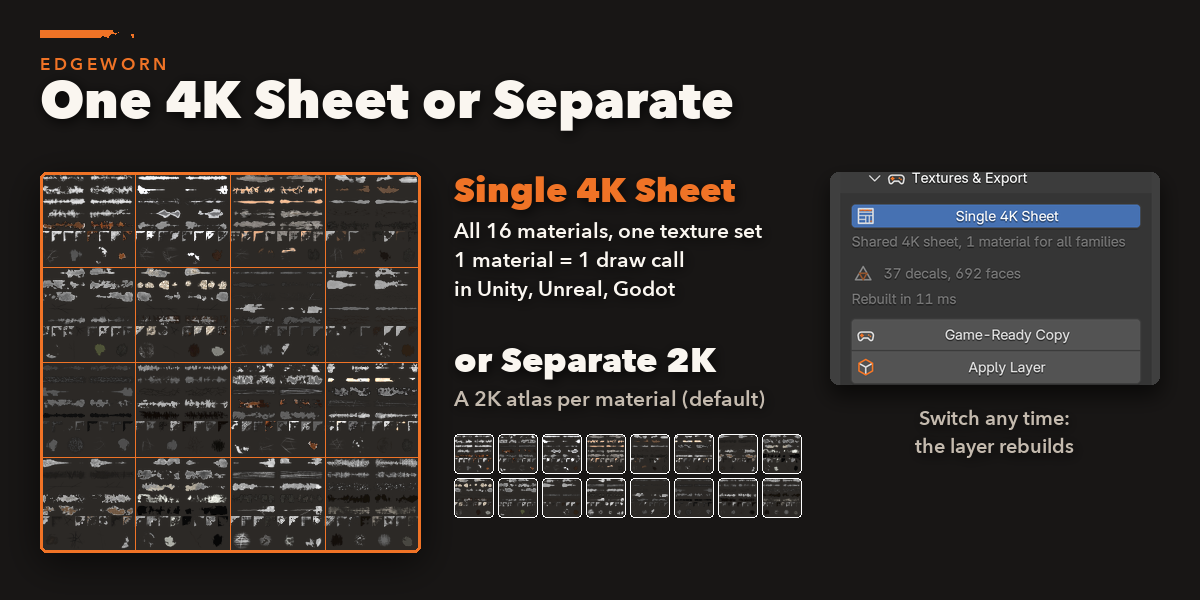
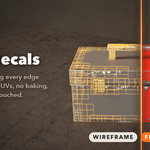
Yes. Each layer is a light mesh of quads. Game-Ready Copy joins your mesh and its layers into one object to export as FBX or glTF for Unity, Unreal or Godot. The decal textures are plain PBR maps (colour, alpha, normal, roughness and metallic).
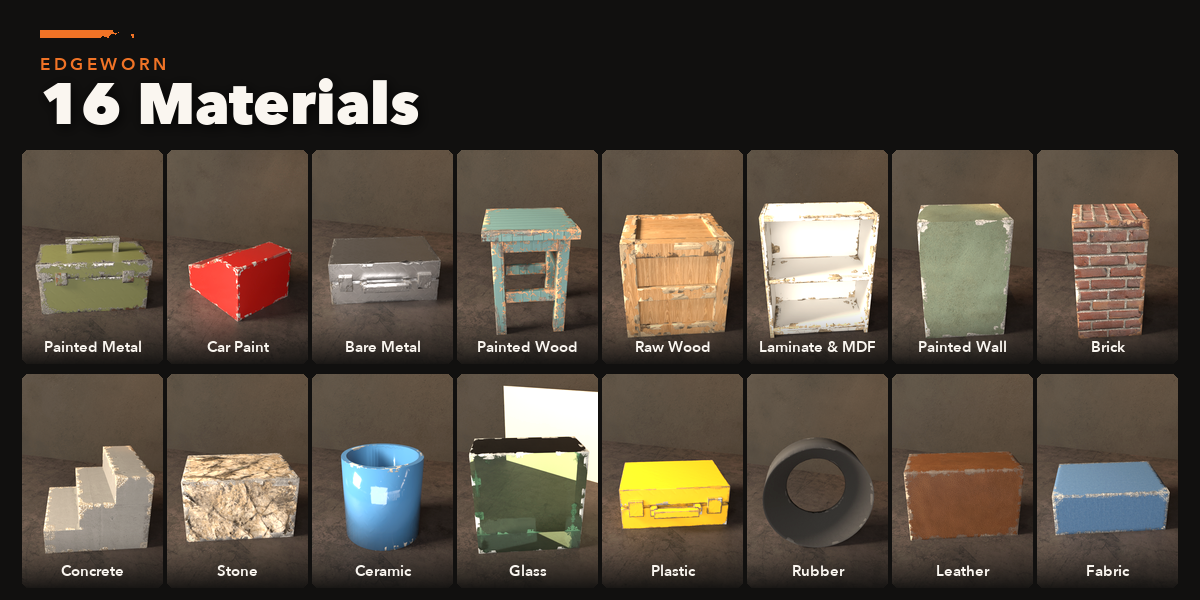
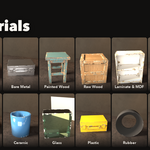
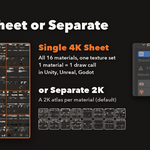
Your choice, per layer. Separate (the default) gives every material family its own 2K atlas and material. Single 4K Sheet puts all 16 families on one 4096 texture sheet with one material, so every worn prop in a scene shares one draw call. You can switch at any time.
Yes. It reads the mesh with its modifiers. On soft, bevelled edges lower Edge Angle in Edges & Placement so the bevels are picked up.
Blender 4.2 and newer. It is tested on Blender 4.2, 4.5 and 5.2 LTS.
Have questions about this product?
Login to message
| Blender Extension Compatible | Yes |
| Published | about 10 hours ago |
| Blender Version | 4.2 - 5.2 |
| Extension Type | Add-on |
| Render Engine Used | Cycles, Eevee |
| License | GPL |

Discover more products like this
wear and tear chipped paint Texturing weathering PBR game ready scratches decals Damage edge wear hard surface props