Edgeworn – Edge Wear Generator for Blender
 ZEG
ZEG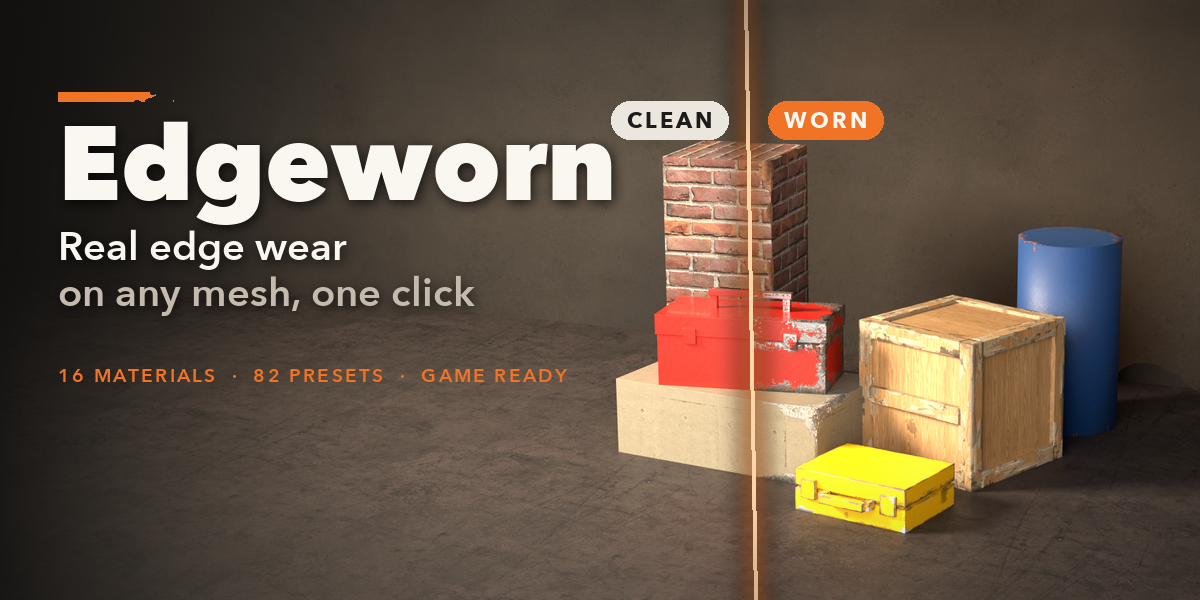
Installation
In Blender open Edit, Preferences, Get Extensions, then use Install from Disk and pick the zip.
Usage
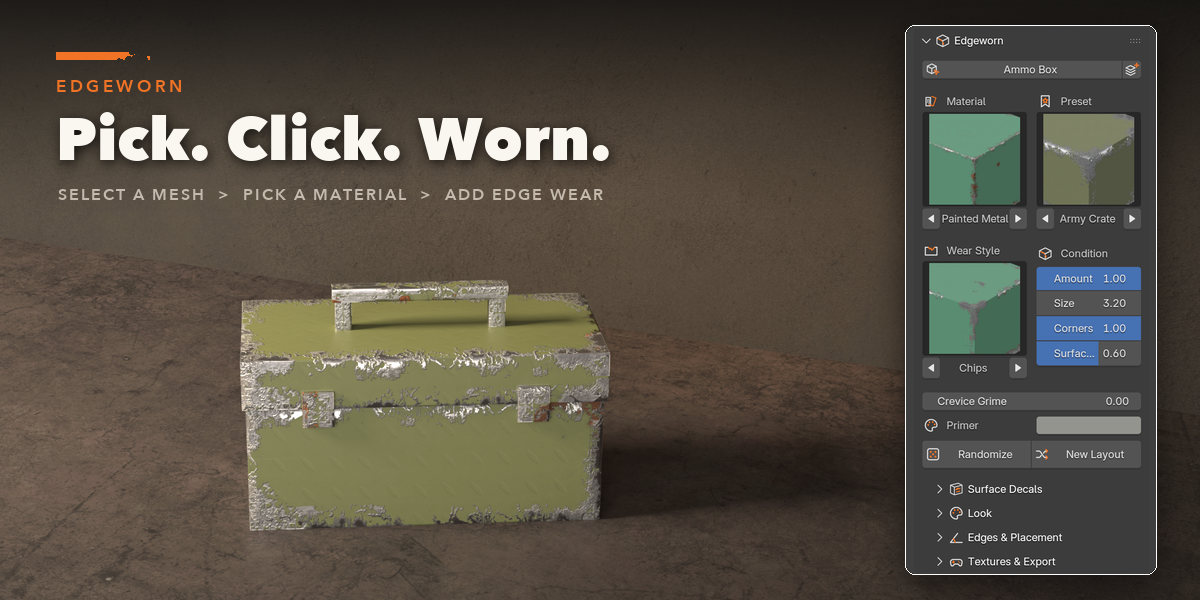
- Open the sidebar (N) and the Edgeworn tab.
- Select one or more meshes.
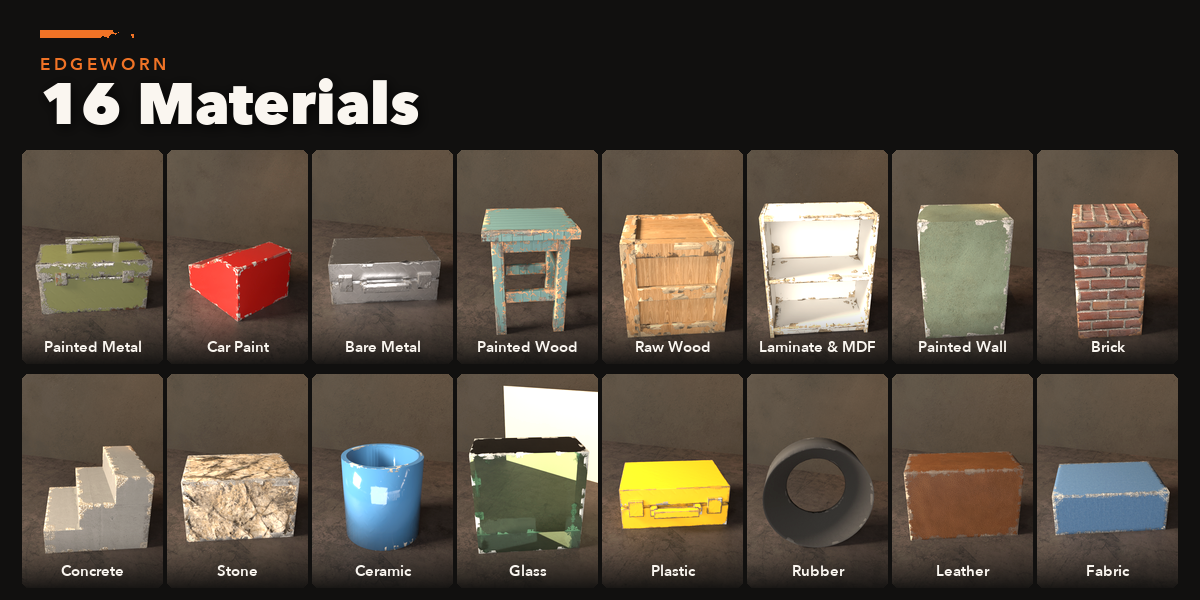
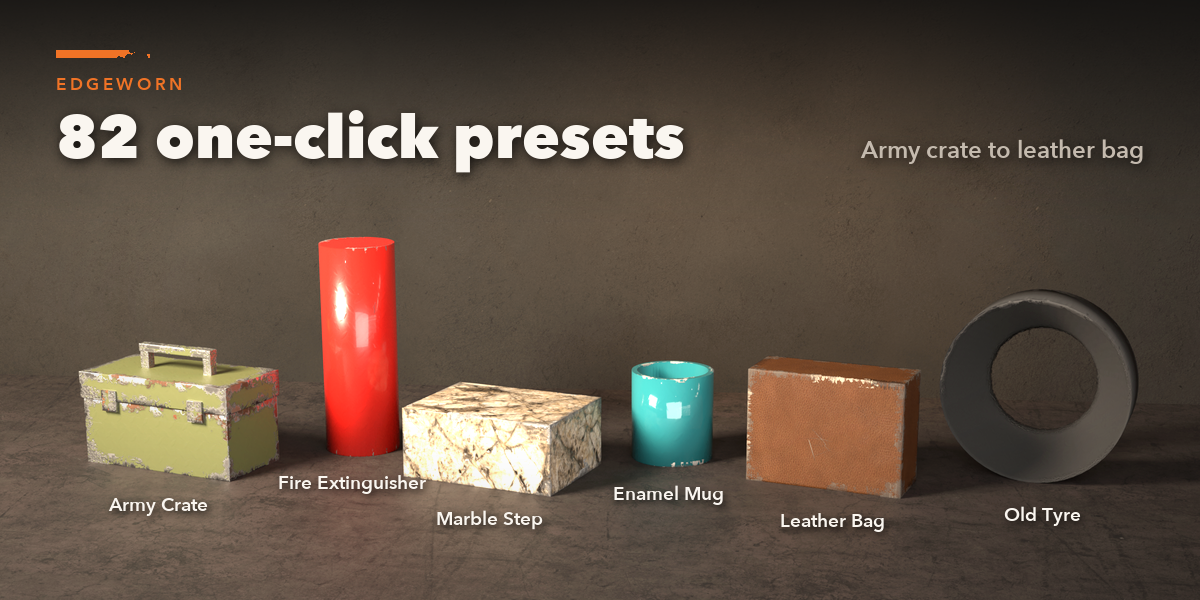
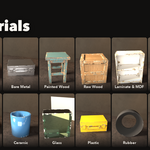
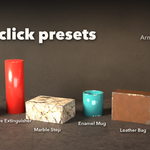
- Pick a Material and a Preset, then press Add Edge Wear.
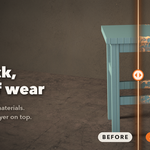
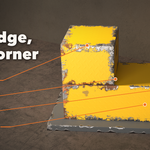
- Change Wear Style, Amount, Size, Corners and Surface; press Randomize or New Layout for variations.
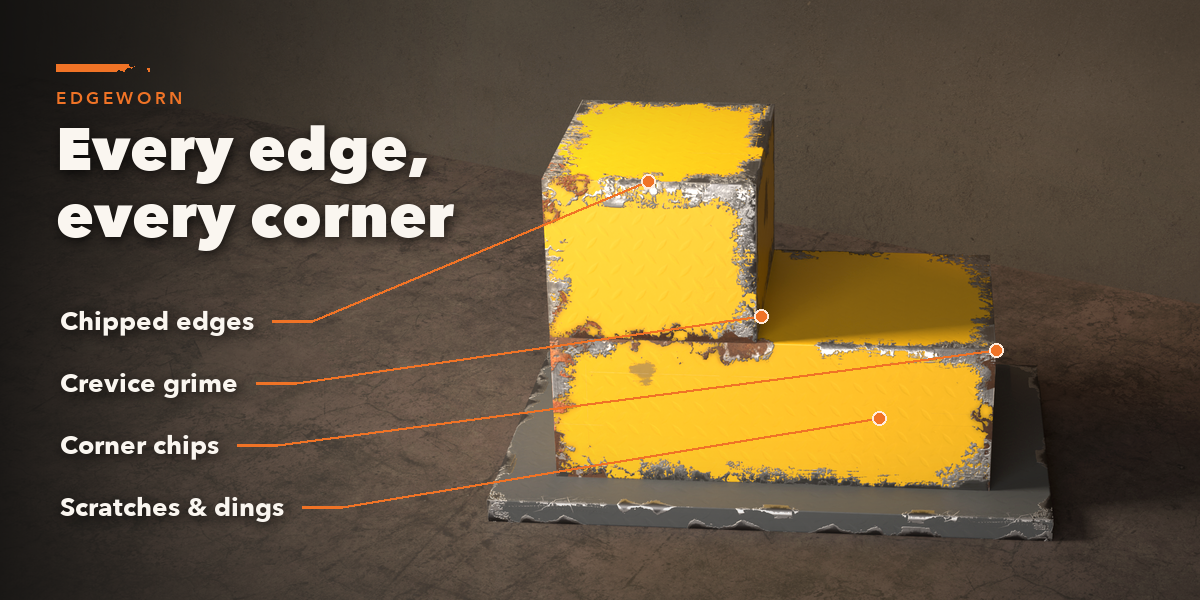
- Open Surface Decals for scratches, dings and grime, Look for the under-layer colour, opacity and relief, Edges & Placement for the edge angle.
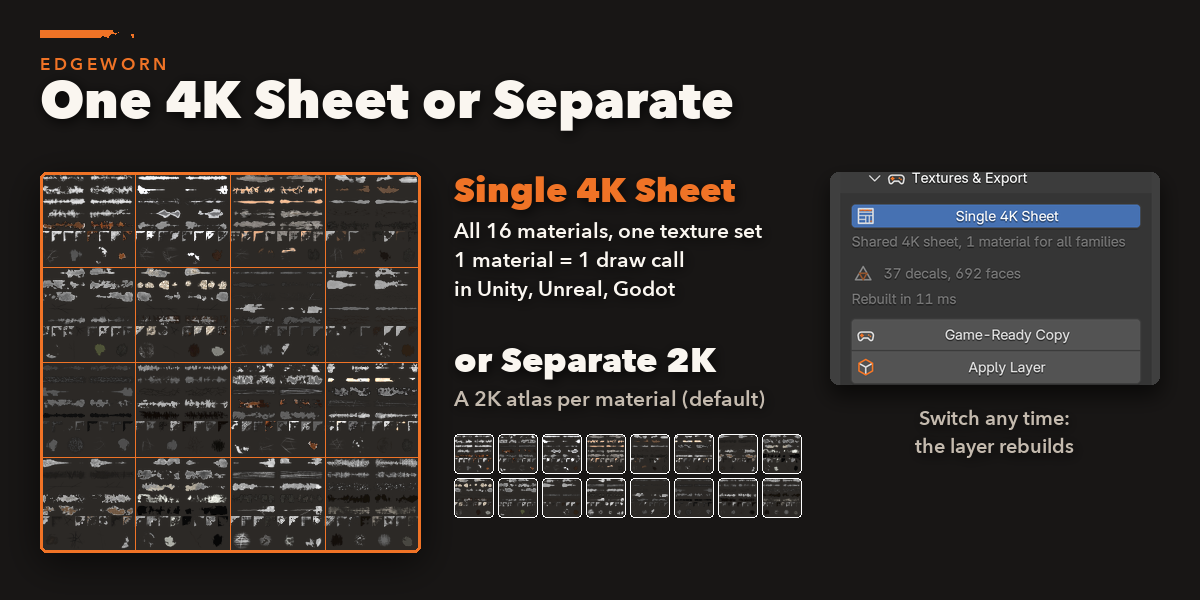
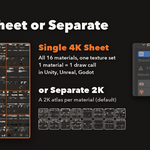
- In Textures & Export choose Separate 2K textures (default) or Single 4K Sheet (one material for every family).
- After editing the mesh, press Refit to Mesh.
- For games, press Game-Ready Copy and export the new object.
Tips
- Bevelled meshes: lower Edge Angle so the soft edges are found.
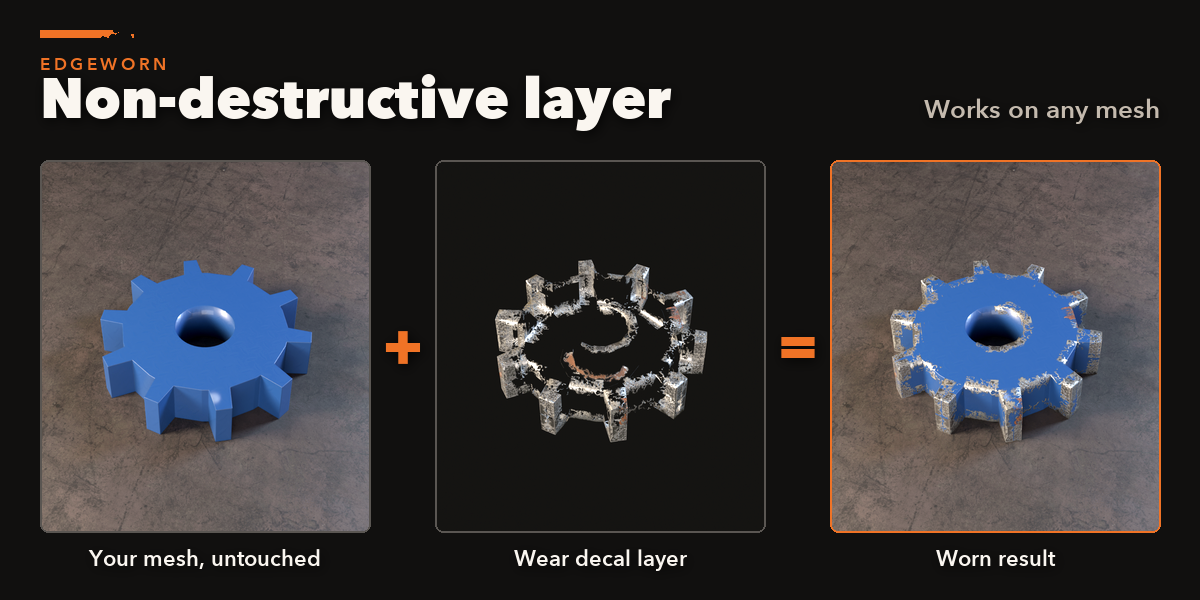
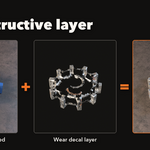
- Add Layer puts a second layer (grime over chips, for example) on the same mesh.
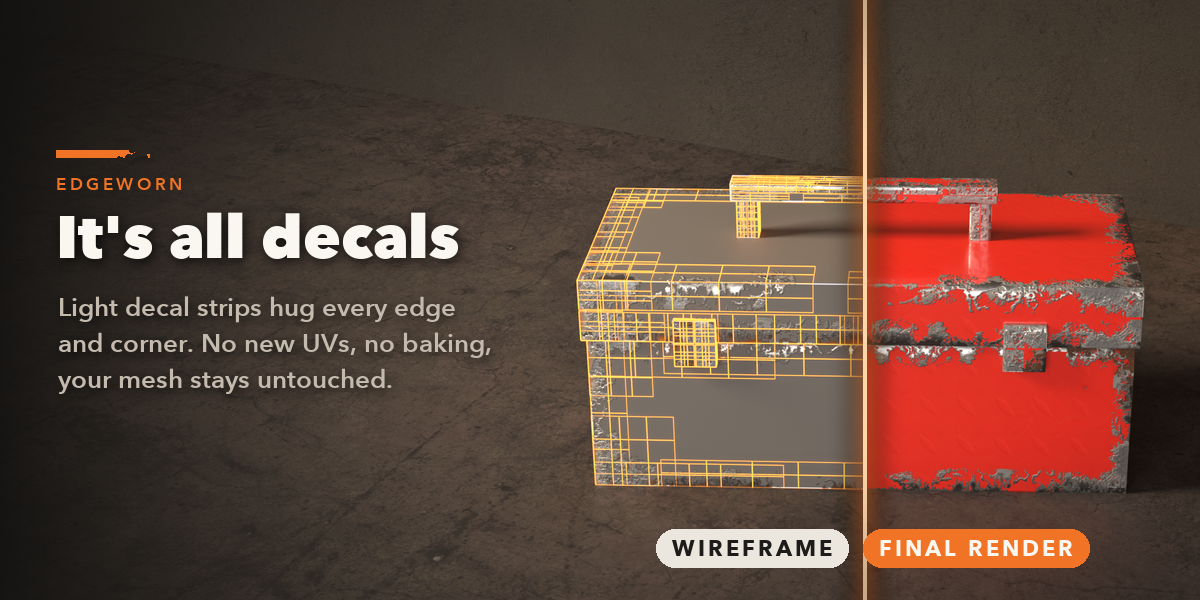
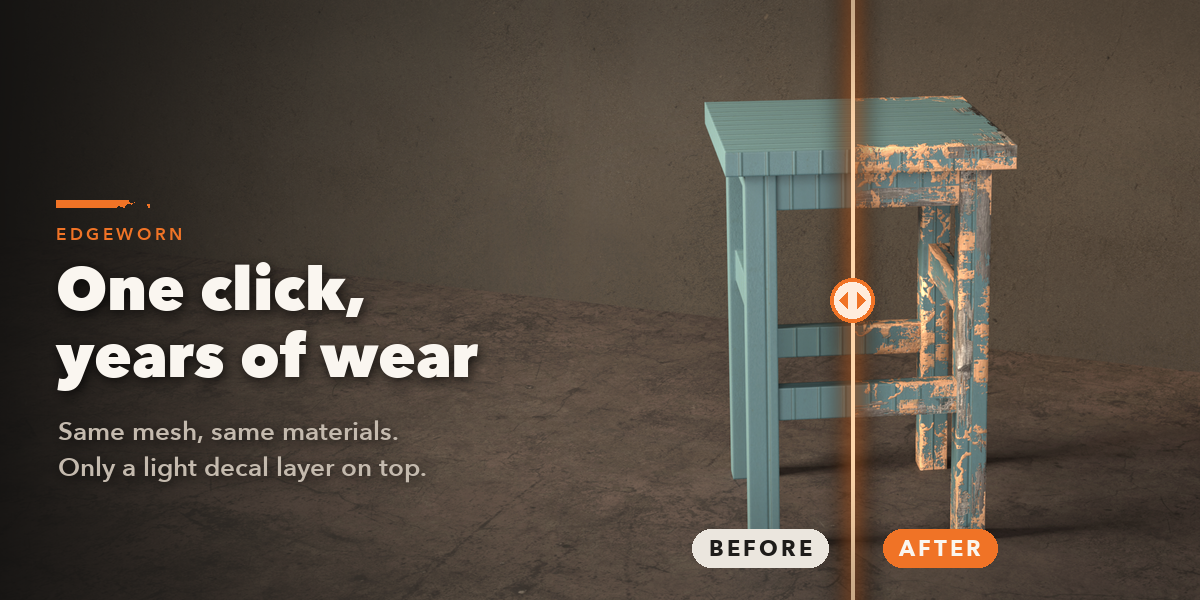
- Delete the layer to get your mesh back exactly as before; your mesh is never edited.
Have questions about this product?
Login to message
| Blender Extension Compatible | Yes |
| Published | about 10 hours ago |
| Blender Version | 4.2 - 5.2 |
| Extension Type | Add-on |
| Render Engine Used | Cycles, Eevee |
| License | GPL |

Discover more products like this
weathering game ready scratches chipped paint Texturing PBR decals props wear and tear edge wear Damage hard surface