 zomax
zomax


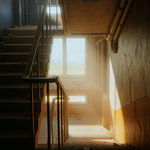
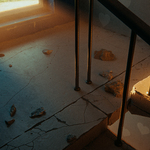
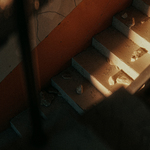

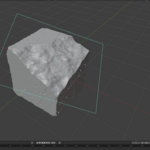
Are my UVs kept?
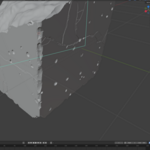
Yes. The UV mapping of the input mesh is carried through. The damage faces get their own projection in a separate UV tile, so they can be textured separately.
Can I limit where the damage appears?
Yes, with a vertex group as a mask. There is also an Avoid Selection that keeps a region out entirely; the amount then moves to the geometry outside it instead of being lost.
Can I give the damage its own material?
Yes. Each damage type gets its own face attribute and its own material slot on the result object.
Can I animate the settings?
The result is rebuilt when you press Update. Edgy is not a modifier that evaluates on every frame.
What kind of mesh does it need?
A closed (watertight) mesh. Open surfaces, single planes and meshes with holes in them are not cut.
Does it change my original object?
No. The result is written to a second object next to the original. The original stays as it is and can be edited afterwards; press Update to rebuild.
Does it work with any render engine?
Yes. Edgy changes the geometry, not the shading, so the result renders in Cycles, in EEVEE and in any external engine the same way.
Have questions about this product?
Login to message
| Sales | 10+ |
| Published | about 2 months ago |
| Blender Version | 4.2 - 5.2 |
| Extension Type | N/A |
| Render Engine Used | Arnold, Blender-Internal, Blender-Game-Engine, Cycles, Eevee, Freestyle, Luxrender, Mental-Ray, Octane, Vray, Yafaray |
| License | GPL |
Discover more products like this
3d blender VFX procedural hard surface addon worn edges edges Damage worn cgi