Edit Poly Modifier
 Tomas ShapevizTools

What does Edit Poly Modifier do?
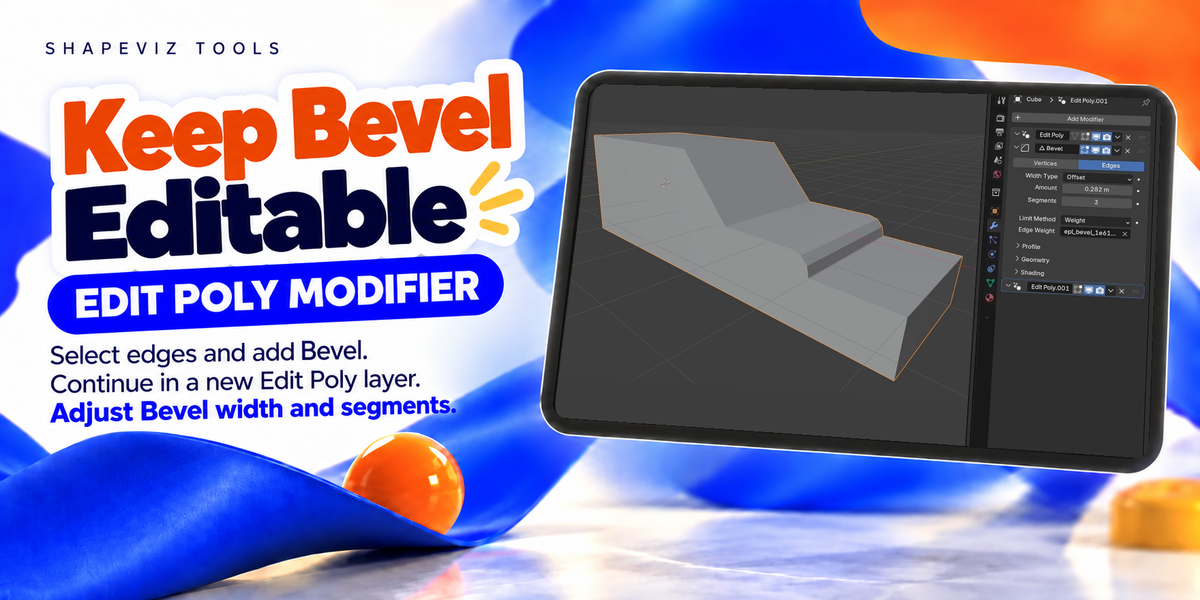
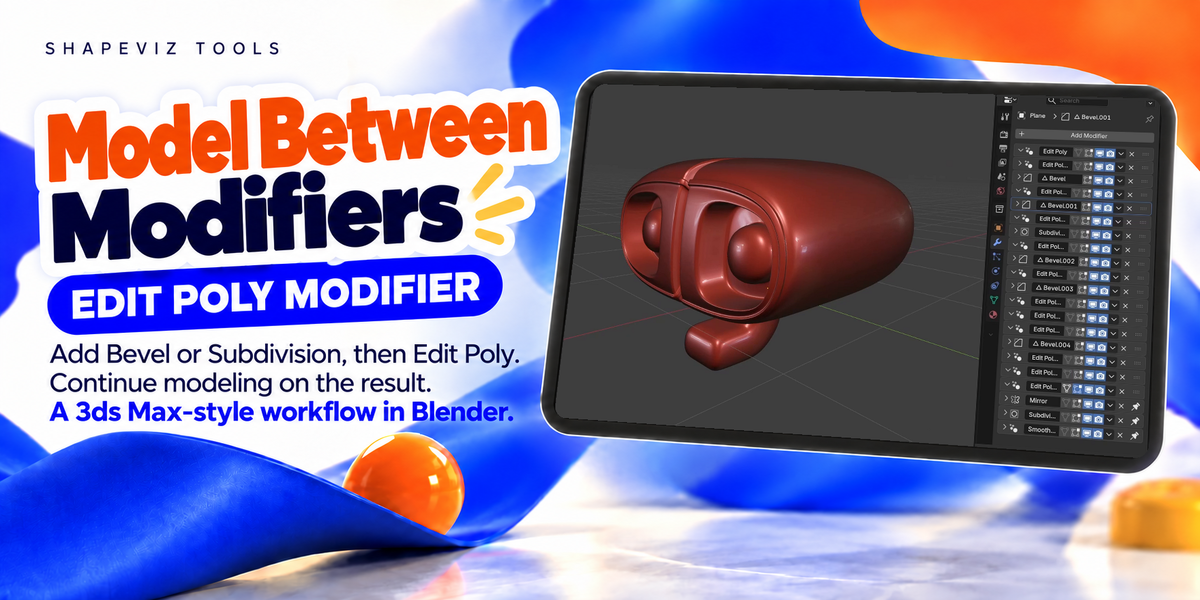
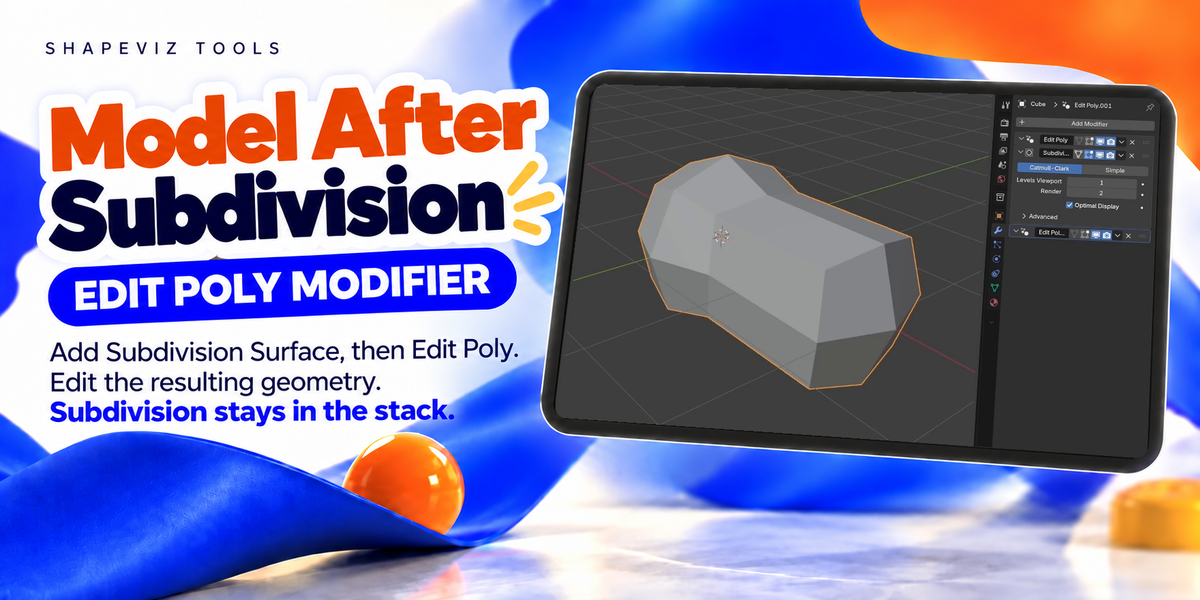
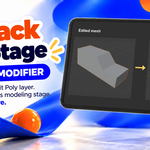
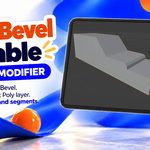
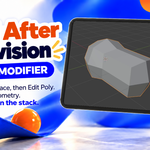
It lets you edit geometry after modifiers such as Bevel or Subdivision without applying them. Add an Edit Poly layer and use Blender’s normal modeling tools, including Move, Extrude, Inset and Delete.
Do I need to know Geometry Nodes?
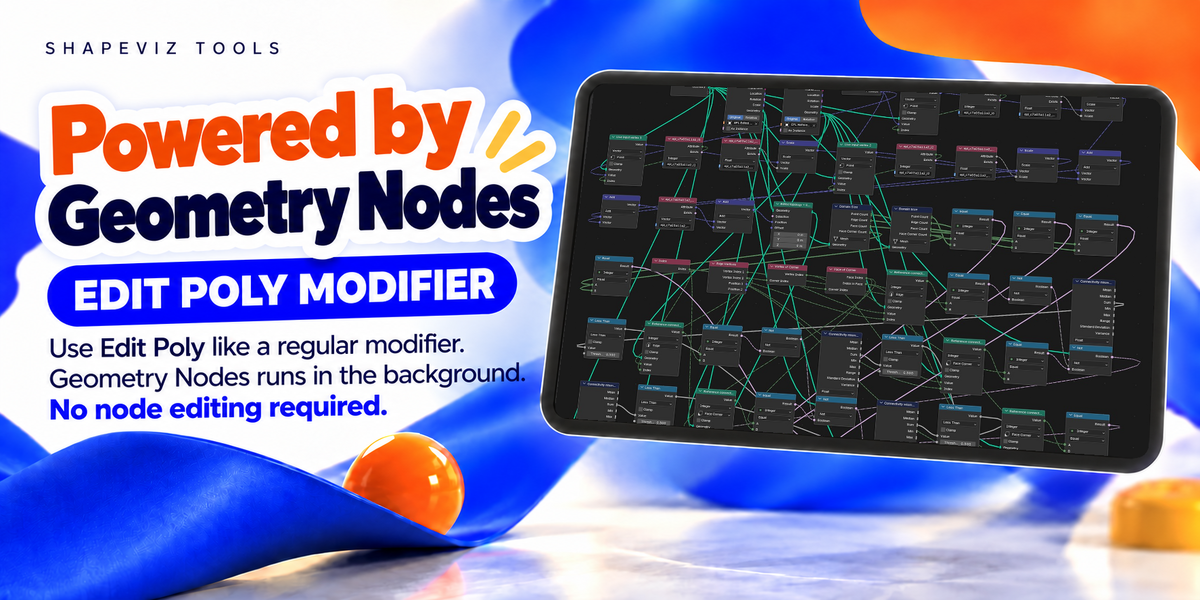
No. The add-on uses Geometry Nodes internally, but you work through the modifier stack and Edit Mode.
Which layer opens when I press Tab?
The last Edit Poly layer. Returning to Object Mode commits your changes to that layer.
Can I use multiple Edit Poly layers?
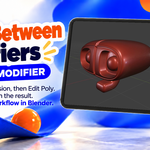
Yes. Add another Edit Poly modifier whenever you want a separate modeling step. You can place layers between other modifiers, for example: Edit Poly → Bevel → Edit Poly.
Can I discard a modeling step?
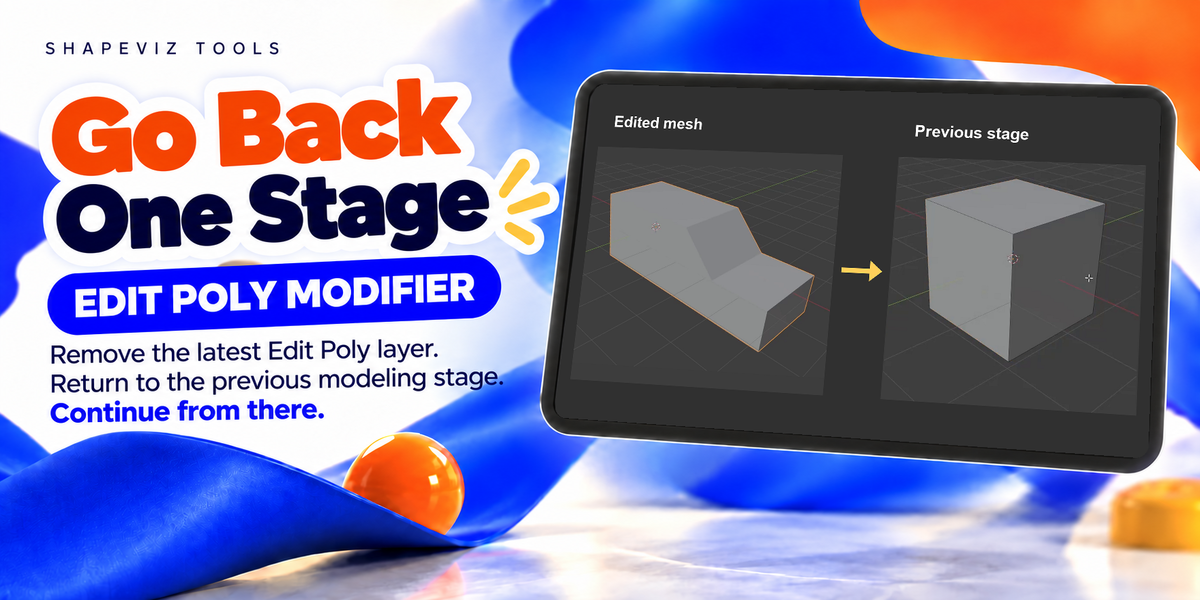
Yes. Return to Object Mode and delete its Edit Poly modifier. This removes the edits stored in that layer. Later layers may depend on the geometry you remove, so deleting an earlier layer can affect them.
Can I still change earlier Bevel or Subdivision settings?
Yes, for supported changes. Bevel width and segment changes can carry through to later edits. Subdivision level changes are supported when Subdivision is directly before the Edit Poly layer. Some topology changes cannot be transferred.
How do I bevel only selected edges?
Select edges in Edit Poly, then add a Bevel modifier immediately after it. The Bevel uses that selection. While editing the layer, changing the selection updates the following Bevel’s preview. With no edges selected, Bevel affects all edges.
Can I keep Subdivision, Mirror or smoothing at the end of the stack?
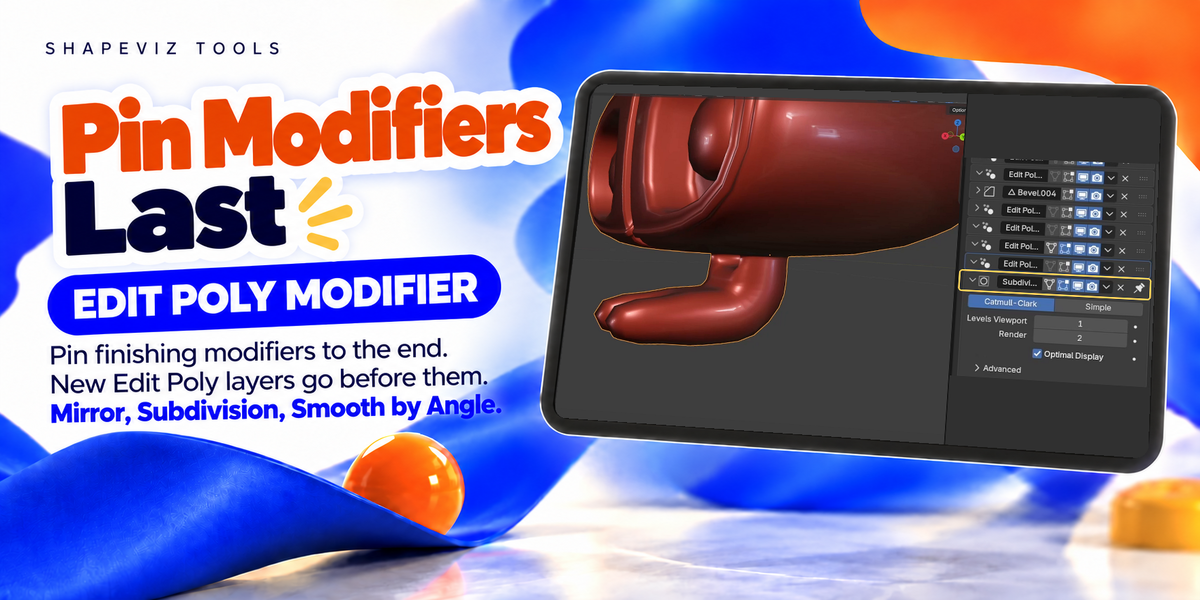
Yes. Enable Blender’s Pin to Last on those modifiers. New Edit Poly layers are inserted before the pinned modifiers.
Does it save individual modeling commands?
Each layer stores the edited mesh. It does not store individual Extrude, Inset or Move operations as commands with parameters you can change later.
Are there any workflow limitations?
The add-on supports one mesh object at a time. Shape keys are not supported. Replacing the entire topology, for example with Remesh, is not a supported workflow. Large meshes require more processing time and memory.
Have questions about this product?
Login to message
| Blender Extension Compatible | Yes |
| Published | about 12 hours ago |
| Blender Version | 5.0 - 5.2 |
| Extension Type | Add-on |
| Render Engine Used | Arnold, Blender-Internal, Blender-Game-Engine, Cycles, Eevee, Freestyle, Luxrender, Mental-Ray, Octane, Vray, Yafaray |
| License | GPL |