Paulo Antunes


Your Empties are stuck with the same handful of ugly shapes, no color of their own, no line thickness control — and every rig widget you build turns into a tangle only you understand. The animator opens the file and gets lost.
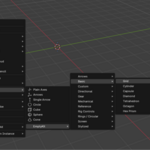
EmptyKit fixes that: create any shape from any silhouette, set color and thickness per object, and bake wireframe into real geometry when you need it. 95+ ready-made shapes and 15+ driver controls (sliders, dials, switches, facial rig controls) that any animator gets at a glance — no more losing them in your rig.
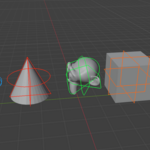
- 1. Create custom Empty shapes from any silhouette — trace a shape or outline and turn it into a reusable custom Empty display shape. No other Blender addon does this today.
- 2. Full per-object editing — color and line thickness, set individually per Empty (not a single scene-wide setting).
- 3. Convert Empty → Curve or Mesh — take any wireframe shape, custom or built-in, and bake it into real geometry when you need it outside the viewport.
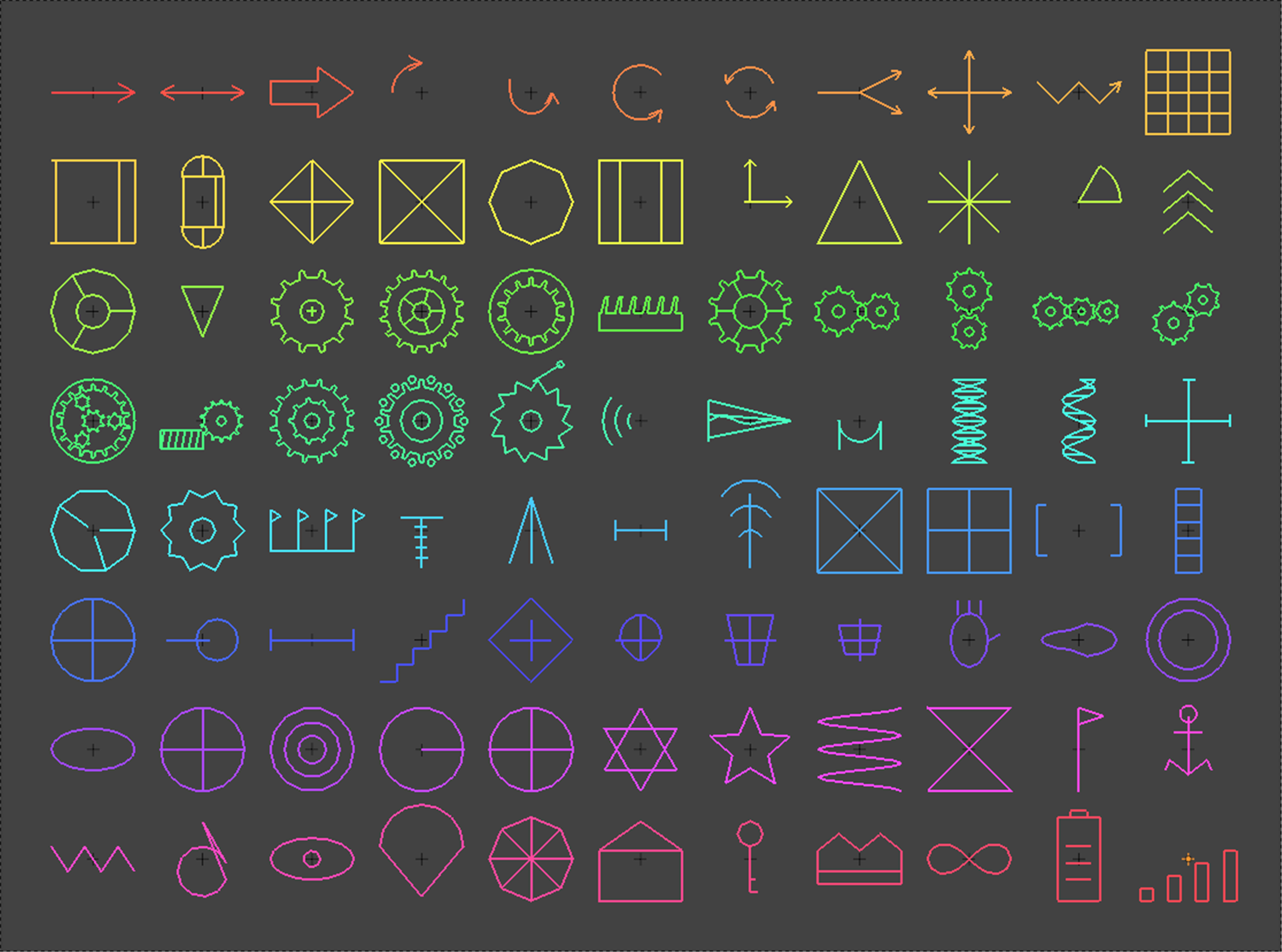
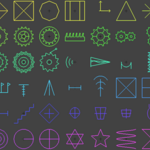
- 4. 95 ready-made wireframe shapes — for rigging, VFX tracking, and scene organization, out of the box.
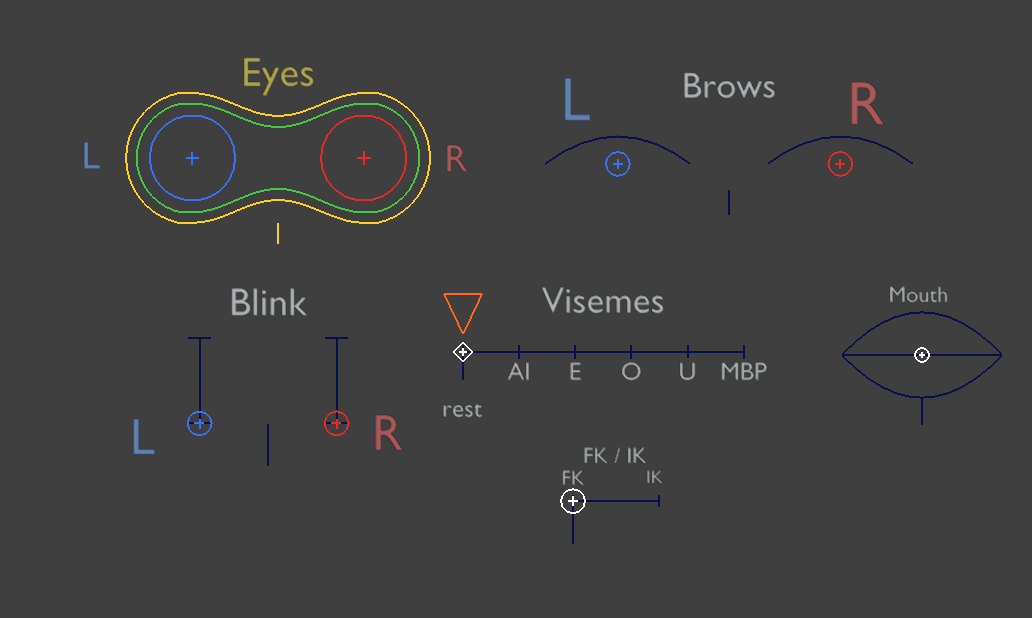
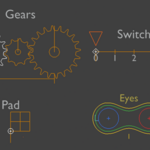
- 5. Driver Controls — interactive viewport widgets (Slider, 2D Pad, 3D Box, Rotary Dial/Knob/Lever, Switch, Gear Train) plus facial rig controls (Eyes, Brows, Blink, Mouth, Visemes, FK/IK).
- 6. "Add Driver To…" — drive any drivable property from any widget: transforms, shape keys, custom properties, even deep data paths like a material's node tree with live min/max remap and stateful tracking of what's already wired.
Custom Empty Shape From Mesh Silhouette
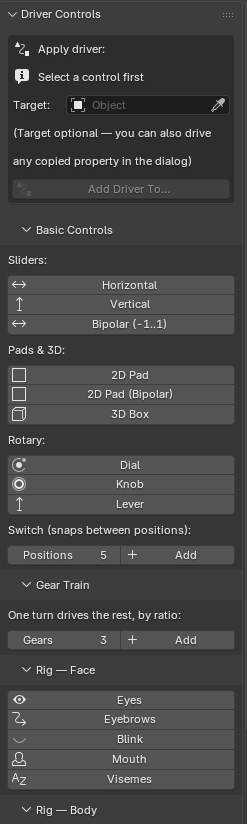
Pack of Drivers/Rig Controls
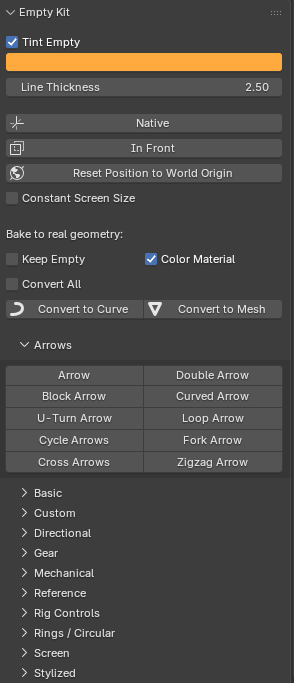
Pack of Empty Shapes