Env Lightmap Baker - For Blender Eevee
 amalbubble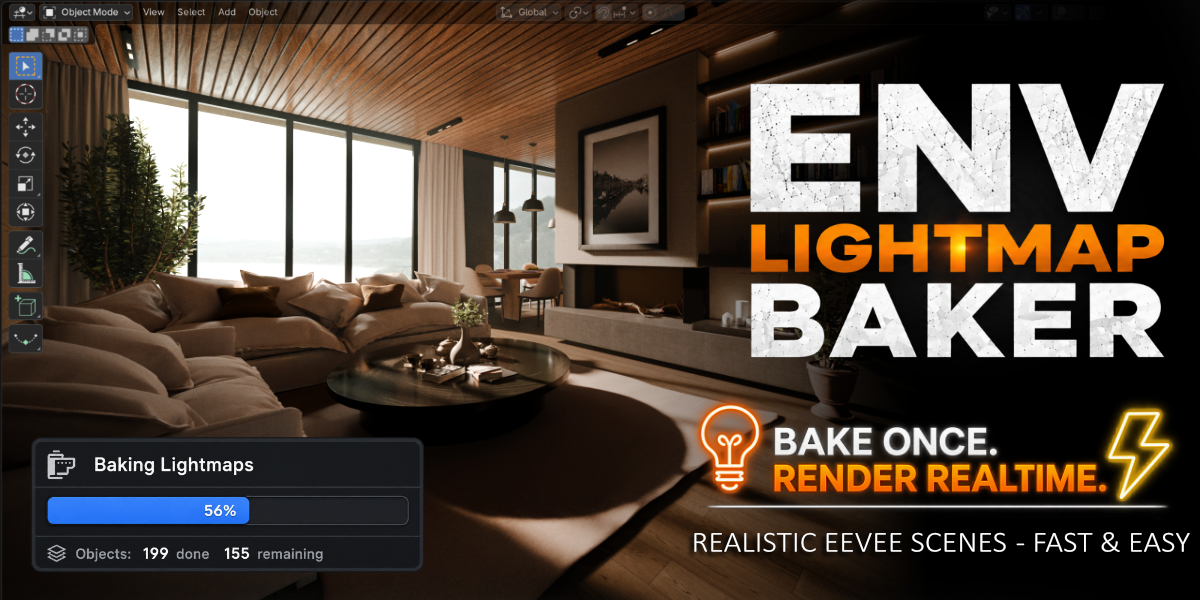


Can I use my own Lightmap UVs?
Yes. If your objects already contain a UV map named "Lightmap", you can choose to keep and reuse it instead of generating a new one. You can do this by unchecking the "Overwrite Old Lightmap UVs" in the "Stage 1 - Lightmap UV Creation" section of the addon UI.
Do I need to export my scene to Unreal Engine or another application?
No. The entire workflow is designed to stay inside Blender, allowing you to bake realtime scenes and view them entirely inside blender without exporting to external tools. The Lightmaps can however be exported to another application or game engine just like any other Image Texture File.
Can I choose the lightmap quality?
Yes. You can adjust bake samples, diffuse bounces, texel density, UV padding, and maximum atlas resolution to balance quality and performance.
Can I use it for Animation?
Yes, but not like Cycles. The addon includes an experimental indirect lighting only workflow intended to support hybrid scenes where environments can use indirect baked lighting while dynamic objects and animated characters can interact with the scene, cast shadows and be indirectly lit from the baked light probes.
Does ENV Lightmap Baker support different materials?
Yes. ENV Lightmap Baker supports a wide range of material setups, including:Principled BSDF, Diffuse BSDF, Glossy BSDF, Emission BSDF, Mix / Add Shaders, Foliage Materials, Glass Materials, Metallic Materials, Alpha Cards and Custom Node Networks.
Note: The exact result can depend on the material and node setup, and not every Cycles feature or shader behavior can necessarily be reproduced interactively in Eevee. The benefit here is that the diffuse baked lighting is calculated by Cycles, while Eevee is used to render the resulting realtime scene.
For more information about Eevee's native shader and node support, see the Blender Eevee documentation on supported nodes: https://docs.blender.org/manual/en/latest/render/eevee/limitations/nodes_support.html
Is the addon destructive?
The addon prepares scenes by creating lightmap UVs, applies modifiers, converts curve objects to meshes, makes mesh instances real and assigns lightmap materials as part of the workflow. After Baking a copy of the material is applied to the object which has the Lightmap Textures Setup. You can revert back to your old materials using the "🗑" Bin Icon button next to Bake Lightmaps Button. This will delete all Baked Lighting and revert back to your old Material. But It is highly recommended to save your Blender file or work on a copy before running the full pipeline, especially on important production scenes.
Which render engine does the addon use?
Cycles is used for baking lightmaps.
Eevee is used for realtime rendering after the baking workflow is complete.
Can I bake only one atlas at a time?
Yes. Individual atlases can be selected and baked separately, making it easy to rebake only the parts of your scene that you have changed.
Does it support foliage?
Yes. ENV Lightmap Baker automatically supports foliage and lots of materials and converts them into a lightmap-compatible setup while preserving translucency for Eevee rendering.
Will more features be added in future updates?
Yes. ENV Lightmap Baker is under active development, with the long-term goal of making it easier for users to create high-quality realtime environments entirely within Blender.
Have questions about this product?
Login to message
| Blender Extension Compatible | Yes |
| Sales | 10+ |
| Dev Fund Contributor | |
| Published | about 2 months ago |
| Blender Version | 5.0 - 5.2 |
| Extension Type | Add-on |
| Render Engine Used | Blender-Game-Engine, Cycles, Eevee |
| License | GPL |