 codesignprojects
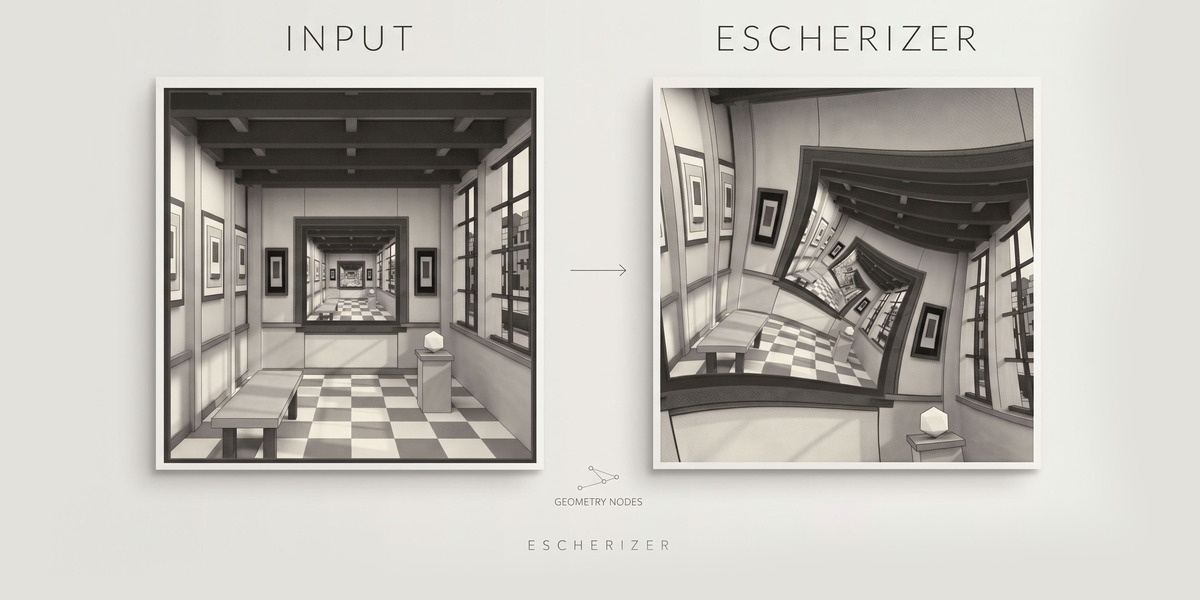
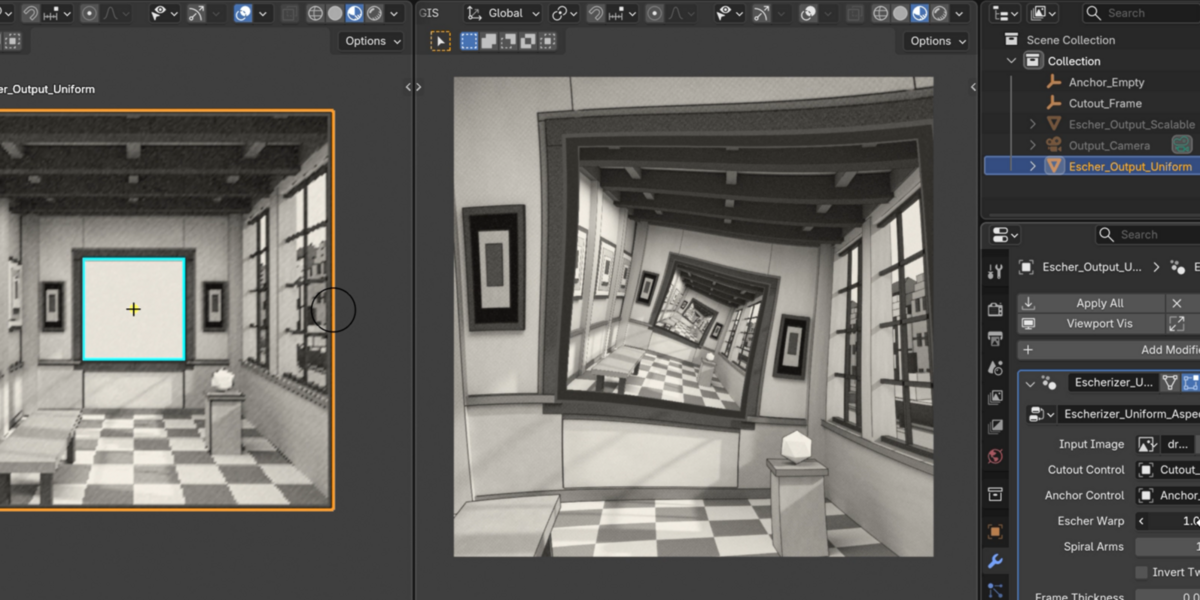
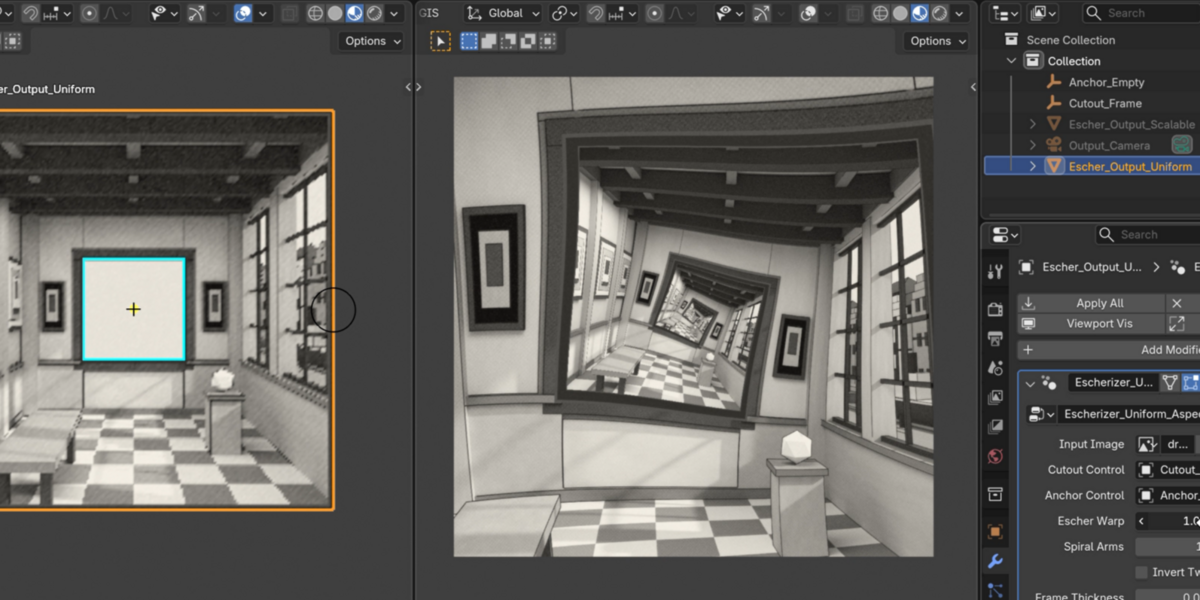
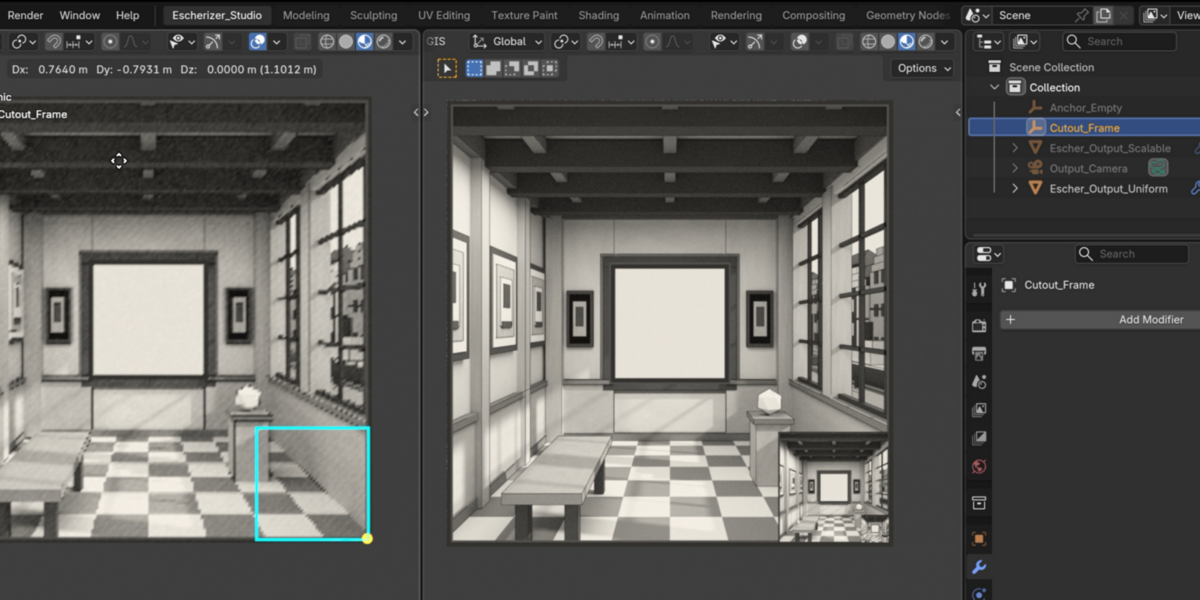
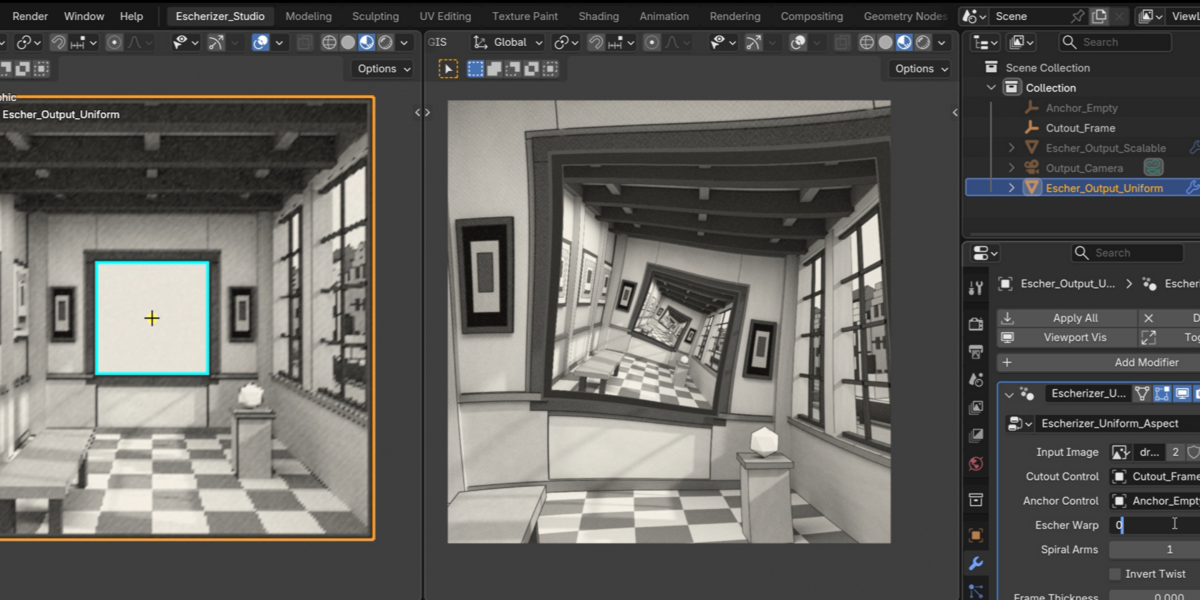
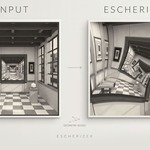
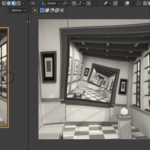
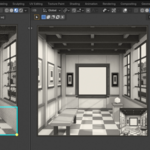
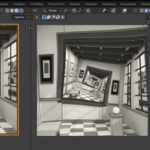
A pure Geometry Nodes conformal Droste and Escher Spiral generator - turning any custom image into an interactive, infinitely zooming spiral in real time.
A native Geometry Nodes setup built from the ground up, inspired by the incredible 3Blue1Brown video on the topic - How (and why) to take a logarithm of an image - highly recommended.
Take any photograph, illustration, or artwork, turn it into a self-similar Droste image, and warp it into a seamless logarithmic Escher spiral with a single slider.
Every node tree, helper group, and parameter is cleanly framed, color-coded, and documented step-by-step inside Blender with both in-graph InfoNodes and a complete Info guide - so you can create artwork out of the box, study the exact complex-logarithm math, and modify it however you like!
▶ Video Demo: Demo (YouTube)
Check out 3D Möbius - Boy's Surface (Apéry & Bryant-Kusner) in Geometry Nodes or explore Superclusters in The Laniakea Supercluster - Data Driven Galaxies and Streamlines in Geometry Nodes!
---------------------------------------------------------------------------------------------
What is Included:
Everything is packed into a single clean, ready-to-use Blend file with full in-file notes, in-graph explanations, custom unlit emission shader, and a bundled example gallery image. Designed for clarity and ease of reading, it breaks down conformal complex-plane mapping step by step in the Node Editor. See the FAQ for customization and rendering tips!
-
Custom_Image_Escherizer.blend: Complete dual-viewportEscherizer_Studioworkspace with live Left Control Canvas + Right Output view, pre-aligned orthographicOutput_Camera, packed 2048×2048 example artwork (droste_gallery_straight.png), and the fullEscherizer_Custom_ImageGeometry Nodes modifier rig. -
Built-in Visual and Written Guides: Embedded
Infotext guide (Quick Start, Droste intuition, full de Smit & Lenstra math breakdown, and frame-by-frame node mapping) plus in-tree InfoNodes - including a plain-language visual concept walkthrough right inside the node tree.
Select
Escher_Output → pick any photo in Input Image → drag and scale Cutout_Frame on the Left Control Canvas over a window, doorway, or picture frame → slide Escher Warp from 0.0 to 1.0!
---------------------------------------------------------------------------------------------
Key Features:
-
Interactive Dual-Viewport Control Rig: Position and scale
Cutout_Framedirectly on an unwarped preview canvas (Left Viewport) with live color-coded guides - while watching the spiral update live in the Right Viewport. -
Custom-Aspect Auto-Crop (Zero Squashing): Scale
Cutout_Framenon-uniformly (e.g., fitting a wide window inside a square photo) and the rig automatically computes a matched outer crop window. -
Seamless Infinite-Zoom & Horizon Control (
Anchor_Empty): DragAnchor_Emptyradially toward or away from the vanishing point to level/tilt walls and horizons; orbit it 360° around the center dot to zoom smoothly for seamless loops. -
Full Conformal Spiral Controls: Morph from flat Droste to Escher spiral (
Escher Warp0 → 1), choose1–6Spiral Arms, flip chirality (Invert Twist), and control inward/outward wrap depth (Recursion Steps). -
Optional Procedural Picture Frame: Add a clean solid border when placing cutouts on bare walls or open skies (set to
0.0when placing into natural windows and frames). -
Smart Viewport vs. Render Resolution & Unlit Emission: Automatically stays fast and interactive while editing (
Viewport Resolution = 512) and switches to high density on render (Render Resolution = 1536). - Ultra-Clean, Educational Node Graph: 6 numbered frames connected by just 7 pipeline wires, in-situ local inputs/helpers (no wire spaghetti), yellow parameter highlight frames, blue helper-group frames, and full in-tree documentation.
---------------------------------------------------------------------------------------------
Developer Notes & Inspiration:
Workflow Tip: Opening the file for the first time? Drag Escher Warp from 0.0 to 1.0 in the modifier panel to watch the bundled gallery bend into a continuous spiral, then orbit Anchor_Empty around the amber dot in the Left Viewport to dive smoothly down the infinite loop!
All node trees and helper groups are kept open, unlocked, and modular for readability. Everything is built in standard native Geometry Nodes from the ground up — the goal is to provide a transparent, learnable mathematical core rather than a black box.
This implementation was inspired by 3Blue1Brown's wonderful video How (and why) to take a logarithm of an image and is based on the conformal Droste mathematical framework developed by Hendrik Lenstra and Bart de Smit for M.C. Escher's Print Gallery.
---------------------------------------------------------------------------------------------
Recommended Tools:
Support & Contact:
- Superhive Inbox
- [email protected]
- See more on Instagram or YouTube