 Mars0hod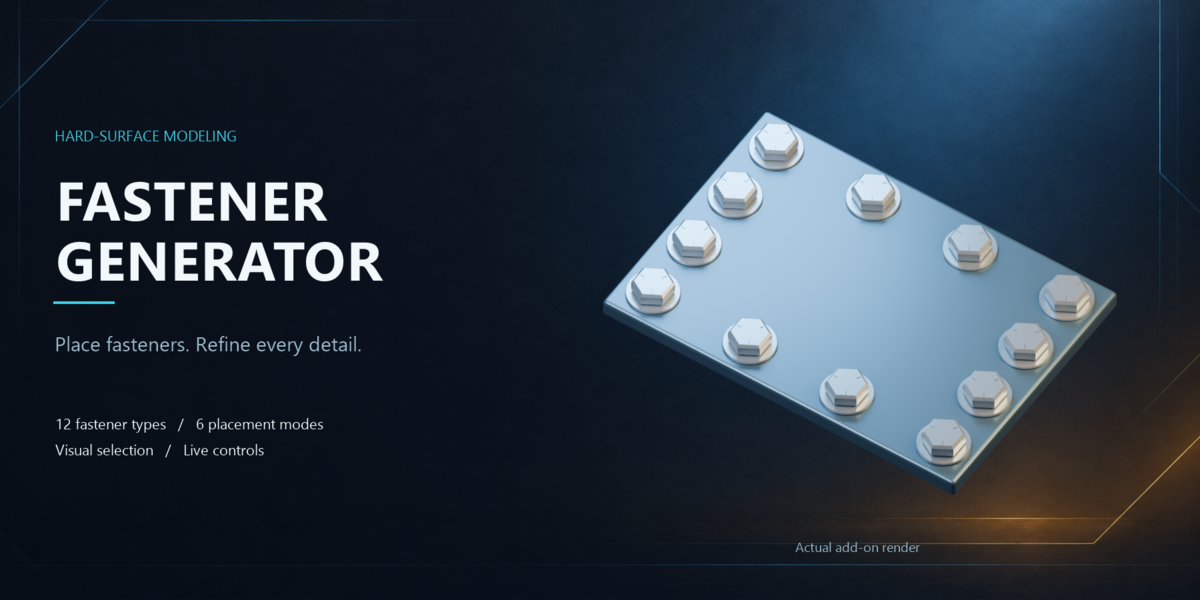



Installation
Download fastener_generator-1.2.0.zip. Do not unpack it.
In Blender, open Edit → Preferences → Add-ons.
Open the menu at the top right and select Install from Disk.
Choose the ZIP file and enable Fastener Generator.
In the 3D View, press N and open the Fasteners tab.
When updating an earlier installation, restart Blender after installing the new version.
First placement
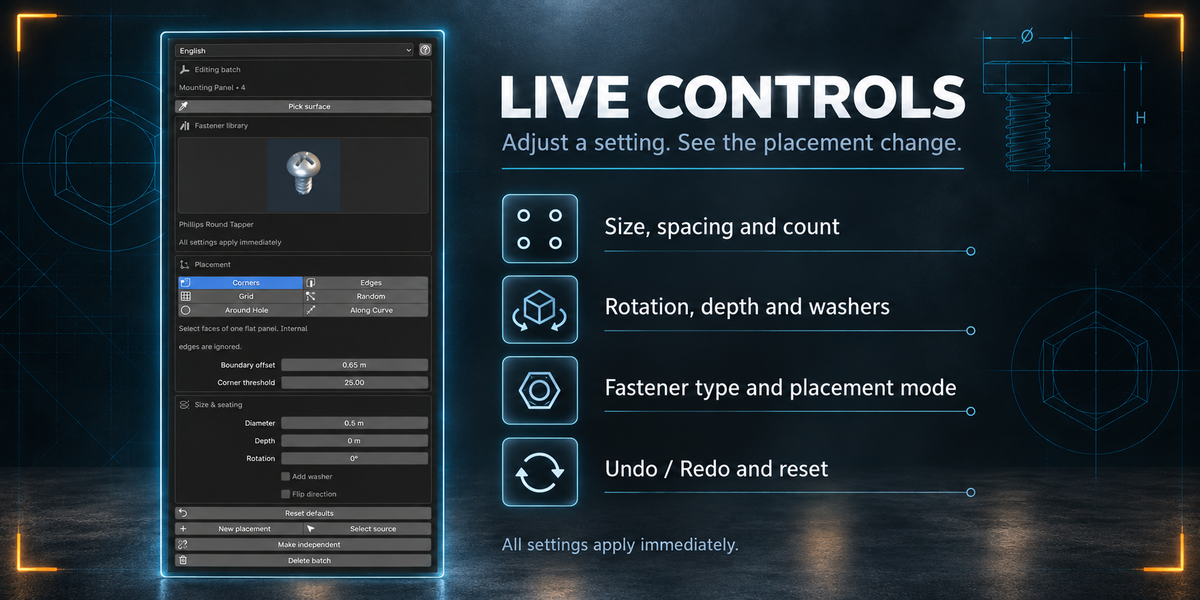
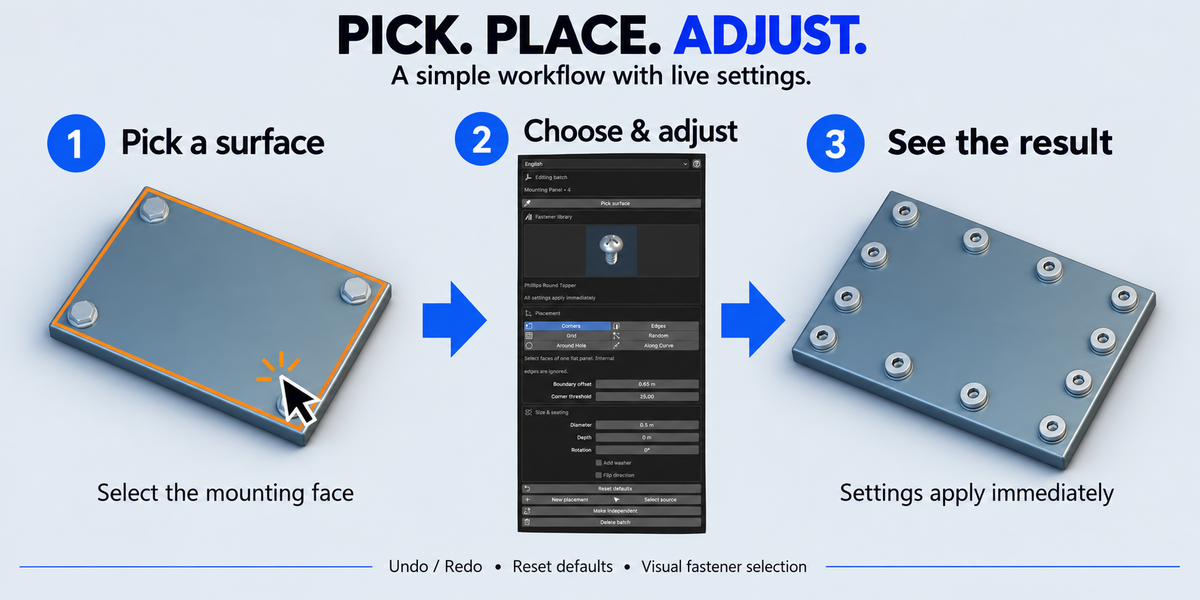
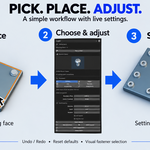
Click Pick surface.
Hover over a mesh face and left-click to select it and its connected coplanar faces. Press Esc or right-click to cancel.
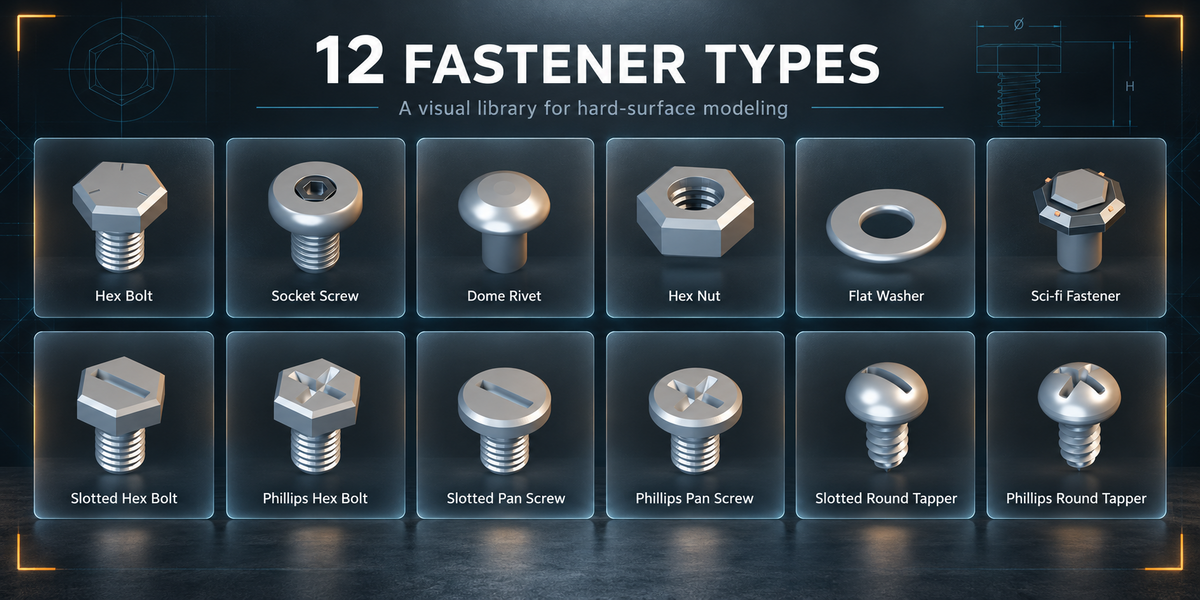
Click the fastener preview and choose a model.
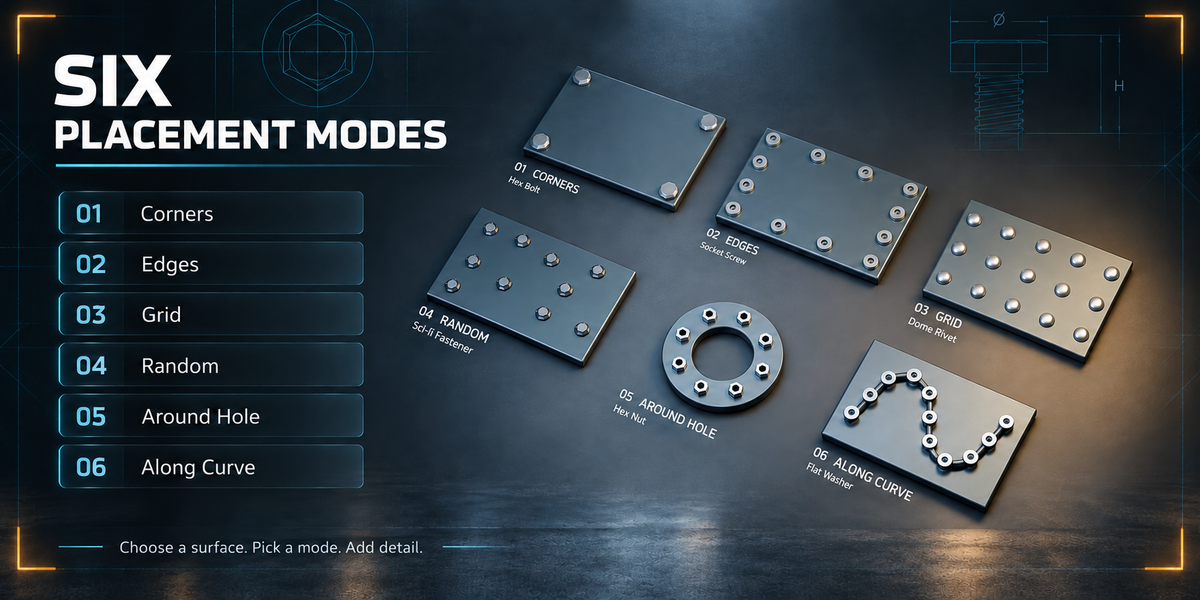
Choose a placement mode.
Click Create fasteners, or use Preview.
Adjust the settings. Changes to an existing batch apply immediately.
You can also select faces or edges manually in Edit Mode. For Along Curve, select a Curve object.
Placement modes
Corners: places fasteners at boundary corners of a selected planar region. Corner threshold controls which bends count as corners.
Edges: distributes fasteners along selected edges or surface boundaries. Count is per edge.
Grid: fills a selected planar region with an evenly spaced arrangement.
Random: distributes fasteners over the selected surface. Seed controls the arrangement; minimum distance controls center-to-center spacing.
Around Hole: follows a selected closed edge loop. The radial offset works best with circular or convex openings. This mode does not cut holes.
Along Curve: distributes fasteners along curve splines using count or spacing.
Editing an existing placement
Select any generated fastener to access its batch settings.
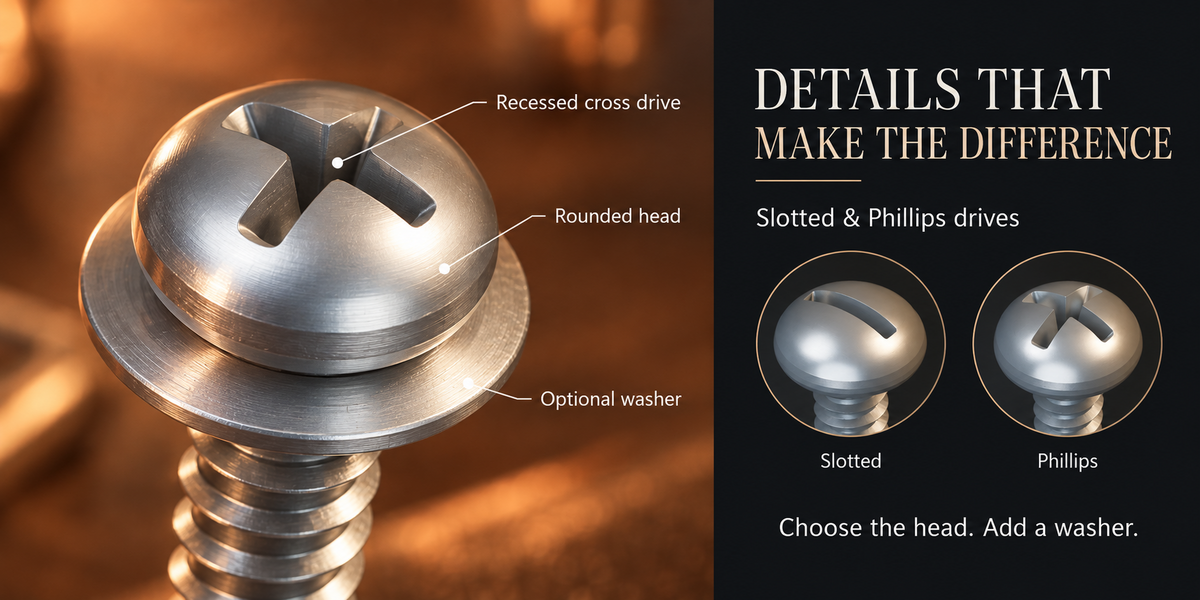
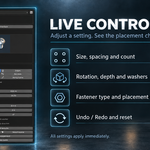
Fastener type, diameter, placement mode, count, spacing, rotation, depth and optional washers update automatically. No Update placement button is required.
Diameter refers to the fastener head, excluding the optional washer. Positive depth moves the fastener into the mounting surface; negative depth moves it outward.
If an edit produces an invalid arrangement, the previous valid result is preserved and an error appears in the panel.
Preview and reset
Preview creates a temporary batch. Apply keeps it; Cancel removes it.
Reset defaults restores the default fastener and parameter values. For an existing batch, it preserves the placement mode and source selection. The interface language is also preserved.
Use Blender’s Undo and Redo commands to reverse or restore changes.
Source geometry changes
The add-on reads the original mesh before modifiers.
After changing source mesh coordinates or scale, select a generated fastener and run F3 → Refresh Source Geometry.
If the source topology changes, create a new batch from a fresh selection.
Managing batches
Select source: selects the original mesh or curve.
New placement: returns to the source and copies the current settings for another batch.
Make independent: removes generator ownership and parenting while preserving the visible objects. Mesh data remains shared.
Delete batch: removes the batch’s generated fasteners.
Languages
English is the default. The interface also supports German, French, Spanish, Portuguese, Italian, Russian, Simplified Chinese, Japanese and Korean.
Some technical tooltips and diagnostic messages remain in English.
Compatibility and limitations
Tested in Blender 5.2.2 LTS on Windows. The package declares Blender 4.2 as its minimum API version; other versions and operating systems have not been runtime verified.
Maximum: 2,000 fasteners per batch. Keep enough spacing for the head diameter and optional washer. Placement does not perform collision avoidance, apart from Random’s minimum center-distance control.
Fasteners have fixed proportions and decorative threads. They are intended for visual modeling, not engineering-standard fabrication.
The add-on runs locally without an internet connection or external Python dependencies.
Have questions about this product?
Login to message
| Blender Extension Compatible | Yes |
| Published | 2 days ago |
| Blender Version | 4.2 - 5.2 |
| Extension Type | Add-on |
| Render Engine Used | Cycles, Eevee |
| License | GPL |
Discover more products like this
hard surface mechanical procedural rivets screws placement washers modeling bolts nuts sci fi fasteners