 Mars0hod


How do I change fasteners after creating a placement?
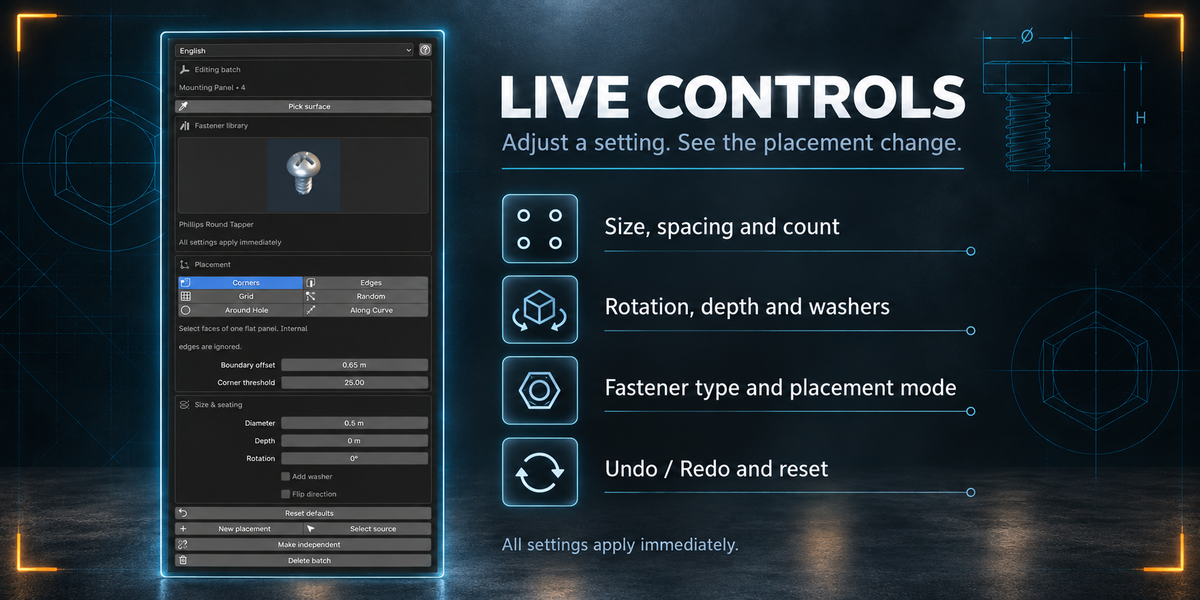
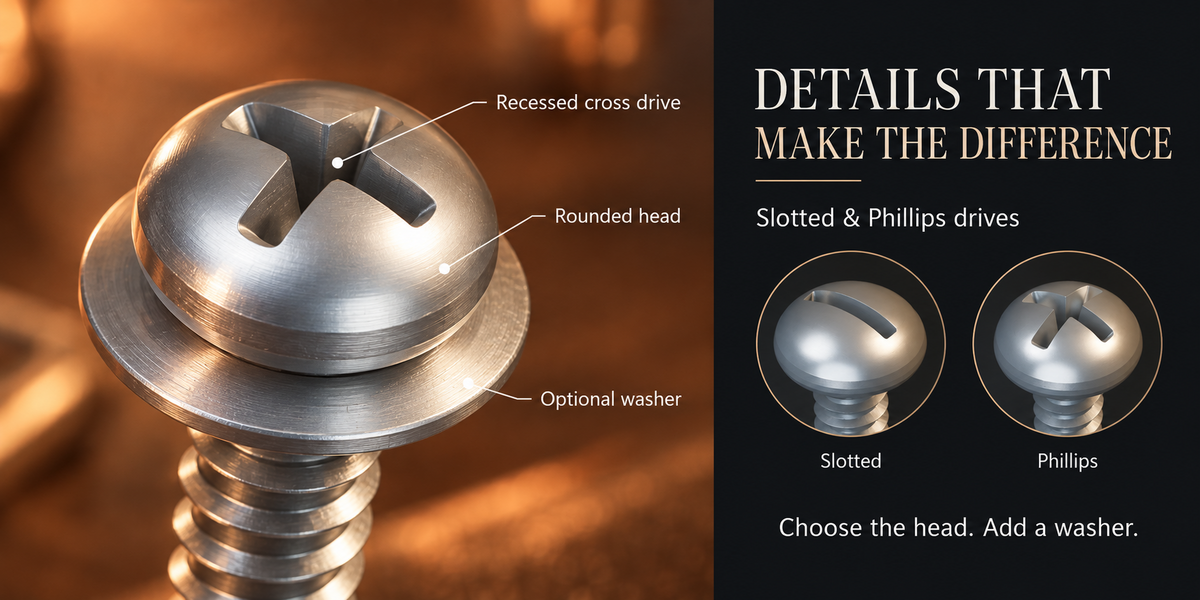
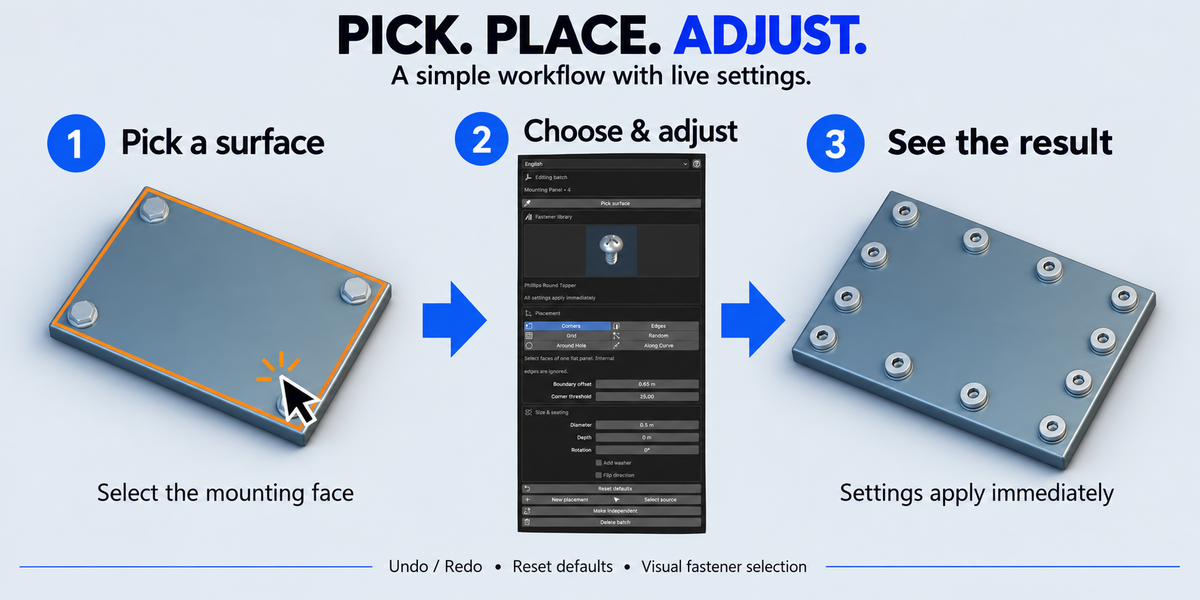
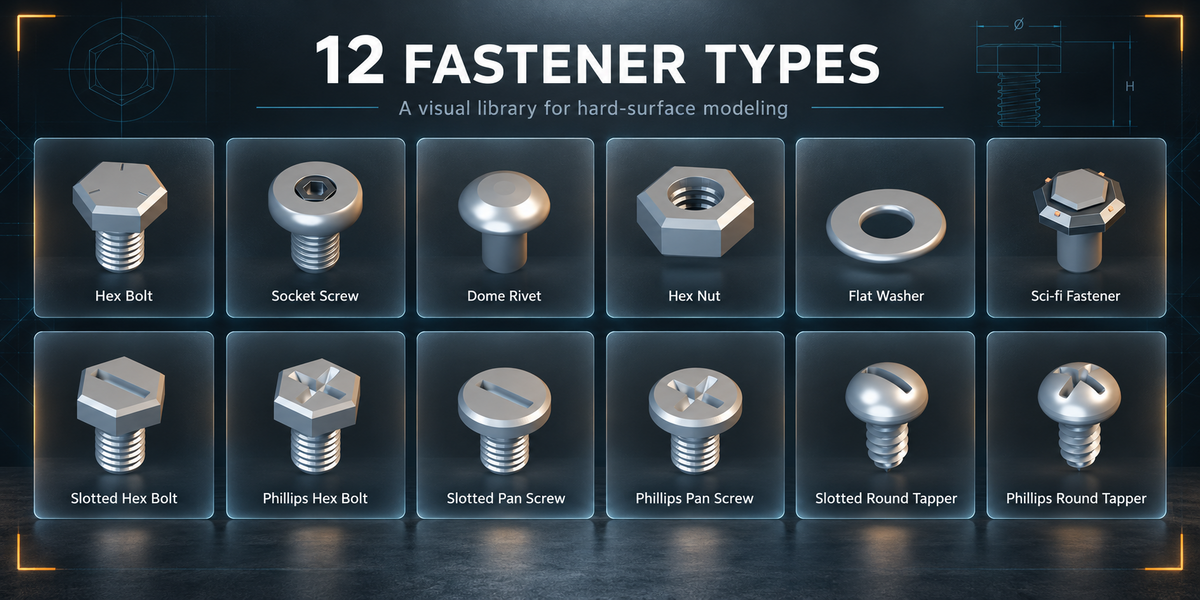
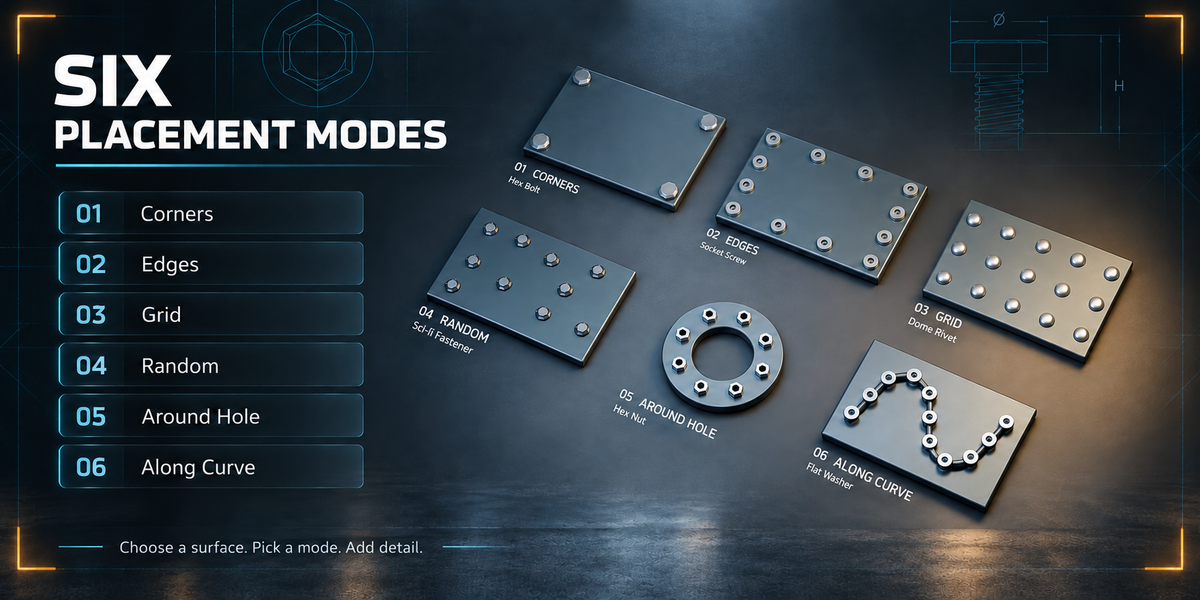
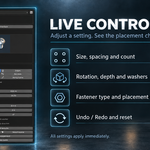
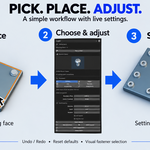
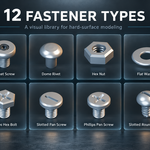
Select any generated fastener and open the Fasteners tab in the 3D View sidebar. Choose another model from the image previews or adjust the settings. The entire batch updates automatically.
If you change the source mesh coordinates or scale, use F3 → Refresh Source Geometry. Changes to the source topology require a new batch.
Have questions about this product?
Login to message
| Blender Extension Compatible | Yes |
| Published | 4 days ago |
| Blender Version | 4.2 - 5.2 |
| Extension Type | Add-on |
| Render Engine Used | Cycles, Eevee |
| License | GPL |
Discover more products like this
hard surface rivets screws nuts sci fi mechanical procedural placement washers bolts modeling fasteners