 Outer Reach Productions
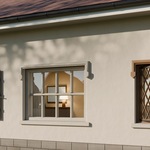
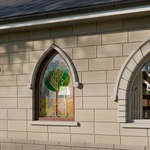
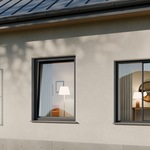
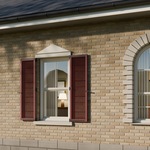
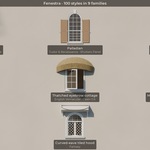
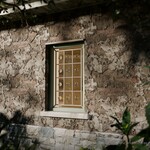
Build the window you actually want. Live.
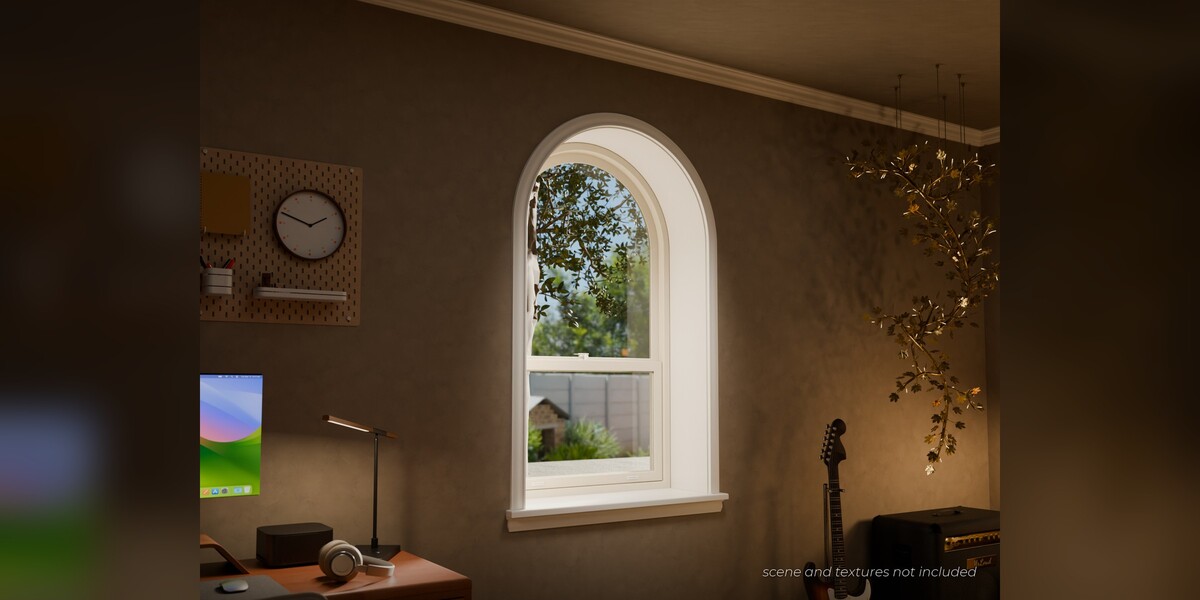
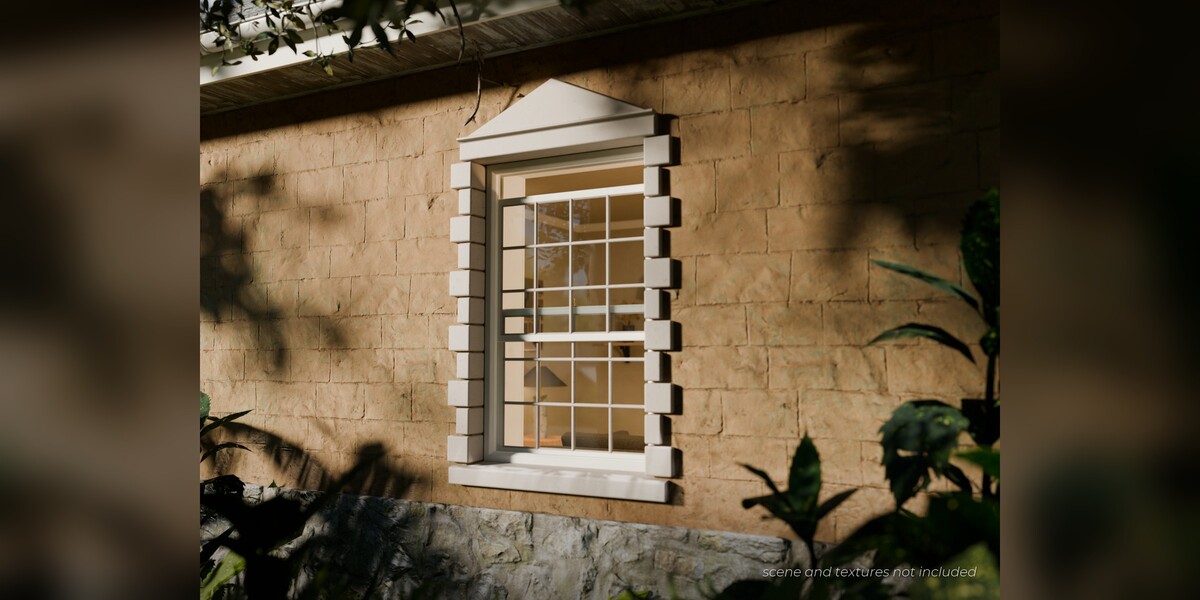
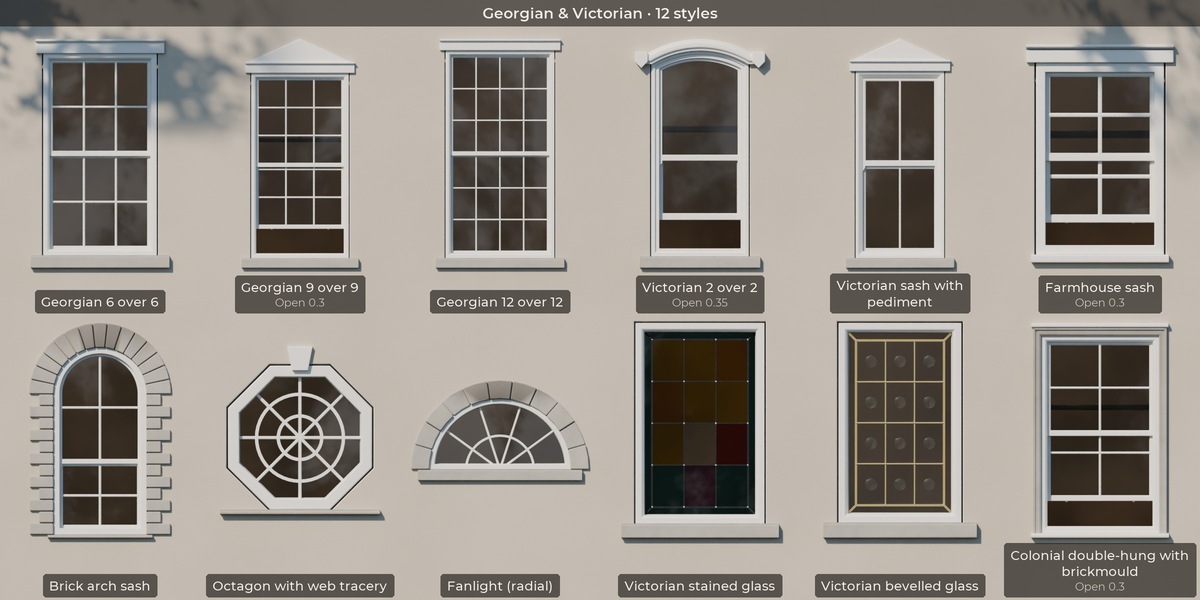
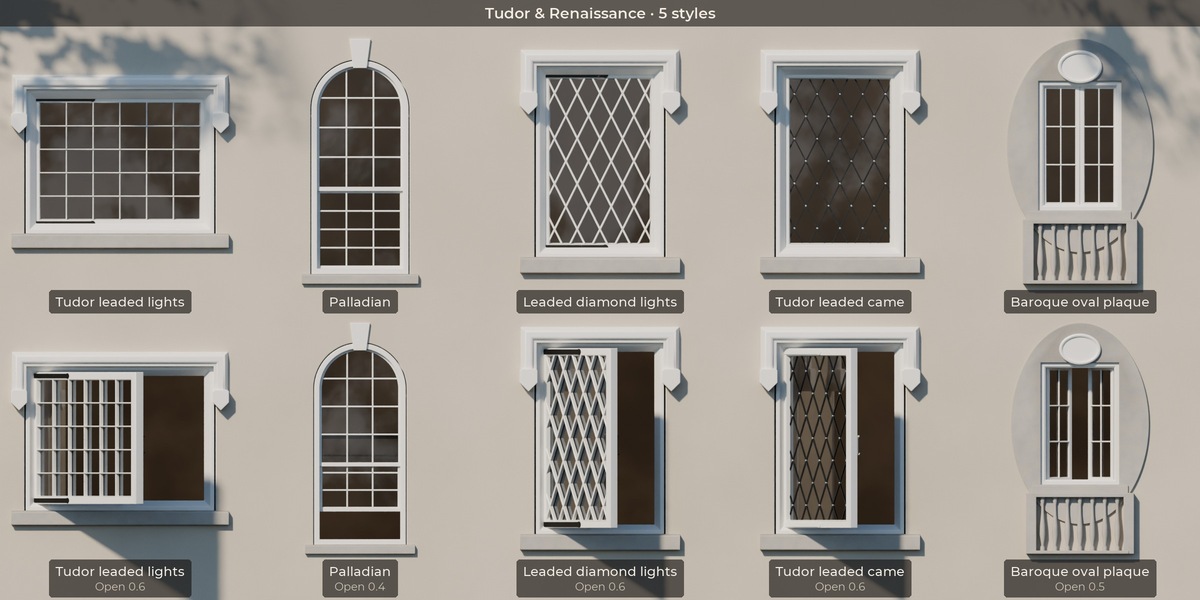
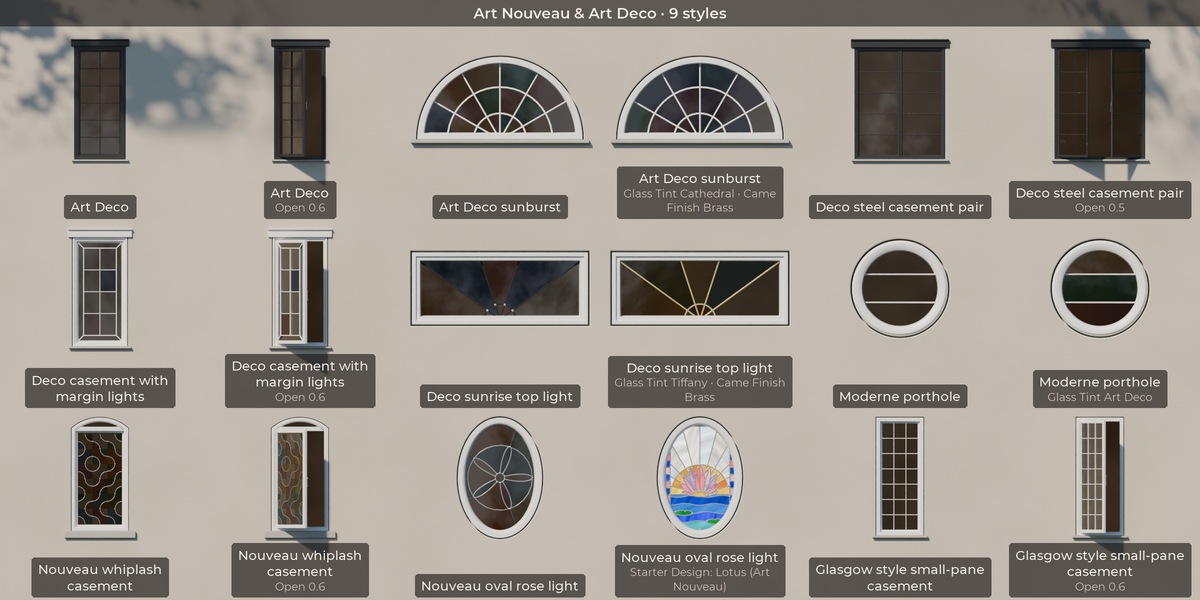
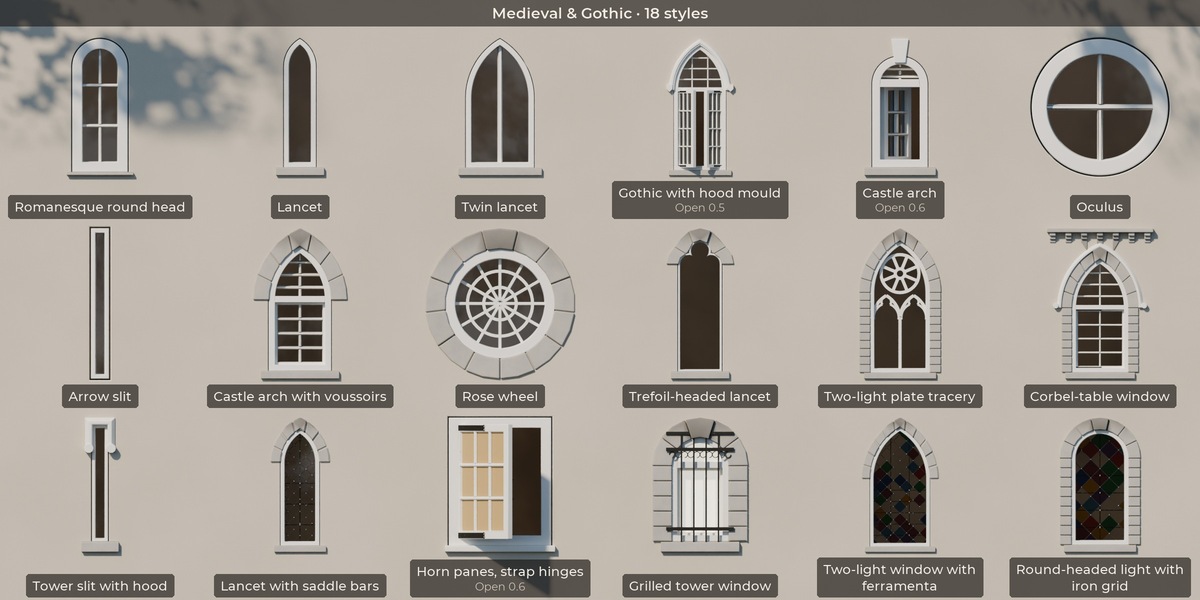
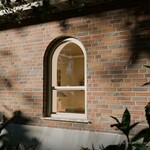
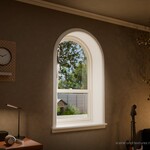
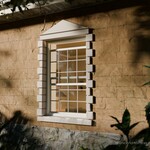
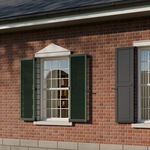
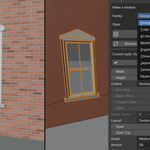
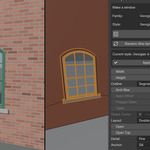
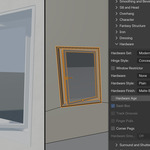
Fenestra is a procedural window generator for Blender: one Geometry Nodes modifier per window, with 100 ready-made styles, real hardware, interior trim, stained glass and a one-click wall cut. Pick a style, drag Width and Height, change the bars, the frame, the head and the sill, and the window rebuilds as you edit. Nothing is baked until you decide it is.
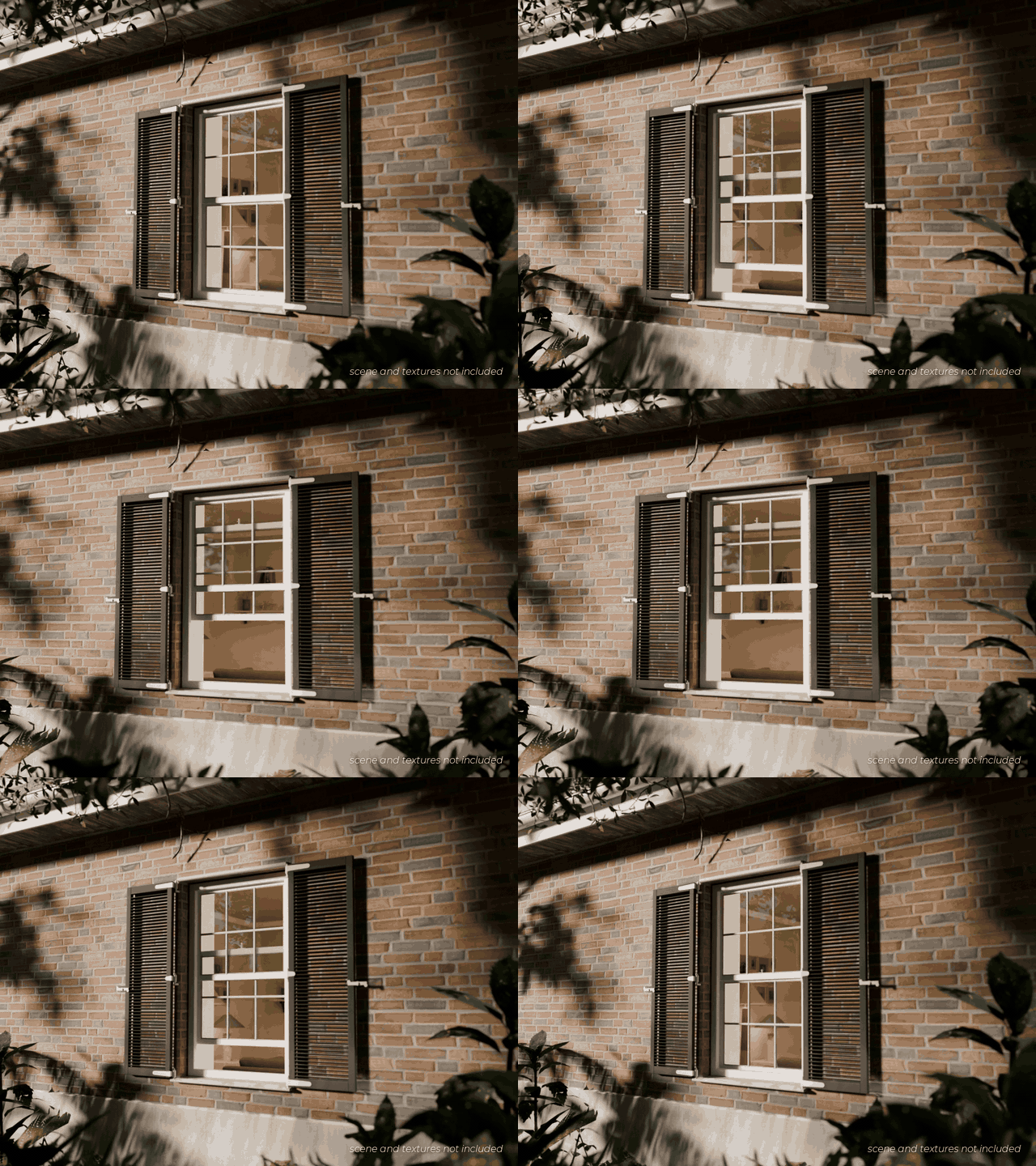
Everything stays editable: every setting is an input, every material slot takes your own materials, and every control has a tooltip. No images, models or downloads are needed.
Any material you want
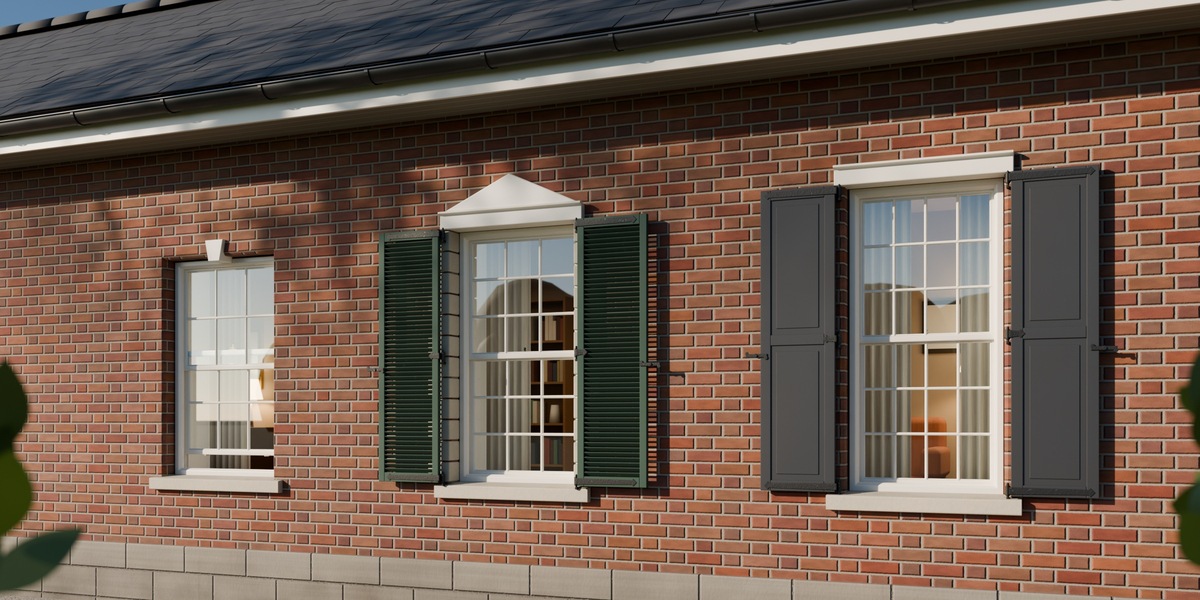
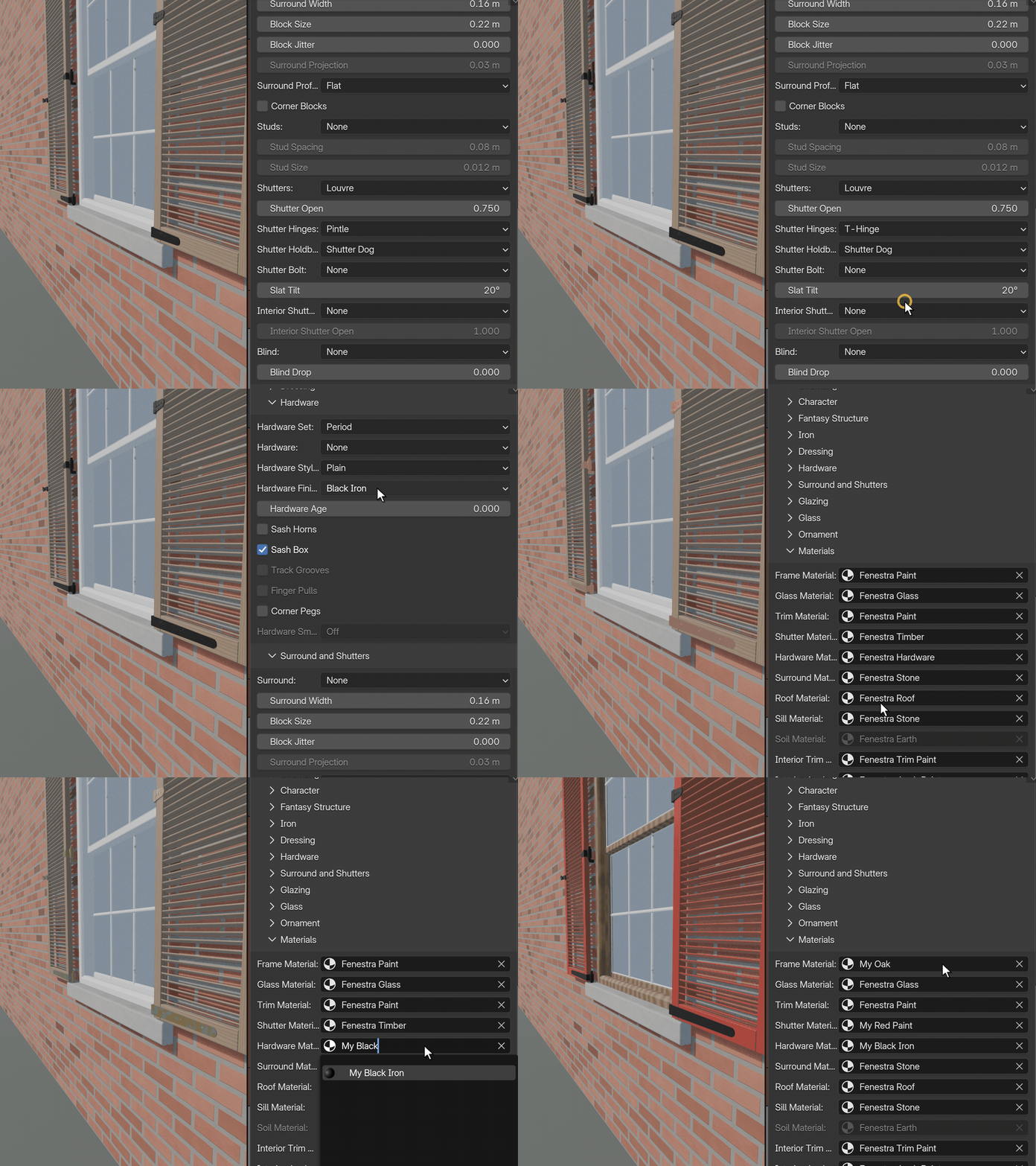
- Every part takes your own material: frame, glass, trim, shutters, hardware (hinges, handles and bolts), surround, sill, roof and interior trim each have their own material slot. Drop in any material from your scene and that part uses it.
- You are not locked to ours: the starter materials are simple procedural previews so a window is never grey. Replace any or all of them with your own materials: painted metals, timber, stone, glass, scanned PBR sets, anything.
- Easy to try: pick the material in the slot and the window updates live, so you can test looks in seconds.
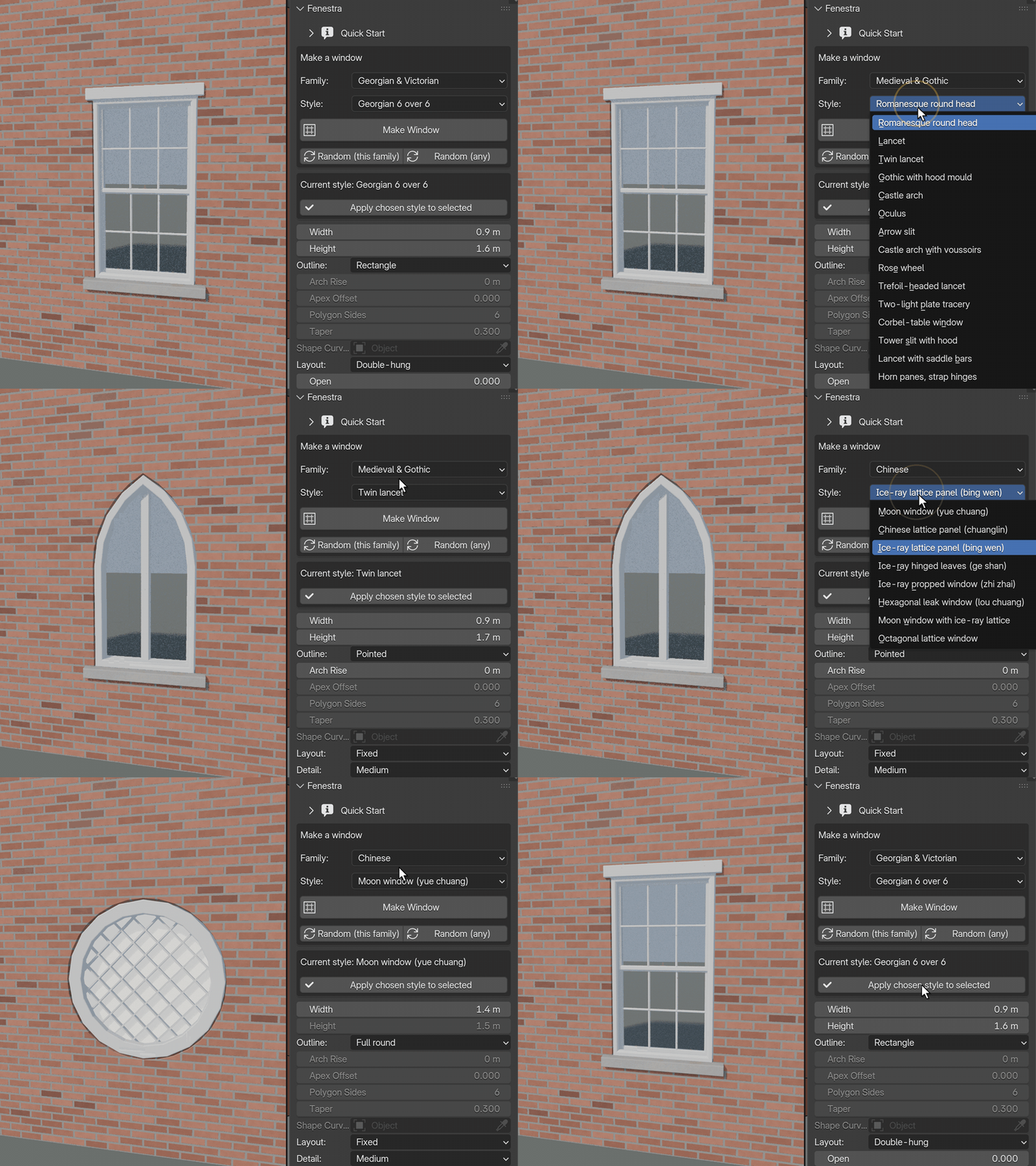
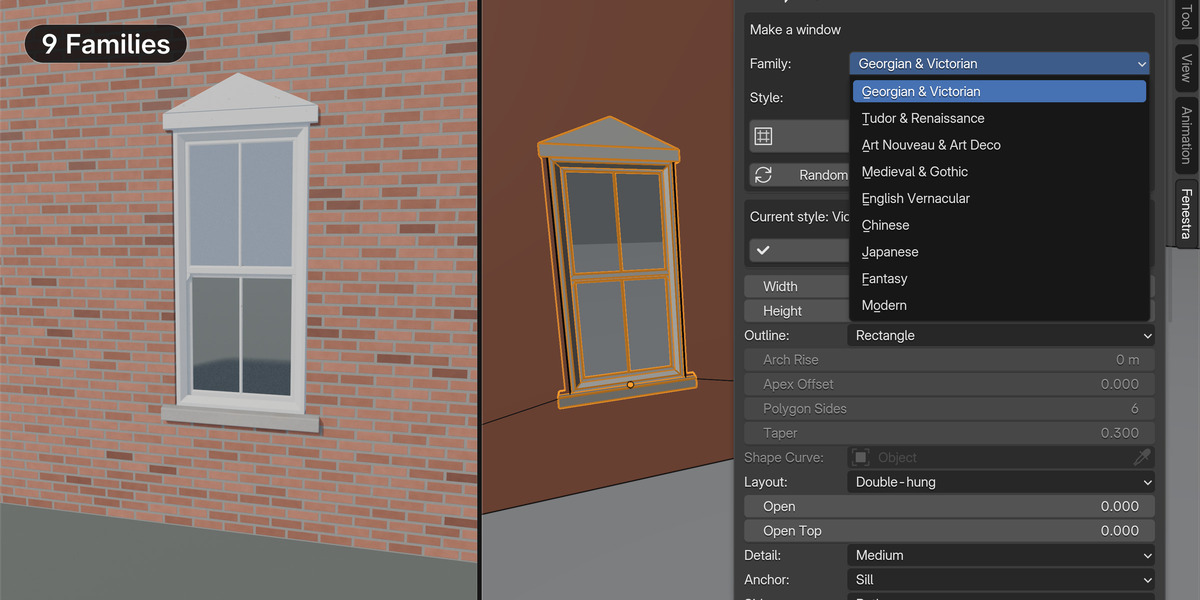
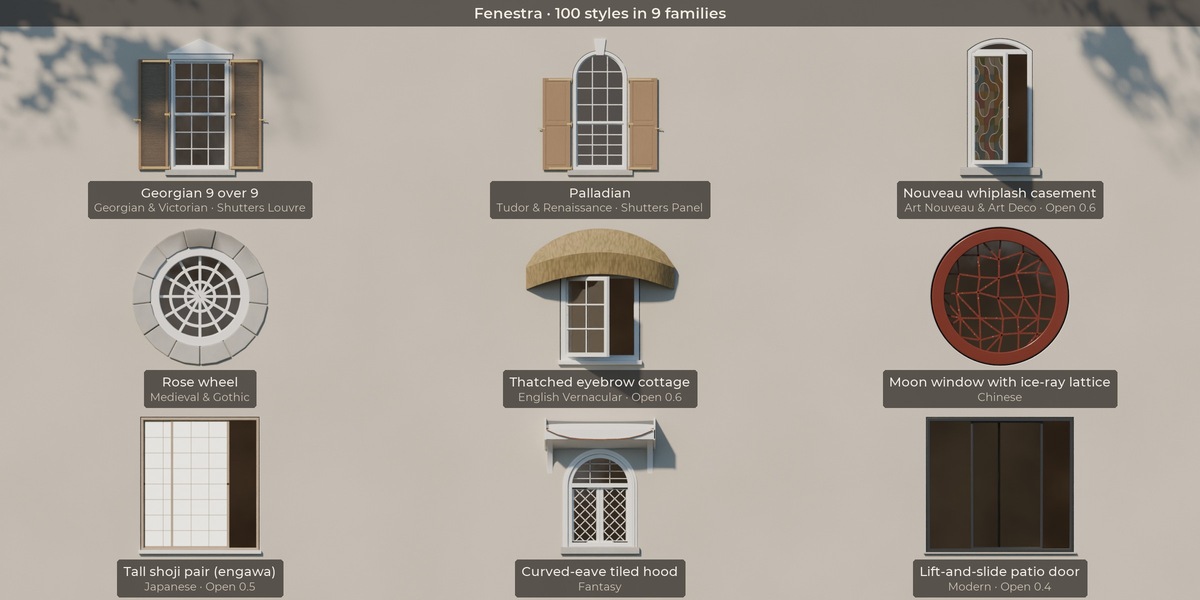
100 styles in 9 families
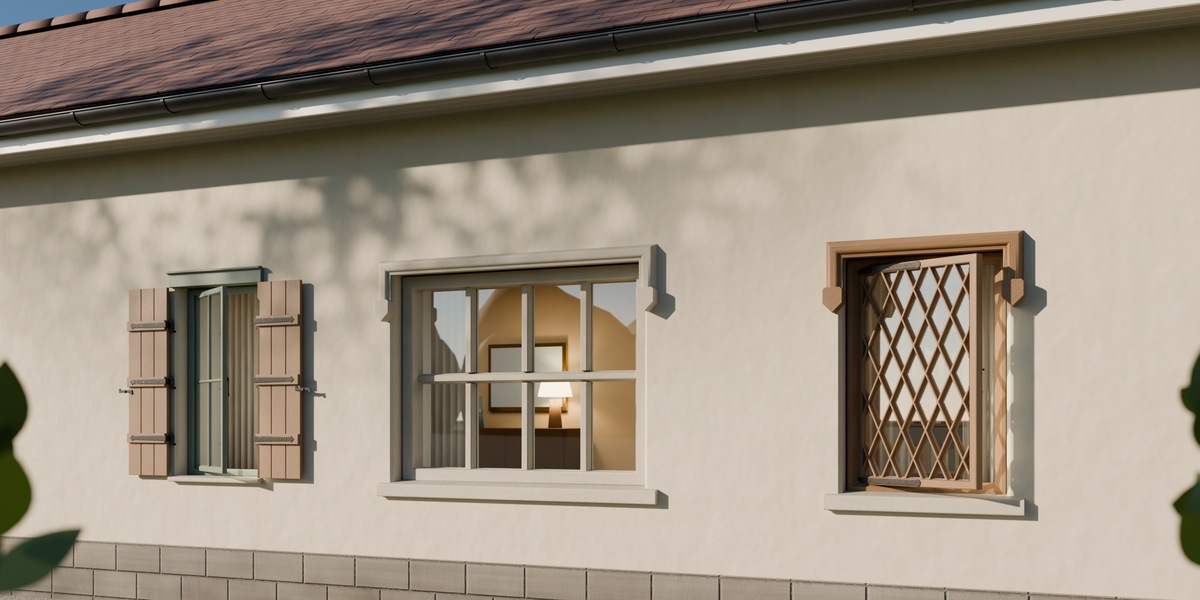
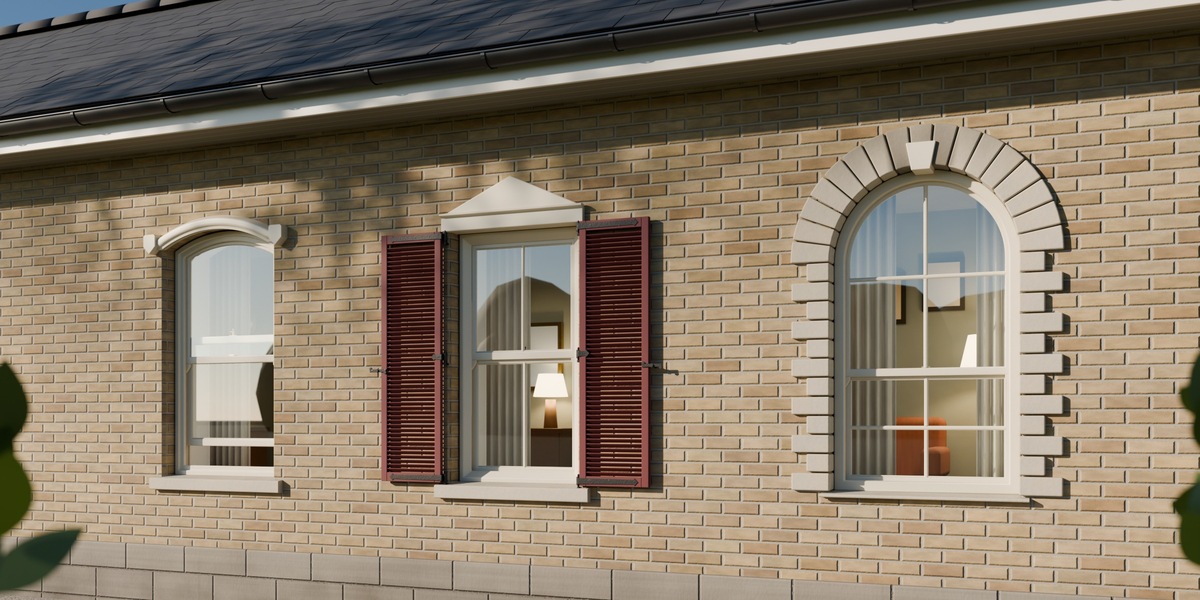
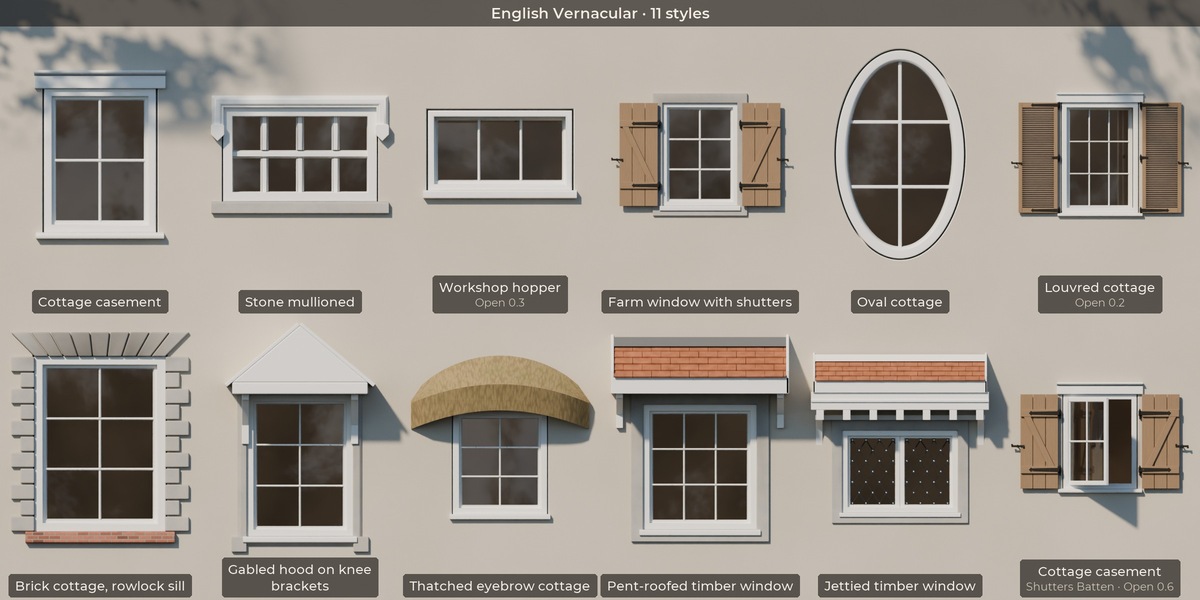
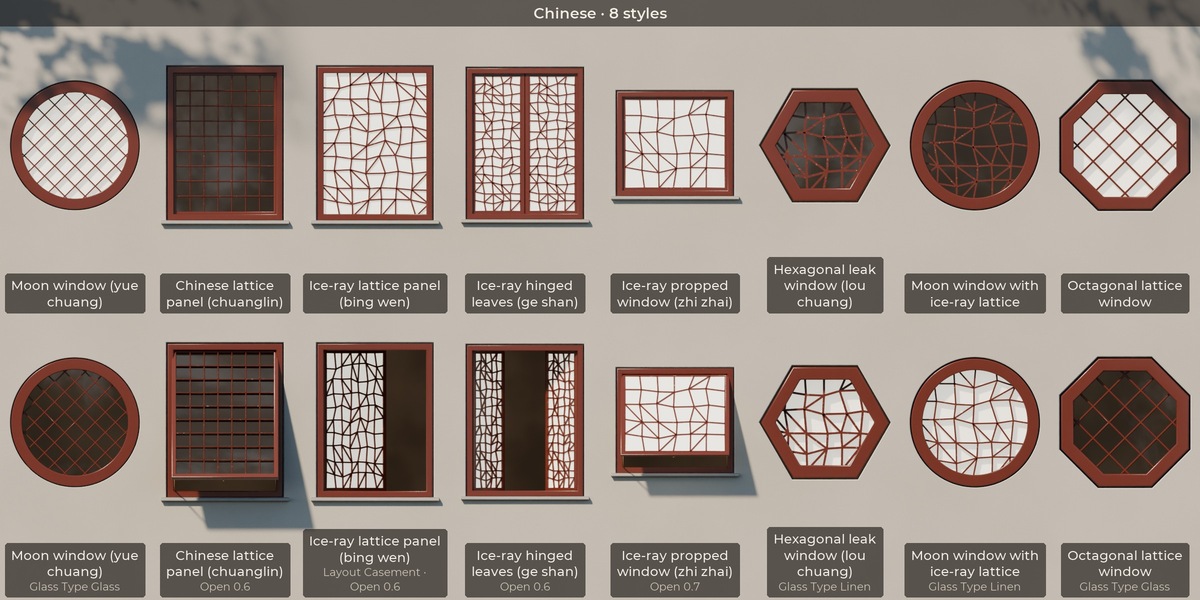
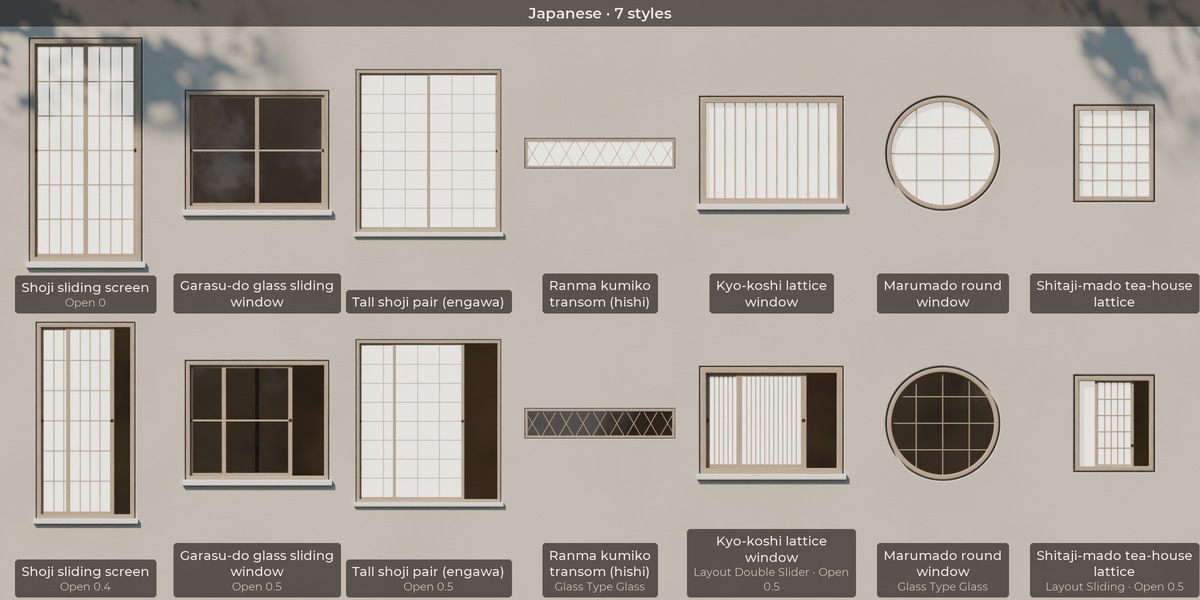
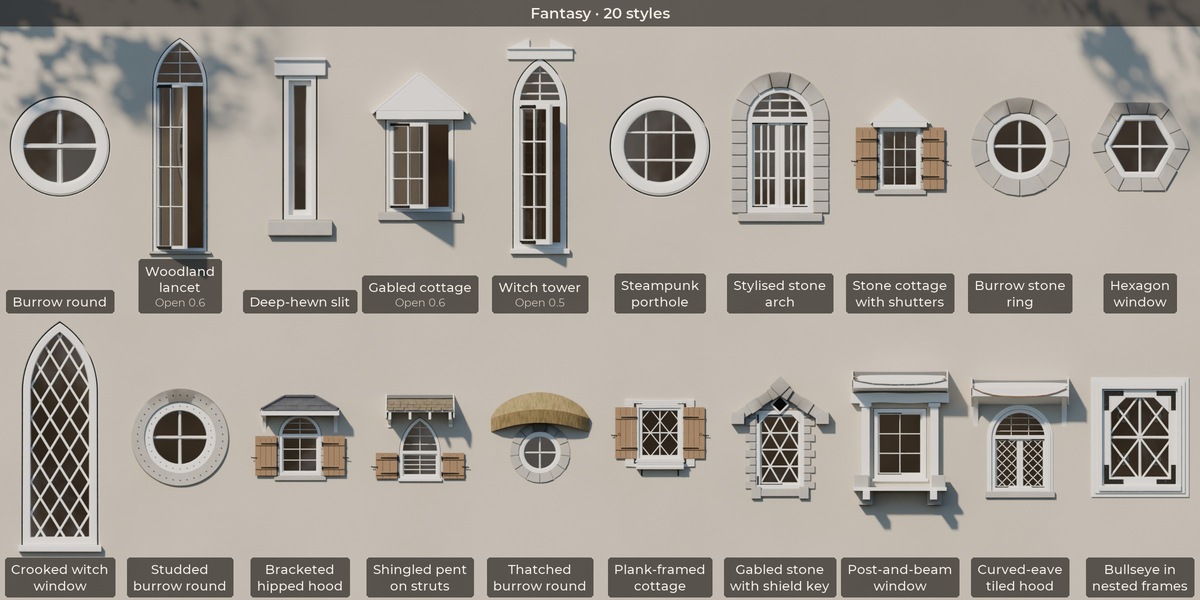
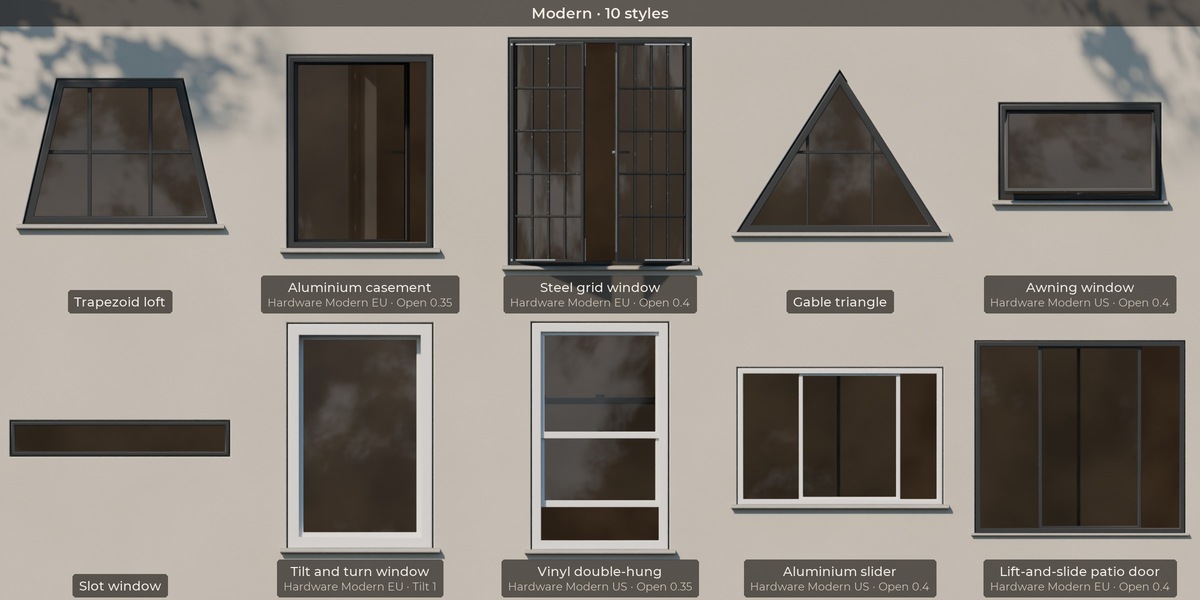
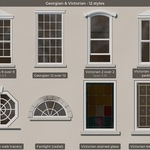
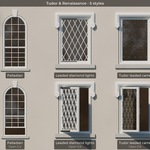
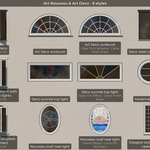
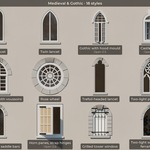
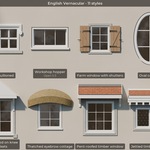
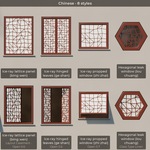
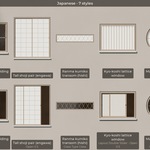
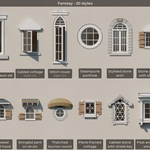
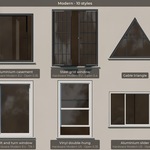
- Georgian & Victorian (12), Tudor & Renaissance (5), Art Nouveau & Art Deco (9), Medieval & Gothic (18), English Vernacular (11), Chinese (8), Japanese (7), Fantasy (20) and Modern (10)
- A style sets every input, so every setting stays editable afterwards
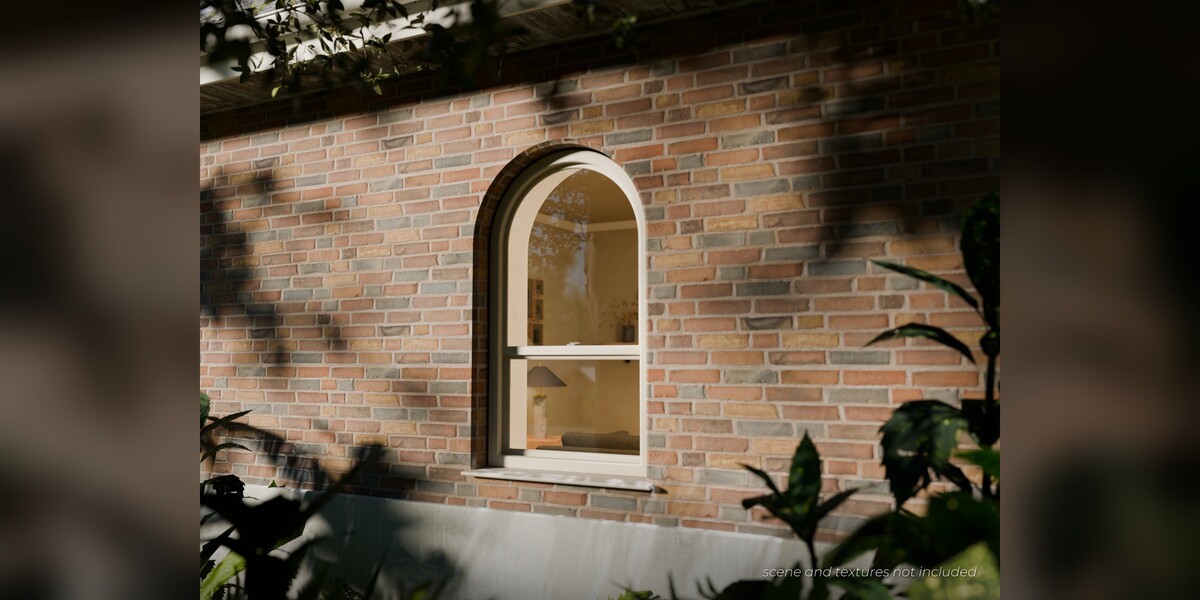
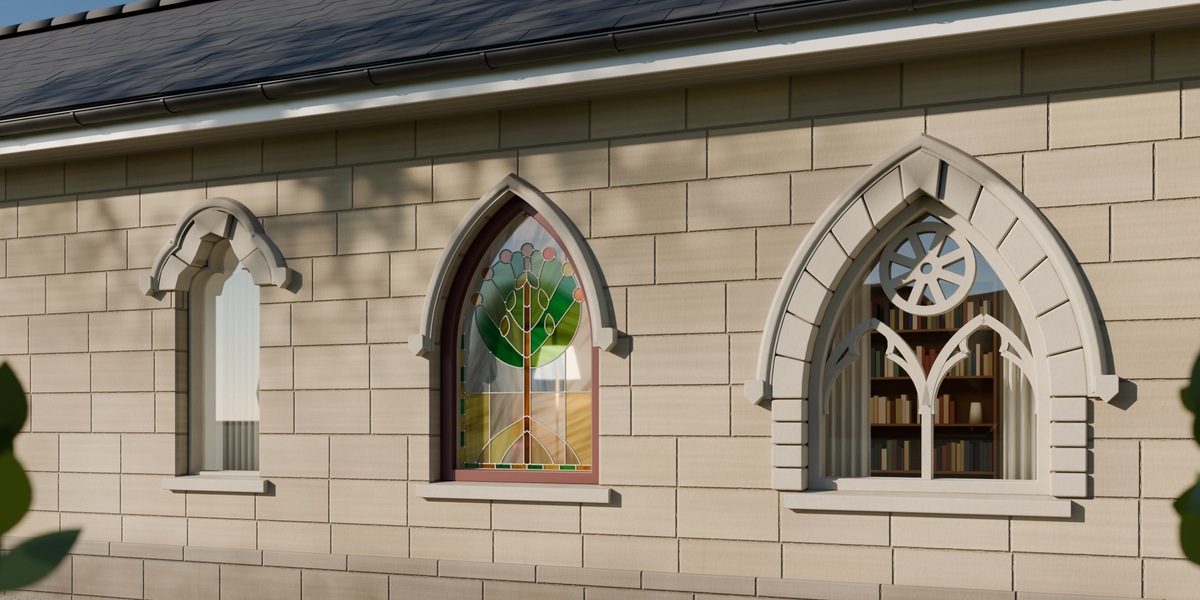
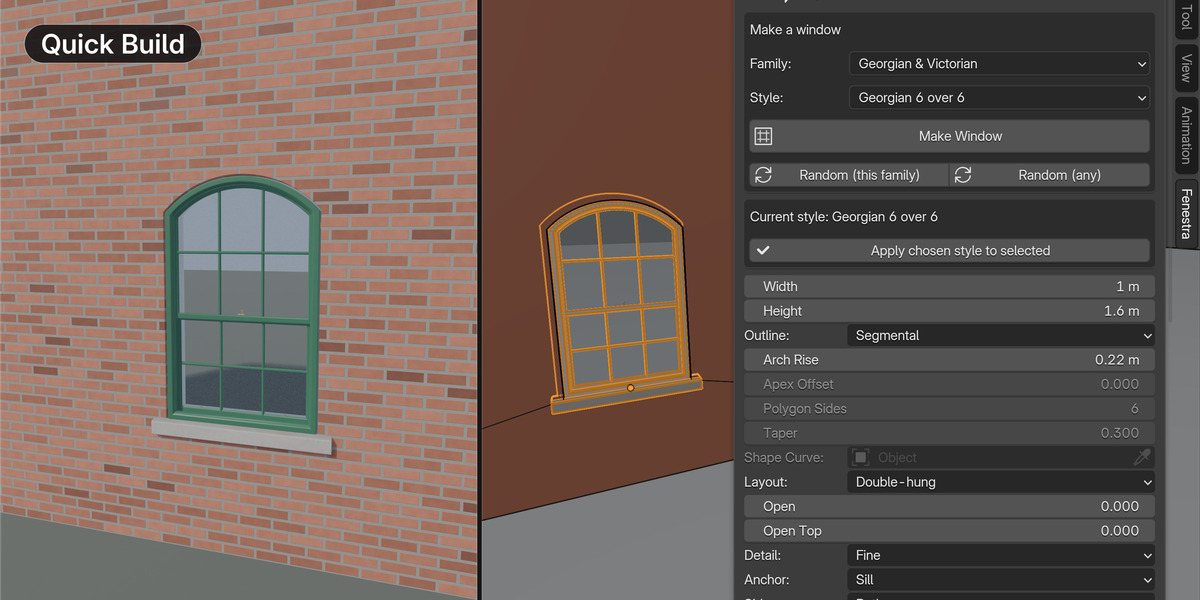
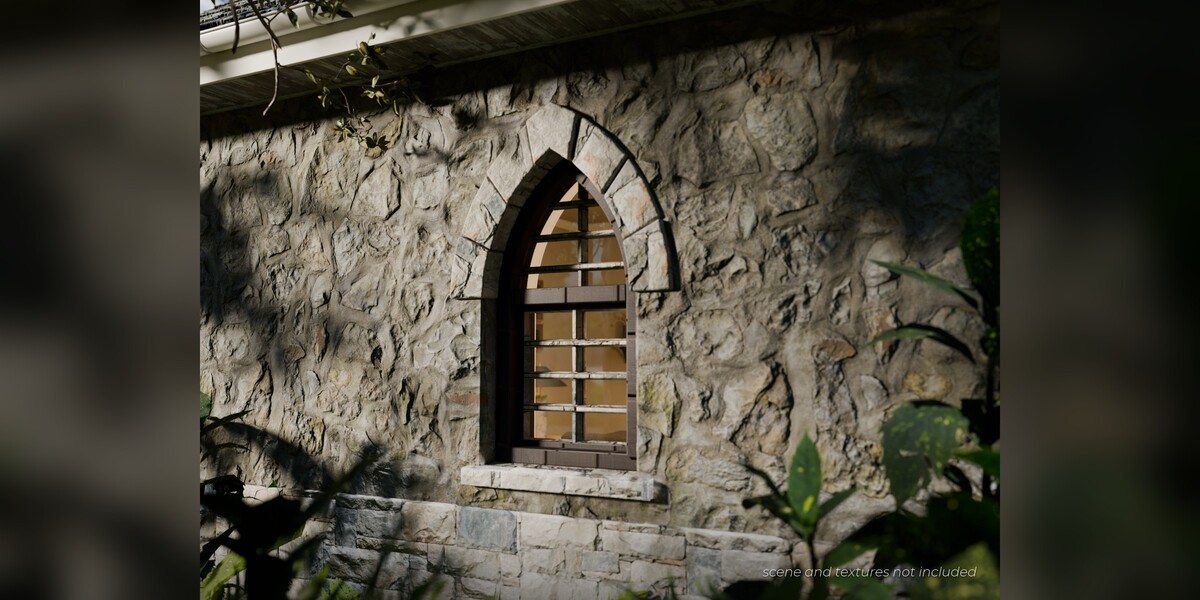
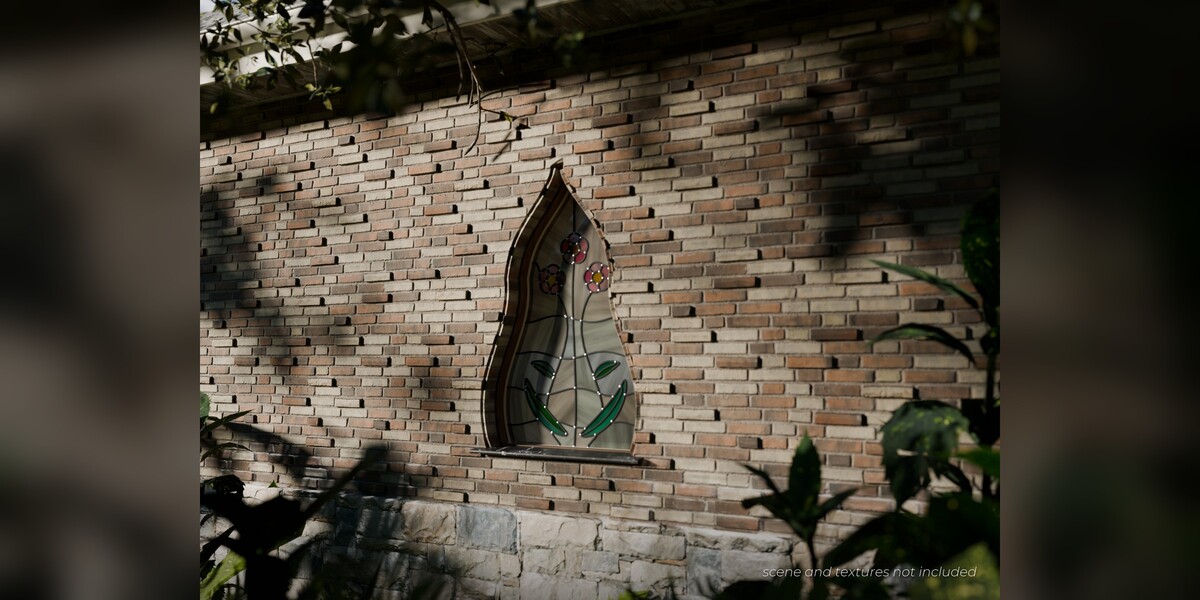
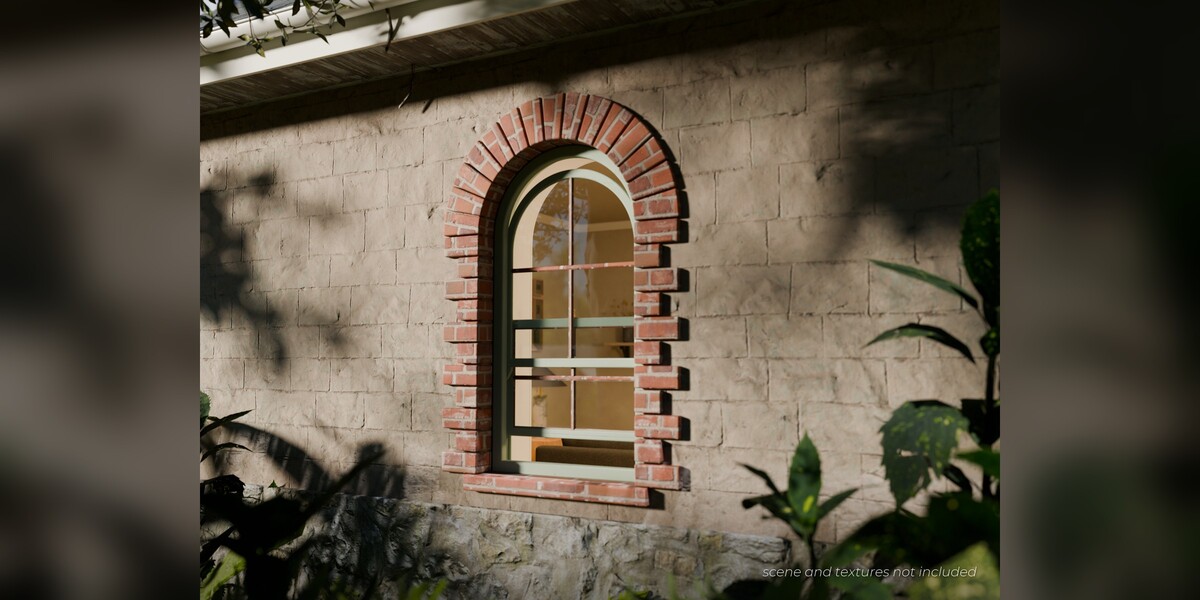
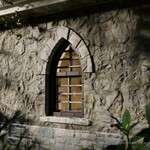
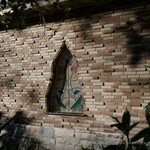
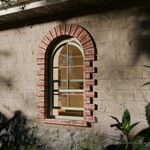
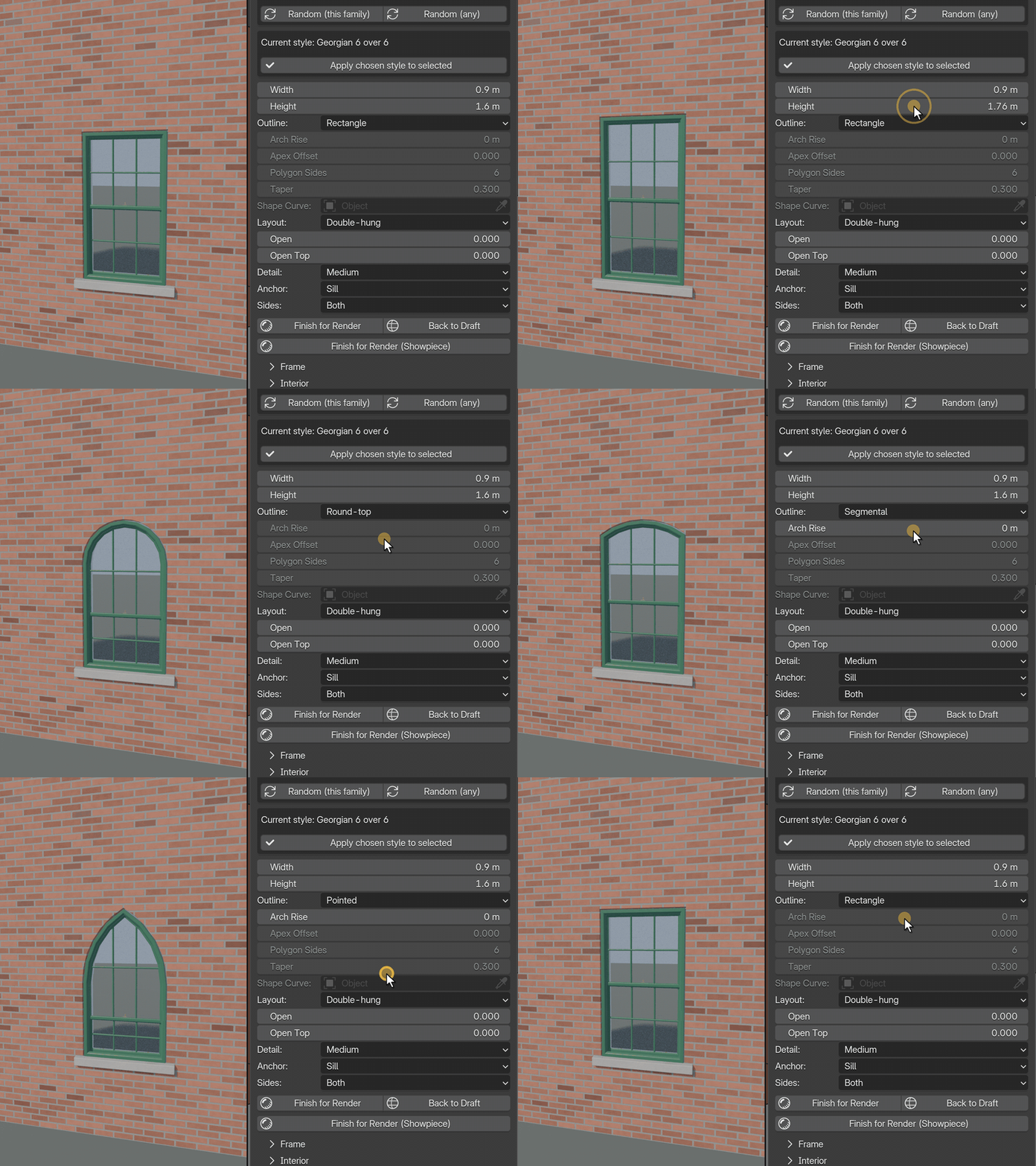
- Outlines: rectangle, round-top, segmental, pointed, trefoil, round, oval, polygon, trapezoid, triangle and custom-from-curve
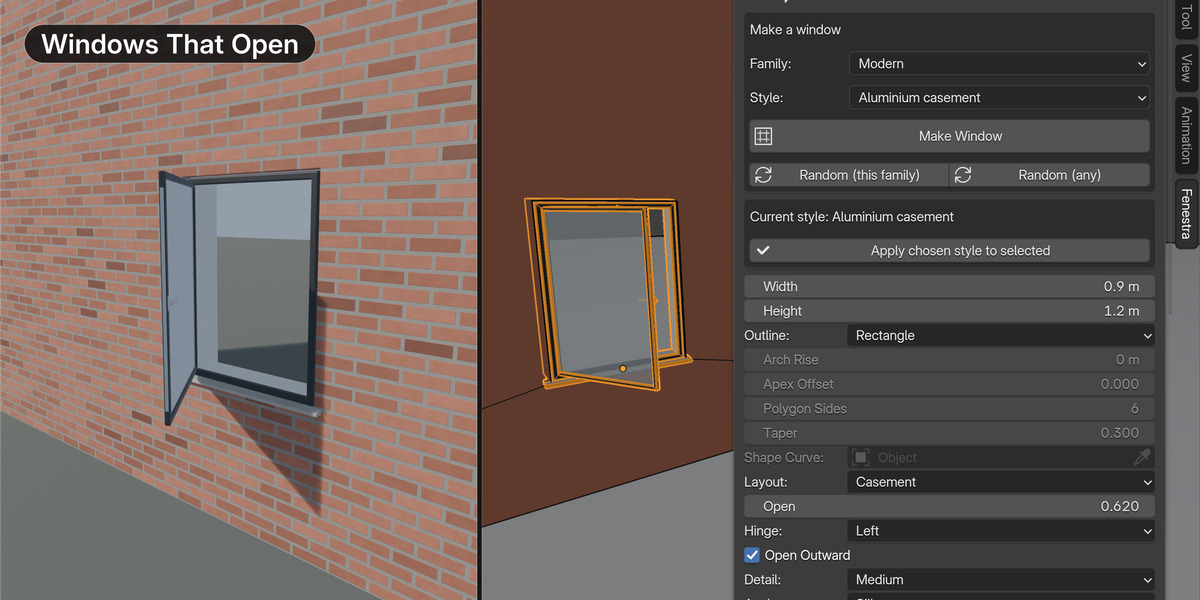
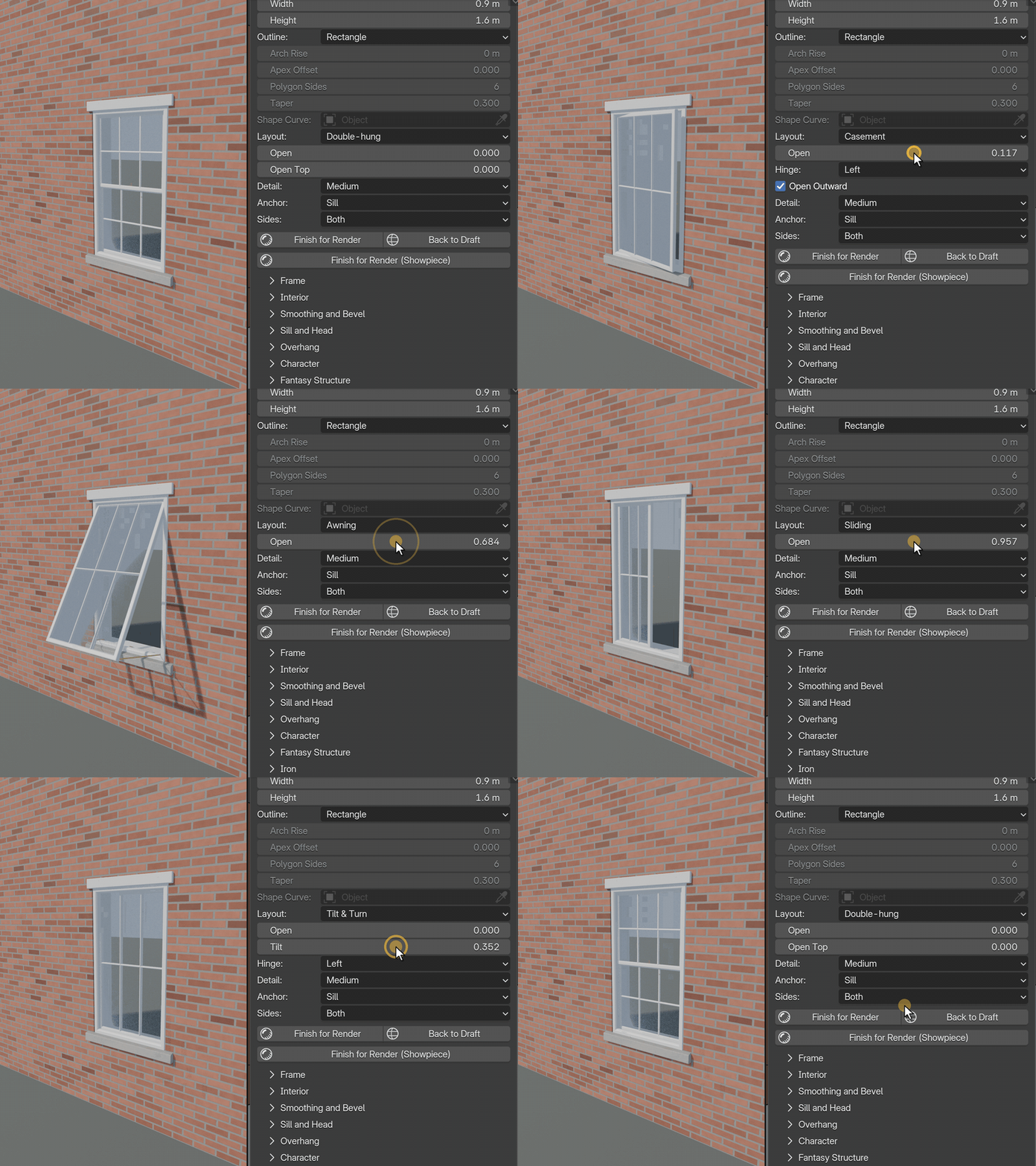
Windows that open
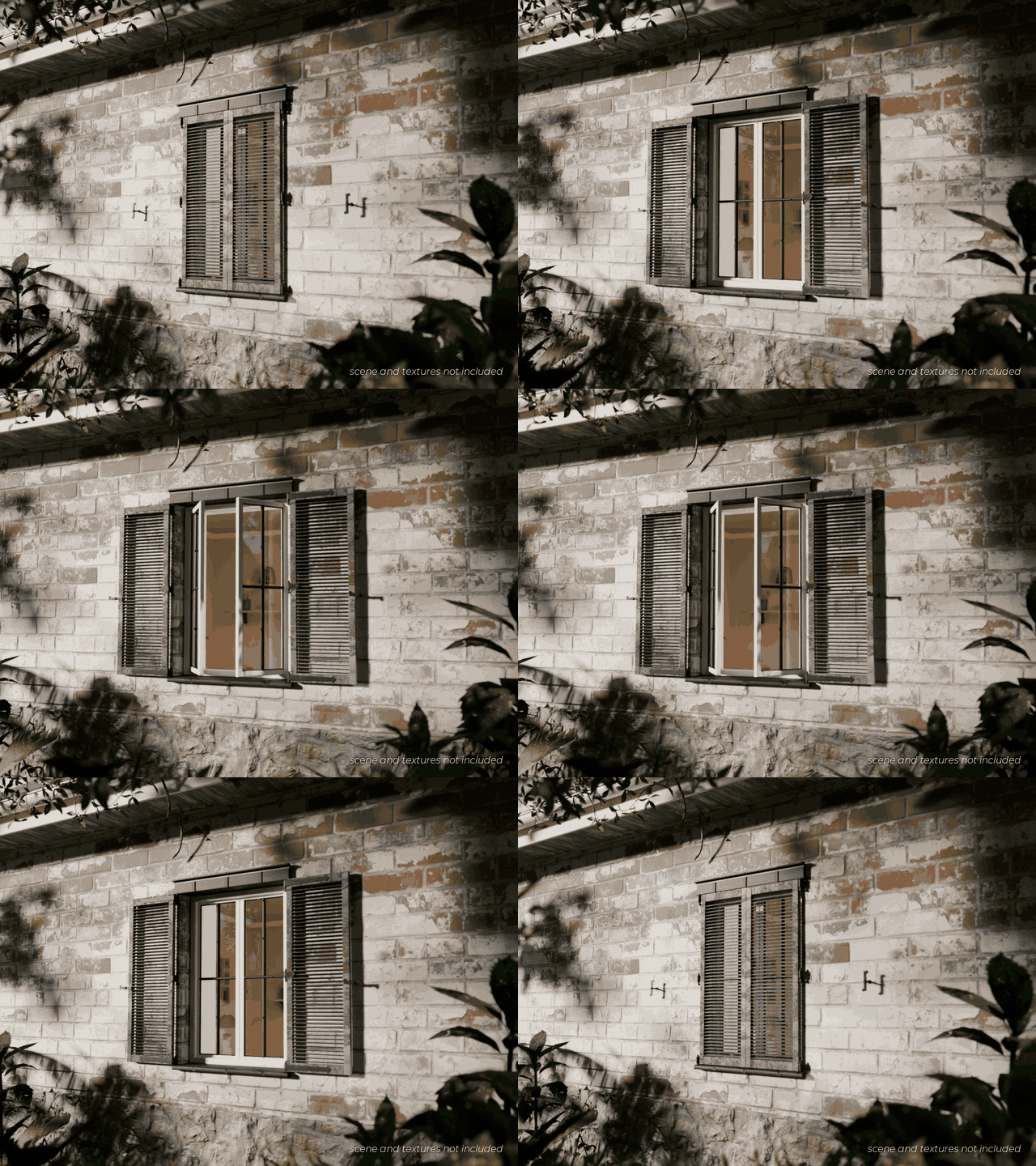
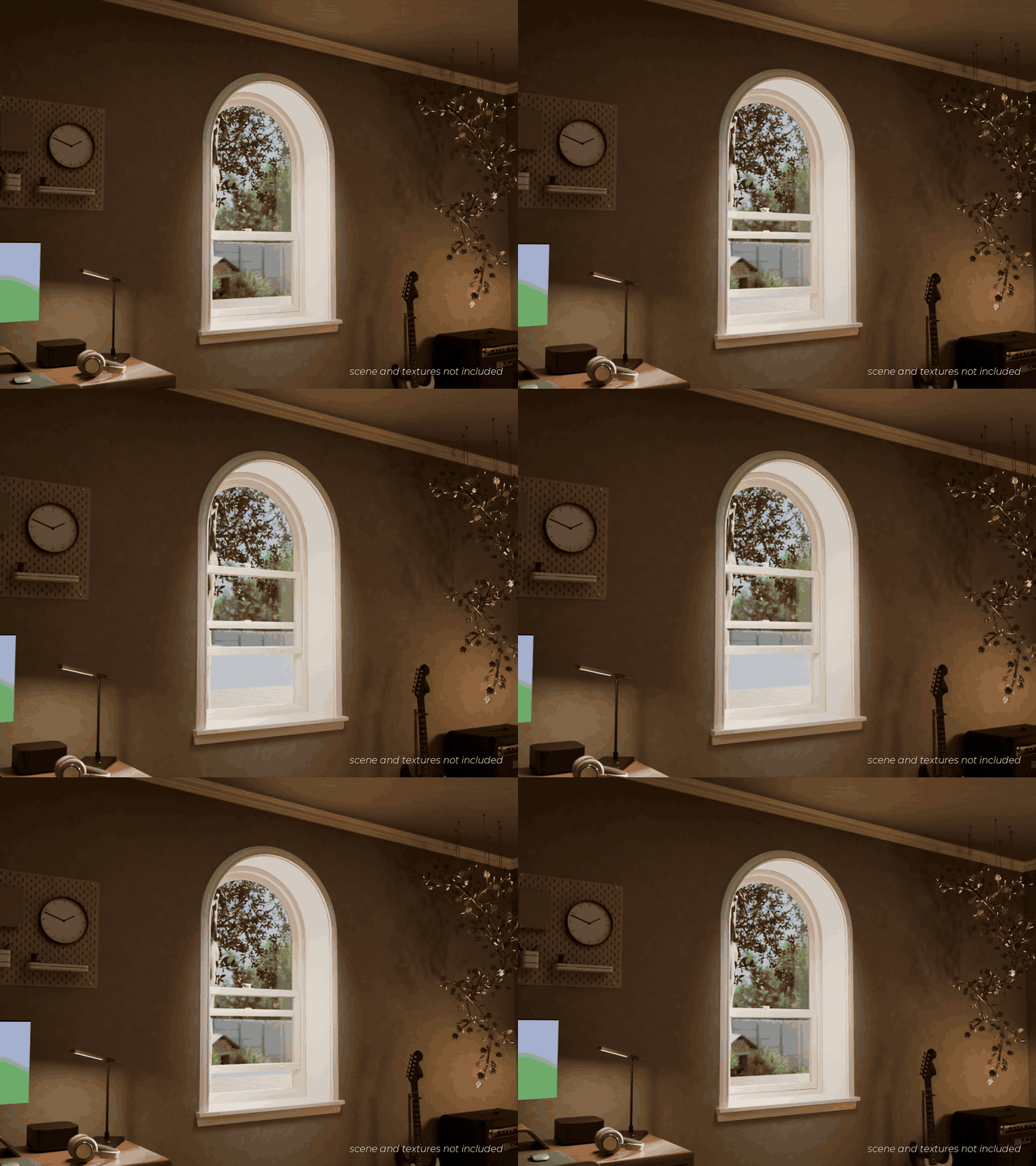
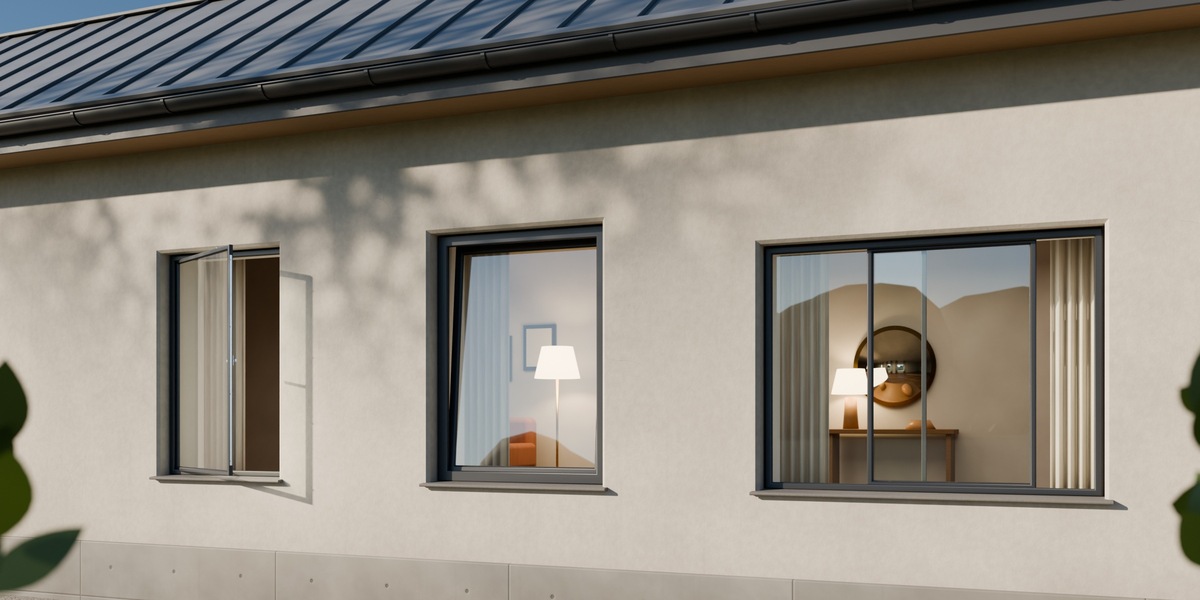
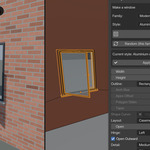
- The Open slider drives casements, French casements, double-hung sashes, awnings, hoppers, sliding and double-slider windows and Tilt & Turn windows (a Tilt slider tips the leaf in at the top)
- Fixed layouts and some outlines do not open
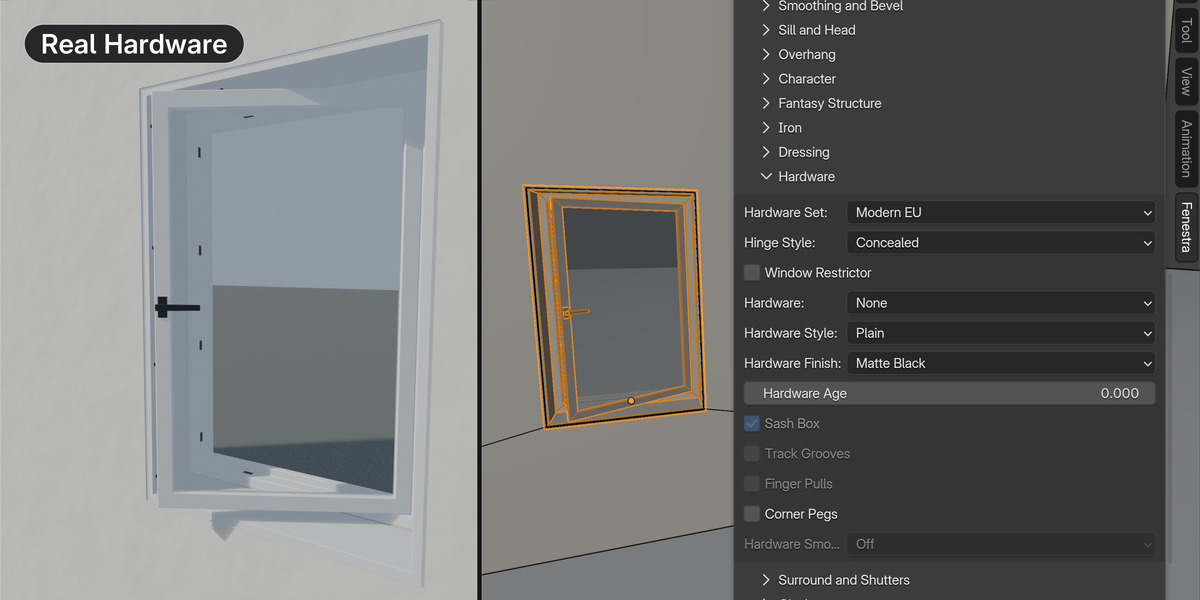
Hardware
- Hinges, stays, fasteners, sash locks and lifts, espagnolettes and shutter ironwork, built for the layout and moving with the leaf
- Modern EU and Modern US sets: Euro levers, tilt-and-turn gear, crank operators, cam locks and latches, with concealed or visible hinges
- 12 finishes: Brass, Black Iron, Chrome, Bronze, Satin Black, Stainless, Brushed Nickel, Champagne, White, Anthracite, Matte Black and Chestnut
Frames, heads, surrounds and sills
- Hood moulds, pediments, keystones, quoins, voussoirs, stone and brick surrounds, sills on brackets, window boxes and shutters (louvre, panel, plank and batten)
- 14 interior trim styles with mitred corners and jamb linings, that follow arches and round windows
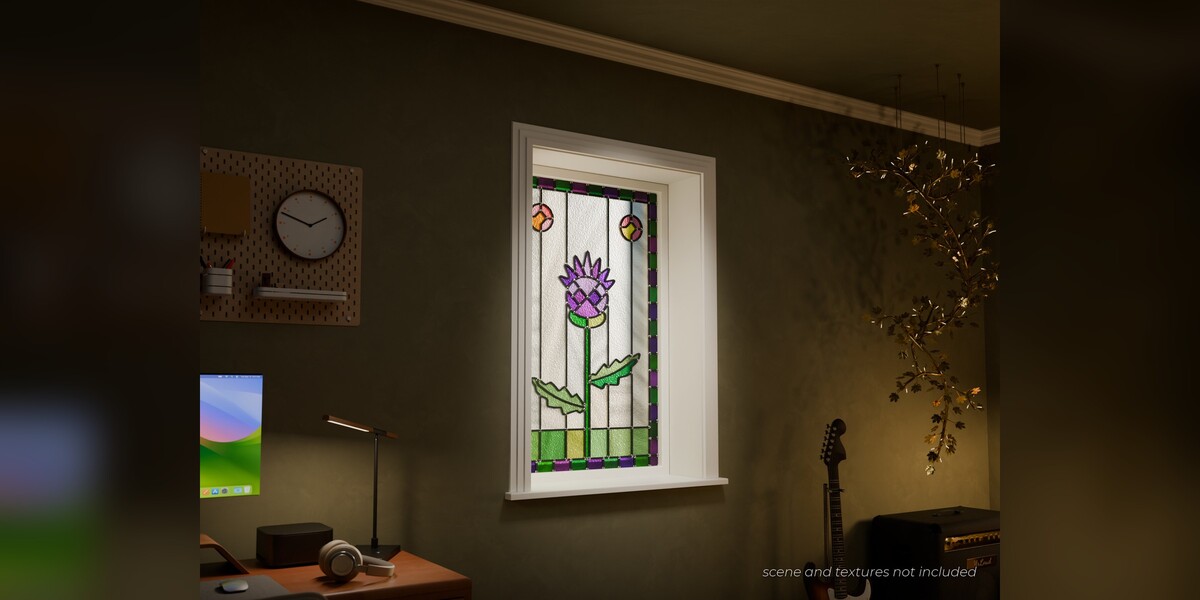
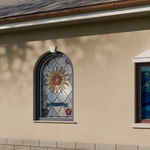
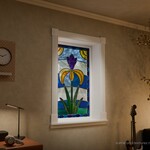
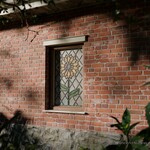
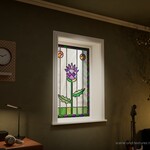
Stained glass
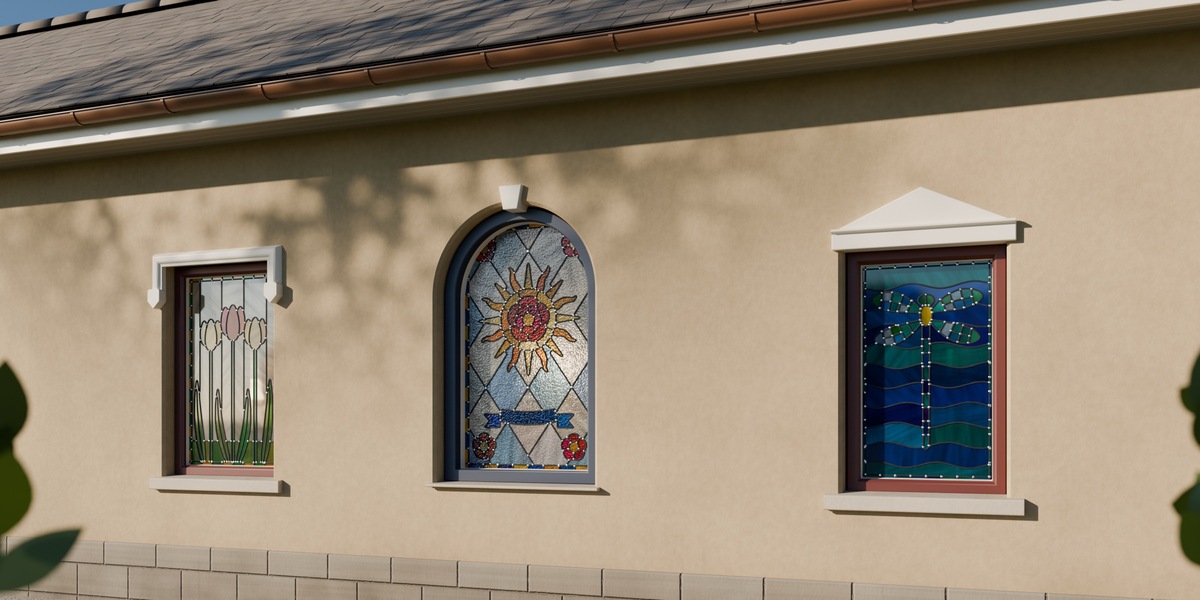
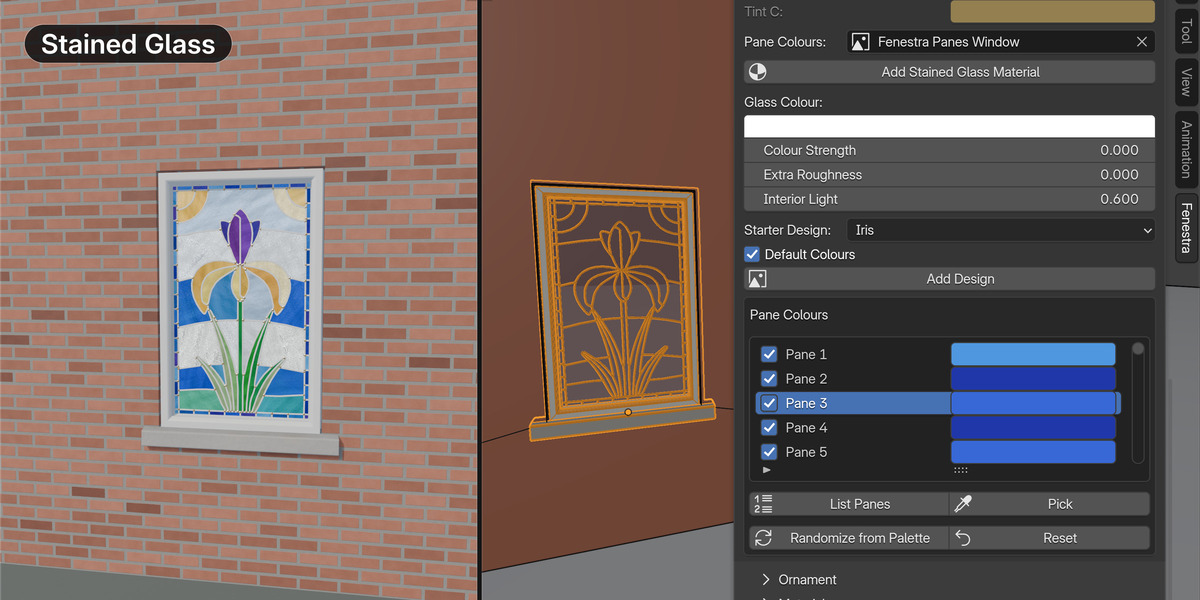
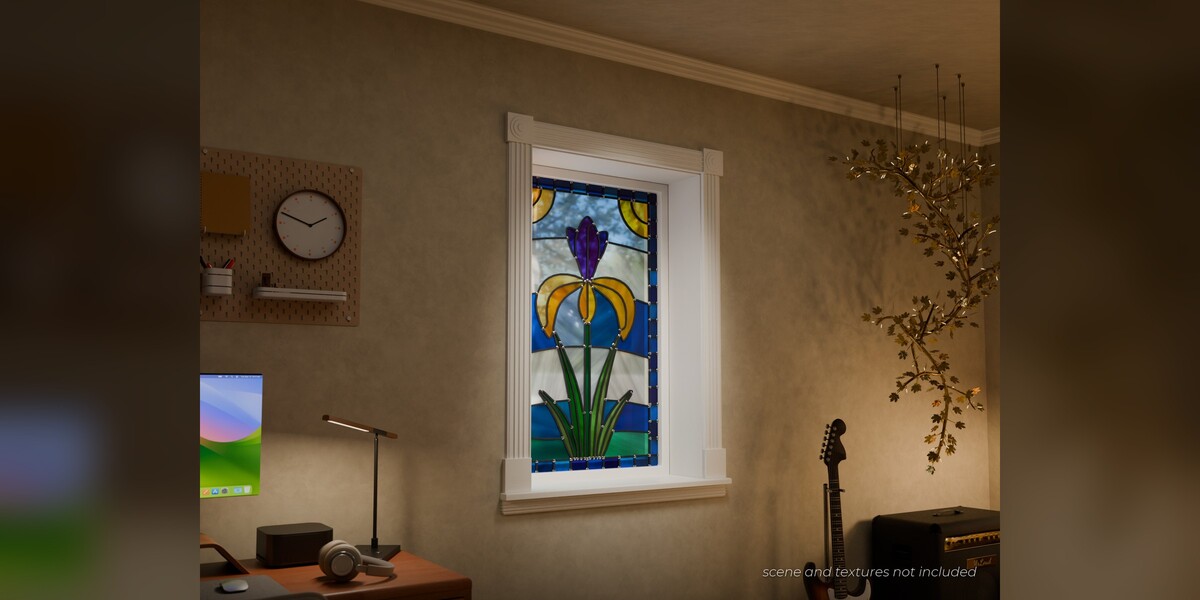
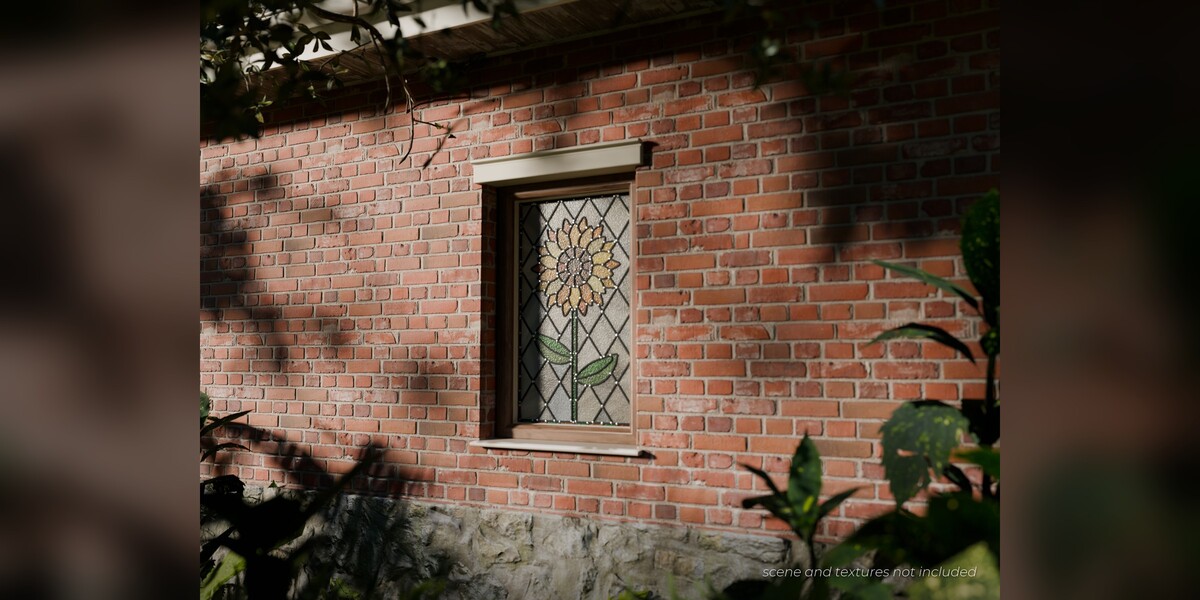
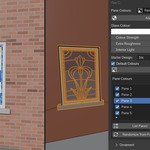
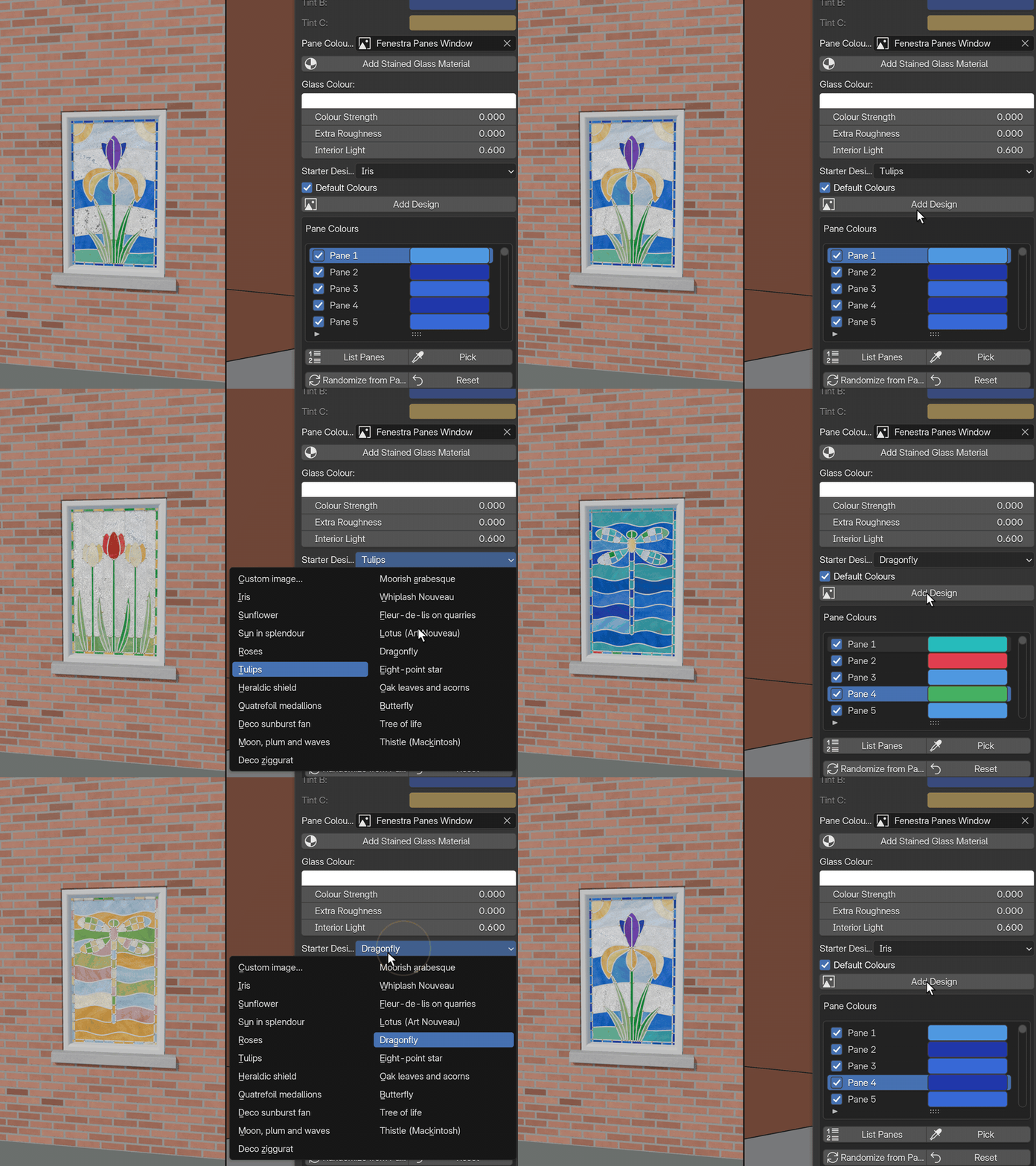
- 20 starter designs with default colours and a one-click Add Design button
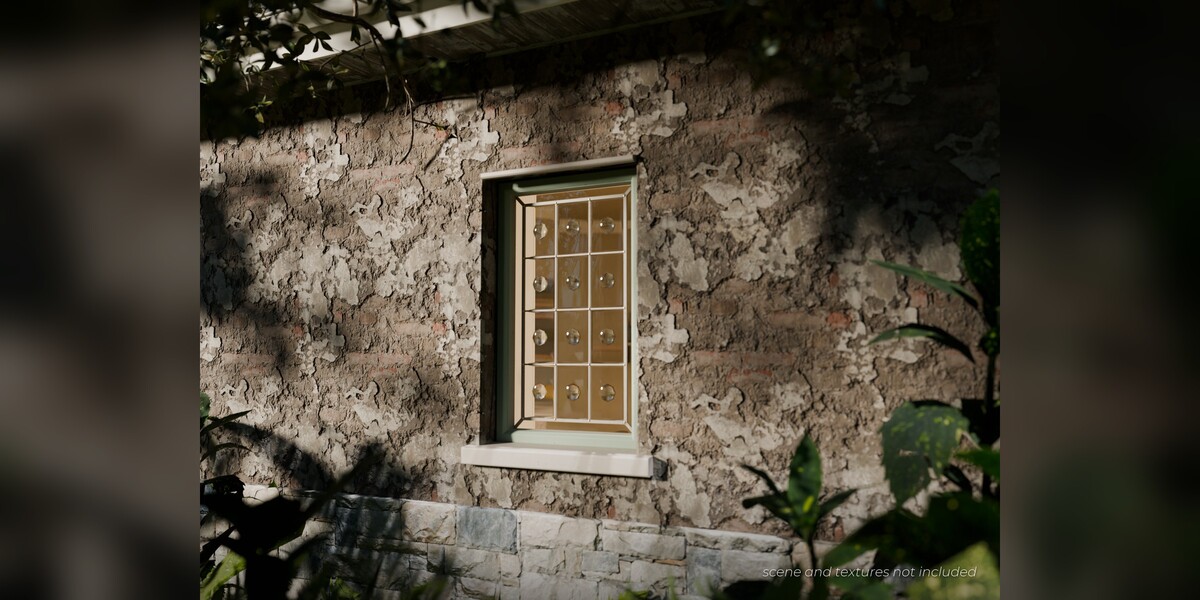
- Per-pane colours, four palettes plus Custom, glass textures and five came finishes
- Leadwork from Image turns your own black-line drawing on white into panes and lead came: every enclosed shape becomes a pane
- Pattern generators that need no image: Grid, Angled, Radial, Tracery, Triangles, Rose, Rondels, Truchet, Prairie and Ice Ray
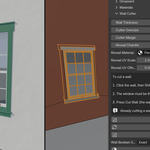
Cut Wall
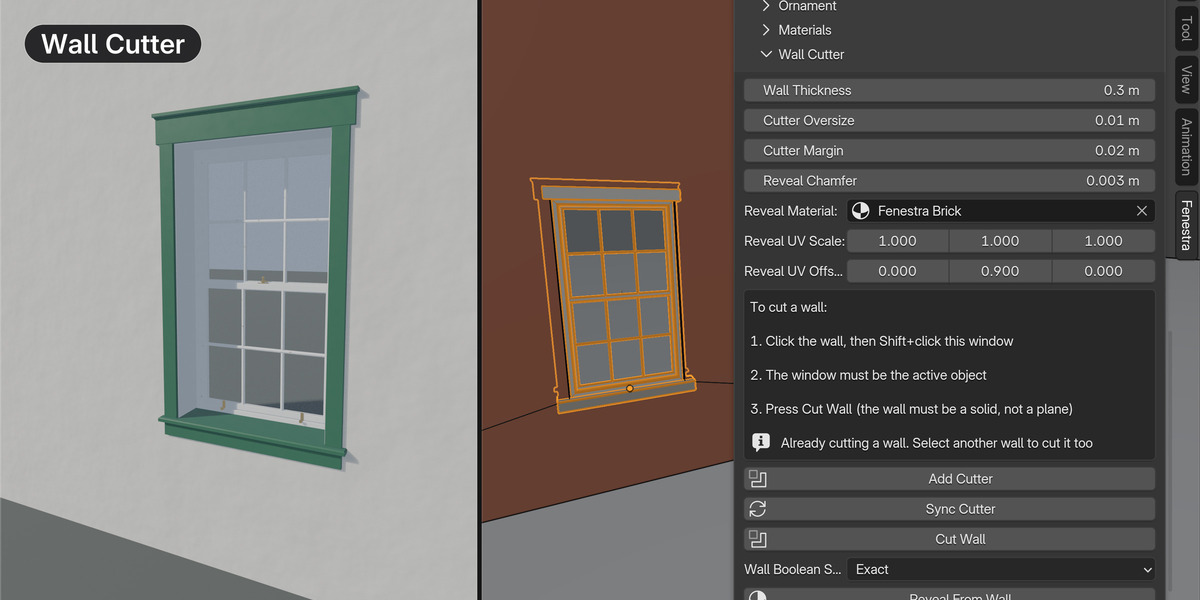
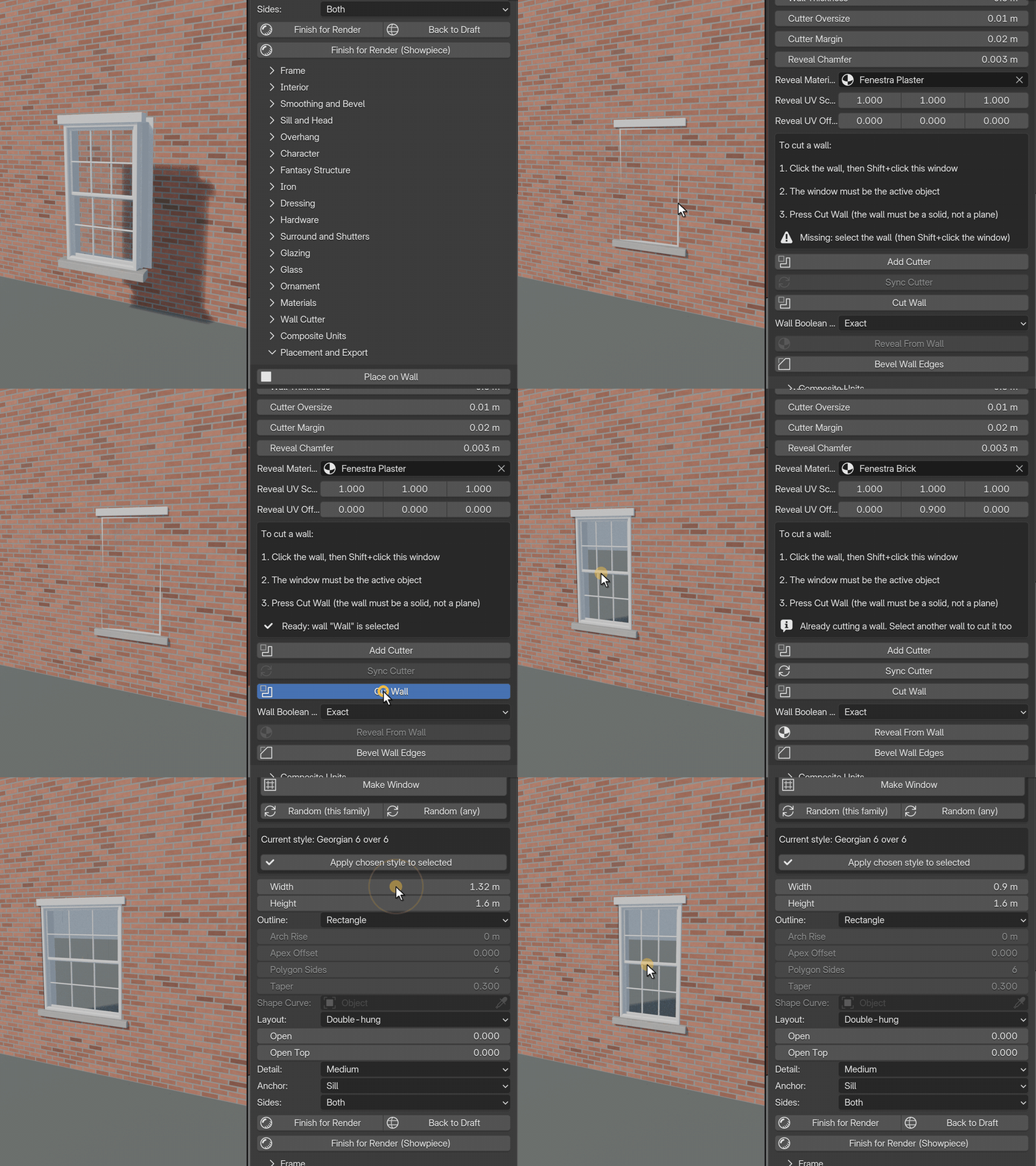
- A live Boolean hole with a 3 mm chamfered edge (adjustable) and your wall material on the reveal
- Many windows share one Boolean through a single collection, and the hole follows the window when you move or resize it
Made for many windows
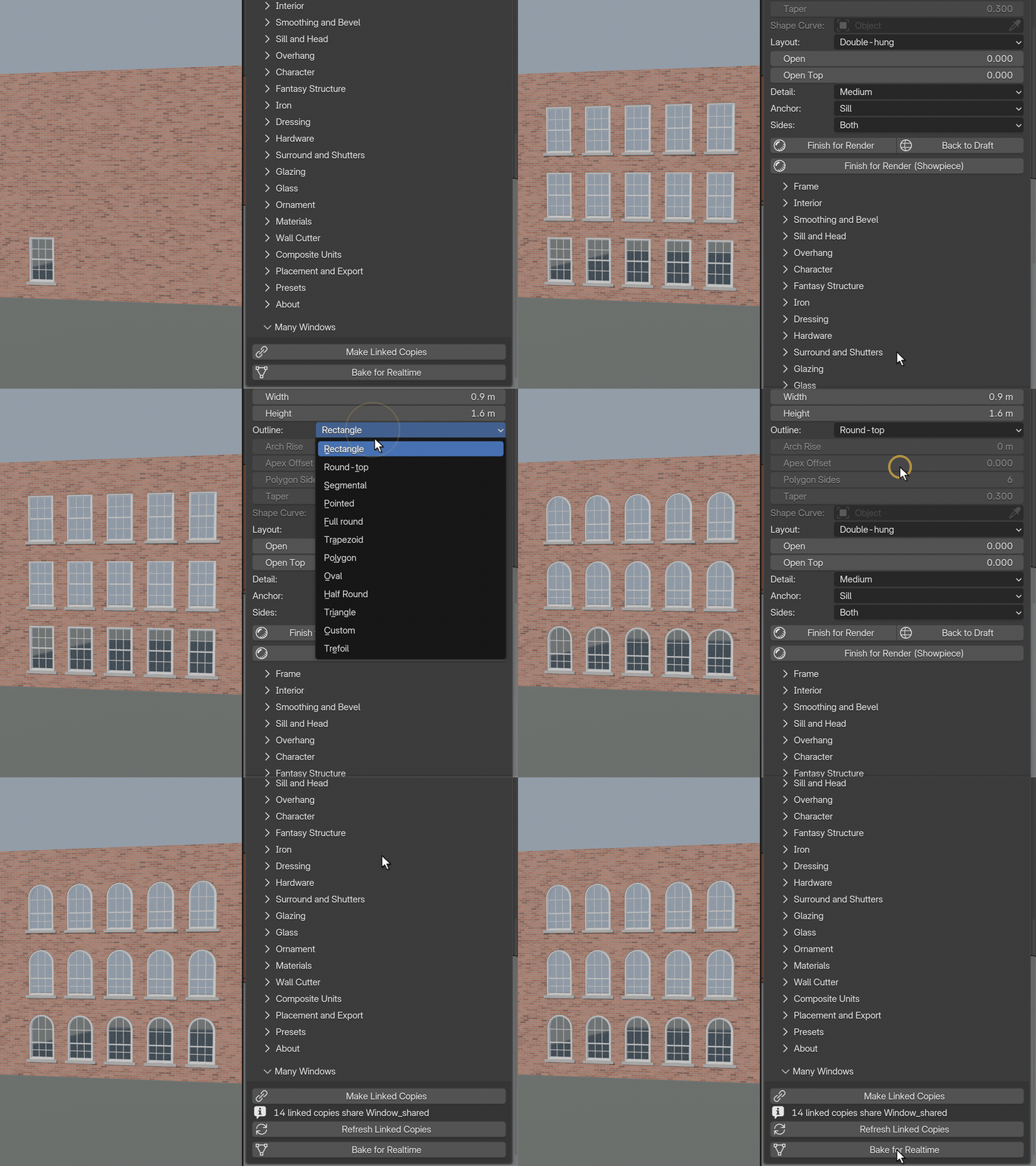
- Make Linked Copies shares one mesh between copies, Bake for Realtime makes lean meshes with LOD copies, and collection instances keep big scenes light
- Save every setting of a window as a preset and load it onto other windows
- In our tests, reopening a 100-window wall took about 0.8 to 0.9 s from linked copies or baked windows and about 2.5 s with 100 live windows (one machine; your times will differ)
Made to be used
- Three steps to a window in a wall: pick a style and press Make Window; put the 3D cursor on the wall and press Place on Wall; select the wall, Shift+click the window so it is active, and press Cut Wall
- Cycles and EEVEE: windows are real geometry, so they render the same in both engines
- Every control up front: settings are grouped in the Fenestra panel (Quick Build, Frame, Glazing, Hardware, Interior and more), with a tooltip on every one
- Your materials: any material you want goes into any part (frame, glass, trim, shutters, hardware, surround, sill, roof, interior trim). The starter materials are simple procedural previews so a window is never grey.
- Quality levels: build and edit at Medium detail so the viewport stays fast, then press Finish for Render for full detail when you are ready to render in Cycles or EEVEE.
- Documentation included: a full manual (quick start, panel reference, recipe catalogue, hardware and trim tables, limits, FAQ, troubleshooting)
- 12 months of updates
Requirements
Blender 5.2 or newer (built and tested on 5.2 LTS, on Windows; macOS and Linux are untested). Cut Wall needs a closed solid wall with some thickness, not a single plane. Fine detail is for final renders: edit at Medium and press Finish for Render. No textures, models or props are included.