Fenestra: Procedural Window Generator
 Outer Reach Productions
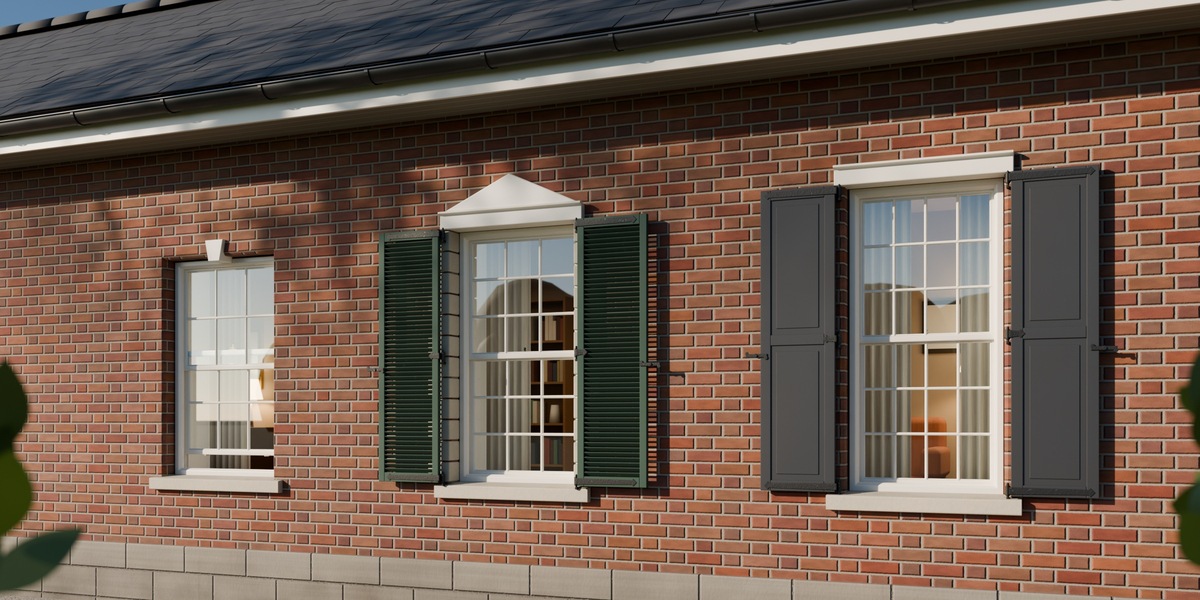
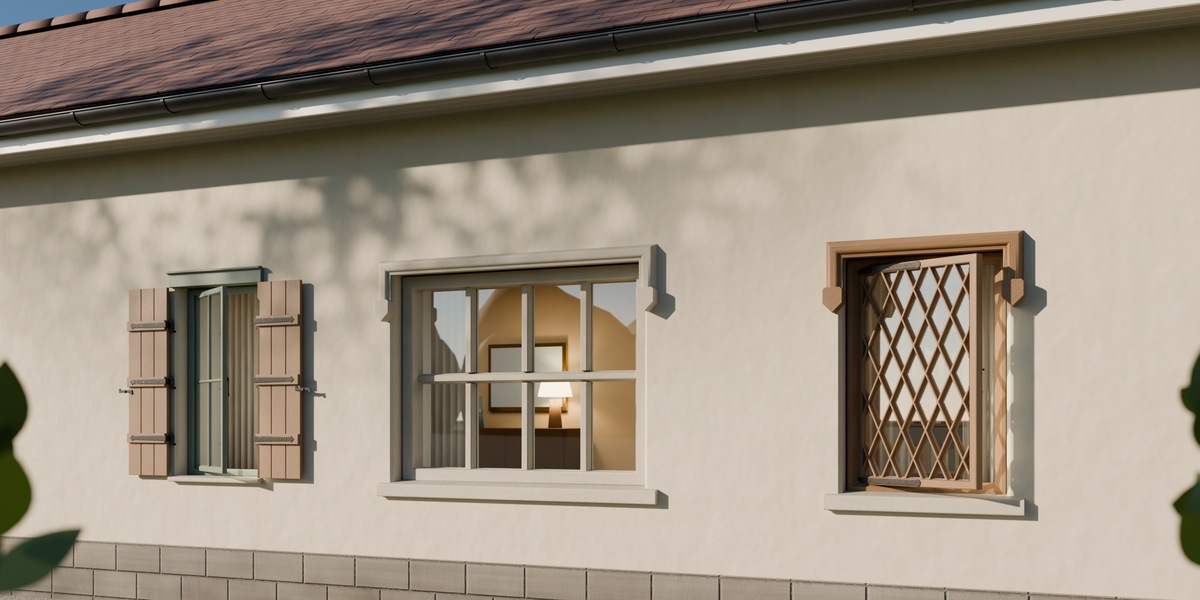
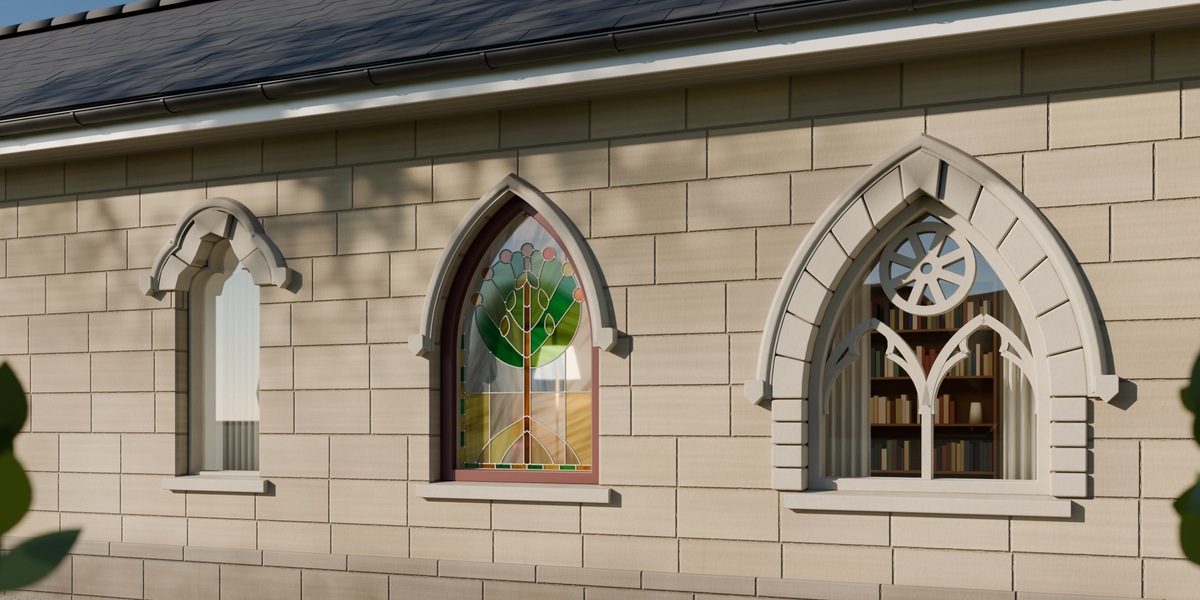
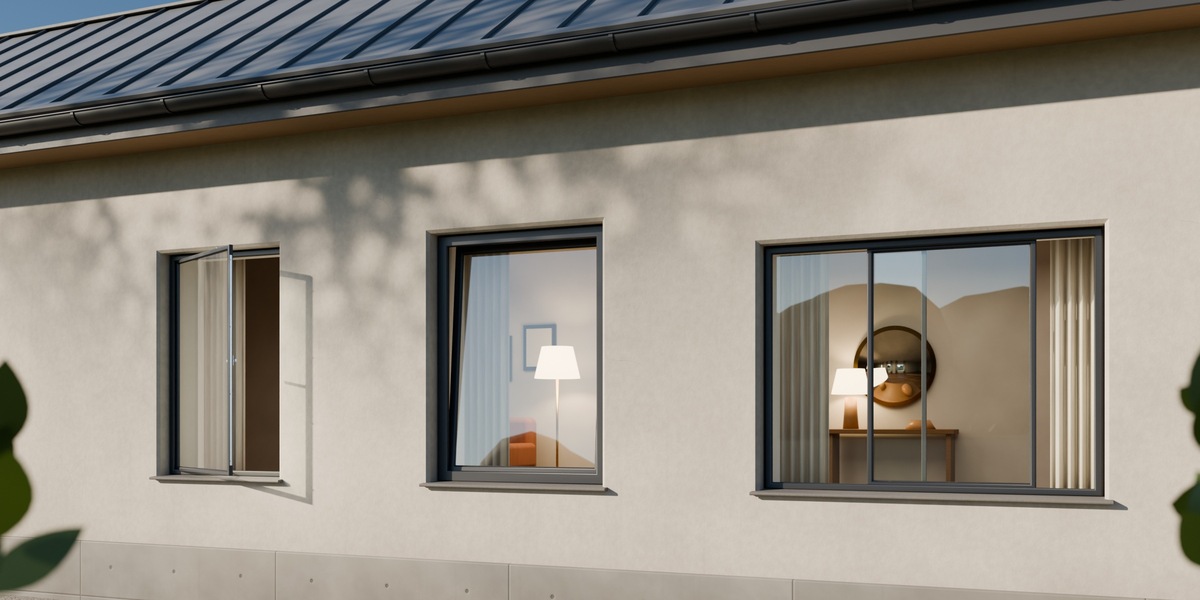
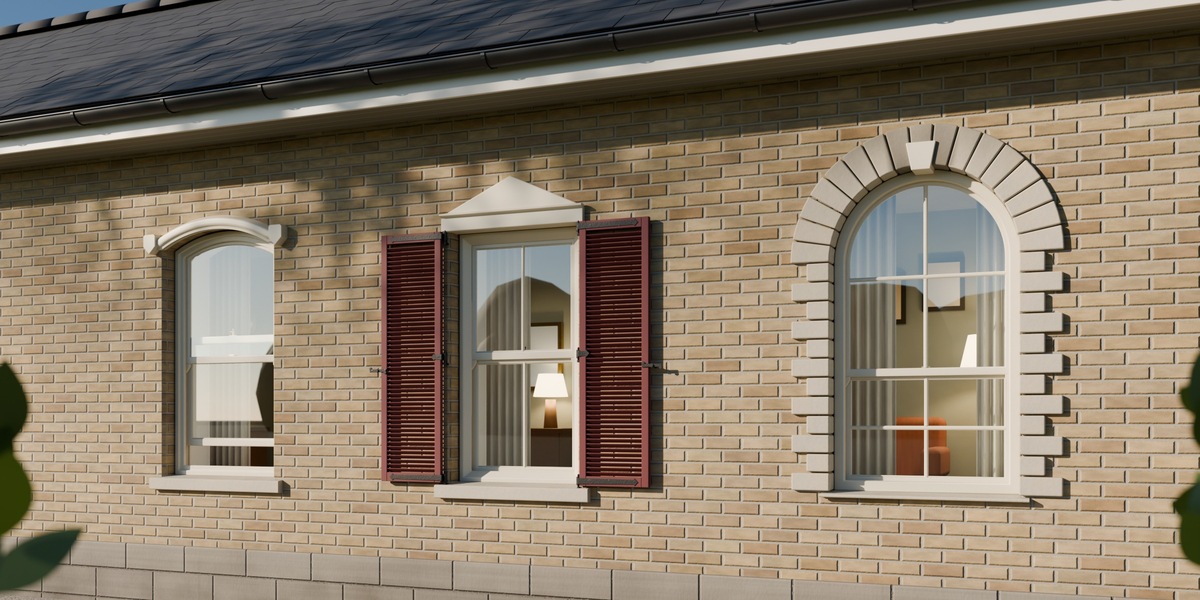
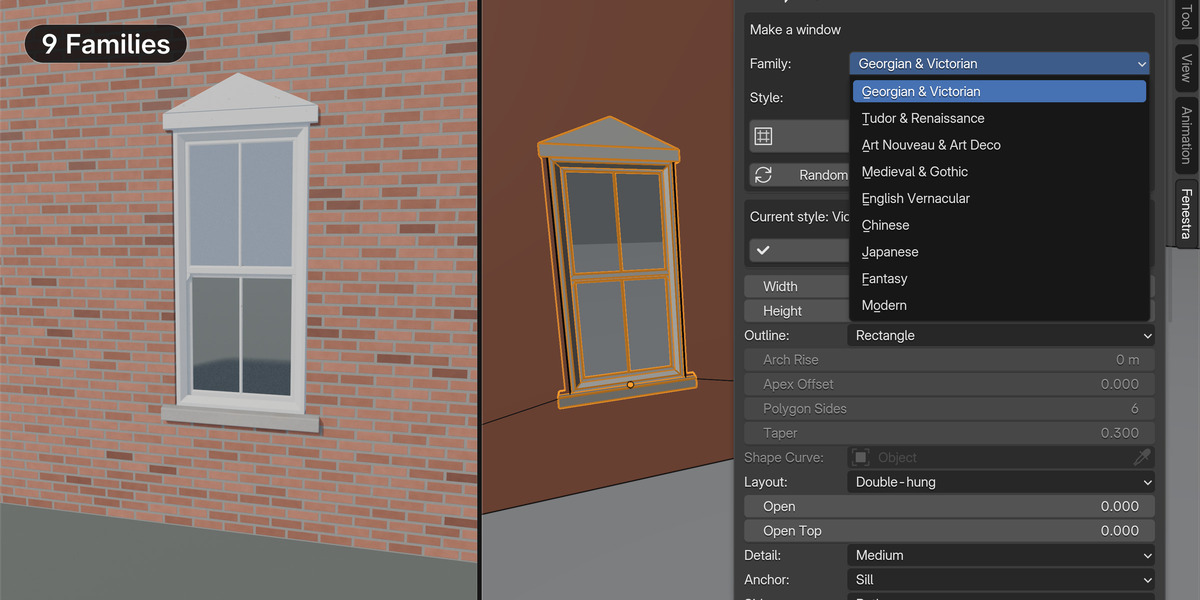
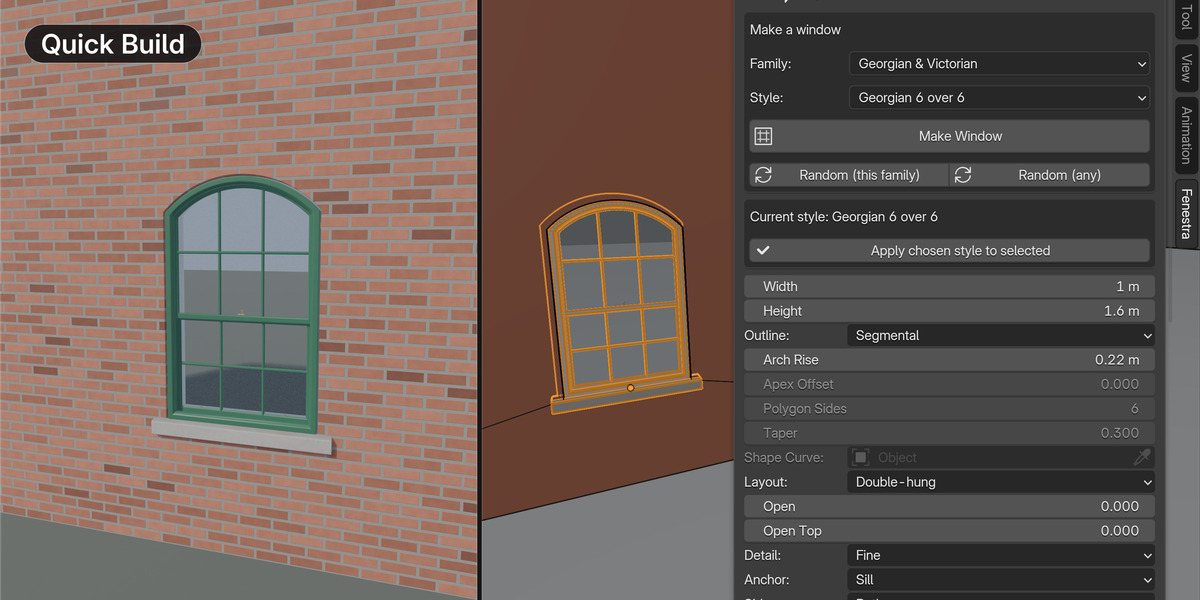
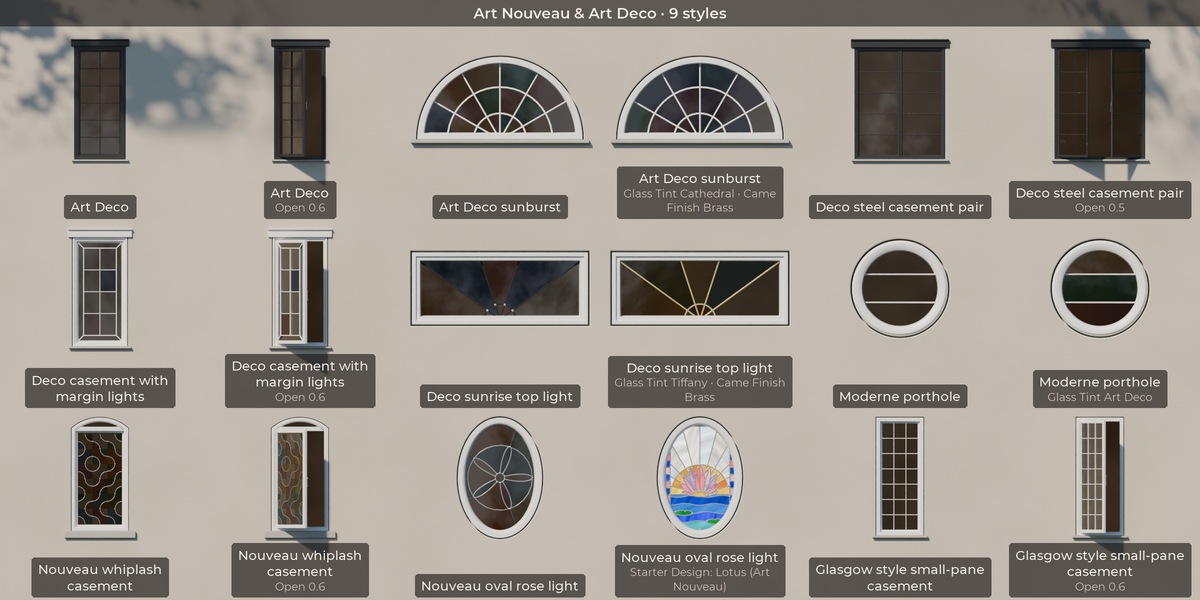
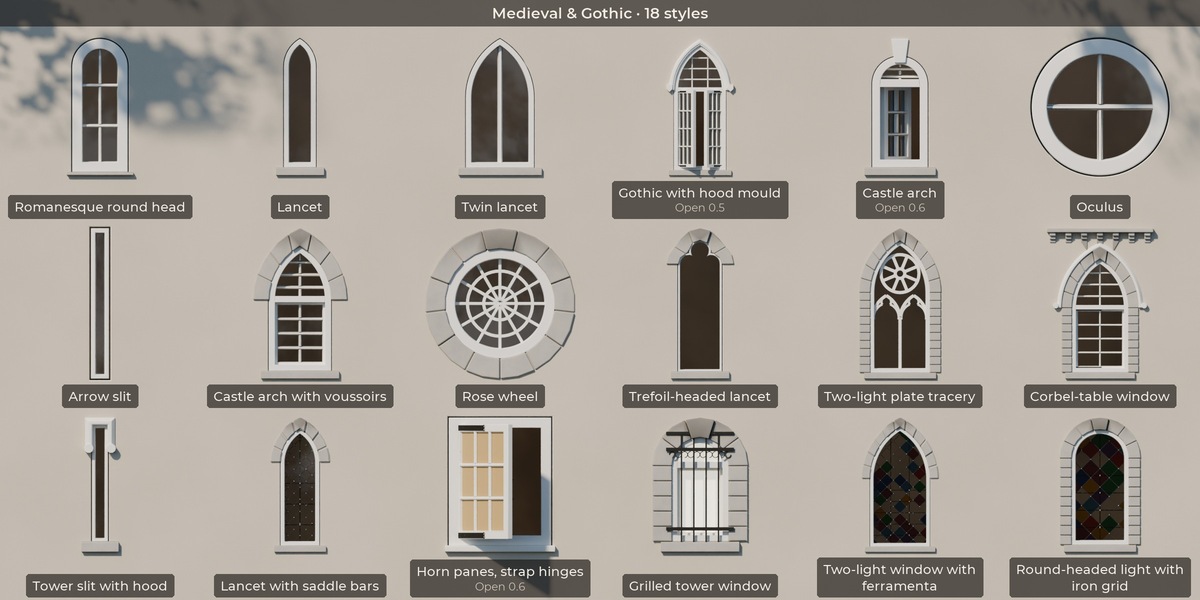
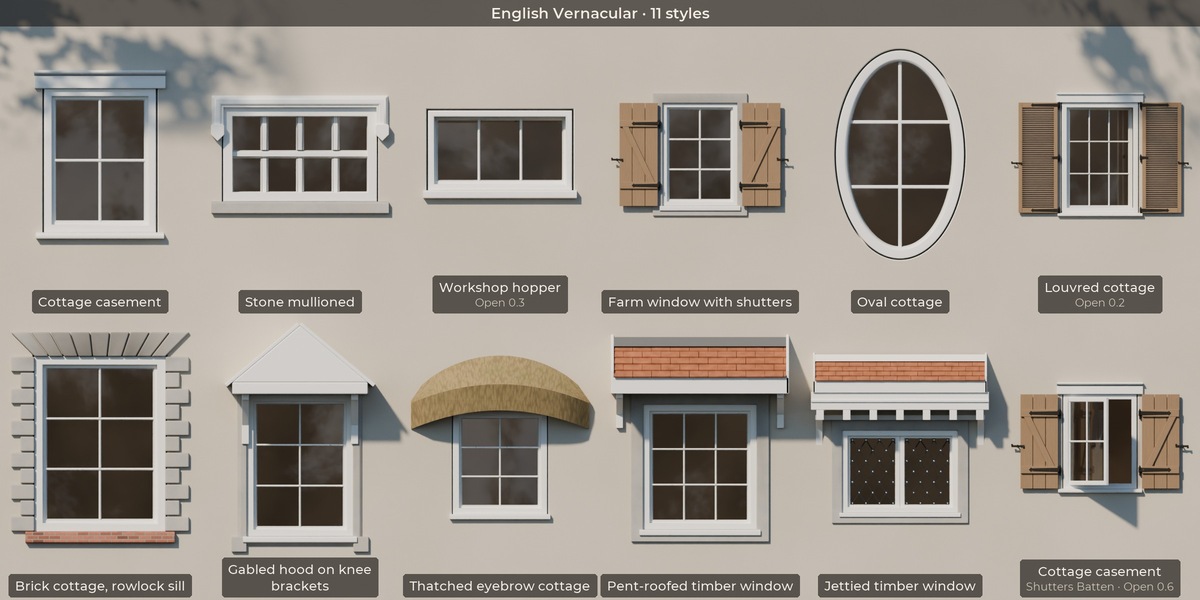
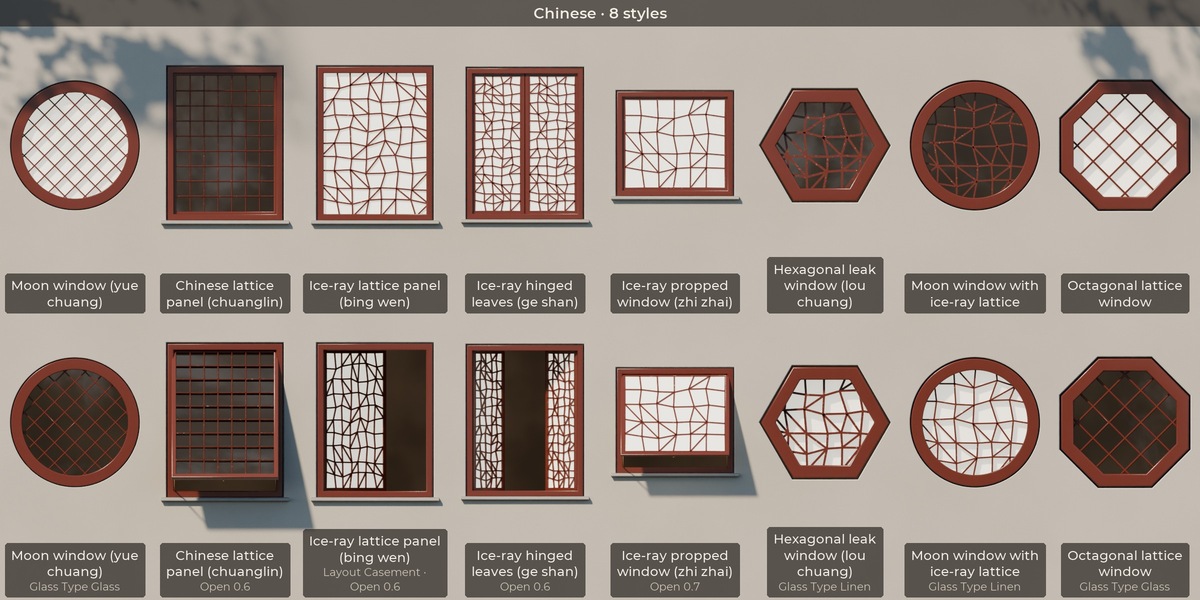
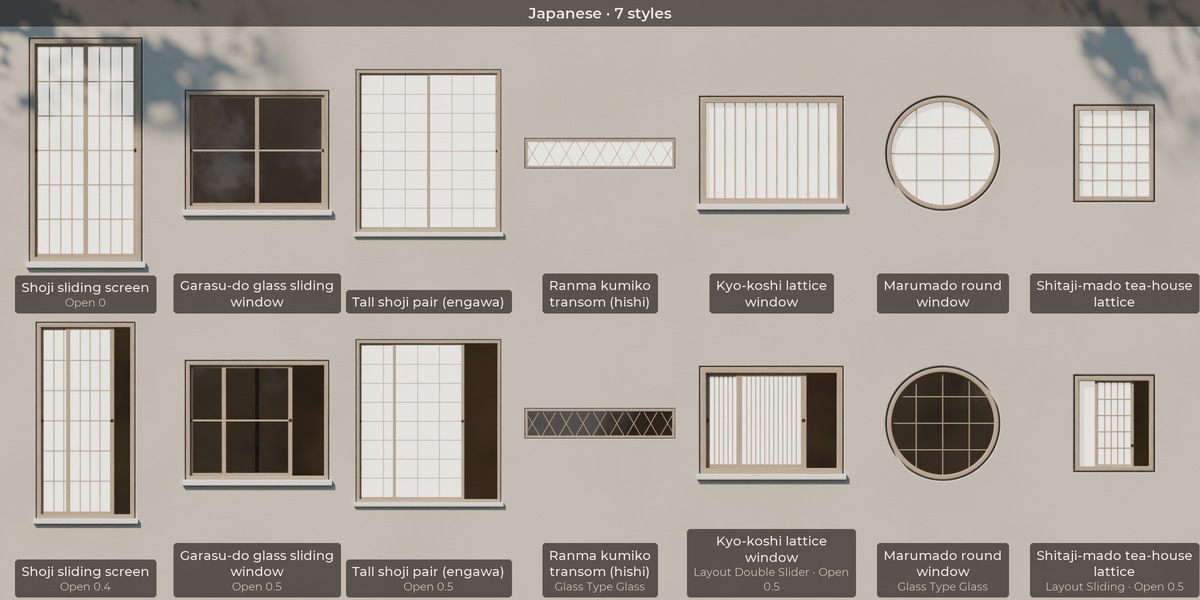
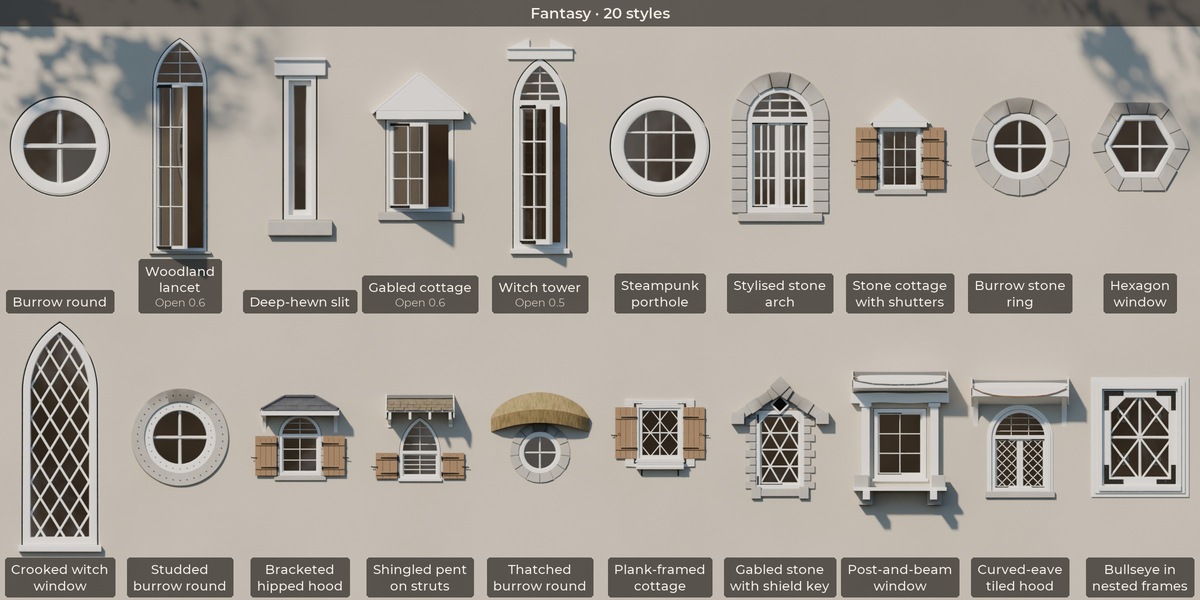
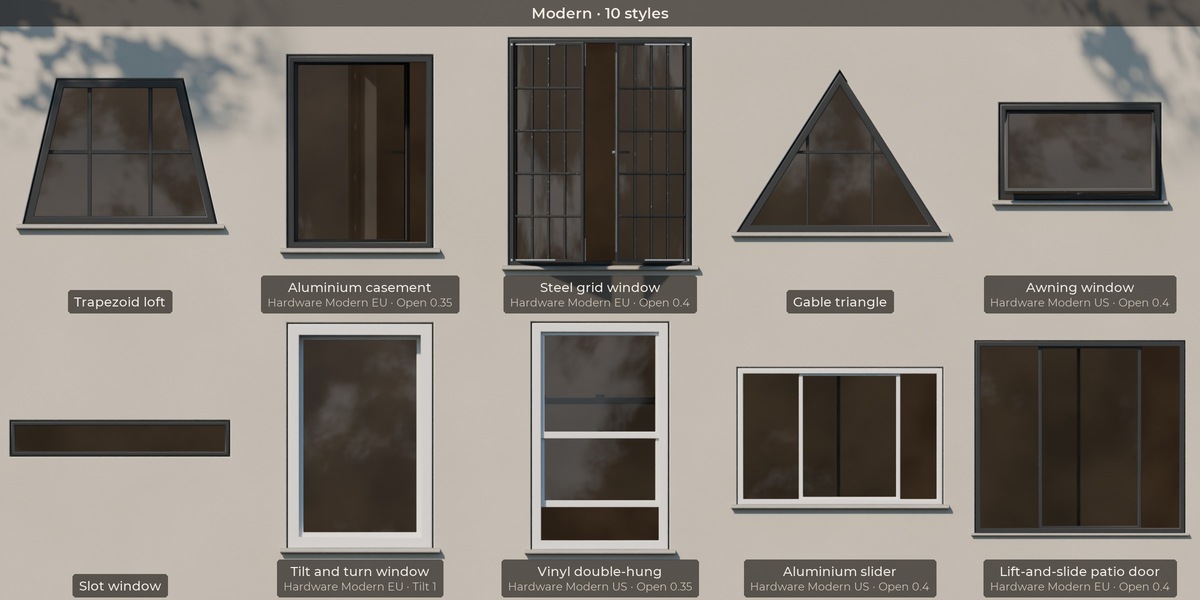
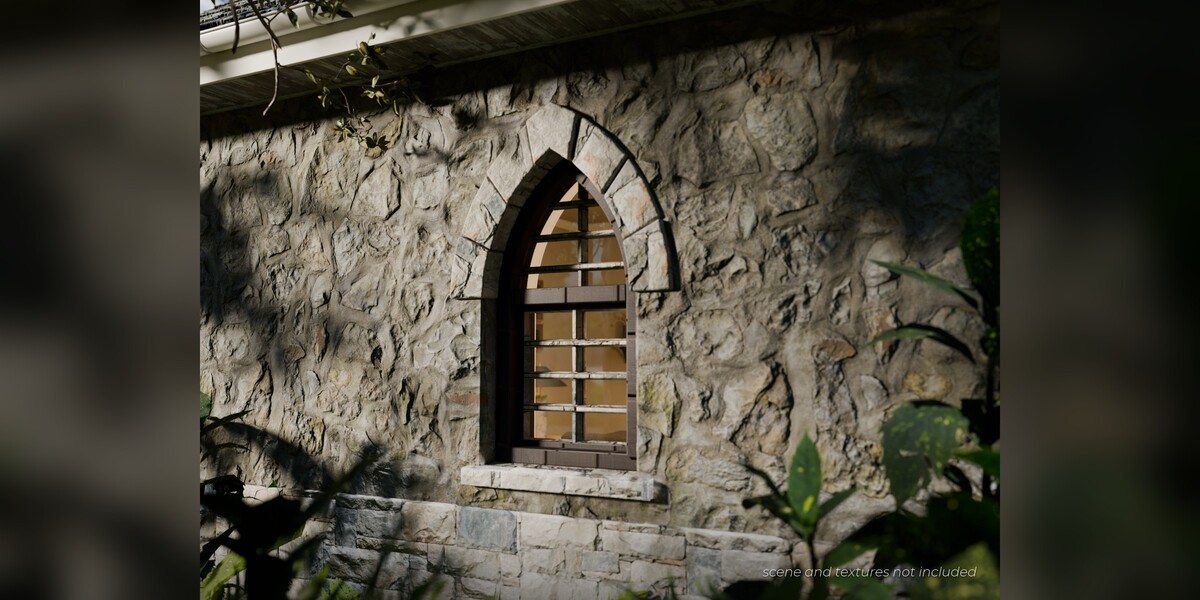
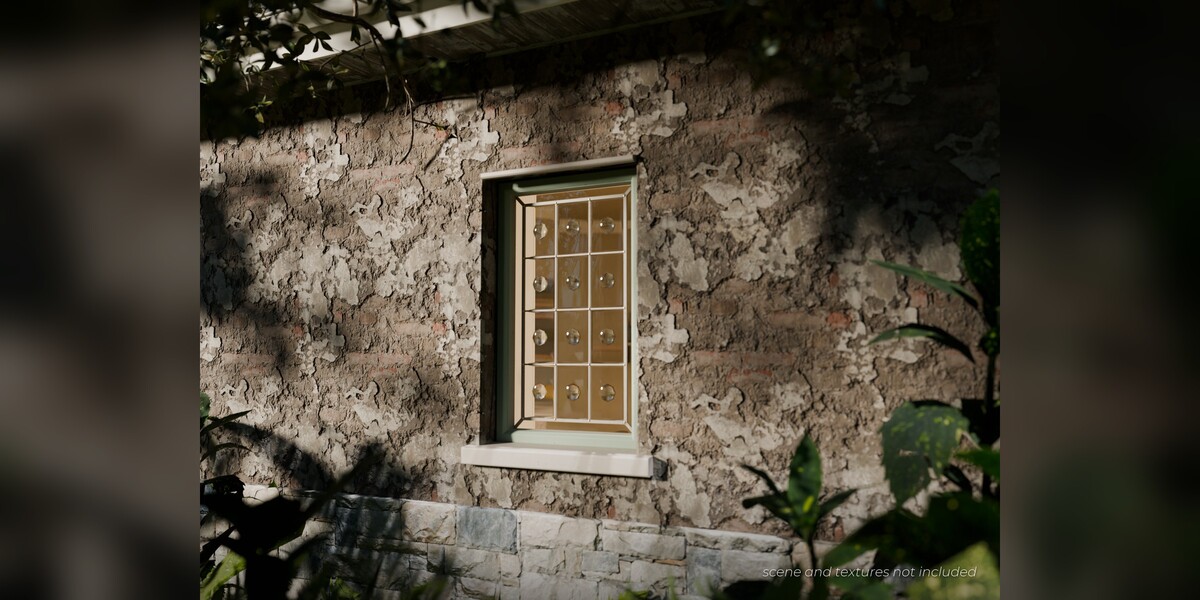
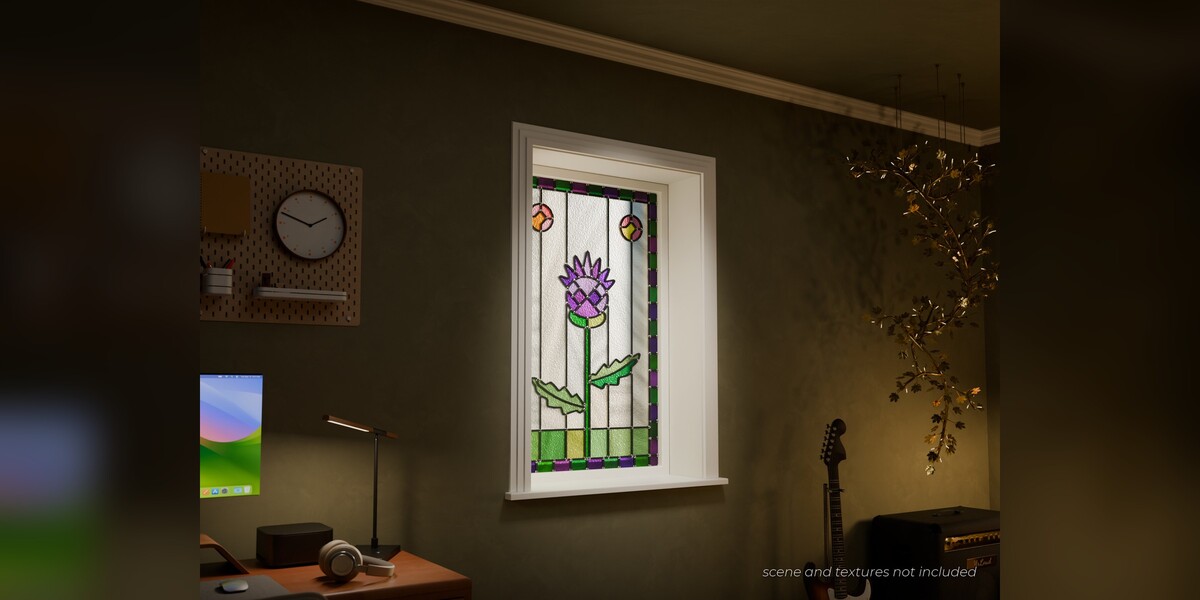
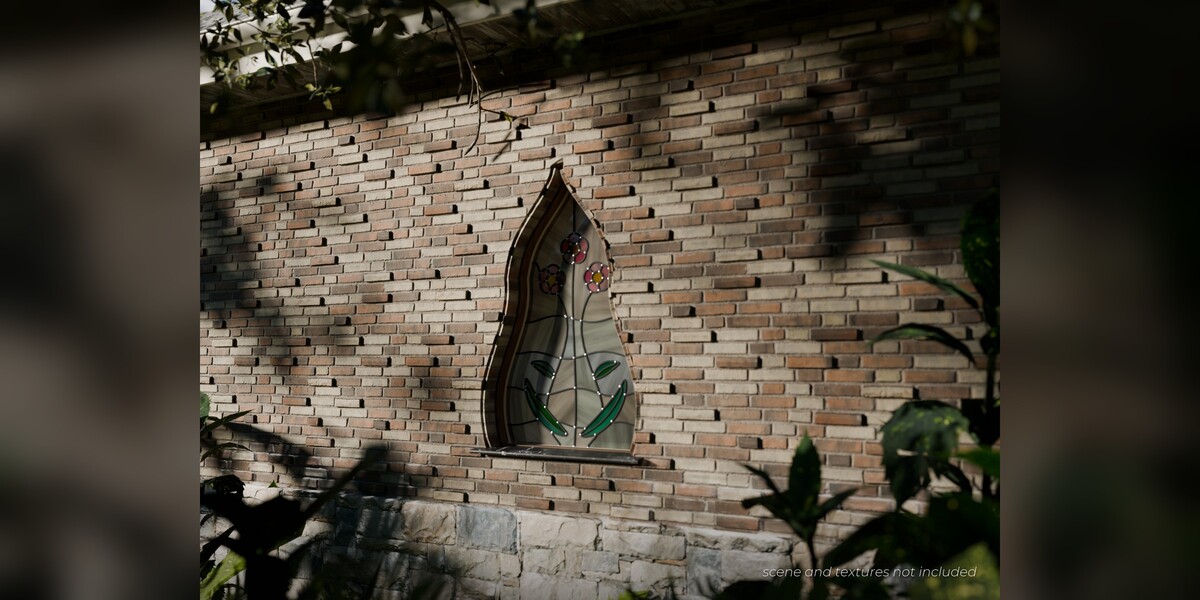
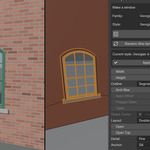
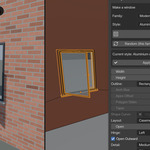
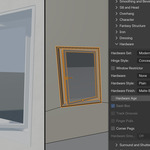
How do I cut a hole in my wall?
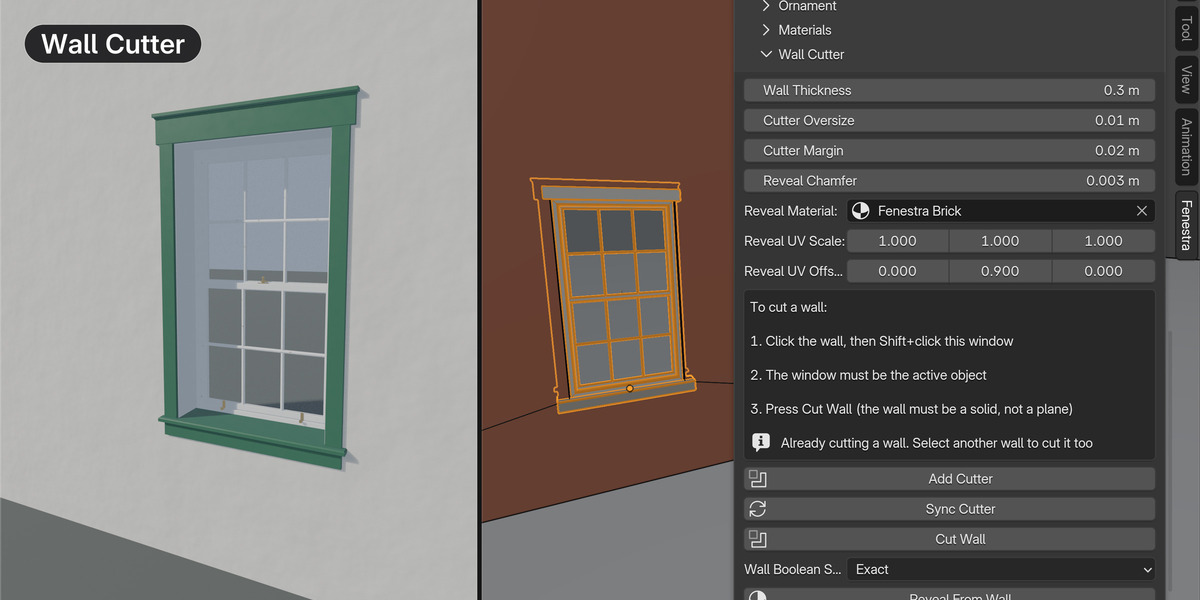
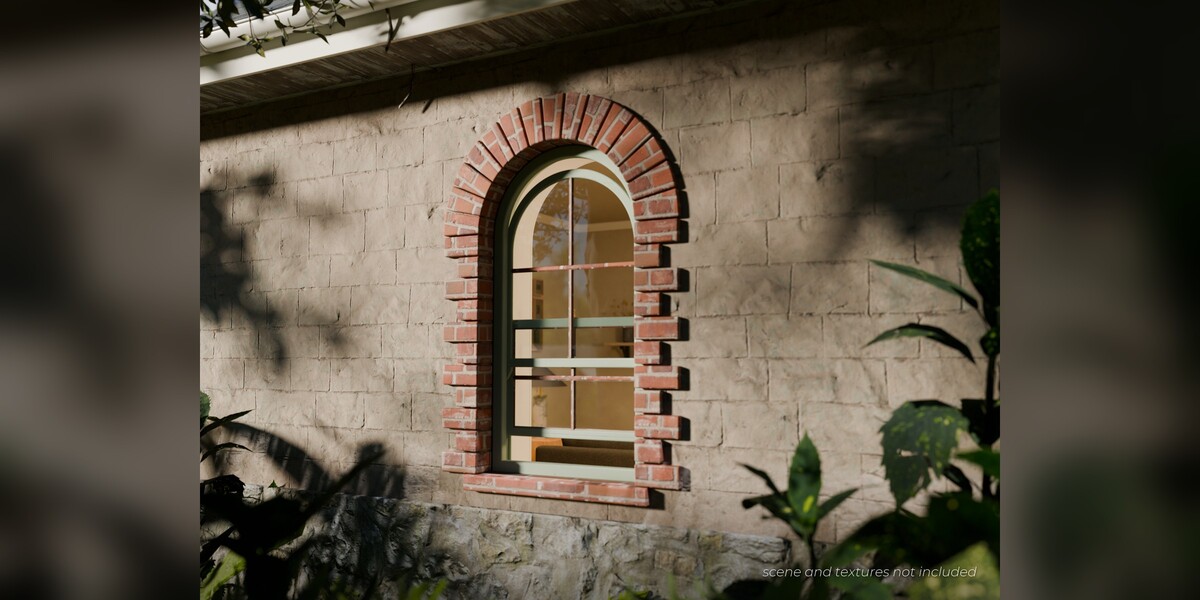
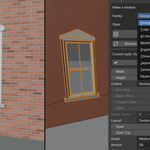
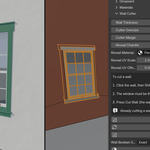
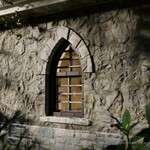
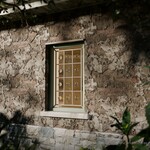
Put the 3D cursor on the wall (Shift+Right-click) and press Place on Wall. Click your wall, then Shift+click the window so the window is the active object, and press Cut Wall under Wall Cutter. The hole follows the window when you move or resize it. If nothing happens or the hole looks wrong: the window must be the active object, the wall must be a closed solid with some thickness (not a single plane), and after changing a menu such as Layout or Outline press Sync Cutter (size changes follow by themselves).
I deleted a window. What happens to its hole and cutter?
The hole closes at once. The empty wire cutter object stays until the next Add Cutter or Cut Wall removes it; you can also delete it in the Outliner (it is named after the window and ends in _cutter).
Which Blender versions and systems does it support?
Fenestra needs Blender 5.2 or newer. It is built and tested on Blender 5.2 LTS on Windows. macOS and Linux have not been tested, so we do not promise it works there.
How do I install it?
Open Edit > Preferences > Get Extensions, open the menu at the top right, choose Install from Disk and pick the Fenestra zip. Then, in the 3D Viewport, press N and open the Fenestra tab.
Why did my first window take a few seconds?
The first window of a session loads the Fenestra node library, which takes about 2 to 3 seconds. After that, windows appear quickly.
What quality level should I build and render at?
Build and edit at Medium detail so the viewport stays fast and responsive. When you are ready to render, press Finish for Render to switch the window to full detail, then render in Cycles or EEVEE. Fine detail is meant for final renders, so there is no need to work at that level while you are editing.
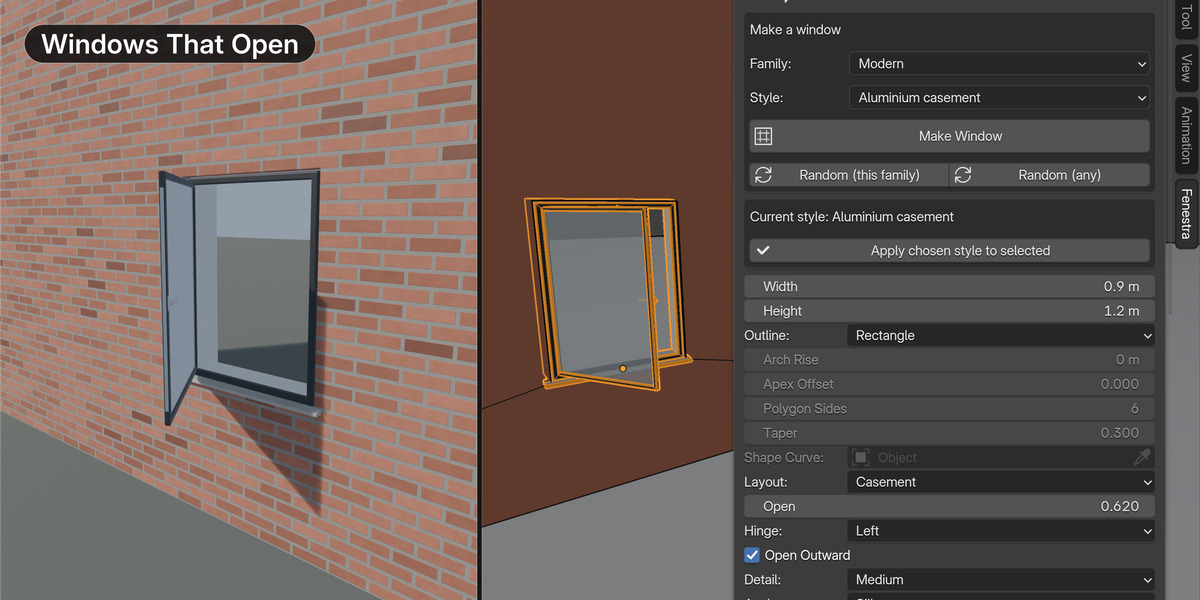
Do the windows open?
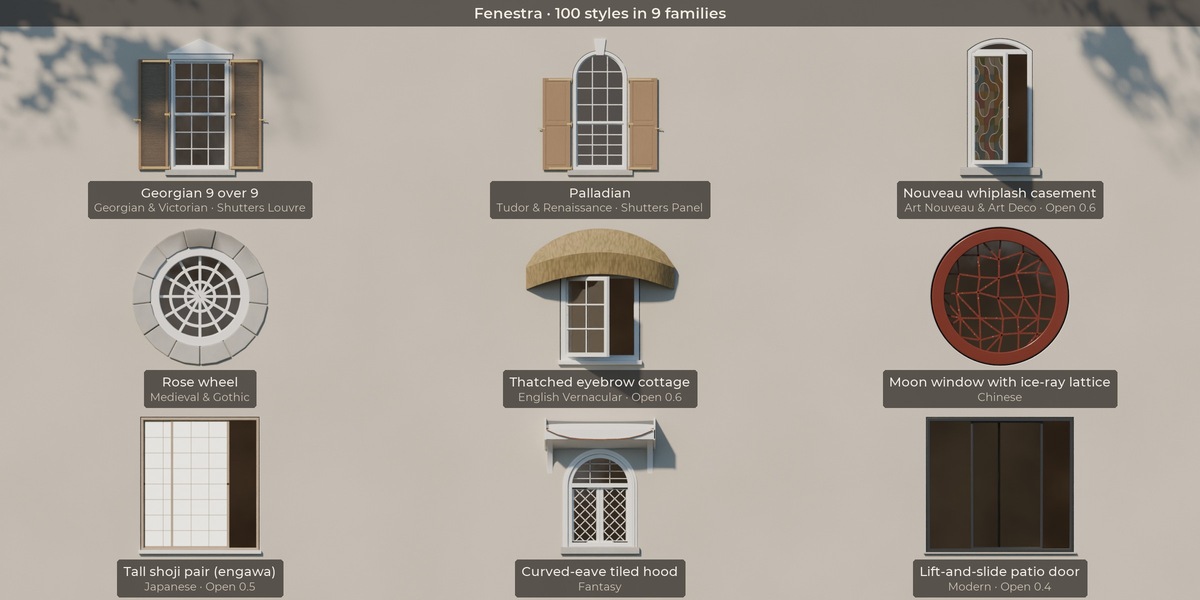
Many do. Set a Layout (Casement, French Casement, Double-hung, Awning, Hopper, Sliding, Double Slider or Tilt & Turn) and drag the Open slider. Fixed layouts and some outlines (round, oval, half-round, triangle and custom) do not open.
Can I use my own materials?
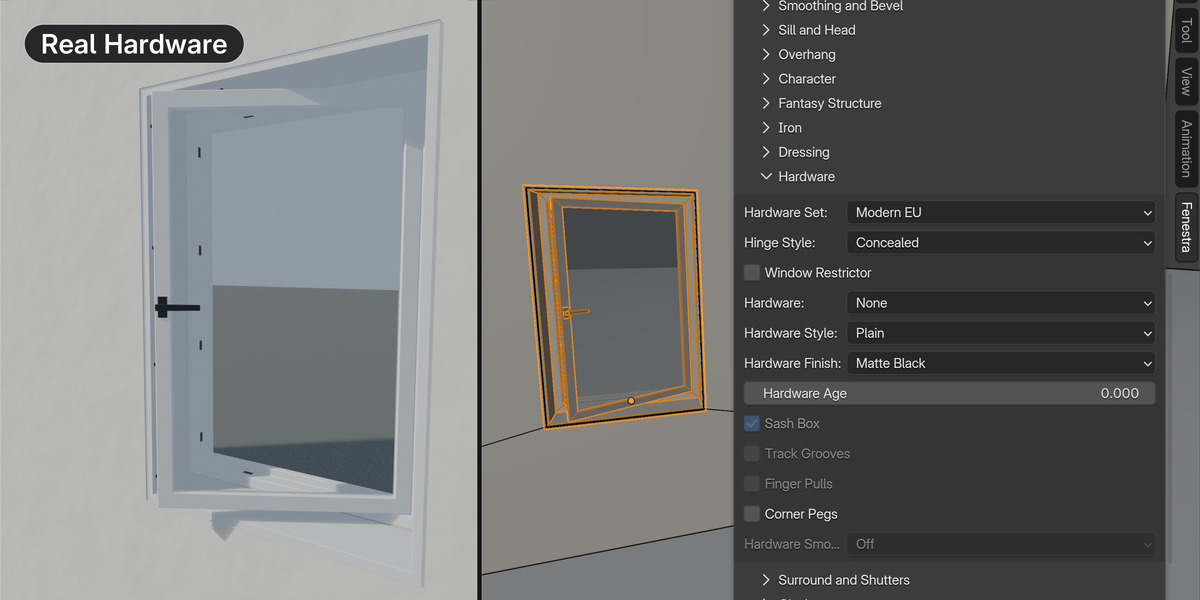
Yes, any material you want on any part. Materials are inputs on the modifier: drop your own into the Frame, Glass, Trim, Shutter, Hardware, Surround, Sill, Roof or interior trim slots. The starter materials (Add Starter Materials) are simple procedural previews so a window is never grey.
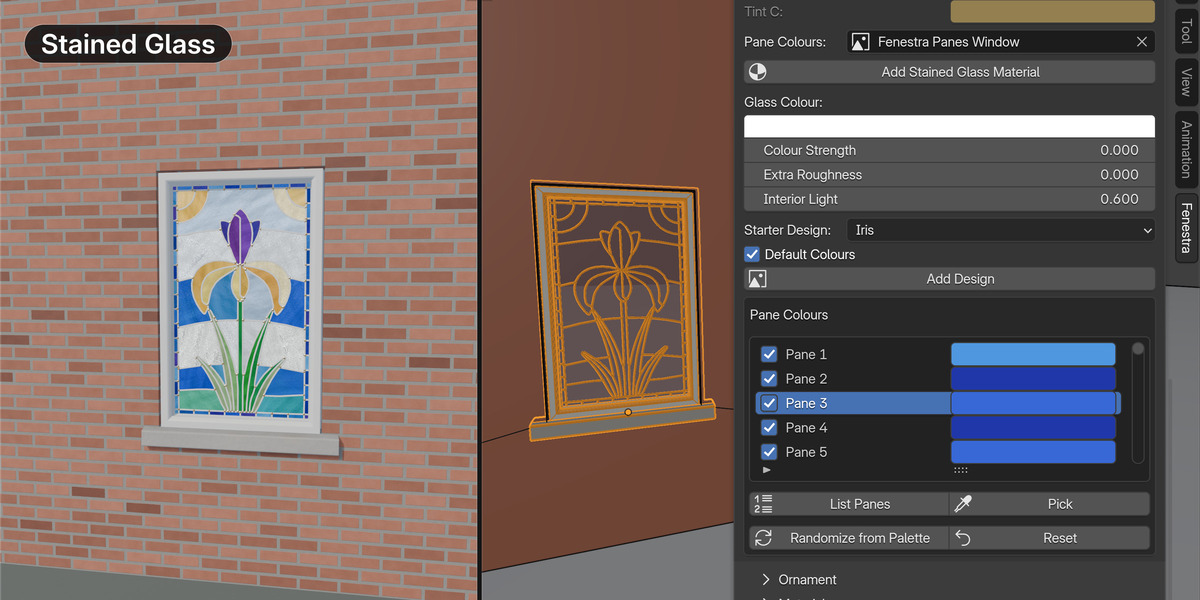
Can I use my own stained glass drawing?
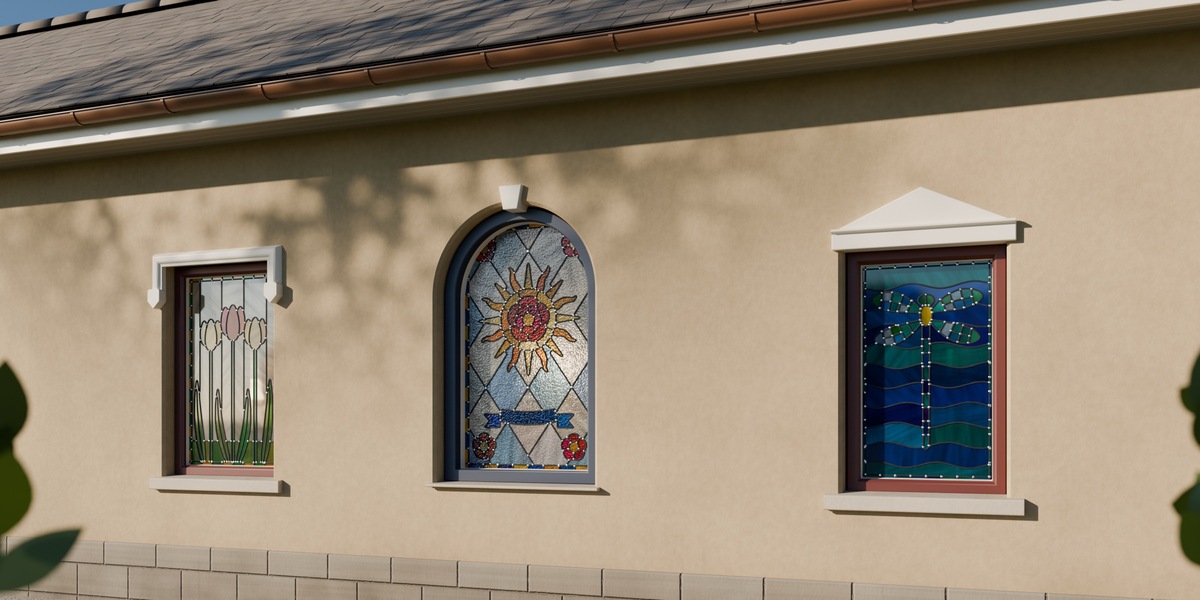
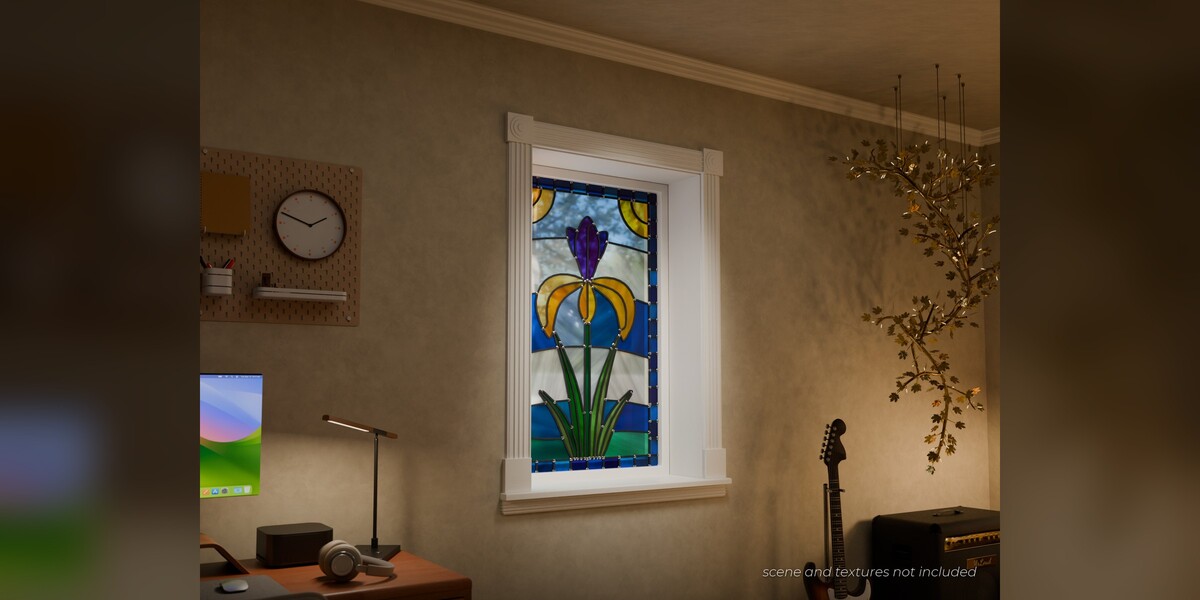
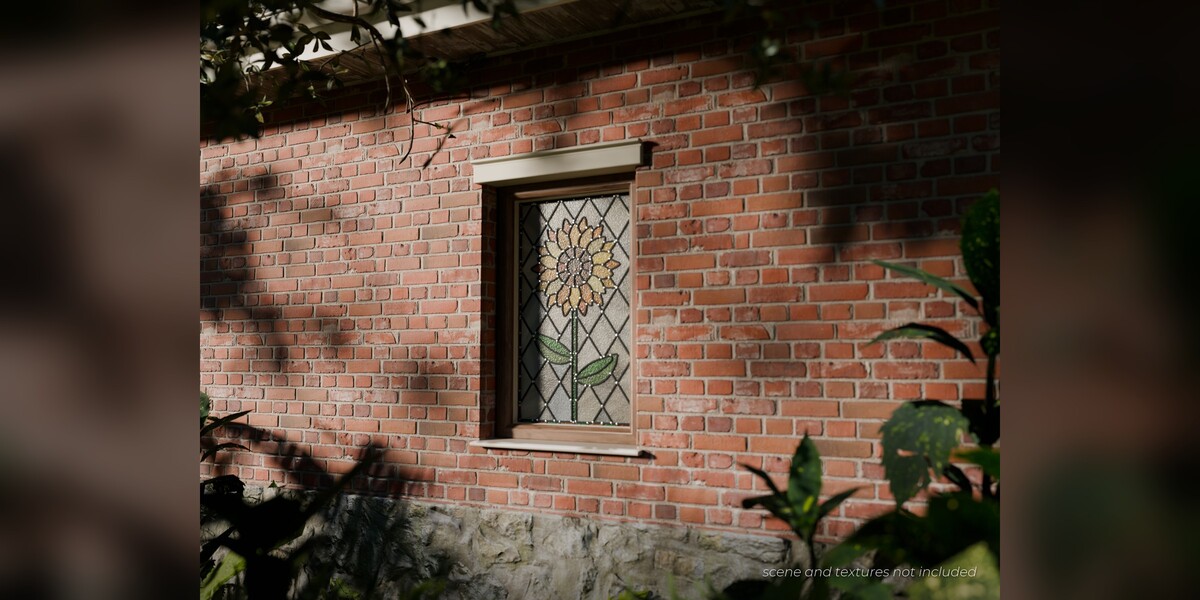
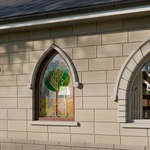
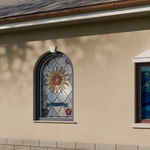
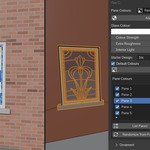
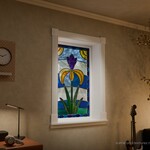
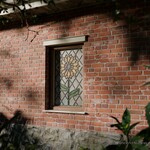
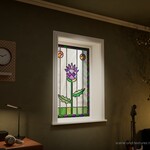
Yes. Leadwork from Image turns your own black-line drawing on white into panes and lead came: every enclosed shape becomes a pane. You can also start from one of the 20 built-in Starter Designs and recolour any pane in Pane Colours.
Why is the interior trim not showing?
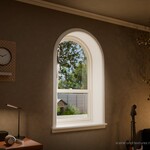
Interior trim sits on the room side of the wall, so it appears once the window is in a wall (after Place on Wall or Cut Wall). Change it in the Interior section with Interior Trim or Quick Style.
How do I use lots of windows without slowing my scene down?
Use Make Linked Copies to share one mesh between copies, Bake for Realtime to make lean meshes with LOD copies, and collection instances to keep big scenes light. Edit at Medium detail, then press Finish for Render when you are ready for the final image.
Does it work in Cycles and EEVEE?
Yes. Windows are real geometry, so they render the same in both engines.
Can I move a window to another .blend file?
Yes. Appending a window brings its node library with it; Fenestra merges the duplicate copy automatically, and a Merge Duplicate Fenestra Groups button appears in the panel if one is left over. Make Linked Copies or a saved preset also work well for reusing a window.
 Included
Includes 12 months of
- Support from Outer Reach Productions
- Product updates
Extend this product’s Support Period +12 months: 50% of product price
Have questions before purchasing?
Login to message
| Blender Extension Compatible | Yes |
| Dev Fund Contributor | |
| Published | 2 days ago |
| Blender Version | 5.2 |
| Extension Type | Add-on |
| Render Engine Used | Cycles, Eevee |
| License | GPL |
Discover more products like this
stained glass window-generator ArchViz architecture geometry nodes modeling victorian procedural gothic Interior building window