 Yesway


Figma to Blender
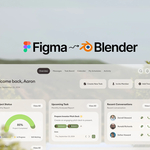
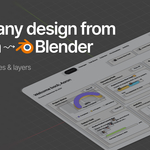
Import your design in seconds as separate Blender objects. Keep supported text editable, then animate it, shade it and push it into 3D.
01
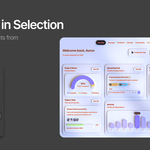
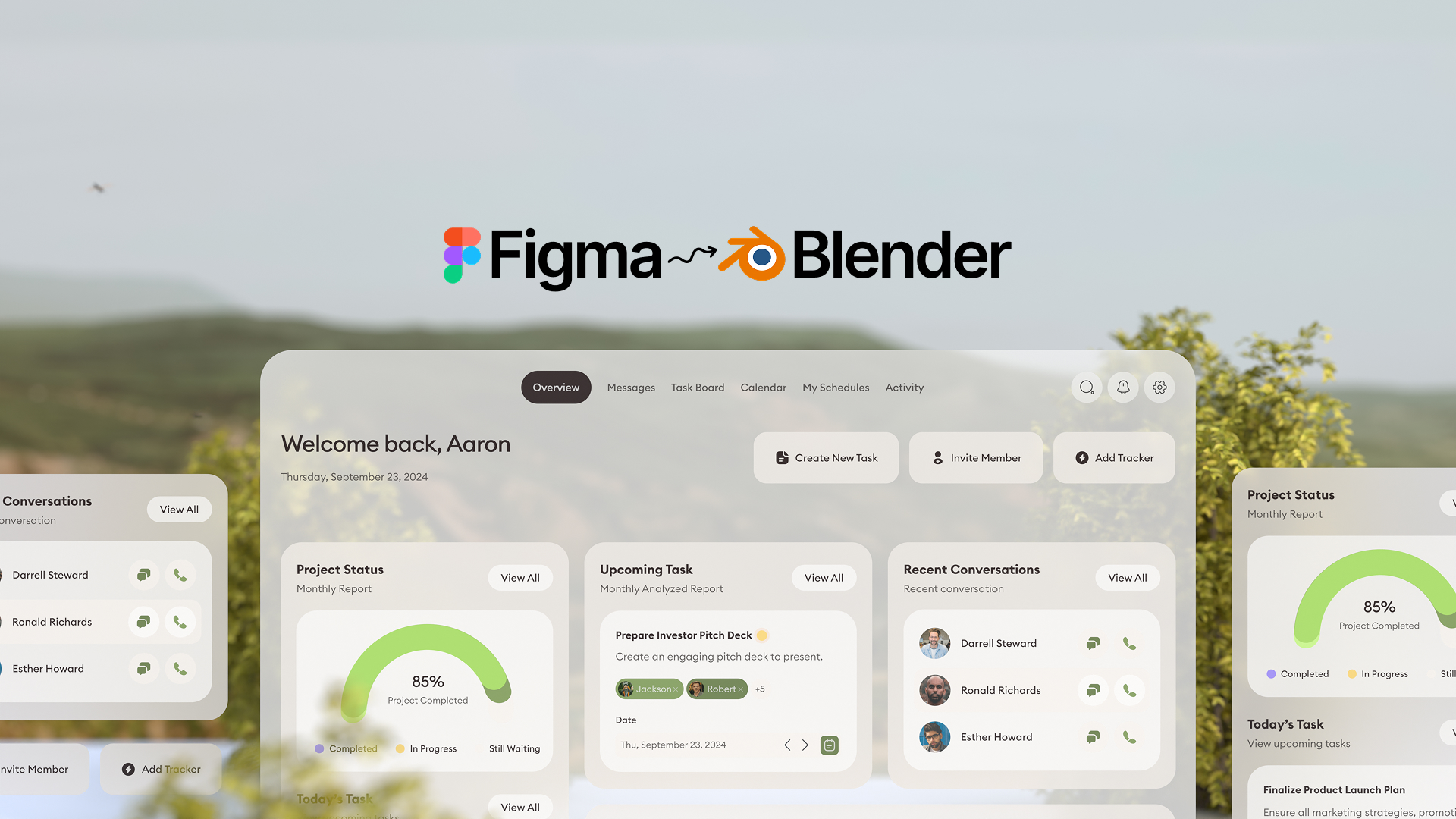
Move a button. Animate a card. Pull one part forward in 3D. You don't have to treat the whole interface as a single image.
02
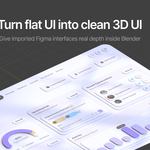
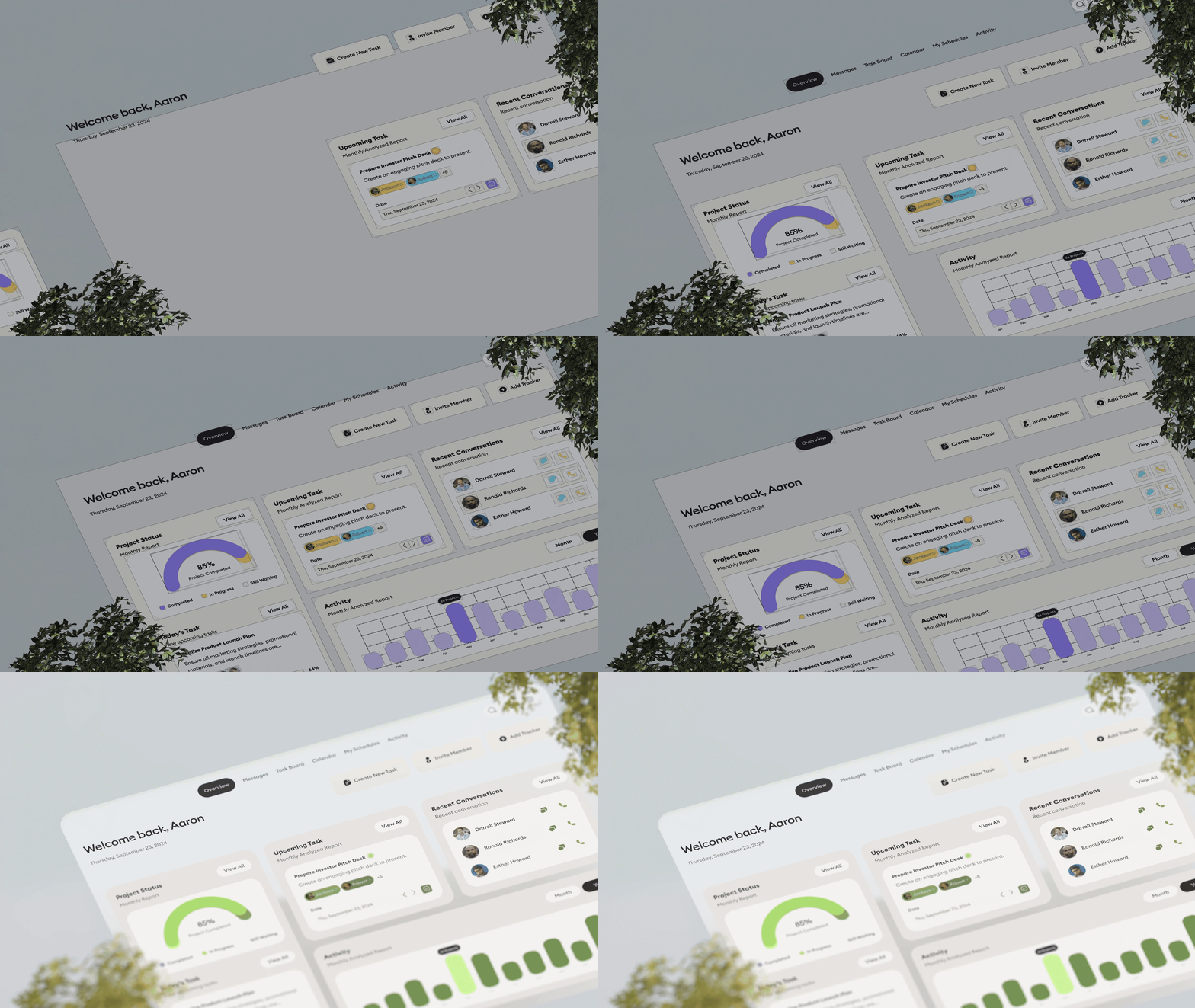
Add depth, lighting, camera movement and animation to the design you already made.
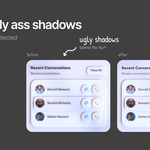
Before
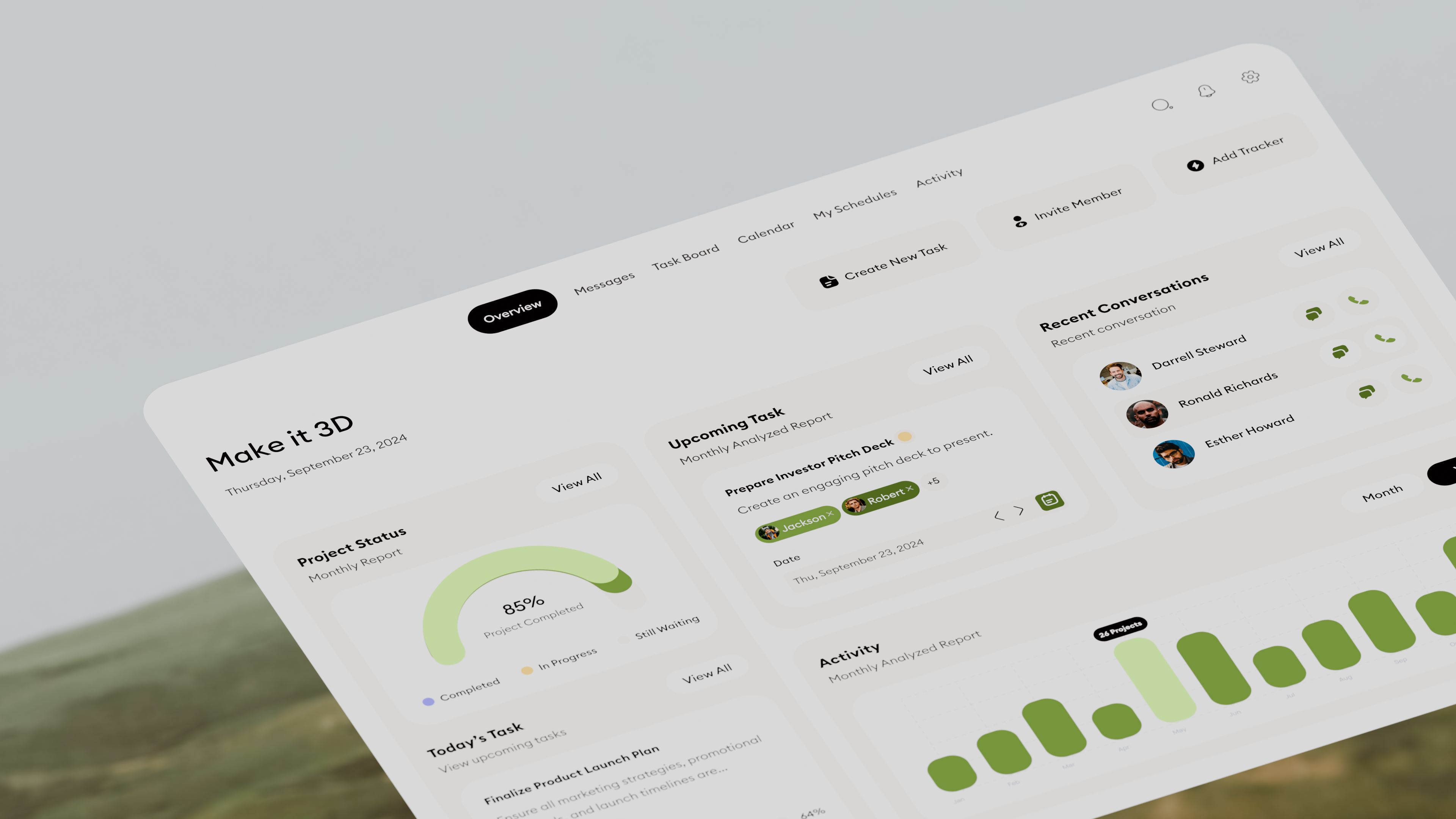
After
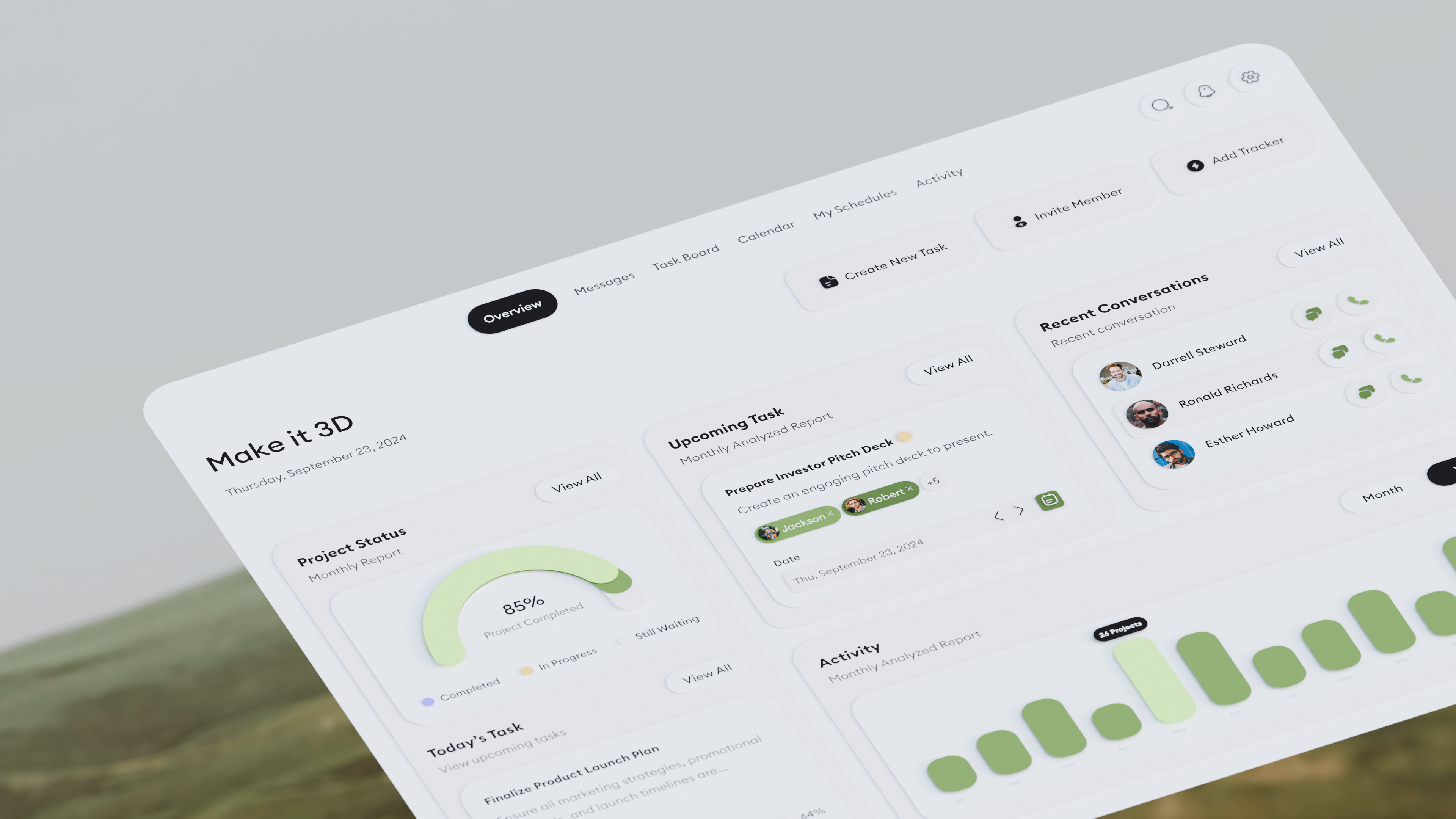
03
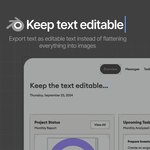
Supported text stays editable after import, so small text changes don't mean exporting the whole design again.
04
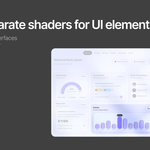
Adjust materials and shaders in Blender, with separate control over the elements that need it.

How it works
in a few clicks.
Required Figma plugin
Free Figma Community plugin used to create the ZIP imported into Blender.
Open in Figma ↗Full walkthrough
Watch the full setup, from installation and export settings to working with your imported UI in Blender.
YouTube tutorial
What's included
The exporter handles the Figma side. The importer handles Blender. That's the whole workflow.