Figma to Blender
Documentation
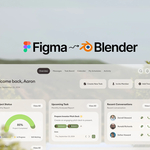
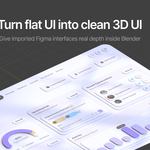
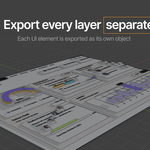
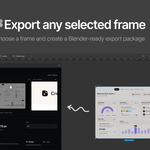
Blender UI Exporter sends a selected Figma frame, component or layer to Blender through a local ZIP export. Figma UI Import rebuilds it as a structured Blender collection with separate UI objects, editable text where Blender can reproduce it reliably, and raster fallbacks where exact pixels are safer.
01
Quick start
2Select one frame, component or layer in Figma.
3Choose the export scale and choose Editable or Images for text.
4Click Export to Blender. Figma creates a ZIP locally.
5In Blender, use Import Figma UI or File → Import → Figma UI, select the ZIP and import it.
02
Installing the Figma plugin
Blender UI Exporter is available on Figma Community. Open the plugin page, then run or save it using Figma's normal plugin workflow.
03
Installing the Blender add-on
Download the Figma UI Import ZIP, open Blender, go to Edit → Preferences → Add-ons, choose Install from Disk, select the ZIP and enable the add-on if needed.
After installation, start an import from File → Import → Figma UI or from the Figma tab in the 3D Viewport sidebar.
04
Export quality
The Figma plugin supports export scales from 1x to 8x. It shows the resulting output dimensions and calculates a recommended integer scale that aims for roughly 3200 pixels on the longest edge, capped at 8x.
Use Overview to see the full selection and Check sharpness to inspect a crop at the current export scale before exporting.
05
Text modes
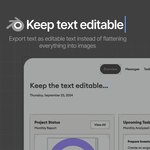
EditableKeeps supported text as real Blender text. Each layer is checked separately, so one unsupported label does not force the whole interface into image mode.
ImagesRasterizes all text. This preserves complicated typography exactly, but the text is no longer editable as Blender text.
Editable text may fall back to an image when a layer uses features Blender text cannot match reliably, including strokes, shadows, blur, complex fills, mixed styles, skew, mirror, decoration or visible clipping.
06
Fonts
For Editable text, point Blender UI Exporter to the folder where you keep your fonts. The scanner recognizes TTF, OTF, TTC, WOFF and WOFF2 files. Desktop TTF, OTF and TTC files are generally the safest choices for Blender portability.
The plugin matches font metadata instead of relying only on filenames. Required styles must be resolved before an Editable export can continue.
When needed, matched font files can travel inside the ZIP. Blender tries a local or system font first, then the bundled copy, and can pack the fallback font into the .blend.
07
Blender import options
Z Offset Per Overlap Layer · 0.01Controls the distance between overlapping Figma layers that need separate Z levels.
Scale · 0.01At the default value, 100 Figma pixels become 1 Blender unit.
Text ModeChoose Editable Text or Pixel Perfect Text when the ZIP contains editable data and fallbacks.
Text Size Factor · 1.0A small adjustment for fonts whose metrics render slightly differently in Blender.
Use Font Kerning · OnUses the add-on's built-in OpenType kerning. No separate kerning add-on is required.
08
After the import
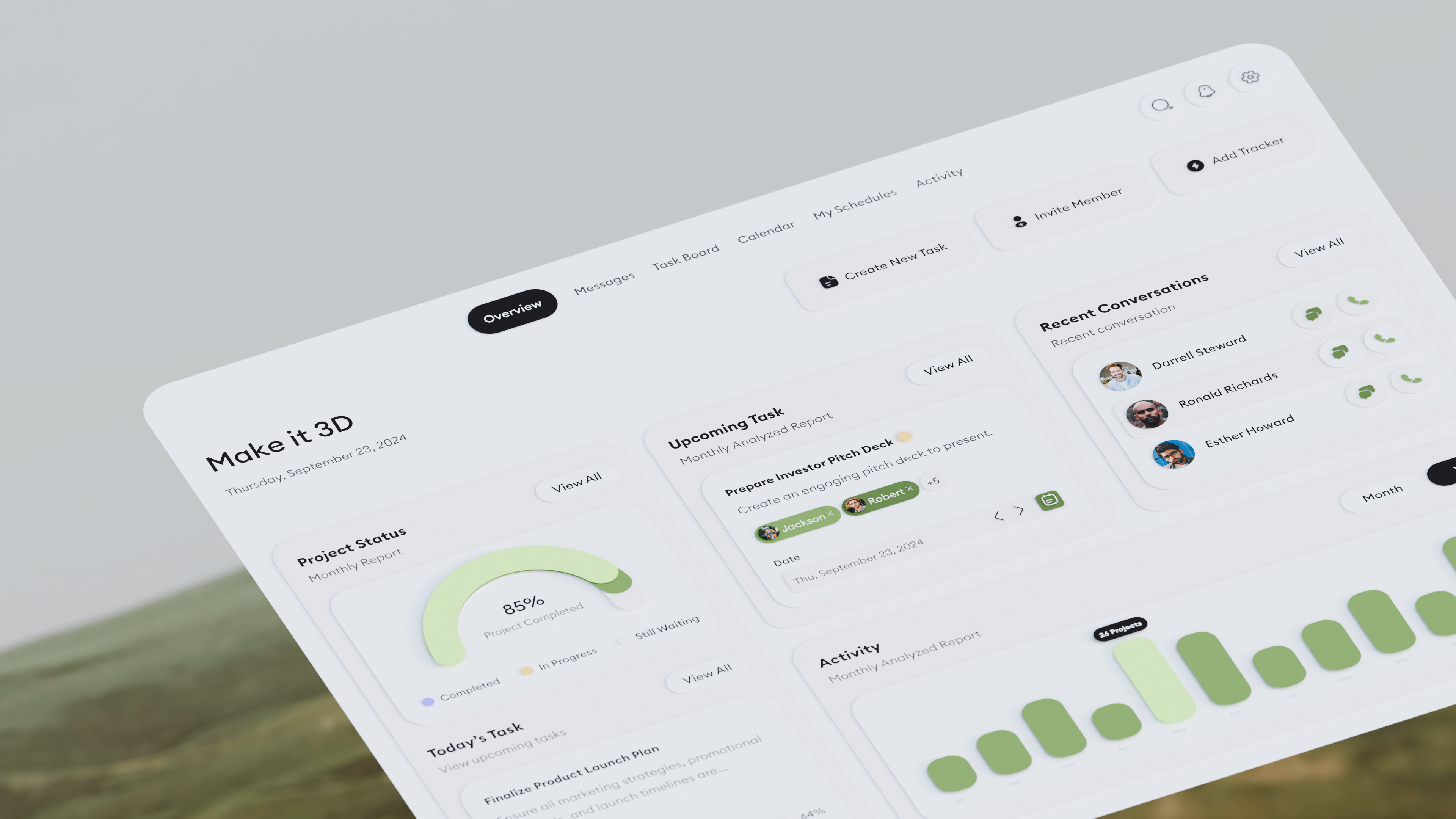
The imported collection can contain image planes, Blender text objects and Empty objects used to preserve structure. Parent and child relationships are rebuilt from the Figma hierarchy.
Flat UI
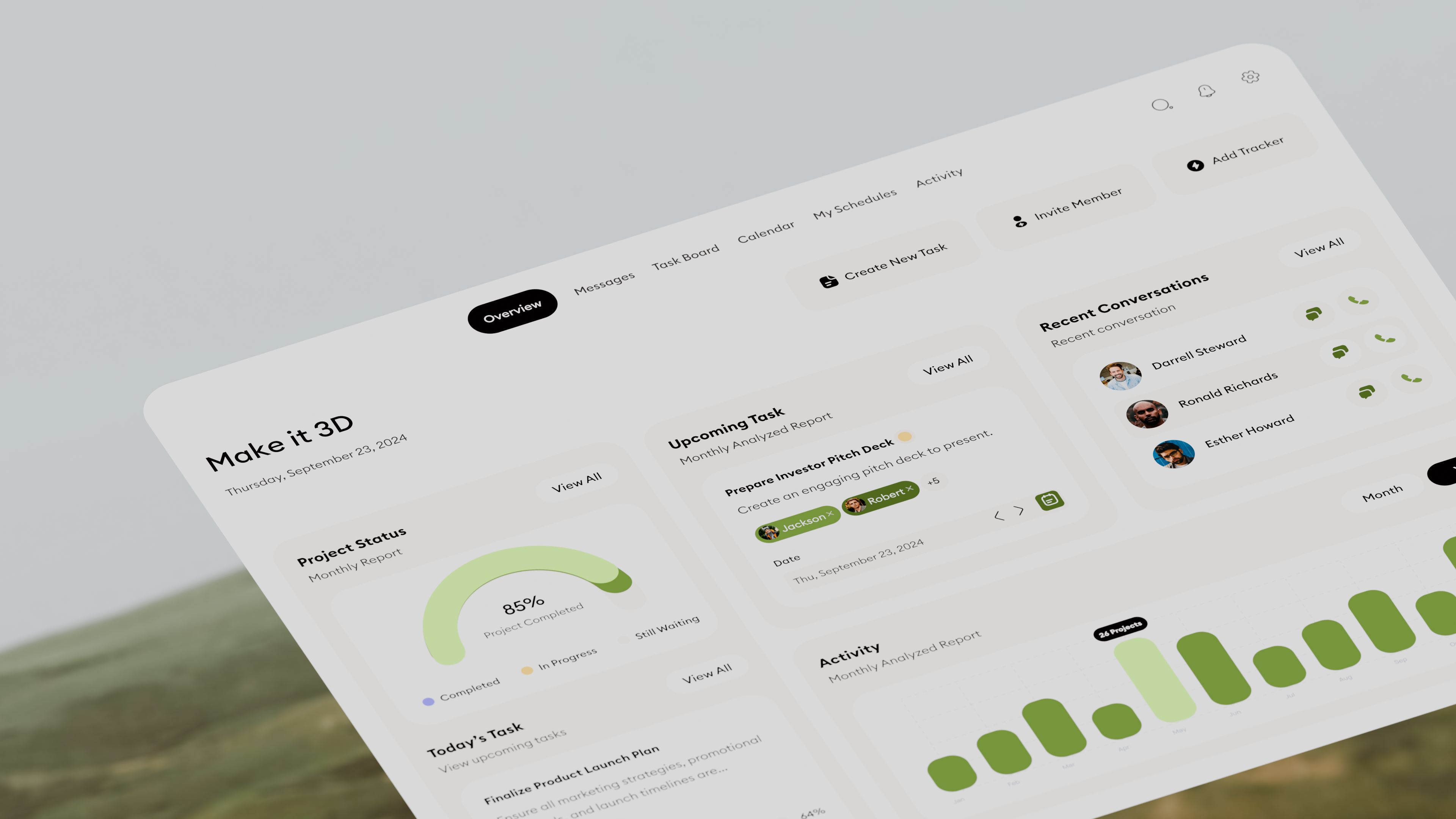
Ready for 3D
Select Text in SelectionFind editable text objects inside the selected imported hierarchy.
UI Shader GroupsSelect, reassign or separate the shared UI shader group used by selected objects.
EEVEE Render MethodSwitch selected UI materials between Dithered and Blended when EEVEE is active.
Cycles Shadow ControlToggle Shadow, Diffuse and Volume Scatter visibility for selected UI objects.
09
What stays separate
The exporter tries to preserve useful layer separation without exposing Figma construction nodes that would make the result less accurate. Visual leaves can become separate image planes, containers can preserve hierarchy, and supported text can stay live.
Masked areas, boolean results, vector-only structures and other complex regions can be rasterized where that is the reliable way to preserve the final look. Unrelated sibling layers stay separate whenever possible.
10
Local processing
Your selected Figma content, chosen font files and ZIP creation are handled locally in the plugin workflow. The export does not require uploading the design to an external conversion server.
11
Limitations
One selected root per export gives the most predictable result.
Some complex text and Figma geometry are rasterized on purpose.
The current workflow uses ZIP export and import. There is no live sync or Smart Reimport.
Higher export scales create larger PNGs and use more memory.
Using the exact font file from the design gives the best chance of matching Figma text metrics.
12
Troubleshooting
Export button is disabledMake sure a frame, component or layer is selected. In Editable mode, check that every required font style is resolved. If you do not need editable text, switch Text to Images.
Text looks slightly different in BlenderCheck that Blender is using the exact font file, keep Use Font Kerning enabled and adjust Text Size Factor slightly if needed. For exact pixels, use Pixel Perfect Text.
Transparency looks wrong in EEVEETry the EEVEE Render Method panel. Dithered is normally safer for mostly opaque layered UI. Blended is intended for genuinely semi-transparent surfaces.
Import is too large or too smallChange Scale in the Blender import options. The default is 0.01 Blender units per Figma pixel.
Layers are Z fightingIncrease Z Offset Per Overlap Layer from its default of 0.01.
Compatibility
Blender 4.0+ · EEVEE · Cycles
Current transfer workflow: local ZIP export from Blender UI Exporter, followed by ZIP import with Figma UI Import.
 Yesway