Final Quality Pipeline
 Jerrythepopper


Where are the FAQ and the manual?
The FAQ is on the full product page: https://www.jerrythepopper.com/3daddon/fqp/product/#h-faq — and the manual, with screenshots, is at https://www.jerrythepopper.com/3daddon/fqp/
Does the analysis change my scene?
No. It reads your saved .blend in a separate Blender and never saves over it. The 1K texture limit applies to the analysis images only; your final render uses your textures as they are. Nothing is written to your settings until you press an Apply button and confirm.
Strict or Visual?
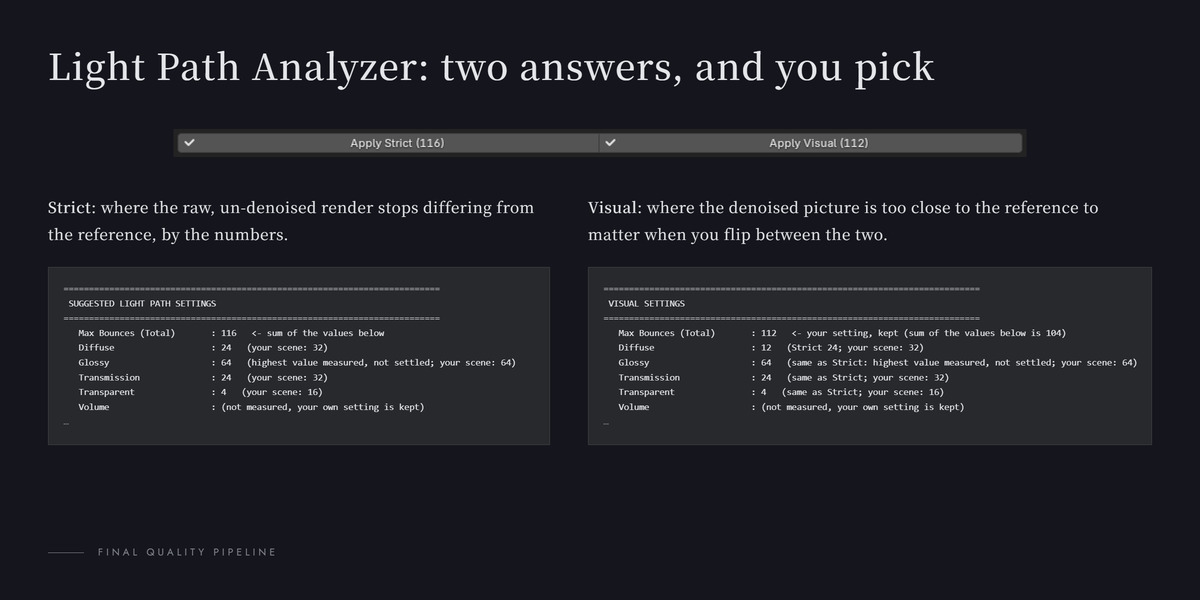
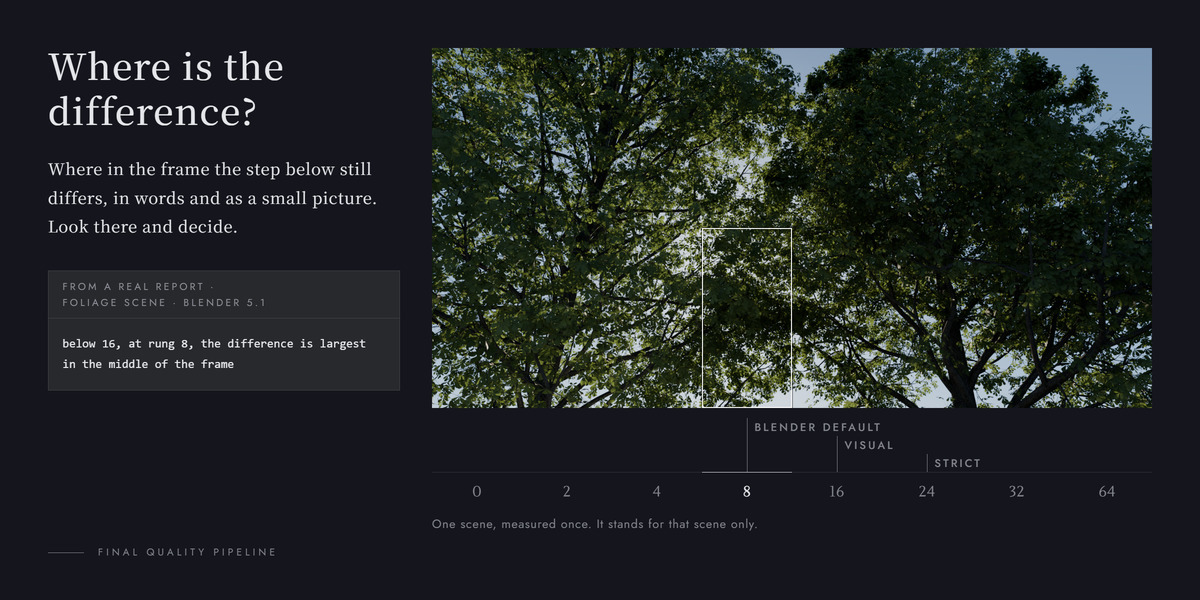
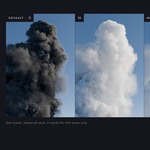
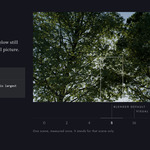
Strict is the measurement: the raw render against the reference, by the numbers. Visual is where one observer stopped seeing a difference in the denoised picture, on still images. The report shows you where the two differ, so you can look at that spot before you pick.
Will it make my renders faster?
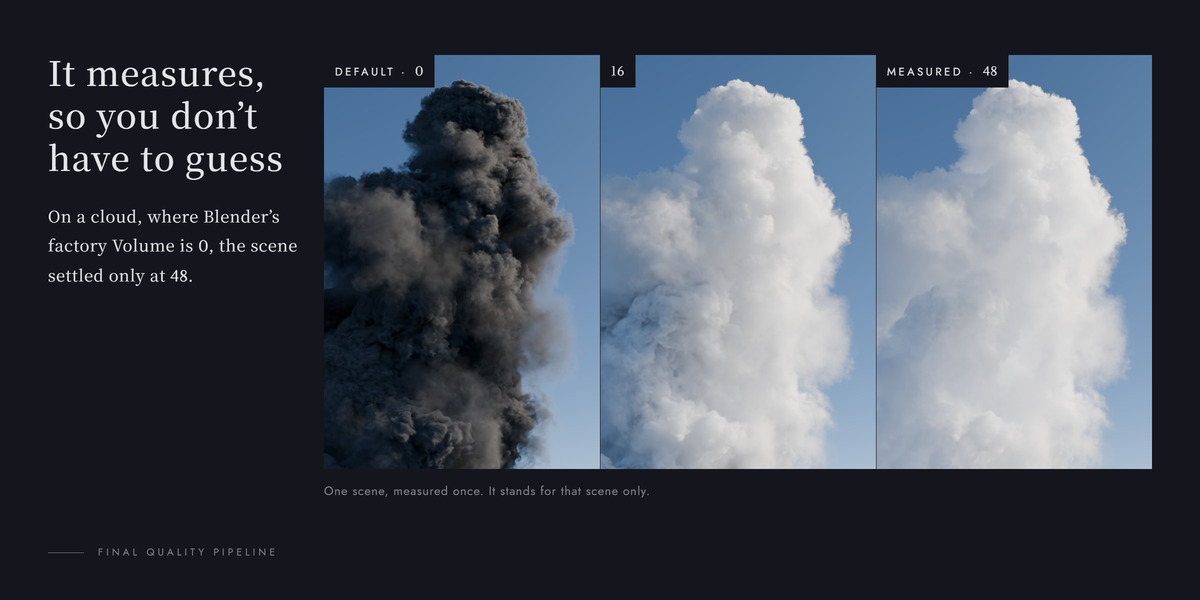
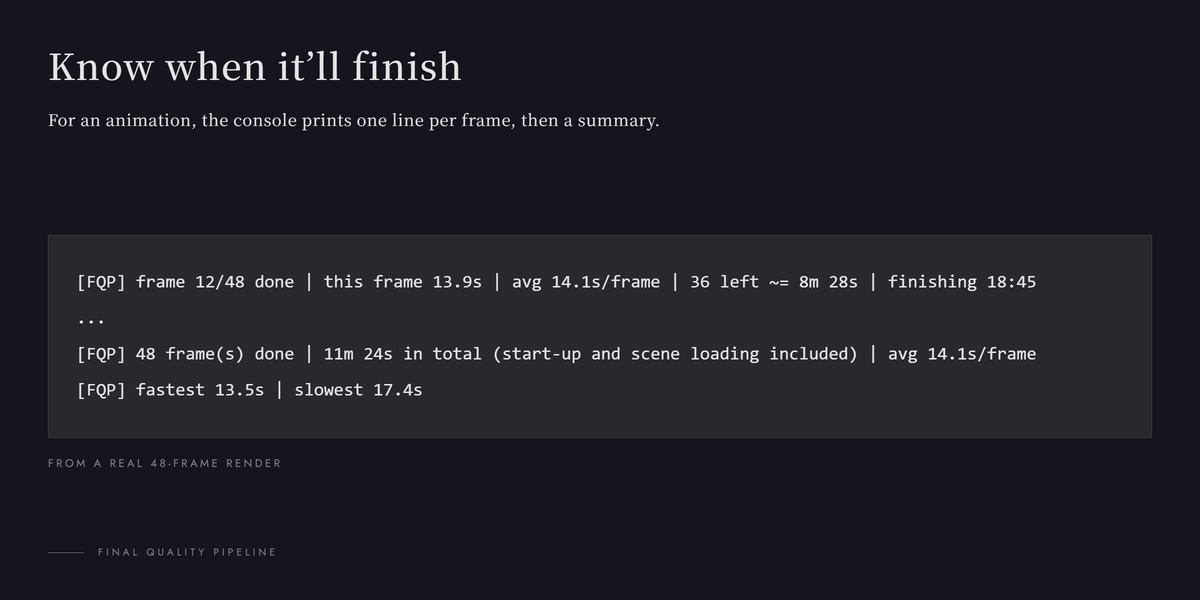
Not by itself. The Sampling Analyzer finds a cheaper threshold where one exists and says so when it doesn't. The Light Path Analyzer can just as well ask for more bounces than you had. And the pipeline adds compositing time on every frame: small next to most final renders, but not zero.
Is it better than the built-in denoiser?
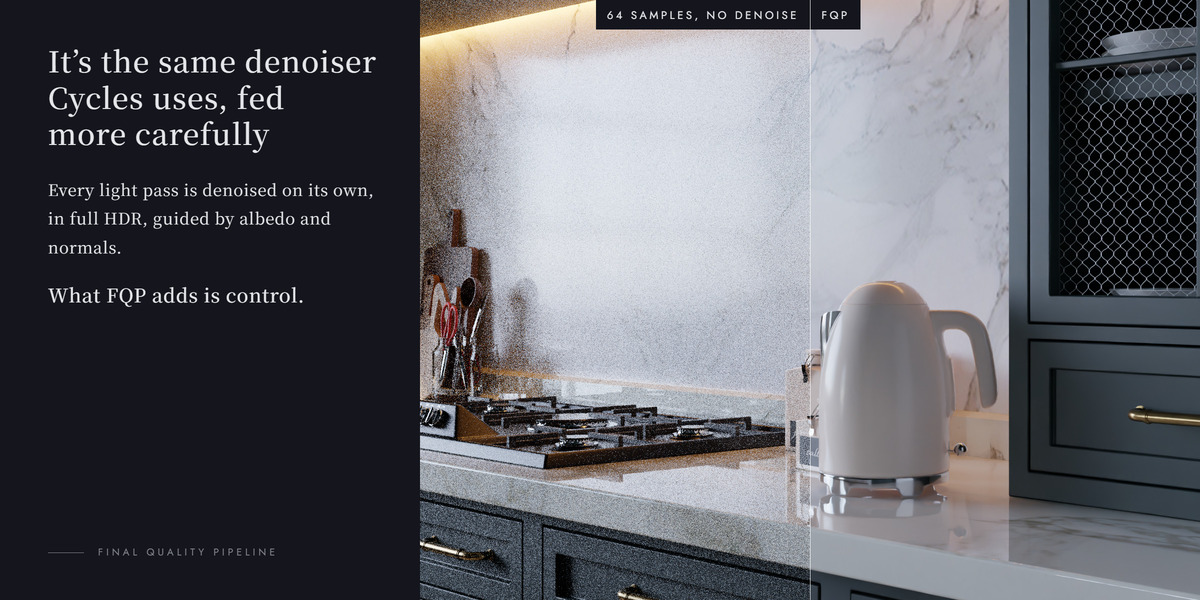
Not in a way I can measure on real scenes: in a product shot and a kitchen interior the difference was smaller than the noise in the reference renders. Buy it for the Analyzer and for control over the denoise, not for a quality jump.
Have questions about this product?
Login to message
| Blender Extension Compatible | Yes |
| Published | 4 days ago |
| Blender Version | 5.1 - 5.2 |
| Extension Type | Add-on |
| Render Engine Used | Cycles |
| License | GPL |
Discover more products like this
oidn temporal denoise Cycles background render bounces noise threshold compositor sampling denoise light paths animation denoising