Final Quality Pipeline
 Jerrythepopper

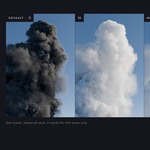
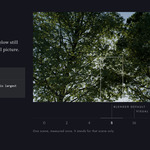

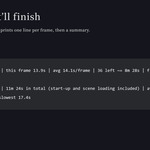
Nothing to rebuild for the denoise pipeline itself. Tested on Windows, and on a Mac (MacBook Pro M2, Blender 5.2.2 LTS).
What you may have to do
- Stills: nothing.
- An animation you rendered with 1.3 and want to put through the new Temporal Denoise window: press Prepare Again for Temporal Denoise (in the window's Source panel) and render the animation again. The window needs six more passes than the 1.3 output had. Build Temporal and Run Temporal still work on the 1.3 frames as they are.
- A sampling report made by 1.3.x has no options (Fast / Balanced / Safe): press Analyze Sampling again to get them.
New
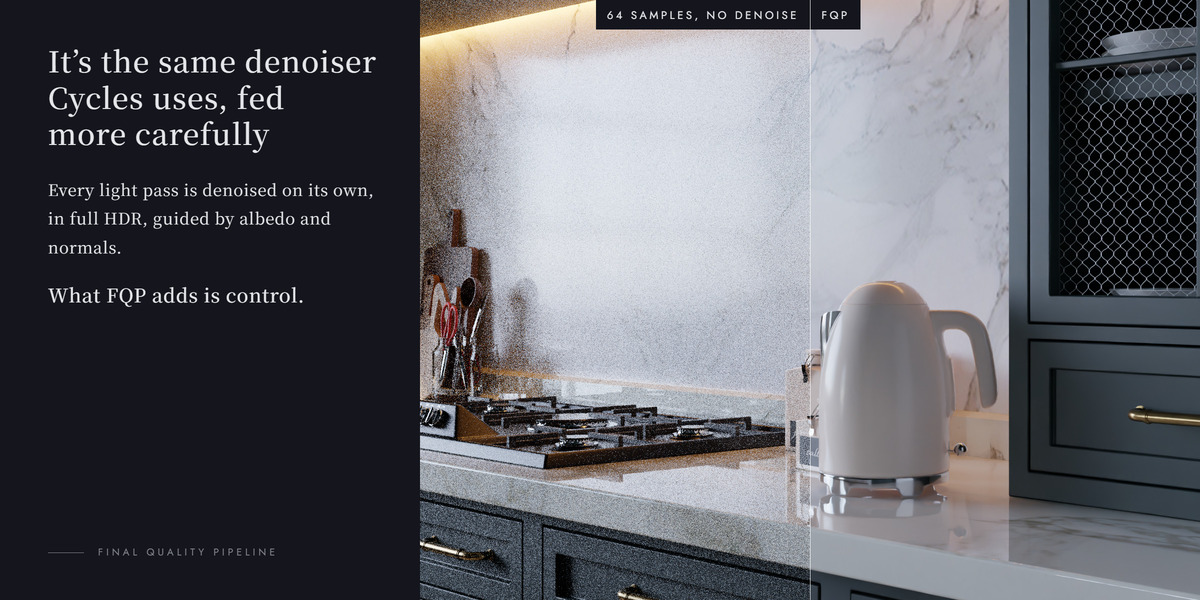
- Temporal Denoise window: preview one frame, Measure Noise or Measure Noise (Precise), then Process the Whole Sequence. It can be cancelled and continued and never deletes earlier results; Play Result plays the frames.
- Quick Check: one small image with your own settings tells you whether more than half of the pixels already hit Max Samples.
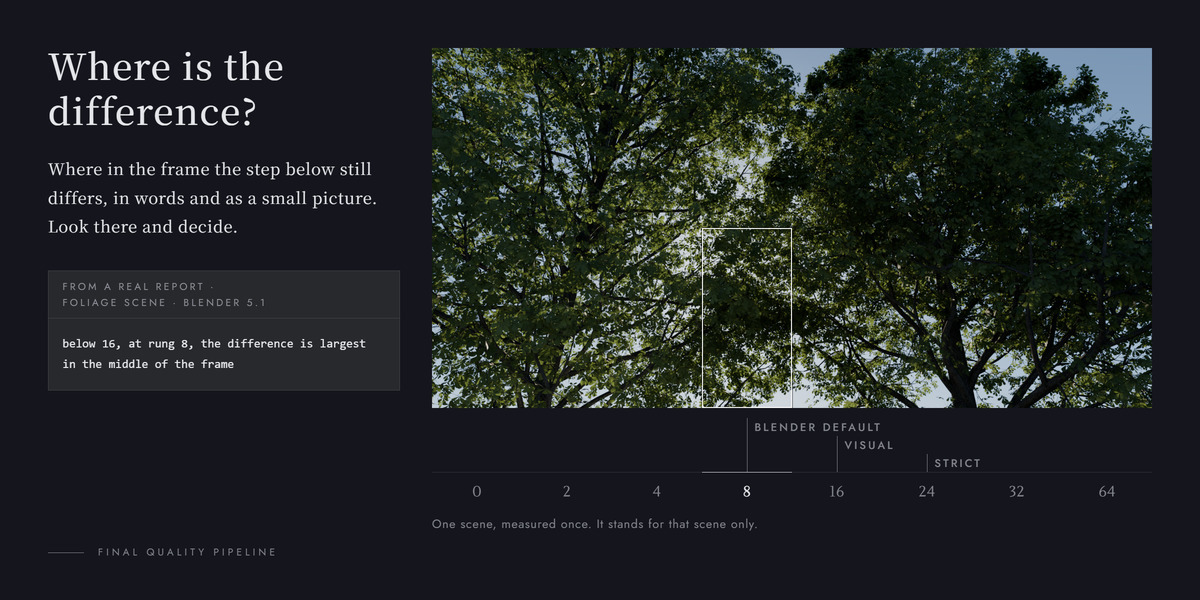
- Sampling report: a Max Samples table, a row for your current setting, a detail column, and three options (Fast / Balanced / Safe), each with an Apply button.
Changed
- Build Temporal and Run Temporal moved into a closed fold, Legacy: Temporal (Build / Run). They work as before.
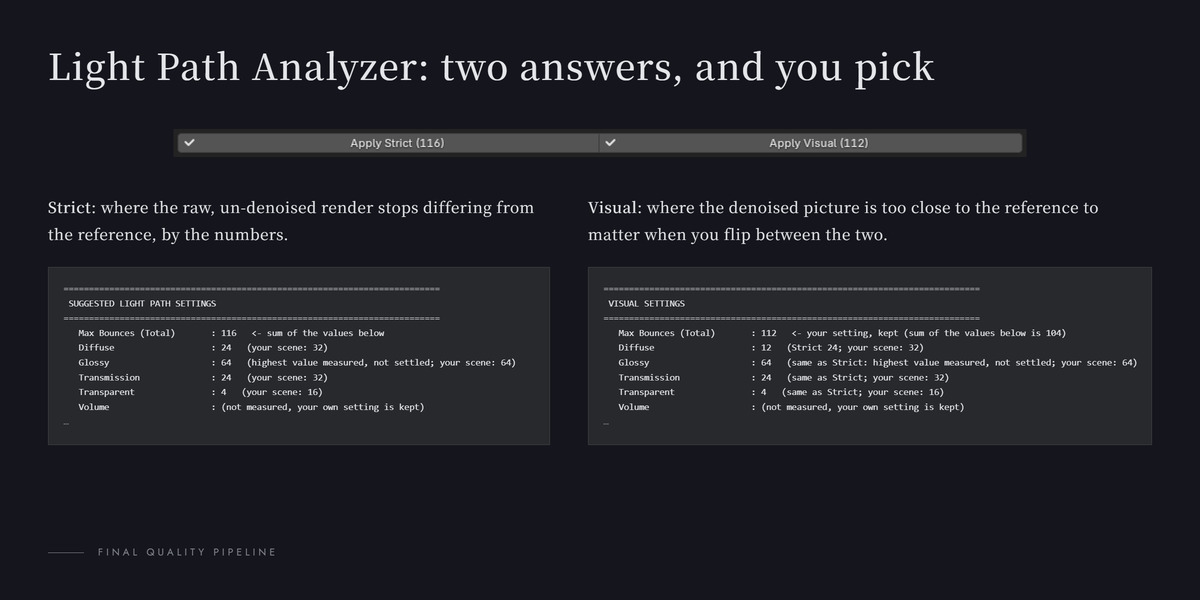
- The Analysis box is split into Light Path Analyzer and Sampling Analyzer.
Fixed
- Apply Suggested Threshold warns when Final Max Samples changed after the analysis.
- macOS: declining the Terminal permission late no longer loses the job.
The full changelog is in CHANGELOG.md inside the .zip.
Background jobs follow Blender's Auto Run Python Scripts setting. With Clean launch on, the analyzers and background renders run the .blend's Python only when you allow it in your own Blender. The download no longer includes the test suite.
Have questions about this product?
Login to message
| Blender Extension Compatible | Yes |
| Published | 4 days ago |
| Blender Version | 5.1 - 5.2 |
| Extension Type | Add-on |
| Render Engine Used | Cycles |
| License | GPL |
Discover more products like this
Cycles noise threshold light paths animation sampling bounces denoise denoising temporal denoise compositor oidn background render