 Mars0hod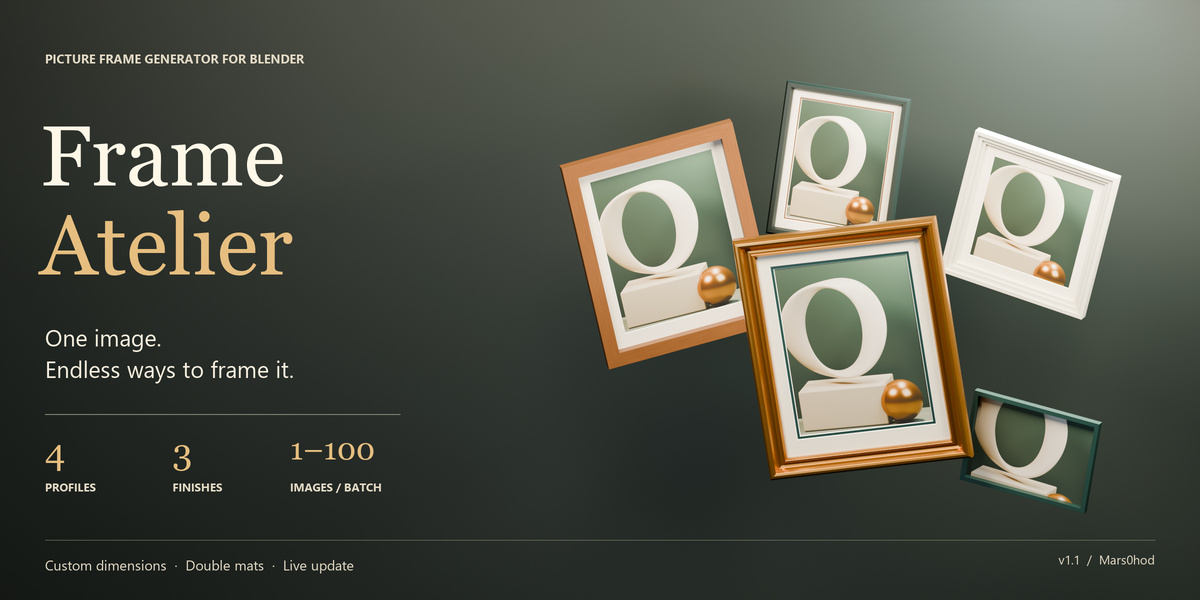
Frame Atelier
One image. Endless ways to frame it.
Turn your artwork into beautifully framed pieces directly in Blender. Frame Atelier gives you control over the frame, materials, mat borders and image fit—from a single poster to an entire gallery.
Built for interior visualisation, gallery layouts and artwork presentation.
Design the frame around your artwork
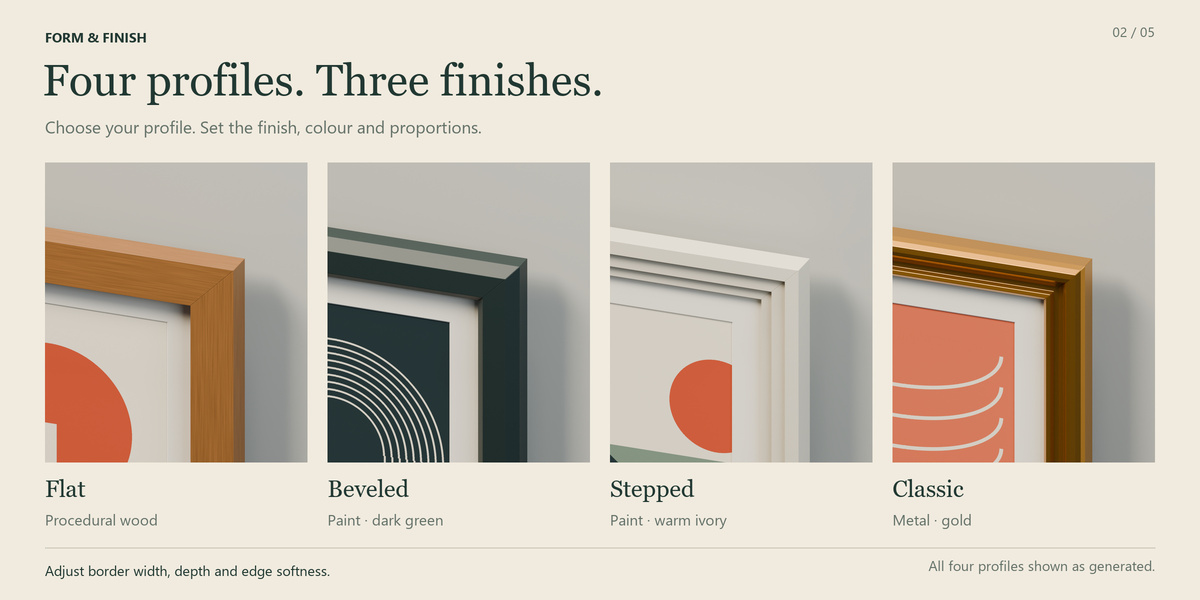
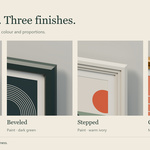
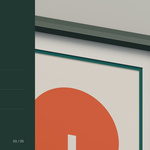
4 frame profiles: Flat, Beveled, Stepped and Classic.
3 finishes: paint, procedural wood and metal, with adjustable colours, border width, depth and edge softness.
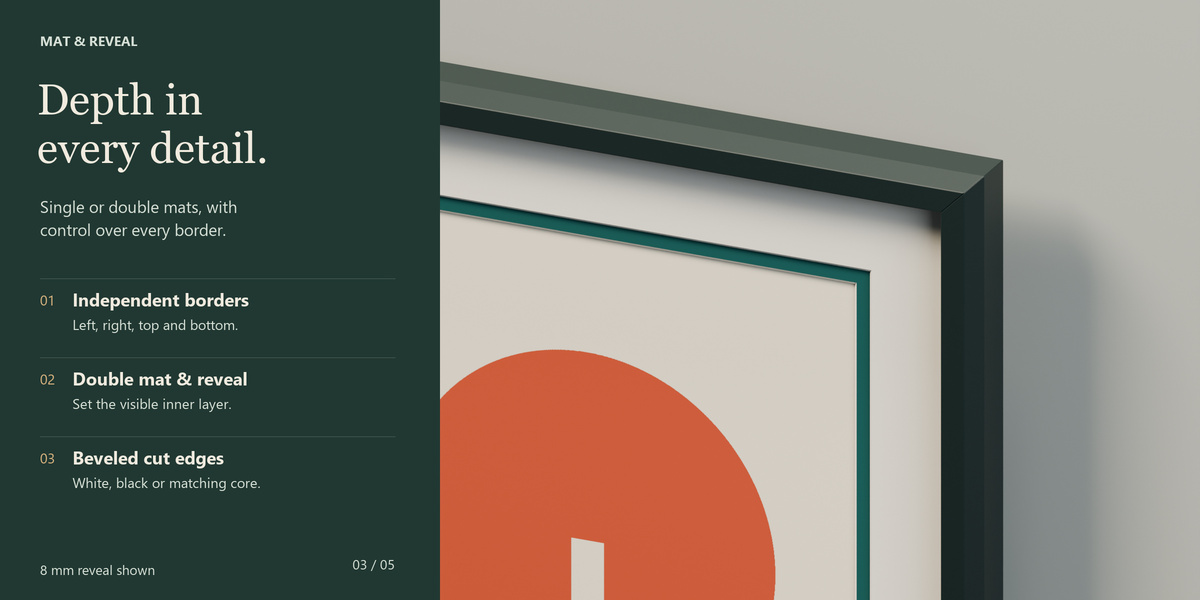
Single or double mats: adjust each border independently, control the inner reveal and choose white, black or matching bevel cores.
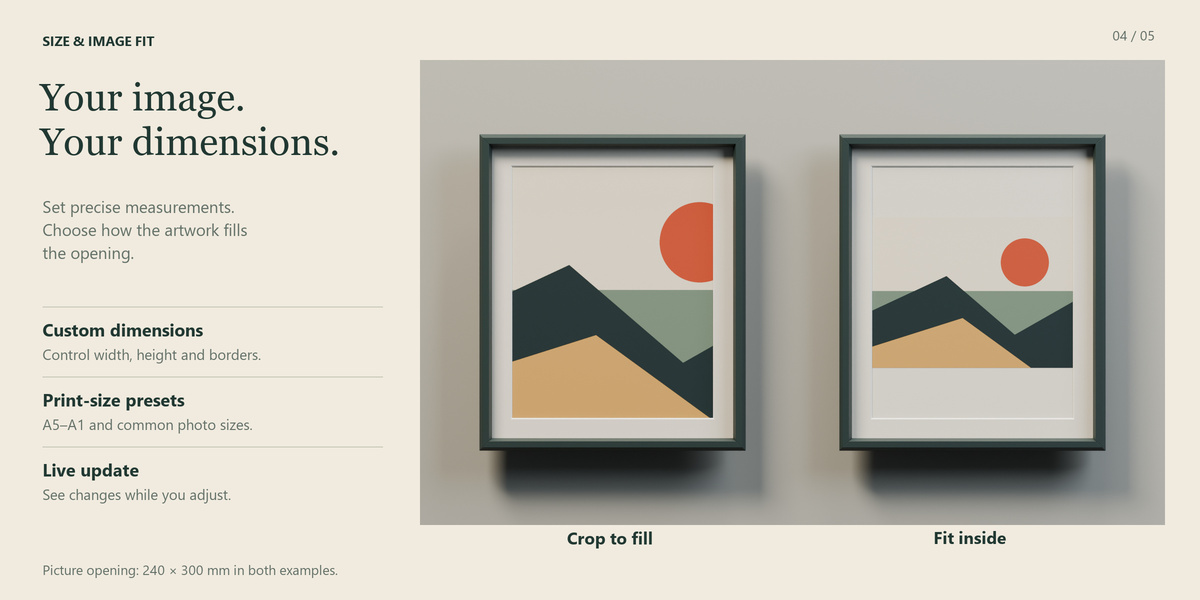
Precise dimensions: work in millimetres or start with A5–A1 and common photo-size presets.
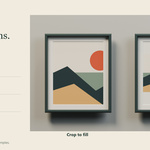
Flexible image fitting: match the frame opening to your image, crop to fill or fit the entire image inside without stretching.
Optional glass and backing: complete the assembly with the parts your scene needs.
Build a collection faster
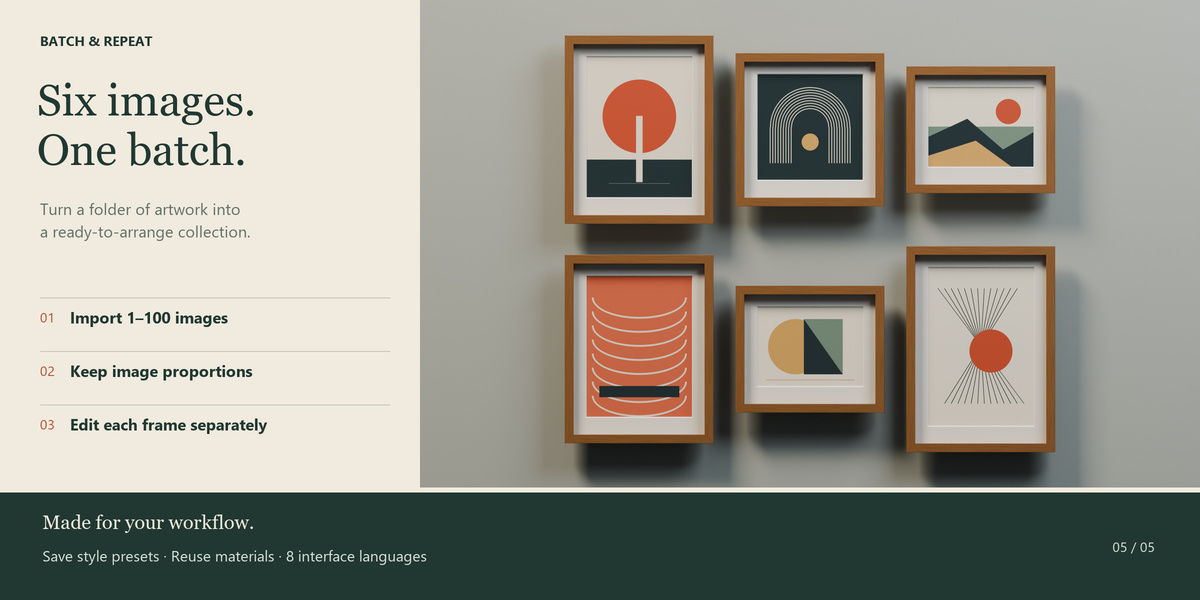
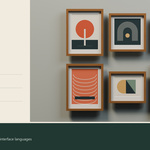
Import 1–100 images in one batch. Frame Atelier creates an independent frame for each image, preserves its proportions and arranges the results in a grid with adjustable columns and spacing.
Enable Live Update to preview parameter changes as you work. Duplicate frames, assign custom materials and save your favourite styles as reusable presets. Export and import preset settings as JSON.
Imported artwork is packed into the Blender file.
Quick start
In Blender, open Edit → Preferences → Add-ons → Install from Disk. Select the supplied ZIP and enable Frame Atelier.
In the 3D Viewport, press N and open the Frame Atelier tab.
Choose a style preset, load your image and set the picture dimensions.
Click Create frame. Select the frame to adjust its settings, then click Update frame or enable Live Update.
For multiple images, open Batch, choose the columns and spacing, and select your image files.
Workflow details
Frame Atelier generates rectangular and square frames. Updating a frame rebuilds its generated geometry and modifiers, so complete your generator adjustments before making manual mesh edits. Glass is best previewed in Cycles; its appearance in Eevee depends on ray-tracing settings.
8 interface languages
English, Russian, German, French, Spanish, Portuguese, Simplified Chinese and Japanese. English is the default.
Requirements: Blender 4.2 or newer.
Version: 1.1.0
Author: Mars0hod