 Mars0hod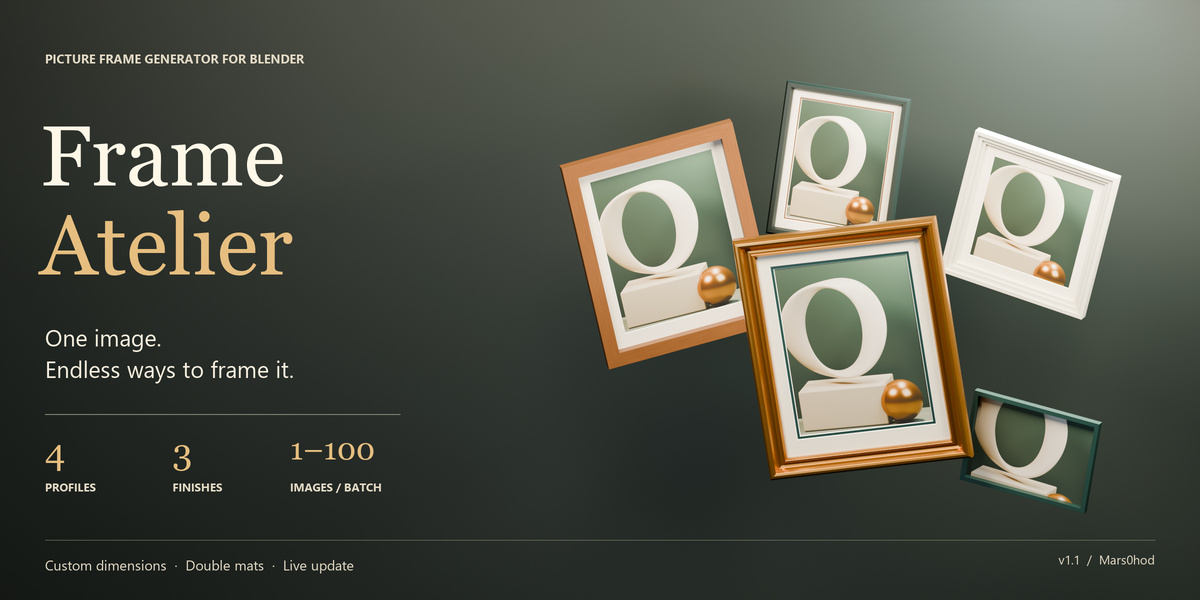
Which interface languages are available?
English, Russian, German, French, Spanish, Portuguese, Simplified Chinese and Japanese. English is the default, and you can change the panel language using its built-in selector.
Do imported images stay inside my Blender file?
Yes. Images imported through Load image or Batch are packed into the Blender file. Save the file after importing to retain them.
Can I create circular or carved ornamental frames?
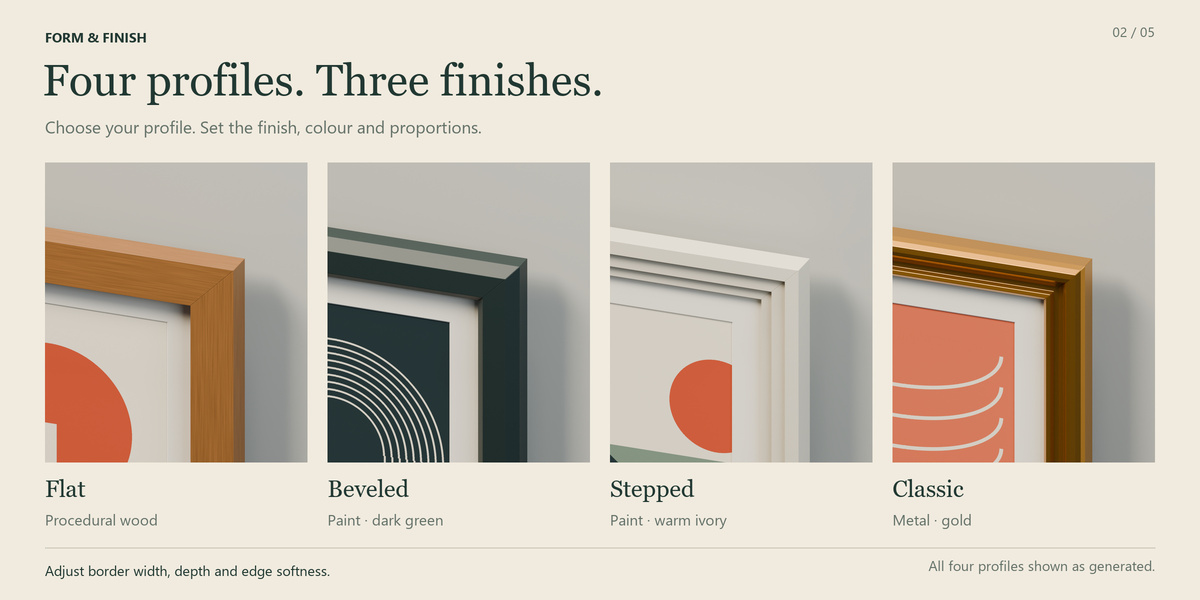
Frame Atelier creates rectangular and square frames with Flat, Beveled, Stepped and Classic profiles. Circular frames and carved ornamental decorations are not included.
Does Frame Atelier work with Cycles and Eevee?
Yes. The add-on creates native Blender meshes and materials. Cycles is recommended for previewing glass; its appearance in Eevee depends on your ray-tracing settings.
Can I change a frame after creating it?
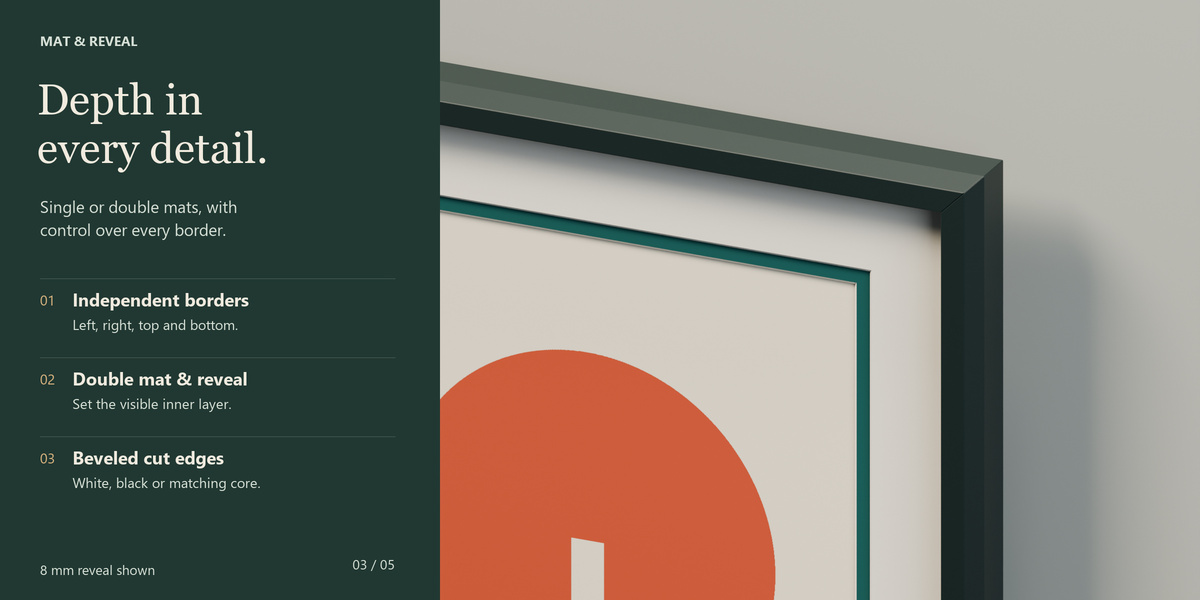
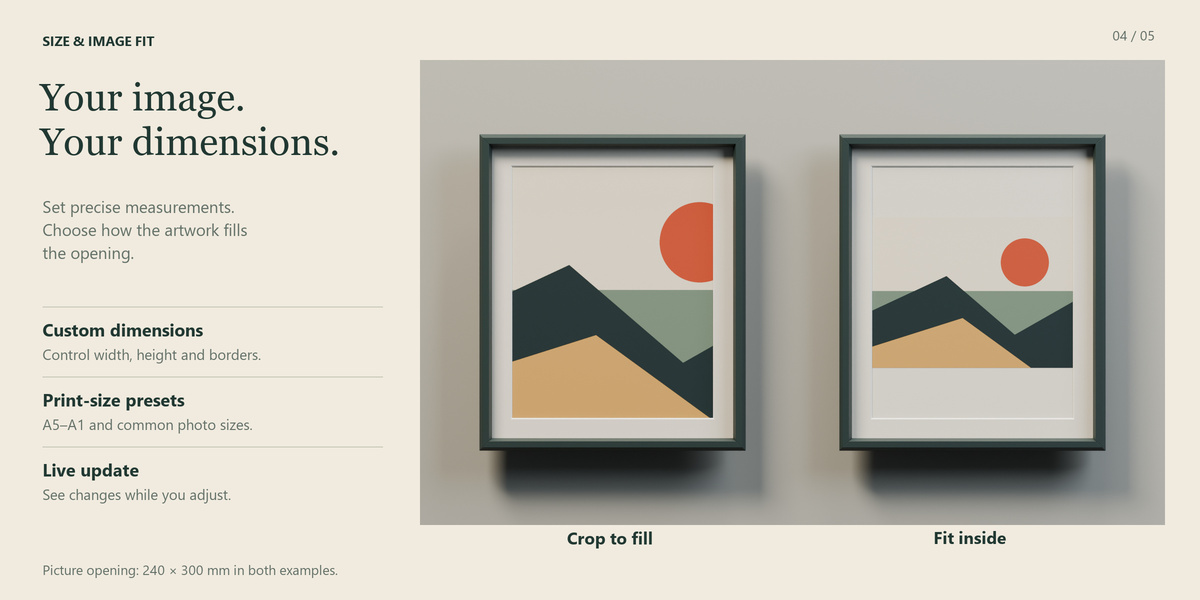
Yes. Select the frame or one of its generated parts, change the settings and click Update frame. Enable Live Update for automatic rebuilding. Updates replace generated geometry and modifiers, so finish generator adjustments before making manual mesh edits.
Can I frame multiple images at once?
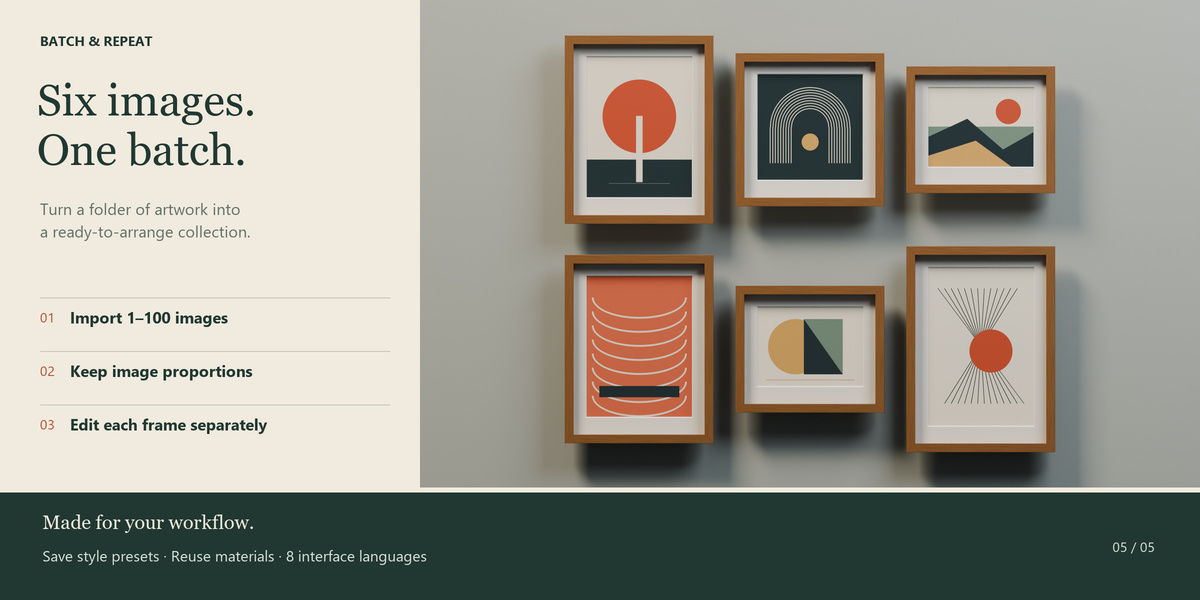
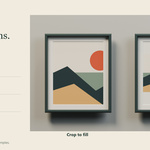
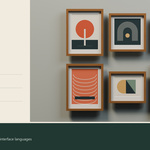
Yes. Batch framing supports 1–100 images per operation. Each image receives an independent frame with its proportions preserved. You can adjust the grid columns and spacing, then edit each frame separately.
Which Blender versions are supported?
Frame Atelier requires Blender 4.2 or newer. Version 1.1.0 has been tested with Blender 4.2.0, 4.5.0 and 5.2.2.
Have questions about this product?
Login to message
| Blender Extension Compatible | Yes |
| Published | 1 day ago |
| Blender Version | 4.2 - 5.2 |
| Extension Type | Add-on |
| Render Engine Used | Cycles, Eevee |
| License | GPL |
Discover more products like this
picture frame passepartout mat board frame generator ArchViz photo frame wall-art Artwork Interior Design procedural modeling gallery-wall batch framing