 VeeVeeVee
I'm stuck. How do I reach you?
Email [email protected], that's the fastest, or message me here on Superhive. Copy in the Shot Report from the camera that's giving you trouble and I can see exactly what happened. Also give as much detail as you can.
What happens to my existing cameras and my scene?
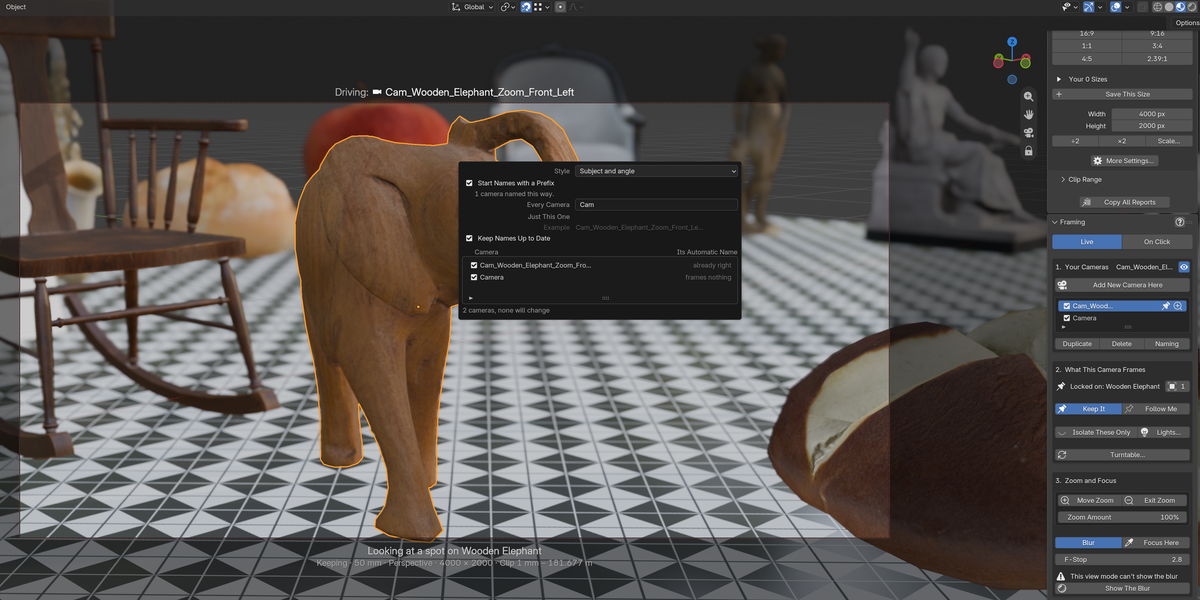
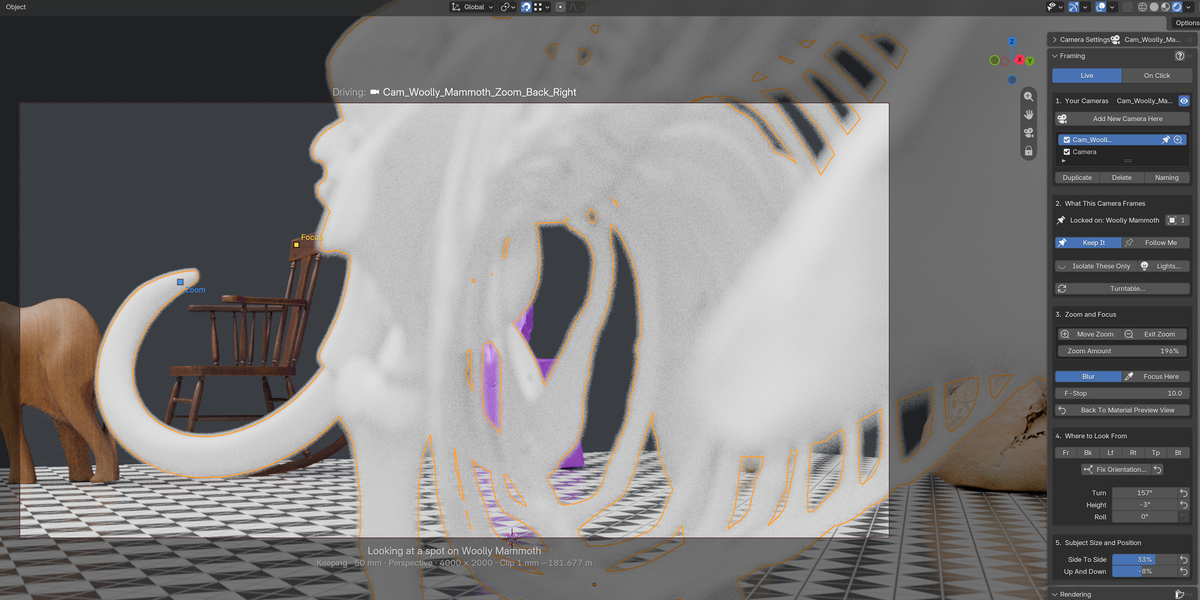
Your existing cameras show up in the list like any others. Ones that can't be aimed, like cameras parented to a rig or linked from another file, go grey and tell you why. Frame Perfect stores its per-camera settings inside your .blend, and one button removes everything it stored if you ever want it gone. Uninstalling leaves no leftovers.
Where do my renders go?
A Renders folder next to your project by default, numbered so nothing ever overwrites anything, and the panel shows you the file name and pixel size before you press render. You can point it anywhere else you want. PNG and JPEG both come with sensible defaults already tuned.
Does it work for animation?
It's built for stills first. If you're experienced with animation it rides along, since a moving camera can follow your character as you adjust size and position, but that side is less tested. If animation needs something it doesn't have yet, email me and I'll work on it.
What do the two setup buttons do when I first install?
The blue one sets up quality rendering so your cameras work right away. The red one routes F12 through Frame Perfect, which is what makes the render queue and the quality presets possible. Both are recommended and it's a one-time thing. If you'd rather keep Blender's default F12, the routing is optional and can be switched off.
Do I need to know anything about render settings?
No. Draft, Good, and Best are already set up, and the first-run Setup Quality Rendering button wires the technical side for you. The Details panel has the dials if you ever want them.
Which render engines are supported?
EEVEE and Cycles, fully. No other engines right now.
What versions of Blender does it work with?
Blender 4.5 LTS (tested on 4.5.12) and Blender 5.2.
$24.99
 Included
Includes 12 months of
- Support from VeeVeeVee
- Product updates
Extend this product’s Support Period +12 months: 75% of product price
Have questions before purchasing?
Login to message
| Blender Extension Compatible | Yes |
| Dev Fund Contributor | |
| Published | about 2 months ago |
| Blender Version | 4.5 - 5.2 |
| Extension Type | Add-on |
| Render Engine Used | Cycles, Eevee |
| License | GPL |
Discover more products like this
aspect ratio composition framing cinematography rendering camera angles camera frame batch render depth of field