FrameDuo
 sharoleslam
Installation
- Download frameduo-1.0.0.zip.
- In Blender, open Edit > Preferences > Get Extensions, click the arrow at the top right and choose Install from Disk (or simply drag and drop the .zip into Blender).
- FrameDuo is enabled automatically.
Quick start
- Render your scene into Slot 1 (F12). In the Image Editor, switch to Slot 2 (press J or use the slot menu), change something and render again.
- In the Rendering workspace, hover the Image Editor, press N and open the FrameDuo tab.
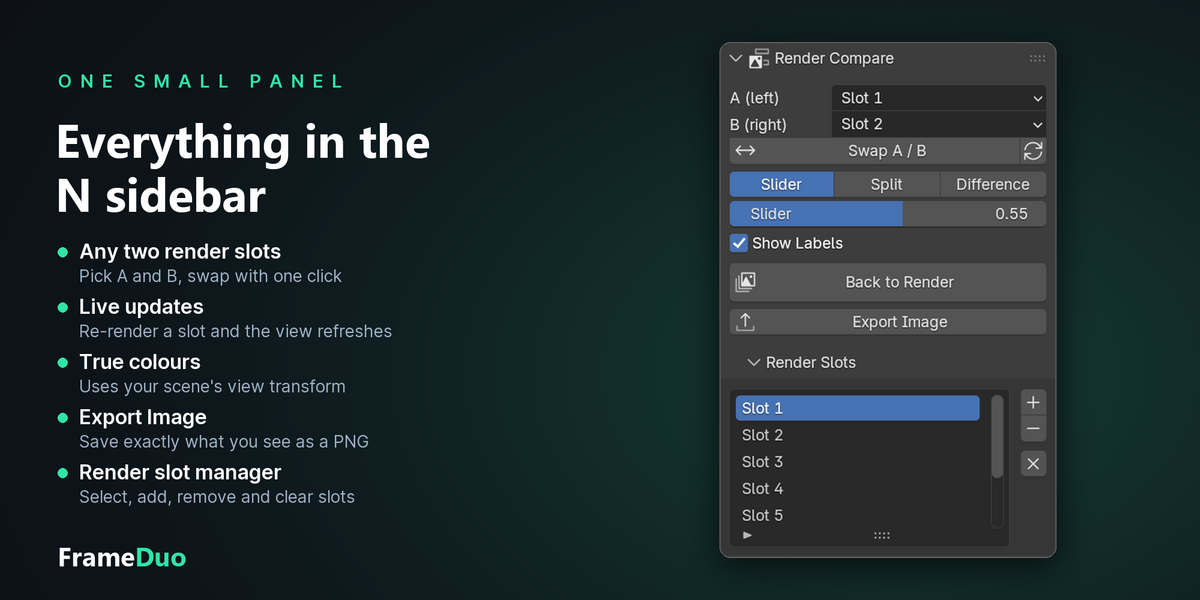
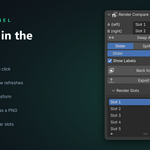
- Choose the slots for A (left) and B (right), pick a mode and click Show Compare.
Panel reference
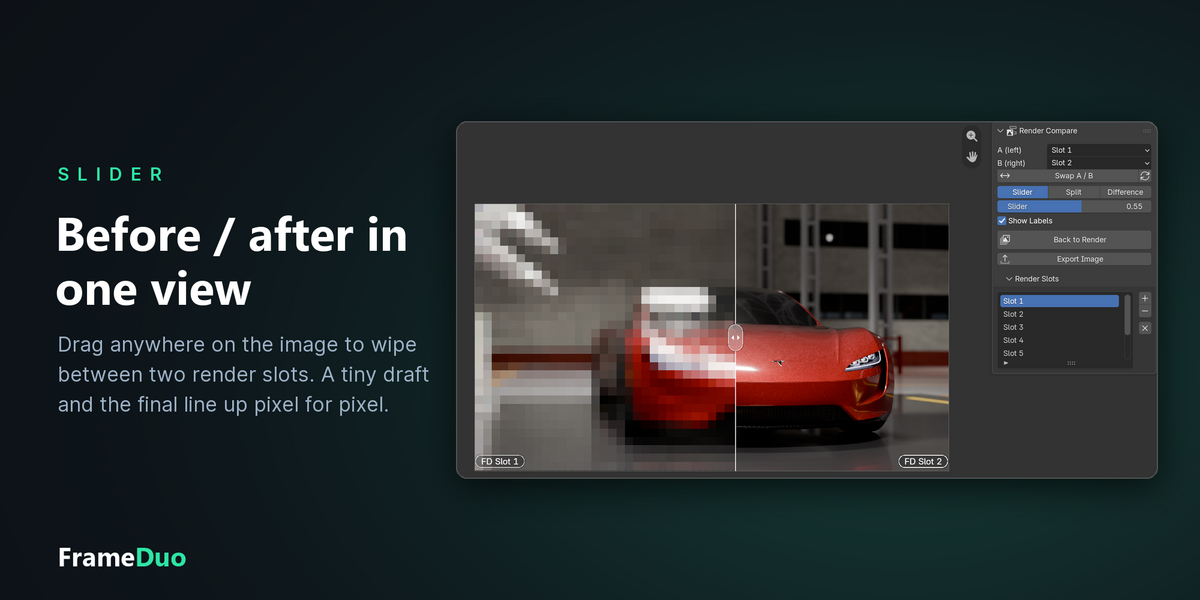
- A (left) / B (right): the two render slots to compare.
- Swap A / B: exchanges the two slots. The refresh button re-reads both slots from the Render Result.
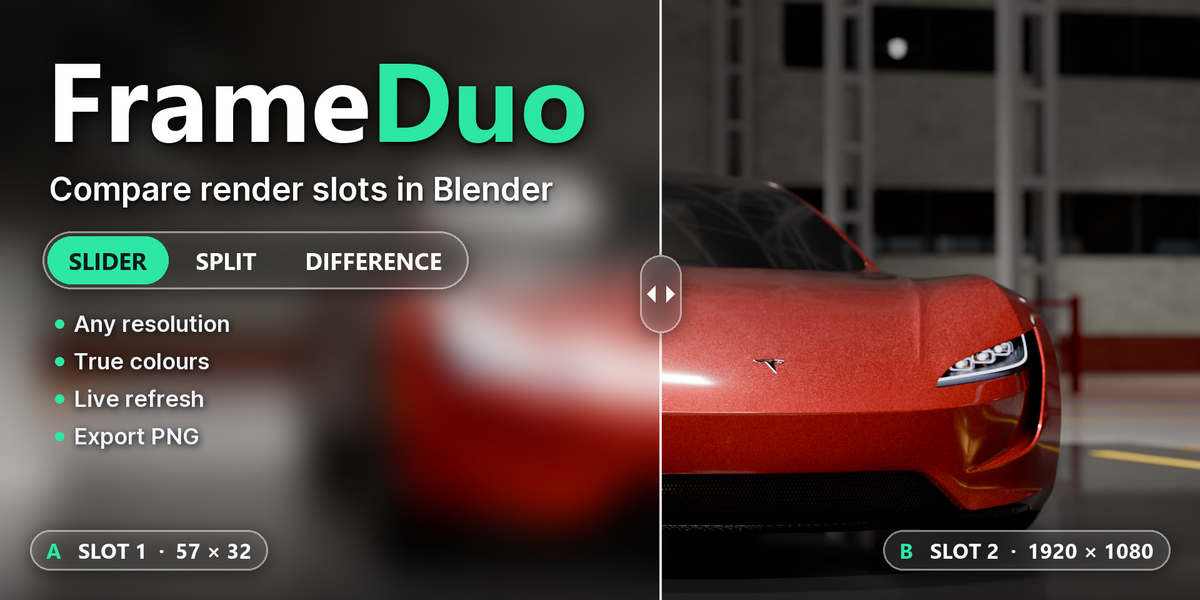
- Slider: before/after wipe. Click and drag anywhere on the image to move the divider, or use the Slider value.
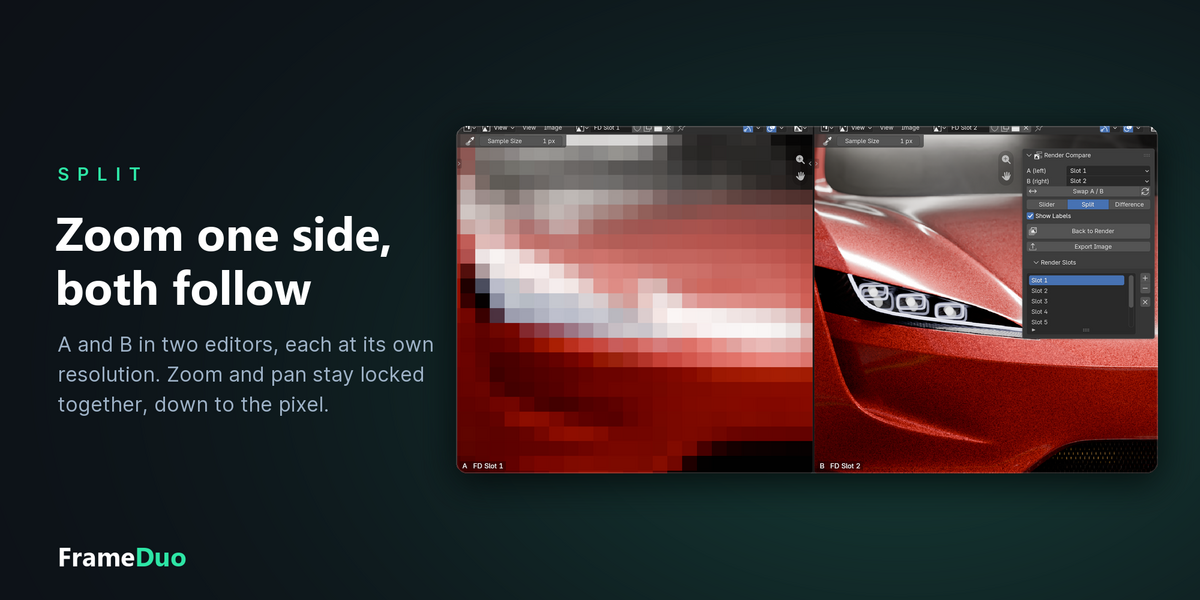
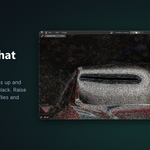
- Split: the Image Editor splits into two synced views, A on the left and B on the right. Zoom or pan either side and the other follows.
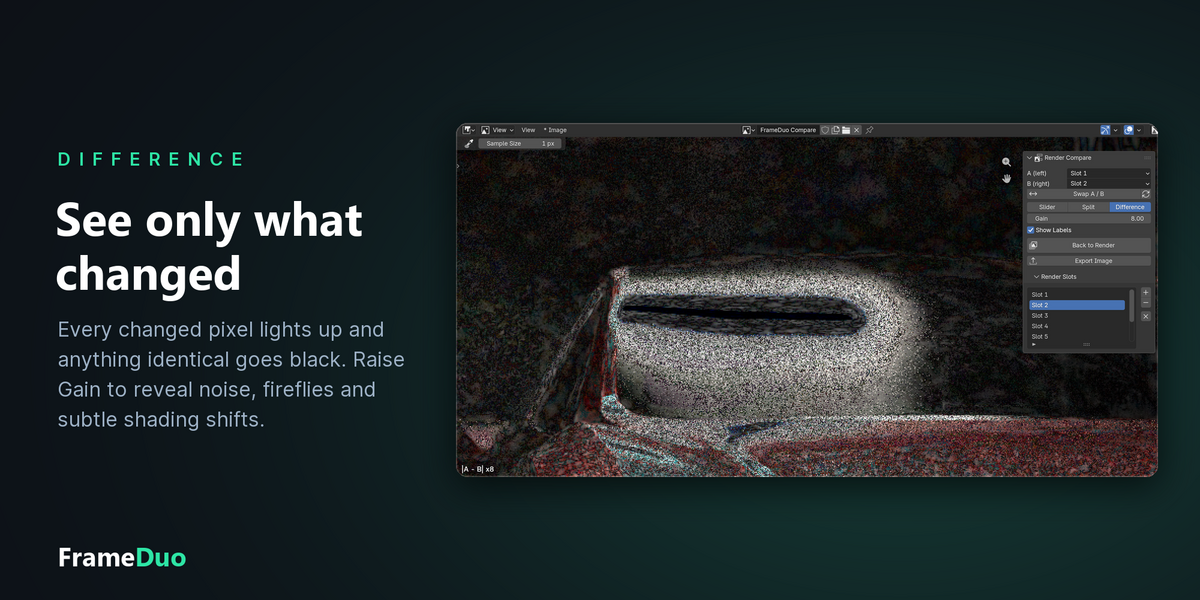
- Difference: shows |A - B|. Raise Gain to make small differences visible.
- Show Labels: draws the slot names on the image.
- Show Compare / Back to Render: enters the comparison, or returns the editor to the image it showed before.
- Export Image: saves exactly what you see as a PNG, including your zoom. Zoom out (Home) to export the full frame.
- Render Slots: select, add, remove and clear render slots while the comparison is on screen.
Good to know
- Switching modes always re-centres and fits the image.
- Re-rendering a slot that is being compared refreshes the comparison automatically.
- Slots are captured with your scene's colour management (view transform, look, exposure), so the comparison matches the Render Result. If you change these settings, click the refresh button.
- FrameDuo never modifies your renders. It keeps temporary copies of the compared slots in Blender's temporary folder for the current session only.
- The panel appears in workspaces whose name contains "Render" (the default Rendering workspace).
Have questions about this product?
Login to message
| Blender Extension Compatible | Yes |
| Published | about 2 hours ago |
| Blender Version | 4.2 - 5.2 |
| Extension Type | Add-on |
| Render Engine Used | Cycles, Eevee |
| License | GPL |

Discover more products like this
render compare before after Comparison rendering lookdev slider Split View image editor render slots difference Workflow