FrameDuo
 sharoleslam
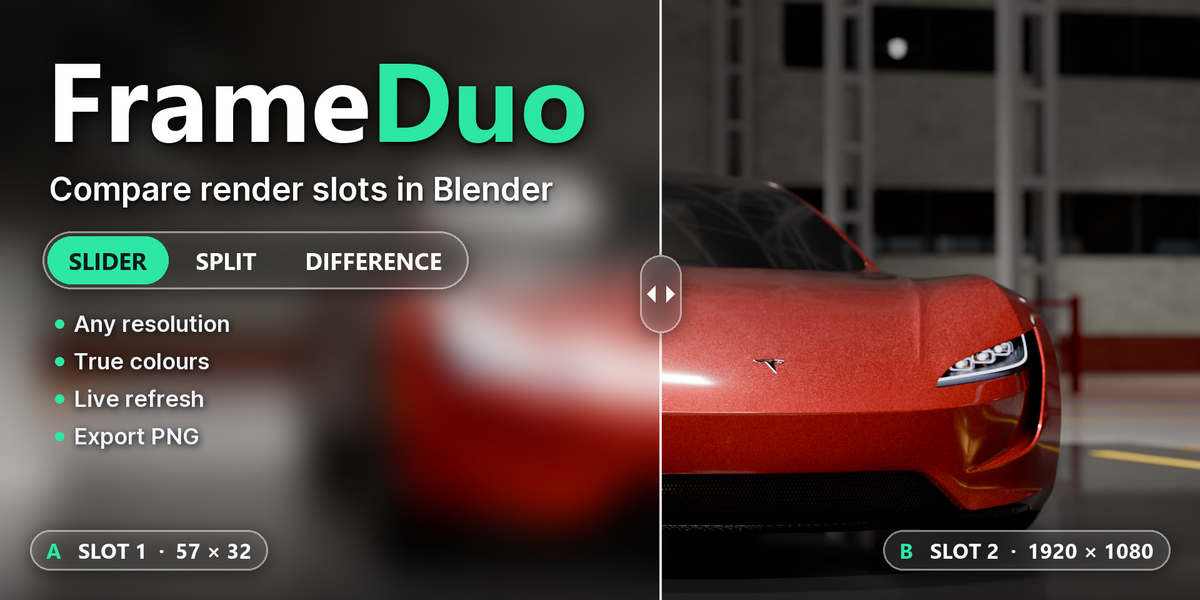
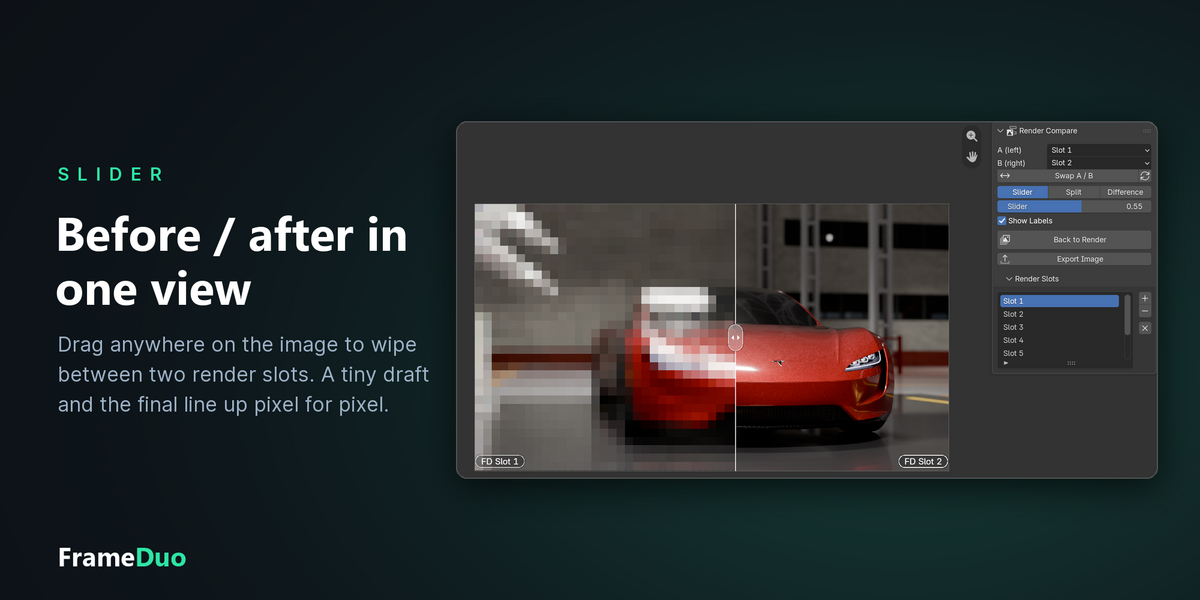
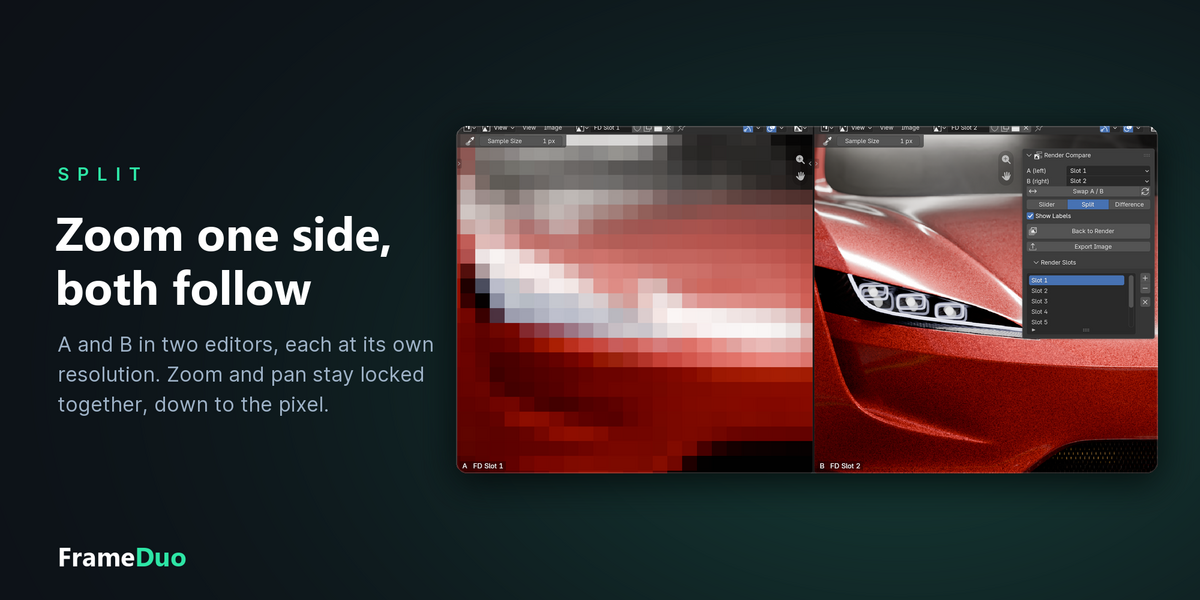
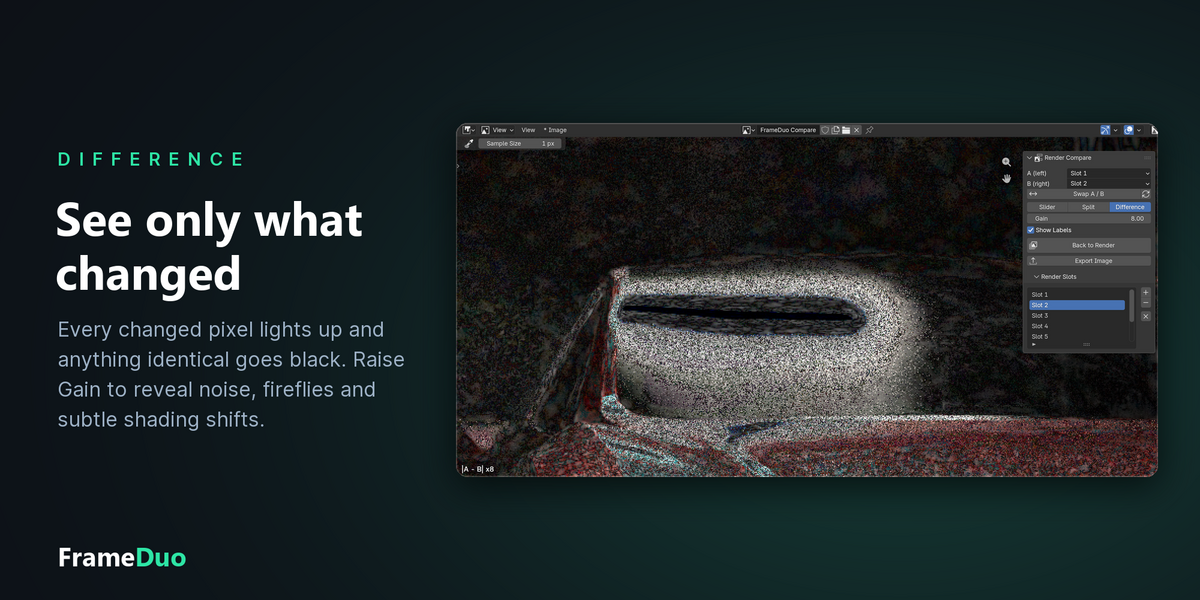
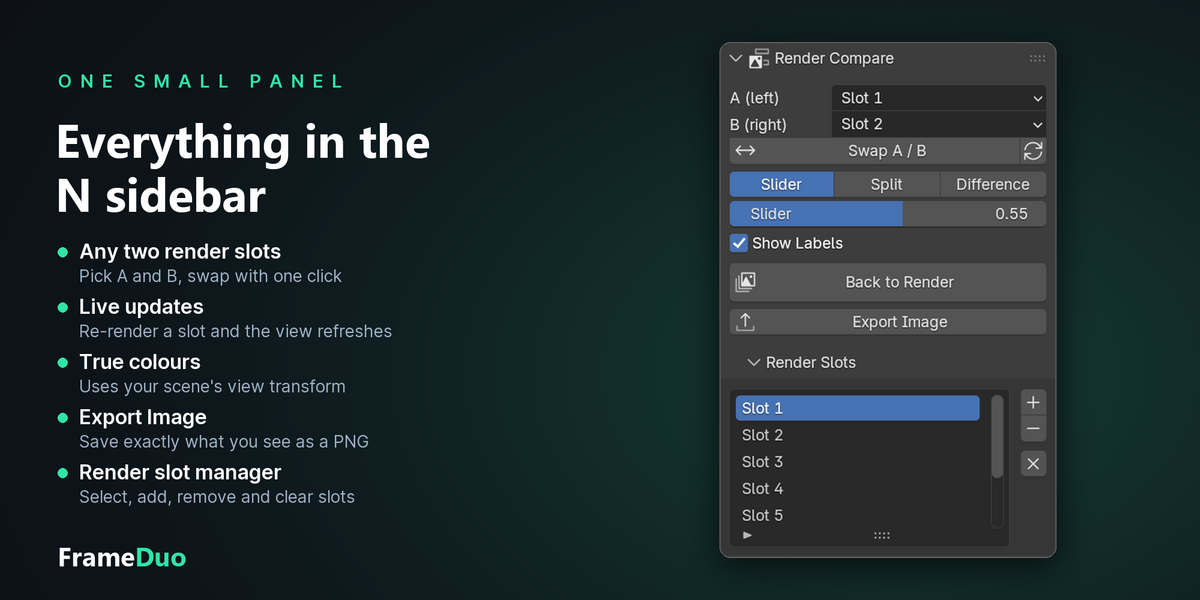
Blender 4.2 and newer. FrameDuo is developed and tested on Blender 5.2 and installs as a standard Blender extension.
Yes. FrameDuo compares render slots of the Render Result, so it works with Cycles, EEVEE and any other engine that renders into the Render Result.
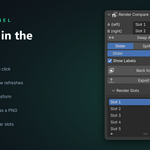
Open the Rendering workspace, hover the Image Editor and press N to open the sidebar, then click the FrameDuo tab. The panel only appears in workspaces whose name contains "Render".
No. It only reads the render slots. Temporary copies of the compared slots are kept in Blender's temporary folder for the current session, and nothing is written into your renders.
Yes. In Slider and Difference mode, the smaller render is scaled up to the larger one's resolution, so the sharper render is never downsampled. Its proportions are kept, so a render with a different aspect ratio is centred, never stretched. In Split mode each view shows its render at its own resolution, and zoom and pan stay synced on the same part of the frame.
Click Export Image. It saves exactly what you see in the editor as a PNG, including your zoom. Zoom out to the full frame first if you want the whole image.
Have questions about this product?
Login to message
| Blender Extension Compatible | Yes |
| Published | about 2 hours ago |
| Blender Version | 4.2 - 5.2 |
| Extension Type | Add-on |
| Render Engine Used | Cycles, Eevee |
| License | GPL |

Discover more products like this
before after lookdev Comparison image editor difference slider render compare Workflow render slots rendering Split View