COMPARE YOUR RENDERS
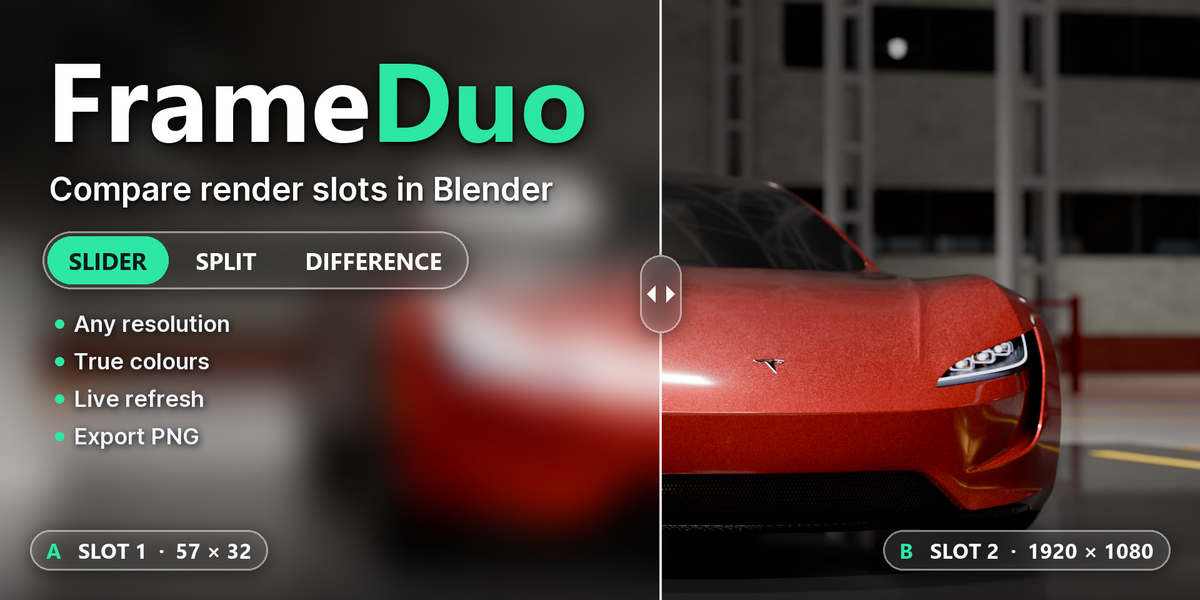
Put two render slots side by side, swipe between them, split them or see only what changed, right in Blender's Image Editor.
Slider, Split and Difference, in one small panel
TWO SLOTS, ONE VIEW
PICK A, PICK B, COMPARE
Choose two render slots in the sidebar and press Show Compare. Switch modes any time and the view follows.
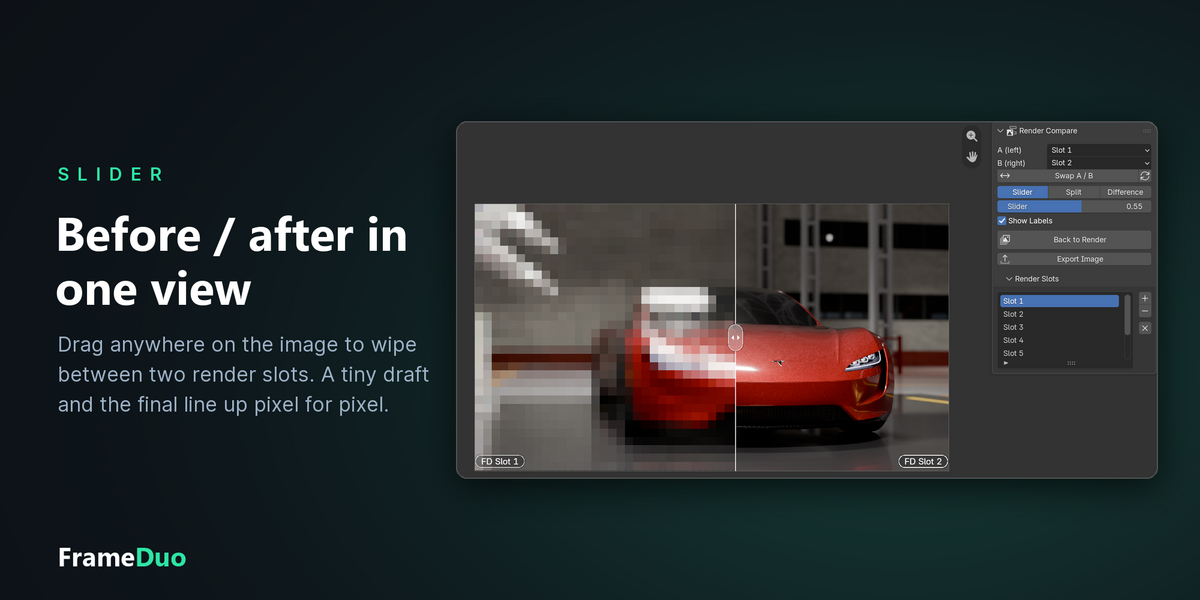
- Slider: a before/after wipe you drag anywhere on the image
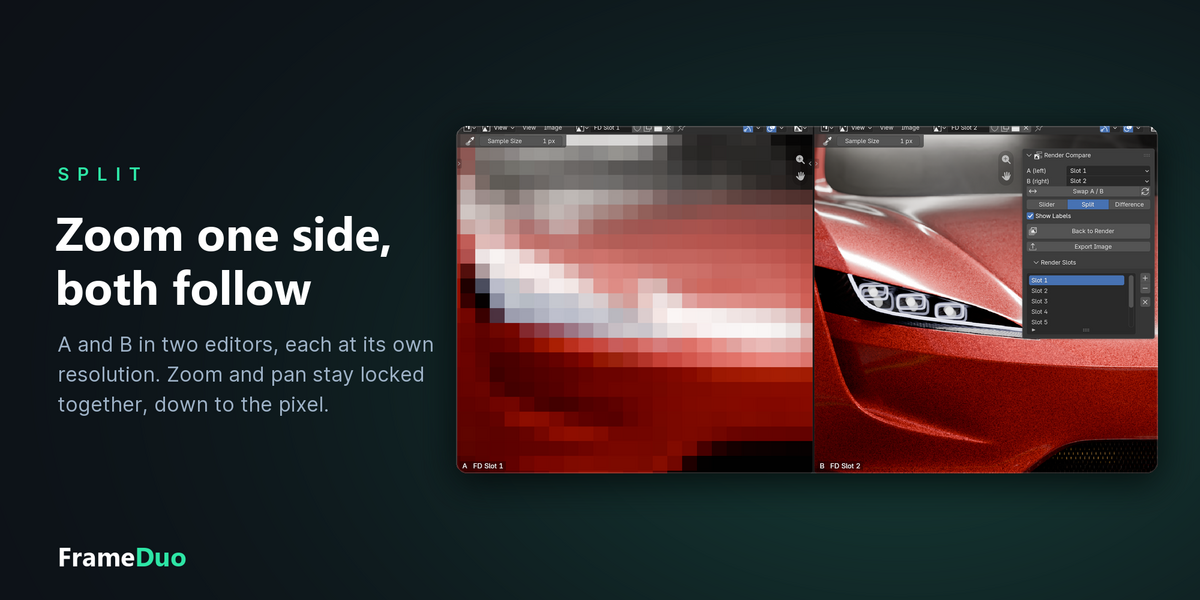
- Split: A and B side by side, zoom and pan locked together
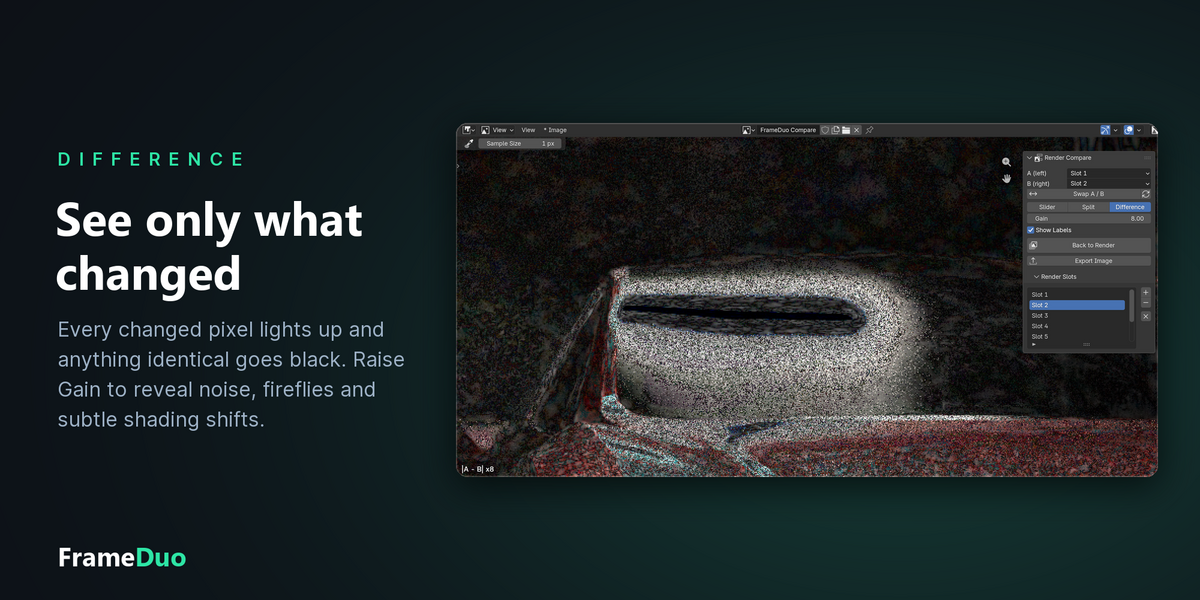
- Difference: only the pixels that changed, with a gain control
- Any resolution: a draft and a 4K final line up pixel for pixel
- True colours: uses your view transform, AgX, Filmic or Khronos
- Live: re-render a slot and the comparison refreshes by itself
- Export Image: save exactly what you see as a PNG
THE GOAL OF FRAMEDUO
Comparing two renders in Blender usually means pressing J, flicking between slots and trying to remember what the last one looked like. FrameDuo puts both on screen at once, so a lighting tweak, a material change or a sample bump is obvious at a glance.
SLIDER · TRY IT LIVE
BEFORE / AFTER IN ONE VIEW
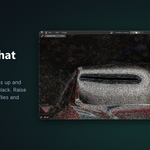
This is Slider mode: drag anywhere on the image and the divider follows. Here a 96 × 54 preview meets the 3840 × 2160 final, lined up pixel for pixel, with Show Labels naming each side.
THREE WAYS TO COMPARE
One panel in the Image Editor sidebar. Besides Slider above, pick Split or Difference and the editor switches on the spot, always fitted and centred.
SPLIT
ZOOM ONE, BOTH FOLLOW
The editor splits into two views, A on the left and B on the right, each at its own resolution. Zoom or pan either side and the other stays locked to it, down to the pixel, so the preview's blocks sit right next to the final's detail. Exit Split View folds it back into one editor.
DIFFERENCE
SEE ONLY WHAT CHANGED
Every changed pixel lights up (|A − B|) and everything identical goes black. Raise Gain to reveal noise, fireflies and the subtlest shading shifts.
EVERYTHING IN ONE PANEL
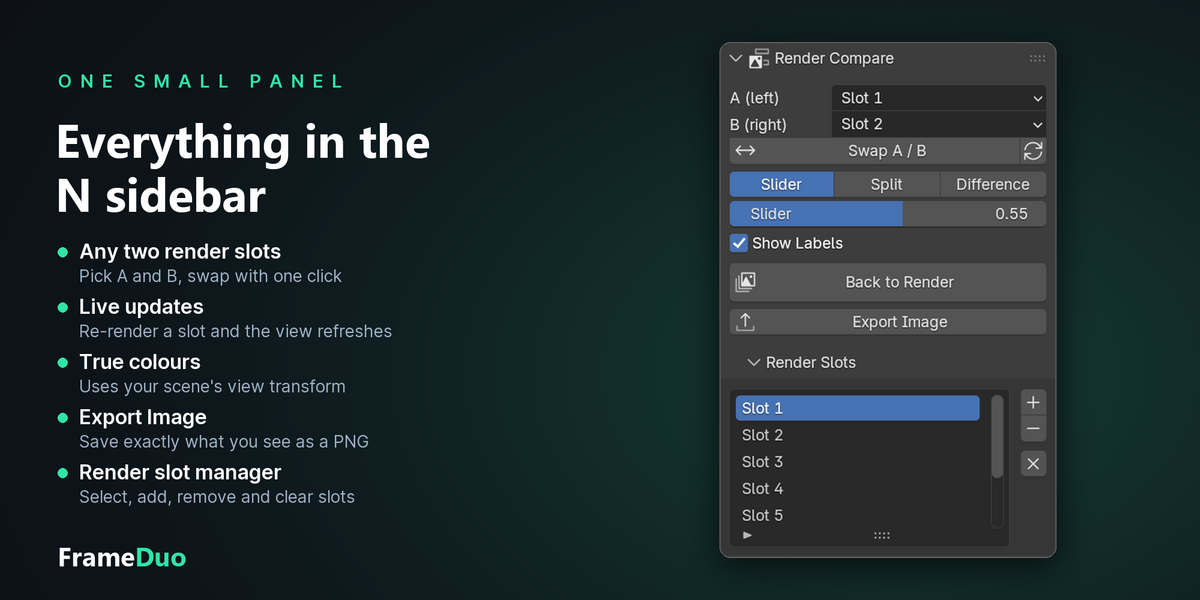
THE N SIDEBAR

SLOTS, MODES, EXPORT
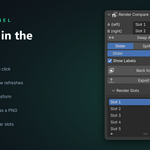
Pick any two render slots and Swap them with one click. The Render Slots list lets you select, add, remove and clear slots without leaving the comparison, and Export Image saves what you see, zoom included, ready for a client or your team.
TRUE COLOURS, ANY RESOLUTION
NO SURPRISES
WHAT YOU RENDER IS WHAT YOU SEE
Slots are captured through your scene's view transform, look and exposure, so the comparison matches the Render Result exactly. Renders of different sizes are compared at the larger one's resolution and never stretched. Slots are cached, so switching modes is instant, even at 4K.
WHO MADE THIS

I'm Amir, a mechanical engineer and 3D artist. I have been making art since I was 16, and half of every job is the same question: is this version better than the last one?
Most days I make 3D visuals for founders and inventors, and I was tired of pressing J and squinting. FrameDuo is the tool I wanted for that moment, made with the same care I put into every shot. You can see my work at amirsharoleslam.com.
MORE FROM THIS DESK
FrameDuo is one of six Blender add-ons I have released for technical and product visualisation. Each one works on its own.
All five are on Superhive, with the same 30-day guarantee as this one.
WHAT YOU GET
- FrameDuo 1.0 extension (.zip), drag and drop onto Blender to install
- Requires Blender 4.2 or newer
- Works with Cycles, EEVEE and any engine that renders into the Render Result
- 30-day refund guarantee via Superhive
- Personal and commercial use
- All future updates free
STOP PRESSING J AND GUESSING.
SEE BOTH RENDERS AT ONCE.
 sharoleslam