Game Asset Pipeline Pro
 Skava
Skava



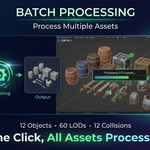
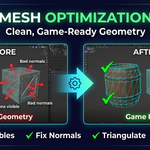
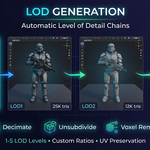
Download the .zip file and do not unpack it. In Blender open Edit > Preferences > Add-ons, click the drop-down arrow in the top-right corner and choose Install from Disk (in Blender 4.0 and 4.1 the button is called Install), then pick the downloaded file. Tick the checkbox next to Game Asset Pipeline Pro to enable it.
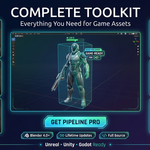
The product page lists Blender 4.0 – 5.0.
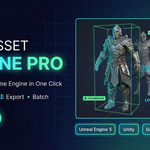
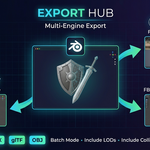
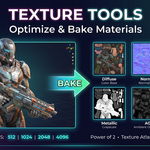
It prepares game assets in Blender: LOD chains of up to 5 levels (Decimate, Unsubdivide or Voxel), collision meshes (Box, Sphere, Capsule and Convex Hull, with engine-specific prefixes such as UBX_, USP_, UCP_ and UCX_), mesh cleanup (remove doubles, recalculate normals, triangulate), texture resizing to power-of-two sizes, texture atlases, material baking, naming presets for Unreal, Unity and Godot, and export to FBX, glTF/GLB or OBJ, including batch export.
The product page lists Diffuse, Normal, Roughness, Metallic, AO and Emission.
The Documentation tab on this product page links to the full documentation.
The product page lists the license as MIT.
Have questions about this product?
Login to message
| Sales | 20+ |
| Published | 10 months ago |
| Blender Version | 4.0 - 5.0 |
| Extension Type | N/A |
| Render Engine Used | Cycles, Eevee |
| License | Mit |