 Kapilari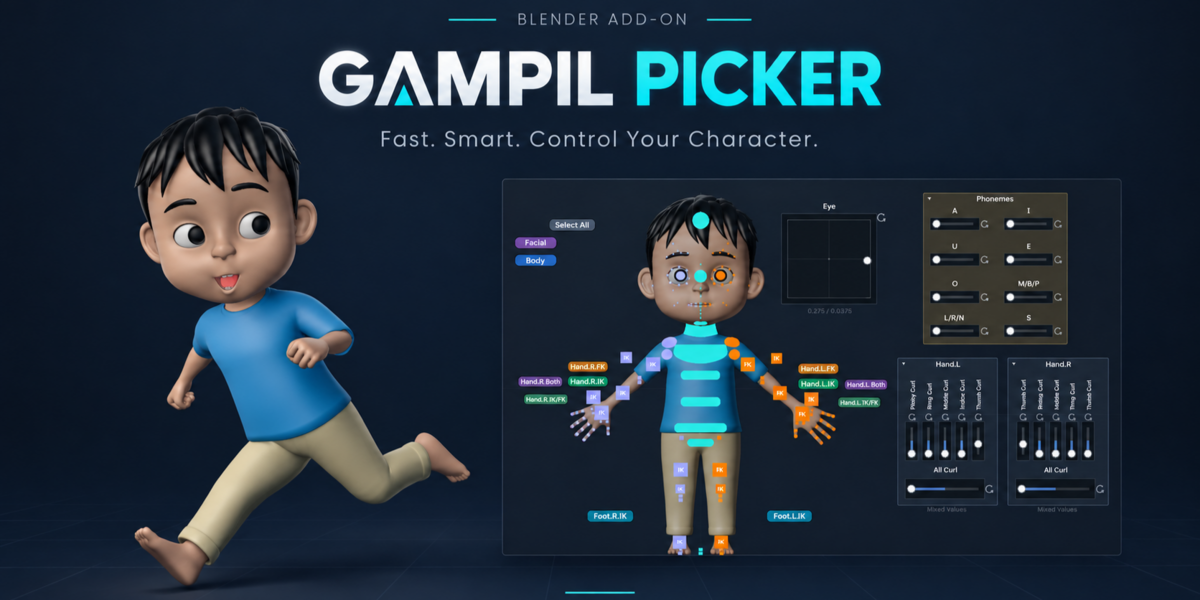


Blender Add-on | Rigging & Animation | Native UI, No External Window
Gampil Picker v4.0 for Blender
The most intuitive and streamlined solution for selecting and controlling rig characters in Blender. Powered by a native canvas running directly inside Blender’s core process loop, ensuring all default keyboard shortcuts (Space, I, Ctrl+Z, and frame navigation) remain 100% responsive without ever losing window focus.
Blender 4.2+ LTS, 4.5 LTS, 5.2 LTS+ (Extension Platform)
Windows, macOS, Linux
1-Click Generate From Rig
GPL | Free Lifetime Updates
The Problem
When animating complex character rigs, 3D viewport control widgets frequently overlap and get obstructed by model geometry, making bone selection slow and frustrating. Furthermore, conventional external picker add-ons open separate application windows that hijack keyboard focus and disrupt Blender’s native shortcut workflow.
The Solution
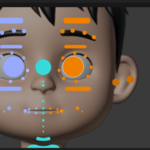

Gampil Picker renders its control canvas natively within Blender’s UI process. With the v4.0 update, you can do far more than select bones—you can now manipulate rig transforms directly from the canvas using Sliders, Omni-Pads, and Master Sliders, eliminating the need to select controls in the 3D viewport!
Key Features & Visual Highlights
01 Direct Rig Manipulation: Sliders, Omni-Pads & Master Sliders NEW in v4.0
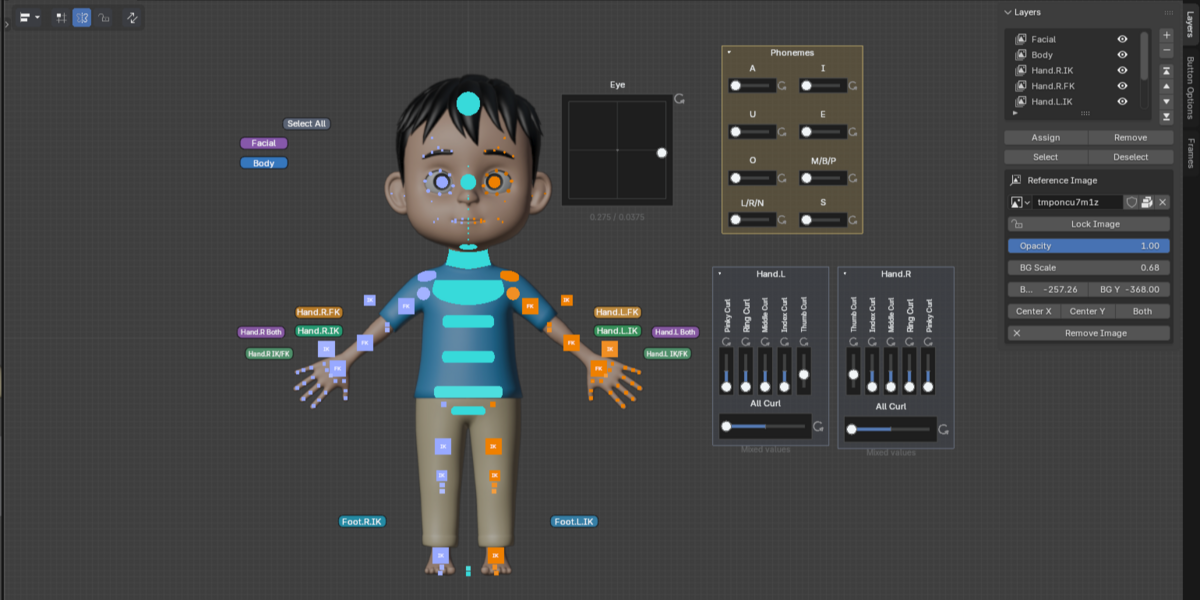


Drive bone transformation values (Location, Rotation, Scale, and Custom Properties) directly from the canvas. Features dual Edit & Control modes, an instant Reset button (⟳), fast Min/Max pose sampling, and Additive Blend support for smooth facial expression layering.
02 Generate From Rig & Auto Layering NEW in v4.0
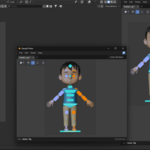
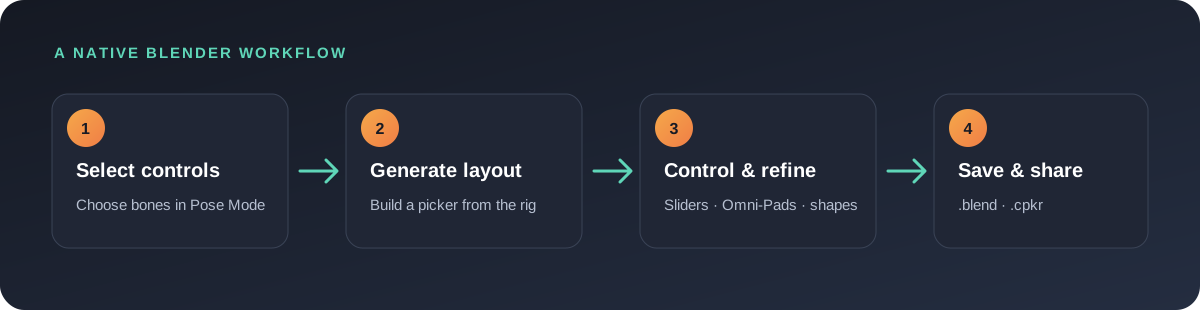



Simply select control bones in Pose Mode and click “Generate From Selected Bones”. The add-on automatically creates a clean picker layout, generates Finger Curl sliders, sets up auto-layering with master selection buttons, and builds instant IK/FK switches without requiring manual toggle scripts.
03 1-Click Phoneme Preset
Accelerate your facial lipsync workflow. Instantly generate an 8-slider Phoneme layout covering core mouth shapes (A, I, U, E, O, M/B/P, L/R/N, S). Animators simply set their poses and start animating.
04 Canvas Organization: Frames & Groups NEW in v4.0
Organize controls into customizable Frames that can be color-coded, collapsed to save space, and moved alongside their contents to keep your canvas clean and structured.
05 Editable Bezier Vector Shapes & X-Symmetry
Every button is constructed from editable bezier curves (press Tab for Edit Shape). Modifications made to one side are automatically mirrored to the opposite side using live X-Symmetry.
06 Multi-Character Tabs & Multi-Window Support
Organize multiple character rigs within a single project using browser-style tabs. Launch multiple picker windows simultaneously to maximize productivity across multi-monitor setups.
07 Portable & Independent .cpkr File Format
Export your custom picker layouts into standalone .cpkr project files per tab. Easily distribute your layouts across shot files or share them with your animation team.
Technical Specifications
Blender Versions: Blender 4.2 LTS, 4.5 LTS, 5.2 LTS+
Operating Systems: Windows, macOS, Linux
License: GPL
