Geo FastHair
 Edmund Earle


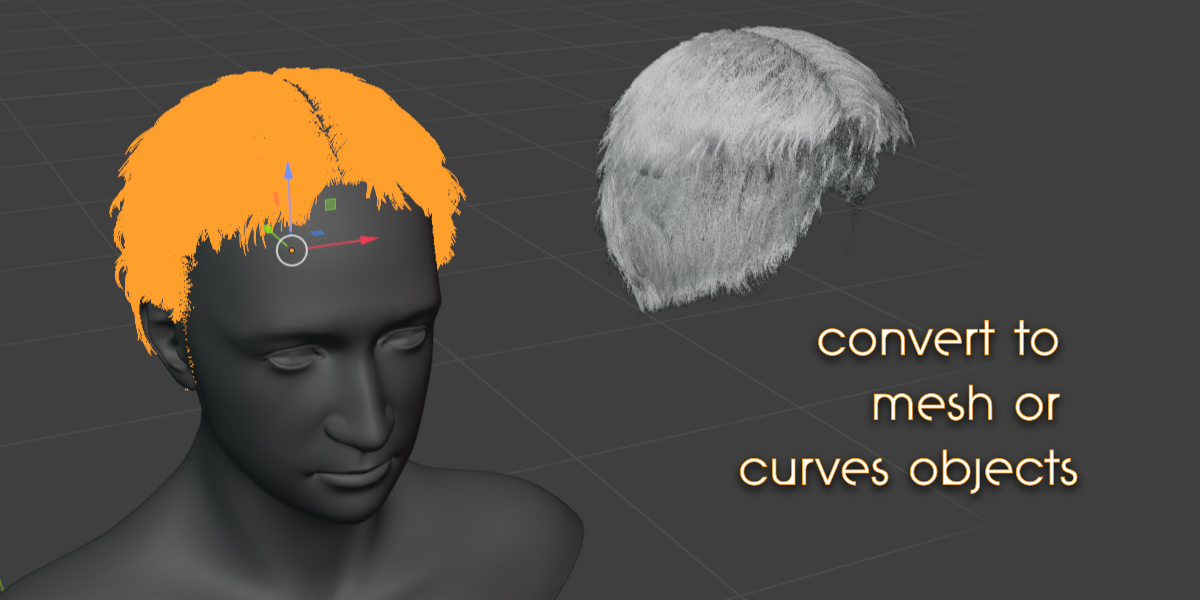

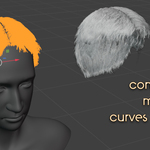
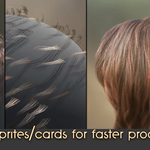
Yes: append in the Convert to Curves object: it has a Geonodes modifier that you can assign your hair build to. Once it's assigned you can position the Convert to Curves object properly on the head, and then parent it to your head bone or character.
To have the hair attach and deform more directly with the head, convert that Curves object to a mesh. Position it properly on the head and add a Surface Deform modifier. Select your character as the deform mesh and click Bind. Now the hair should be locked onto the mesh of the character.
Note: before playing your animation disable or bake the original Geo FastHair object, or else it will try to update the hair spawns as the character moves. To bake: go into the Geometry Nodes Editor, select the main Geometry Nodes modifier, and navigate to the bottom right of the nodegroup: here there is a Bake node you can use.
Have questions about this product?
Login to message
| Sales | 20+ |
| Rating | 2 ratings |
| Published | over 1 year ago |
| Blender Version | 4.4, 4.3, 4.2 |
| Render Engine Used | Cycles, Eevee |
| License | Royalty Free |

Discover more products like this
hair Blender hairstyle 3d-hairstyle 3d character modeling 3d character