Hdri Forge
 Brock Creative



Can I animate the HDRI rotation?
Yes. Each dome is a real object in the outliner with full transform data. Keyframe location, rotation, or scale like any other object. Use Lock to Camera to parent the dome to your camera rig.
Can I use multiple HDRIs on the same object?
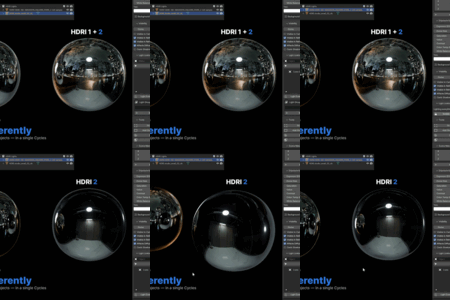
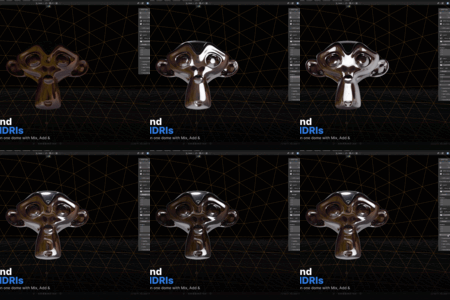
Yes — the HDRI Layers system lets you stack unlimited HDRIs on a single dome, each with its own rotation, strength, and blend mode (Add, Mix, Multiply, Screen).
How many domes / HDRIs can I have in one scene?
Unlimited. Each dome auto-staggers its radius to avoid z-fighting, and the radius compensation system ensures each dome delivers matched brightness regardless of size.
Do I need to bring my own HDRIs?
Yes — HDRI Forge does not include an HDRI library. It works with any .hdr or .exr file. We recommend Poly Haven for free, high-quality HDRIs. Point the HDRI Library in preferences to any folder of HDRIs on your machine.
What Blender versions are supported?
Blender 4.0 and above. Light linking was introduced in Blender 4.0, so earlier versions are not supported. Tested on 4.2 LTS, 4.3, and 5.1.
Does this work in EEVEE?
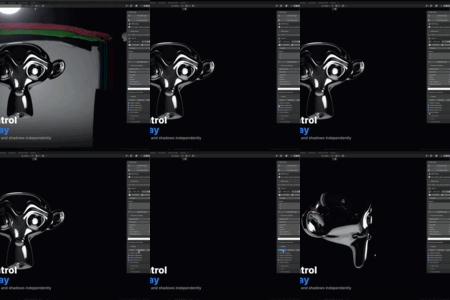
HDRI Forge requires Cycles for light isolation. This is a Blender engine limitation — EEVEE does not currently support light linking. Your domes will still appear as backdrop emitters in EEVEE, but per-object isolation only works in Cycles. The addon will show a warning if EEVEE is detected.
$25
Have questions about this product?
Login to message
| Sales | 10+ |
| Published | 3 months ago |
| Blender Version | 4.0 - 5.2 |
| Extension Type | N/A |
| Render Engine Used | Cycles |
| License | GPL |

Discover more products like this
3D Art HDRi 1 click light setup 1 click light 360 hdri environment hdri addon blender 360 degree lighting 360 HDRi 3d-lighting