HR
HR


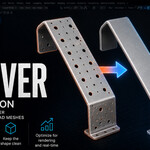
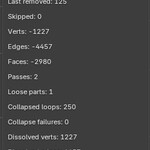
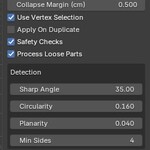
Hole Remover is a Blender add-on that detects and removes circular through-holes in imported CAD meshes, reducing polygon count for easier editing, faster rendering, and real-time 3D workflows.
Instead of working like a generic “fill holes” repair tool, Hole Remover looks for CAD-style geometric features: sharp circular rings, matching coaxial openings, and connected side-wall faces. Once detected, each valid hole can be previewed and removed, helping simplify mechanical parts, hard-surface assets, and dense CAD imports for cleaner downstream workflows.
It is especially useful when holes are not needed for visualization, rendering, optimization, or real-time 3D workflows.
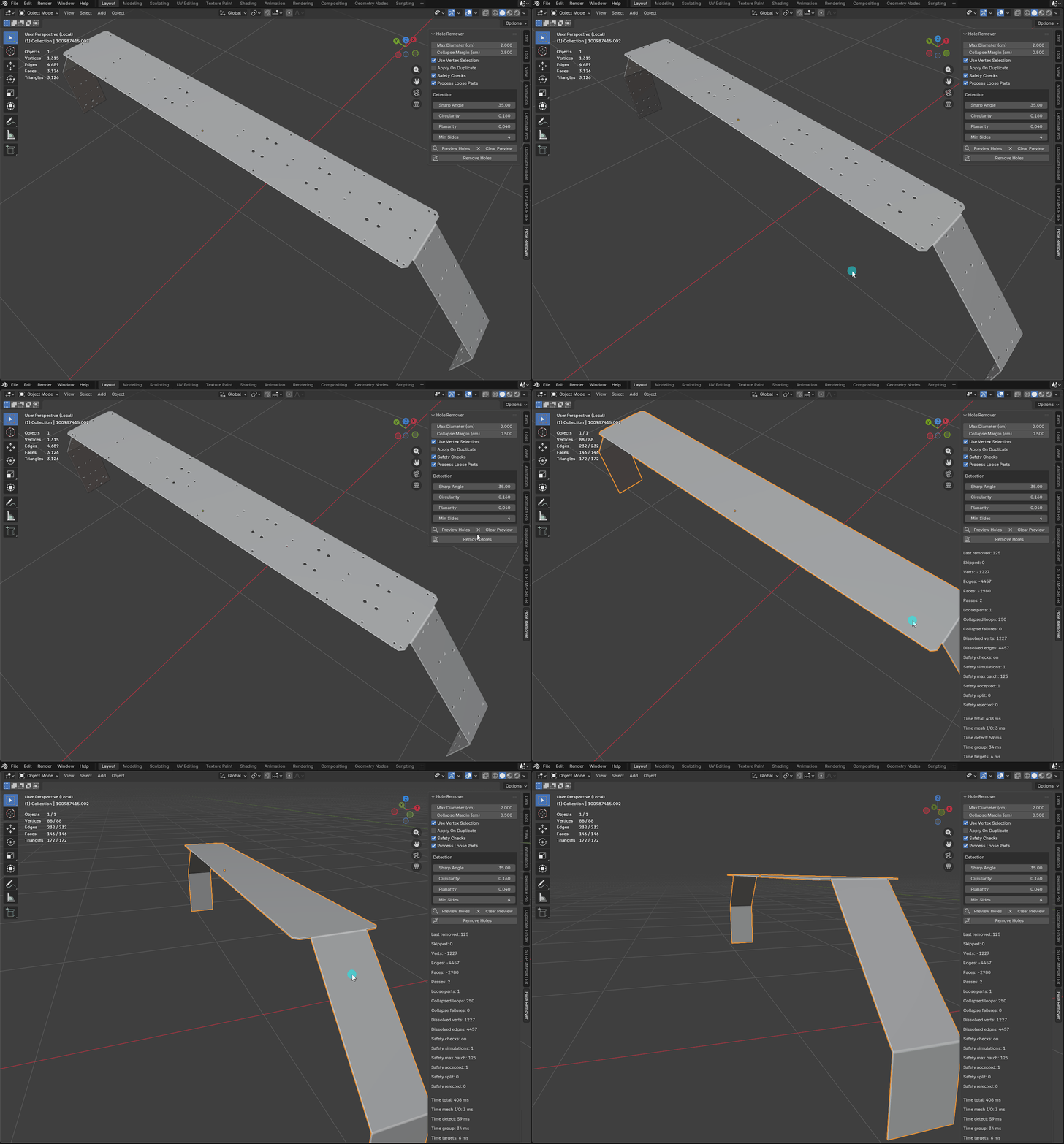
Example (from 3126 to 172 triangles):
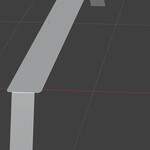
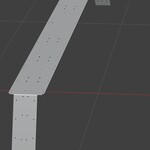
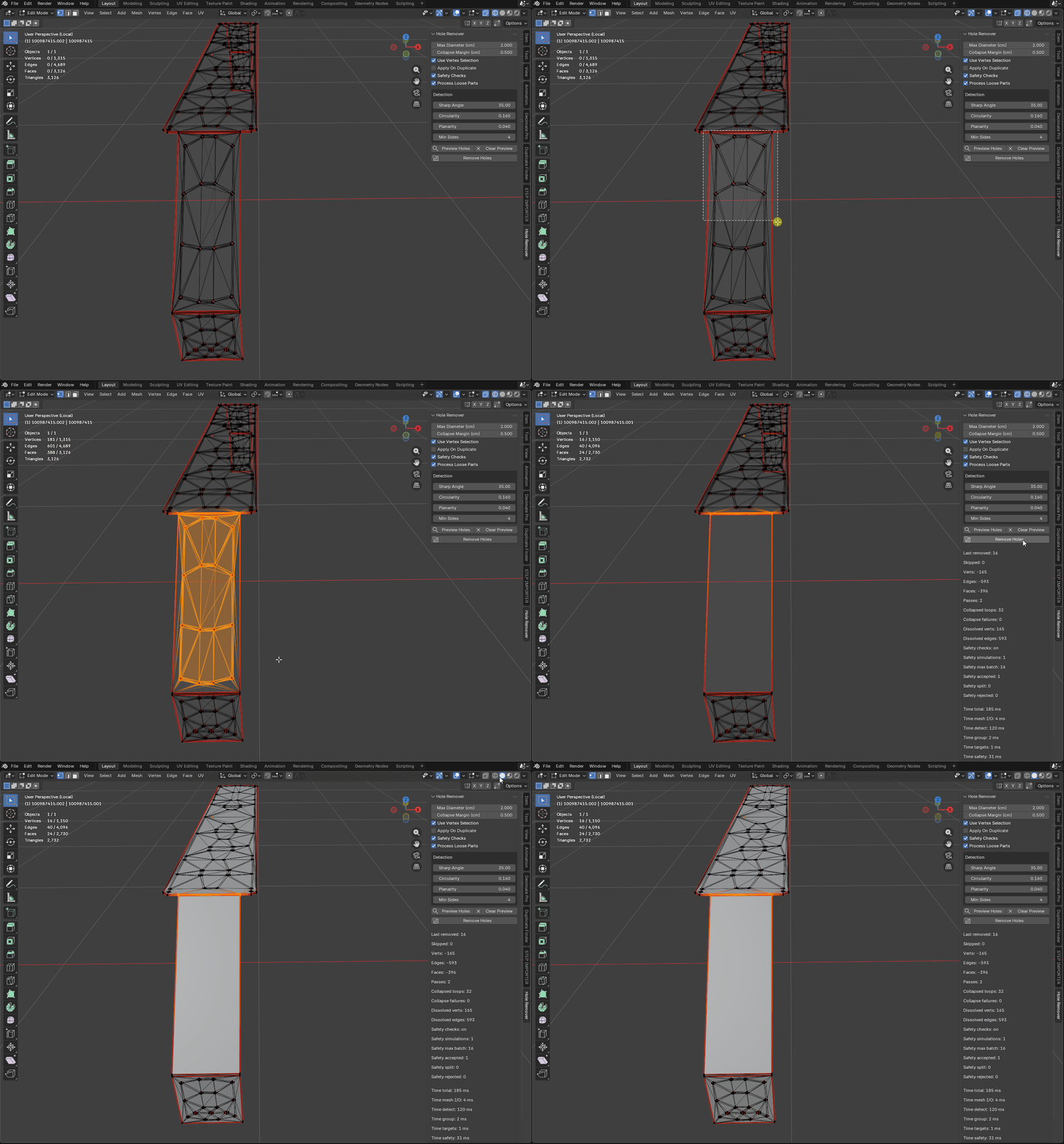
Working on the selection in Edit Mode:
Key Features
- Detects circular and near-circular through-holes
- Filters holes by maximum diameter
- Preview detected holes before removal
- Works on one or multiple selected mesh objects
- Optional duplicate mode to preserve the original mesh
- Reports removed holes and topology changes
Best For
- CAD mesh cleanup
- Hard-surface asset preparation
- Reducing unnecessary topology
- Lowering triangle count for real-time 3D assets
- Cleaning mechanical parts before rendering
- Preparing imported models for editing or optimization
Important Limitations
Hole Remover is focused on circular through-holes. It does not identify countersunk holes, blind holes, slots, or heavily distorted curved features.Hole removal can deform the mesh, especially on complex surfaces or when only some holes are removed from the same surface area. For difficult CAD topology, successful cleanup may require multiple attempts, adjusted settings, or using the preview and duplicate options to test the result safely.
Installation