 3DVision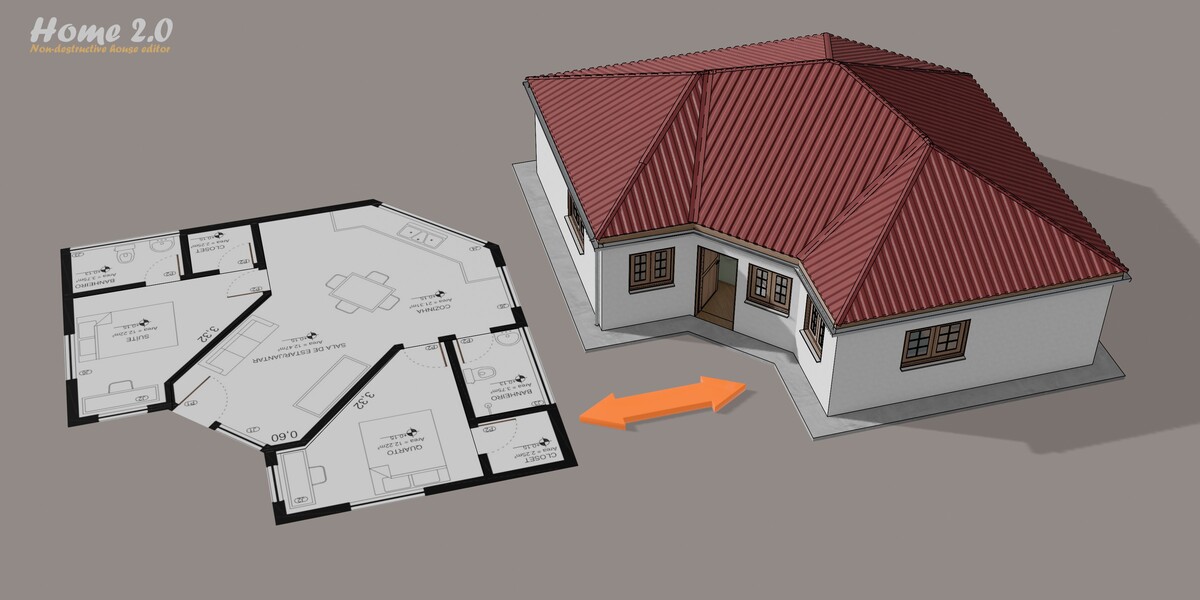
|
10
roof types
|
6
roofing styles
|
170+
settings in one modifier
|
5.1+
Blender · EEVEE & Cycles
|
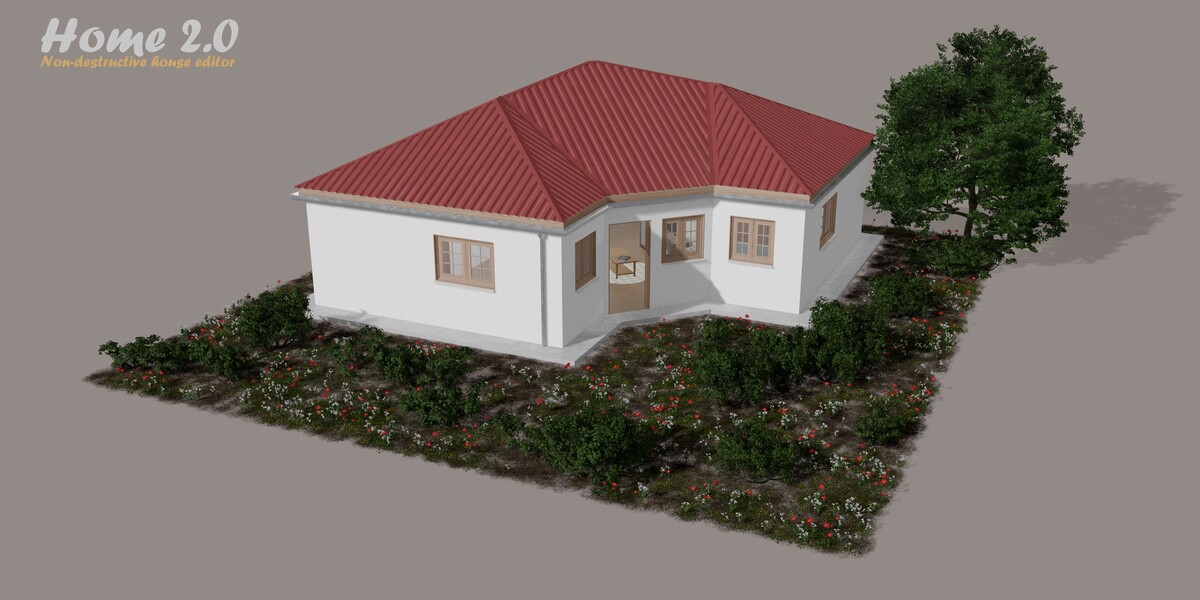
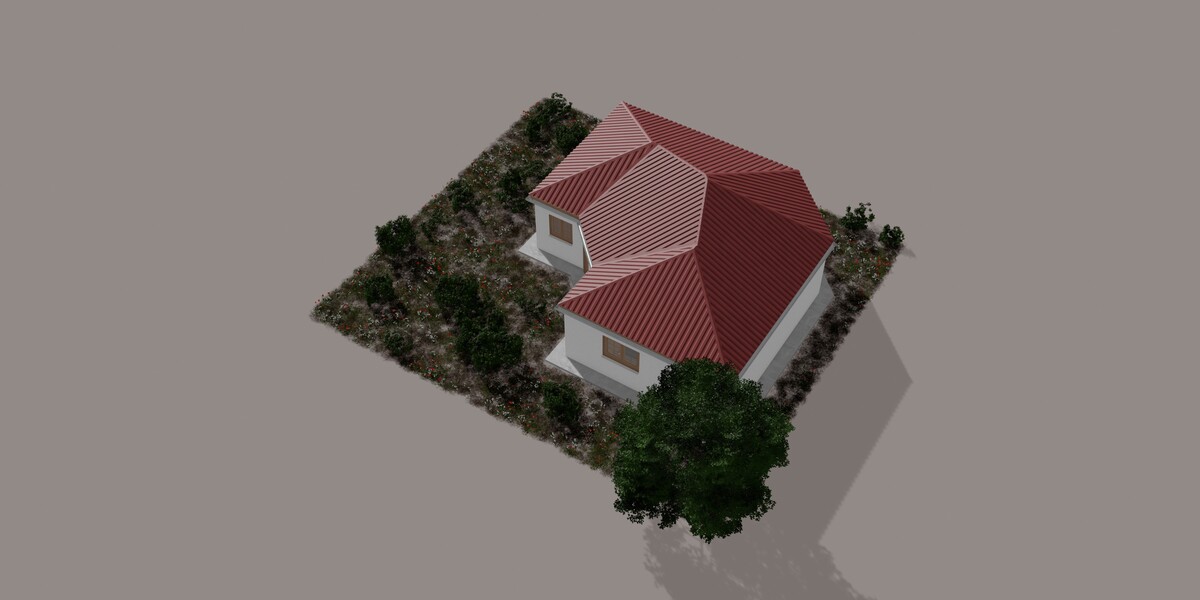
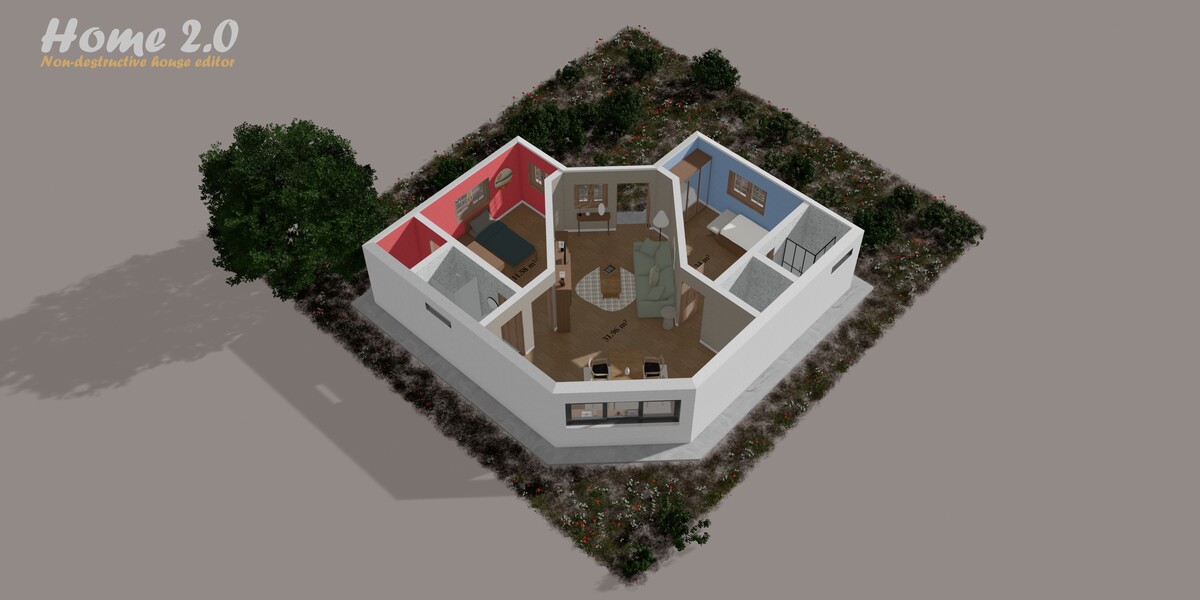
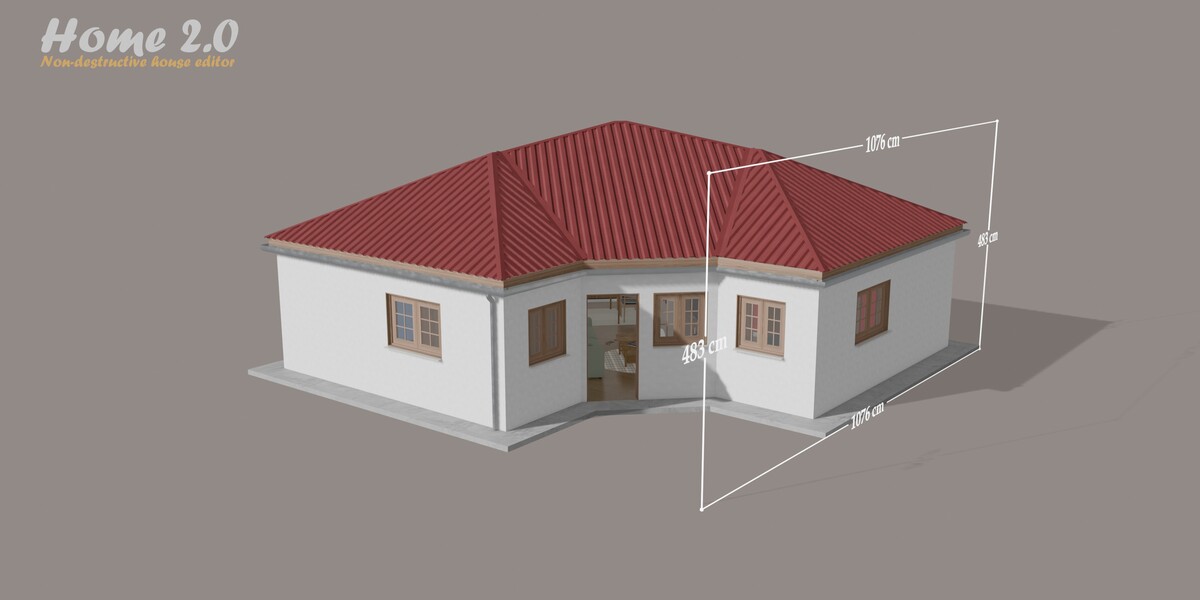
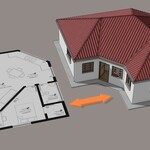
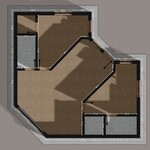
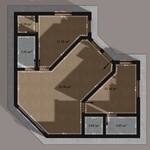
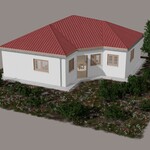
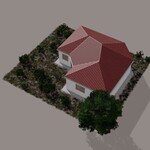
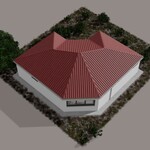
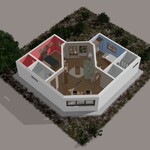
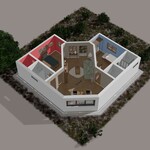
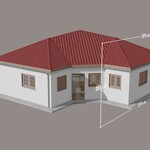
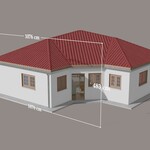
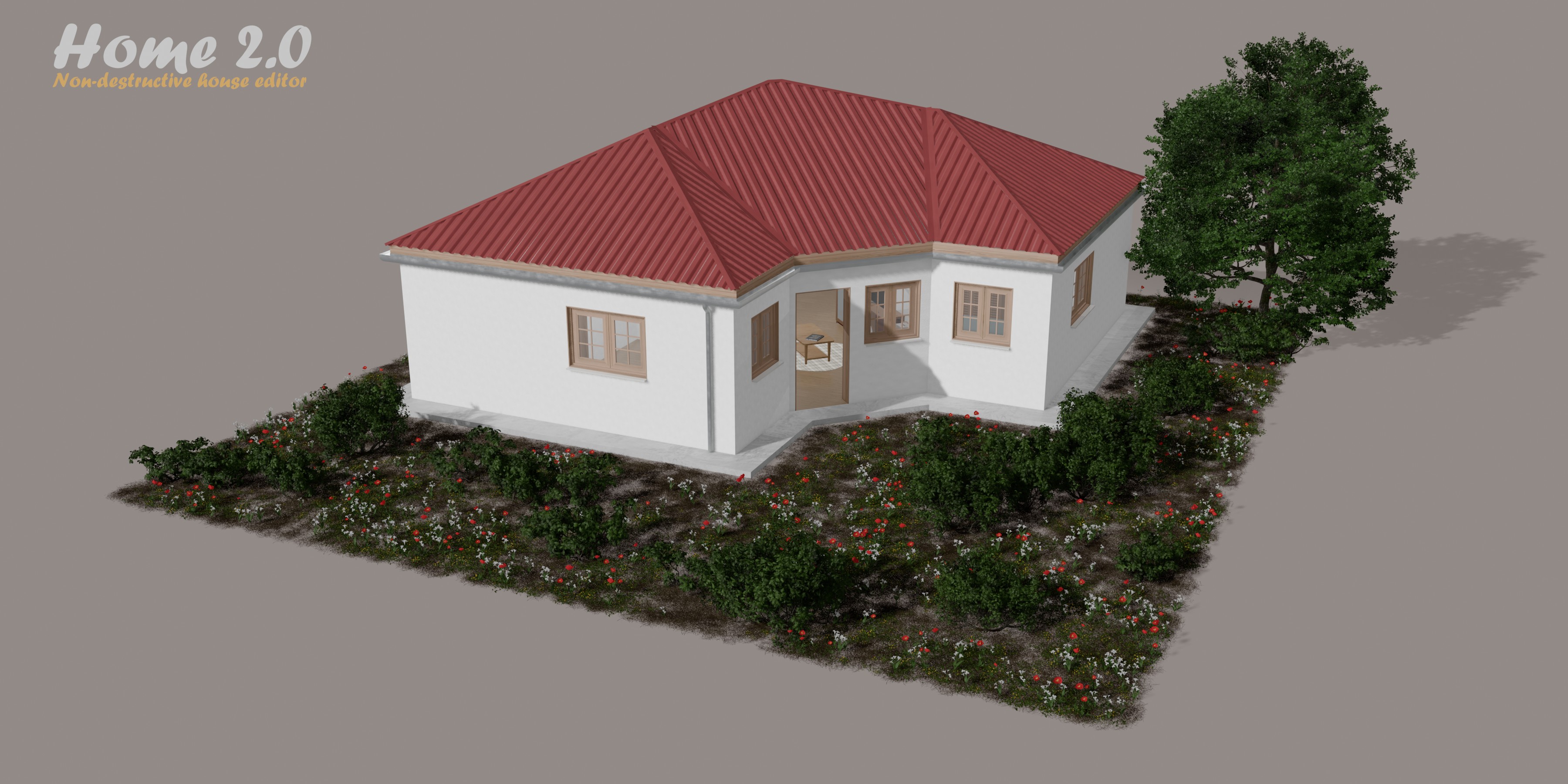
Home builds a complete house from a simple mesh, with a single Geometry Nodes modifier. Import your plan with “image to plan”, trace the facades and scale the mesh in edit mode: faces become the facade walls and edges become the partition walls. Show or hide the plan at will, switch on Xray to see inside the building, then add doors, windows and your own openings. No add-on required.
How it works
|
1 Prepare your plan
Import a plan image, trace the facades and scale the mesh to the real dimensions in edit mode.
|
2 Add the modifier
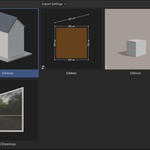
Drag and drop D|Home from the Asset Browser onto your plan. The modifier generates the walls, slab, floor, ceiling, roof and more.
|
3 Add the details
Place doors and windows along the walls, draw your own openings, paint the rooms and switch on gutters, framing and measurements.
|
|
Model on your own plan
Import a plan image, trace the facades and scale it to the real dimensions.
|
Faces and edges
Facade walls on faces, partition walls on edges.
|
Rooms
Paint per room, tiling for wet rooms, baseboards removed in garages.
|
|
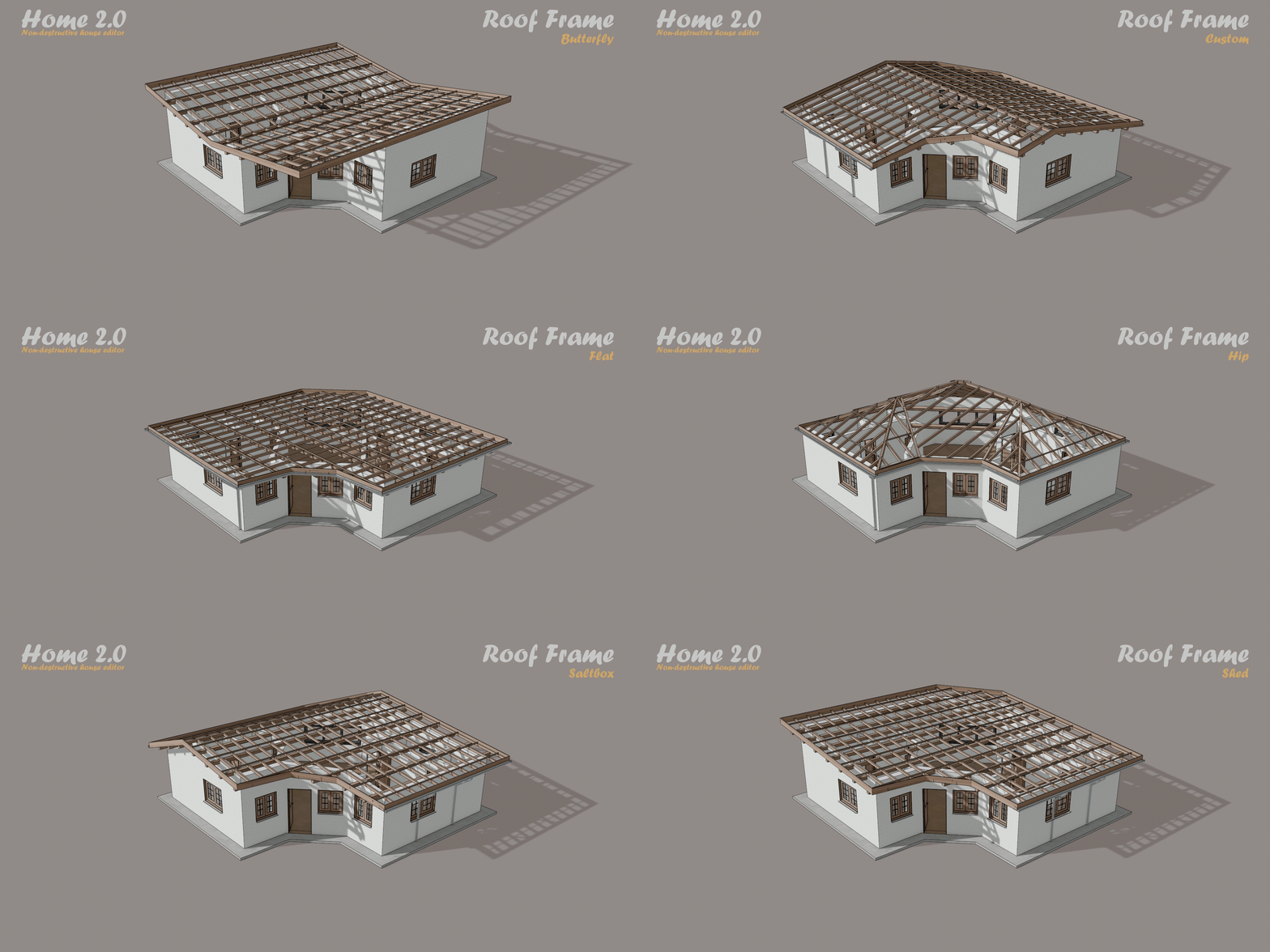
Roofing
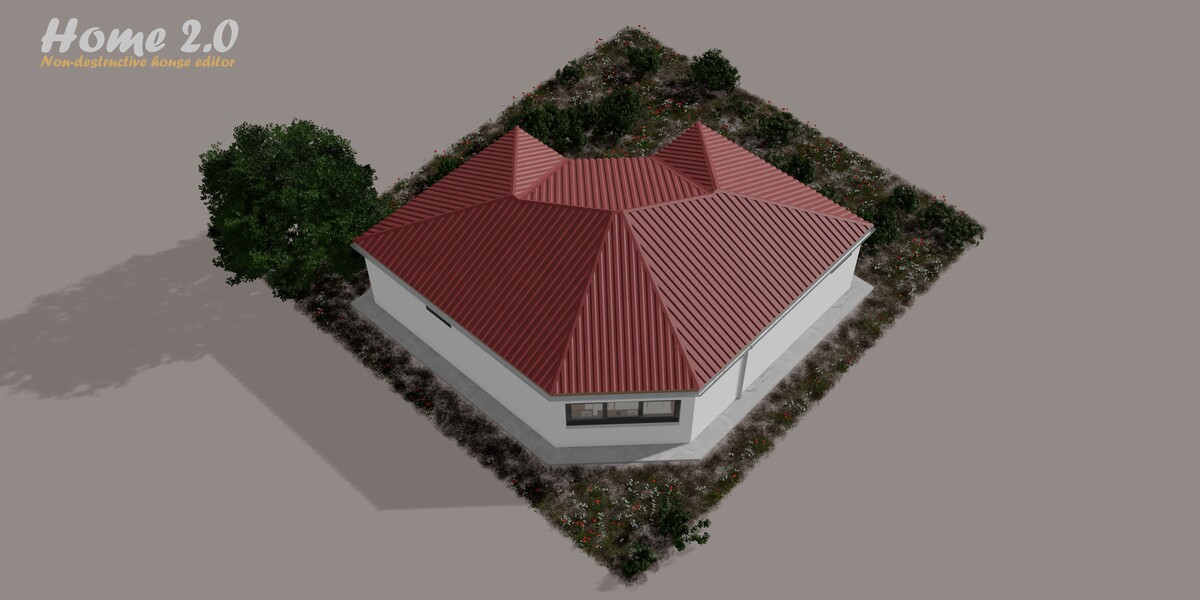
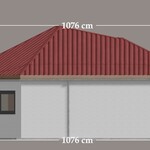
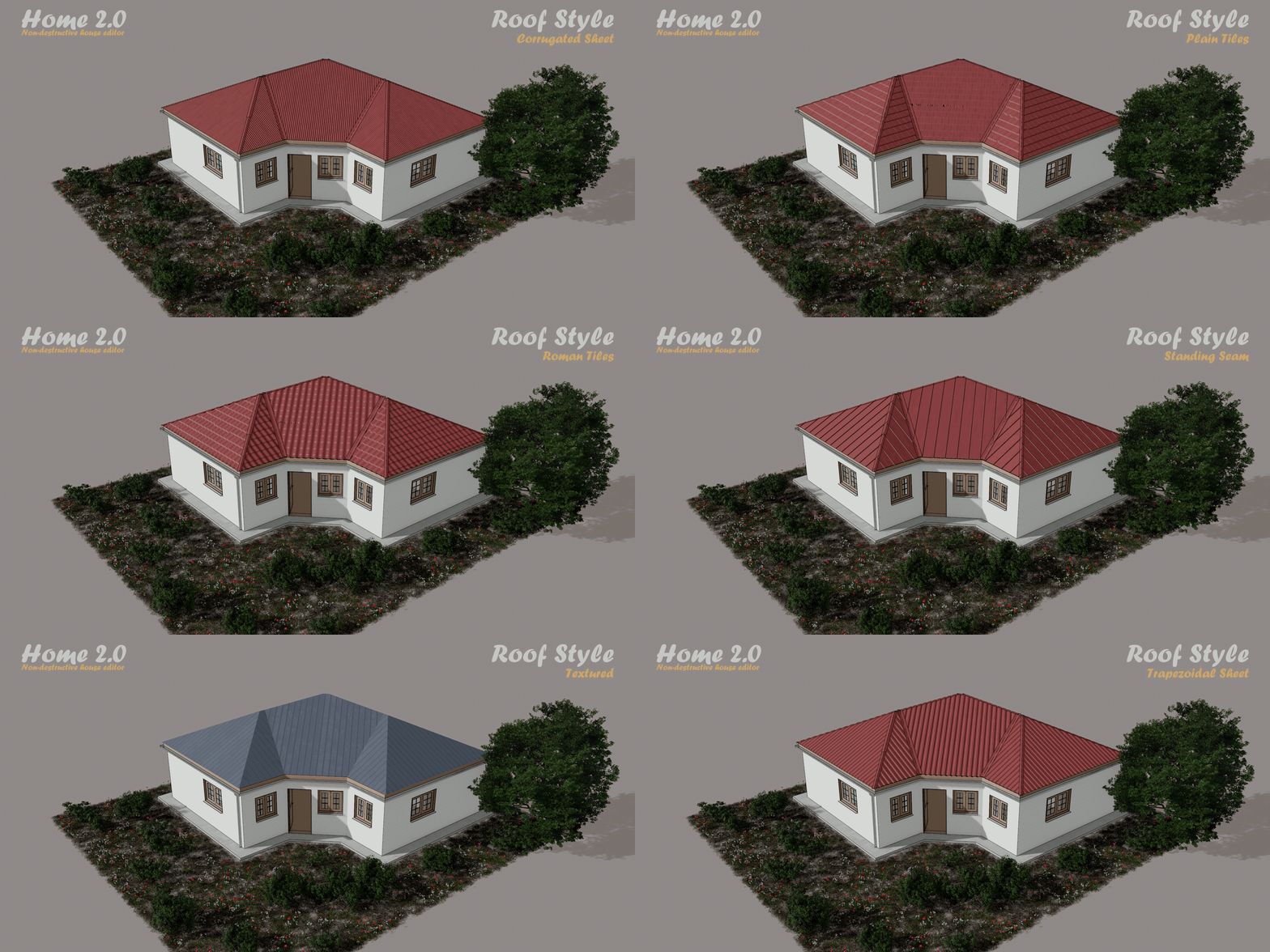
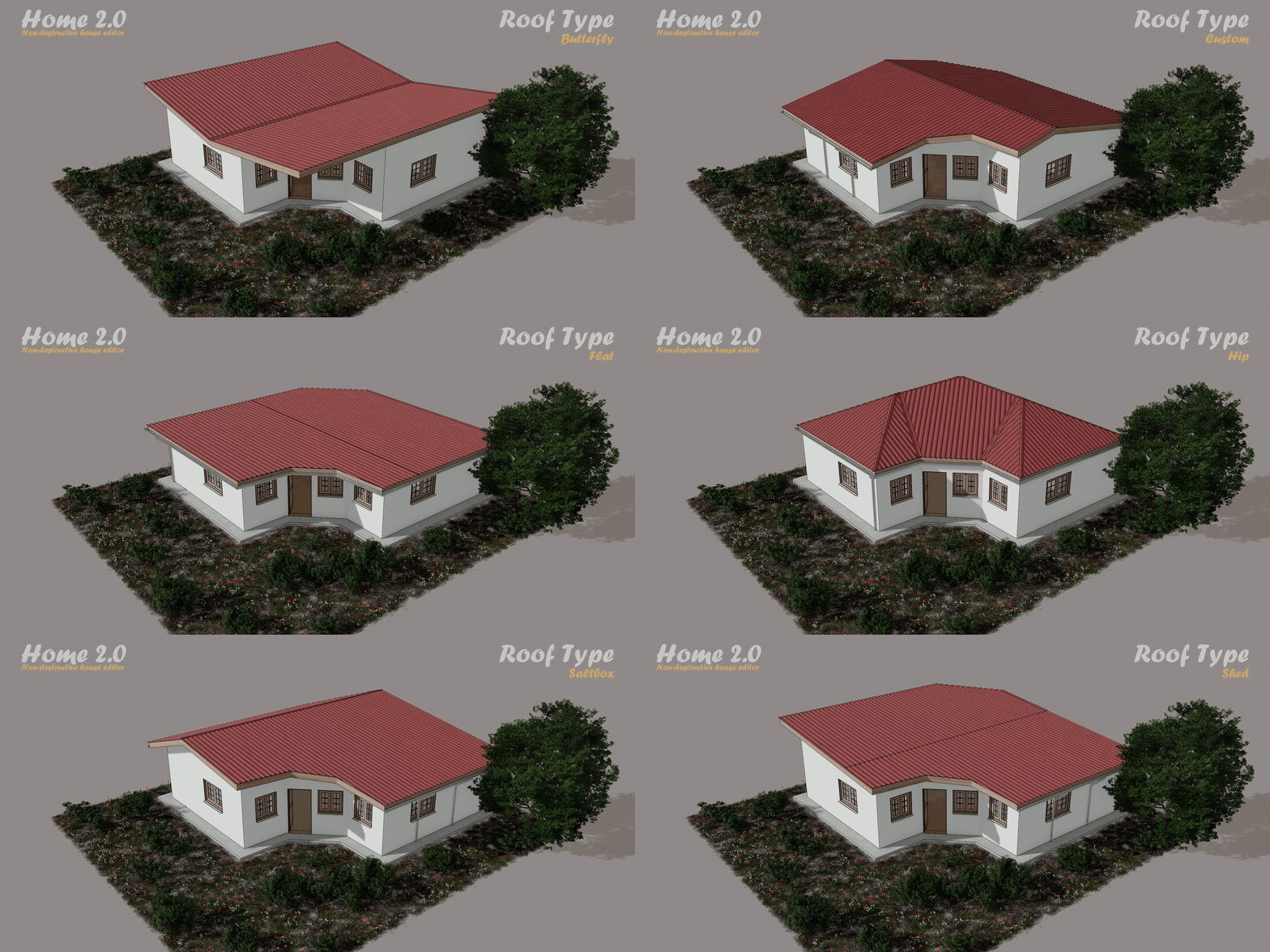
10 roof types and 6 roofing styles, with visible framing, gutters and downspouts.
|
Doors and windows
A complete system including garage doors, placed by wall number and distance.
|
Opening editor
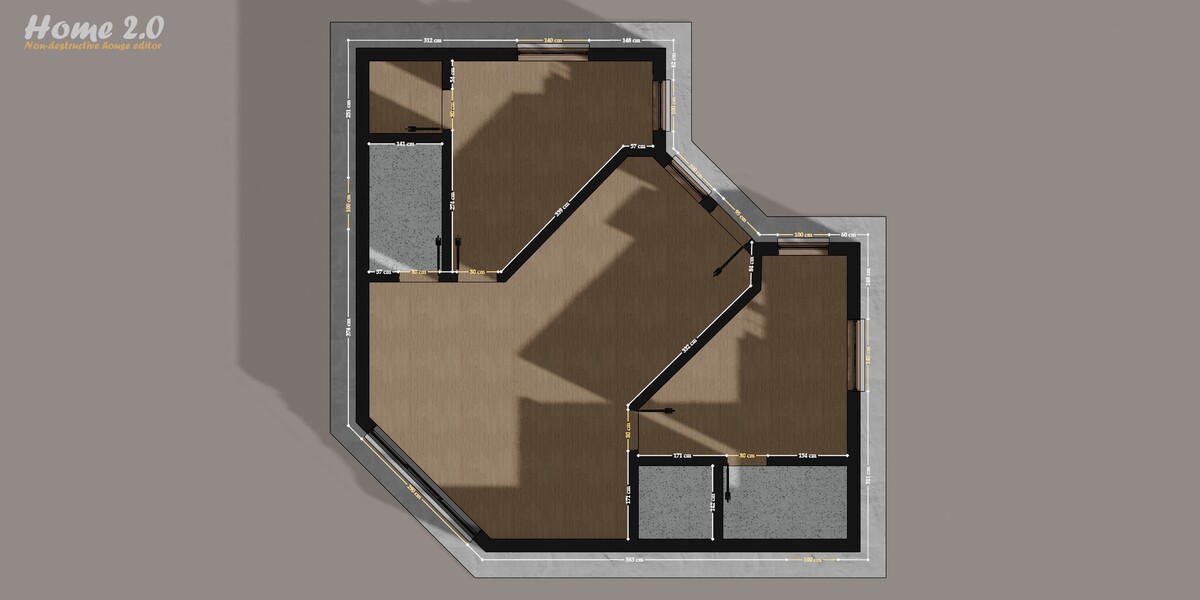
Draw your own openings, with dimensions displayed on the plan.
|
Building
Facade walls: they appear on the faces of the mesh, with their own width, height and tint.
Partition walls: they appear on the edges, with their own width and height. An option aligns them with the facade height.
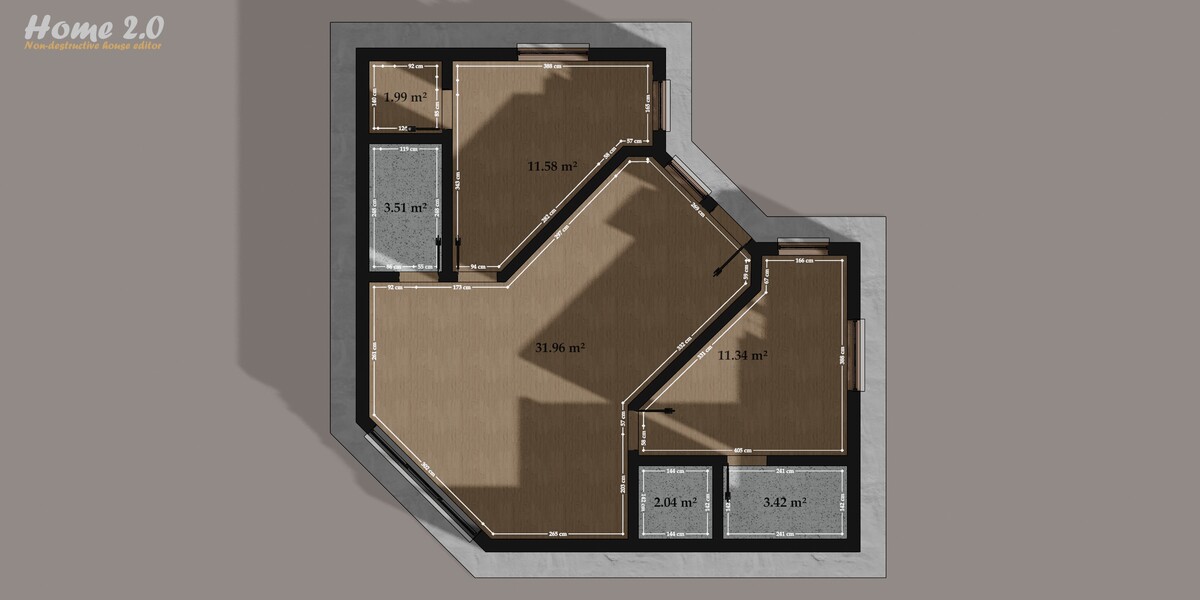
Slab, floor, ceiling, baseboards and living area, each a panel you can turn on or off.
Rooms: three colors (A, B, C), each a thin layer of paint. Each color can be assigned to four rooms, picked by index.
Bathroom: this panel removes the baseboards and applies a texture suited to wet rooms on the walls. It is assigned to four rooms by index.
Garage: this panel removes the baseboards in garages. It is assigned to two rooms by index.
Xray, cutting center and smoothing options (smooth shading, sharp edges, triangulation, angle).
Roofing
-
Metal roof covering with several styles, ridge caps, hip caps and valley flashings. Height and overhang are set in meters.
-
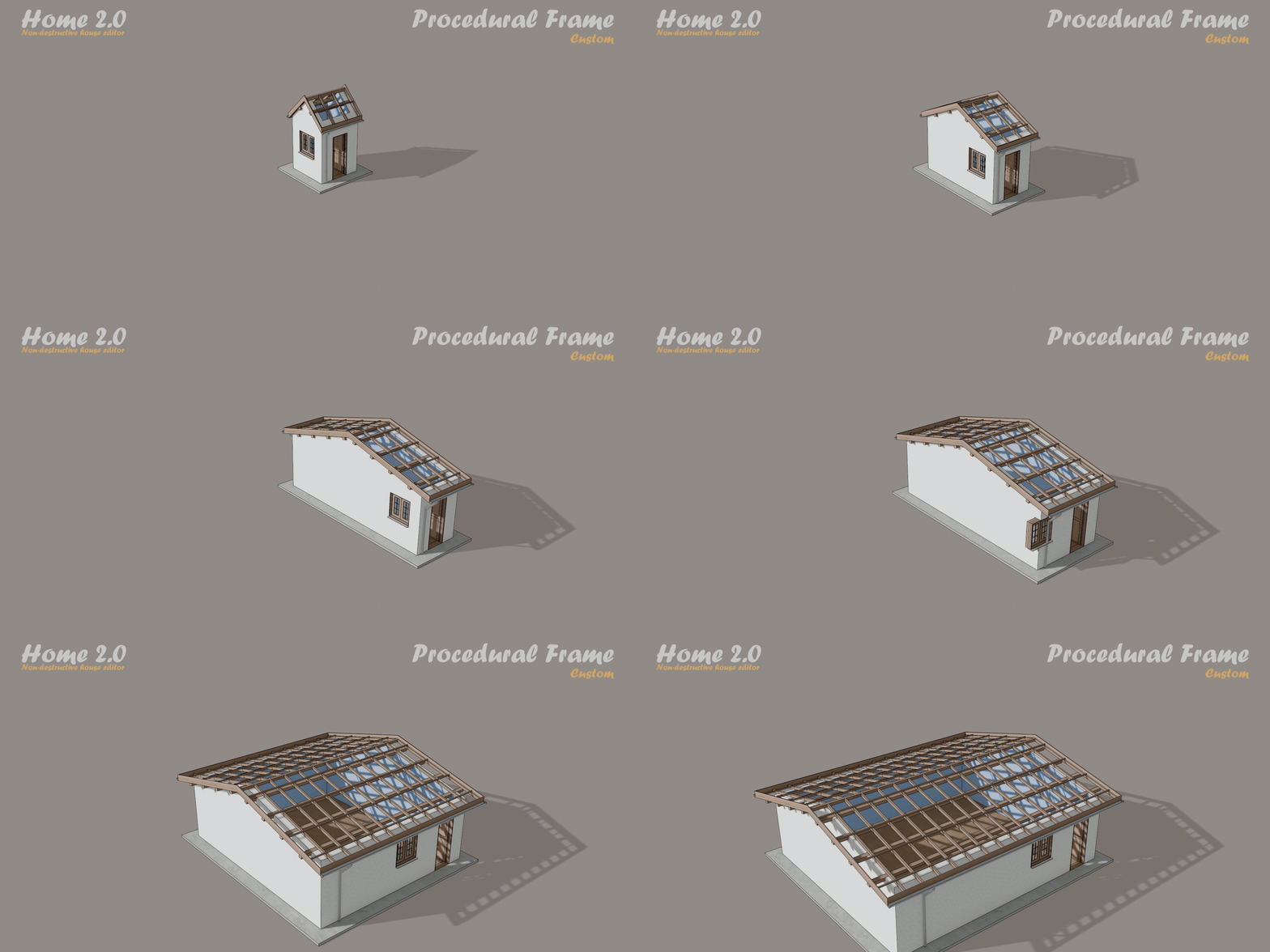
Visible framing: rafters, purlins and battens, all adjustable.
Fascia board with real thickness and clean corners.
Adjustable hip height.
  |
  |
Gutter and downspout
U-shaped gutter with its own material and adjustable width.
Rainwater downspout that follows the wall, one for each separate gutter, with end caps.
A slider to move it along the gutter, and a mirror option to place a second one at the opposite end of a long wall.
Doors, windows and garage doors
-
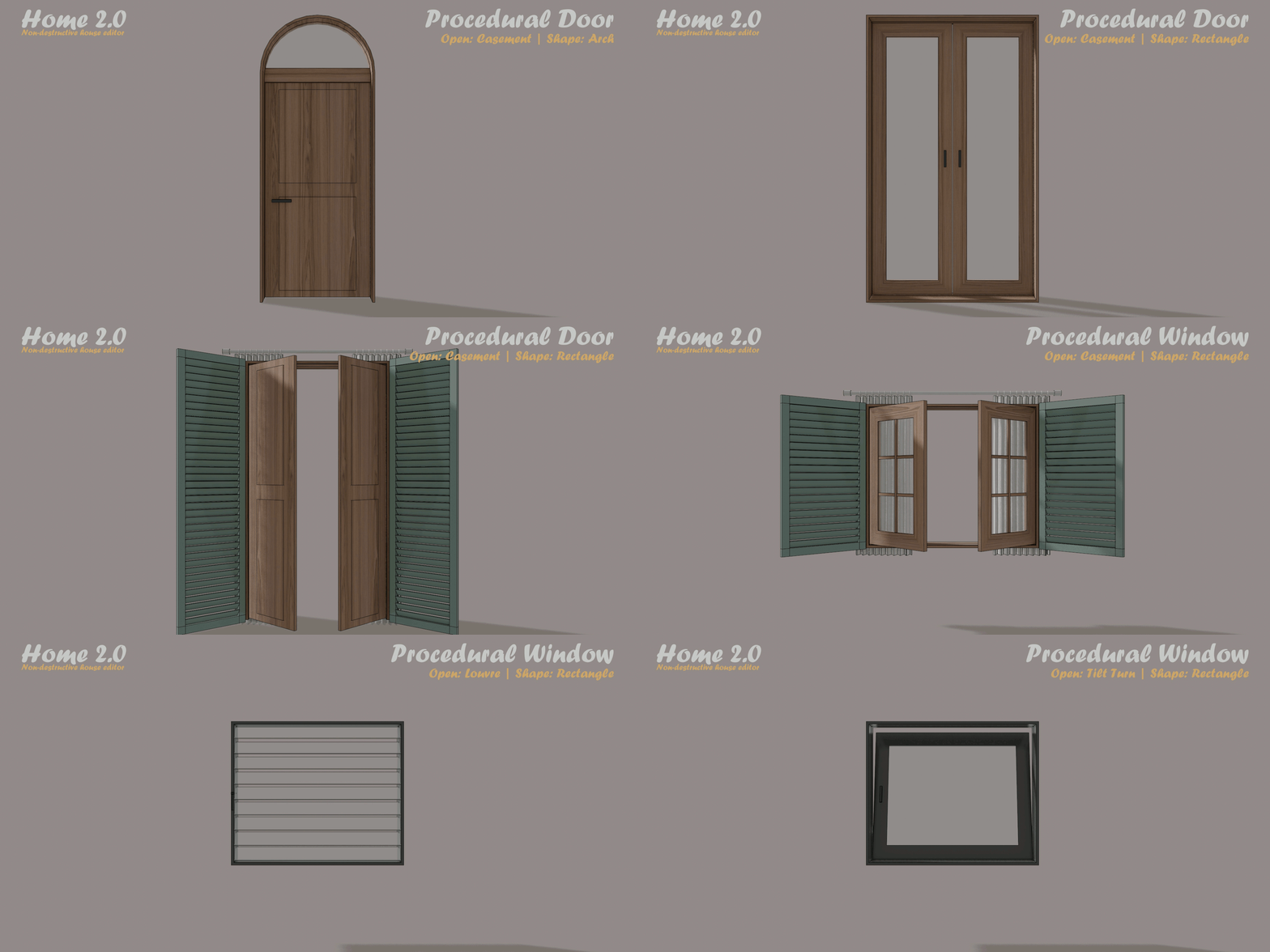
Shapes: rectangle, arch, round, triangle.
-
Opening types: fixed, casement, sliding, tilt and turn, louvre, with 1 to 4 leaves and adjustable angles.
Details: handles, glazing bars, transom, louvre slats.
Exterior elements: sill, lintel, roller shutter, blinds, curtain with rings, flower box with plants.
Doors and garage doors: glazing, panels, sections.
Colors for frame, glass, contour, blinds, curtain and trim.
Placement by wall
Wall set to 0: Set slides the door or window along the outline of the walls, then along all the interior edges.
Wall set to a number: the opening sits on that wall, and Set places it in meters from the start of the wall. In this wall-selection mode, stretching one wall does not move the openings on the other walls.
Opening editor
Border edges become the frame, edges between two panes become glazing bars, and faces become the glass.
Frame with rebate and chamfer, black gasket around each pane.
Each face has a type: clear glass, frosted, tinted, solid panel or open.
The mesh can be rotated freely, including in edit mode.
To cut the walls, enable "Custom Openings" in the D|Home modifier and select the object, or the collection, of custom openings you created. You can then hide the original object.
Measurements
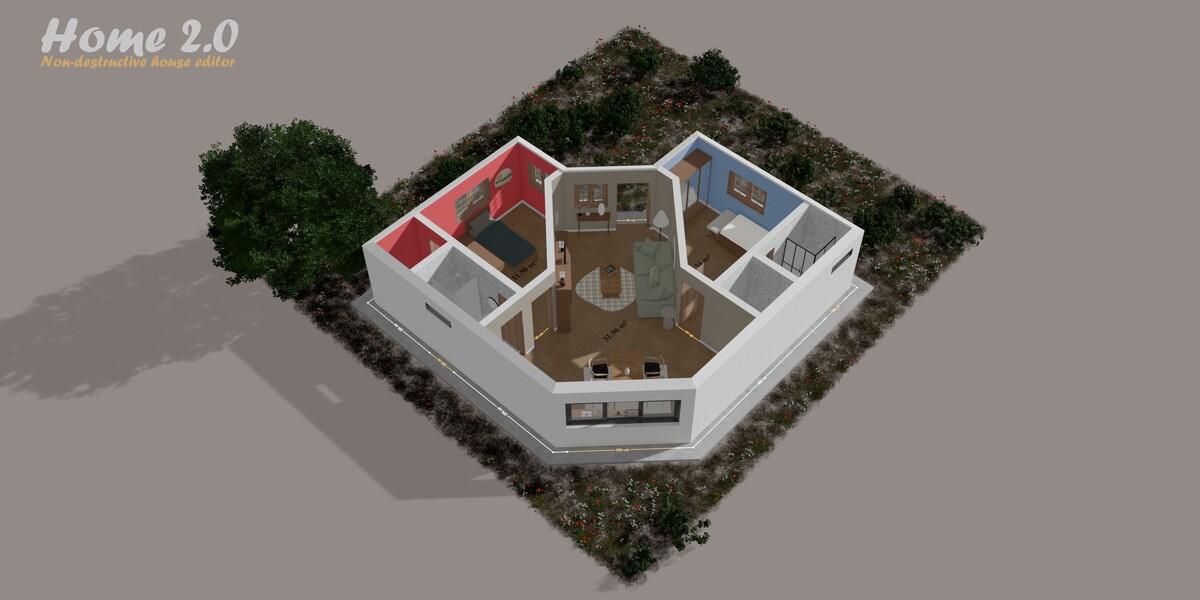
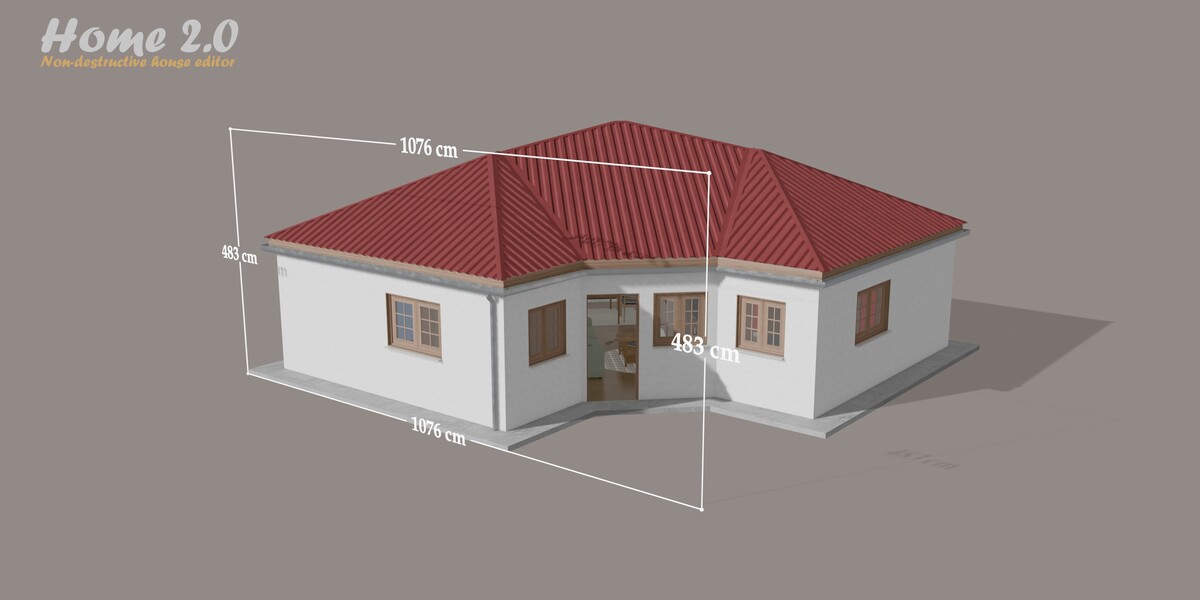
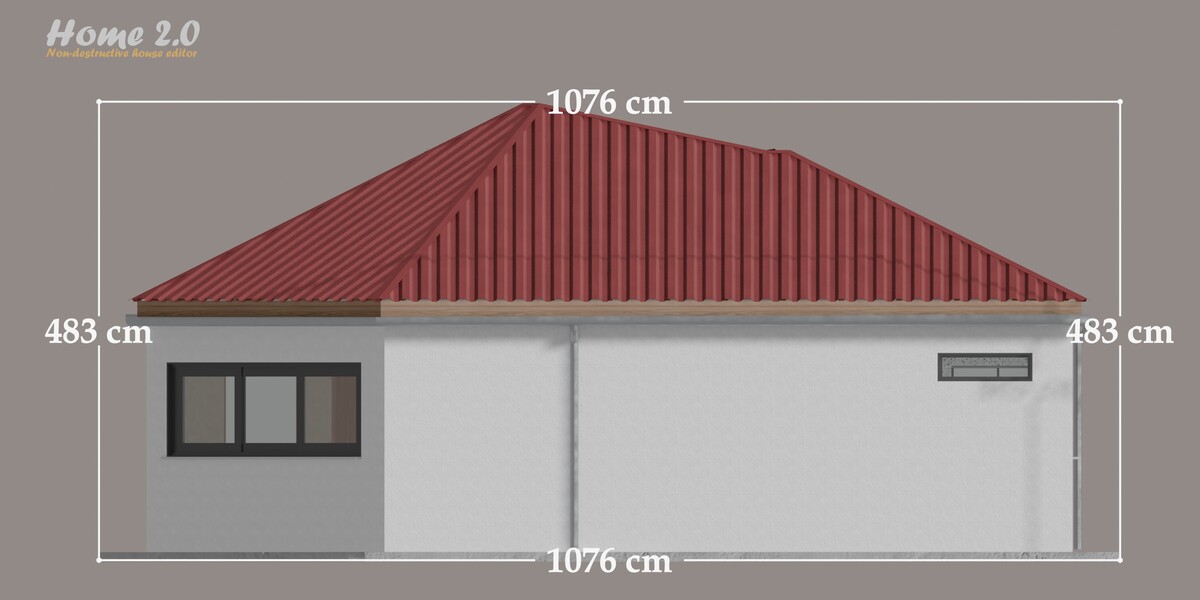
Dimensions displayed on the plan: units, font, size, angle, decimals, offset, thickness and minimum value.
Rendering
Procedural materials: concrete with triplanar normal mapping, marble, tiles, ceilings with planar projection.
Outline effect in the compositor, with outer and inner width and a normal threshold.
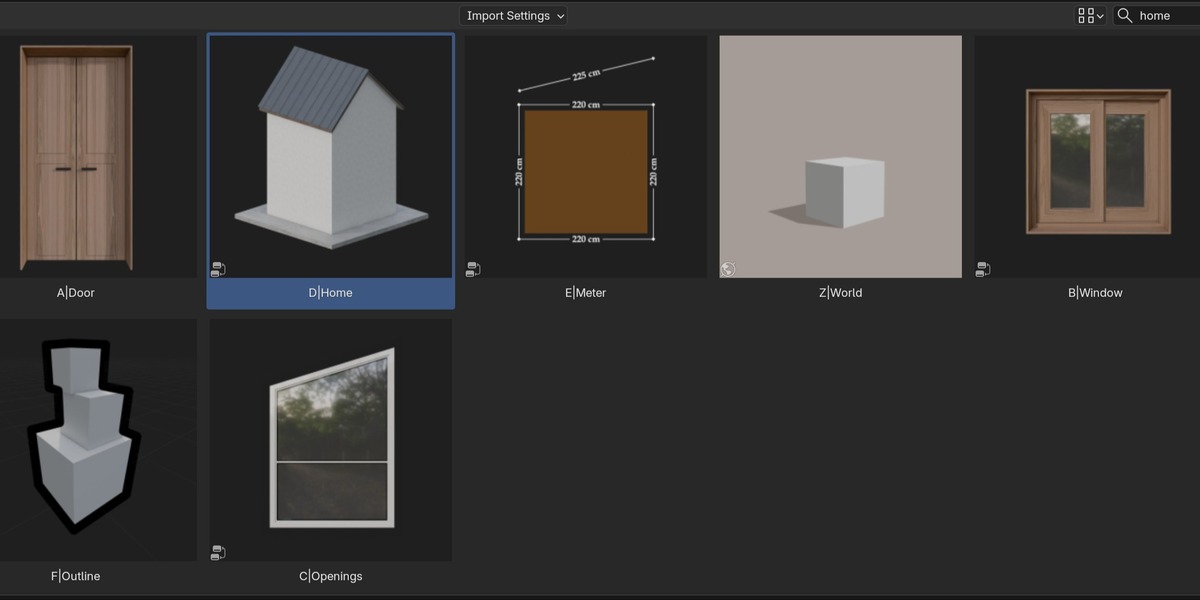
- The assets D|Home, A|Door, B|Window, C|Openings, E|Meter and F|Outline, ready to drag and drop from the Asset Browser.
- A ready-to-use world: Z|World.
- The materials and shader groups.
- A demo scene that gives a preview of what Home can do.
Please note that this roadmap may change over time.
|
2.1 Finishing touches
|
2.2 Openings
|
|
2.3 Roofing and exterior
|
3.0 Major projects
|
