Salman Naseem


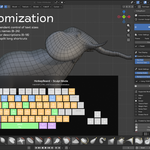
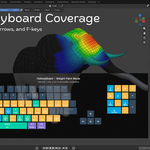
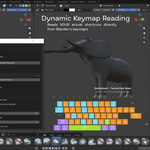
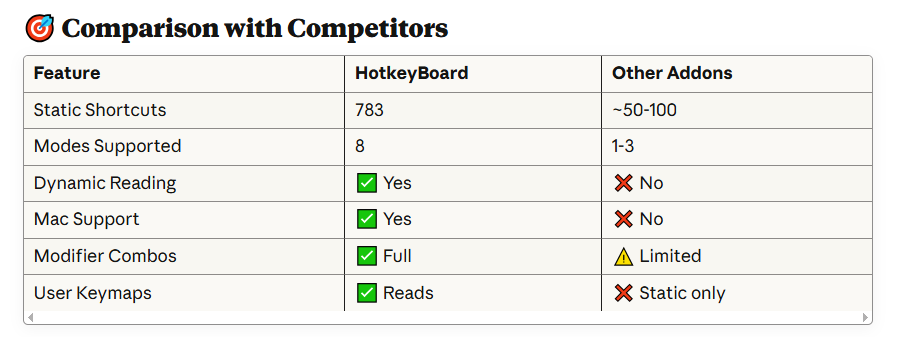
HotkeyBoard is the ultimate interactive keyboard overlay addon for Blender that helps you master 750+ keyboard shortcuts through visual learning. Whether you're a complete beginner struggling to remember hotkeys or an experienced artist wanting to discover advanced shortcuts, HotkeyBoard transforms how you learn and use Blender.
 What Makes HotkeyBoard Different?
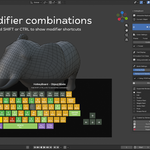
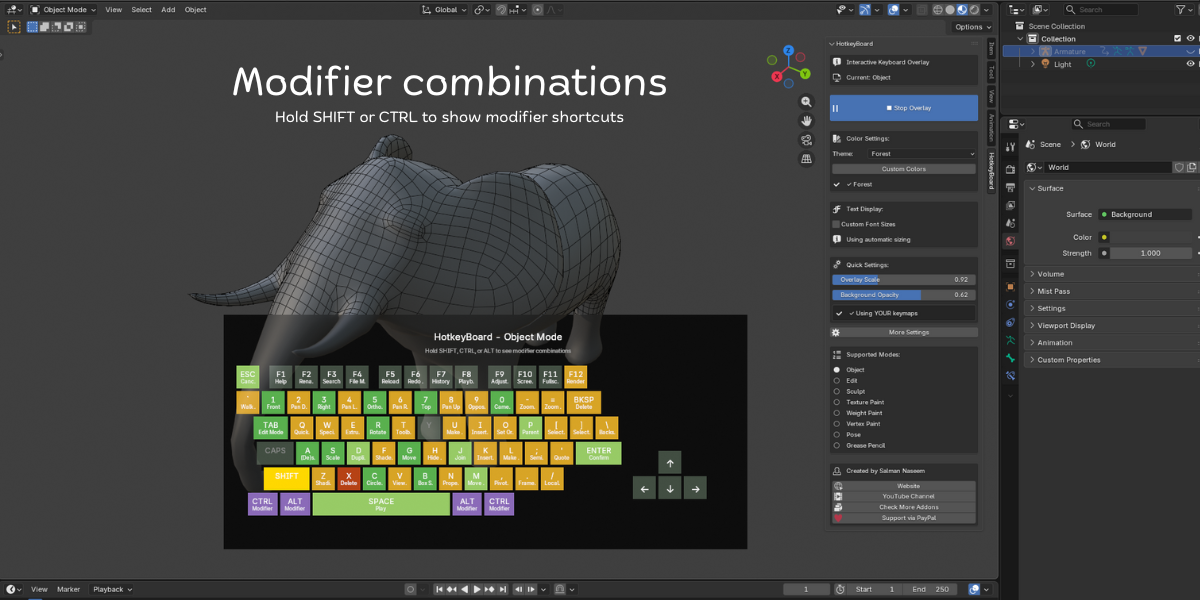
Unlike static shortcut lists or PDF cheat sheets, HotkeyBoard displays a live, interactive keyboard directly in your 3D viewport. Watch keys highlight in real-time as you press them, see shortcuts change automatically when you switch modes, and discover modifier combinations by simply holding SHIFT, CTRL, or ALT.
 Key Features:
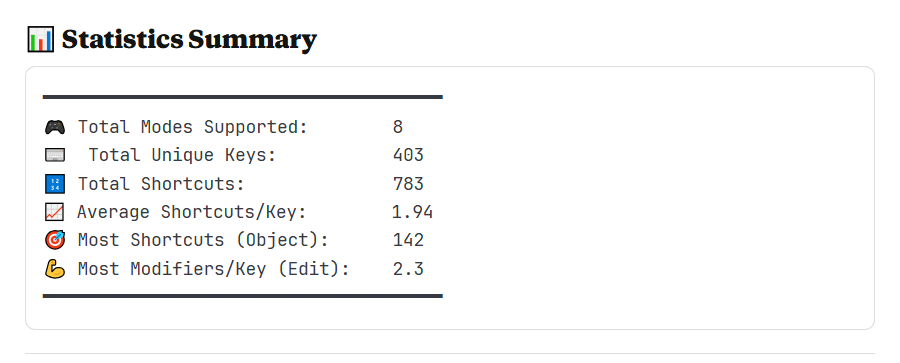
- 750+ Keyboard Shortcuts - Complete database covering all Blender 4.5 shortcuts
- 8 Mode Support - Object, Edit, Sculpt, Texture Paint, Weight Paint, Vertex Paint, Pose, and Grease Pencil modes
- Real-Time Key Tracking - Keys highlight instantly as you press them (yellow feedback)
- Color-Coded Priority System - Blue (primary), Green (secondary), Orange (tertiary), Purple (modifiers)
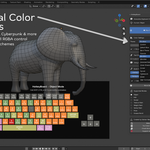
- 12 Professional Color Presets (Nord, Dracula, Gruvbox, Monokai, Cyberpunk & more!)
- Modifier Combinations - Hold SHIFT/CTRL/ALT to see advanced shortcut combinations
- Fully Scalable - Adjust from 0.4x to 2.0x or use auto-scaling
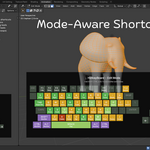
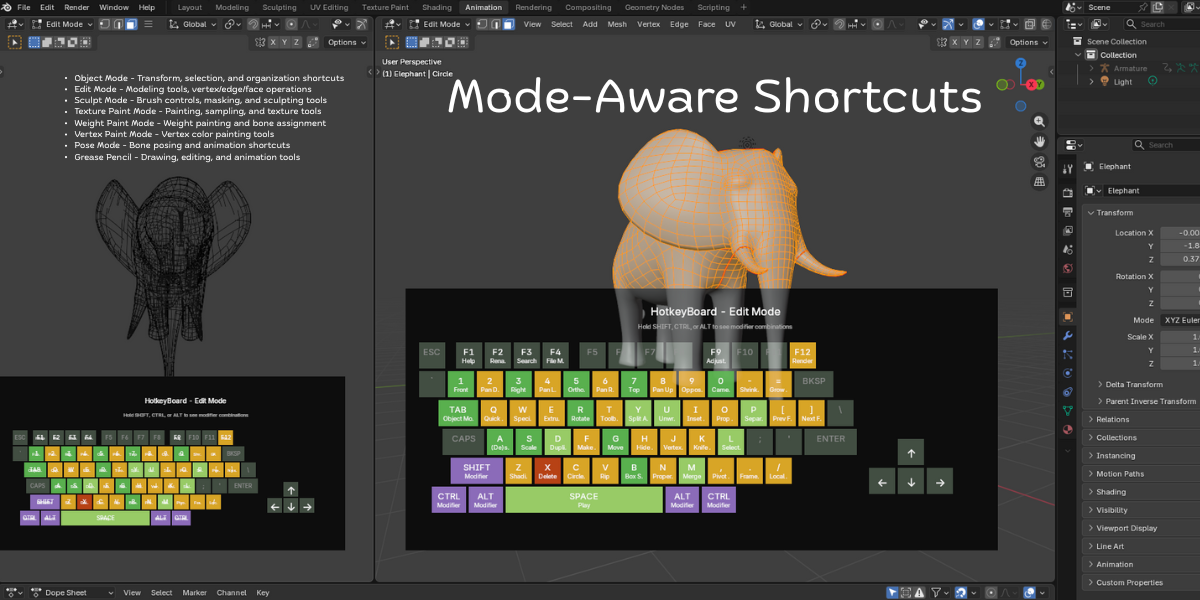
- Mode-Aware - Shortcuts automatically update when you switch between modes
- Smart Numpad Detection - Works with both physical numpad and emulated numpad
- Customizable Opacity - Adjust background transparency (0.5 to 1.0)
- Zero Performance Impact - Efficient GPU rendering, no lag
-
Blender 5.0 Ready - Future-proofed for upcoming releases
 All 8 Blender Modes Covered:
- Object Mode - Transform, selection, organization shortcuts
- Edit Mode - Complete modeling toolset (extrude, inset, bevel, knife, etc.)
- Sculpt Mode - Brush controls, masking, remeshing, sculpting tools
- Texture Paint Mode - Painting, sampling, cloning, texture workflows
- Weight Paint Mode - Weight painting, gradient tools, bone assignment
- Vertex Paint Mode - Vertex color painting and editing
- Pose Mode - Bone animation, keyframing, IK/FK switching
- Grease Pencil Mode - 2D drawing, animation, editing tools
Intelligent Color System:
HotkeyBoard uses color psychology to guide your learning:
-
 Blue Keys (Primary) - Essential shortcuts like G (Move), R (Rotate), S (Scale), A (Select All), B (Box Select), TAB (Edit Mode). Start here!
 -
 Green Keys (Secondary) - Common operations like D (Duplicate), E (Extrude), M (Merge), P (Parent), I (Insert Keyframe). Learn these next.
 -
 Orange Keys (Tertiary) - Specialized tools like Z (Shading), N (Properties), T (Toolbar), view controls, F-keys. Master when ready.
 -
 Purple Keys (Modifiers) - SHIFT, CTRL, ALT - combine with other keys for advanced functions.
 -
 Yellow Keys (Active) - Real-time highlighting of keys you're currently pressing.
 -
 Gray Keys - No shortcut assigned in current mod
 Custom Color Presets Choose from 12 beautiful themes: Default Blue, Nord Theme, Dracula, Gruvbox, Monokai, Solarized Dark, Ocean Breeze, Forest, Sunset, Cyberpunk, Pastel, High Contrast
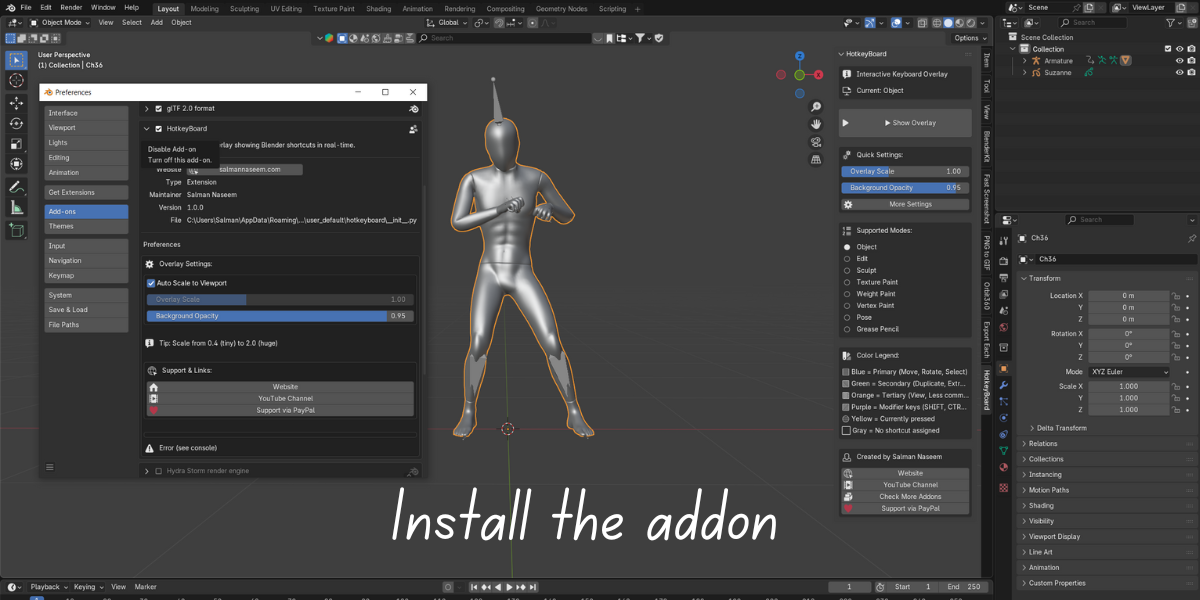

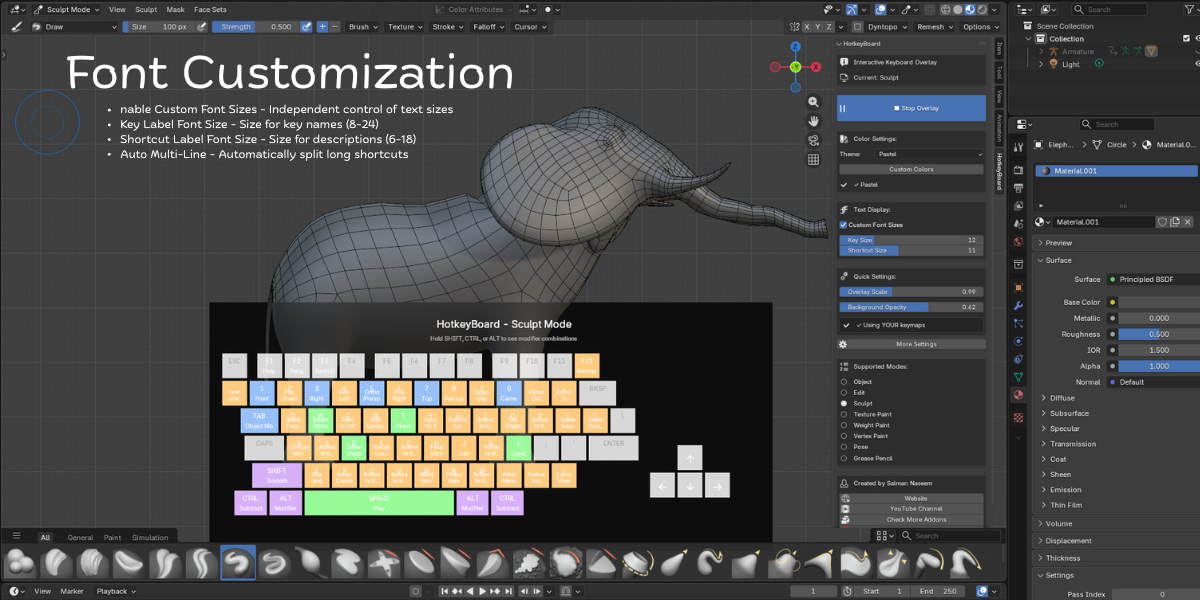


✓ 750+ keyboard shortcuts database (Blender 4.5 optimized)
✓ Real-time key press tracking and highlighting
✓ Color-coded priority system (5 colors, 5 priority levels)
✓ 8 Blender modes supported (Object/Edit/Sculpt/Paint/Pose/GPencil)
✓ Modifier combination display (SHIFT/CTRL/ALT)
✓ Mode-aware automatic switching
✓ Scalable interface (0.4x - 2.0x range)
✓ Auto-scaling viewport responsive mode
✓ Adjustable background opacity (0.5 - 1.0)
✓ Smart numpad emulation detection
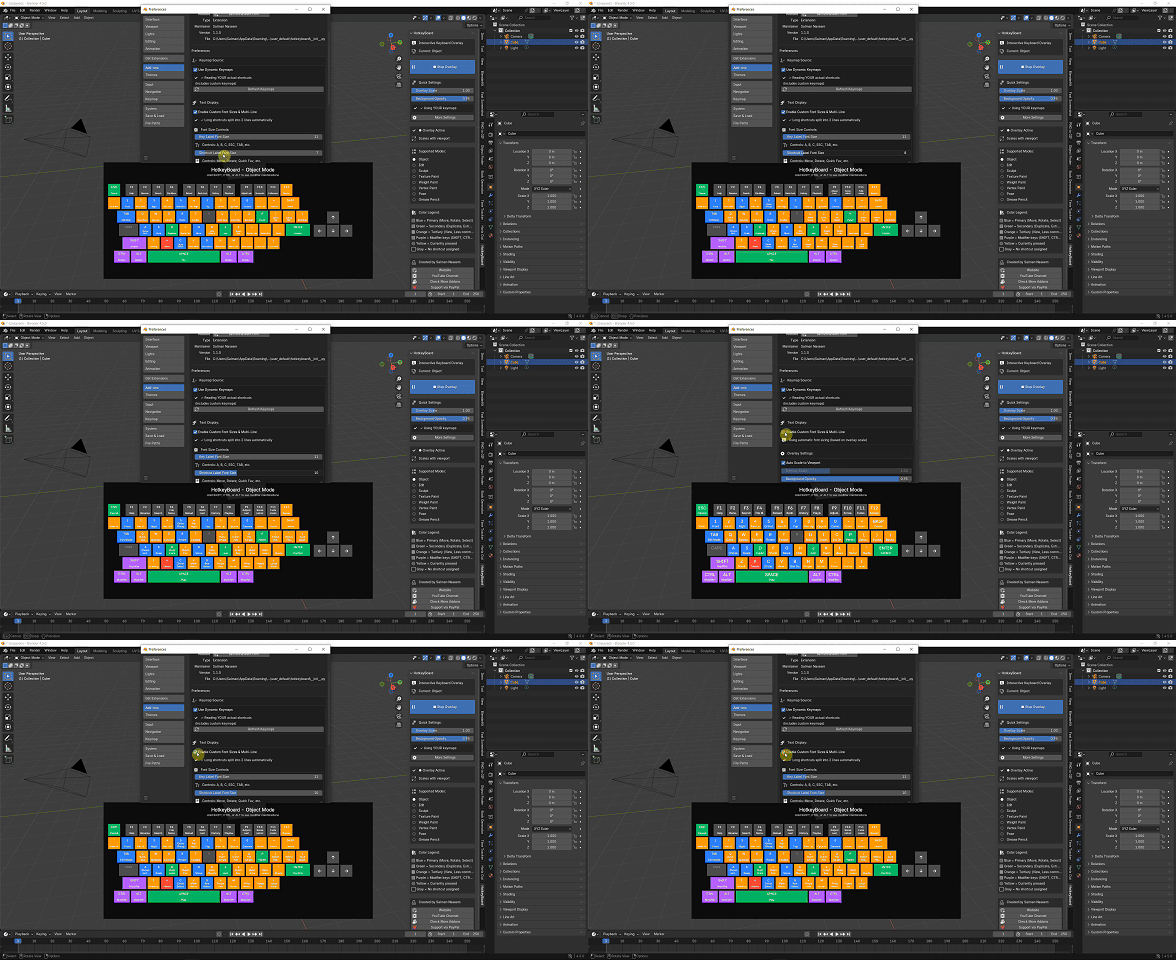
User-Controlled Font Sizes and Auto Multi-Line Text
Two sliders in preferences:
- Key Label Font Size (8-24px) - For A, B, C, ESC, TAB
- Shortcut Label Font Size (6-18px) - For Move, Rotate, etc.
-
Long shortcuts automatically split into 2 lines:
Mac Keyboard

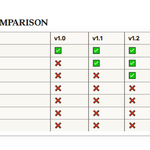
What's New:
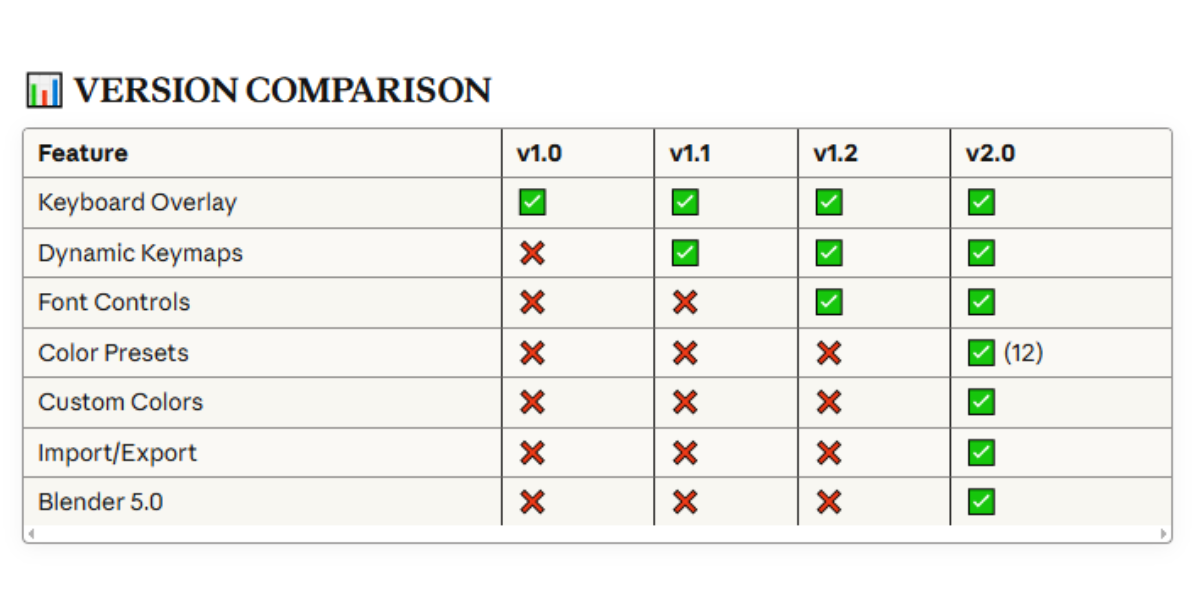
✨ 12 Professional Color Presets (Nord, Dracula, Gruvbox, Monokai, Cyberpunk & more!)
✨ Custom Color Editor with full RGBA control
✨ Import/Export color schemes to share with your team
✨ Blender 5.0 Ready - Future-proofed for upcoming releases
✨ Real-time color preview - See changes instantly!