 TastyVoxels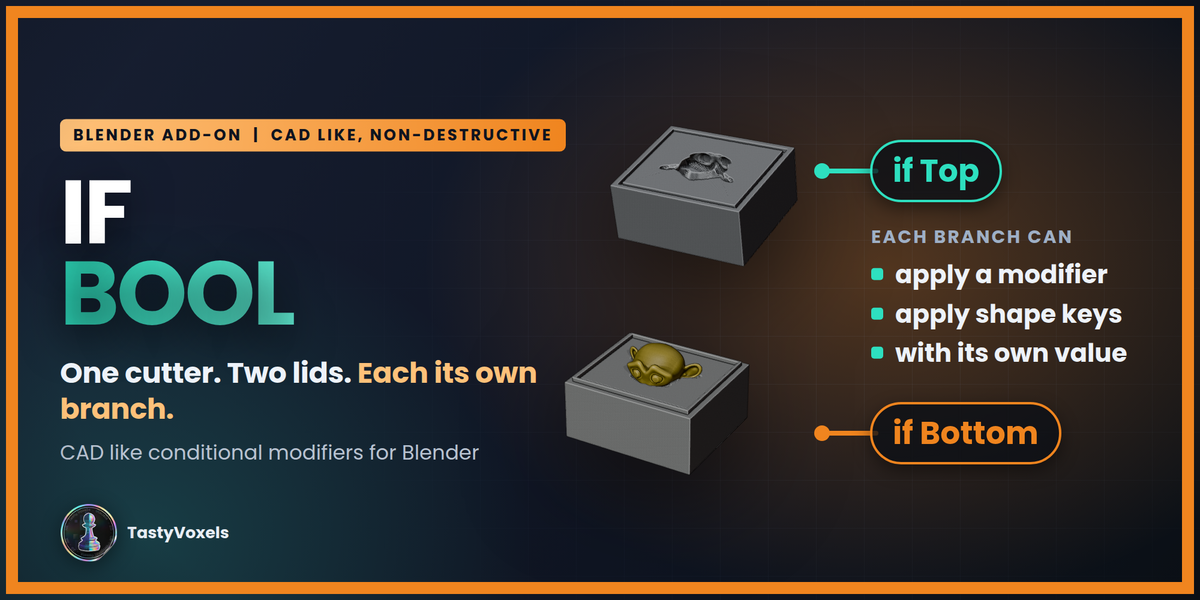
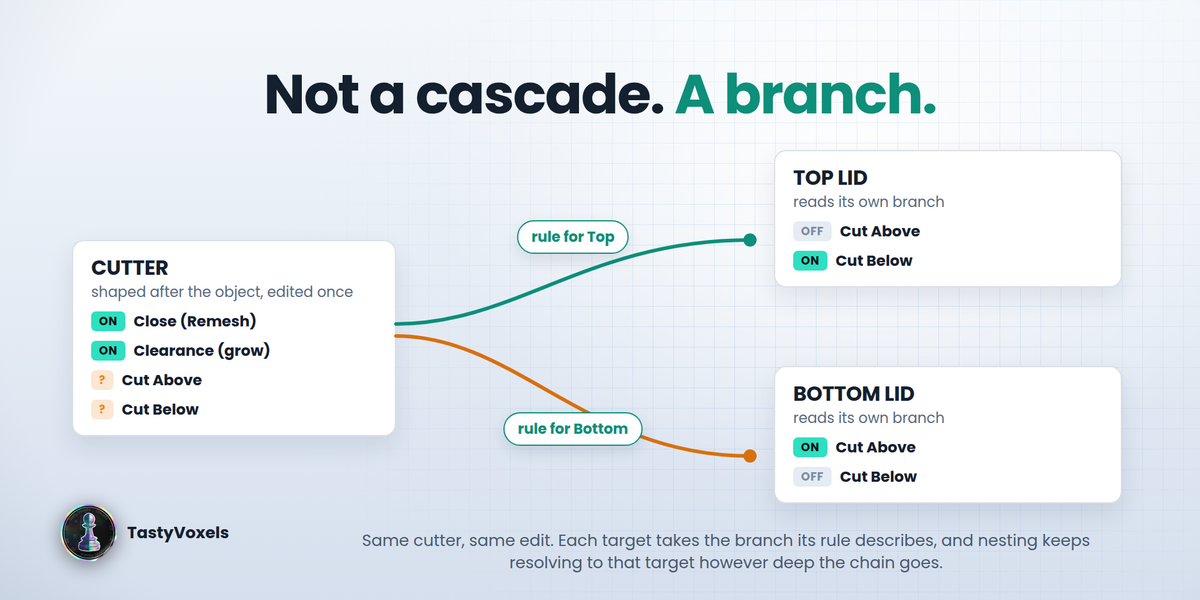








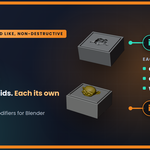









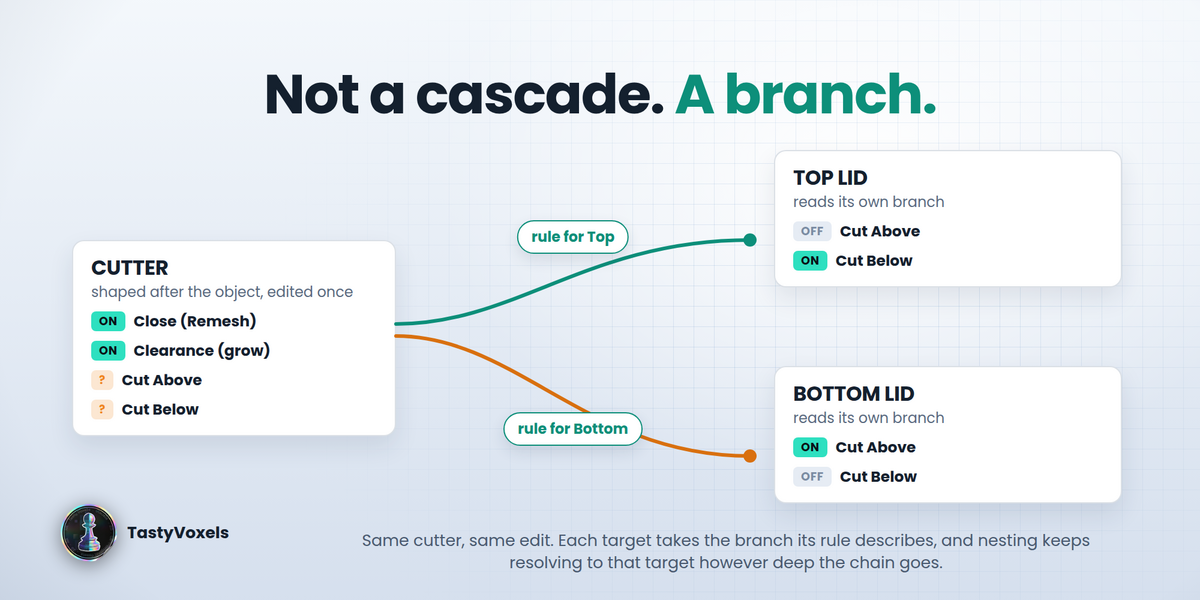
You shape a cutter after the object it has to hold: remesh, solidify, a cut that keeps the upper half, a cut that keeps the lower half, and you use it to carve a two-part box. Blender evaluates that cutter once. The top lid and the bottom lid get the same mesh, and there is no way to say "for Top, skip the bottom cut; for Bottom, skip the top cut". So you duplicate the cutter, and from then on every change to the object has to be made twice.
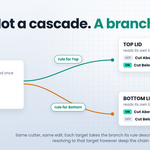
If Bool adds the if that was missing. A rule on the tool says: when Top uses me, this modifier is Off; when Bottom uses me, that one is Off. Edit the tool once and both lids update, each on its own branch.
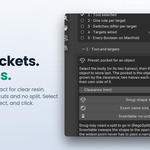
The one-click pocket
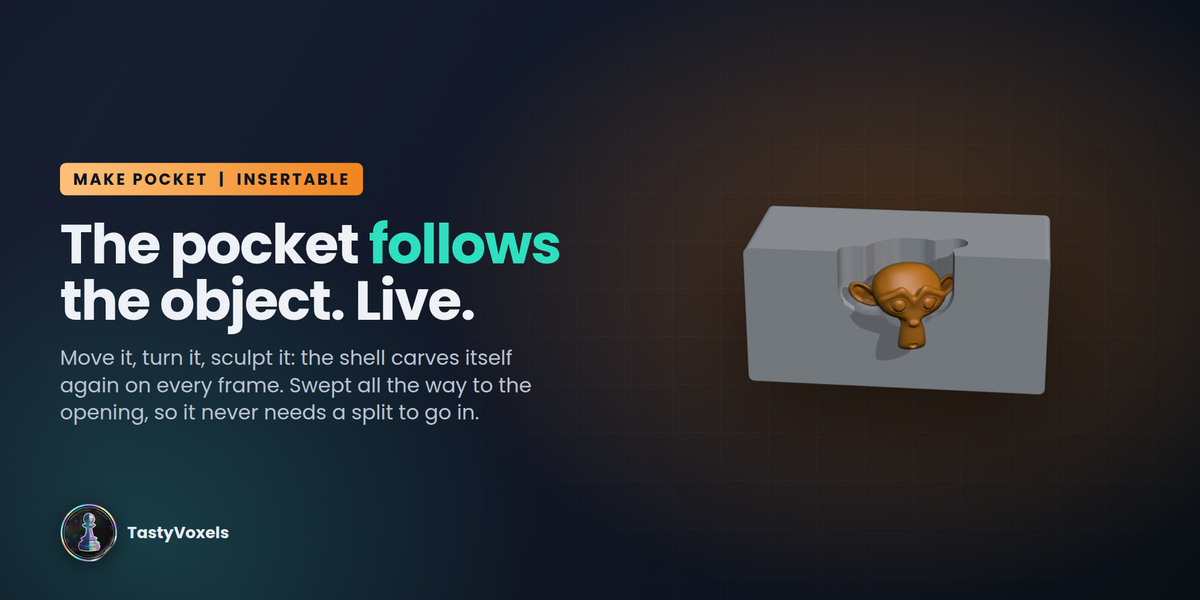
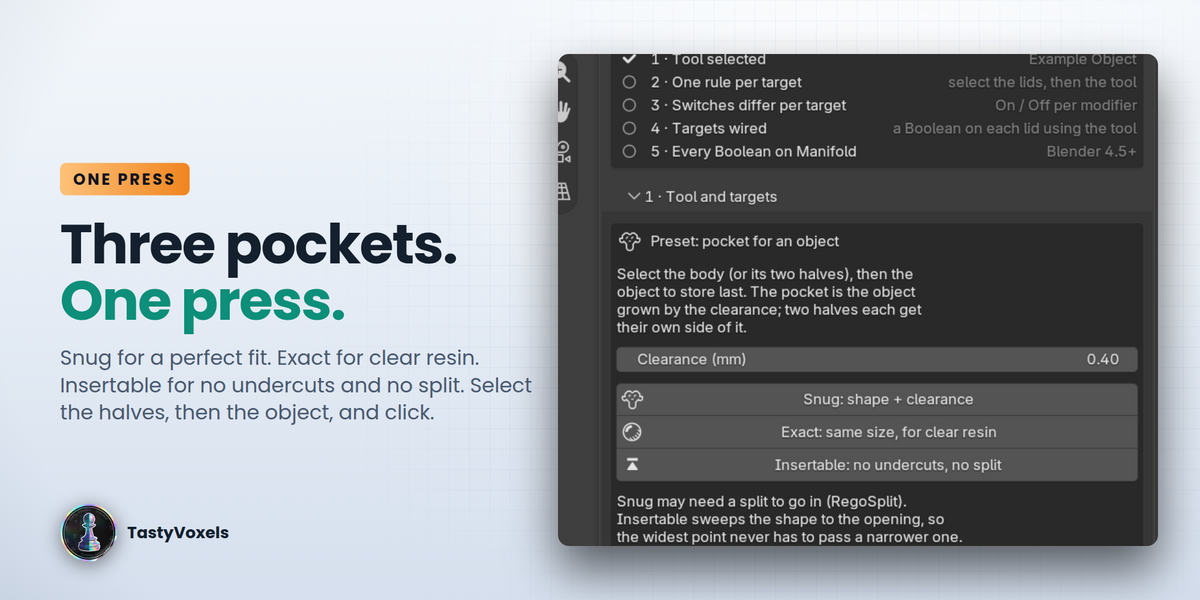
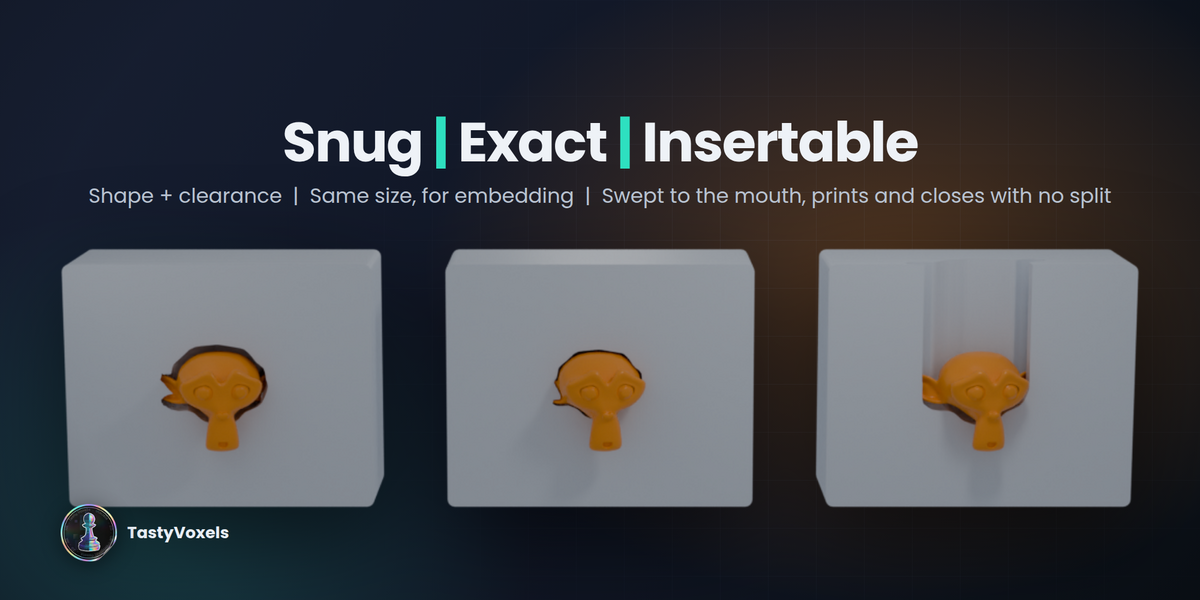
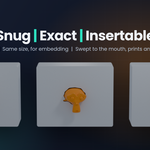
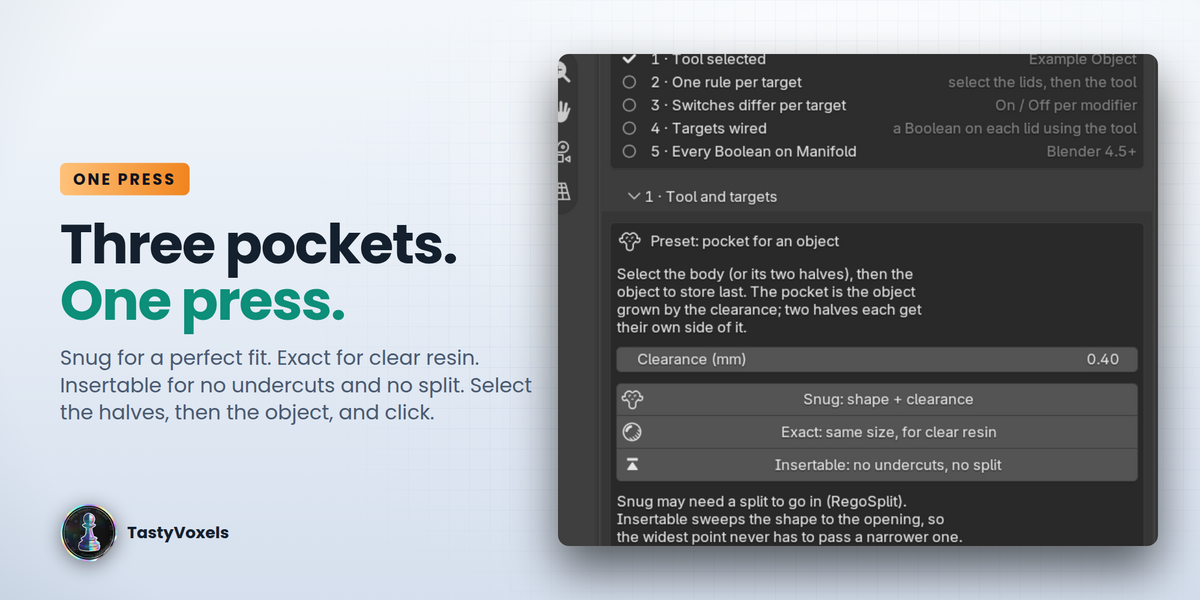
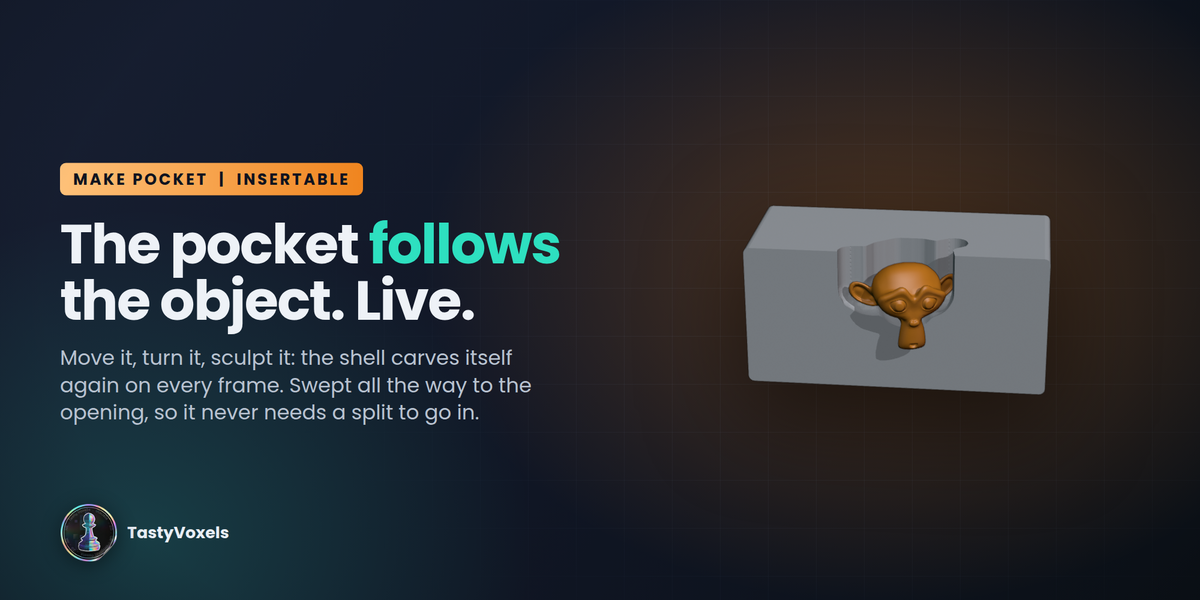
Select the body (or its two halves), then the object to store, and press one of three buttons. Snug is the object's shape plus your clearance, a perfect fit (an object with undercuts then needs a split to go in). Exact is the object at its own size, for embedding in clear resin: suspended to the eye, a separate body in fact. Insertable sweeps the shape toward the opening so the widest part never has to pass a narrower one: no undercuts, prints and closes with no other split. In every mode the cutter is cut at the line where the halves meet, each half gets its own side, every body gets its Boolean, and the chain goes to Manifold.
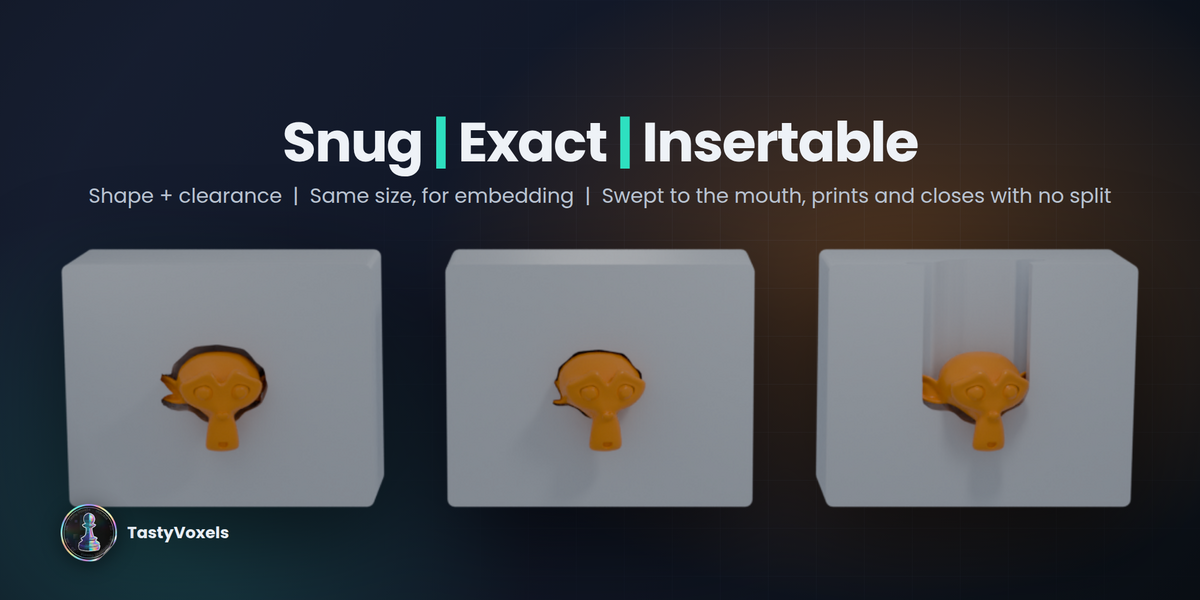
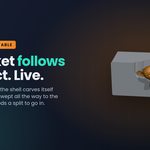
The channel of an Insertable pocket always breaks the surface, so the part can be dropped in from outside and the print needs no support inside the cavity:

Rules, not duplicates
Select the targets, then the tool, and press Add Rule for Selected Targets. For each target, set every modifier of the tool to Inherit, On or Off. Solo keeps one and switches off the rest. Give each target a Boolean that uses the tool and If Bool wires it to the right branch. Rules nest: a cutter inside a cutter with a rule for the same target resolves to the same target, however deep the chain goes.
Everything stays live
Behind each rule If Bool keeps a hidden variant per target: it shares the tool's mesh data, is parented to the tool and carries a copy of the stack with the rule applied. Edit mode on the tool edits every variant. Move the tool and they move. Change a modifier value, add one, remove one: with Auto on, the variants rebuild on the next update. Nothing here is a new kind of modifier. What you get is exactly what Blender gives when the copies are built by hand.
One tool, different values per target
A rule is not only on and off. On the same rule you can set values for that target alone: a modifier property (a number, an integer, a checkbox) and the value this target should see, and shape key values for this target. One Displace can grow 0.2 mm for the lid and 0.8 mm for the bottom. One sculpted tool can hand a different key mix to each half. Armature poses stay shared: a variant shares the tool's data, so use a shape key or a second modifier when two targets must be posed differently.
Manifold Everywhere
Boolean chains are slow for measurable reasons. One click switches every Boolean feeding the object you are carving (target, variants, nested cutters) to the Manifold solver: usually the biggest single speed-up over Exact, and no remesh pass is needed as long as the operands are closed.
Check Chain
One line per object in the chain: evaluated vertex count, modifier count, non-manifold edges on the evaluated mesh (what the Boolean actually receives), and a warning where a voxel Remesh is producing hundreds of cells per side or a Boolean is still on Exact. Click a line to select the offender.
Freeze while you work on the box
Bake the variants into static meshes while you iterate on the box; the tool stays live and Thaw brings the variants back in sync. The Booleans on the box stop re-evaluating the whole cutter chain on every edit.
Try it in one click
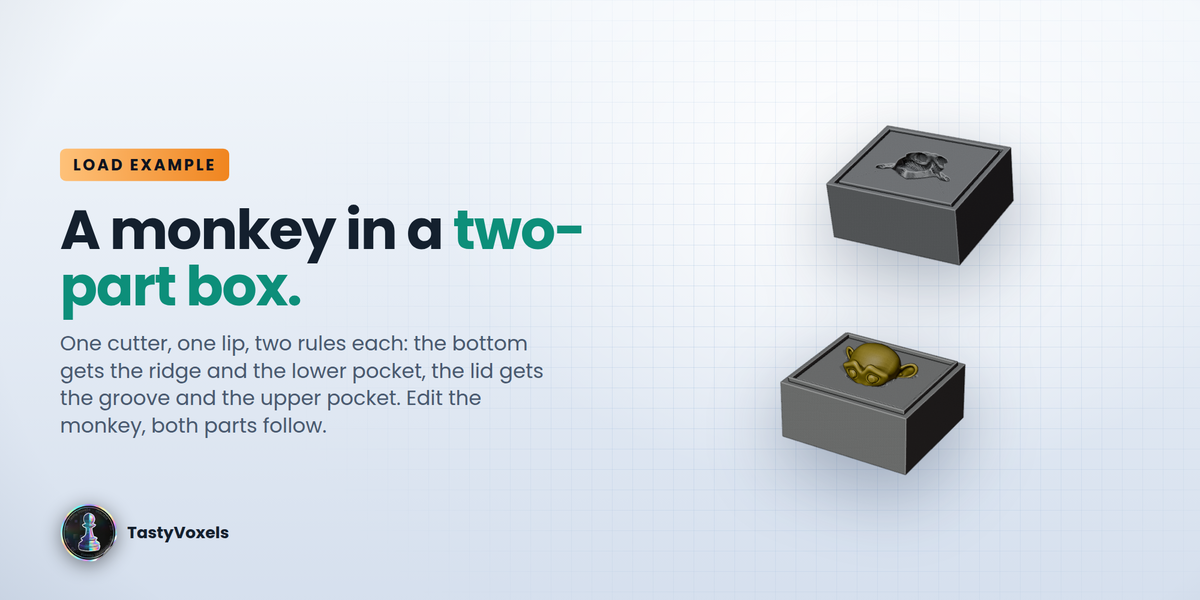
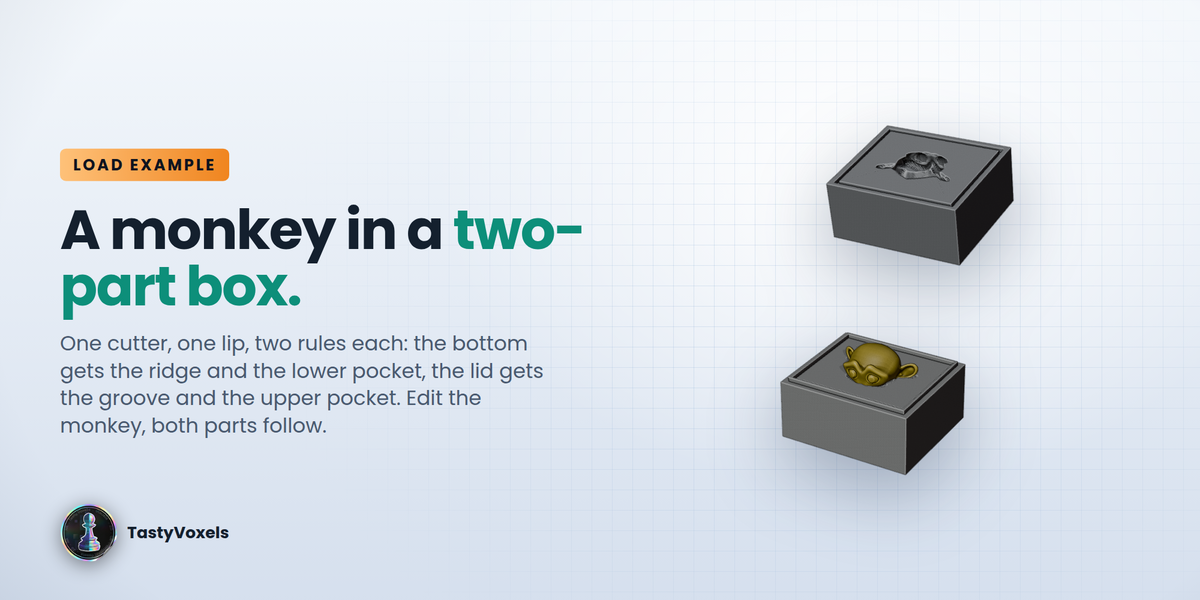
Load Example: Two-Part Box builds the whole case in a new collection: a monkey head, a cutter shaped after it, a bottom part and a top lid that each carve their own half of the pocket, and a locating lip that is a ridge on the bottom and a clearance groove on the top. Select the cutter or the lip to read the rules, move the monkey and watch both parts follow.
Bool Cleaner
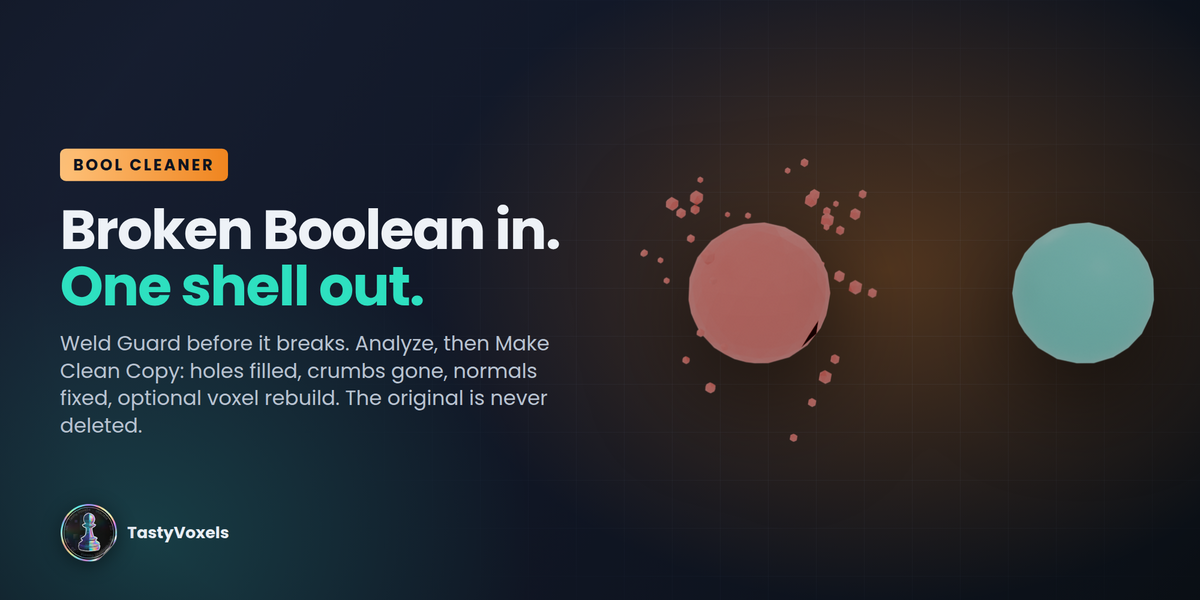
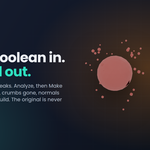
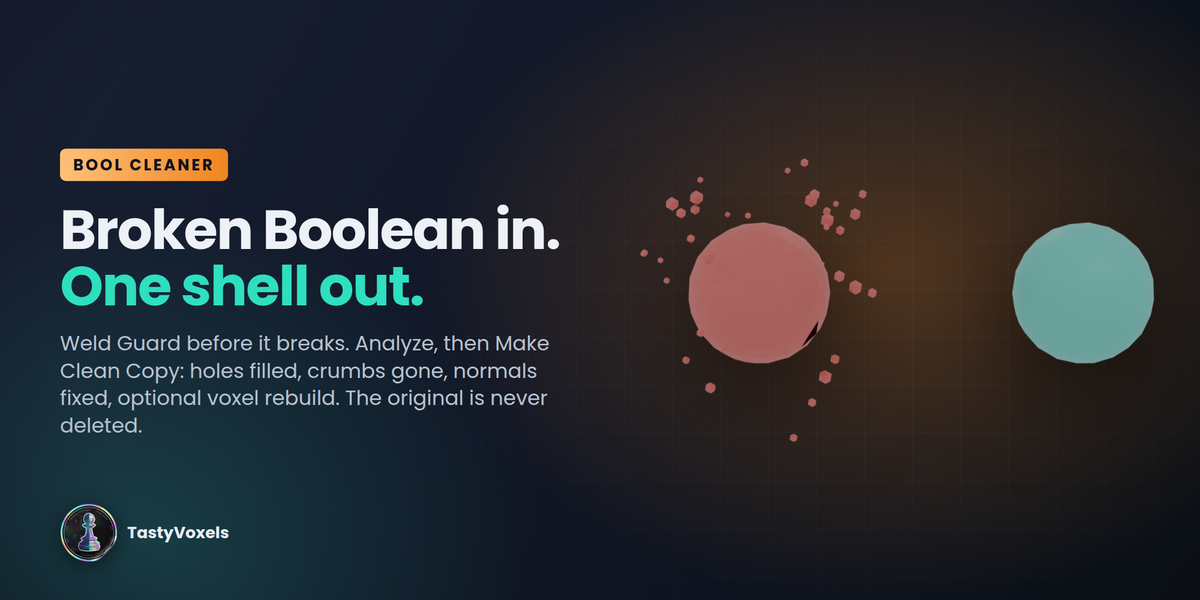
Too many Booleans and the mesh comes out corrupted; the remesh meant to fix it sometimes leaves a cloud of small separate shells. Add Weld Guard to Chain puts a Weld at the top of every object in the chain, so near-duplicate vertices never reach a Boolean. Analyze Result counts shells, crumbs, non-manifold and open edges, and loose geometry. Make Clean Copy welds, drops loose geometry, fills holes, fixes normals, deletes every crumb and, if you ask, voxel-rebuilds the copy into one solid and cleans the crumbs the remesh itself leaves. The original is hidden, never deleted.
Remove the rule, get your file back
A rule removed deletes its variant and points the target's Boolean back at the tool. The tool, its mesh and the targets are never modified.
What people use it for
Every one of these is the same operation: you have an object, you need the space around it, and you need that space to stay correct while the object keeps changing.
Cases and inserts for devices, tools and electronics
"How do I model a foam-style insert that holds this exact part?" Drop the part (or a scan of it) in the scene, select the shell and press Insertable. You get a cradle shaped after the real geometry, with the clearance you chose and a channel that reaches the opening, so it prints without support inside the cavity and the part drops in from outside. Controllers, cameras, hand tools, a PCB with its connectors, a battery pack: change the model and every cavity follows.
Two-part containers, surprise eggs and toy capsules
"How do I make a container whose two halves each hold half of the toy?" That is the case If Bool was built for. One cutter shaped after the toy, a rule per half, and the top gets the upper pocket while the bottom gets the lower one, from the same edit. Add a lip that is a ridge on one half and a clearance groove on the other and the two parts locate and close.
Moulds and negatives for casting
"How do I get a mould negative of this shape in Blender?" A pocket is a negative. Exact gives the cavity at the object's own size, Snug adds the allowance your material needs, and the two-part cut gives you a mould that opens. People use it for soap and candle moulds, silicone and resin casting, jewellery masters and sand or investment patterns for metal. Adjust the shrinkage allowance on the tool once and both halves of the mould update together.
Packaging, display and storage
Blister-style trays, drawer organisers, cable and screw trays, museum and model display bases: one shell, many objects, one rule each, and the whole board recarves itself when a part moves.
Renders that are oddly satisfying to watch
Because the Boolean is live, an object sinking into its own pocket is a real evaluation, frame by frame, not a baked animation. Move it, turn it, scale it and the cavity carves itself again in front of you. It makes very good short video, and it is the fastest way to show a client that the fit is right.
What it is NOT
Honest limits, so nobody buys the wrong thing:
- A rule switches modifiers on and off per target, and sets per-target values for single-value properties (float, integer, checkbox) and shape keys. Vector and colour properties are not overridden yet, and an armature pose is shared.
- Targets are wired through Boolean modifiers with an Object operand. Collection operands and Geometry Nodes inputs are not rewired.
- Variants are real hidden objects in the If Bool Variants collection; remove the rule rather than deleting them by hand.
- Renaming a modifier on the tool resets its per-target state to Inherit.
- The Manifold solver needs closed operands (Check Chain tells you which one is open) and Blender 4.5 or newer.
Measured, not promised
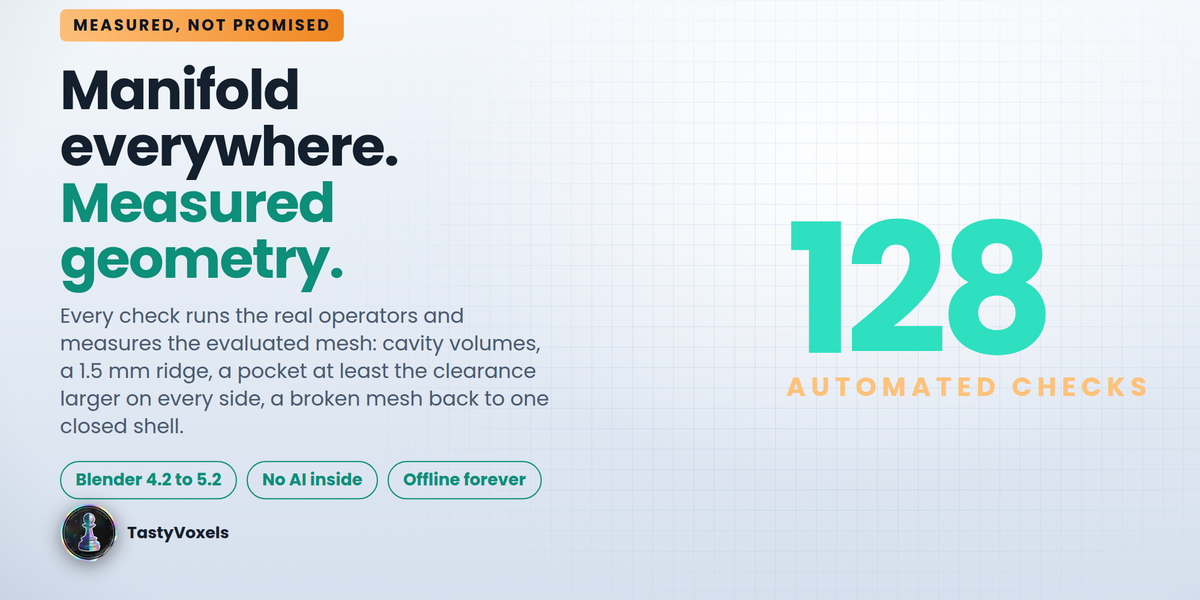
Every automated check runs the real operators and measures the evaluated mesh: the cavity volumes in both lids, a 1.5 mm ridge, a pocket at least the clearance larger than the object on every side, an Insertable channel that reaches the surface, a broken mesh back to one closed shell.
Requirements
- Blender 4.2 LTS or newer (extension format); Manifold Everywhere from 4.5
- Windows, macOS, Linux
- No internet connection required, ever
No AI inside the product
If Bool contains no artificial intelligence and no machine learning, and it has no network code at all: no telemetry, no analytics, nothing leaves your machine. It is deterministic modifier bookkeeping that runs offline forever.
On the development side I use AI tools the way I use every other tool in my kit, for coding assistance and for translating my documentation into English, which is not my first language. I have been programming since long before generative tools were mainstream, I read every line that ships, and I take full responsibility for the code. The 128 automated checks are there so the claims on this page are measured rather than asserted.
Updates and support are included for good: no support period, no renewal fee.