If Bool - Conditional Modifiers For Non-Destructive Cutters
 TastyVoxels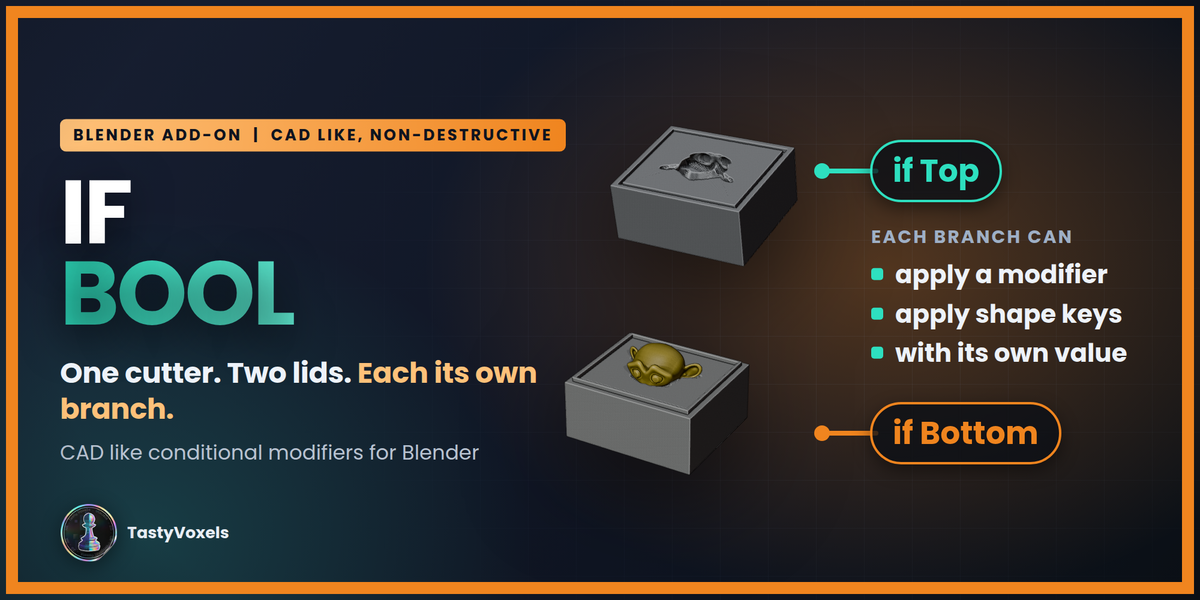










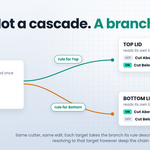

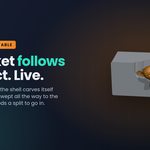
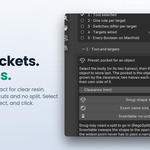
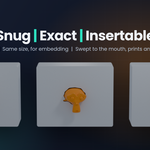

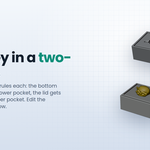








Step by step: build the two-part box by hand
The first animation runs through all six steps, and each step below has its own animation showing exactly where to click. Load Example does the whole thing in one click; this is what it actually does, so you can do it with your own object.

-
Set the scene. Add the object you want to store (the monkey head, or your own), a bottom part under it and a lid above it. Leave a gap between the two halves: the line where they meet is the parting plane, and If Bool reads it from their positions.

-
Select in the right order. Click the bottom part, shift-click the lid, then shift-click the object last so it is the active one. The active object is always the thing being stored.

-
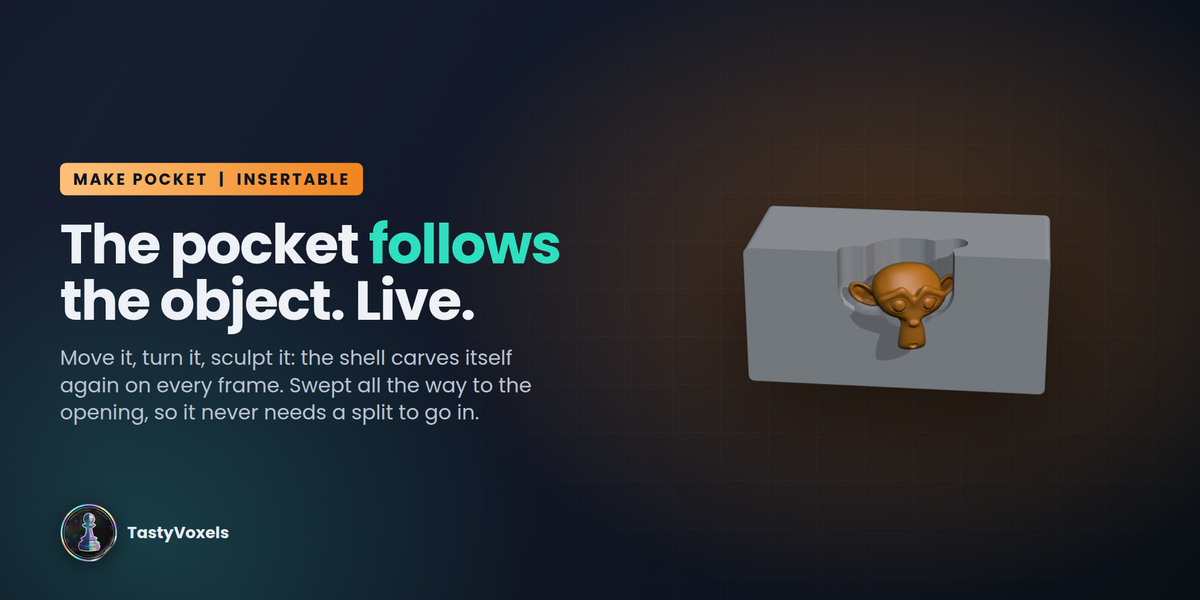
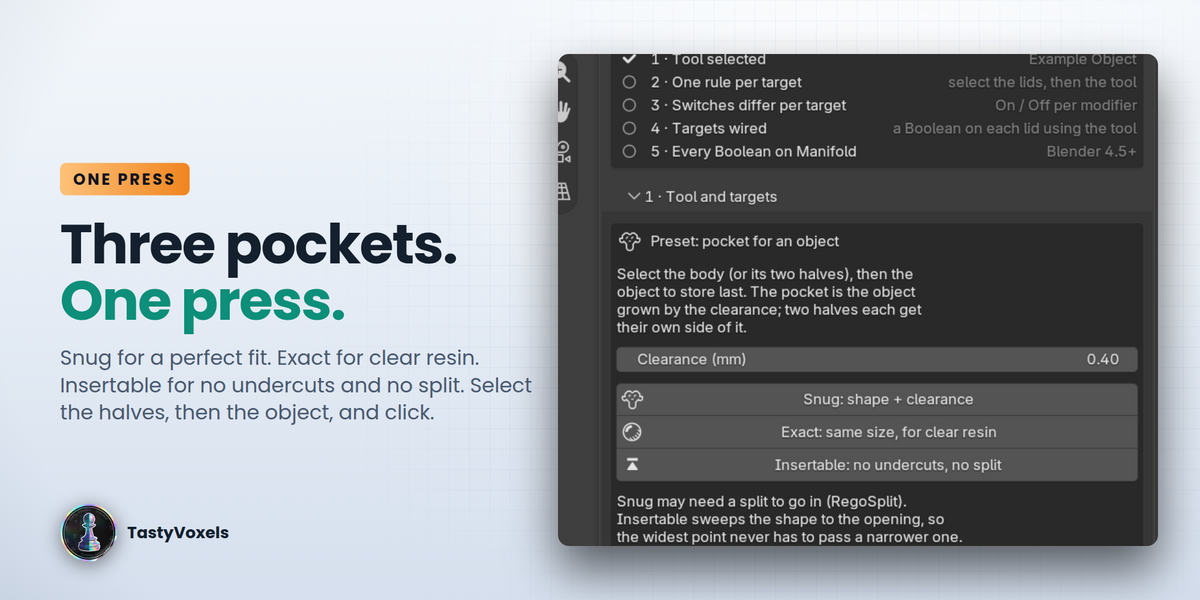
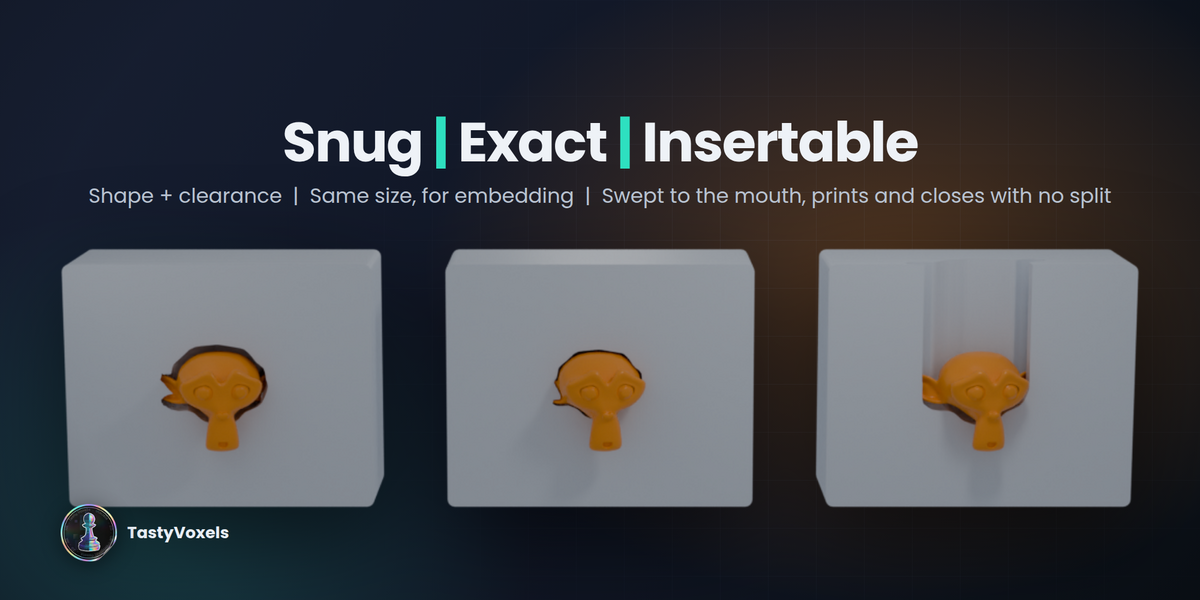
Press Insertable. Sidebar (N) > If Bool > Make Pocket. The add-on builds a cutter shaped after the object, cuts it at the parting plane, gives each half a rule for its own side, adds the Boolean on both parts and switches the chain to the Manifold solver. Snug and Exact work the same way and differ only in clearance.

-
Add the locating lip. Make a thin ring or a simple shape where the two halves meet and use it as a second tool: it becomes a ridge on the bottom and a groove in the lid.

-
Give the lip two rules. Select both halves, then the lip, and press Add Rule for Selected Targets. On the bottom's rule, Solo the modifier that grows the ridge; on the lid's rule, Solo the one that adds the clearance groove. One tool, two opposite results.

-
Lift the lid and check. Each half carries the half of the pocket it was given, and the lip locates them. Move or sculpt the object and both parts follow, because nothing was duplicated.

If a half comes out empty, both of its cuts are on: open its rule and make sure one is Off. Press Check Chain if anything looks wrong, and Add Weld Guard to Chain before a long Boolean chain rather than after.
The one-click pocket
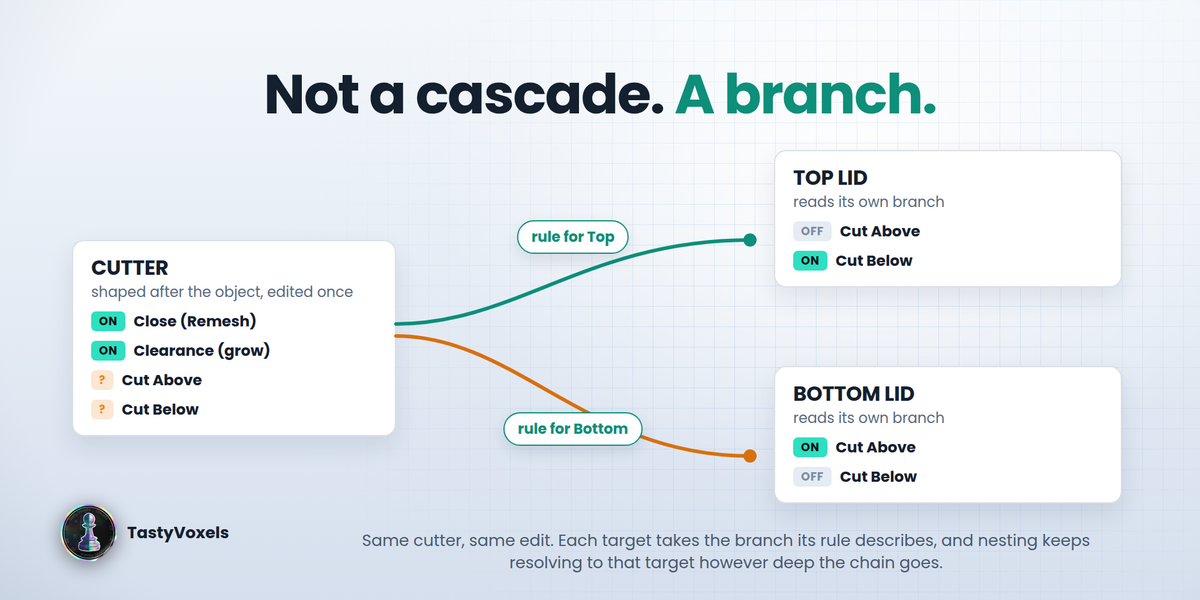
Select the body to carve (or its two halves), then the object to store last, set the clearance and press Make Pocket for Active Object. The add-on builds a cutter shaped after the object (closed by a voxel remesh, grown by the clearance plus half a voxel, so the pocket is at least the clearance bigger on every side), cuts it at the parting line between the two halves, adds a rule per half so each receives its own side, wires a Boolean on every body and switches the chain to Manifold. The object and the bodies are never modified; move the object and the pocket follows.
Try it in one click
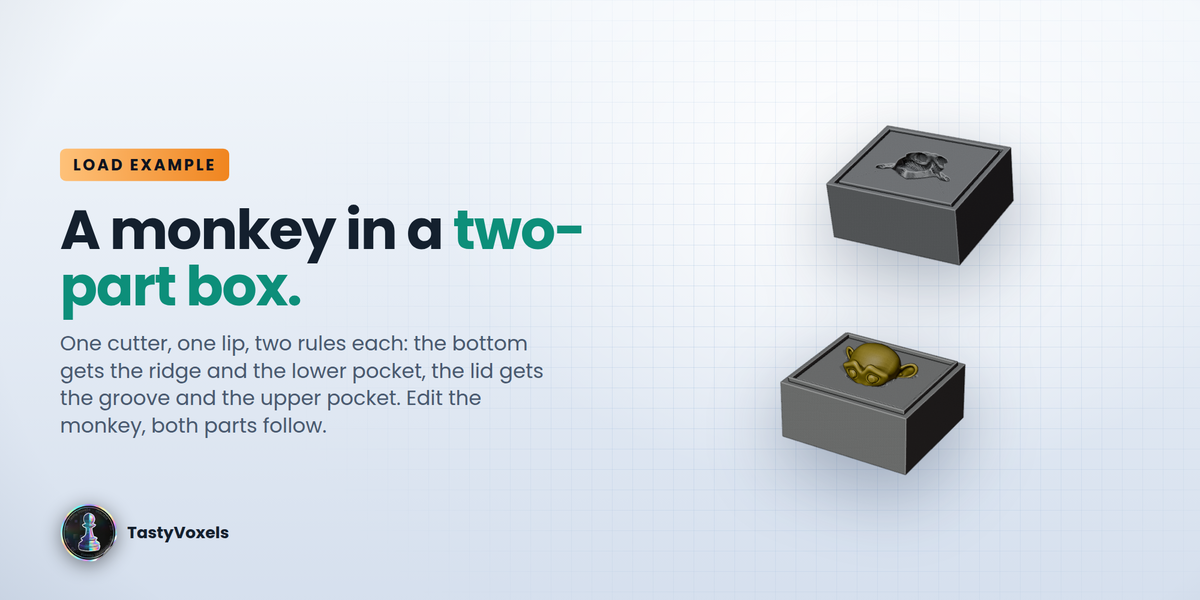
Load Example: Two-Part Box (in the panel while the active object has no rules, and under How it works) builds the case this add-on was made for: a monkey head, a cutter shaped after it (voxel remesh + clearance + two half-cuts), a bottom part and a top lid that each carve their own half of the pocket, and a locating lip that is a ridge on the bottom and a clearance groove on the top. One cutter, one lip, two rules each. Select Example Cutter or Example Lip to read the rules; move or edit the monkey and watch both parts follow.
Workflow
- Select the targets (Top, Bottom...), then the tool last so it is active.
- Sidebar (N) > If Bool > Add Rule for Selected Targets.
- Click a rule and set each of the tool's modifiers to Inherit / On / Off for that target. Solo keeps one modifier on and turns the others off.
- Give each target a Boolean that uses the tool. If Bool swaps it for the target's variant (the Boolean shows
tool @ Target). - Edit the tool freely. With Auto on, variants rebuild whenever the stack or a rule changes; Sync Now rebuilds them all on demand.
Rules nest: if the tool's own Boolean uses another cutter that has a rule for the same target, that cutter's variant for the same target is used inside - so a change three levels down still reaches the right lid.
Speed & Health
Boolean chains get slow for measurable reasons; this panel measures them.
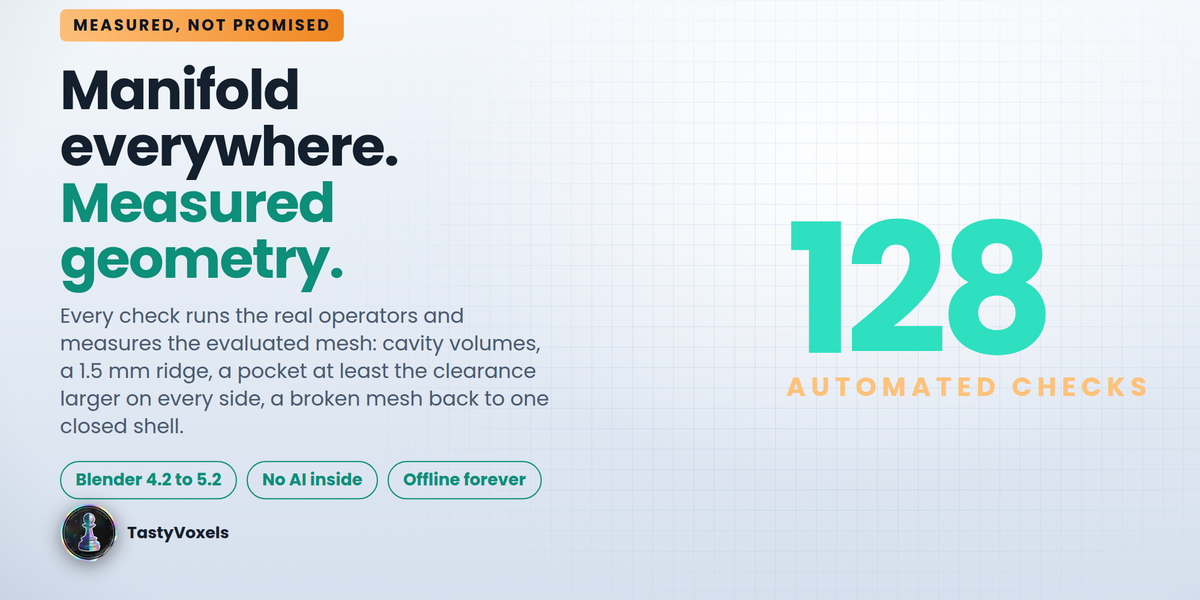
- Manifold Everywhere - switch every Boolean feeding the active object (target, variants, nested cutters) to the Manifold solver. Usually the biggest single speed-up over Exact, and no remesh needed as long as every operand is a closed mesh. Blender 4.5 or newer.
- Check Chain - one line per object in the chain: evaluated vertex count, modifier count, non-manifold edges on the evaluated mesh (what the Boolean actually receives), and a warning where a voxel Remesh is producing hundreds of cells per side or a Boolean is still on Exact. Click the icon to select the offender.
- Freeze / Thaw - bake the variants feeding the active object into static meshes. The tool stays live; only the copies stop updating, so editing the box no longer re-evaluates the whole cutter chain. Thaw brings them back in sync.
Bool Cleaner
Too many Booleans and a mesh comes out corrupted; a remesh to fix it sometimes leaves a cloud of small separate shells instead. Two steps:
- D. Prevent: Add Weld Guard to Chain puts a Weld modifier at the top of every object in the chain (tools included; variants copy it). Near duplicate vertices are what breaks a Boolean, and welding them before the operation avoids most of the damage.
- E. Repair: Analyze Result counts shells, crumbs (shells smaller than a share of the main one), non-manifold and open edges, loose geometry. Make Clean Copy welds, drops loose and zero-area geometry, fills holes, fixes normals and deletes every crumb; with Voxel rebuild on it also remeshes the copy into one solid and cleans the crumbs the remesh itself leaves. The original is hidden, never deleted: compare, then keep the one you want.
Install
Edit > Preferences > Get Extensions > v > Install from Disk > select ifbool-x.y.z.zip. The panel appears in the 3D Viewport sidebar (N) under If Bool.
Limits (read before buying)
- Rules act on the on/off state of the tool's modifiers per target. Different values per target (a thicker wall for Bottom, say) are not a rule yet - use two modifiers and switch between them.
- Targets are wired through Boolean modifiers with an Object operand. Collection operands and Geometry Nodes inputs are not rewired.
- A variant is a real (hidden, unselectable) object in the If Bool Variants collection. Do not delete it by hand; remove the rule instead and the target's Boolean points back at the tool.
- Renaming a modifier on the tool resets its state to Inherit for every rule (states are keyed by modifier name).
- The Manifold solver needs closed operands; Check Chain tells you which one is open.
Have questions about this product?
Login to message
| Blender Extension Compatible | Yes |
| Dev Fund Contributor | |
| Published | 4 days ago |
| Blender Version | 4.2 - 5.2 |
| Extension Type | Add-on |
| License | GPL |
Discover more products like this
cutter manifold procedural non-destructive cad boolean enclosure conditional hard surface modifiers Workflow 3d printing