If Bool - Conditional Modifiers For Non-Destructive Cutters
 TastyVoxels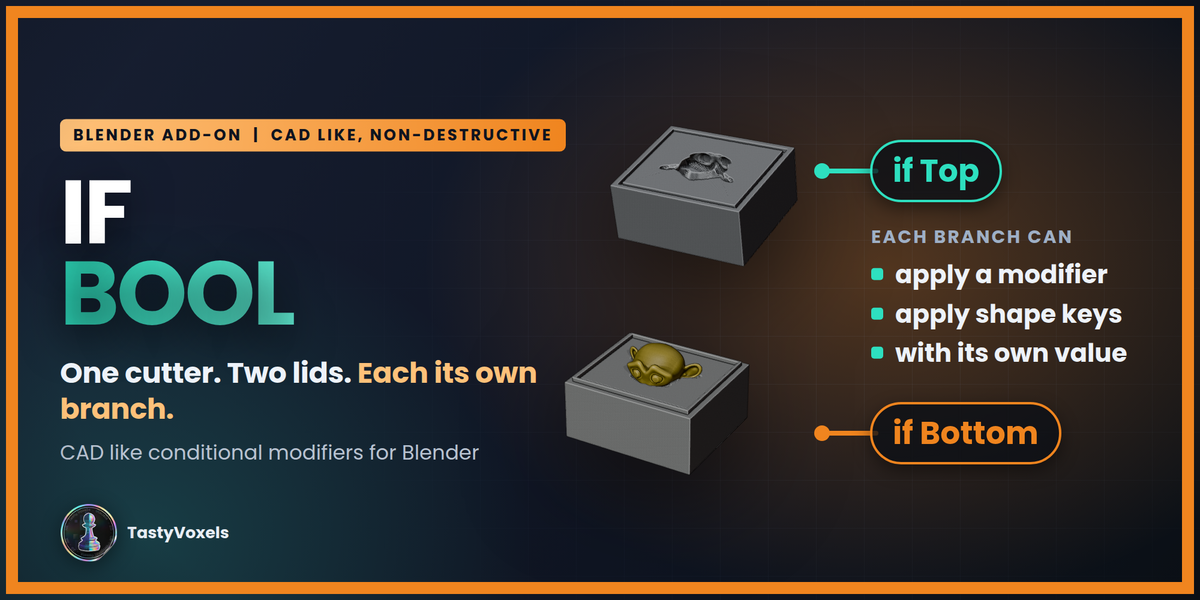
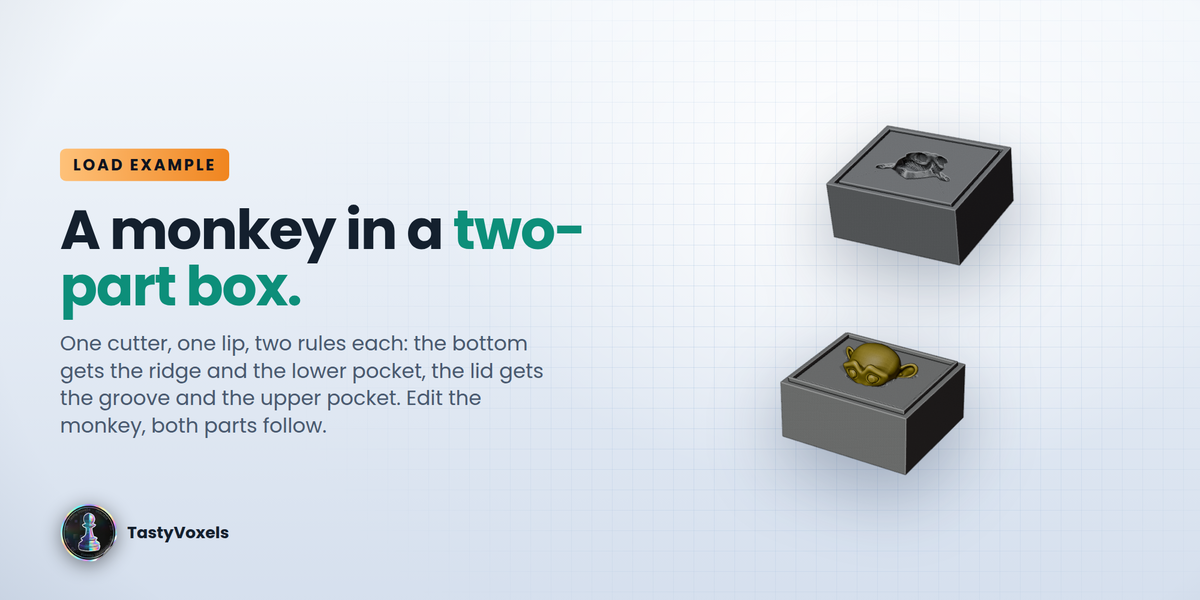








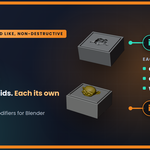
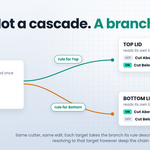

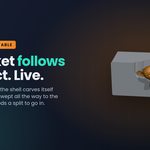
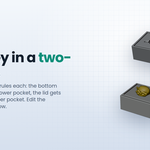








Will it change my tool or my targets?
No. The tool keeps its stack and its mesh; the targets only get their Boolean pointed at a variant. Remove the rule and the file is as it was.
Is a variant a copy of the mesh?
No. It links the tool's mesh data - edit mode on the tool edits every variant at once. Only the modifier stack is copied, with the rule applied.
Why does my cutter come out empty?
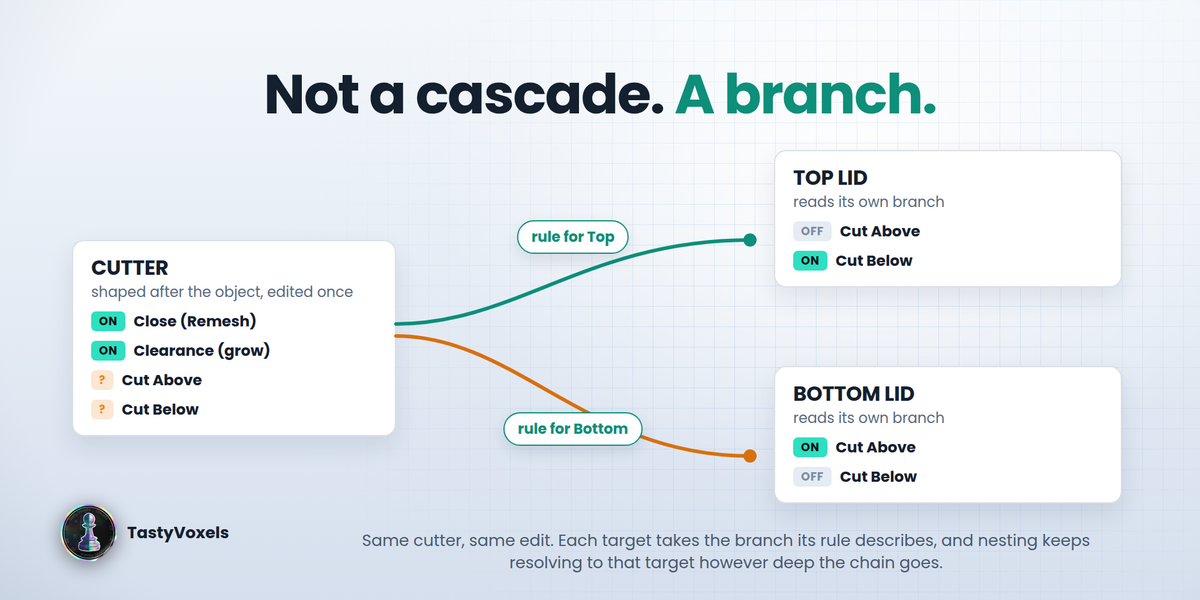
Both halves are cut away, because both cuts are on. That is the exact situation If Bool is for: one rule per lid, one cut Off in each.
What does it need from my file?
Targets that use the tool through a Boolean modifier with an Object operand. Any modifier can be on the tool; the rule only switches them.
Which Blender versions?
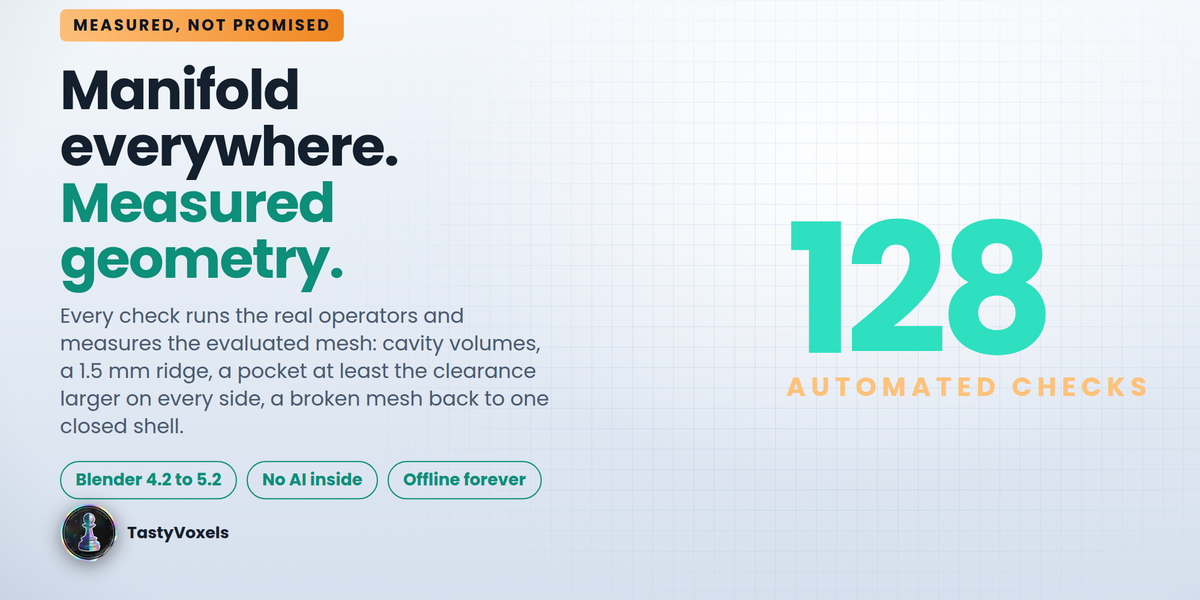
4.2 LTS and newer. Manifold Everywhere needs 4.5 or newer. I have verified the automated suite on the bpy module 5.0.1 and the same two-lid case inside Blender 5.2 LTS; I have not opened it in every version yet. The day I do, I will say so here.
The result is wrong - what do I do?
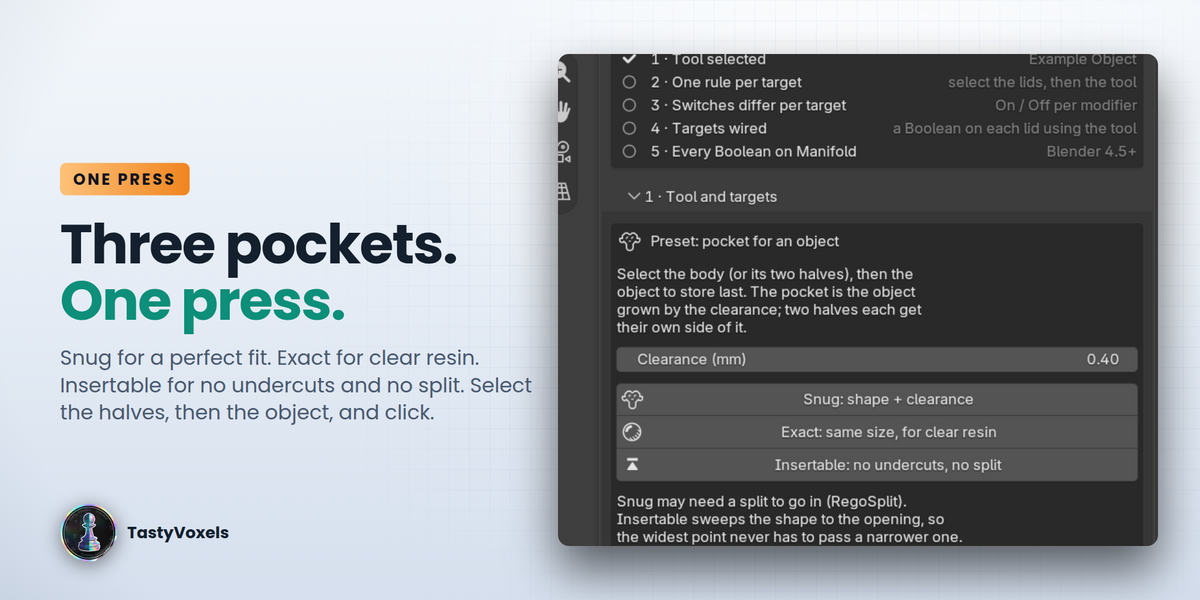
Press Check Chain. If an operand reports non-manifold edges, close it (or switch that one Boolean back to Exact). If a rule shows the refresh icon, press Sync Now.
Can I use it commercially?
Yes - model, print, sell and distribute what you make with it. The add-on itself is GPL-3.0-or-later.
Does it use AI or the internet?
The add-on itself contains no AI or ML and no network code. See the No AI inside the product section of the description for how generative tools were used during development.
$45$13.50
Have questions about this product?
Login to message
| Blender Extension Compatible | Yes |
| Dev Fund Contributor | |
| Published | 4 days ago |
| Blender Version | 4.2 - 5.2 |
| Extension Type | Add-on |
| License | GPL |
Discover more products like this
enclosure cutter 3d printing non-destructive boolean modifiers conditional hard surface Workflow procedural cad manifold