If Bool - Conditional Modifiers for Non-Destructive Cutters
 TastyVoxels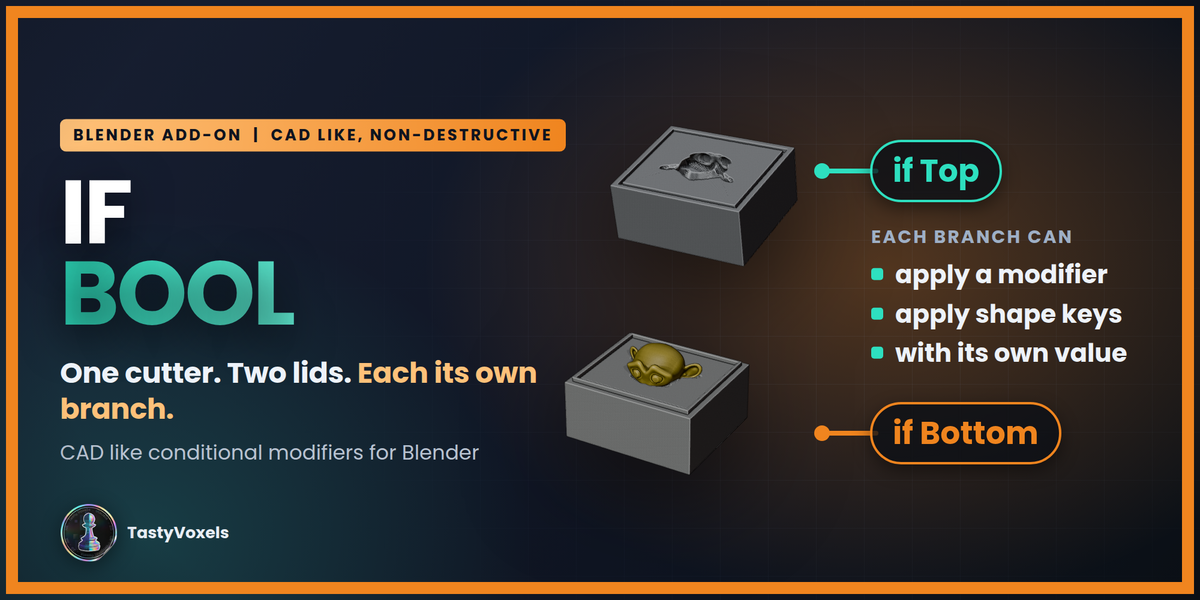

















Released 2026-09-26.
Fix. With the sidebar at Blender's default width, Fast, Exact and Manifold showed as a drop-down menu, because Manifold did not fit a third of the row. Now they are always three buttons: side by side when the sidebar is wide, stacked when it is narrow.
Everything else is as in 2.1.0: Exact is the standard solver for the pockets, and My Preset remembers the solver.
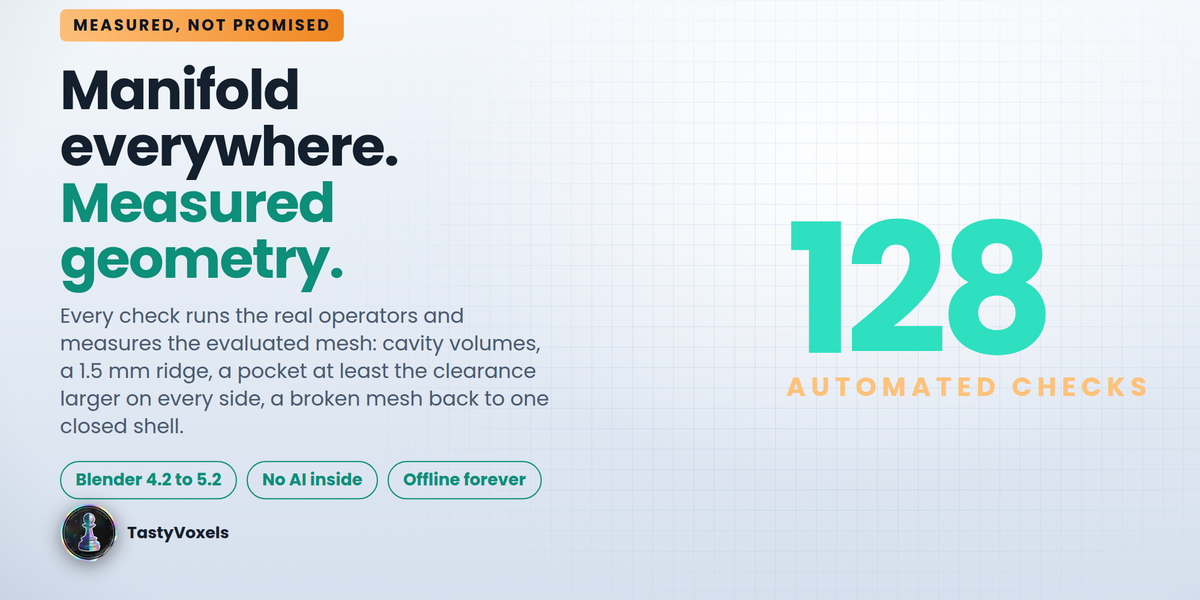
176 headless checks pass.
Released 2026-09-26.
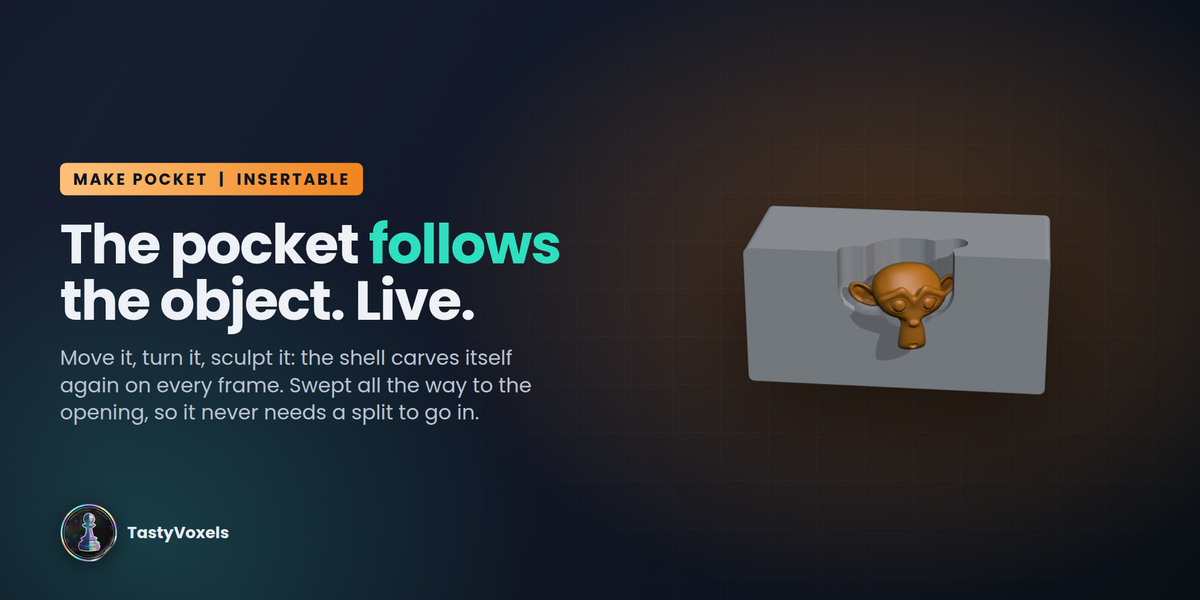
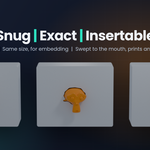
Exact is now the standard solver for the pockets. Snug, Exact, Insertable and My Preset put the Exact solver on the Booleans of the two halves. It is slower than Manifold, but it copes with imperfect meshes: open scans, overlapping parts, messy sculpts, where Manifold can fail.
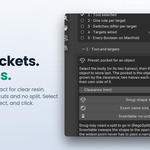
Three buttons to choose it, no modifier to open. In Quality and optimization, under Increase quality: Fast (Blender's Float solver, for clean simple meshes), Exact (the safe default) and Manifold (Blender 4.5 and newer, the fastest, for clean closed meshes). Preview New Quality puts the chosen solver on the pocket, and Apply New Quality is enabled again only after that preview.
My Preset remembers the solver together with mode, quality, optimize and clearance.
Fixes.
- The cuts inside the pocket cutter now always use a solver that is safe for them: Manifold where Blender has it, Exact with Self Intersection otherwise. On Blender 4.2 to 4.4 a grown pocket that touched itself could come out empty.
- The two-part box example keeps its Manifold chain where Blender has it; its internal cuts use the same safe solver.
176 headless checks pass.
Released 2026-09-26.
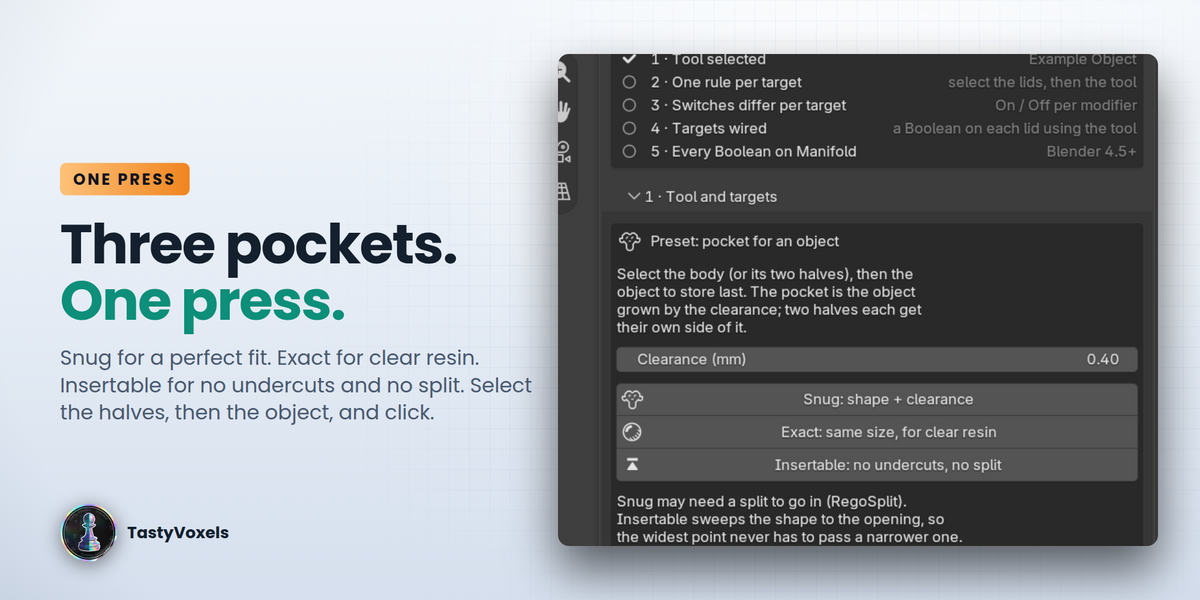
A panel for quality, with no modifiers to open. Two rows of buttons from 0 to 10 replace the hidden voxel size. Increase quality sets how fine the remesh that closes the object is (0 standard, 5 very detailed, 10 maximum), relative to the object's size. Optimize mesh adds a decimate on the closed pocket (0 off, 5 keeps 15%, 10 keeps 3%) before the split, so both halves inherit it.
Preview, then Apply. Preview New Quality rebuilds the pocket of the selected object at the chosen levels. Apply New Quality is enabled only once those levels have been previewed; it freezes both halves so the scene is fast again. Preview again to change it.
My Preset. One personal preset, kept in the add-on preferences so it is the same in every file: mode, quality, optimize, clearance and whether to apply at the end. One press makes the pocket, or updates the pocket of the selected object. Non-destructive unless Apply at the end is ticked.
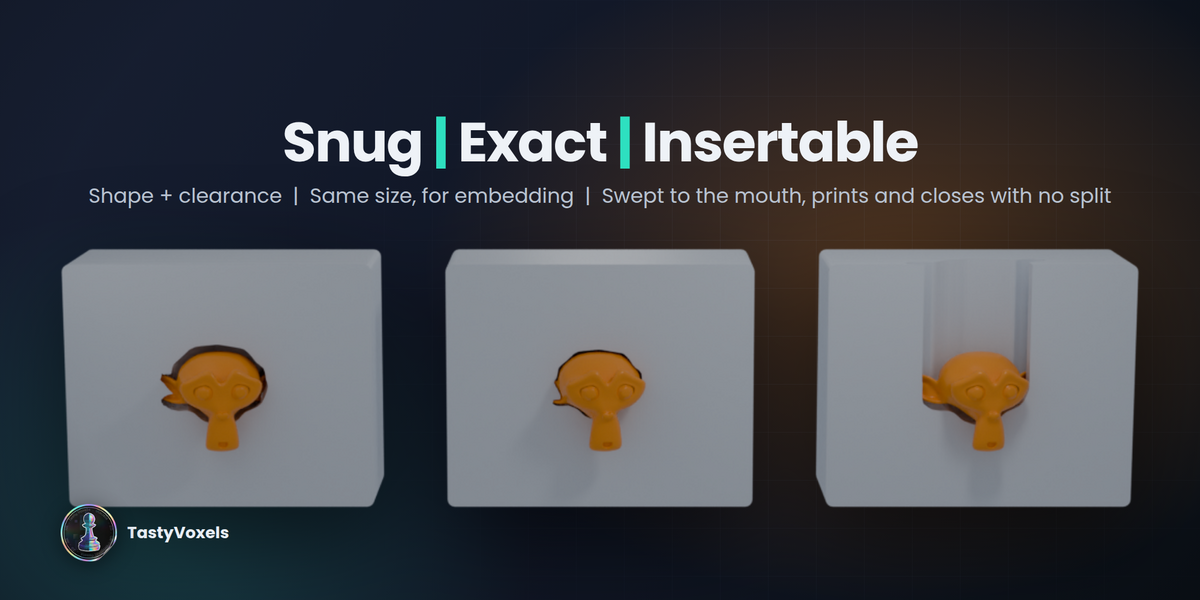
Make Pocket uses the levels. Snug, Exact and Insertable build the pocket at the chosen quality directly. Pockets made with 1.0.0 get the decimate the first time they are previewed.
Fixes.
- The Insertable sweep no longer multiplies with the quality: its step stays at the standard voxel, and Insertable is capped at quality 3. At higher levels the sweep ran out of memory.
- The sidebar reads at Blender's default width: text wraps instead of ending in "...", long buttons switch to short names, the 0-10 levels fold into two rows, and a narrow sidebar puts each modifier's name on its own line above its switches.
- The Switches rows show their words (Inherit, On, Off). In 1.0.0 they were three unlabeled buttons.
- The Exact button reads "minimal gap" instead of "same size": the pocket keeps half a voxel of clearance, which shrinks as the quality rises.
- The minimum voxel comes down with the level (0.2 mm to 0.02 mm), so small objects get finer gradually.
166 headless checks pass.
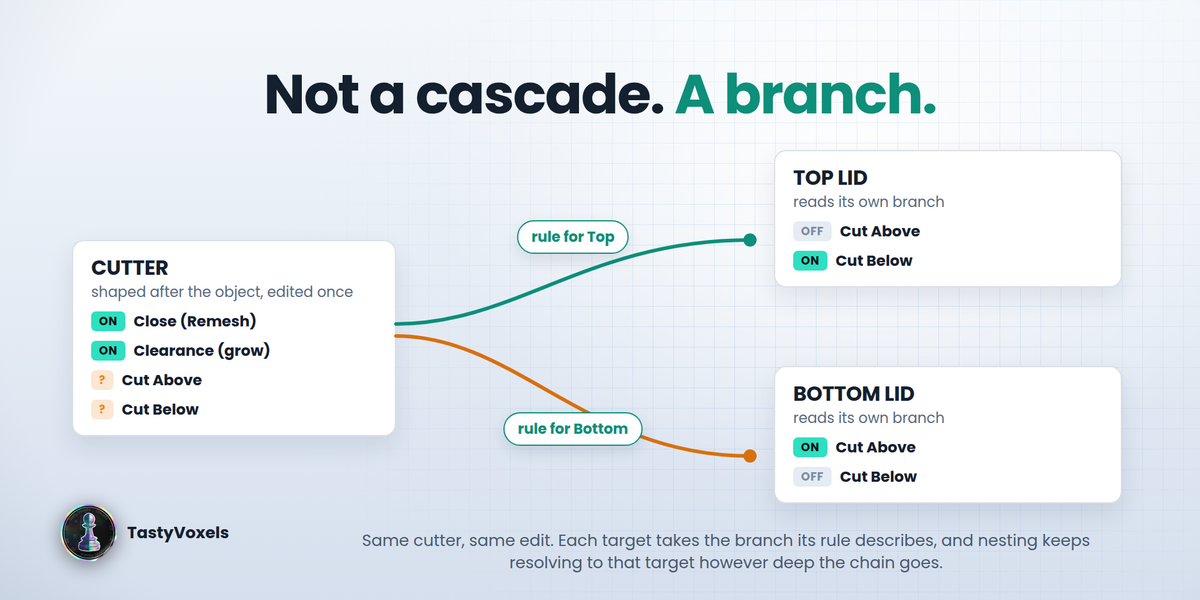
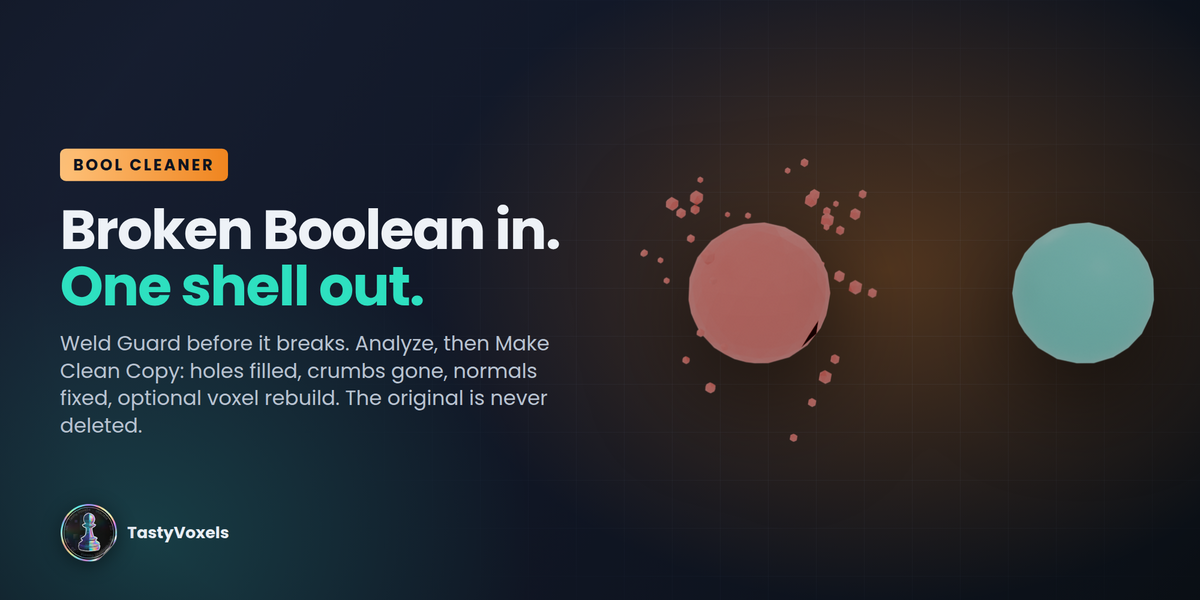
First release: rules per target, the pocket presets Snug, Exact and Insertable, Manifold Everywhere, Check Chain, Freeze, and Bool Cleaner.
Kept here for anyone who wants it. The current version is 2.0.0.
Discover more products like this
procedural modifiers hard surface manifold boolean cutter conditional enclosure Workflow non-destructive cad 3d printing