 P2_limit_sadge


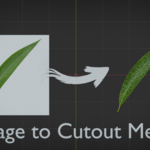
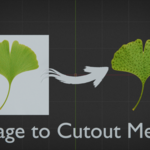
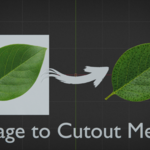
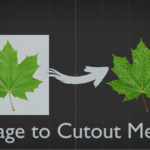
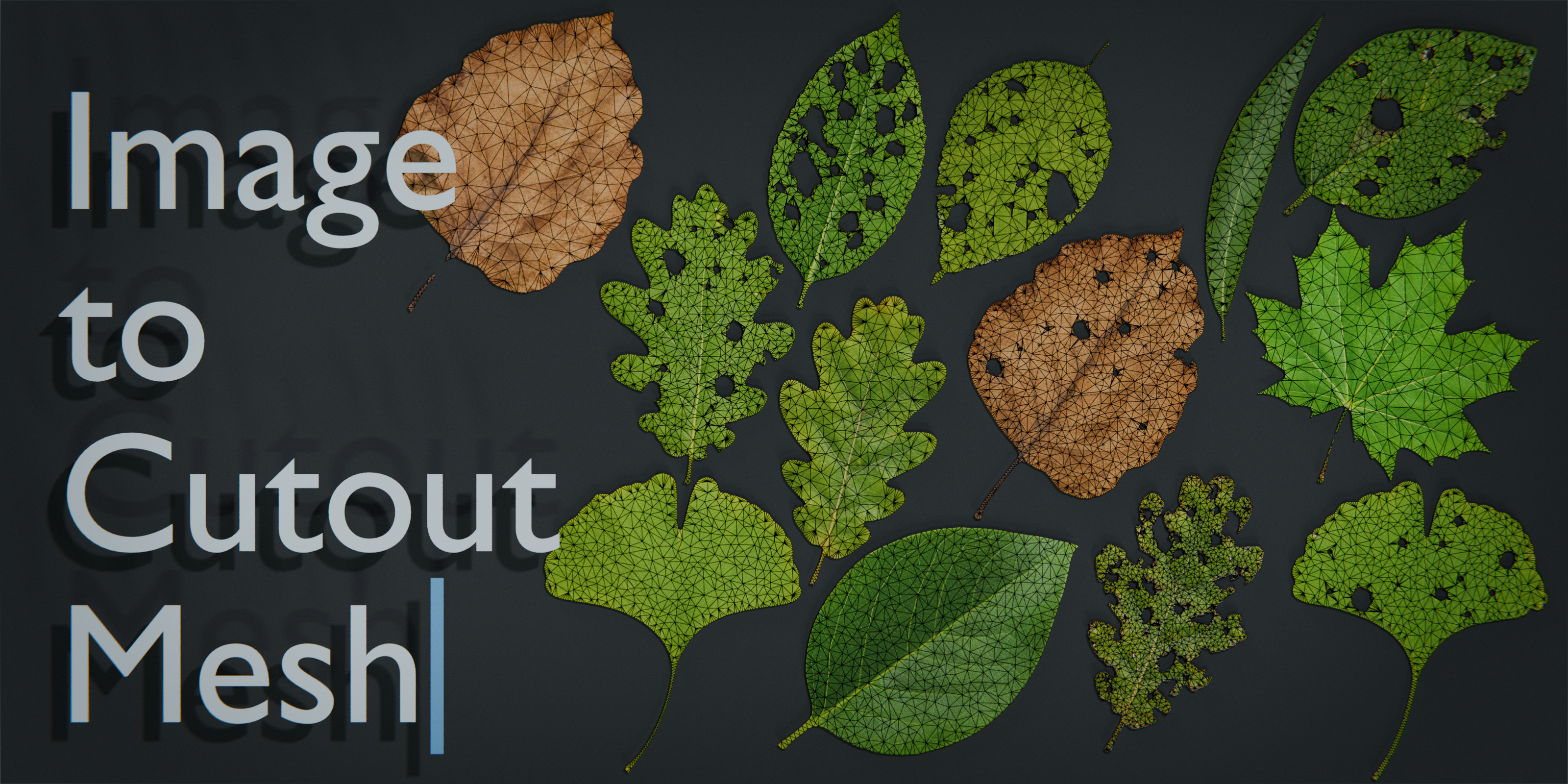
P2 · GEOMETRY NODES · v0.3
Turn an image into a filled triangular cutout mesh.
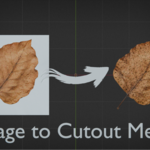
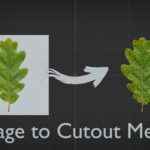
Image To Cutout Mesh derives a silhouette from the source image and generates a flat, tessellated mesh surface inside Blender. Start with the built-in color-difference mask, or enable alpha when you want to supply a prepared mask.
Alpha optional Internal holes preserved Separate boundary and density controls No add-on required
MANUAL TRACING AGAIN? 😭
Stop rebuilding silhouettes. Start using them.
A usable image is only the beginning. Turning its silhouette into filled geometry, preserving openings, and balancing edge detail against internal density is repetitive setup work.
Image To Cutout Mesh handles that conversion procedurally, leaving you free to focus on the design, material, scene, or tool that the cutout belongs to.
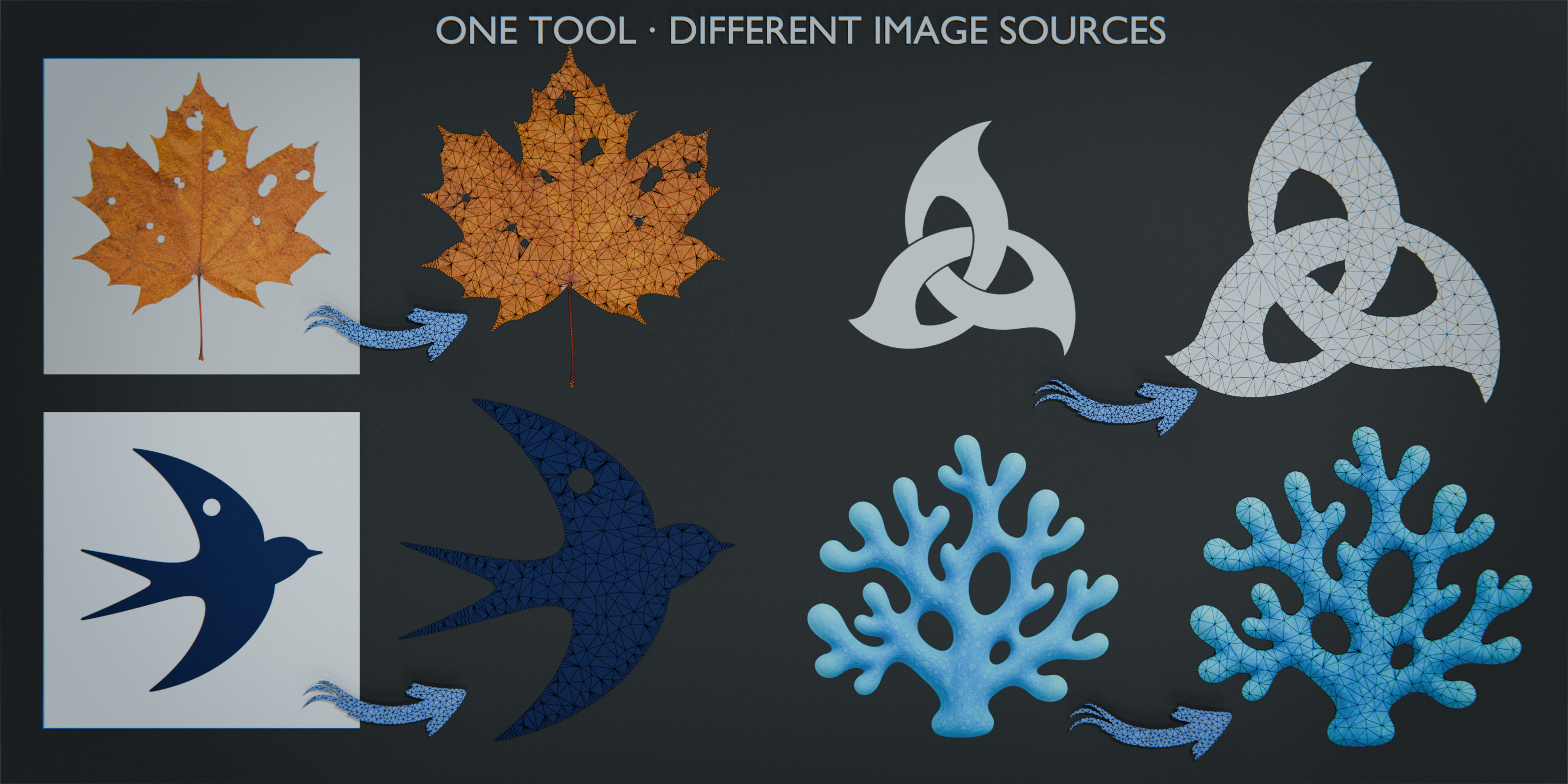
IMAGE / MASK → FILLED CUTOUT MESH → YOUR WORKFLOW
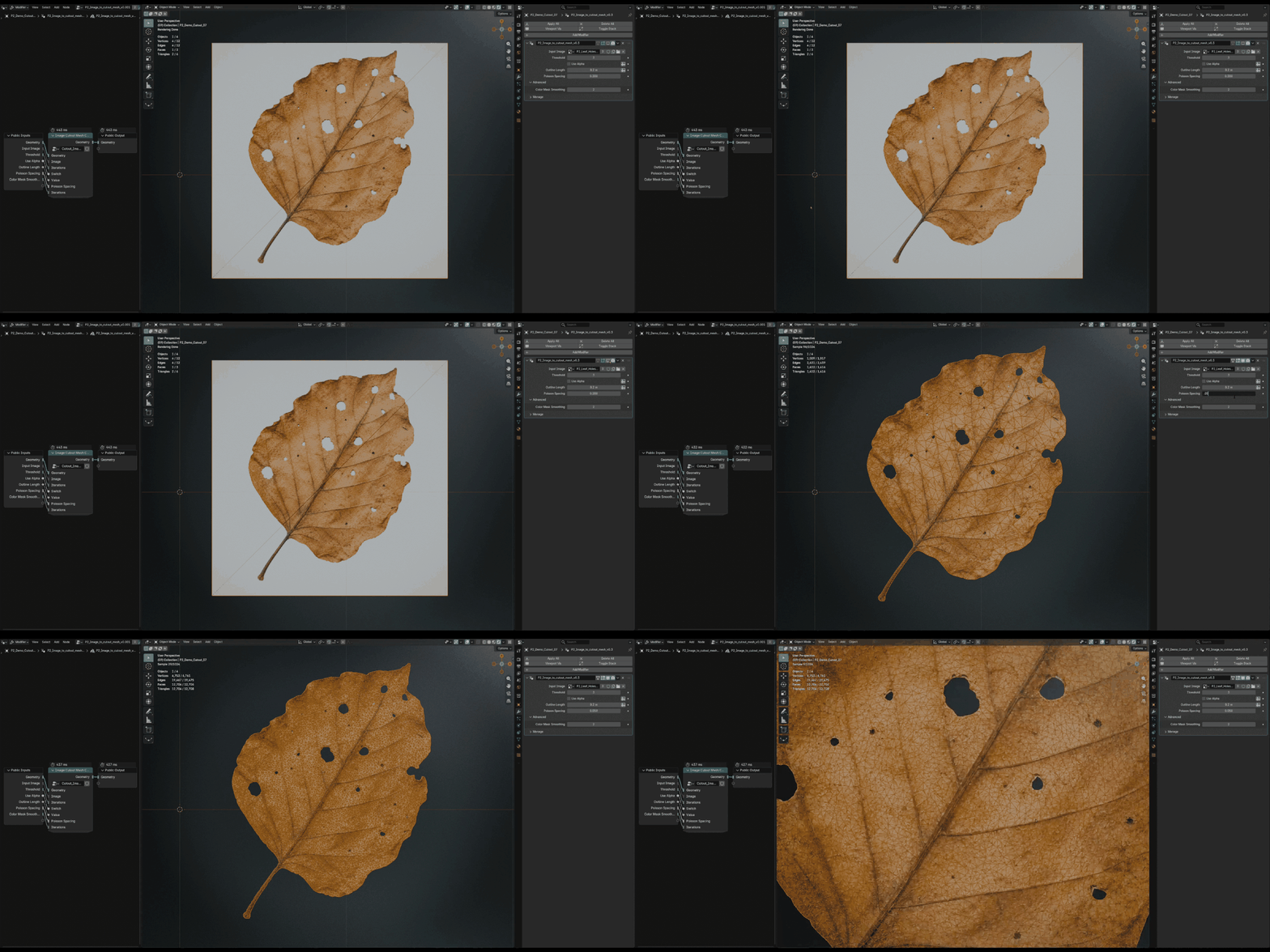
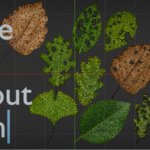
The output is a filled mesh with a visible Delaunay-like triangular structure, not only an outline trace. Use it for leaves, icons, stickers, decals, logos, symbols, and other readable graphic silhouettes.
IMAGE TO CUTOUT MESH OR LEAFFORM?
Choose a flexible building block or a complete leaf workflow.
Both products can begin with an image silhouette, but they are designed for different jobs.
| Image To Cutout Mesh Choose this when you need a reusable flat cutout generator for logos, icons, decals, leaves, symbols, or other silhouettes. It is a Geometry Nodes asset that you can append and integrate into your own node workflow, with no add-on installation. | LeafForm Choose LeafForm when the target is specifically a leaf asset and you want curvature, material setup, stem-based placement, batch creation, Apply, and optional Bake & Export handled as one workflow. |
General flat cutout building block: Image To Cutout Mesh. End-to-end leaf preparation: LeafForm.
KEEP THE OPEN AREAS
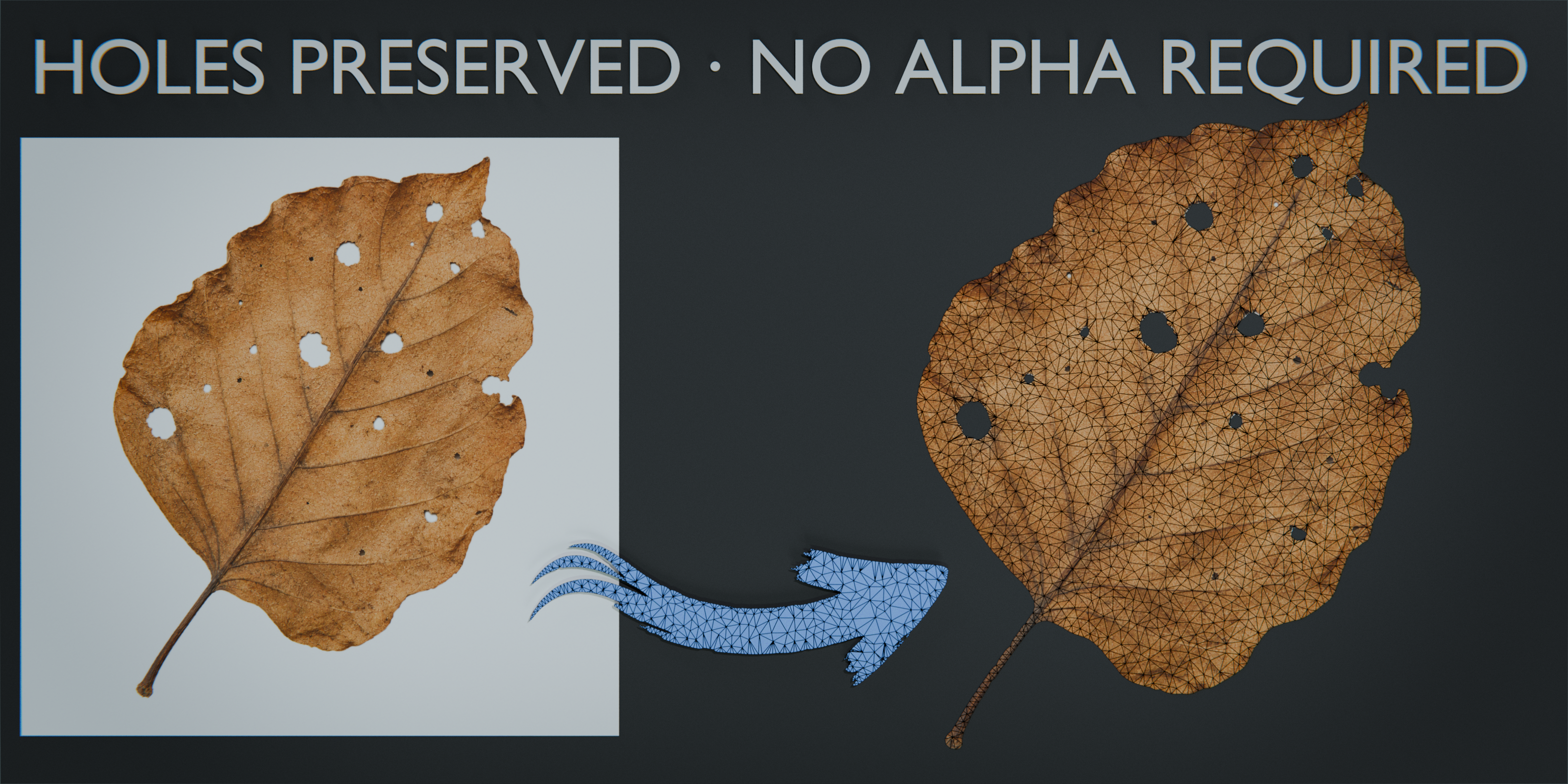
Preserve holes inside the main silhouette.
Version 0.3 supports one main silhouette with zero or more internal holes. Open regions can come from the standard color-difference workflow or from an optional alpha mask.
CONTROL THE TESSELLATION
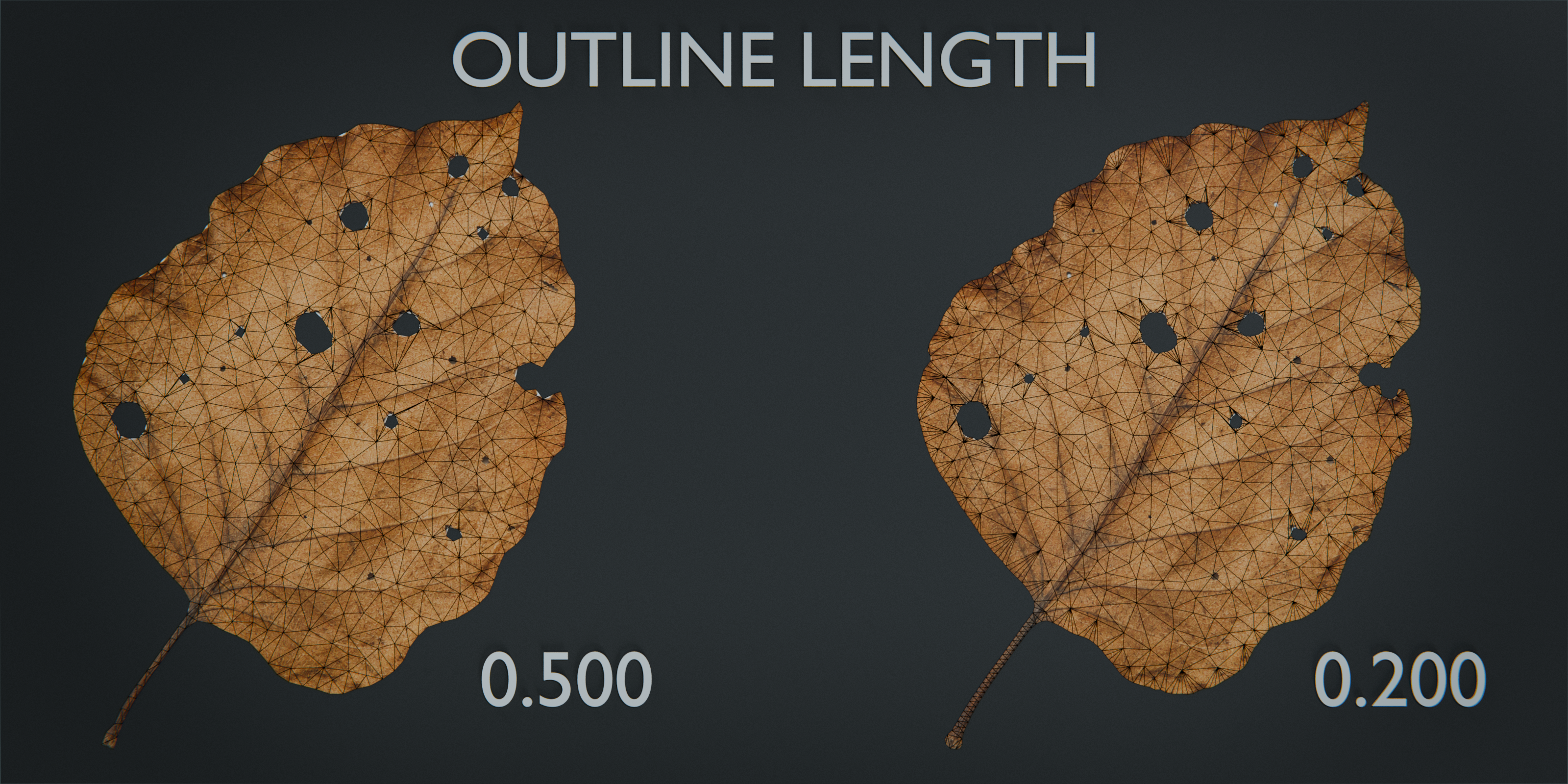
Tune the boundary and the inner density separately.
Outline Length controls how the extracted boundary is resampled. Shorter values retain more silhouette detail and can increase processing cost.
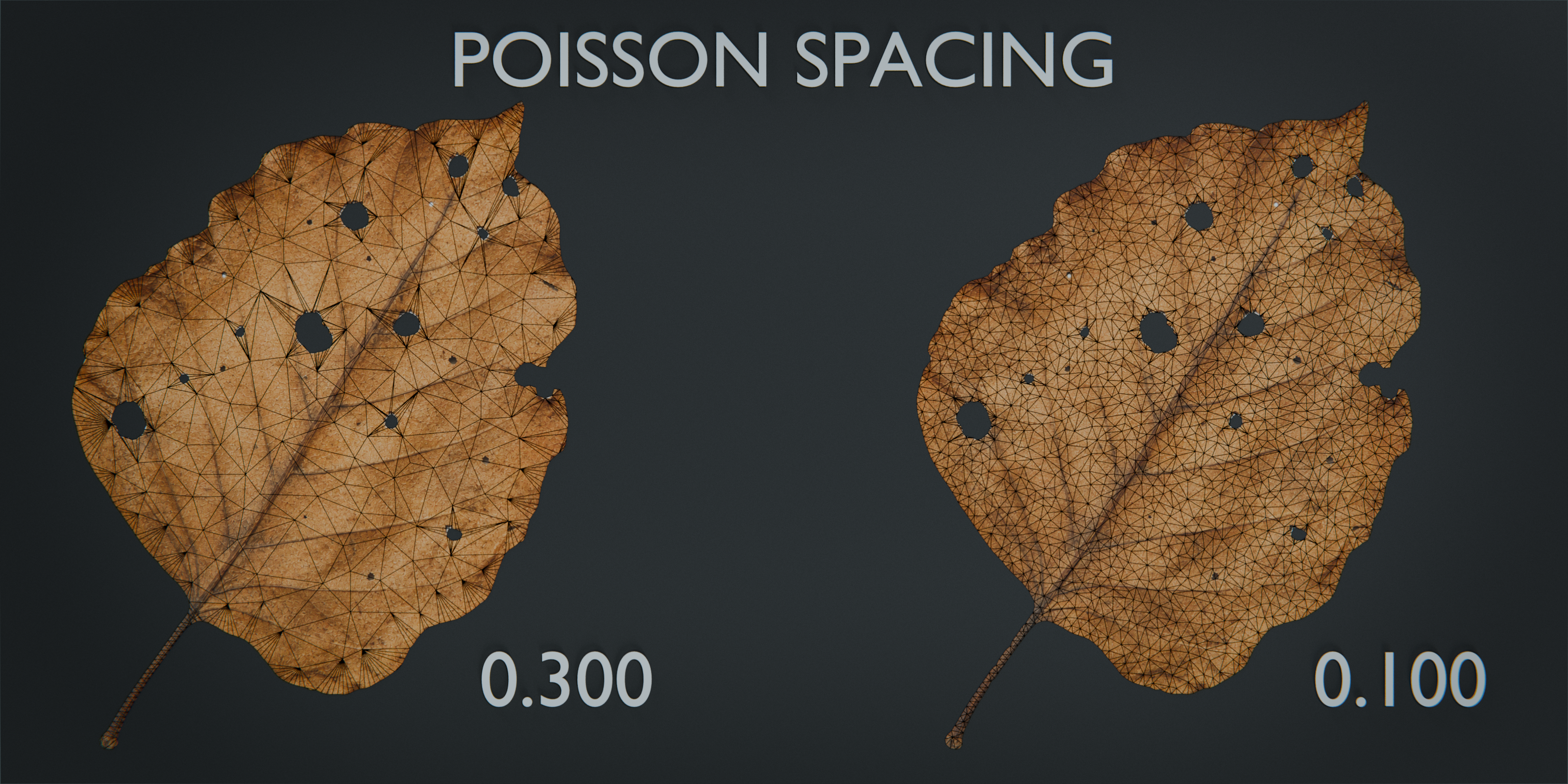
Poisson Spacing controls the minimum spacing of points inside the silhouette. Lower values generate a denser triangular surface.
OBSERVED PERFORMANCE
A standard 1K test image evaluated in about 450 ms.
Approximately 450 ms was observed with a 1024 × 1024 source in the current test environment. This is a reference result, not a guaranteed processing time. Evaluation varies with the image, silhouette complexity, internal holes, settings, scene, Blender version, hardware, and output density.
COLOR OR ALPHA
Alpha is optional, not required.
With Use Alpha disabled, the tool derives its mask from color differences in the source image. Enable Use Alpha when useful transparency is already present or when a color-derived mask cannot isolate the subject cleanly.
QUICK START
From image to cutout mesh in four steps.
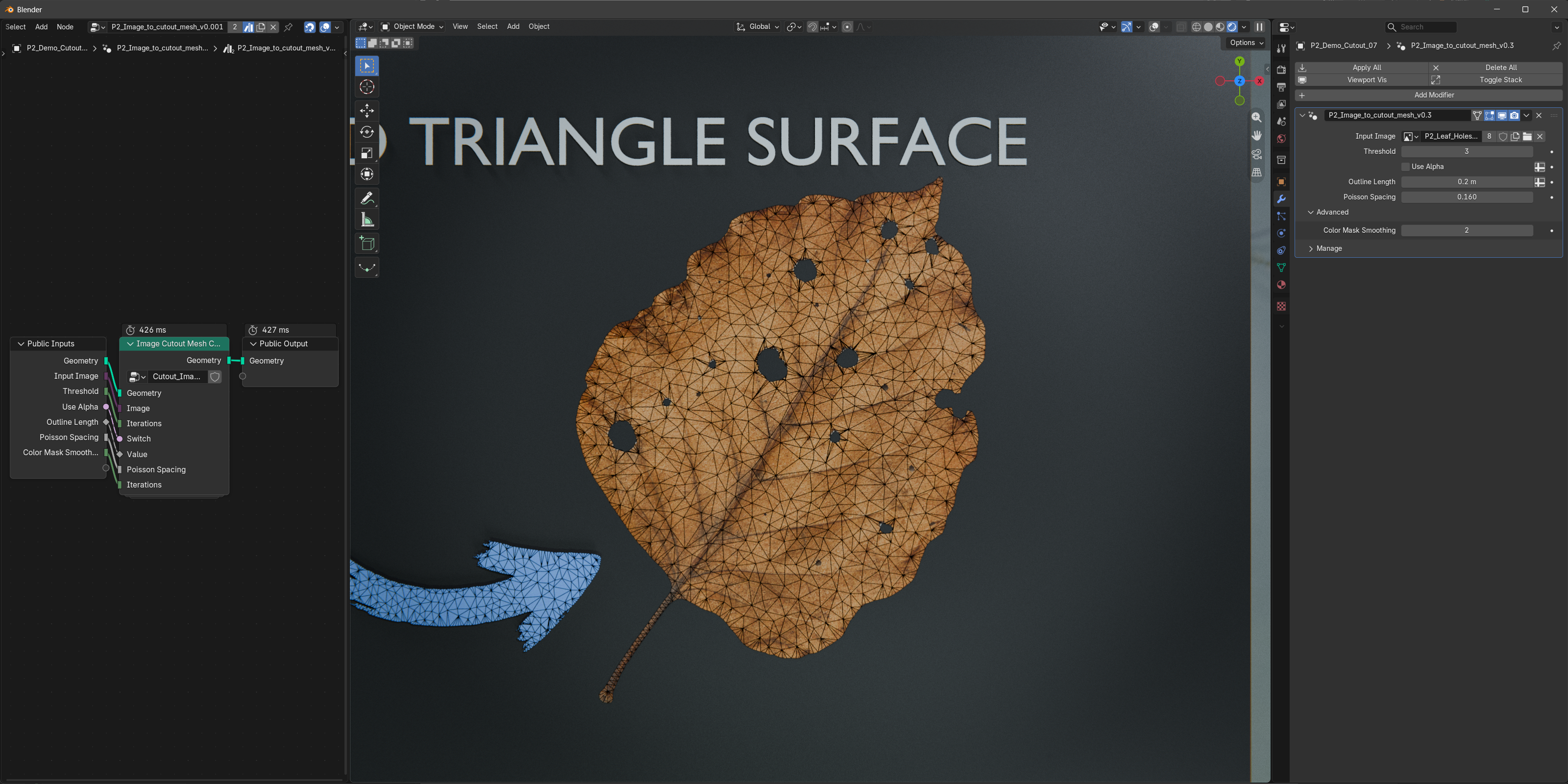
01 Open the included file, or append P2_Image_to_cutout_mesh_v0.3 into your Blender project.
02 Assign the source to Input Image. Enable Use Alpha only when you want the alpha-mask workflow.
03 Adjust Threshold, Color Mask Smoothing, and Outline Length to resolve the silhouette.
04 Adjust Poisson Spacing to choose the inner triangle density.
IMPORTANT TO KNOW
Image To Cutout Mesh creates a flat cutout surface. It is not photo-to-3D reconstruction, an AI depth tool, automatic background removal, a video cutout tool, or a batch processor. The intended input is one main silhouette with zero or more holes; multiple independent outer silhouettes are not classified separately, and opaque islands nested inside holes are not supported. “Delaunay-like” describes the visible triangular structure, not a strict mathematical Delaunay guarantee.
Keep the silhouette. Build the surface.
Blender 5.0+. Verified during v0.3 release preparation in Blender 5.0.1, 5.1.0, and 5.2.0 LTS. Geometry Nodes is required; no Python add-on or external dependency is required.
