Image to 3D
 Milad_Kambari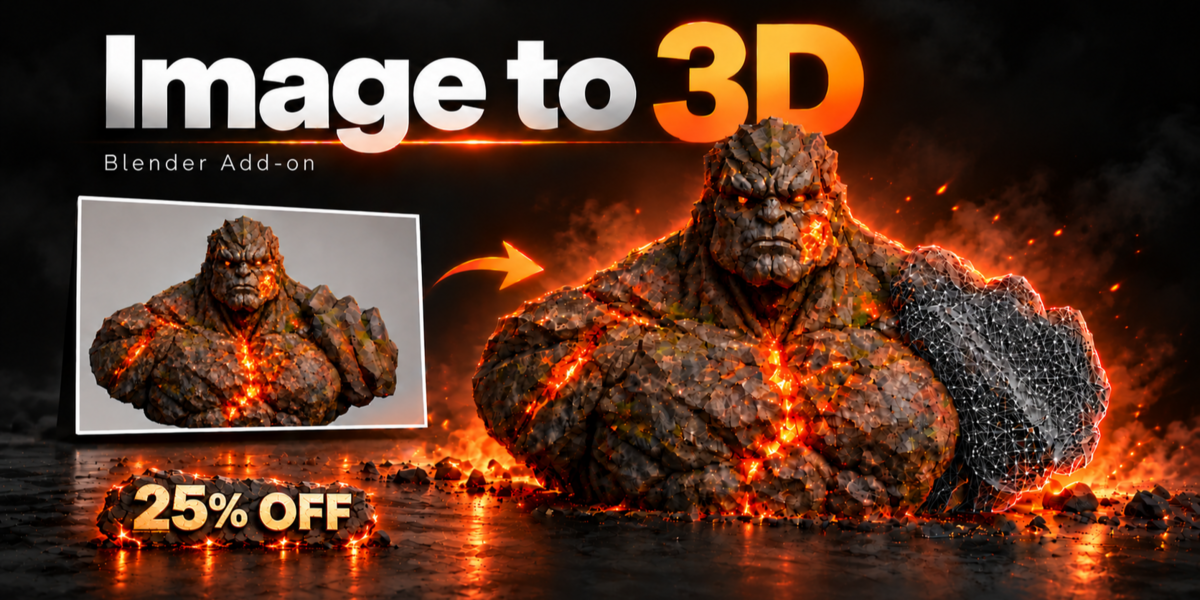
Can I use the models in commercial projects?
The add-on is yours to use under the product license. The AI models it runs have their own licenses (for example, Hunyuan3D 2.1 is not licensed for use in the EU, UK and South Korea), so please check the model license for your region and use.
How much disk space do I need?
About 25 GB for TRELLIS or Pixal3D and about 35 GB for Hunyuan. You choose the Install Folder, so you can use any drive.
How long does one model take?

About 1 to 3 minutes on most PCs, depending on the engine, quality and face count. Enhance Detail and Enhance Texture add a few more minutes
Which engine should I use?



TRELLIS is the fastest. Hunyuan supports multi-view (up to 4 photos) and gives clean shapes. Pixal3D gives very sharp textures. You can install one engine or all three.
Does it work on Mac or Linux?
Version 1.0 supports Windows with an NVIDIA graphics card.
What graphics card do I need?
An NVIDIA card with at least 8 GB VRAM and 16 GB RAM. Every mode was tested at that limit. A stronger PC makes generation faster, but the quality stays the same.
Does it need internet or an online account?
Only once, to download the engines and models. After that everything runs offline on your own PC. There are no credits, no subscription, and your pictures are never uploaded.
Discover more products like this
Image-to-3D hunyuan3d blender ai AI texture image to 3d model ai model generator pixal3d ai 3d model blender addon Photo to 3D 3D Generator trellis