 pathnode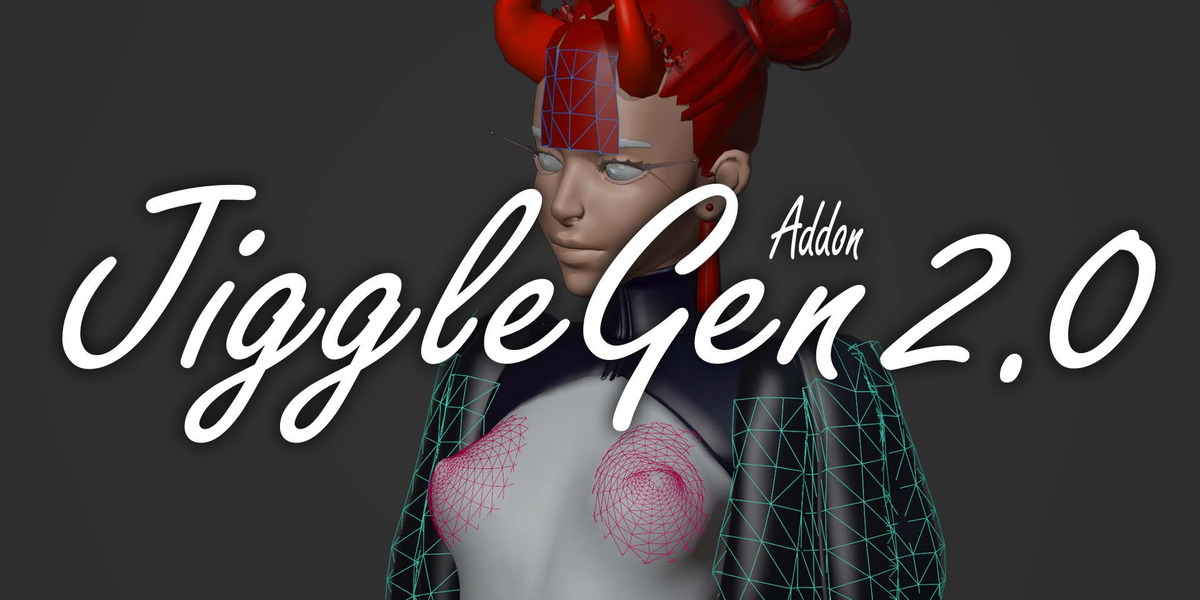


What is JiggleGen?

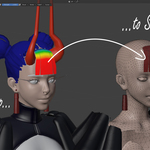
JiggleGen is a Blender add-on that automates the creation of cloth-based proxy meshes for jiggle, hair and tissue simulations. It streamlines the setup process by generating simplified cages driven by vertex groups, making secondary motion effects faster and easier to manage.
Easy Paint & Generate

Create a vertex group, paint the areas that you want to make jiggly, choose a preset and hit generate. Don't like it? Just overwrite it! Everything can now become a wobble pudding. JiggleGen comes with a intuitive workflow, that allows you make quick adjustments to archive the perfect results for your animation.
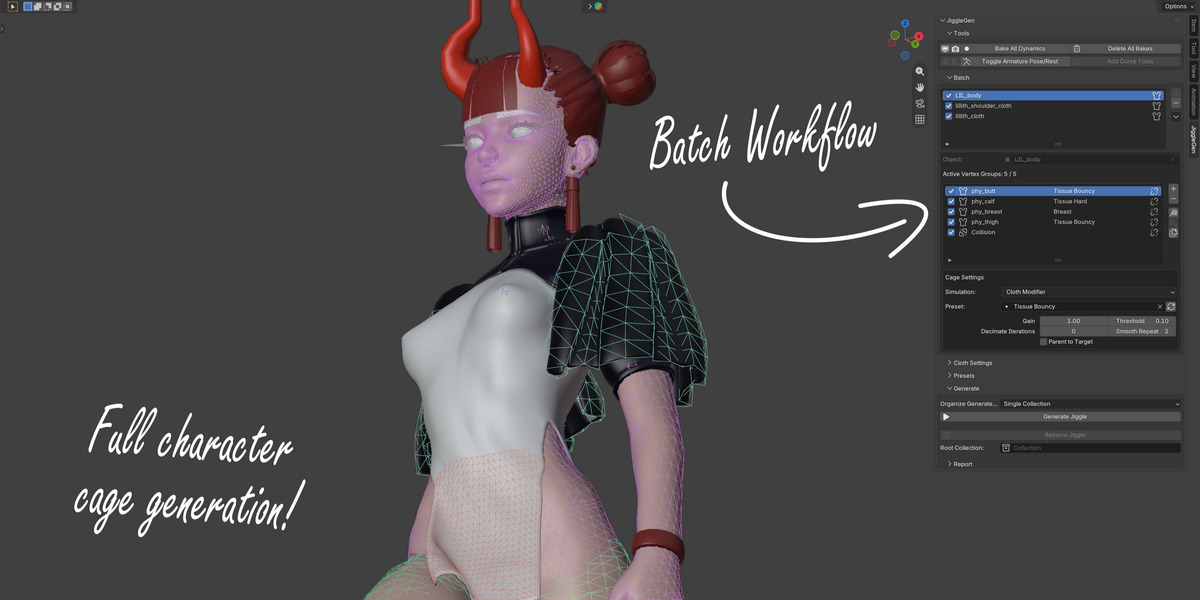
Management for your whole character

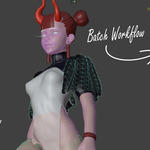
No matter how many clothes your character have to carry, each piece gets its own Simulation Mesh. The batch operation allows you to generated and manage multiple objects at once.
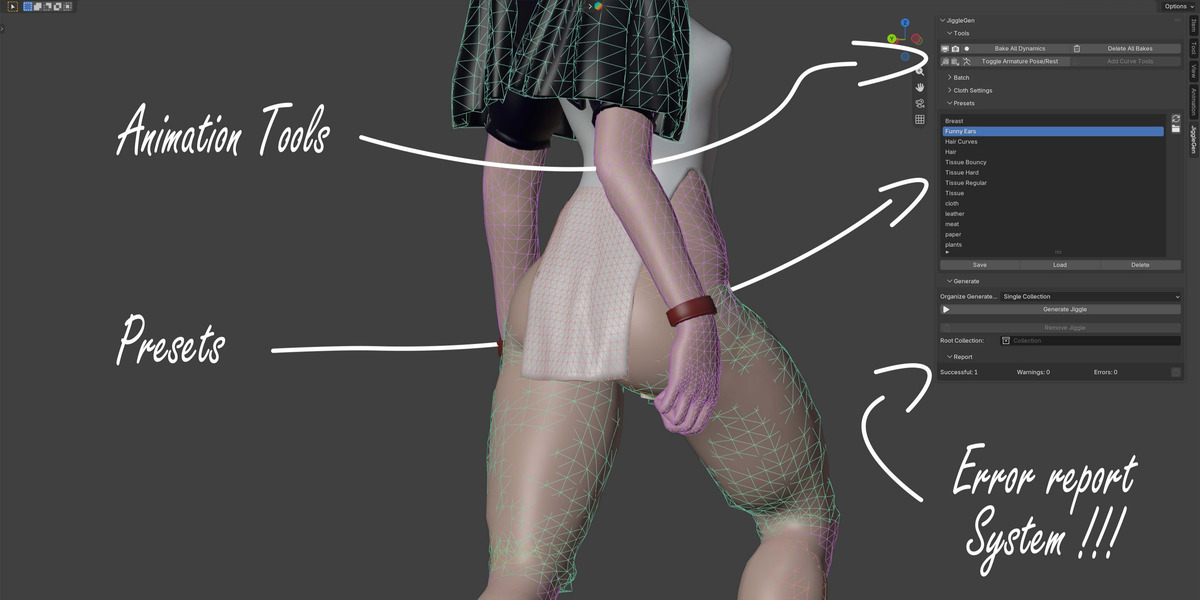
Save & Load Presets

Save your favorite cloth settings for later. You never know when you need "Funny Ears" again. All settings are based of the cloth simulation settings that you already know and love.
Solid & Soft Parts

Make only the important parts jiggly. Everything else can be generated as one counter mesh for close collision interception.
Simulate Geometry Node Hair

Turn your stylish hairstyles into jiggling spaghetti. Select the hair curves object, add it to the batch list and its done. No need anymore for particle based hair simulation. Do it now all with geometry nodes.
Core Features
- Cloth & Collision Mesh from Vertex Groups: Quickly generate simulation-ready cloth and collision geometry from any vertex group.
- Automatic Target Attachment: Attaches the target mesh to the generated cloth via a Surface Deform modifier, bound automatically with an automatic retry for reliability.
- Editable Pre-Generation Cloth Settings: Adjust cloth simulation parameters before mesh generation for total control and flexibility.
- Integrated Preset Library: Save, load, and freely manage cloth setups using Blender's own native preset system. Including presets you made outside JiggleGen, with no artificial restrictions on what can be deleted.
- Configurable Preset Location: Point JiggleGen at a custom preset folder if you don't want the default shared Blender directory, with a one-click button to open it.
- Structured, Customizable Naming: Auto-generates meaningful names for all objects and modifiers based on origin mesh, vertex group, and preset. With the prefixes and collection name fully editable in Preferences.
Simulation Backends
- Classic Cloth Modifier: The proven default, unchanged and fully supported.
- Geometry Nodes Cloth (Experimental): Optionally simulate with Blender 5.2+'s "Cloth Dynamics" node group instead, chosen per body region. With its own dedicated settings panel and full preset support.
Hair Support (Experimental)
- Hair Cage: Builds a jiggle-ready proxy mesh directly from hair strand curves, simulates it through the same Cloth pipeline, and drives your original hair from the result automatically.
Optional Modifiers for Simulation Cages
- Offset: Raises or lowers the influence of one VertexGroup/Pingroup
- Threshold: Controlls which influence value is included.
- Decimate Modifier: Automatically reduce vertex count for performance.
- Smooth Modifier: Add surface smoothing for cleaner cloth deformation.
- Parent to Target: Generated cloth or collision meshes can automatically be parented to the target object.
Compact Utility Panel with Smart Shortcuts
- Toggle Jiggle Visibility (Viewport / Render)
- Bake All Dynamics / Clear Bakes
- Copy or Extract Cloth Settings to/from the Active Object
- Toggle Armature Pose/Rest
- Add Curve Tools (hair strand thinning, ahead of Hair Cage generation)
Batch & Automation Features
- Batch Cloth & Collision Generation: Process multiple objects in a single batch. Perfect for characters with multiple dynamic areas.
- Per-Vertex-Group Preset Application: Assign unique cloth presets to each selected vertex group for full customization.
- Batch Management Panel: Review, modify, or regenerate every component of your model through an organized batch queue, with copy/paste/copy-to-all for settings across vertex groups.
- Smart Collision Exclusion: Collision is its own task per target, with an adjustable margin that can grow or shrink the excluded region.
- Import Legacy Batch (v1.1): Recovers batch setups from files last saved with JiggleGen 1.1.0, including previously-generated proxies, so upgrading doesn't mean starting over.
- Batch Entry Jobs: Transfer, export, and import batch configurations between objects and files.
Reliability & Reporting
- Detailed Generation Report: Every run reports exactly what succeeded, what was skipped, and why.
- Non-Destructive Targets: Original mesh data, shape keys, materials, UVs, and vertex-group weights are never altered.
- Failure Isolation: One failing region never stops the rest of the batch.
- State Preservation: Your active object, selection, mode, and current frame are restored after Generate or Remove Jiggle.