 ArtLab


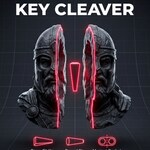
Print Big Models in Parts with Key Cleaver
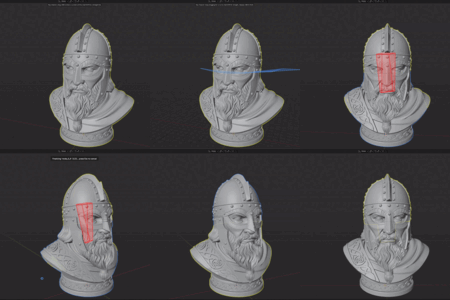
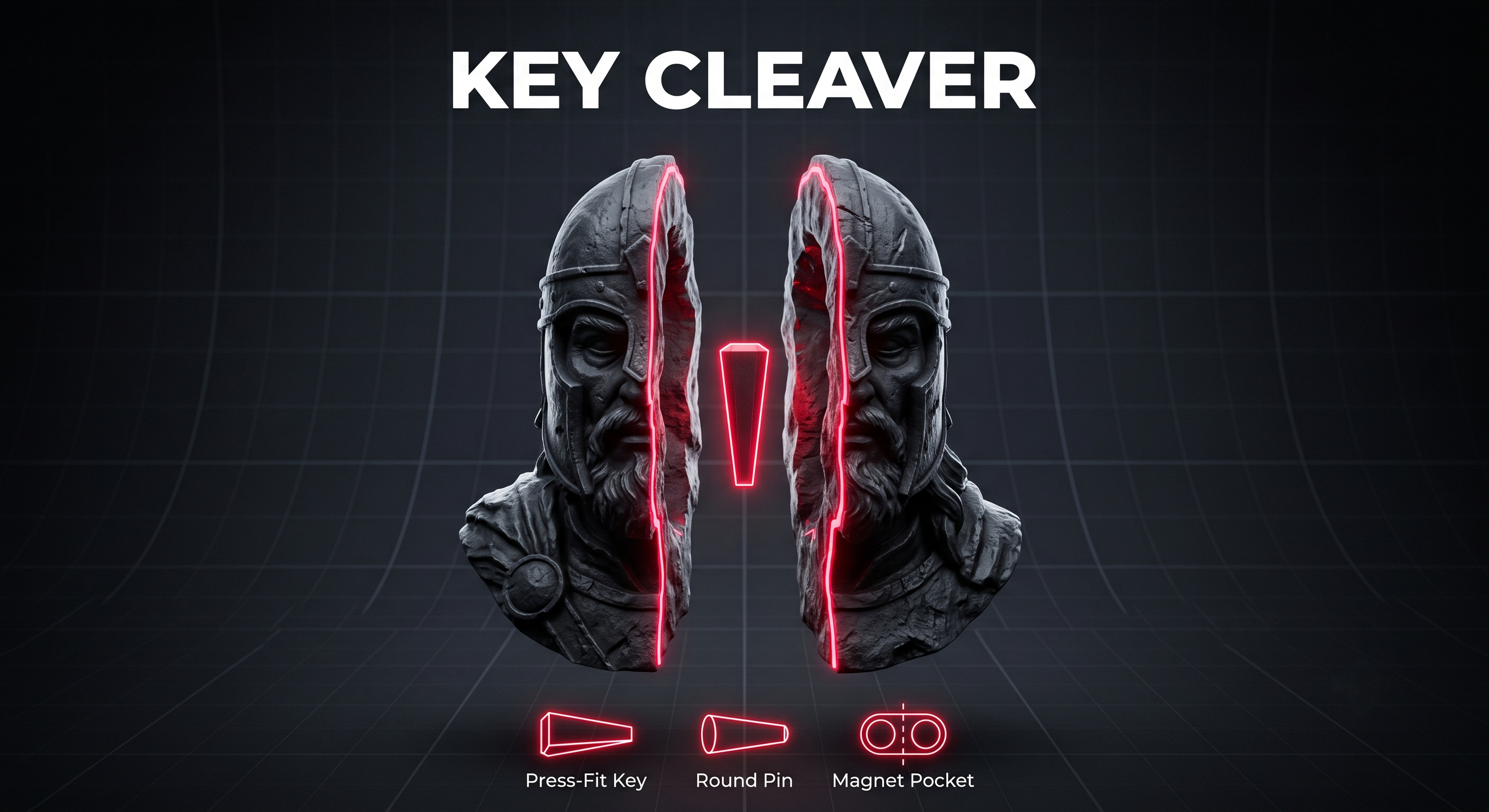
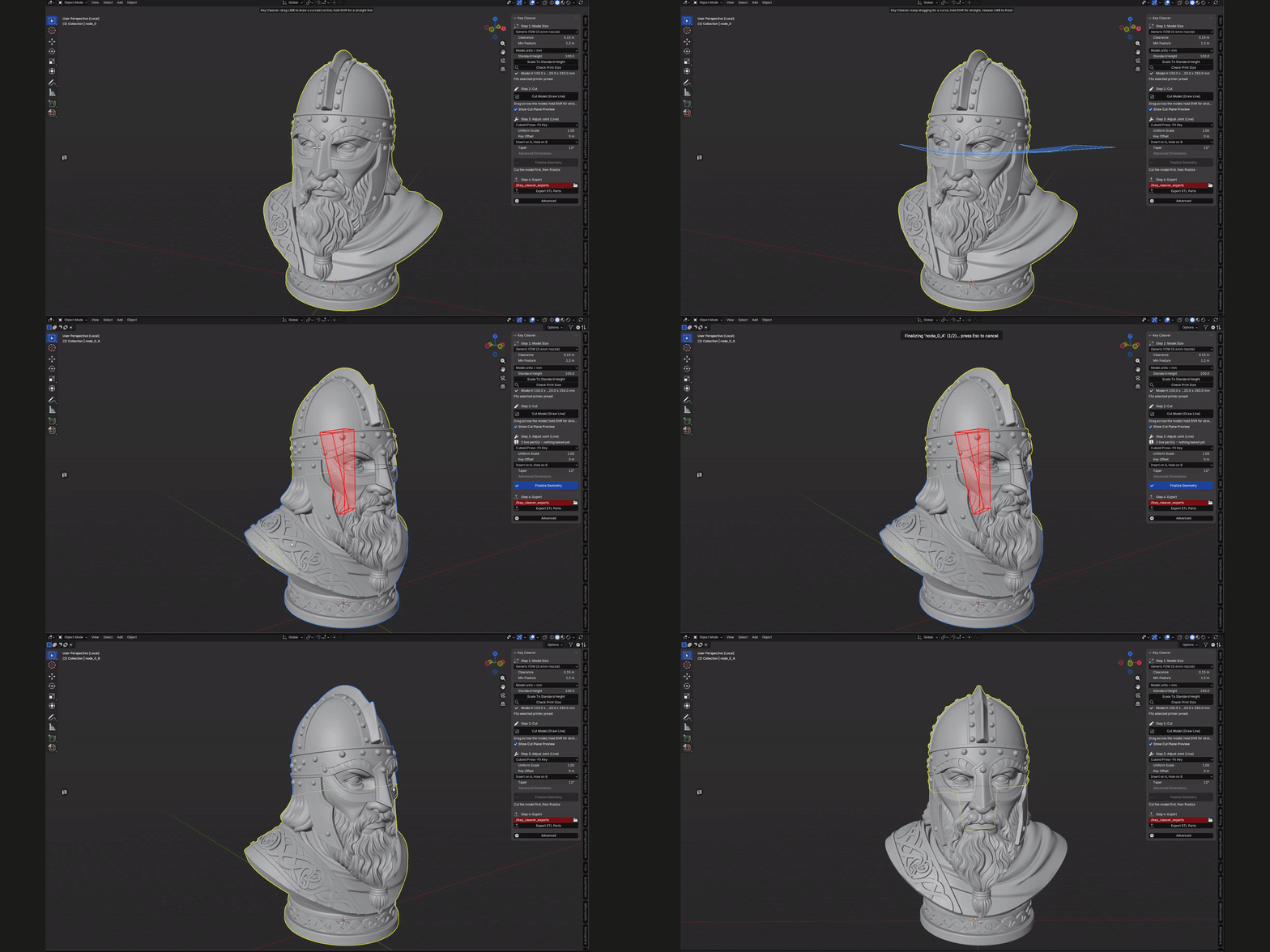
Draw a line, pick your joint, watch it update live, hit Finalize. Two watertight parts, one press-fit key (or round pin, or magnet pockets) - no manual booleans, no glue (unless you want magnets).
Why Choose Key Cleaver?
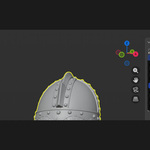
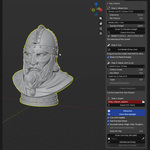
Draw the Cut, Don't Fight Booleans - One click starts the cut: draw a straight line or a curved path that follows your mesh surface, and the two halves appear instantly, live, nothing baked yet.
Three Joint Types, Adjustable Live - Press-fit Cuboid Key, Round Pin, or Magnet Pockets. Switch between them, tweak scale/offset/taper, and watch the joint update on the model before you commit to anything.
Printer-Aware, Out of the Box - Presets for Ender 3, Prusa MK3S+/MK4, Bambu X1C/P1S, Creality K1, and resin/mSLA set the right clearance and minimum feature size for you.
High-Poly and Sculpt Safe - The Accurate boolean solver handles dense, sculpted, or slightly messy meshes without falling over. Switch to Fast mode for clean low-poly models.
Live Joint Preview - The Big One
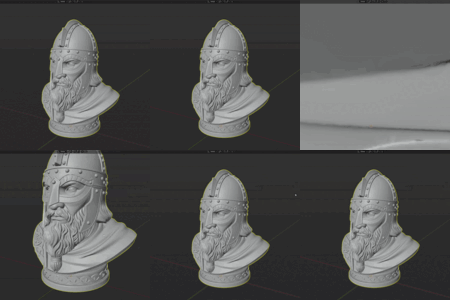
The cut and the joint are both live right up until you press Finalize Geometry. Nothing is baked into your mesh while you're still deciding on scale, taper, offset, or which joint type to use - so you can try all three before committing.
Built for the Full Print-Prep Loop
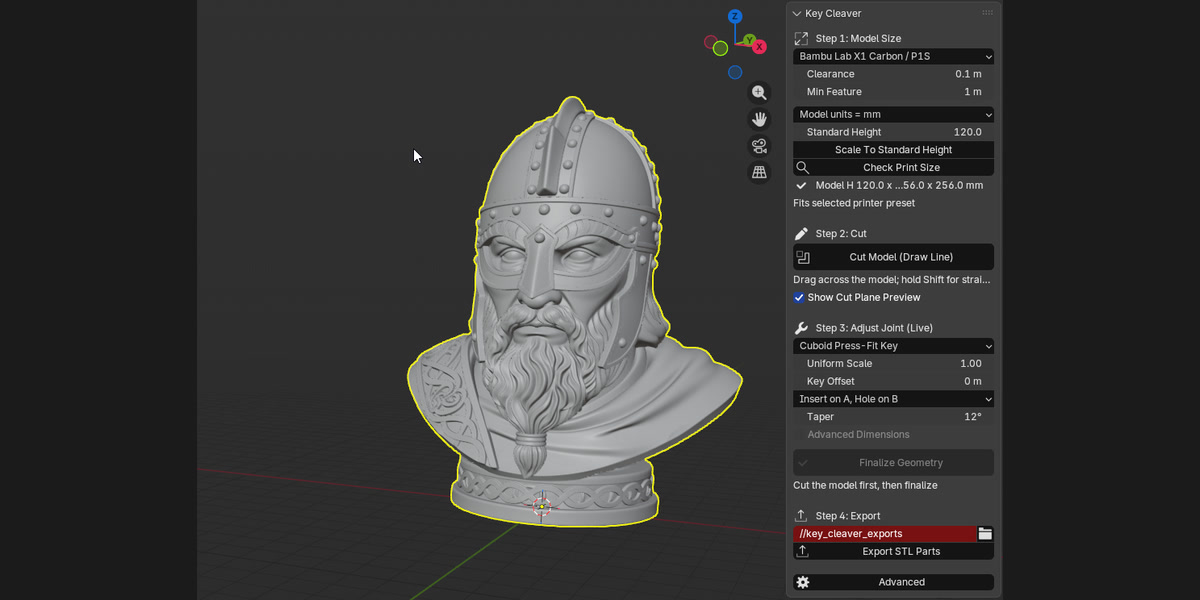
Scale To Standard Height - One click scales your model to a sensible printed height for the selected printer, or to any height you set manually.
Check Print Size - Validates your model against the selected printer's build volume and flags parts that are too big, too small, or too thin, before you waste filament.
Export STL Parts - Exports both halves as binary STL with self-documenting filenames: model, part, printer preset, clearance, and key scale.
Two Unit Modes - Defaults to 1 Blender unit = 1 printed mm. Switch to Use Scene Scale if your file uses real-world units.


Update Log
- Live Joint Preview: The cut and joint are both live - adjust scale, taper, offset, or switch joint type, and watch it update before anything is baked.
- Three Joint Types: Cuboid Press-Fit Key, Round Press-Fit Pin, and Magnet Pockets - pick whichever fits the part and the printer.
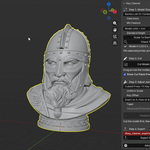
- One-Click Cut: Cut Model (Draw Line) draws and splits in a single stroke; Finalize Geometry bakes it in when you're happy.
- Curved Cuts: Draw cut lines that perfectly follow the mesh surface contour.
- Printer Presets: Ender 3, Prusa MK3S+/MK4, Bambu X1C/P1S, Creality K1, and resin/mSLA clearance and minimum feature size built in.
- Check Print Size against each printer preset's build volume and minimum feature size.
- Scale To Standard Height and self-documenting Export STL Parts.