 ArtLab


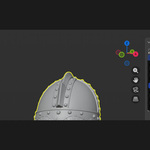
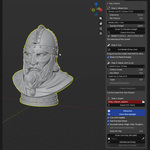
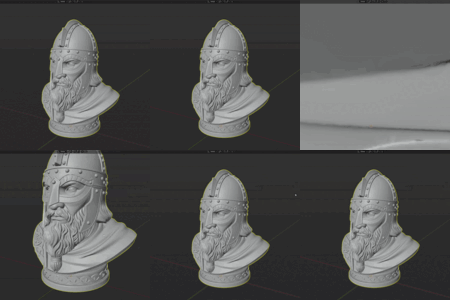
My model has several separate loose parts - which one gets cut?
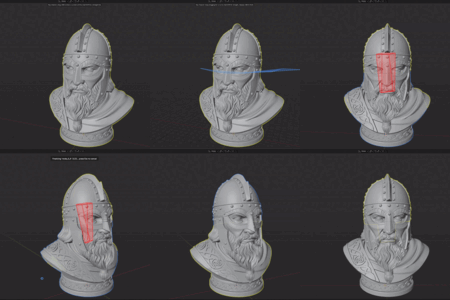
Key Cleaver only cuts the loose part (island) directly under the line you draw, so the rest of the mesh is left untouched.
Which Blender versions are supported?
Key Cleaver is built for Blender 4.2 and newer as a Blender Extension, installed straight from Preferences > Get Extensions.
Does this work on high-poly or sculpted meshes?
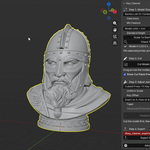
Yes. The Accurate boolean solver is built to handle dense, sculpted, or slightly messy meshes (tested well past 100k polygons) without falling over. If your mesh is clean and low-poly, you can switch to the Fast solver for quicker splits.
What's the difference between the three joint types?
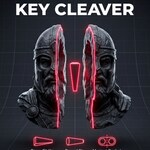
Cuboid Press-Fit Key is the original blocky peg-and-socket joint, strongest and simplest to print. Round Press-Fit Pin is the same idea with a round cross-section, so it prints cleaner and can be rotated slightly to fine-tune the fit. Magnet Pockets skips the printed peg entirely and cuts matching round pockets in both halves for your own magnets, so the piece can be assembled and disassembled repeatedly.
Have questions about this product?
Login to message
| Blender Extension Compatible | Yes |
| Published | 3 months ago |
| Blender Version | 4.2 - 5.2 |
| Extension Type | Add-on |
| Render Engine Used | Cycles, Eevee |
| License | GPL |
Discover more products like this
mesh cut joint Sculpt dovetail 3d printing boolean hard surface split printer magnet STL export press fit