 ArtLab



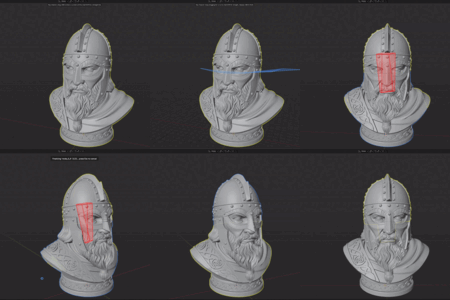
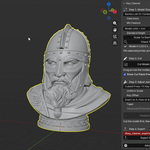
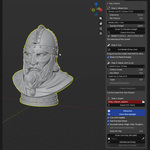
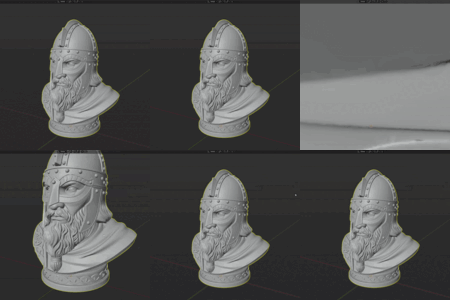
Key Cleaver splits a mesh into two print-ready parts and rejoins them with a live, adjustable joint - no manual booleans, no glue.
How it works:
1. Select your mesh and click Draw Cut Line. Drag across the surface to draw a curved cut (hold Shift for a straight line).
2. Pick a printer preset - Ender 3, Prusa MK3S+/MK4, Bambu X1C/P1S, Creality K1, or resin/mSLA - to set the right clearance and minimum feature size.
3. Choose a Joint Type: Cuboid Press-Fit Key, Round Press-Fit Pin, or Magnet Pockets. Everything stays live - switch joint types, adjust scale, taper, and offset, and watch it update on the model before anything is baked.
4. Press Finalize Geometry to bake the split and joint into two clean, watertight parts.
5. Use Check Print Size and Scale To Standard Height to validate the parts against your printer's build volume, then Export STL Parts for binary STL files with self-documenting names.
Works on dense, sculpted meshes as well as clean low-poly models (Accurate vs Fast boolean solver), and handles meshes with multiple loose parts by cutting only the island under the drawn line. Requires Blender 4.2 or newer.
Have questions about this product?
Login to message
| Blender Extension Compatible | Yes |
| Published | 3 months ago |
| Blender Version | 4.2 - 5.2 |
| Extension Type | Add-on |
| Render Engine Used | Cycles, Eevee |
| License | GPL |
Discover more products like this
joint split printer press fit STL export 3d printing dovetail magnet boolean Sculpt hard surface mesh cut