 JFW
JFW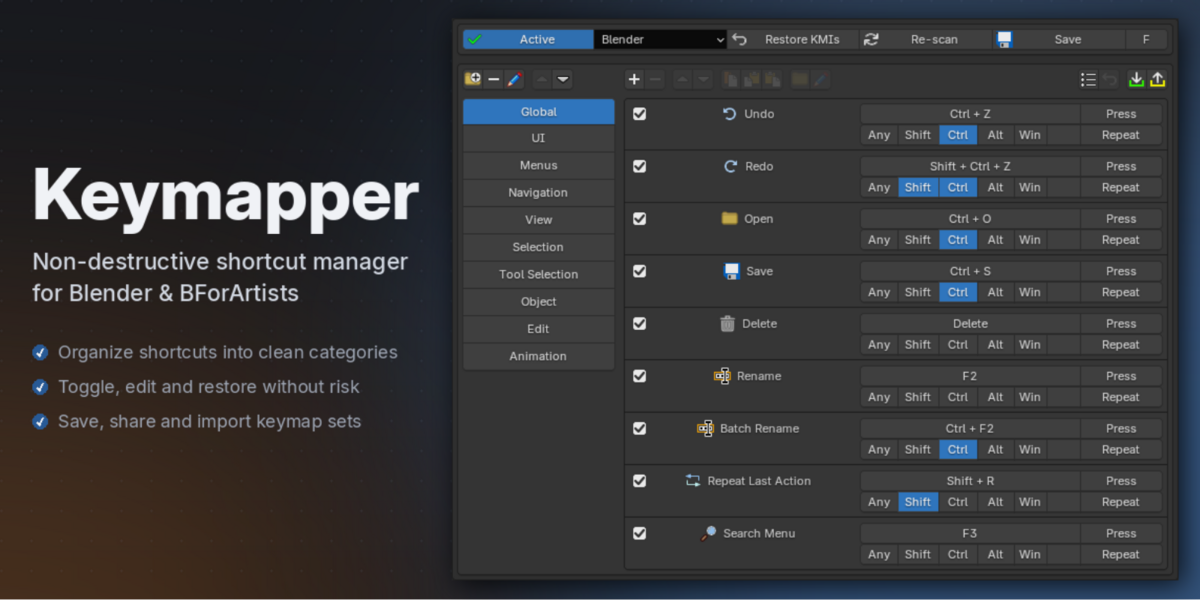


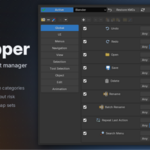
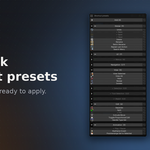
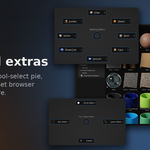
Your shortcuts, without the mess.
Editing Blender's keymap directly is destructive, error-prone, and hard to undo. One mistyped binding and a default is gone; one version update and your careful edits are out of sync. Keymapper takes a different approach: your shortcuts live in a clean, managed list on top of Blender's keymap — and nothing underneath is ever overwritten.
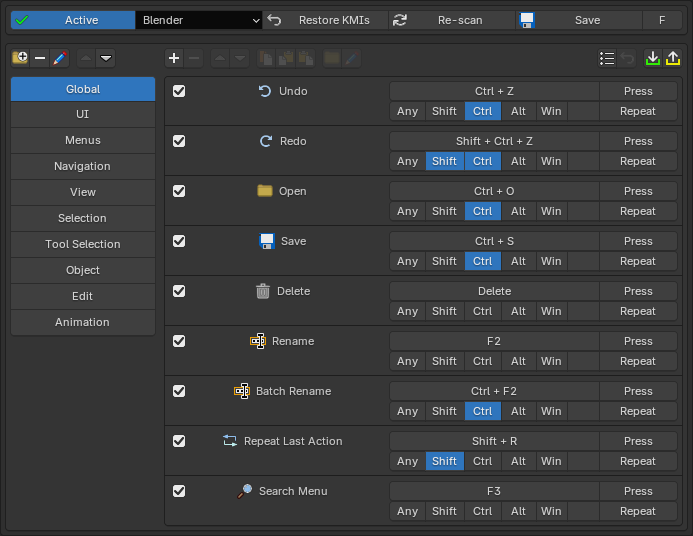
When one of your shortcuts collides with a built-in default, Keymapper disables it — and restores it automatically the moment your shortcut is removed or deactivated. Delete everything, and Blender is exactly as you found it.
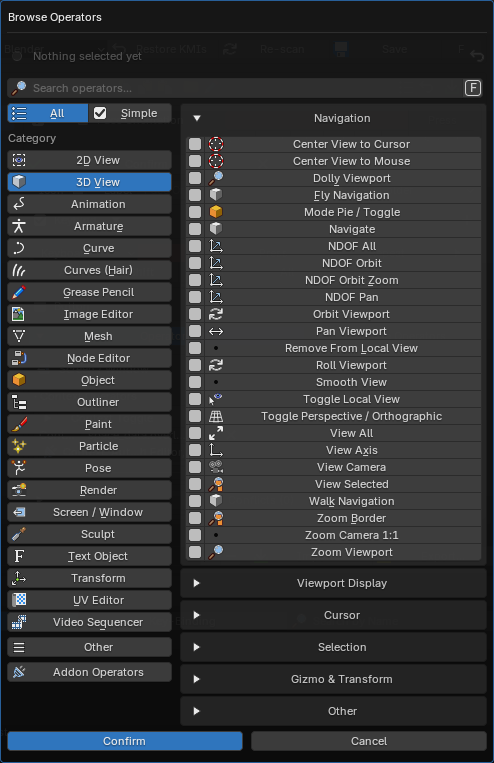
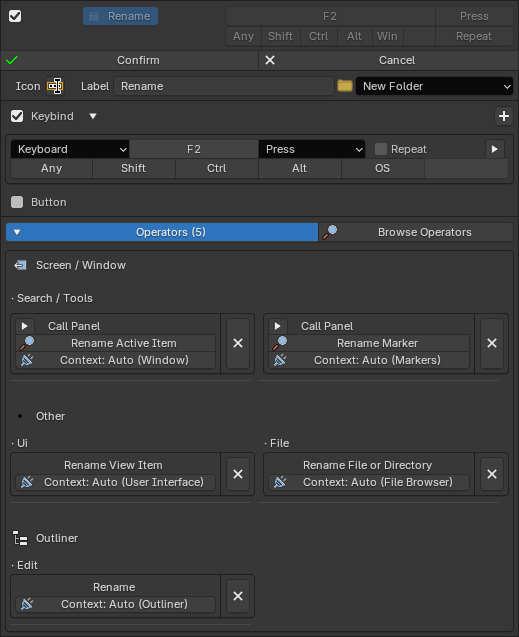
Bind anything. Browse every operator Blender has, organized into searchable categories — including operators from your other addons — or switch to the Simple mode for curated multi-op actions like a Select All that covers every editor at once.
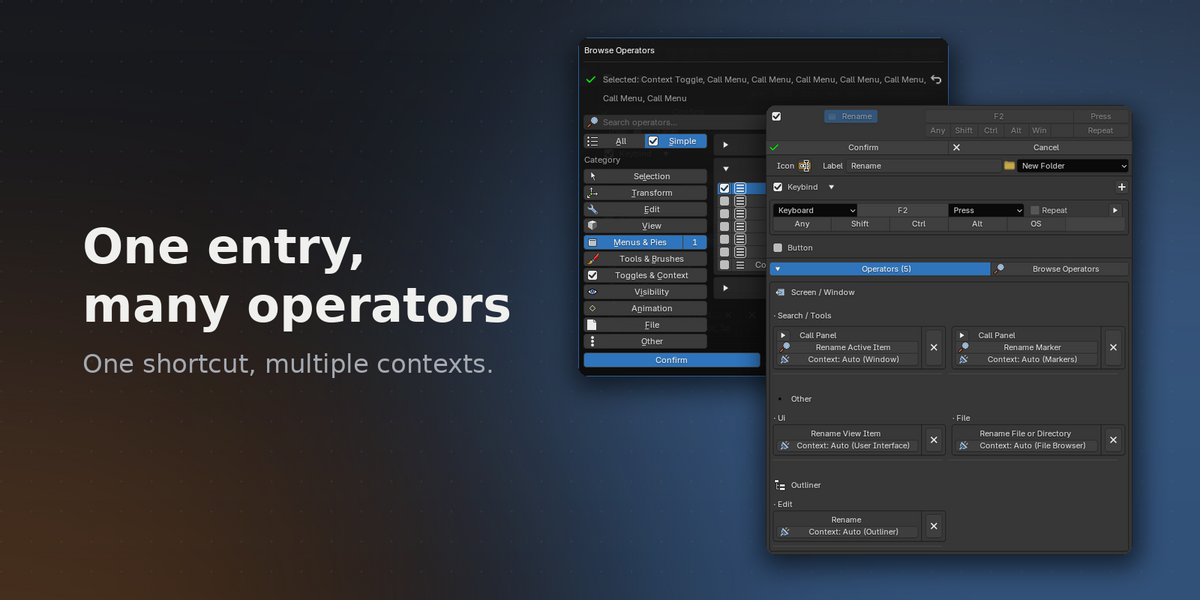
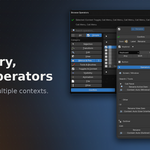
One entry, everywhere it matters. A single Keymapper entry can bind one or more keybinds to many operators at once across multiple editor contexts. Make one "Rename" entry and it just works — in the viewport, the outliner, the node editor, and so on.
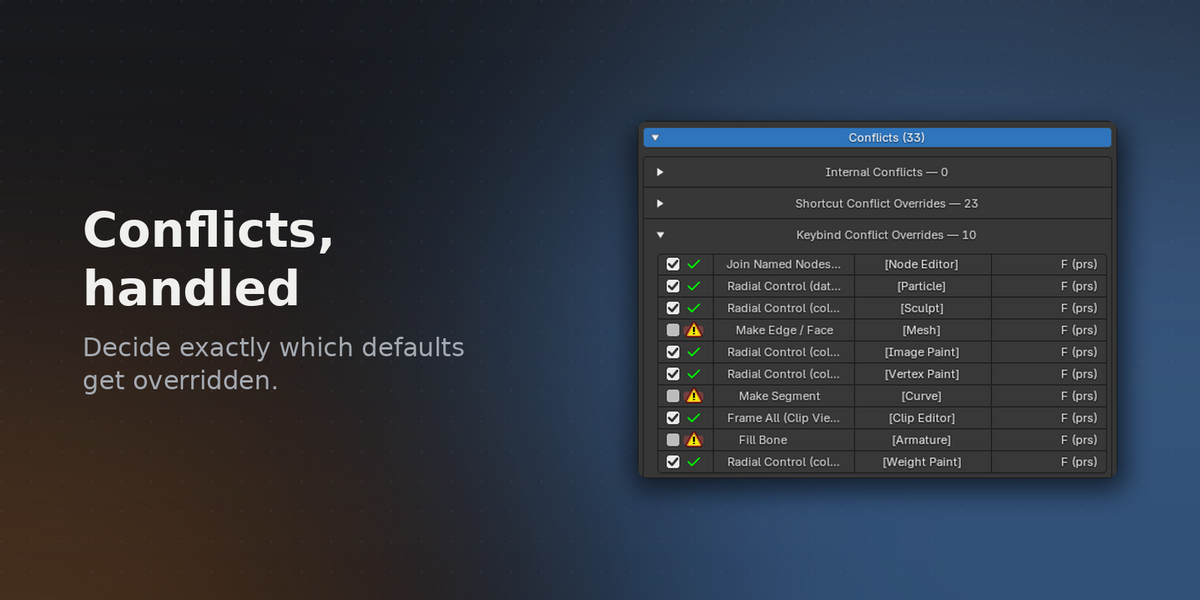
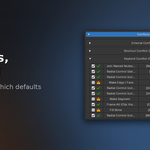
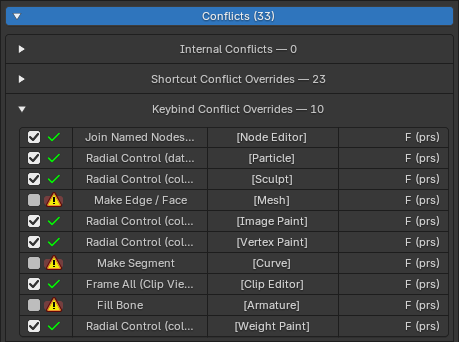
Conflicts, handled. Conflict detection shows exactly what a shortcut collides with — Blender's defaults, your own entries, and keybindings added by other addons. And you decide what happens: by default Keymapper overrides the colliding default so your shortcut wins, but overriding can be turned off per conflict — down to individual event types like Press, Click, or Drag — so the defaults you care about stay untouched.
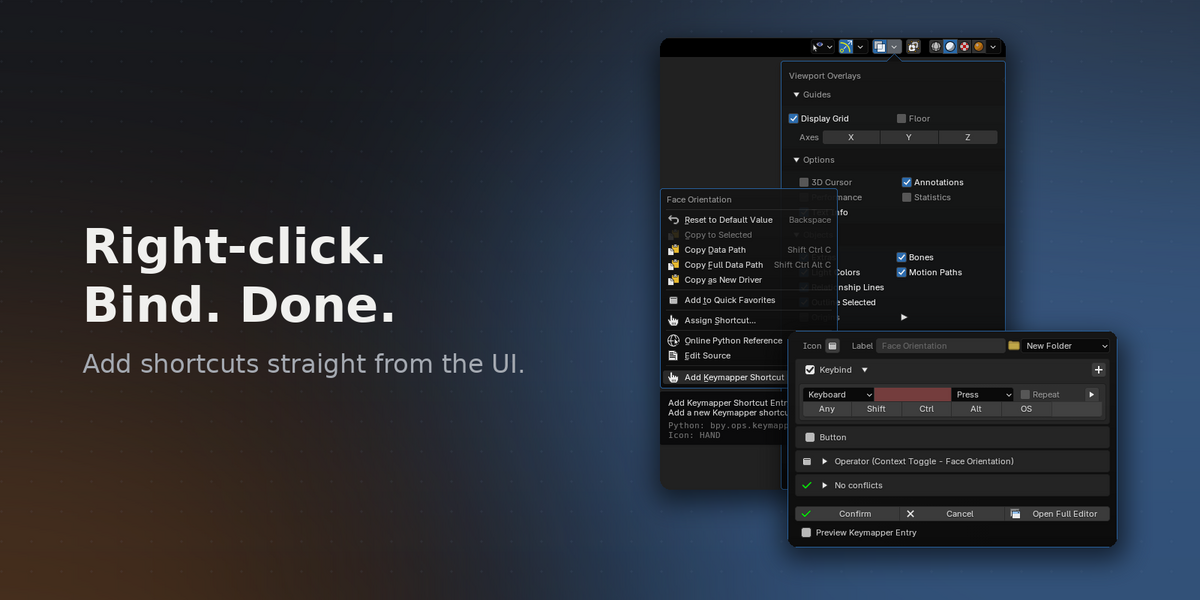
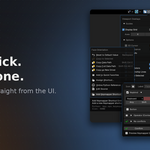
- Add shortcuts straight from the UI — right-click any button or menu item
- Multi-operator entries across editor contexts
- Conflict detection with automatic disable & restore
- One-click shortcut presets, organized into folders
- Import/export complete setups as JSON
- UI buttons as an alternative to keybinds
- Bundled extras: marking menu, tool-select pie, pivot editing, asset browser window
- Works with any keyconfig — Blender, Industry Compatible, Bforartists — and stays compatible when Blender updates its defaults
- Full Bforartists support
Full Documentation — installation, creating shortcuts, multi-operator entries, entry buttons, folders & presets, conflict detection, import/export, and settings.
It is highly recommended to read through the documentation in order to get a good understanding of how it all works and how to get started.
Why I made Keymapper
I've always wanted my own shortcuts in Blender. But keeping them meant choosing between two bad options: edit the keymap directly and redo the work whenever something changed — or save my own custom keyconfig and watch it slowly fall out of date. A custom keyconfig is frozen in time: every time the Blender team adds or reworks keybindings in a new release, you're left out. Your setup stays; Blender moves on without you.
Keymapper is how I solved it for myself. My shortcuts live in a managed list on top of the active keyconfig, so Blender keeps evolving underneath — new defaults and new keybindings arrive exactly as they should — while my custom keys stay exactly where I put them. No re-doing, no falling behind, no frozen keymap.
I built it for my own daily work in Blender and Bforartists, and it's been battle-tested through hundreds of iterations along the way — every feature in it exists because I needed it.