 JFW
JFW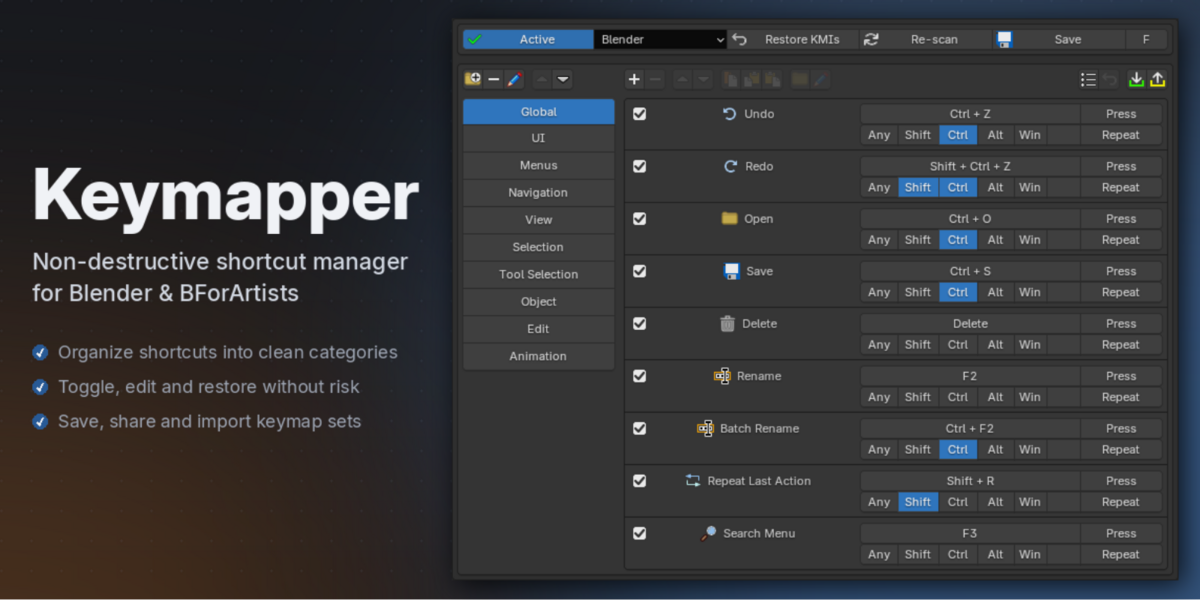


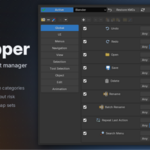
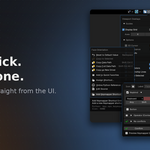
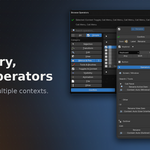
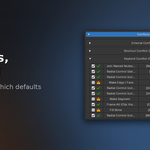
Does Keymapper permanently change Blender's default keymap?
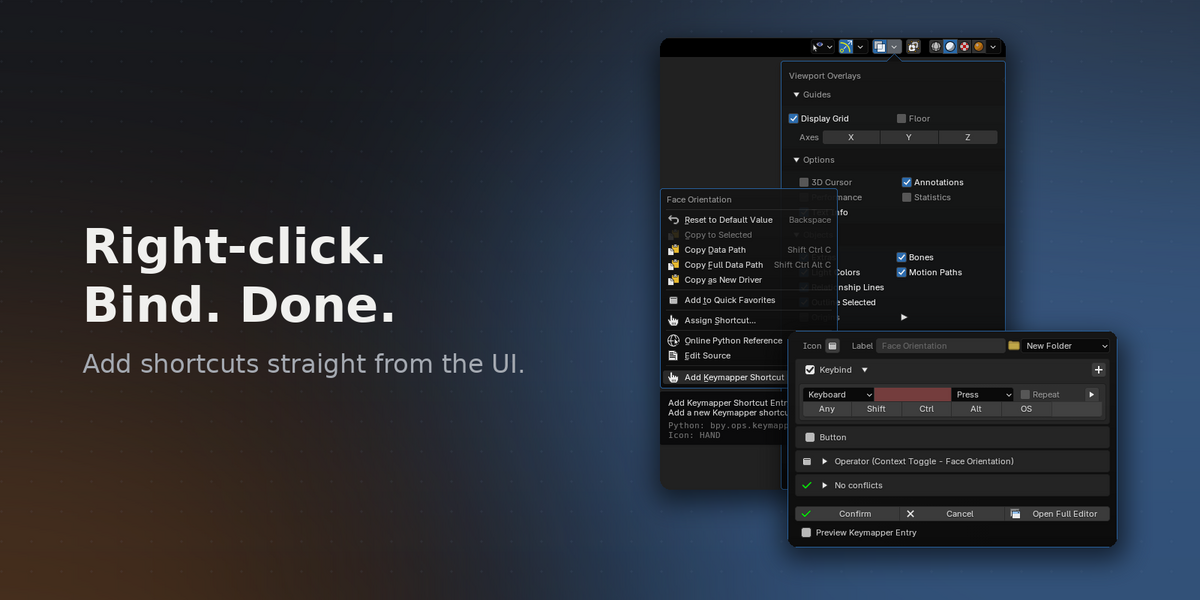
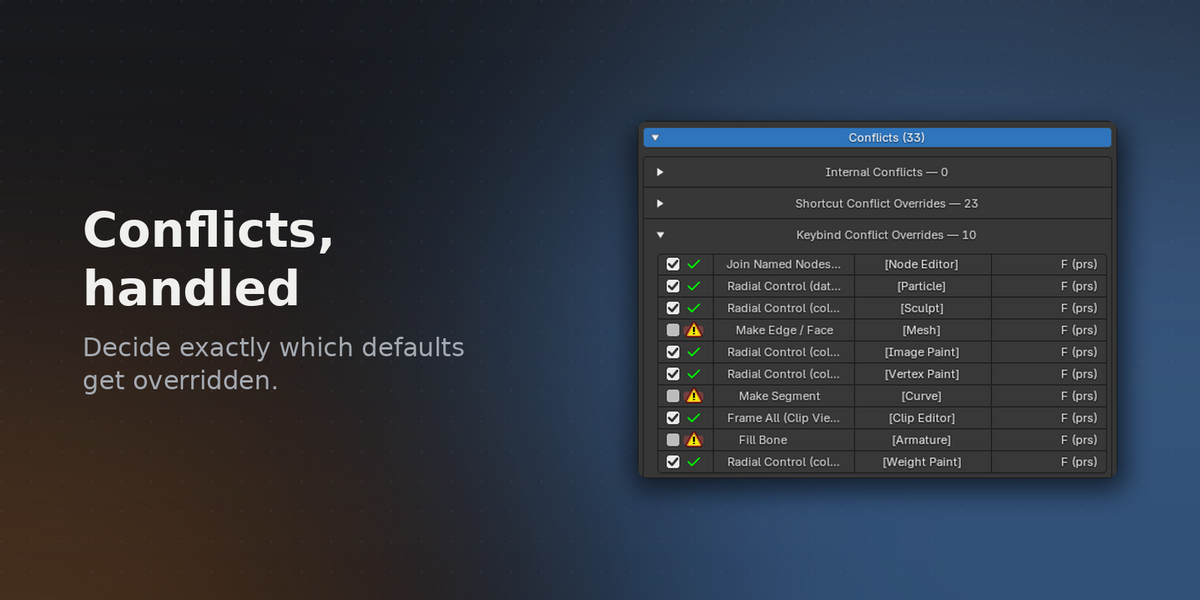
No. Nothing is ever overwritten. When your shortcut collides with a default, only that specific default is disabled — and it's restored automatically the moment your shortcut is removed or deactivated. Disable or uninstall Keymapper and Blender is exactly as you found it.
Does it work with the Industry Compatible keyconfig or custom templates?
Yes — Keymapper layers on top of whichever keyconfig you use, and you can switch templates freely. New default keybindings from Blender updates also arrive as normal.
Can I move my setup to another machine, or between Blender and Bforartists?
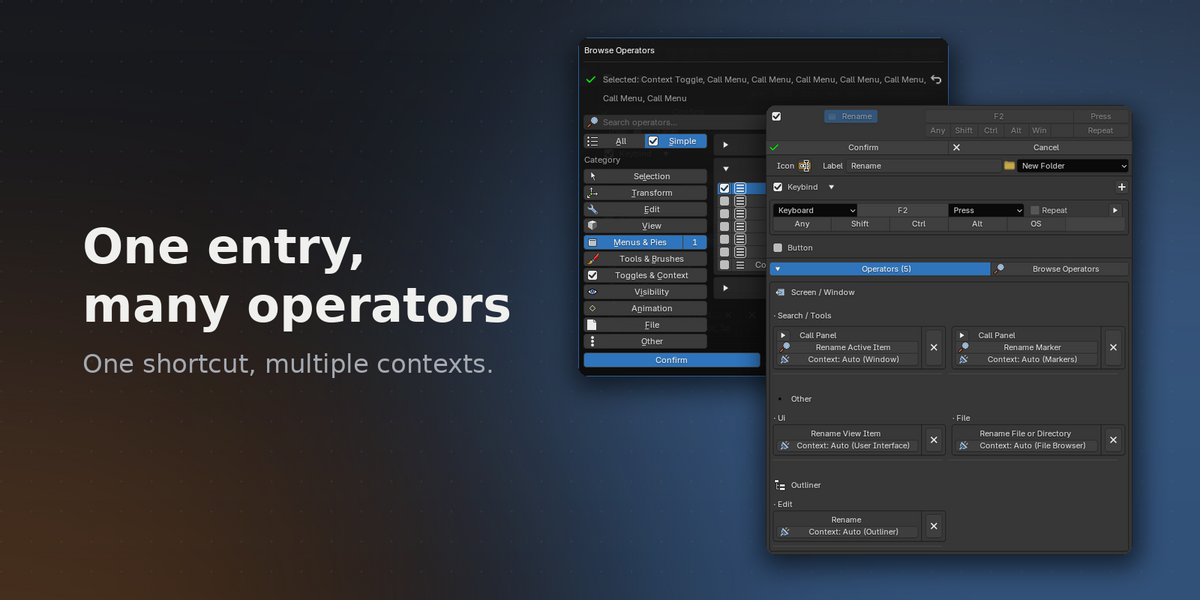
Yes — export your complete setup (folders, entries, keybinds, operator properties) as a single JSON file and import it anywhere.
Do my shortcuts conflict with other addons?
Keymapper's conflict detection also scans keybindings registered by other addons, so you see collisions before they bite.
I installed or enabled another addon — why doesn't Keymapper see its operators or shortcuts?
Press Re-scan in Keymapper's settings row. It refreshes the operator and keymap scan, and it lights up red whenever a re-scan is recommended — such as after enabling addons or switching keyconfig template.
Have questions about this product?
Login to message
Discover more products like this
Keybinding helper Hotkeys Blender keymap editor Workflow Keymap customization keyboard keymap Shortcut management productivity Custom keymaps customization shortcuts