 JFW
JFW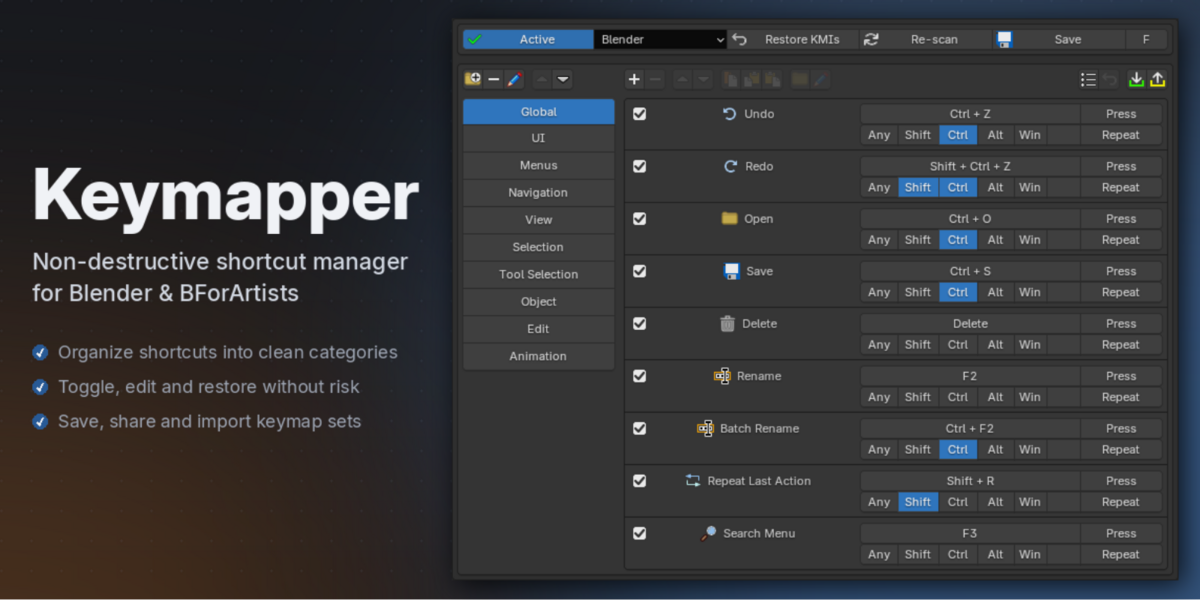
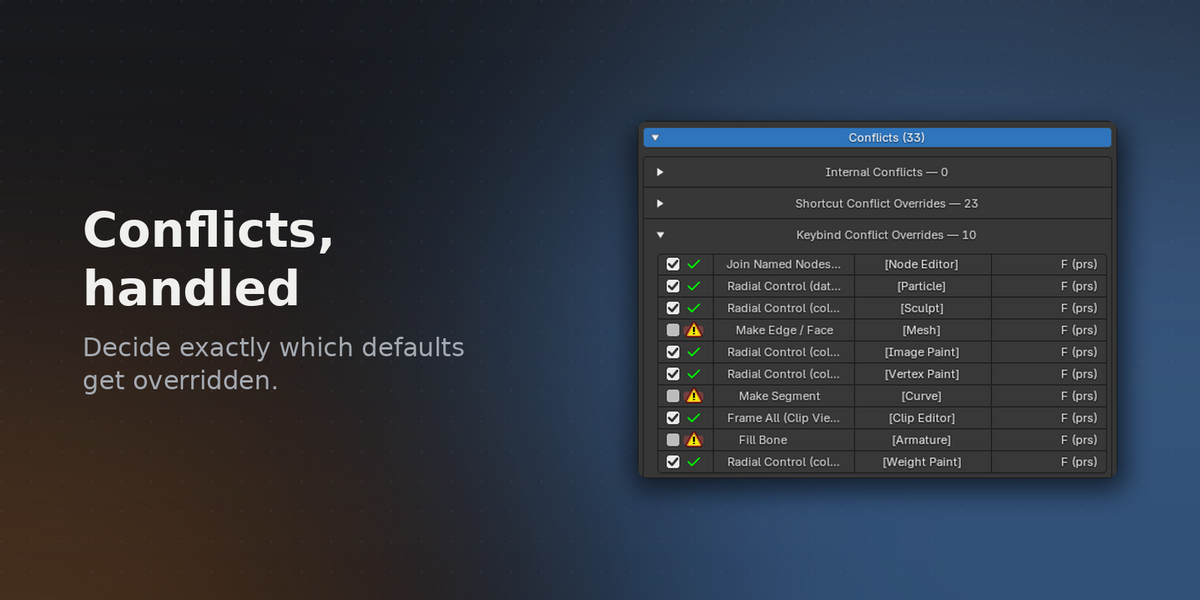


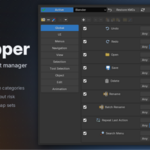
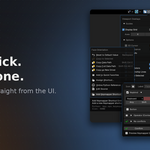
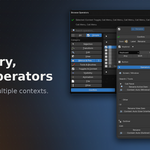
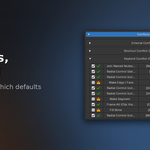
Full Documentation — installation, creating shortcuts, multi-operator entries, entry buttons, folders & presets, conflict detection, import/export, and settings.
Quick start
-
Install: drag the downloaded zip into the Blender window (or
Edit > Preferences > Add-ons > Install from Disk…). -
Open
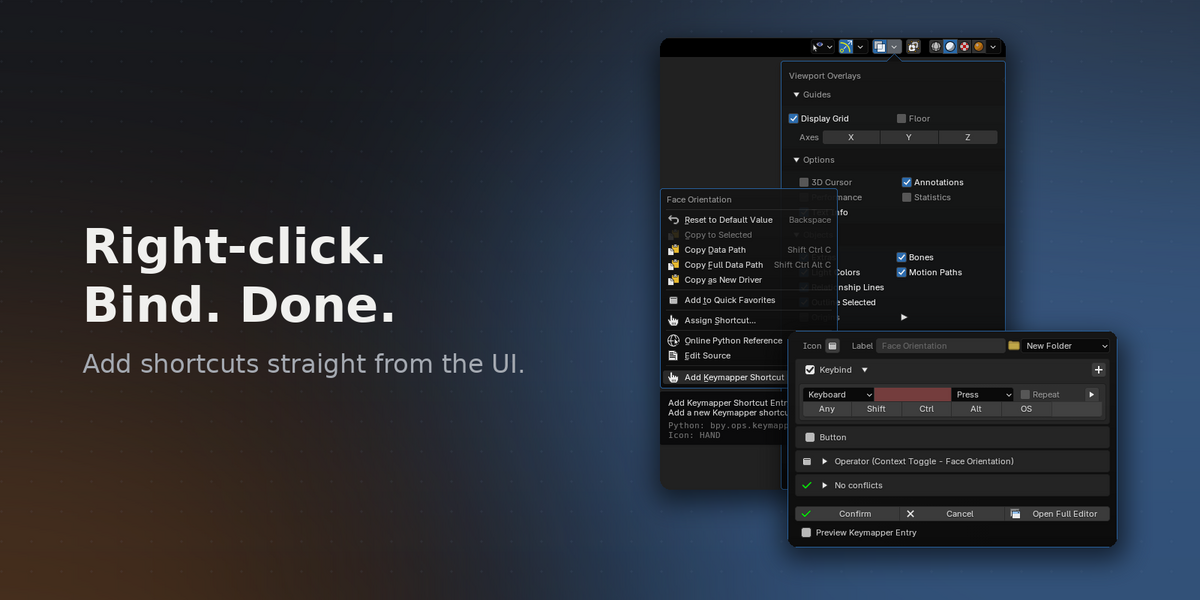
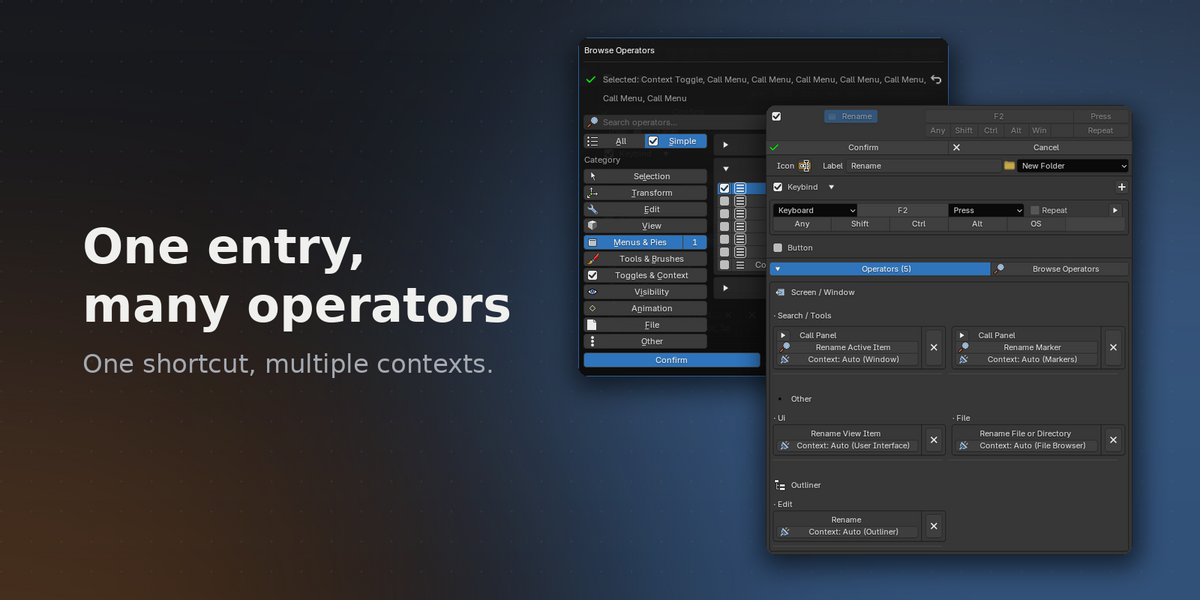
Edit > Preferences > Keymap— the Keymapper panel sits at the top. - Click + to create an entry: pick one or more operators via Browse Operators, set a keybind, confirm. Or right-click any button in Blender's UI and choose Add Keymapper Shortcut Entry…
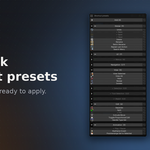
- Want a head start? Open Shortcut Presets and apply a curated folder — or all of them — with one click.
Uninstalling? Press Restore KMIs first and every keybinding returns to its original state.
Have questions about this product?
Login to message
Discover more products like this
Shortcut management Keybinding helper Hotkeys shortcuts keyboard Keymap customization productivity Custom keymaps Blender keymap editor keymap customization Workflow