 LayerMechanic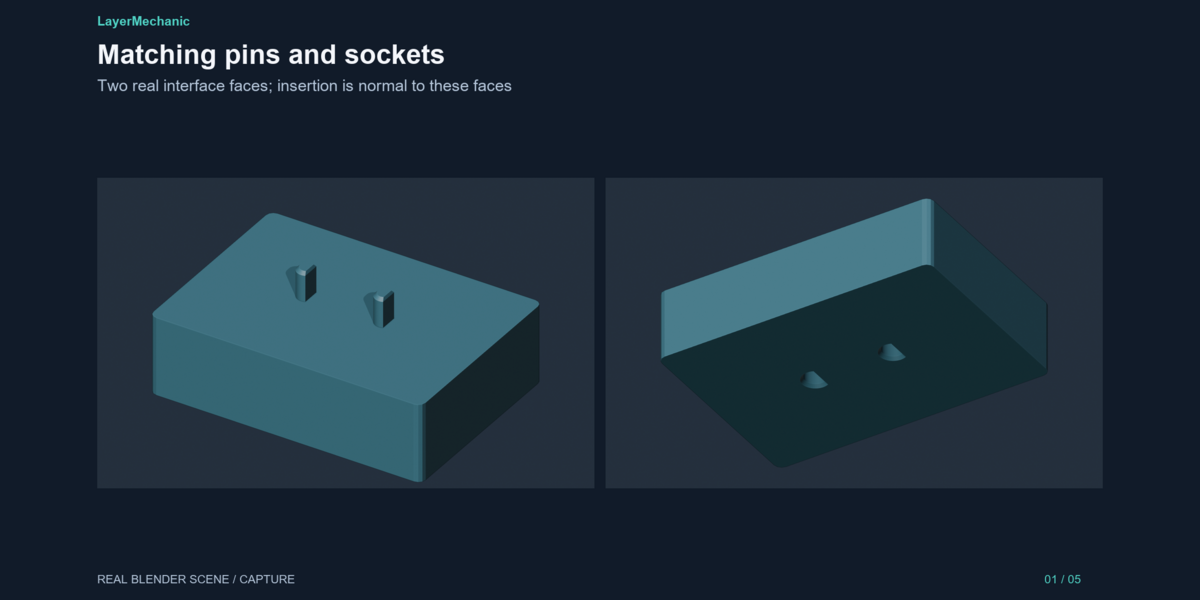
LayerMechanic — Pin & Socket Maker
Multi-part prints need a way to find each other on the way together. Pin & Socket Maker puts a pin on one part and the socket that matches it on the other.
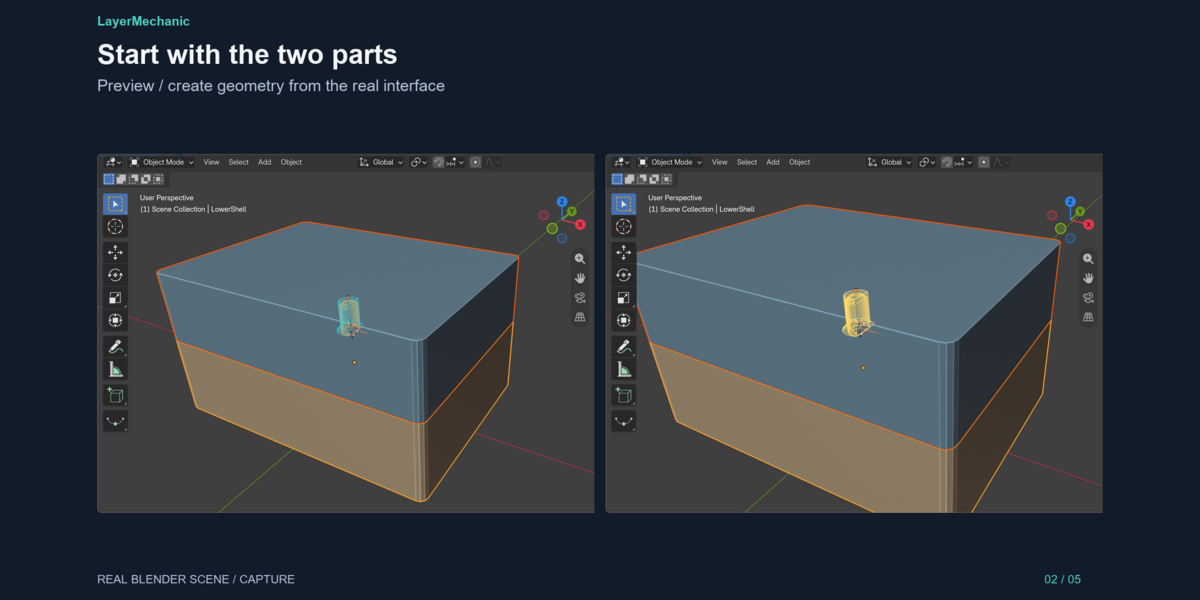
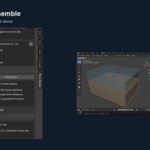
Seat the two parts the way they should assemble. Select both. Put the 3D cursor on the joint. Pick a style:
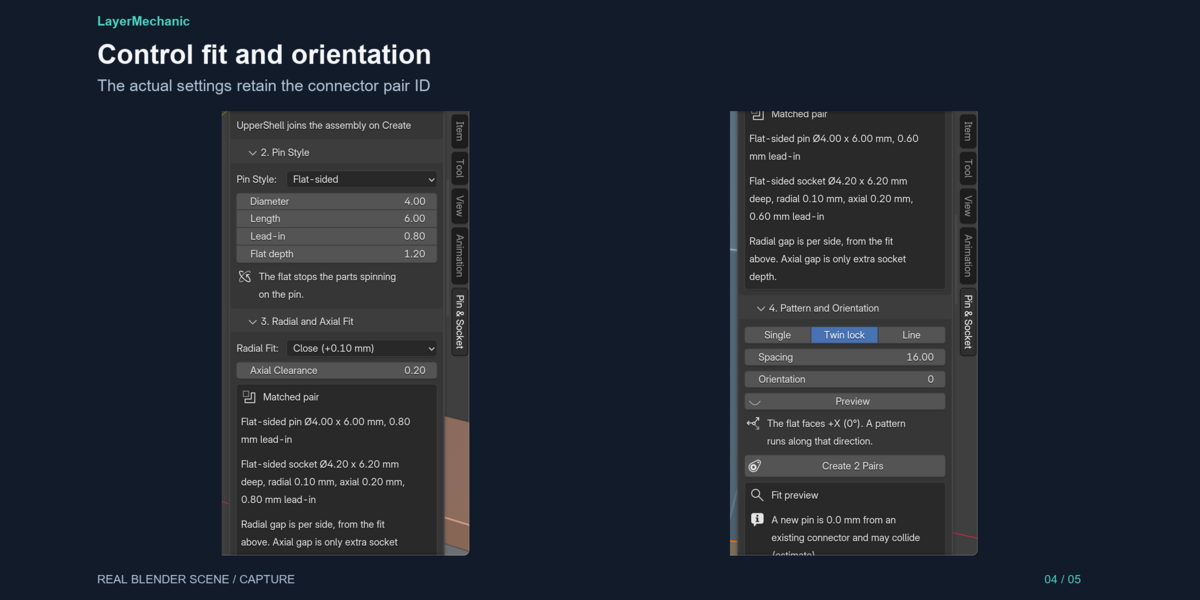
- Flat-sided — a round pin with one flat, so the parts cannot spin.
- Keyed — a round pin with a single tab. You choose which way the tab faces.
- Round — when spin does not matter, or when you will use more than one pin.
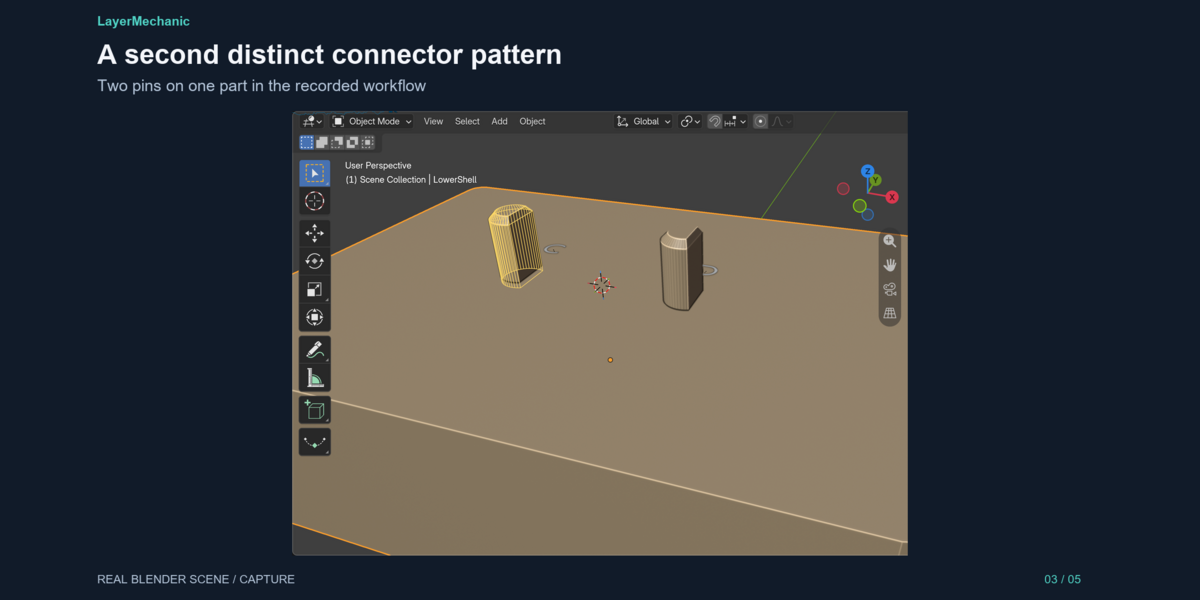
Twin lock places two pins side by side. That layout resists rotation even with round pins. A line places a short row.
Fit is two numbers. Radial is the gap per side, taken from your FDM or resin profile (or typed in). Axial is only how much deeper the socket is than the pin, so the pin does not bottom out. A lead-in tapers the tip and flares the mouth.
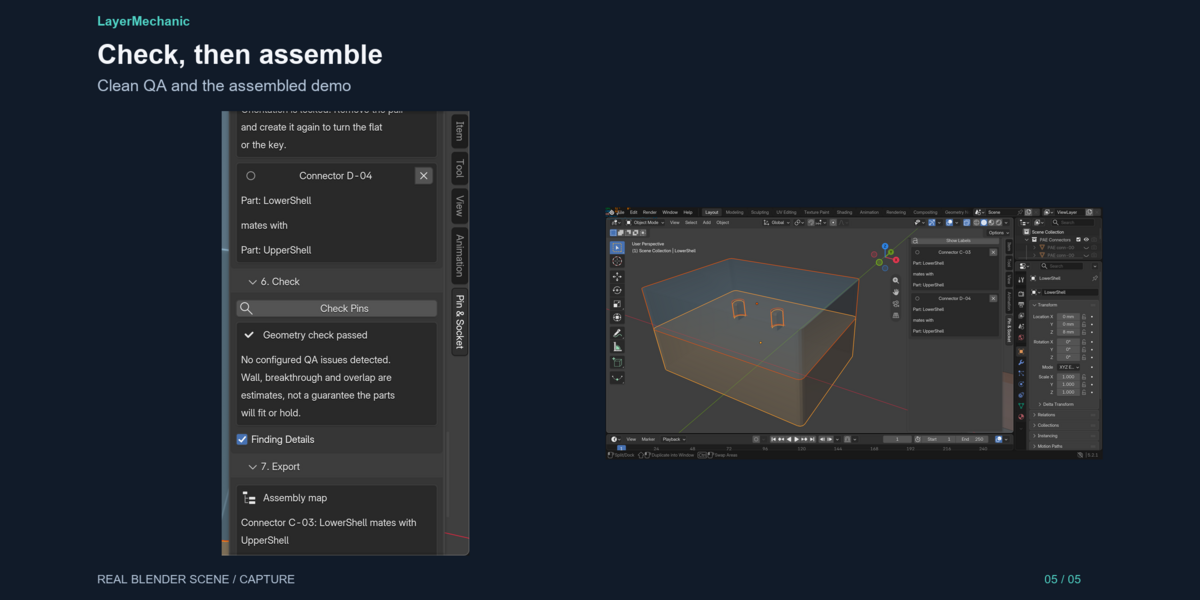
Before you commit, a preview estimates breakthrough, a thin wall, and pins that would hit each other. Check Pins runs the same class of checks on the real geometry and labels anything that is only an estimate. A clean check is not a promise that the pair will fit on your printer.
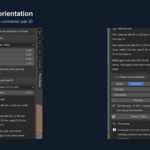
Each pair keeps an id. The assembly map reads:
Connector A-01Part: LowerShell (pin)mates withPart: UpperShell (socket)
Export writes STL files in millimetres, a manifest, a QA report, and that map.
Pin & Socket Maker does not split a solid into parts, and it does not cut insert pockets or magnet holes. It is the alignment-pin tool.
Blender 5.2+. Tested on 5.2.1 LTS, Windows. $12. GPL-3.0-or-later.