Pin & Socket Maker — Alignment Pins for Multi-Part 3D Prints
 LayerMechanic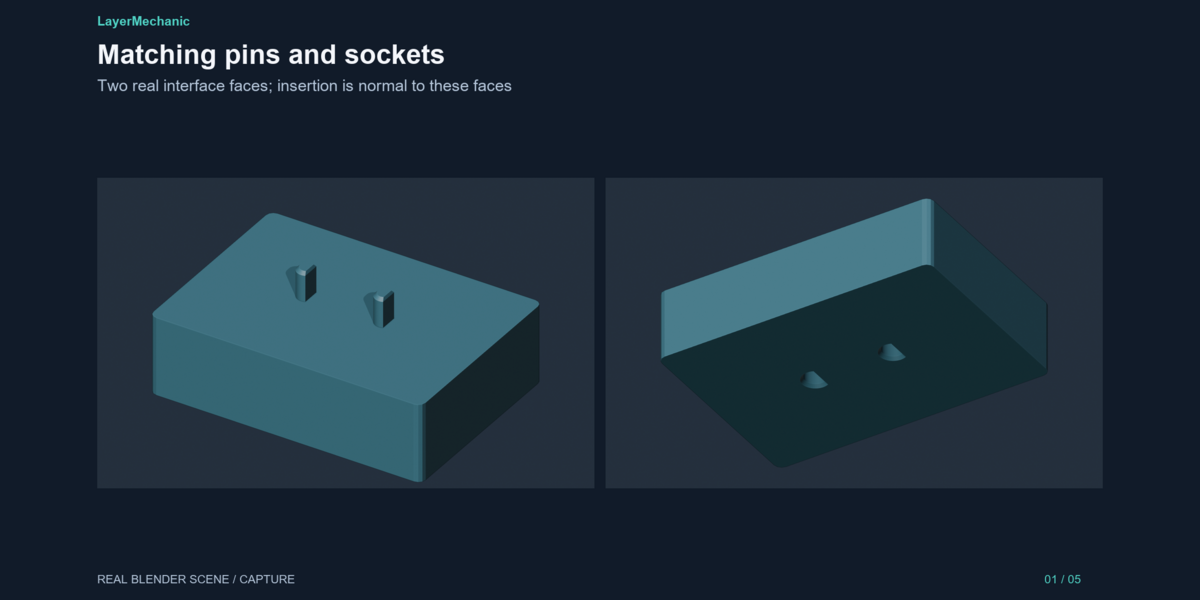
Common questions — Pin & Socket Maker
FAQ
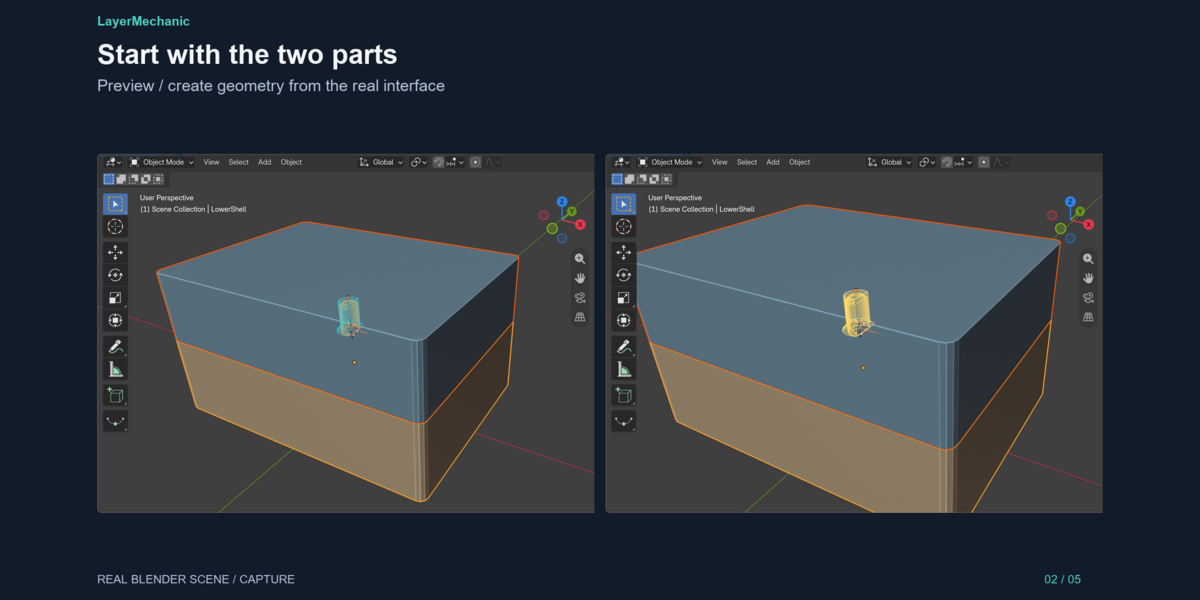
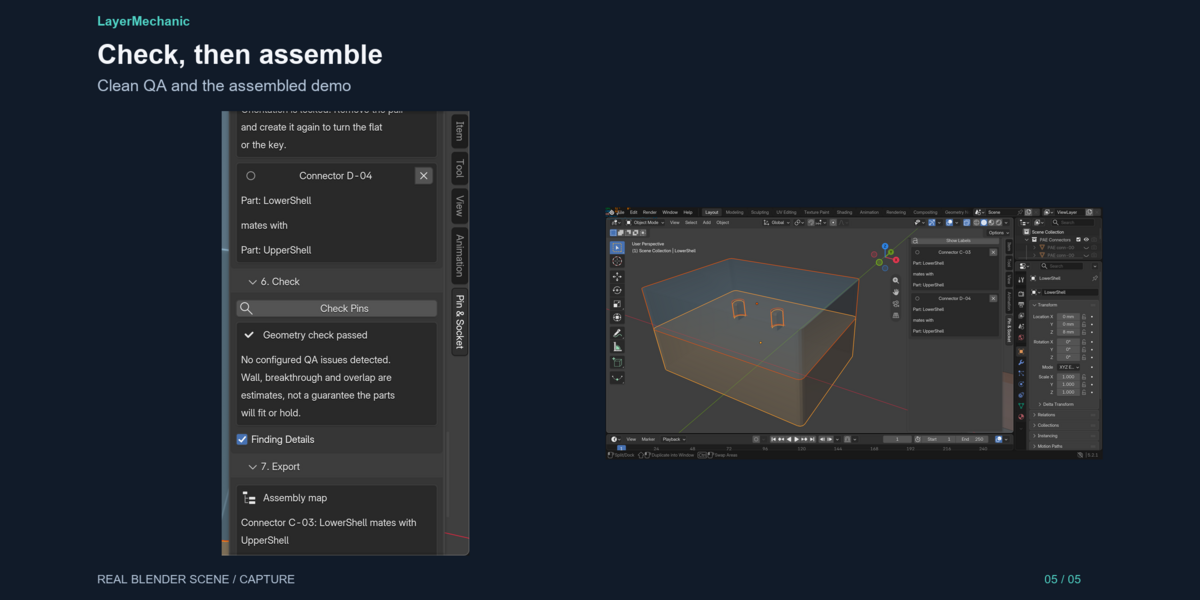
Do the parts have to be touching? Yes. Seat them in the assembled pose, within 0.75 mm, with the joint faces pointing at each other.
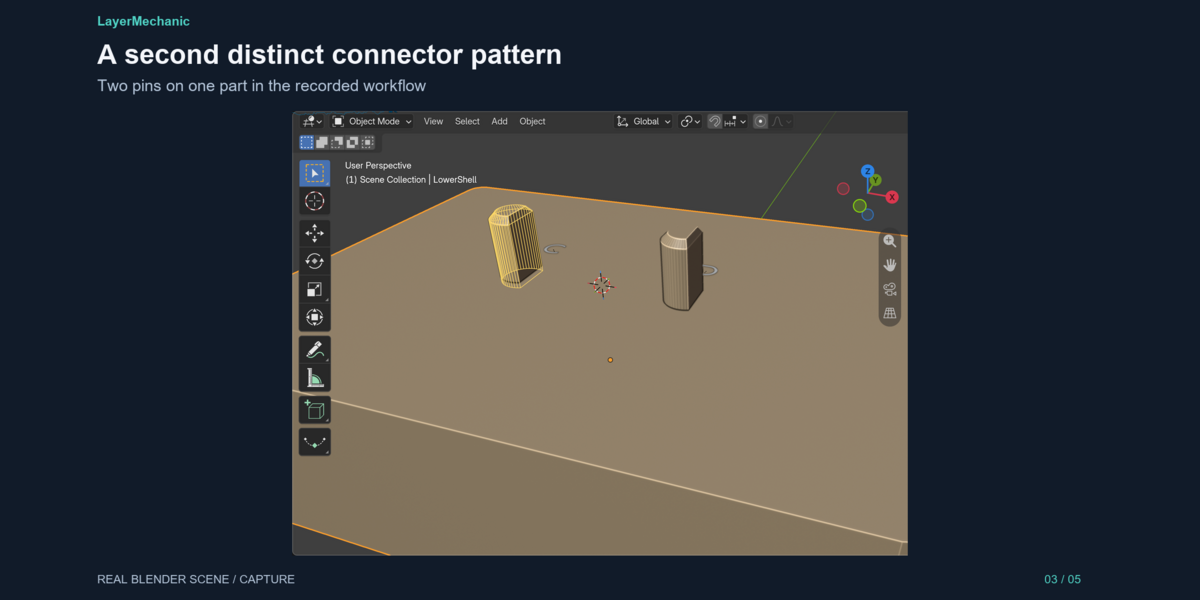
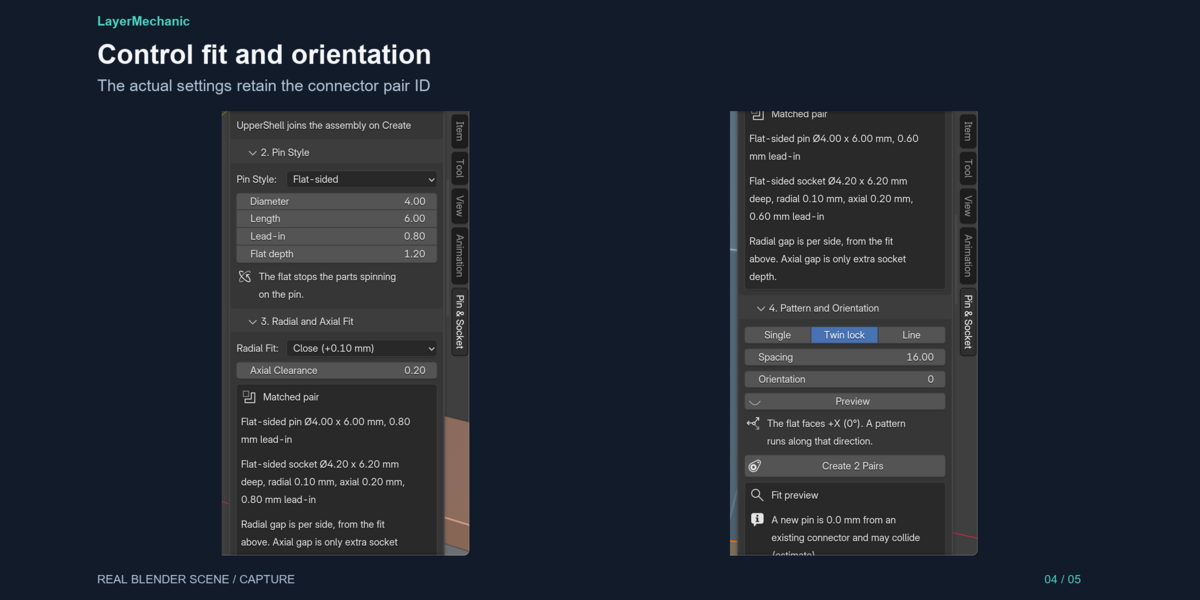
How do I stop the parts spinning? Use a flat-sided or keyed pin, or place two or more round pins (Twin lock or a Line).
What is axial clearance? Extra depth in the socket past the pin tip. It does not widen the hole. Radial clearance is the gap around the pin.
Is the QA a printability guarantee? No. Wall, breakthrough and overlap are geometric estimates. The fit numbers are starting values for a generic profile.
Which Blender versions? 5.2 and newer. 5.2.1 LTS on Windows is the version we tested.
$12
Have questions about this product?
Login to message
| Blender Extension Compatible | Yes |
| Published | about 15 hours ago |
| Blender Version | 5.2 |
| Extension Type | Add-on |
| Render Engine Used | Cycles |
| License | GPL |