Pin & Socket Maker — Alignment Pins for Multi-Part 3D Prints
 LayerMechanic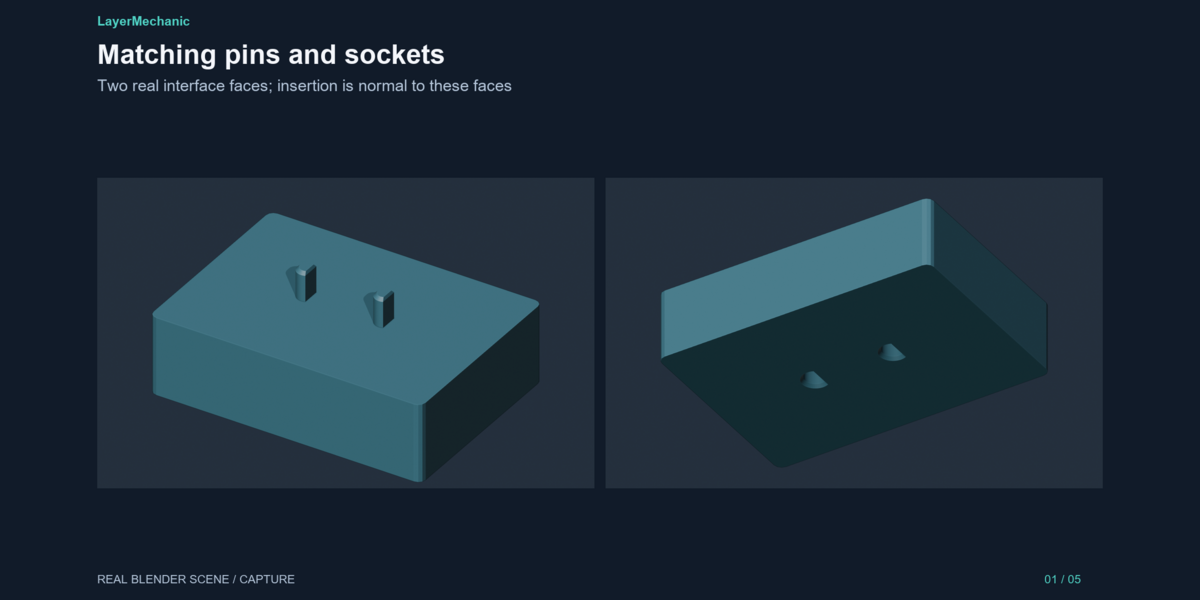
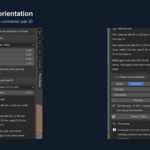
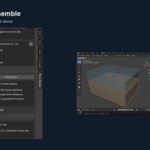
Installation
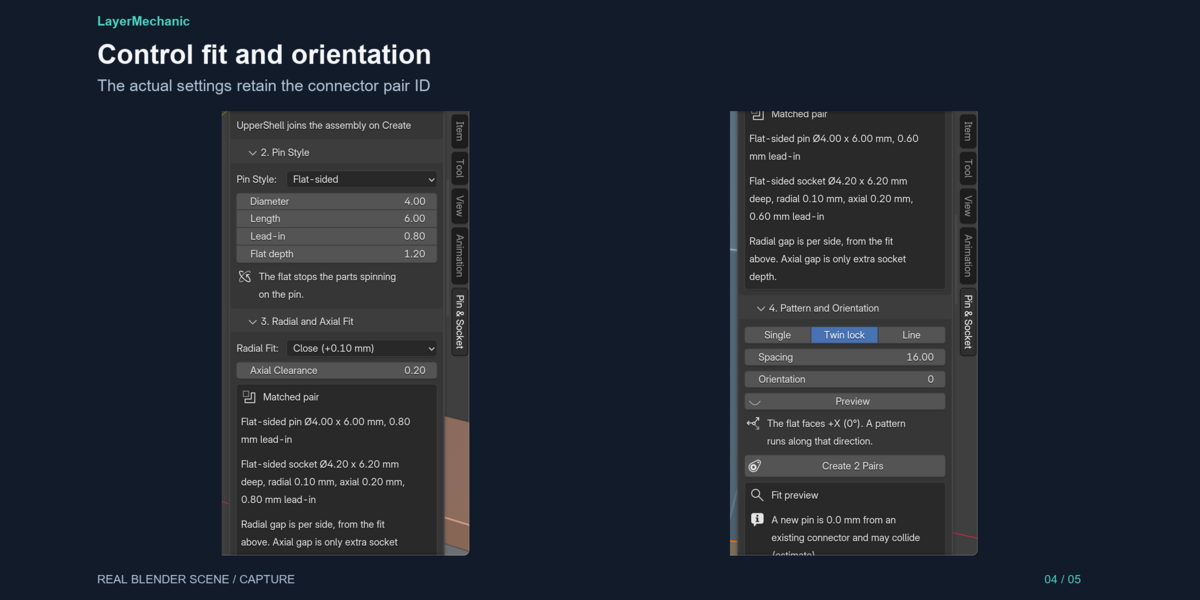
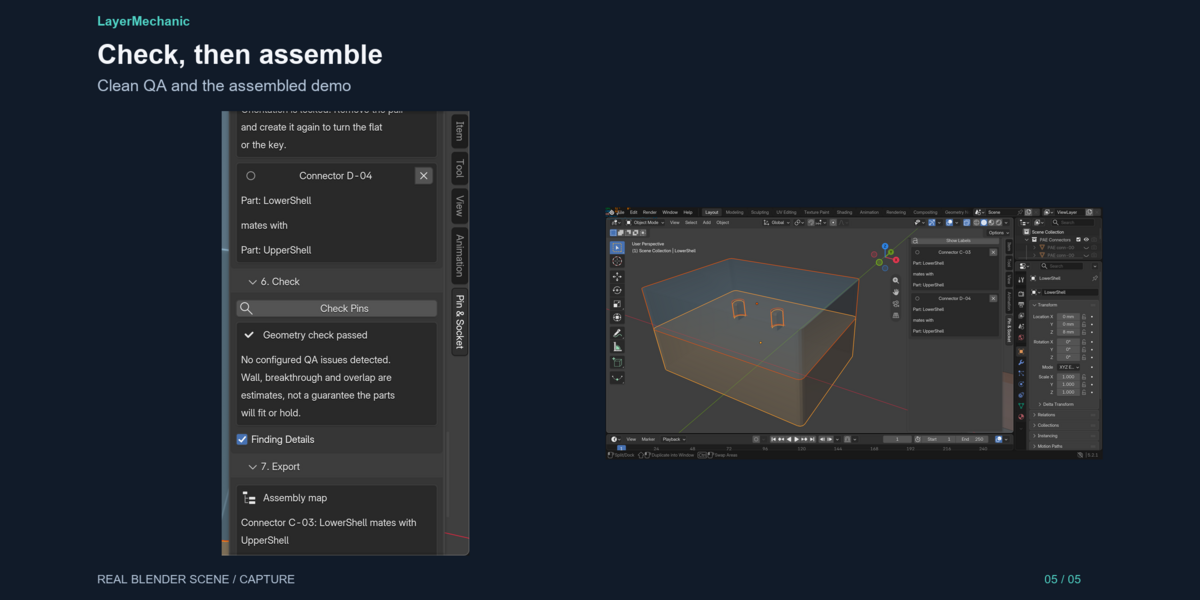
1. Download pin_socket_maker-1.0.1.zip. Do not unzip it. 2. Blender → Edit → Preferences → Get Extensions. 3. Open the menu on the repository row → Install from Disk. 4. Select the ZIP. 5. In the 3D Viewport, press N. Open the Pin & Socket tab.
The demo file is pin_socket_maker_demo.blend in the download extras. It is not required to use the add-on.
# Compatibility
- Blender 5.2.0 or newer. Developed and tested on Blender 5.2.1 LTS.
- Windows 11 x64 is the tested platform. macOS and Linux are not tested for 1.0.1.
- Installs as an extension from the ZIP. No extra Python packages.
- Works in millimetre, centimetre, and metre scenes. Dimensions you type are millimetres. STL export is millimetres.
- Can be enabled beside other Engine 01 add-ons. Each one carries its own engine copy.
The optional demo .blend is available as a separate product download. Install the add-on ZIP unchanged; open the demo after enabling the add-on.
$12
Have questions about this product?
Login to message
| Blender Extension Compatible | Yes |
| Published | about 15 hours ago |
| Blender Version | 5.2 |
| Extension Type | Add-on |
| Render Engine Used | Cycles |
| License | GPL |