 Bala
Bala


Lazy Select
Stop switching between vertex, edge and face selection modes. Just hover and click.
What's New in V1.1.1
Updated October 2026. Thanks to everyone who sends feedback, it really helps.
Easy Vertex Picking
Get close to a corner and the vertex is picked, no need to hit it exactly.
Pick From Outside
Pick vertices and edges on the edge of your mesh from just outside it.
Ready for Blender 5
Works on Blender 4.2 up to 5.2, with a clear hover highlight on Vulkan and high DPI screens.
Loop and Ring Fixed
Double click loops and Alt + click rings work again on Blender 5.1 and 5.2.
Modifiers and Heavy Meshes
Works with Bevel and Subdivision Surface, skips hidden faces, and stays smooth on dense meshes.
Now a Blender Extension
Install and update it right inside Blender through Superhive.
What's New in V1.1
⚠️ Not tested on macOS — volunteers are welcome to contact me to help test it.
ESC to Deactivate
Previously you have to right-click to deactivate Lazy Select. Now simply press ESC to exit the tool.
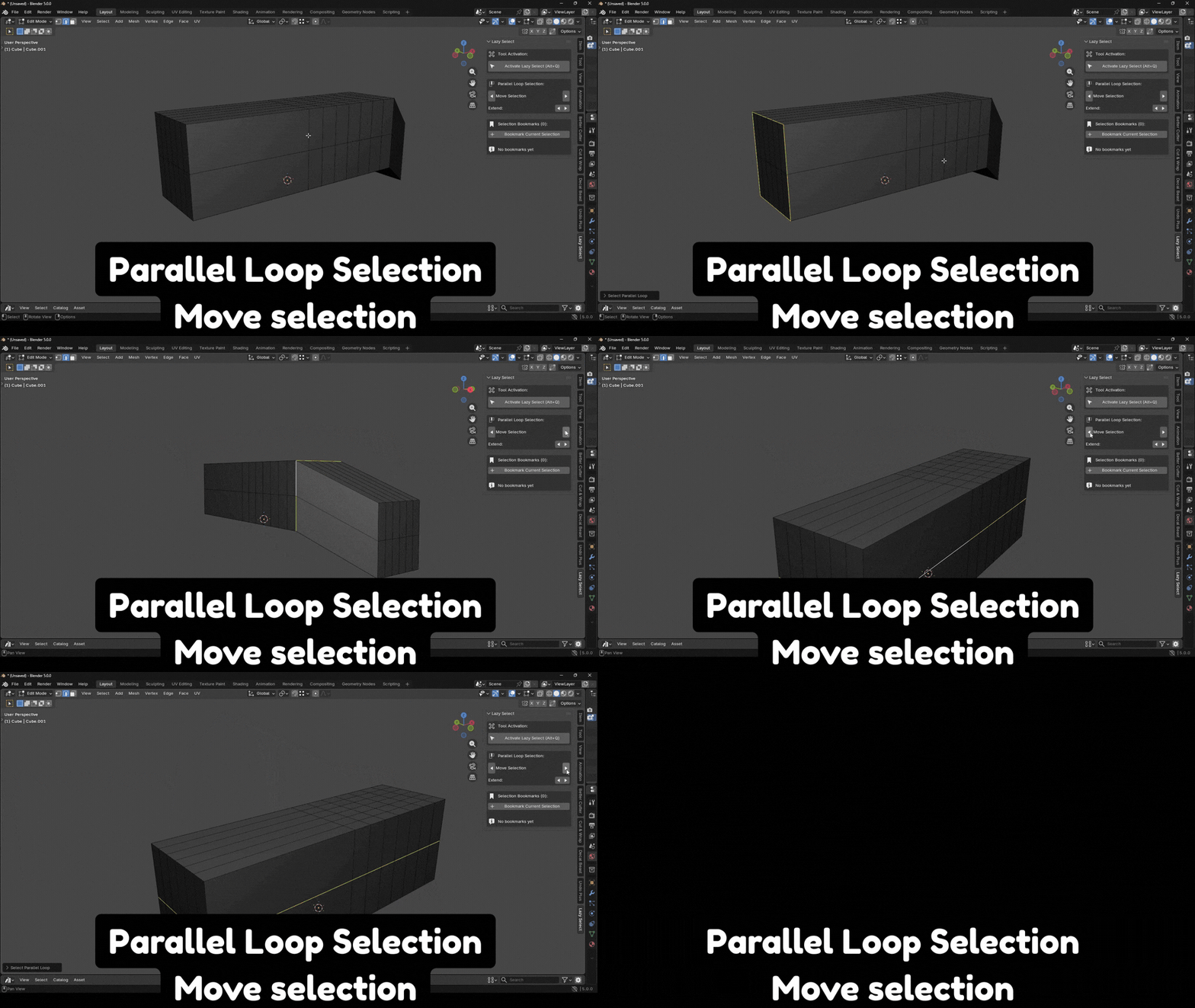
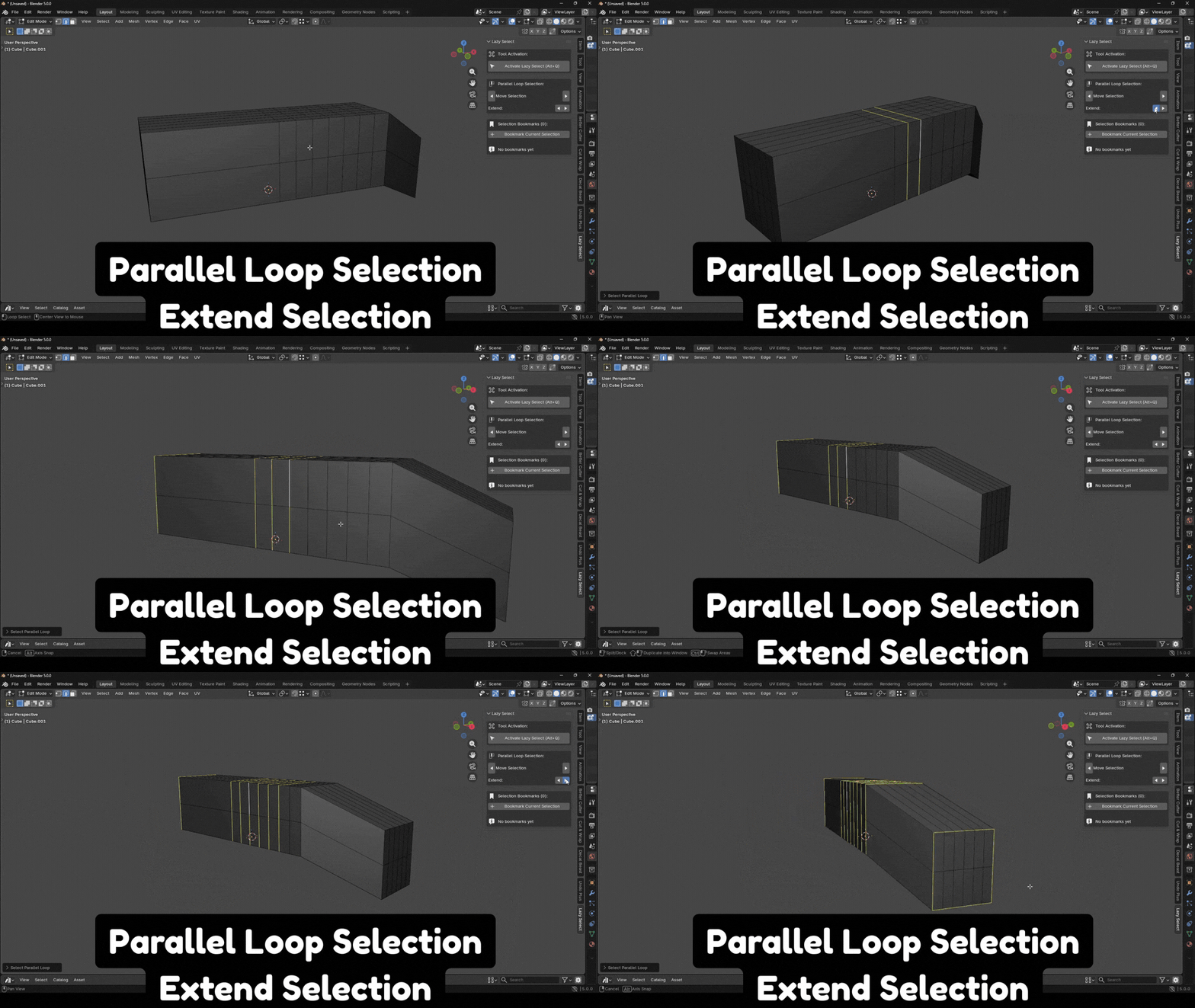
Parallel Loop Selection
In default Blender it takes at least 4 clicks to select the last edges and in Lazy Select it takes 2 clicks.
Move Selection
Extend Selection
Auto Detection
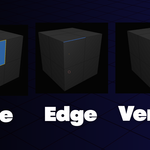
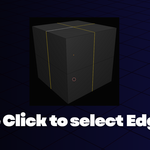
Automatically detects what element you're hovering over. No more pressing 1, 2, 3 to switch modes.
Visual Feedback
Blue highlighting shows exactly what you'll select before you click.
Edge Loops & Face Loops
Double-click for edge loops, Alt+Click for Face loops.
Selection Bookmarks
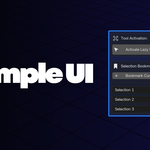
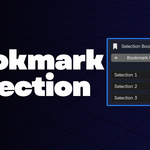
Save and restore selections instantly. Perfect for complex modeling workflows with repeated selections.
Non-Interfering
Only active when you want it. All Blender shortcuts work normally when tool is off.
How It Works
Enter Edit Mode
Go to Vertex Select Mode
Press Alt+Q to activate
Hover to see highlights
Click to select
Press ESC to deactivate
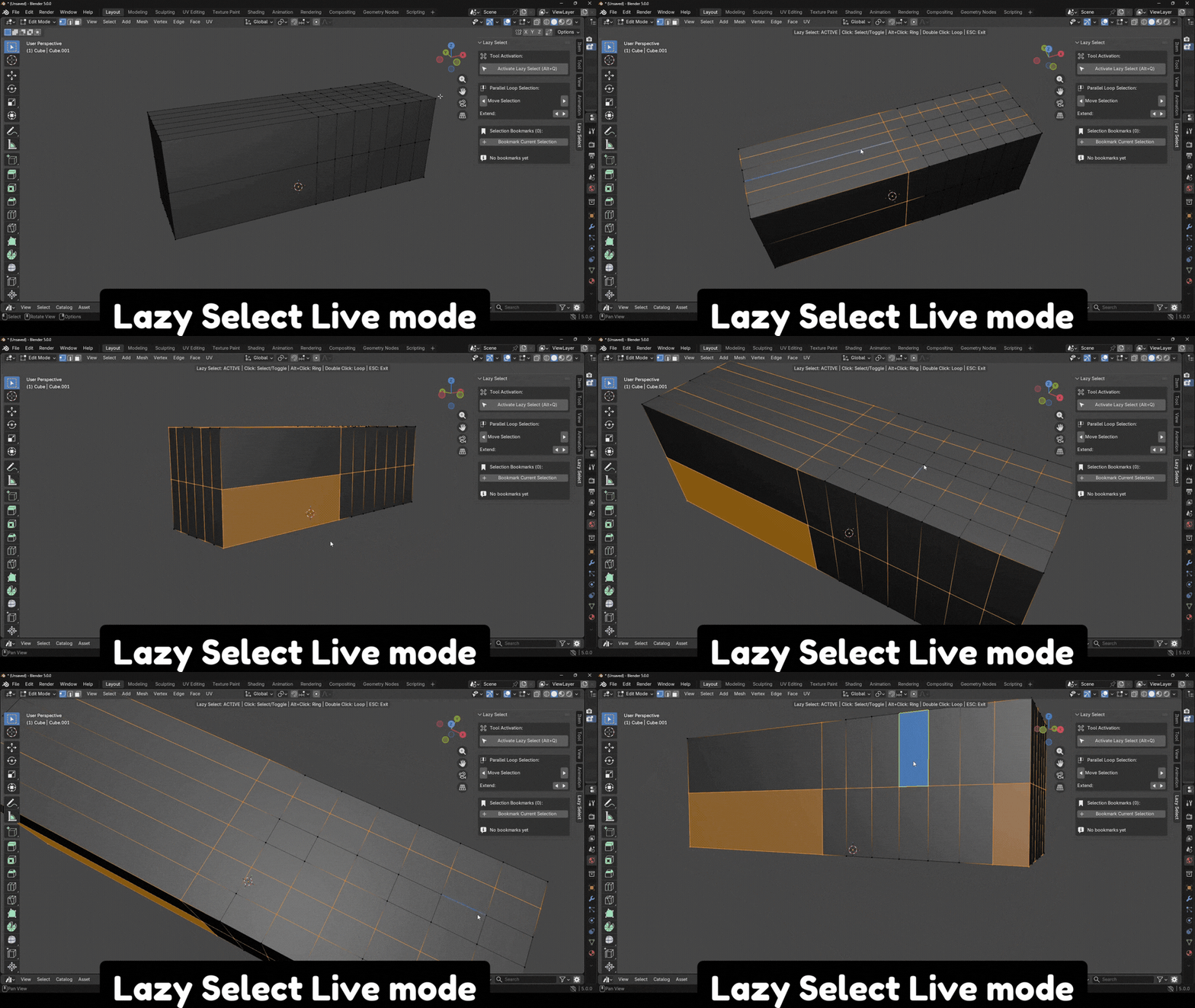
Keyboard Shortcuts
Selection Bookmarks
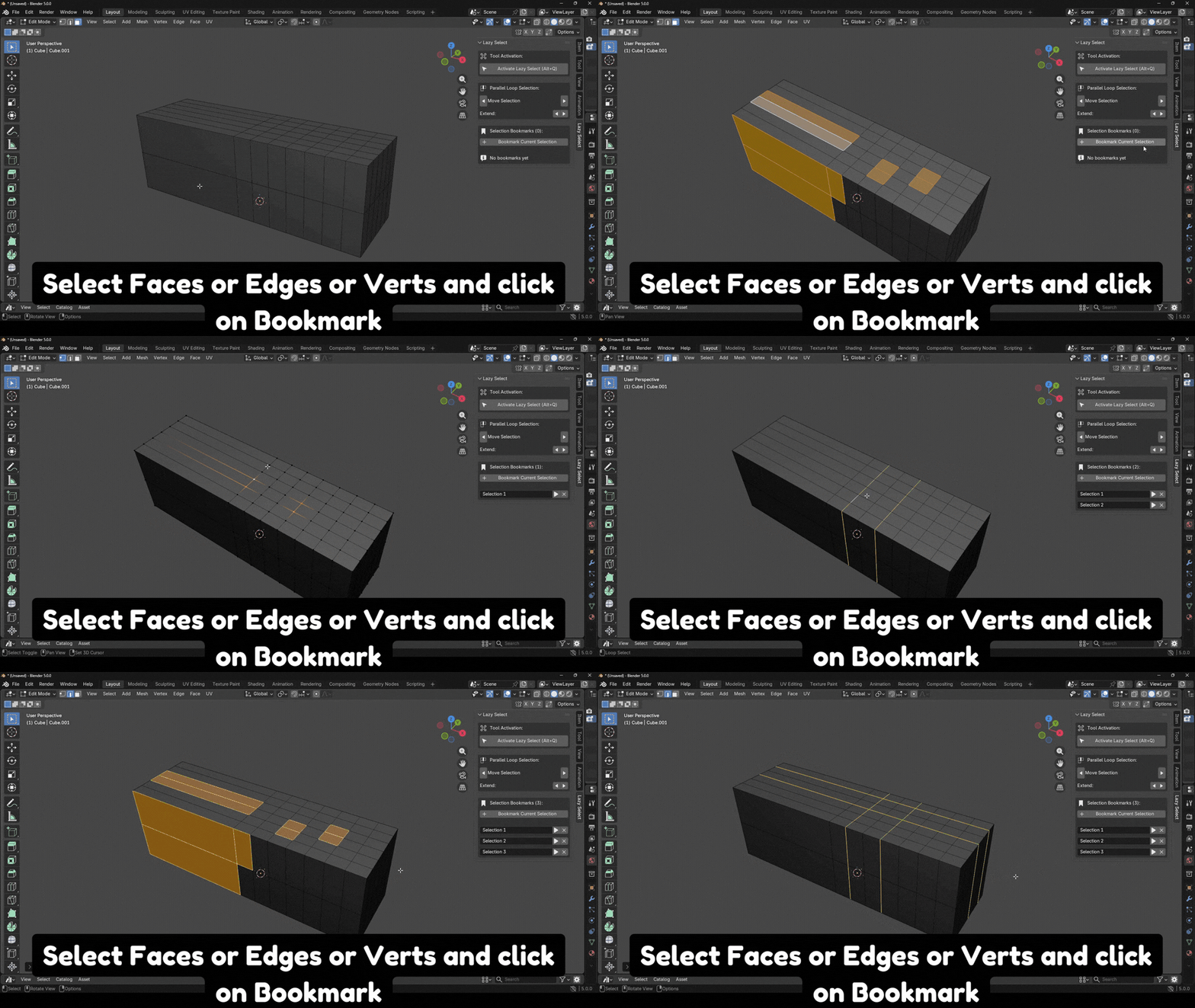
Access bookmarks from the N-Panel under Lazy Select:
My New Addon - Better Cutter
CheckoutBetter Cutter V1.1
Better Cutter V1.1