 Bruno
Bruno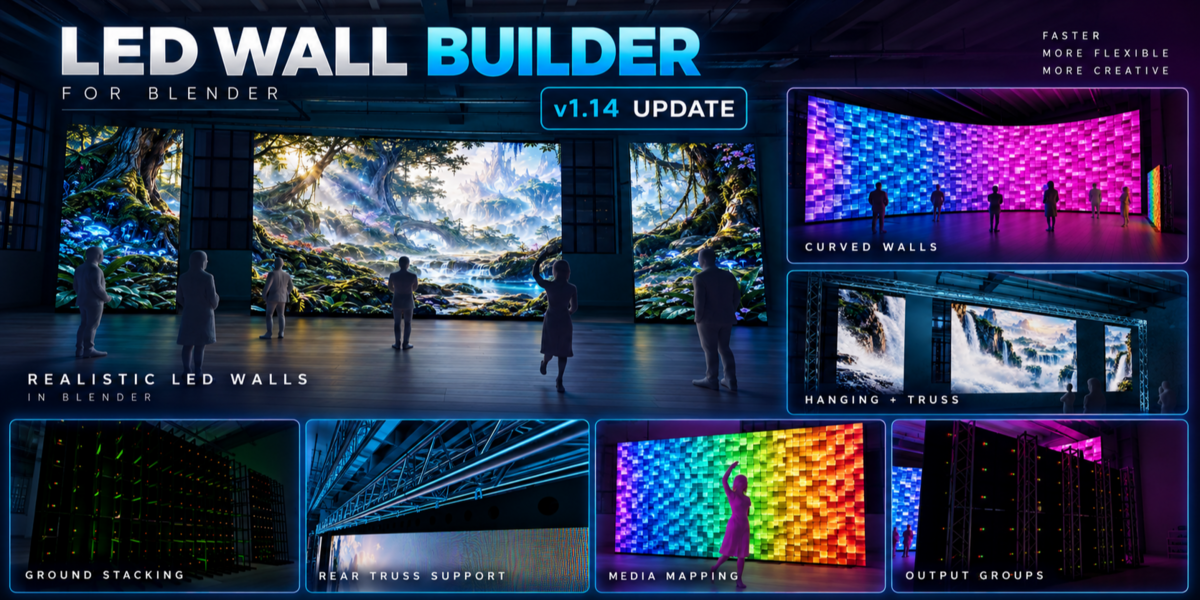
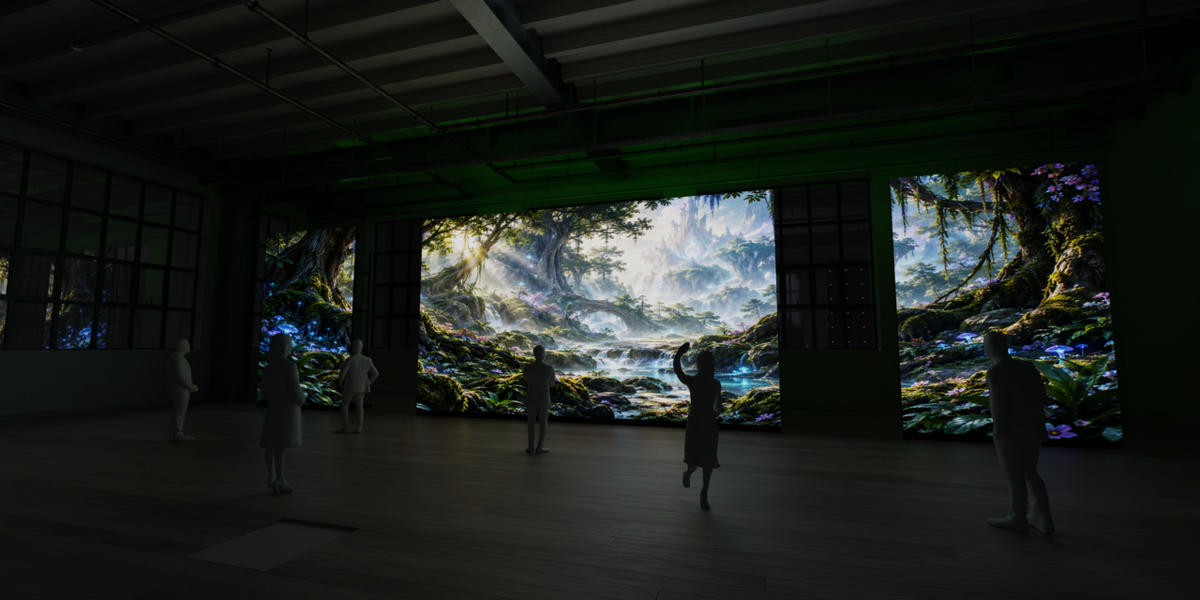


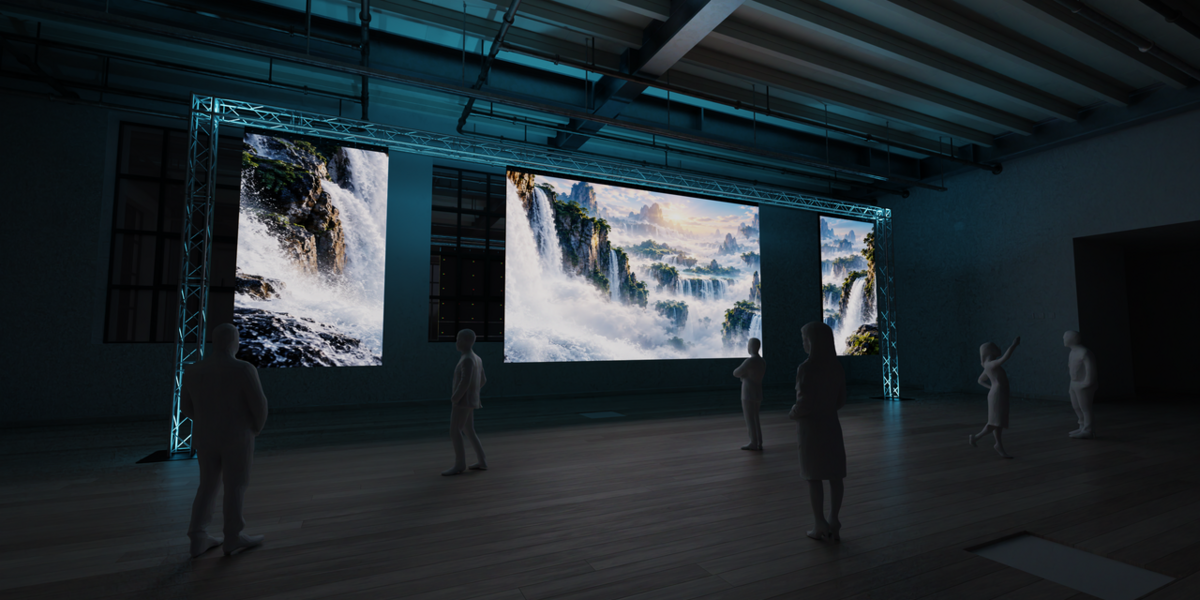


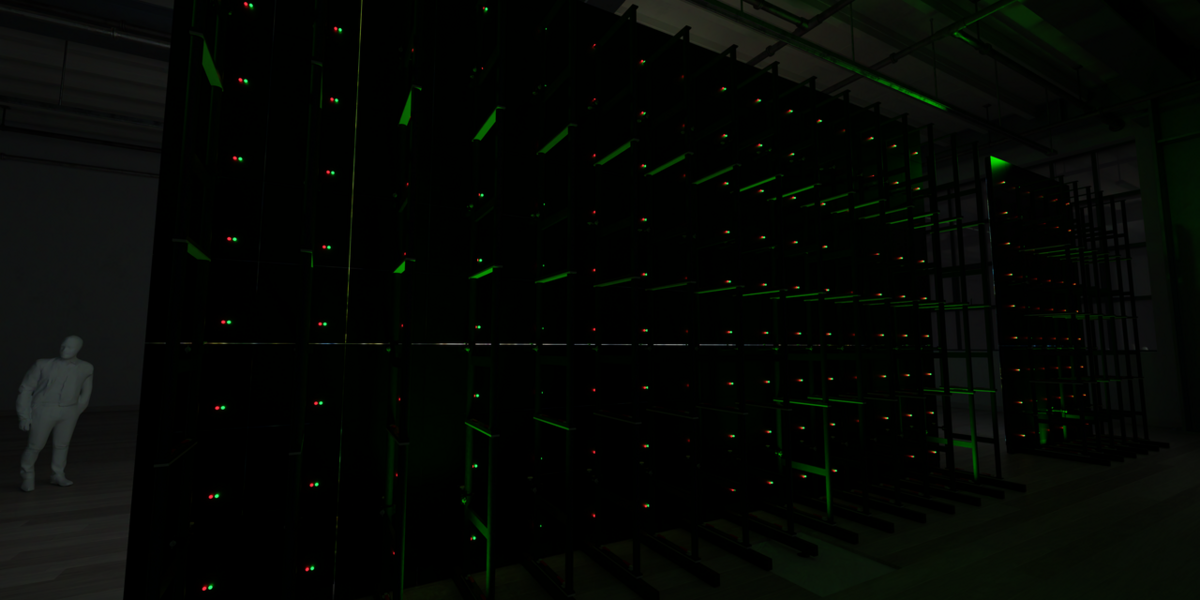
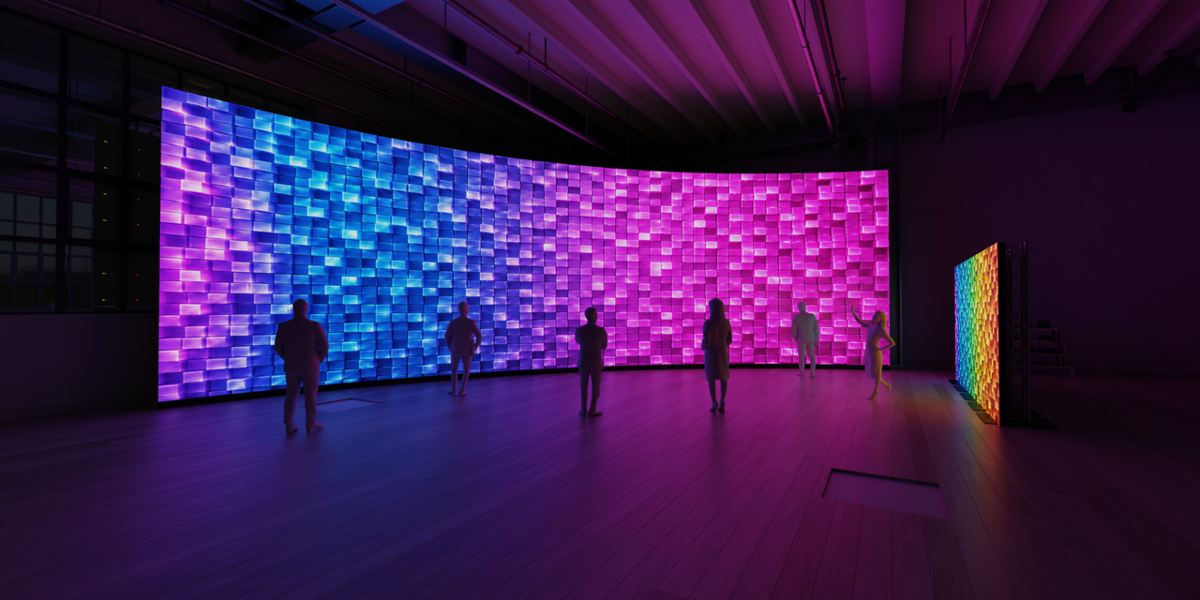
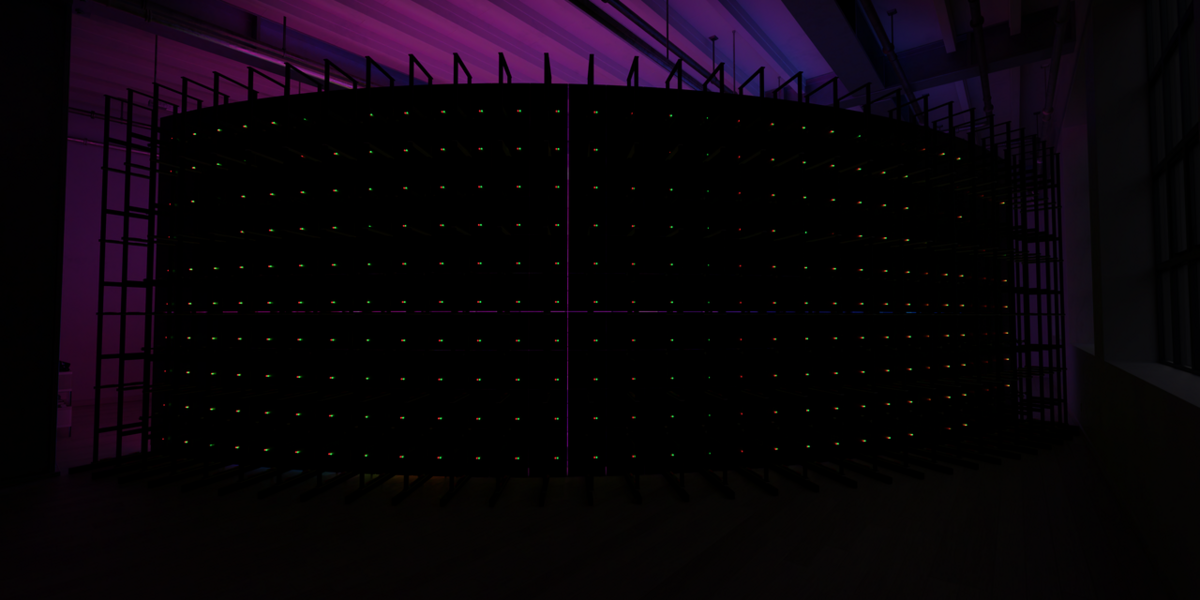
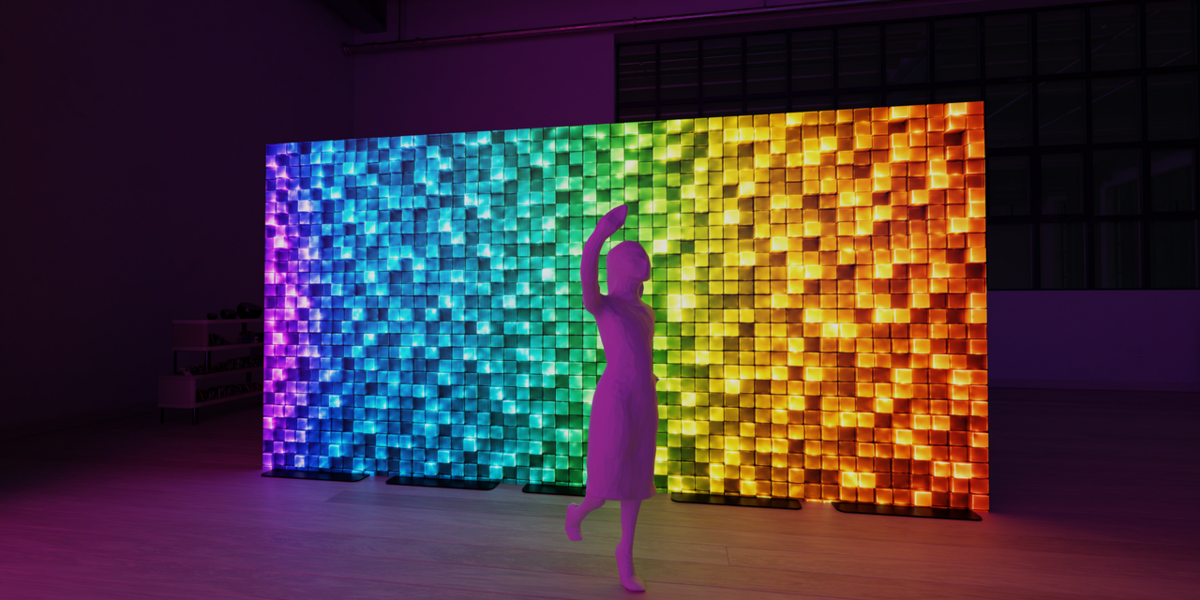
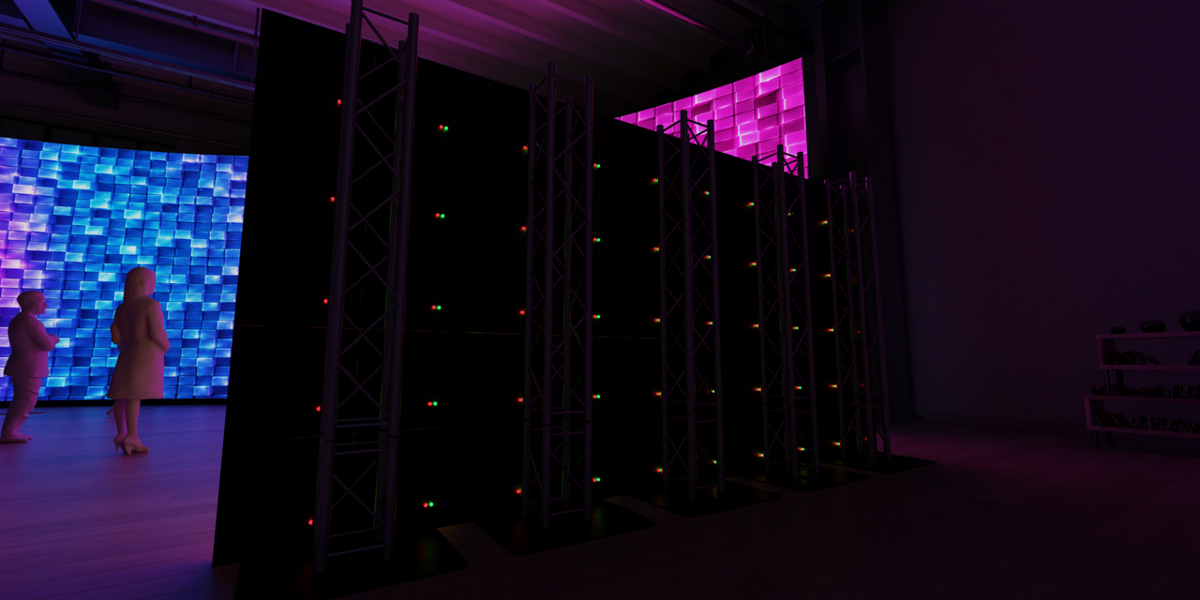
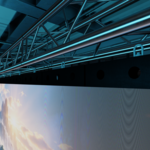
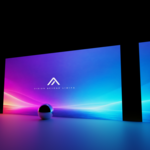
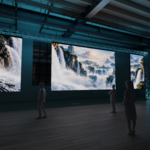
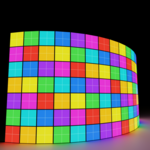
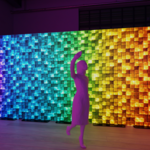
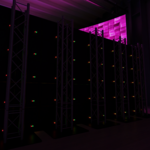
LED Wall Builder is a Blender add-on designed to make creating and managing LED screens for events, stages, concerts, conferences and previsualization faster and easier.
Instead of manually calculating cabinet counts, screen dimensions, resolutions and media layouts, LED Wall Builder handles the technical setup for you. Enter your LED cabinet specifications, choose the size of the screen you need, and build a complete LED wall directly inside Blender.
The add-on is designed around real-world LED workflows, making it especially useful for event designers, 3D visualizers, stage designers and anyone creating realistic LED screen setups.
Features include:
- Build LED Walls by Real Dimensions — Enter cabinet width, height, depth and desired screen size to automatically generate the wall.
- Automatic Cabinet Calculations — Cabinet count, final physical dimensions and native screen resolution are calculated automatically.
- Native Resolution Support — Define the real pixel resolution of your LED cabinets and instantly see the native resolution of the complete wall.
- Pixel Pitch Calculation — Automatically calculate pixel pitch from cabinet dimensions and resolution.
- Multiple LED Walls — Create and manage multiple independent screens inside the same Blender scene.
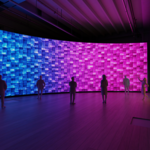
- Flat & Curved Screens — Create standard LED walls or curved configurations using cabinet angle controls.
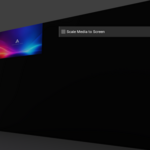
- Media Mapping — Quickly apply images and video content to generated LED screens.
- Output Groups — Combine several separate LED screens into one larger processor canvas.
- Shared Media Across Multiple Screens — Display different sections of one piece of content across several LED walls.
- Canvas Positioning — Control the X and Y pixel position of each screen inside an output group.
- Automatic & Custom Canvas Resolution — Automatically calculate the required canvas or define your own processor canvas.
- Test Pattern Generator — Generate screen identification and mapping patterns to quickly check multi-screen layouts.
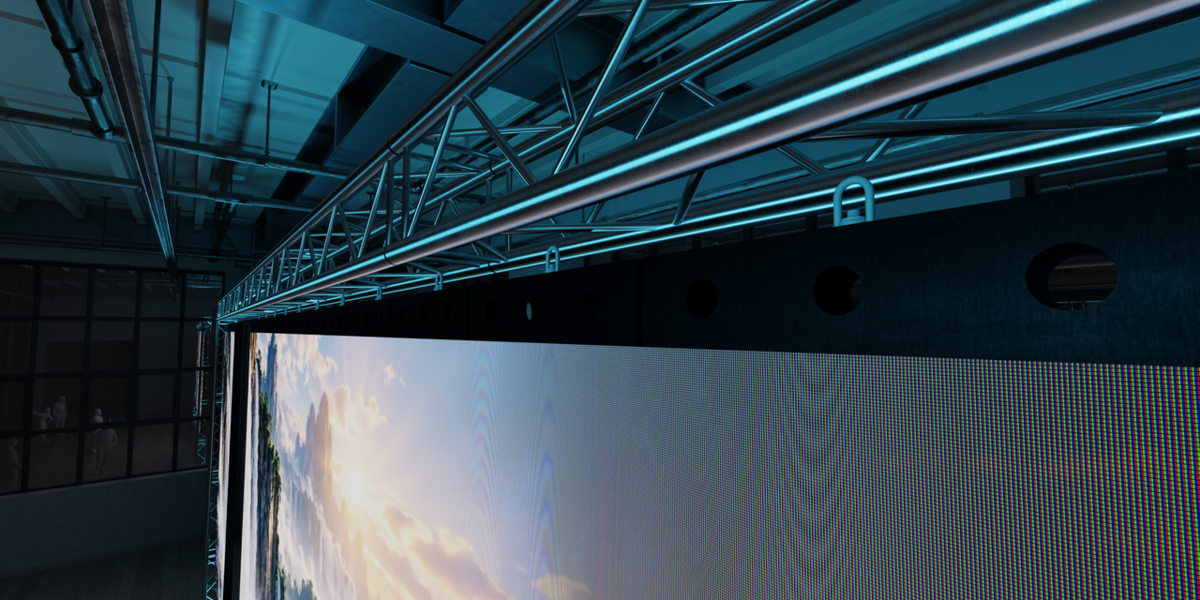
- LED Pixel Visualization — Optional individual LED dot and RGB subpixel visualization for detailed close-up renders.
- Visible Panel Gap Controls — Add realistic separation between individual LED cabinets.
- Fast Update Workflow — Modify an existing LED wall without having to rebuild your entire scene.
- Organized Blender Interface — All major LED wall controls are available directly from a dedicated Blender sidebar panel.
Whether you're building a single conference screen, a large concert backdrop, curved LED scenery or a multi-screen event setup, LED Wall Builder removes repetitive setup work and lets you spend more time designing.
Built for practical event visualization workflows in Blender.
Created by Bruno Golubic.