
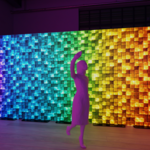
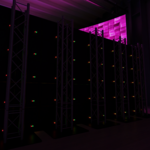
LED Wall Builder

Bruno in Presets


Are future updates included with my purchase?

Yes. When you purchase LED Wall Builder, future updates to the add-on are included at no additional cost.

Does LED Wall Builder work with multiple LED screens in one scene?
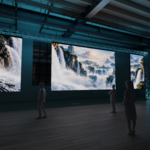
Yes. You can create and manage multiple independent LED walls, each with its own size, resolution, media and output-group settings.
Is this add-on intended for real production planning?
LED Wall Builder is designed primarily for visualization and previsualization. Always verify final structural, electrical and manufacturer specifications before using any data for a real installation.
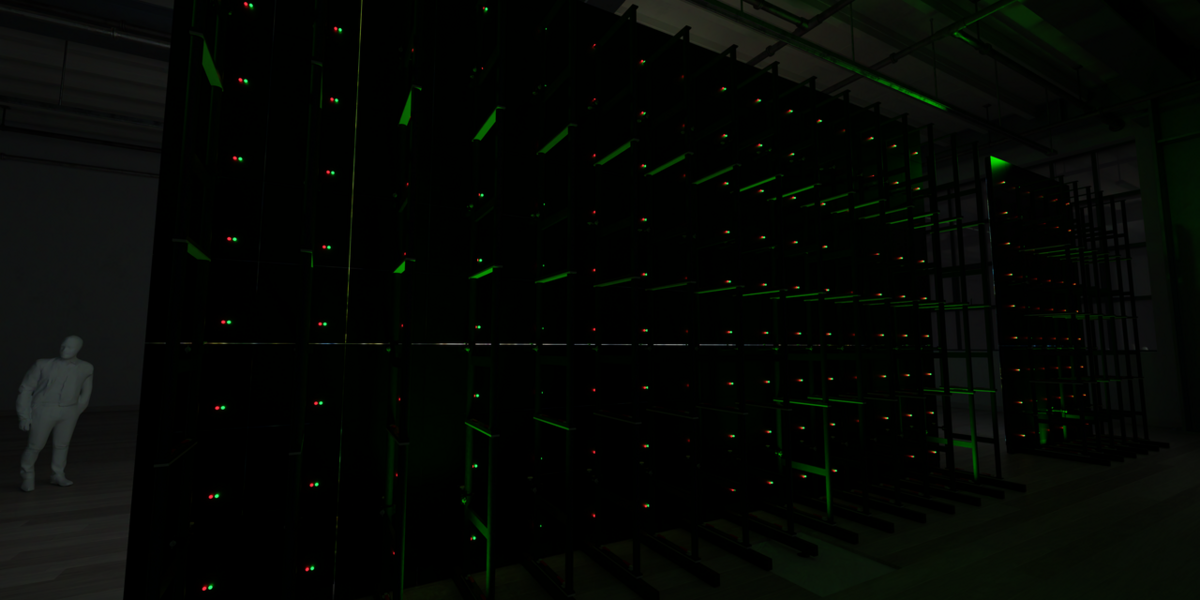
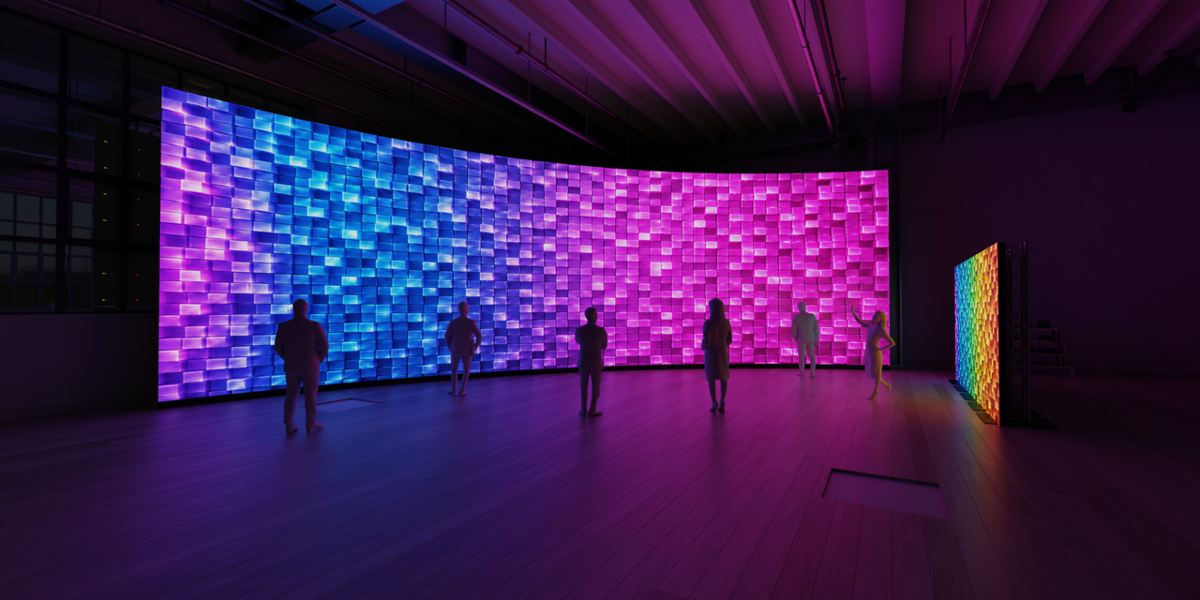
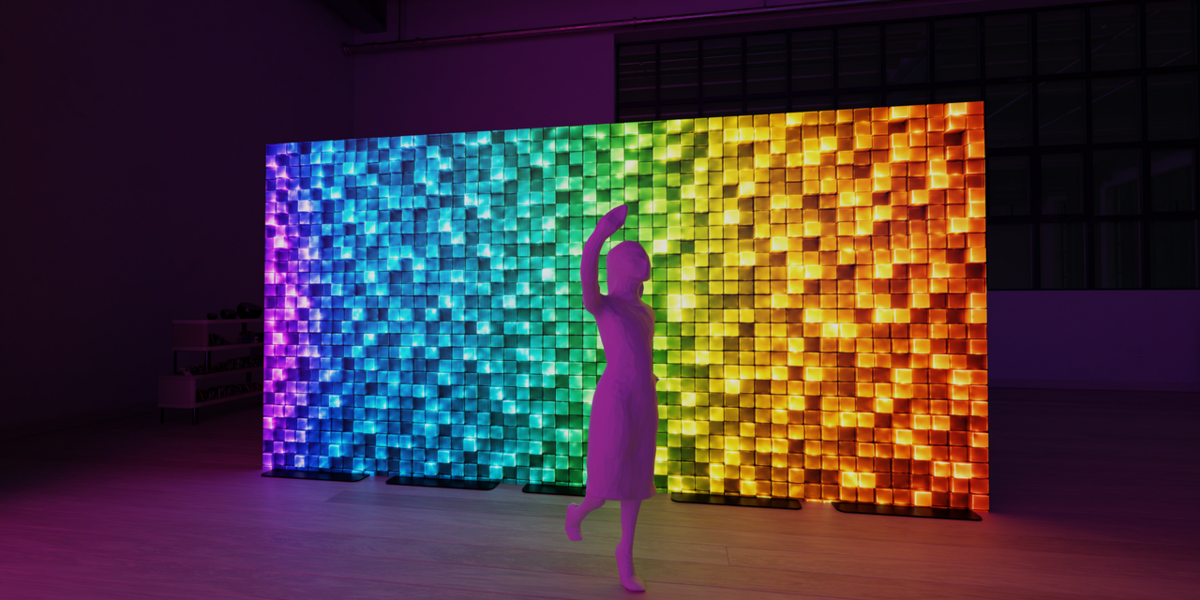
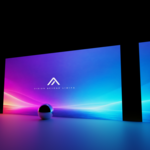
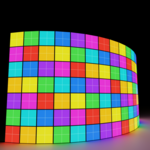
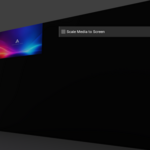
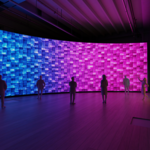
  • LED Wall Builder v1.9.1 Build flat and curved LED walls from real cabinet dimensions Native resolution and pixel-pitch calculations Panel preset library Output Groups and processor canvas mapping Shared media across multiple screens Image and video mapping LED test patterns RGB subpixel / LED pixel visualization Technical reports Processor capacity planning Weight and power estimates Radius-based curved wall controls

    $12
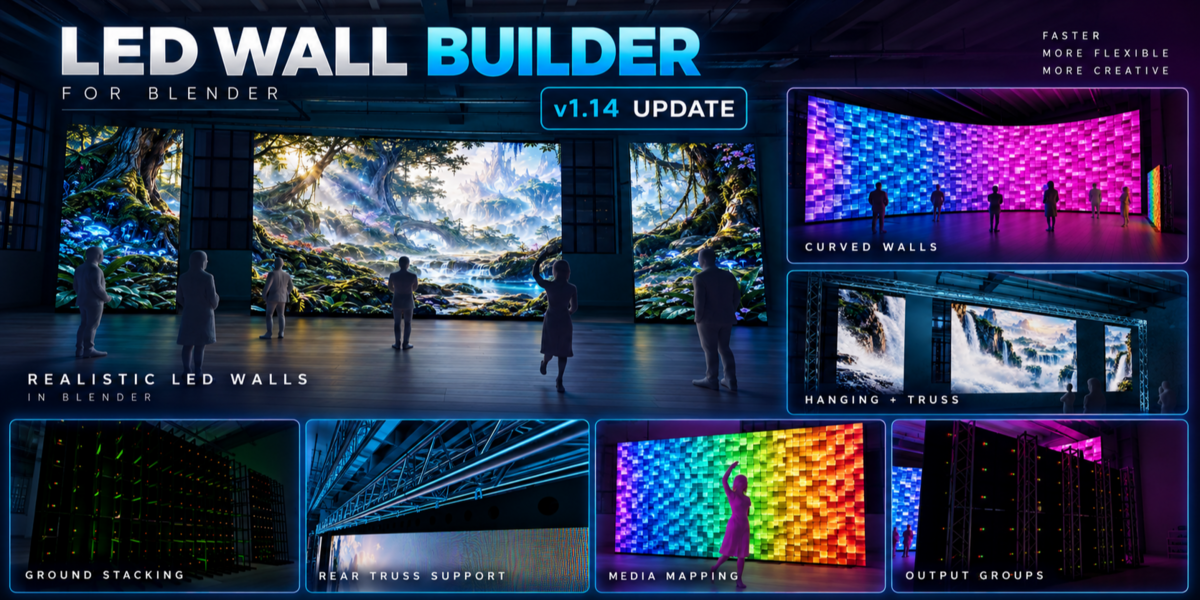
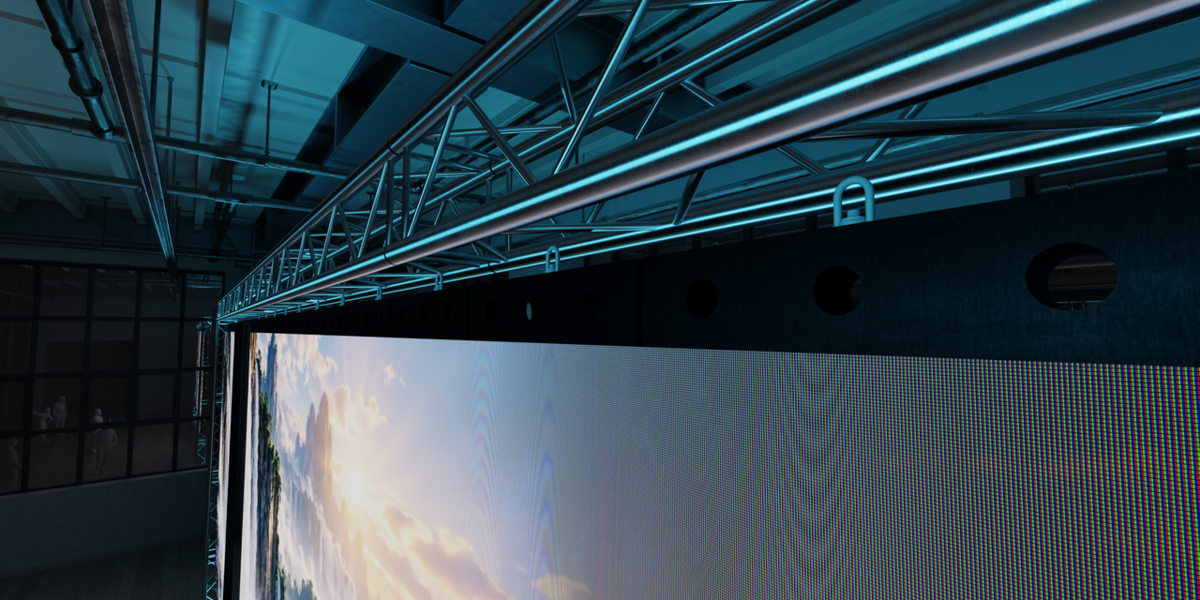
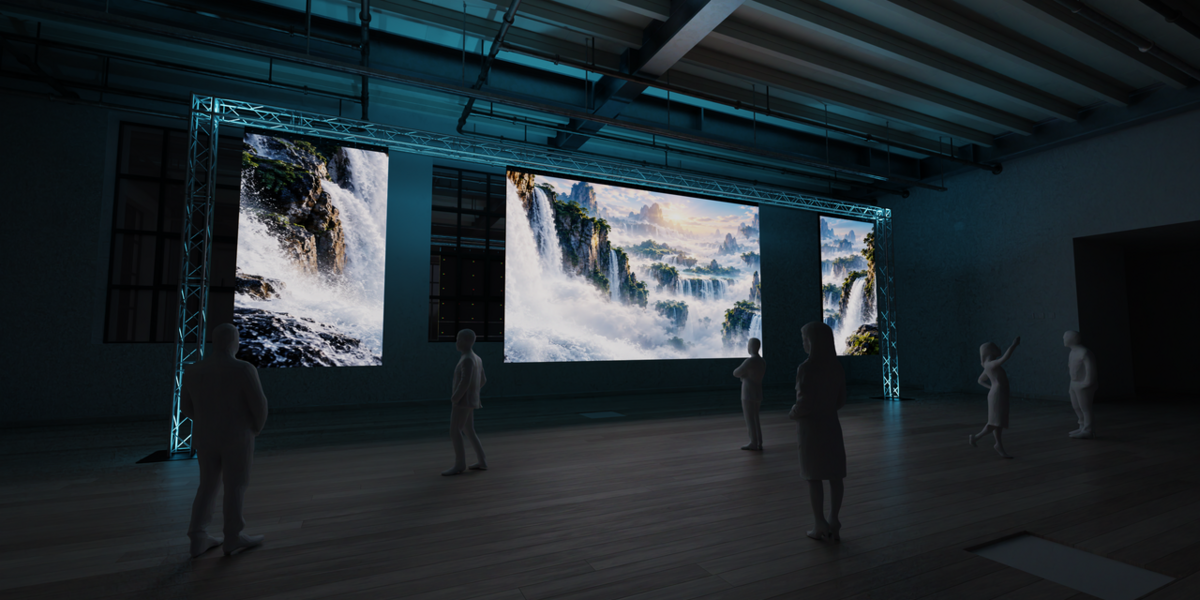
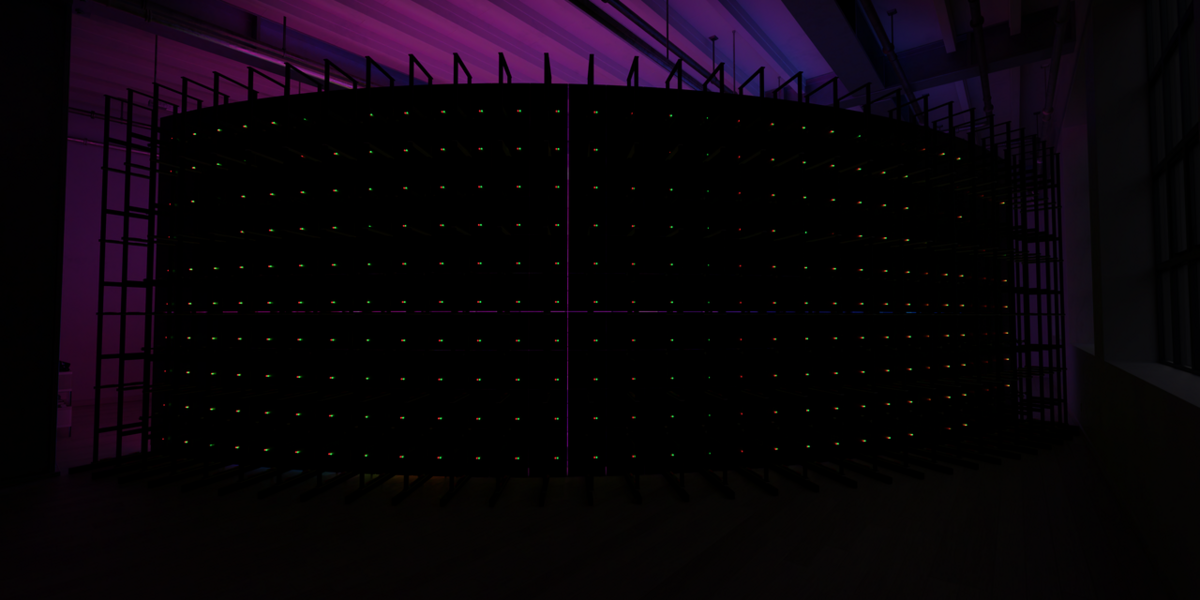
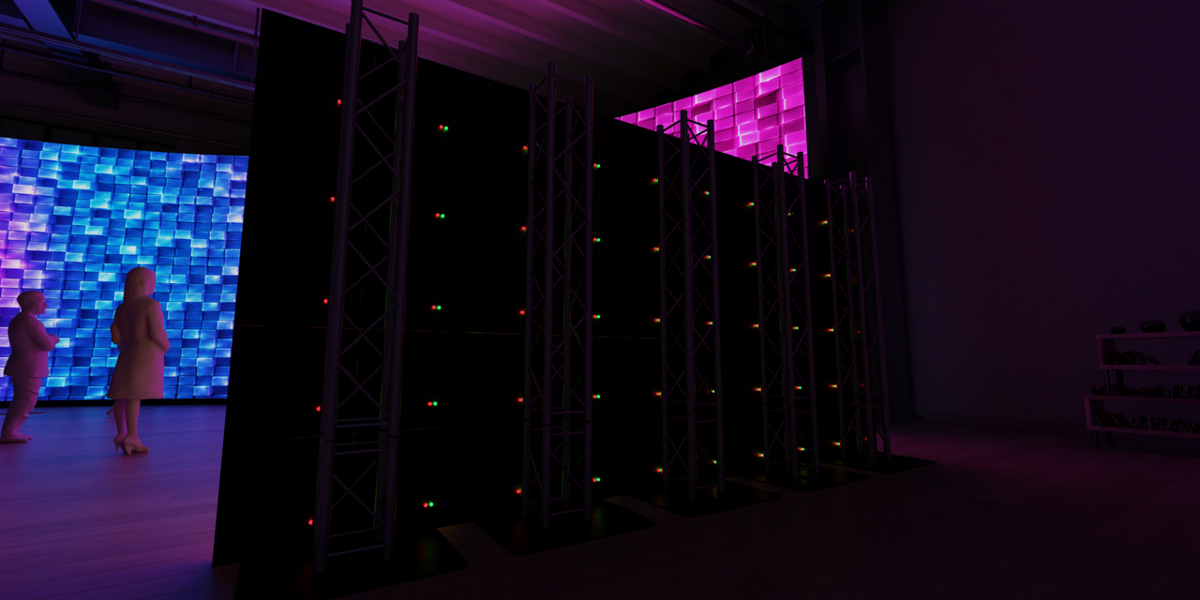
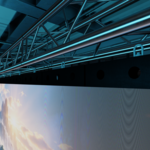
  • LED Wall Builder v1.14 Includes everything from v1.9.1, plus: Multi-Wall Planner — configure and build several LED walls at once Automatic Wall Layout — walls can be automatically positioned with real edge-to-edge spacing Improved Output Groups — easier group creation, ordering, adding and removing screens Ground Stacking Hardware — automatically builds realistic stacking support with the LED wall Hanging Hardware — automatic hanger placement for each LED column Hanging + Truss Frames — optional full truss frames with adjustable height and clearance Optional Truss Legs — create flown truss only or a full frame with ground legs Rear Ground Truss Support — automatically generated truss towers behind the LED wall Shared Truss for Multiple Walls — multiple hanging walls can use one common truss structure Improved Media Workflow — one Apply Media system for images, videos and fallback test patterns Video Frame Controls — set total video frames, start frame, looping and auto-refresh directly from the add-on Match Scene FPS — quickly match Blender’s frame rate to your video Simplified Cabinet UI — cleaner everyday controls with technical specs kept optional RGB Subpixel Default — detailed LED visualization enabled by default v1.9.1 is the core LED wall creation and mapping toolkit. v1.14 expands it into a more complete event-previsualization workflow with multi-wall planning, realistic mounting hardware, truss systems and faster media/output management.

    $25
$12

Have questions about this product?
Login to message

Details
Blender Extension Compatible Yes
Published about 2 months ago
Blender Version 5.0 - 5.2
Extension Type Add-on
Render Engine Used Cycles
License GPL