Light Director Pro
 Steven Seidler (Blendscapes3D)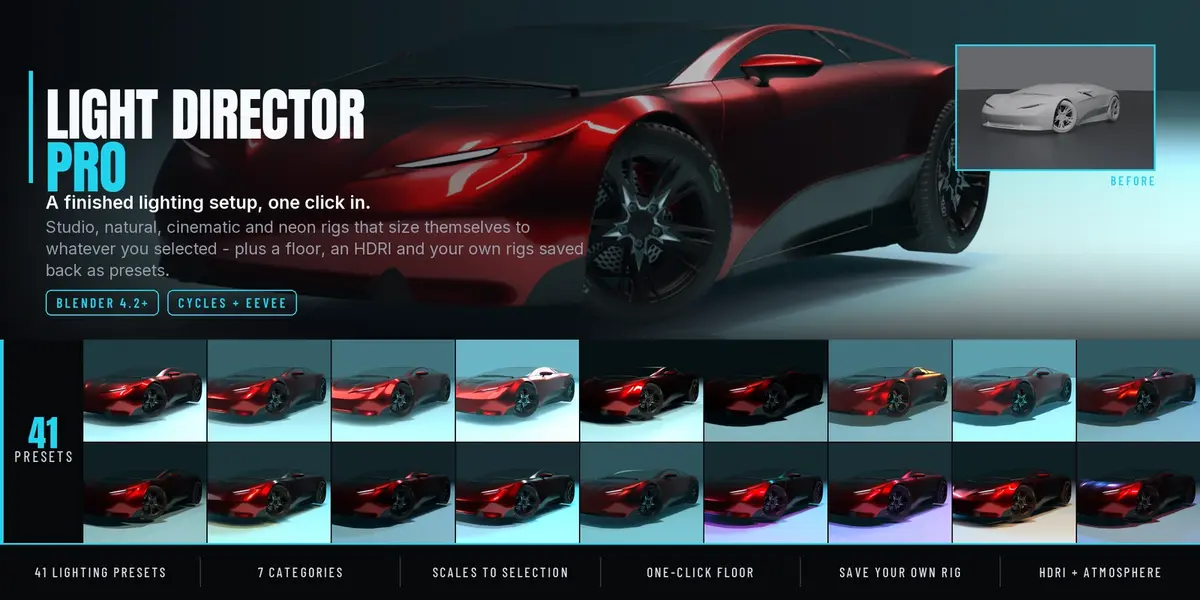
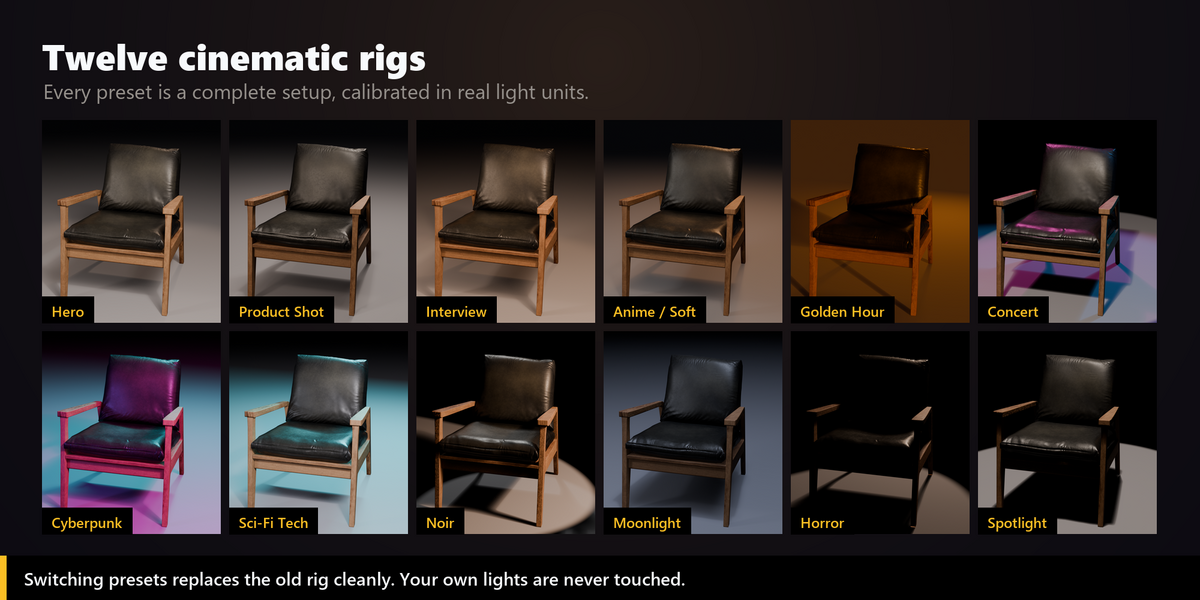
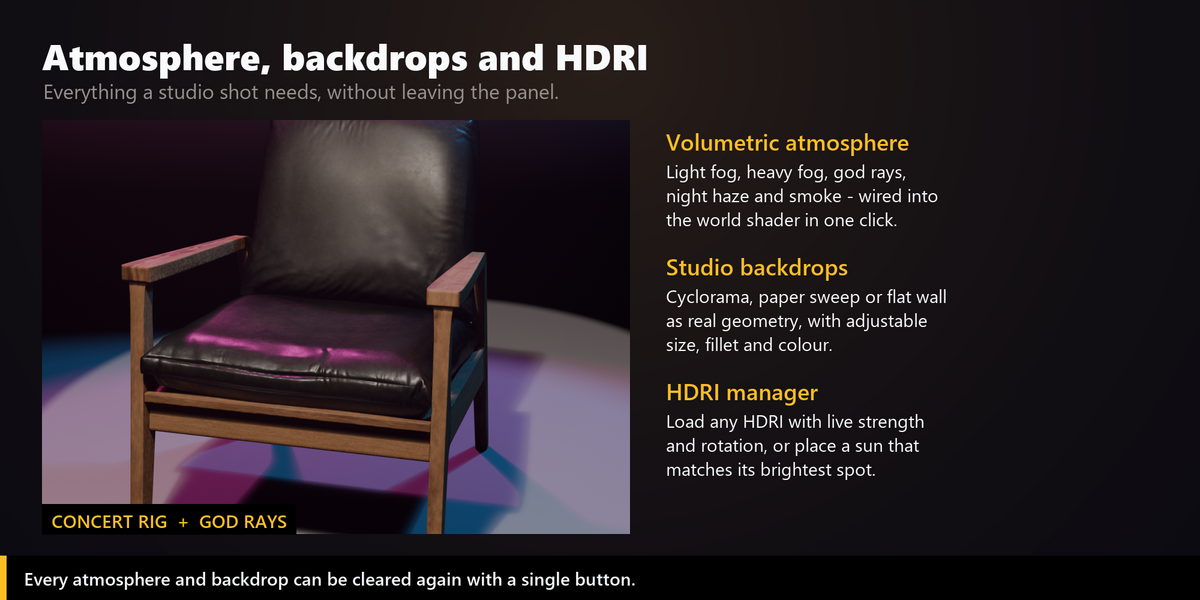
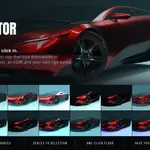
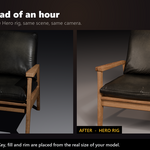
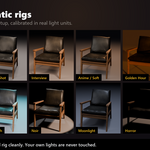
41 lighting presets, up from 12. Twenty-nine new ones, grouped into seven categories so the list stays usable: Studio, Portrait, Product, Natural, Cinematic, Stylised and Neon & Night. Every one is a real rig with its own light types, sizes, angles and colour temperatures, not a colour swap on the same three lamps. Automotive runs 8 m strip lights down both flanks for unbroken body reflections; Jewelry pairs a broad soft top with two pinpoint speculars; Fog Beam is built for volumetric haze.
New: save your own presets. Save Current Rig reads the lights back out of the scene, including whatever you changed with the Quick-Tune sliders or by hand, and stores them in your library. They then sit in the new My Presets panel next to the built-in ones and apply to any other scene at any subject size. Presets export and import as .json, so a studio can share one look across a team.
New: Render Preset Sheet. Preset thumbnails on a generic sphere only tell you so much. This renders your model through your camera under every preset, then composes one labelled contact sheet so you choose on the actual shot. Render all 41, a single category, or just your own saved presets.
533 automated checks run against Blender 4.5 LTS and 5.2 LTS on every build.
Two real bug fixes, a new studio floor, and an automated test suite.
Fixed: backdrops cut through the subject
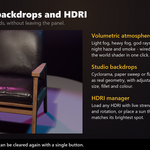
Backdrops were always built at the world origin. Since that is exactly where most models sit, the wall went straight through the subject and hid whatever stood behind it. Backdrops are now measured against your selection and placed behind and below it, centred on the subject, with the floor at its feet. A new Fit to Selection option sizes the backdrop from the model as well; switch it off to enter width, depth and height by hand as before.
Fixed: half the light fixtures failed to apply
Applying a fixture that needed a different light type than the current one failed with an error such as 'SpotLight' object has no attribute 'size'. Changing a light's type in Blender replaces the data structure behind it, and the add-on kept writing to the old one. Softbox, Fresnel Spot, LED Panel, Sun, Sky Dome and Hard Spot can now be applied to any light, as documented.
New: Studio Floor
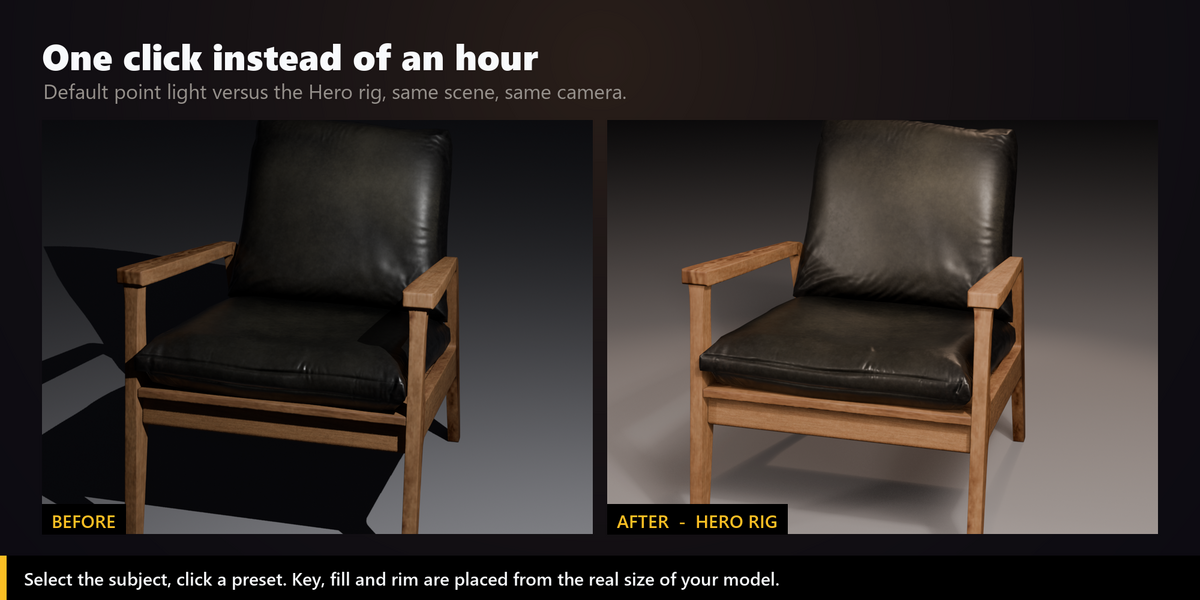
A rig without a floor throws its shadows into nothing, which is what makes an otherwise good render look unfinished. Add Studio Floor puts a correctly sized floor under your selection, at the subject's feet.
- Solid Floor - visible surface that catches light and shadow.
- Shadow Catcher - invisible in the render, only the shadow remains, for compositing onto your own background (Cycles).
- Sizes itself from the selection, or takes a manual size. Applying it again updates the existing floor instead of adding a second one.
Quality
271 automated checks now run against Blender 4.5 LTS and 5.2 LTS on every build: every preset, every fixture, every atmosphere, every animation effect, backdrop and floor placement, the rig control empty, baking, and the behaviour when nothing is selected.
- Rig Control empty: every preset rig is now parented to an "LD_RigControl" empty at the subject center. Move or rotate the empty to reposition the whole lighting setup at once. New "Select Rig Control" button in the Cinematic Lighting panel. Clearing the rig removes the empty too.
- Lights scale with the subject: area light sizes and point/spot radii now scale with the model size, just like the placement distance already did. Energy is compensated so exposure stays consistent on tiny and huge models. Small subjects are no longer clamped to a 0.5 m minimum.
- Light Types keep the rig scale: swapping a light type onto a rig light sizes it for that rig's subject.
- Backdrop fix: the Cyclorama and Paper Sweep curve was inverted and bulged outward. It is now a proper concave cove.
Have questions about this product?
Login to message
| Blender Extension Compatible | Yes |
| Sales | 20+ |
| Published | 5 months ago |
| Blender Version | 4.2 - 5.2 |
| Extension Type | Add-on |
| Render Engine Used | Cycles, Eevee |
| License | GPL |