Where is the panel after I install it?
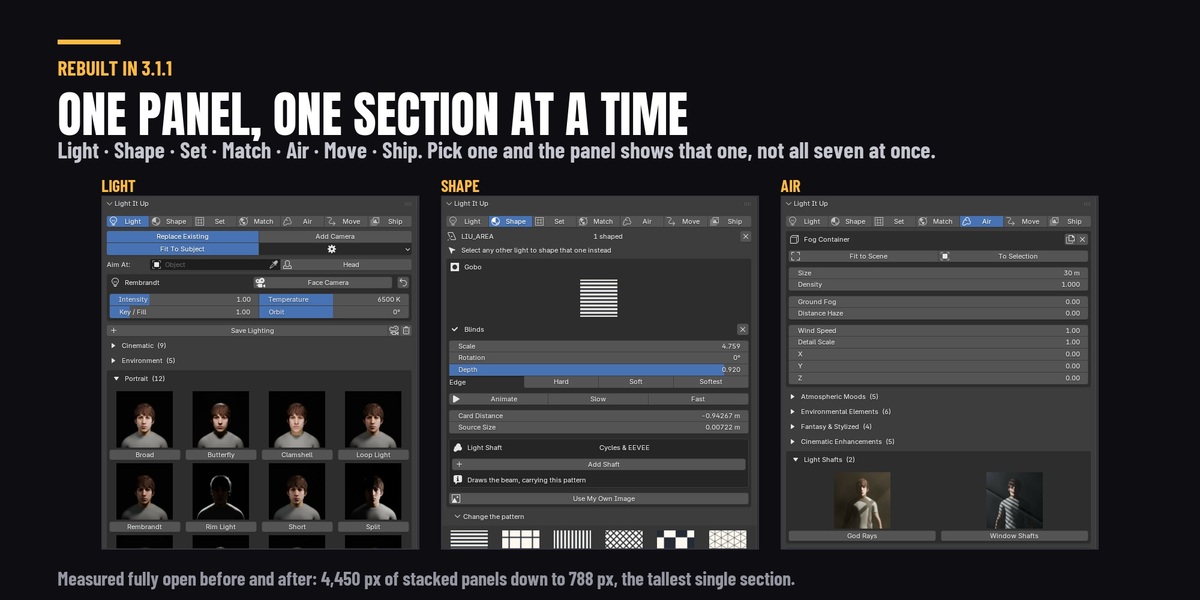
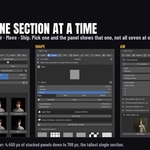
The Properties editor, on the Render tab, in a panel called Light It Up — the same place Blender keeps your render engine and sampling settings. It is not in the 3D viewport's N panel. Inside it is a row of seven sections — Light, Shape, Set, Match, Air, Move, Ship — and the panel shows one at a time. Click a name to switch.
Is the light shaft faster than volumetric fog?
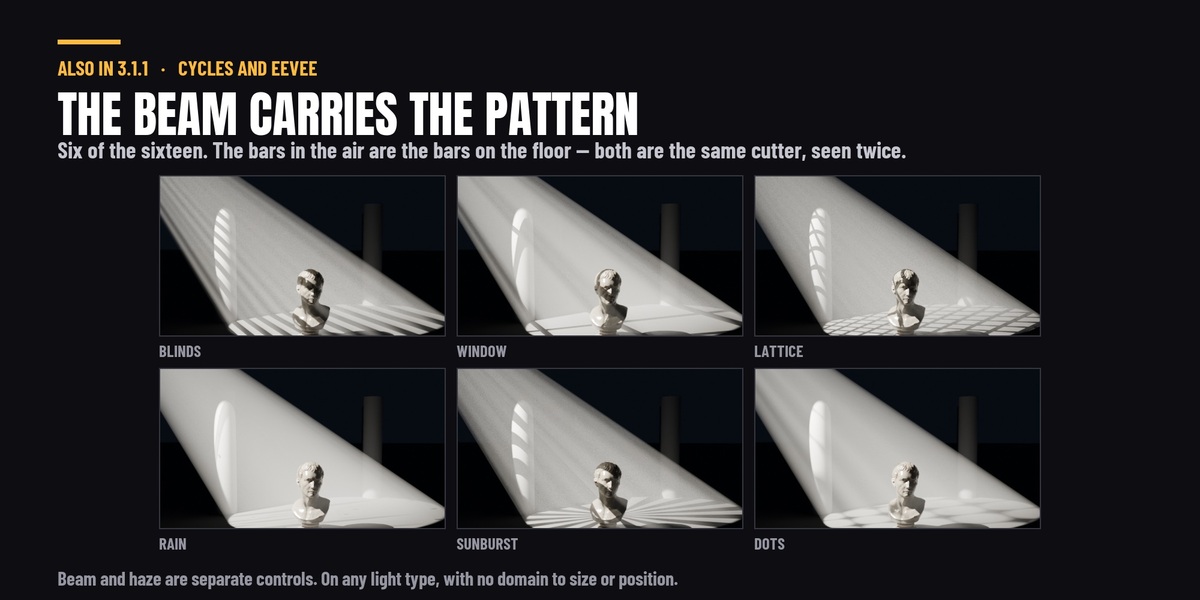
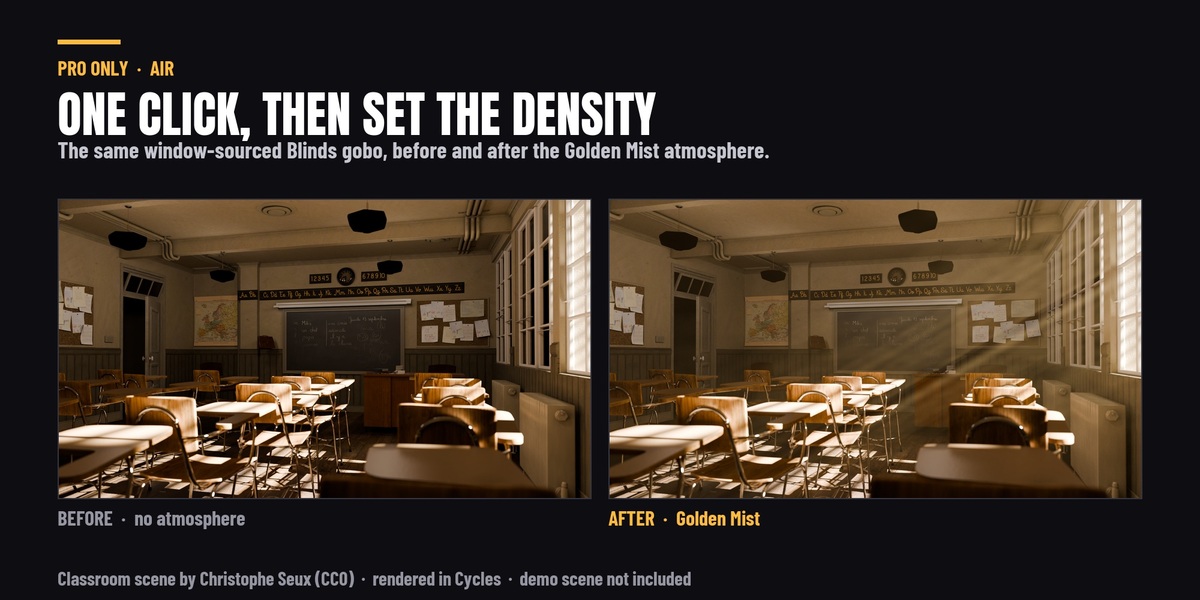
No — it is slightly slower. Measured at matched beam brightness, 4.33 s against fog's 3.74 s, about 16%. If render time is what you are optimising, this is not the reason to use it. What it gives you instead is separability. With fog, beam and haze are one knob: to make the beam brighter you thicken the air, and everything else in the frame darkens with it. The shaft is additive — it adds the beam and nothing goes dark — so the beam and the rest of the frame stop fighting each other. It is also not more physically accurate. Fog is the simulation; this is art direction that happens to be easier to aim.
Do I have to set up a volumetric domain?
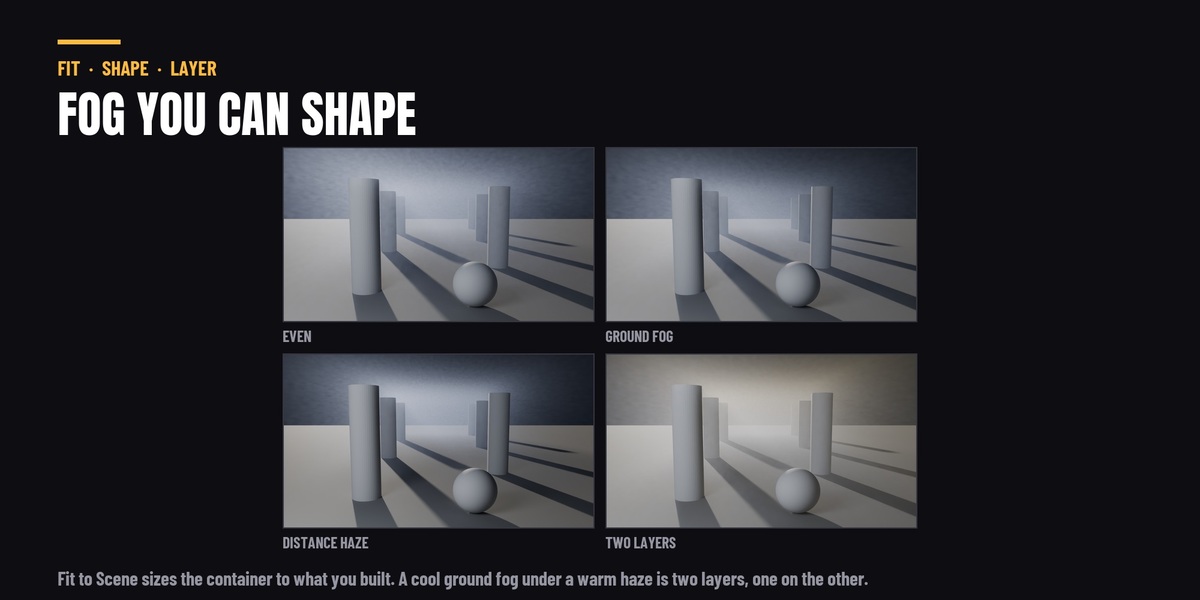
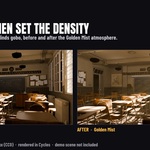
No. There is no container to size, position, or keep the camera out of. The beam is drawn on the light itself, so it follows the light when you move it. The fog presets in the Air section are a separate feature and do use a container — that one fits itself to your scene in one button.
Can I shape a light I placed myself, outside a rig?
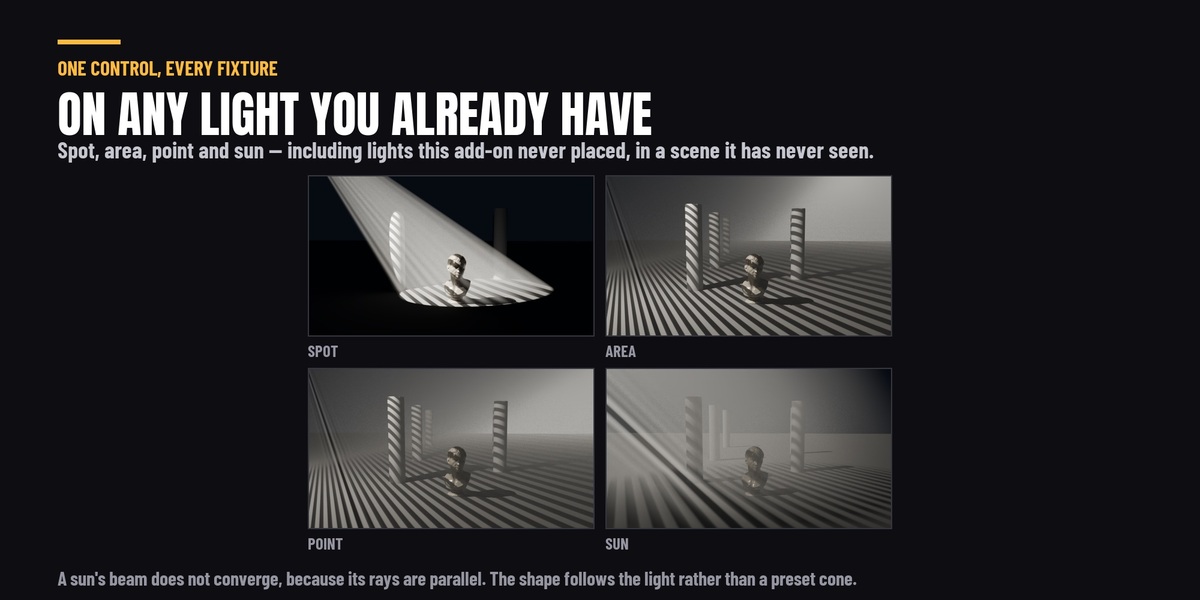
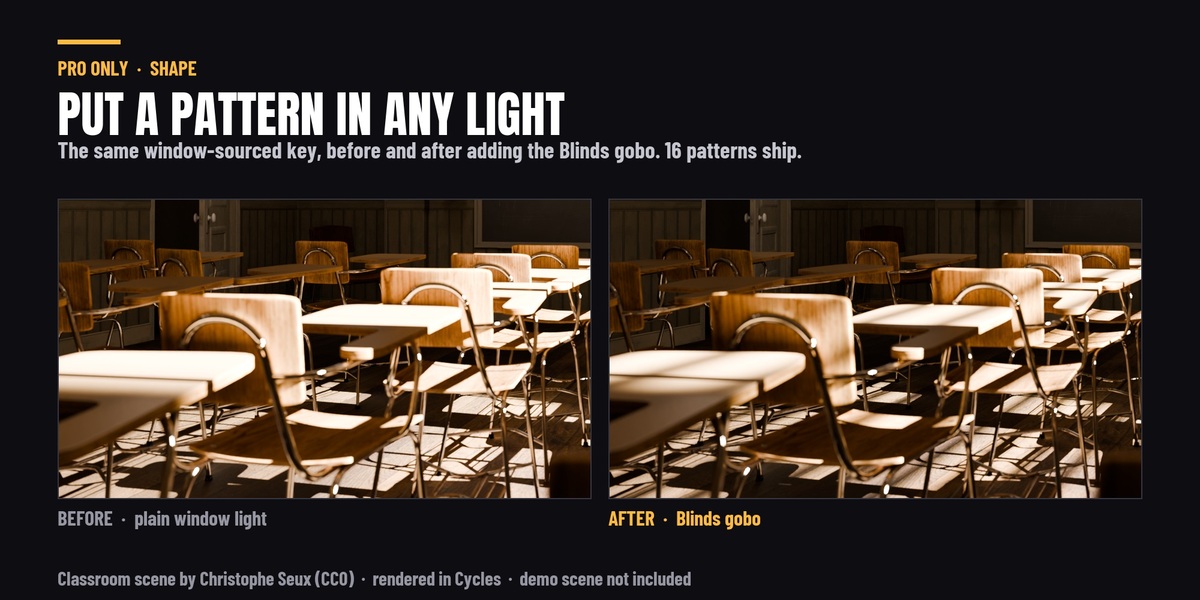
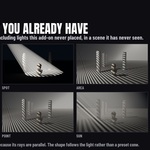
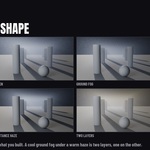
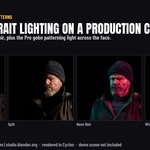
Yes. Select any light in your scene — one from a rig, or one you added by hand in a scene that has never seen this add-on — and the Shaping panel works on it. Gobos go on any light type, IES profiles on point and spot lights, softbox modifiers on area lights, and the panel says which of those applies to the light you have selected instead of hiding the section.
Do the gobos or IES profiles need a download or an account?
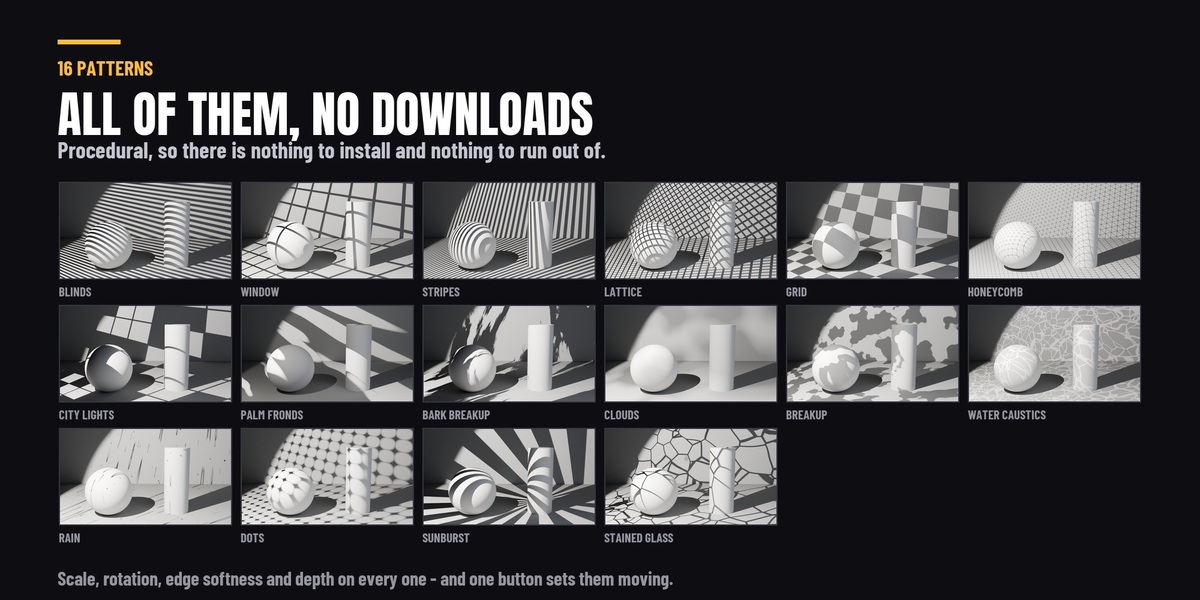
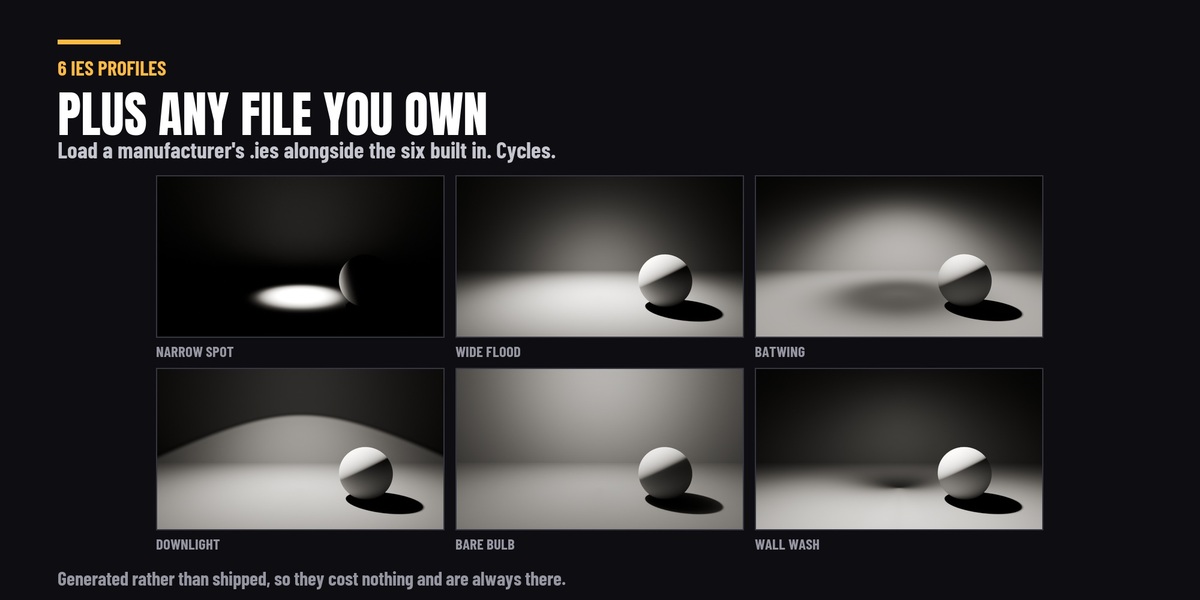
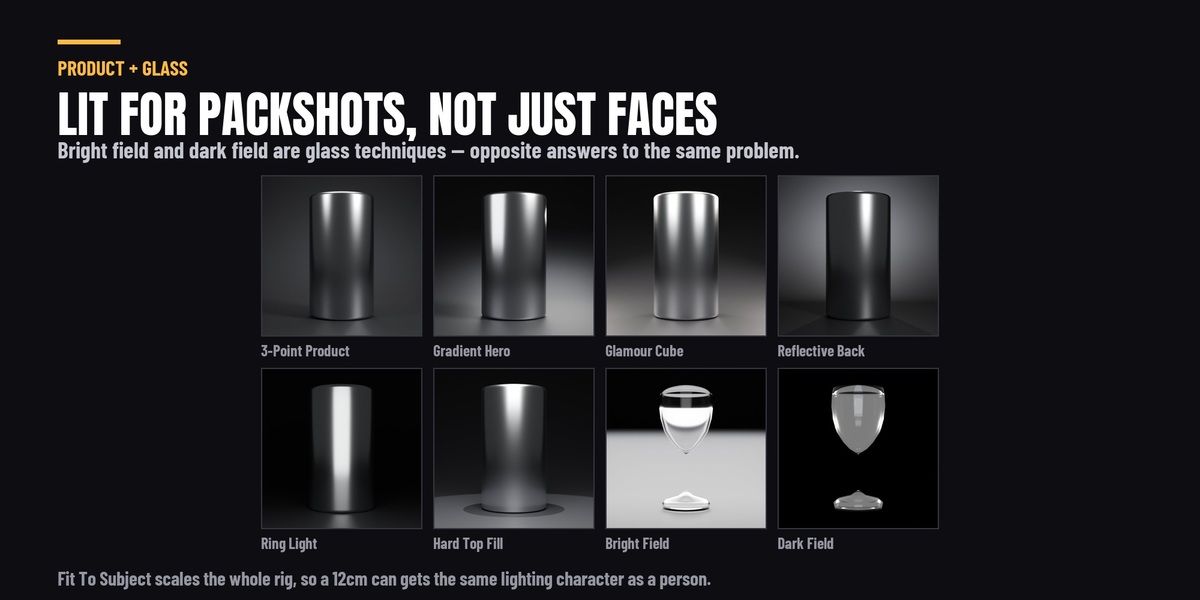
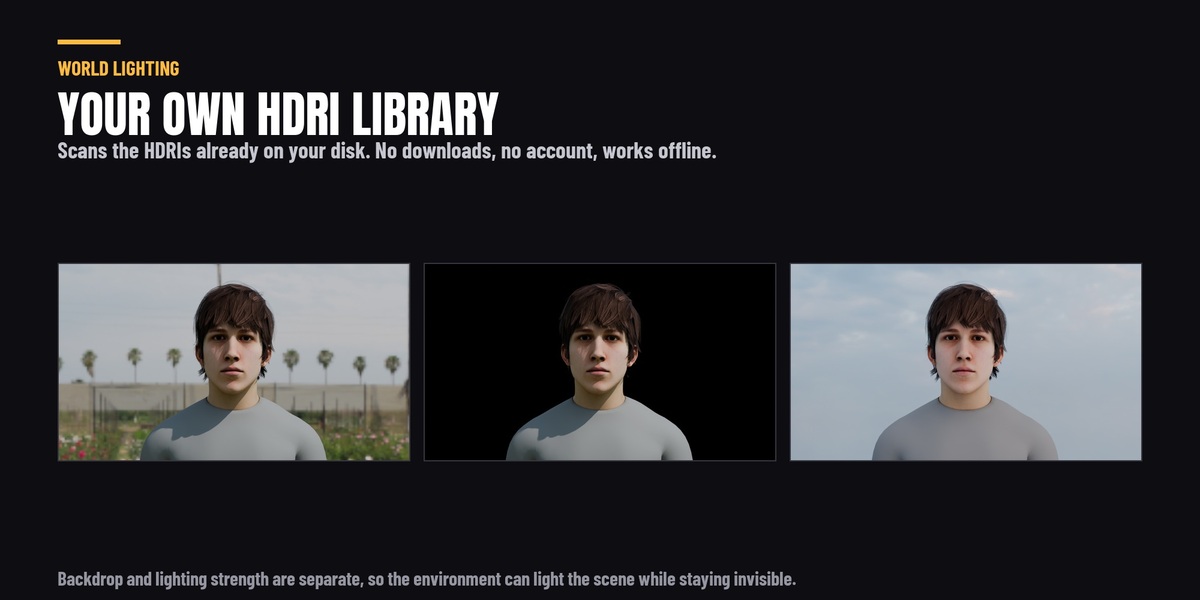
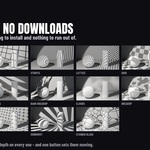
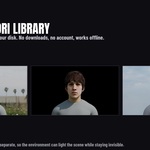
No. The sixteen gobo patterns are procedural and the six IES profiles are generated, so they are all there the moment the add-on is installed, and the add-on never connects to anything. The only files it reads from outside itself are the ones you point it at: your own .ies files and the HDRIs already on your drives.
How is this different from a gobo texture pack?
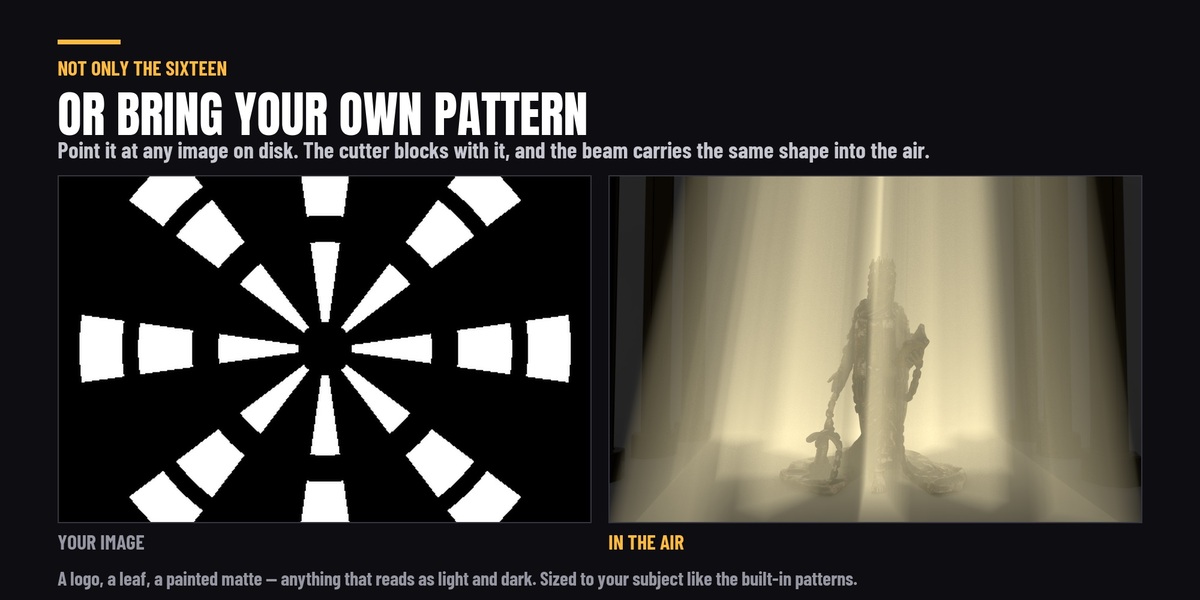
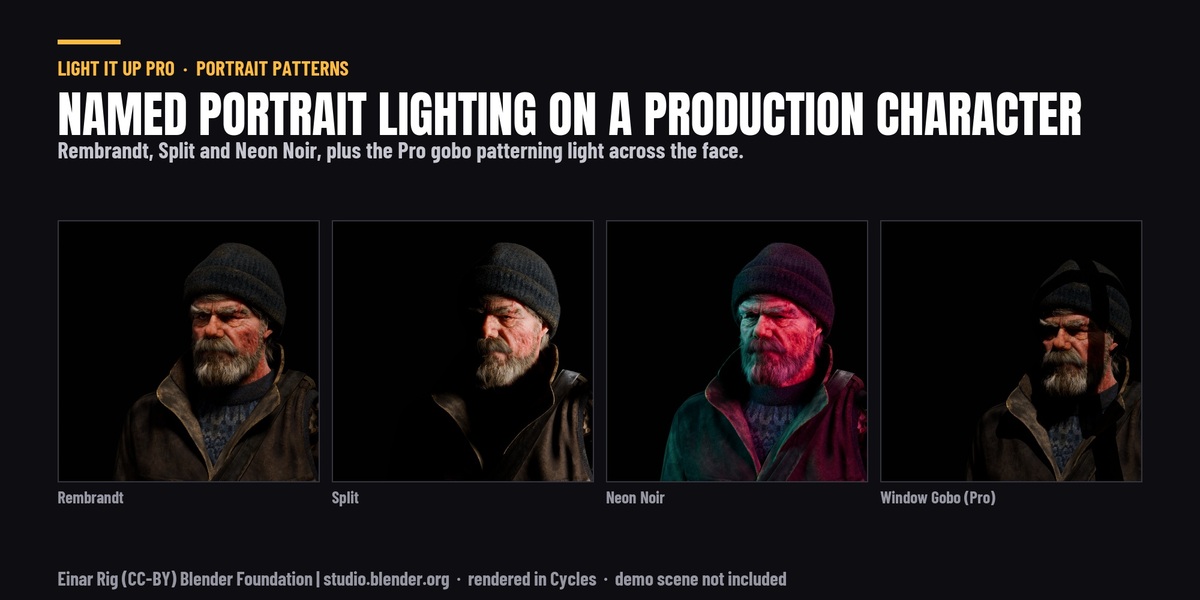
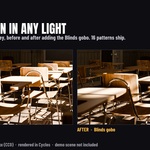
A pack is a folder of textures for Cycles, and the wiring, the sizing and the animation are your job. Here the gobo is a control on the light: pick a pattern from a thumbnail, and scale, rotation, edge softness, depth and movement are sliders and buttons on the same panel — in EEVEE too, on area lights too. It is sized from the light's own throw so it lands at the right scale, it is saved and restored with your lighting snapshots, and it comes off again with one press, leaving nothing behind.
My fog looks different after updating to 3.1.0.
It will, and better. Before 3.1.0, fog density scaled with the size of your scene in the wrong direction — the bigger the scene, the denser the fog — so past about ten metres most presets went opaque. 3.1.0 scales it the right way, and a preset now reads the same on a product and on a street. If you dialled a density in by hand against the old behaviour, expect to revisit it. Saved fog presets are also no longer scaled twice when reloaded, which was compounding every save.
I can see the edges of the fog container.
Since 3.1.0 the fog fades out across the margin that Fit to Scene adds, so a fitted container should not show its faces. If you can still see an edge, the container is too tight for where the camera is: raise Size in the Volumetrics panel to give it room, or press Fit to Scene again after moving the camera or the set. A file saved before 3.1.0 keeps its old container — re-apply the preset and it is rebuilt with the fade.
Support
Questions, bug reports and feature requests through the Superhive message system on this page. Updates are free for life. If something does not work the way this page says it does, that is worth reporting - a lot of what is written above exists because somebody said so.
Is there a free version?
Yes - a free edition with 17 lighting presets, the master controls and custom preset saving is on extensions.blender.org, installable from inside Blender's own Add-ons browser. This page is the complete version: 39 lighting presets, the volumetrics, the animation, reference matching, the HDRI library and the pipeline layer.
The reference matcher got the angle wrong.
It reads a lit subject against a background. If the image is a wide shot, a backlit silhouette, or has bright practical lamps in frame, those assumptions do not hold and it will be off — this is a real limit rather than a setting to find. Use it as a starting point and adjust with the master controls, which is what they are there for.
Can I use the results commercially?
Yes. Anything you render is yours.
Does it need an internet connection?
Never. There is no account, no licence key and no network access of any kind. The HDRI library reads your own drives; nothing is uploaded or downloaded.
Do I need the add-on installed to render?
No. Everything it creates is native Blender data, so a file lit with it renders anywhere — including a render farm that has never heard of it.
Will it change my camera or my render settings?
No. A camera is only created if you tick Add Camera, and nothing else in your scene is touched.
Can I move, delete or edit the lights it creates?
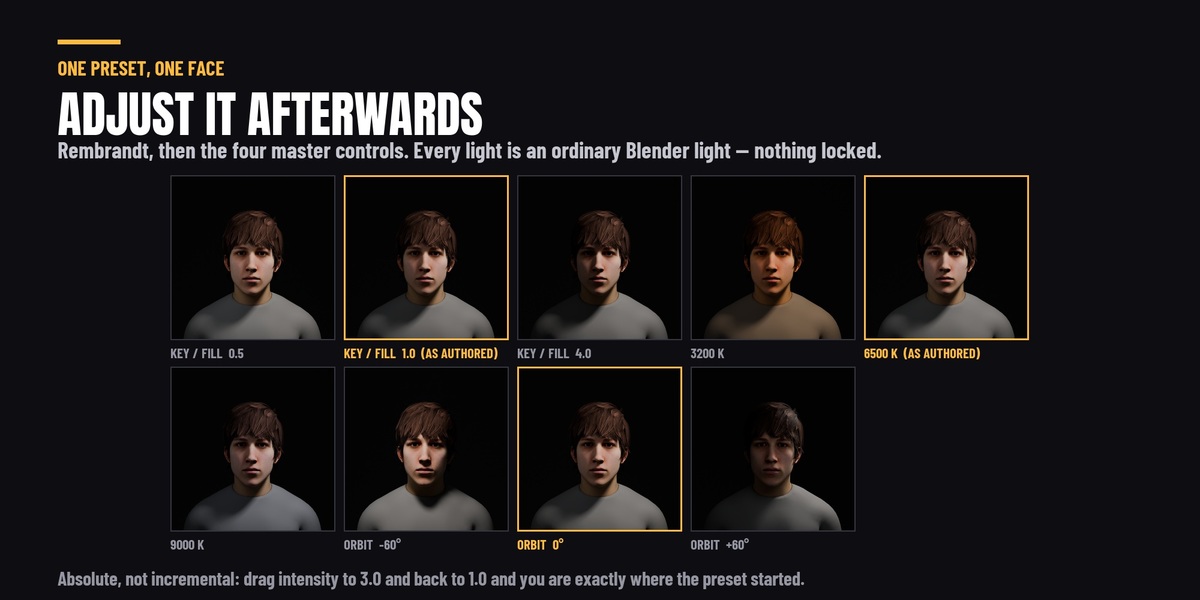
Yes - they are ordinary Blender lights. The master controls will keep working on whatever remains.
I set up light groups and my render has no extra passes.
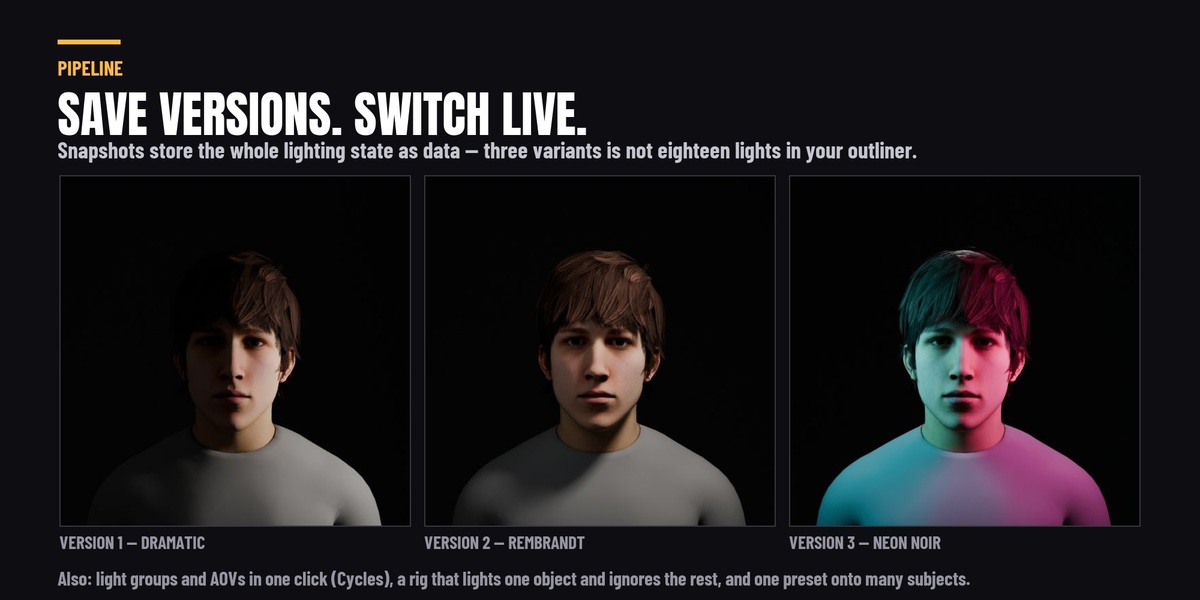
Render the scene once, then press the button again. Blender does not create a light group's pass until something has been rendered, so on a fresh scene there is nothing to connect yet.
My product render still looks flat.
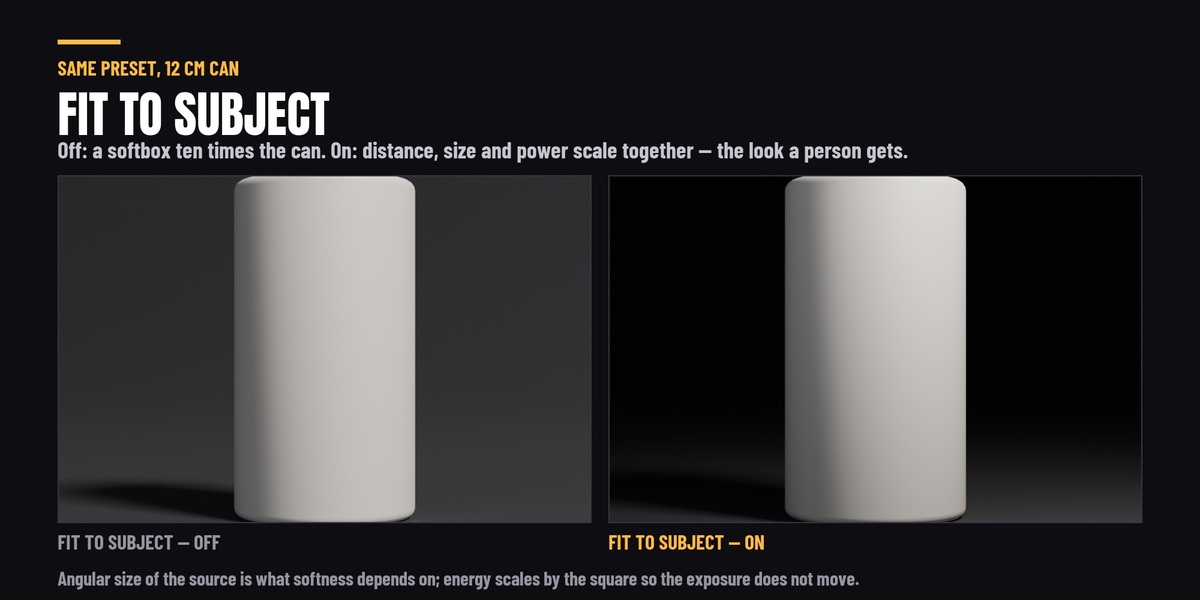
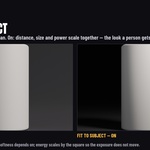
Check that Fit To Subject is on. Preset distances are authored for a human-sized subject; on a small object an unscaled rig puts a softbox ten times the object's size right next to it, which lights it from every direction at once and leaves no shadow to give it shape.
Will an update delete the presets I have saved?
No. They live in your user data folder, not inside the add-on, precisely so an update cannot touch them. They also survive moving between Blender versions.
I installed it and I am still looking at the old panel.
Version 2 is still enabled. Blender keys add-ons by their internal module name and version 3's is different, so it installs beside version 2 rather than over it. Remove the old one in Preferences → Add-ons and restart. Version 3 will also spot this and offer to switch the old one off for you.
Which Blender versions are supported?
Blender 4.2 LTS, 4.5 LTS, 5.1 and 5.2. Every release is run against all four before it ships - not "should work", actually run.
What are the studio sets, and how big do they come out?
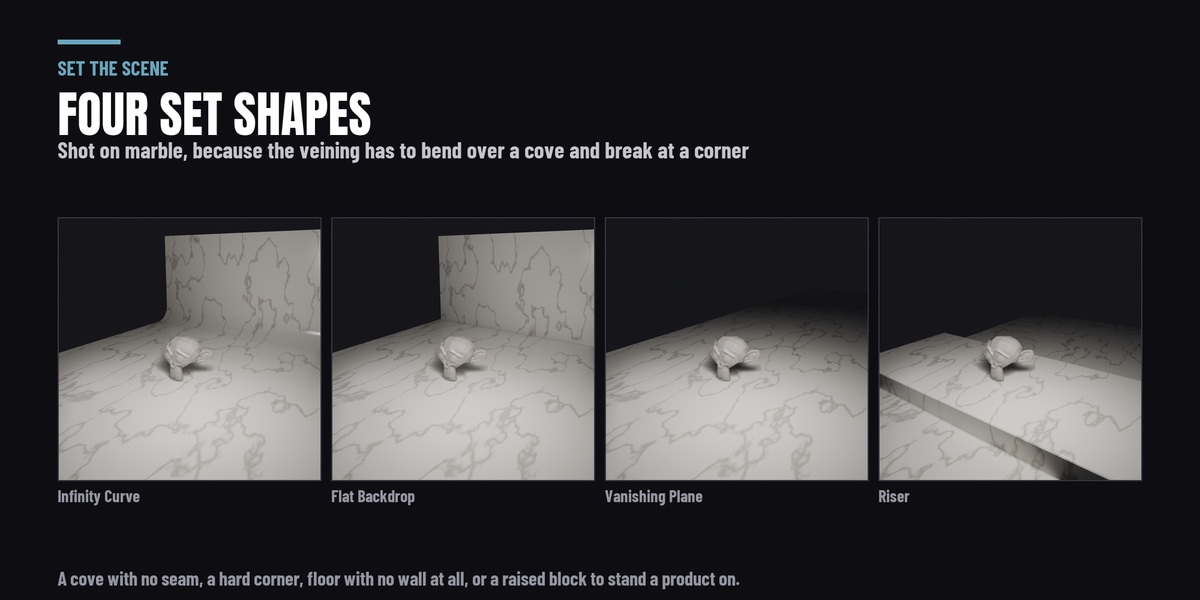
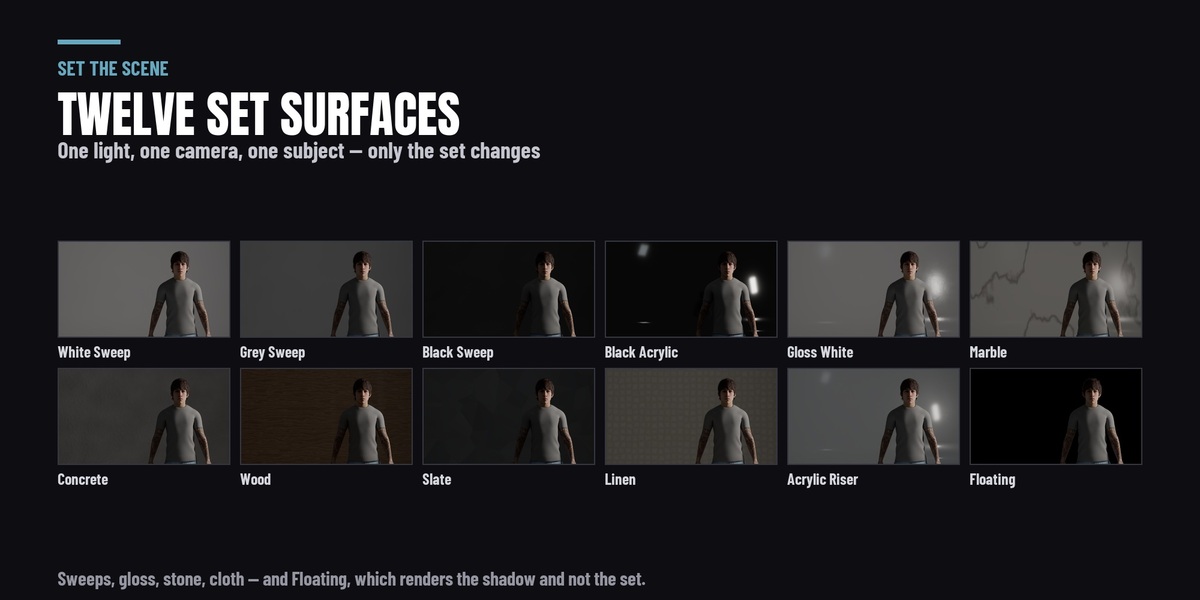
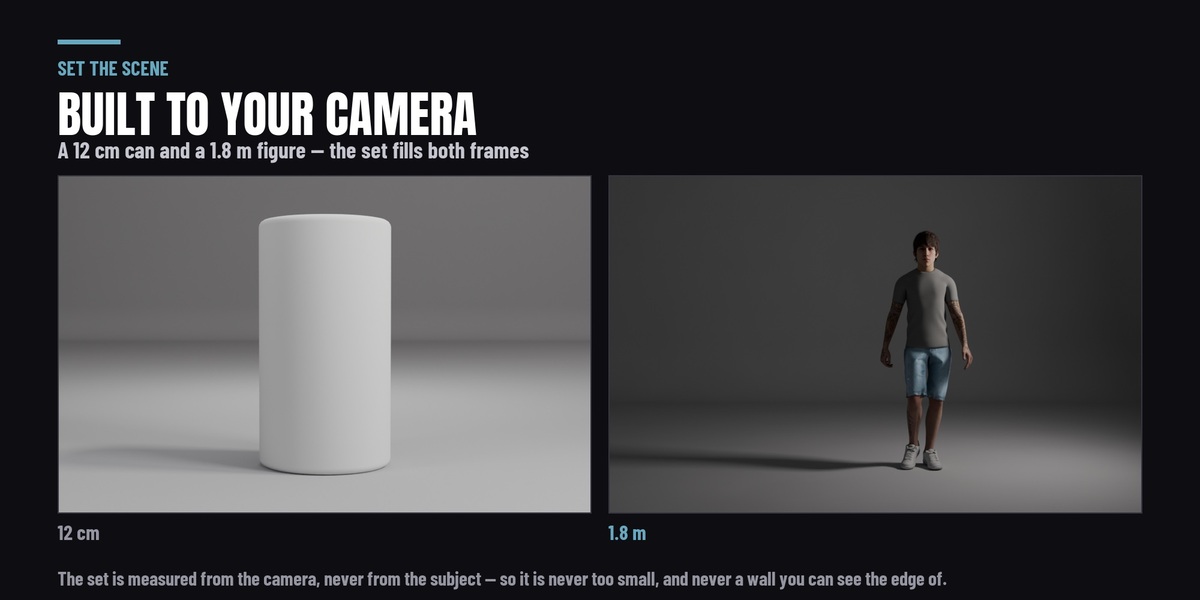
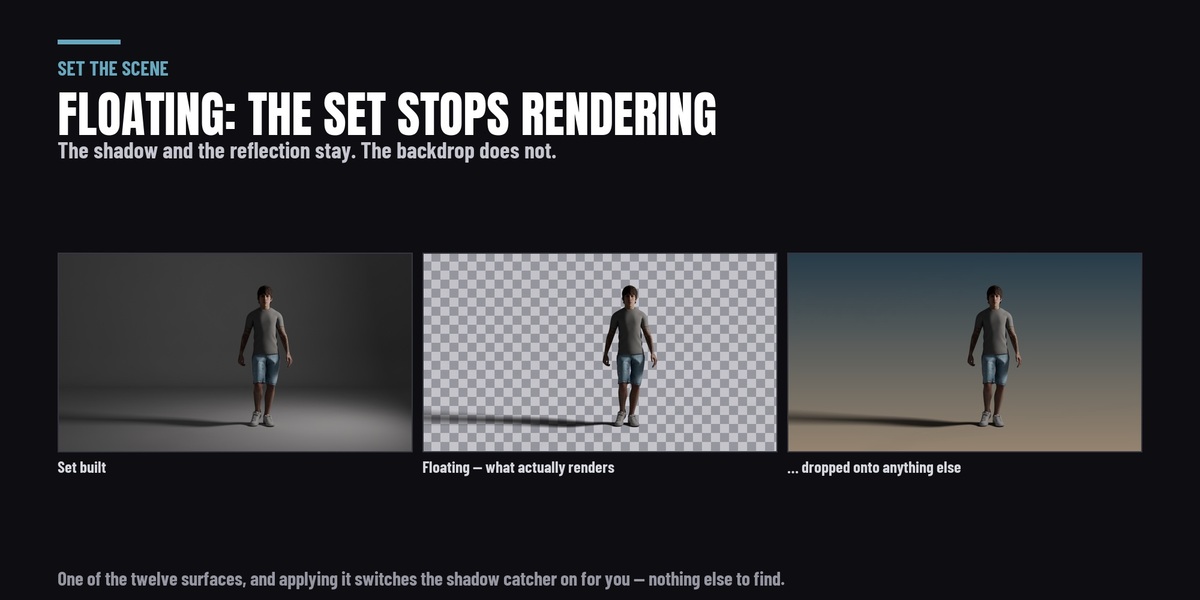
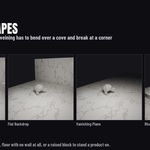
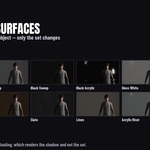
New in 4.0.0, in a panel section called Set. Four shapes — Infinity Curve (the seamless cyclorama), Flat Backdrop, Vanishing Plane and Riser — across twelve procedural surfaces: white, grey and black sweep, gloss white, black acrylic, acrylic riser, marble, slate, concrete, butcher’s block, linen, and Floating.
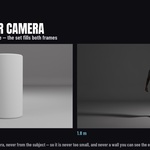
The size comes from your camera, not from your object. A backdrop measured off a bounding box is wrong by roughly fifteen times across the range from a 12 cm bottle to a standing figure. Measured off the camera frustum there is no visible background edge at either end, and the wall sits far enough back that a backlight is still behind the subject. With no camera in the scene it sizes from the subject and tells you so.
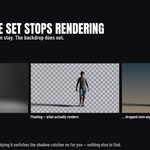
They are ordinary mesh, built in your scene and yours to edit. Floating drops the set out of the render and keeps the shadow — that one is Cycles only, because Blender has no EEVEE shadow catcher, and the panel says which engine you are in.
Does it work with EEVEE, or only Cycles?
Both, with three exceptions that the panel labels beside the control rather than after you press it.
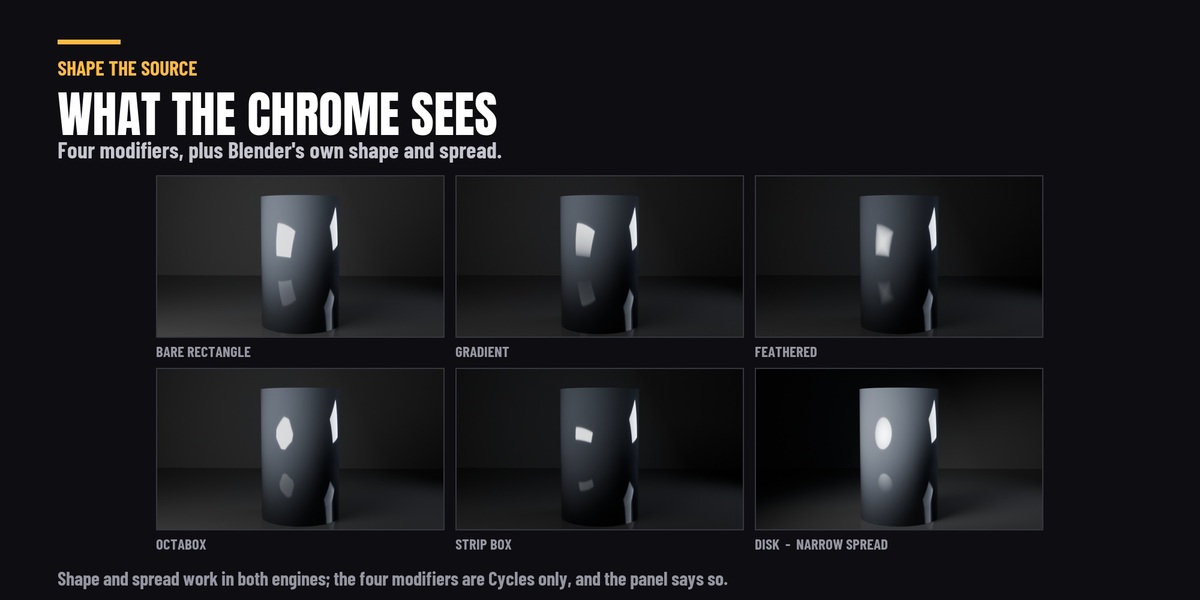
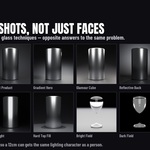
Working in both: every lighting preset, every volumetric preset, the HDRI world lighting, light linking, the softbox shape and spread controls, the gobos, and the light shaft. The gobos are deliberate — EEVEE cannot read a texture wired into a light at all, so the pattern here is cast by a real cutter in front of the lamp, and both renderers understand a shadow.
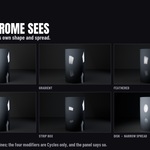
Cycles only: IES profiles, the four softbox modifiers, and light groups with AOV export. EEVEE has no light node trees, and light groups are a Cycles feature in Blender itself.
You also sell Set the Scene and Fill the Air. What is the difference?
They are two pieces of this suite, sold on their own for people who only need that piece.
-
Set the Scene — $19. The 39 lighting rigs, the master controls, fit-to-subject, custom preset saving, batch apply, and the studio sets.
-
Fill the Air — $19. The 22 volumetric atmospheres and the visible light beams.
Both are in this page in full, and this adds what neither has: the 6 IES profiles, the 4 softbox modifiers, HDRI world lighting, reference-image matching and the render-pipeline layer. Bought separately the two come to $38; this is $49 for both of them plus all of that.
If you already own one of them and buy this, nothing breaks and you do not have to uninstall anything: the $19 add-ons check for this suite when Blender starts, and if they find it they decline to register and add a line to this panel saying their features live in here.
 Rasheed's Edit
 Included